



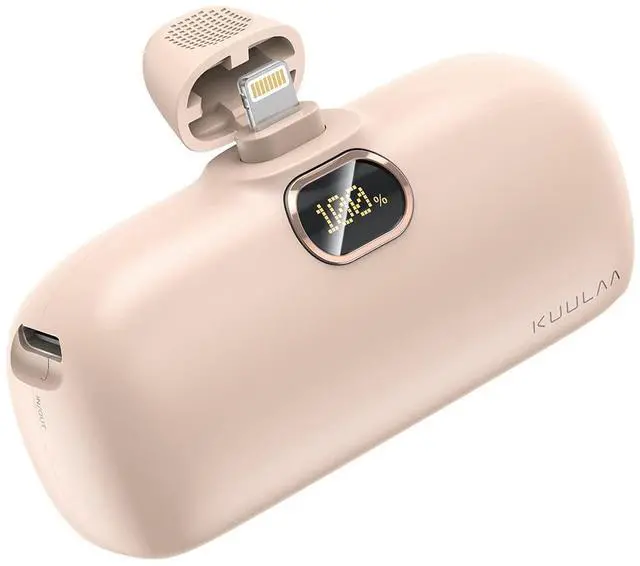
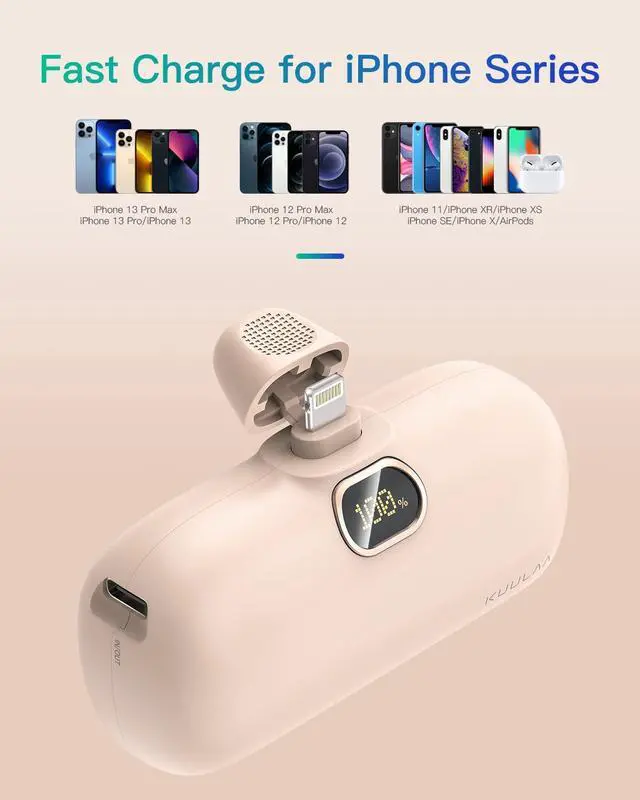
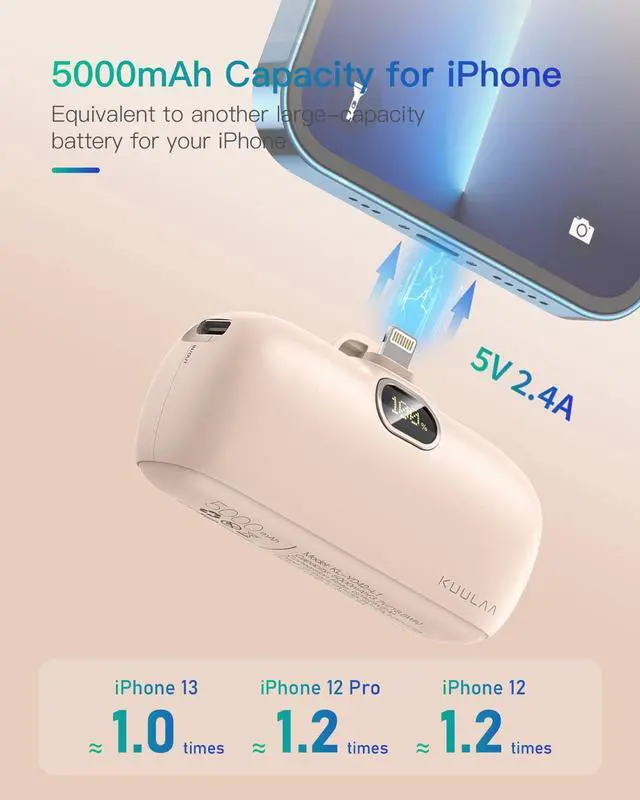
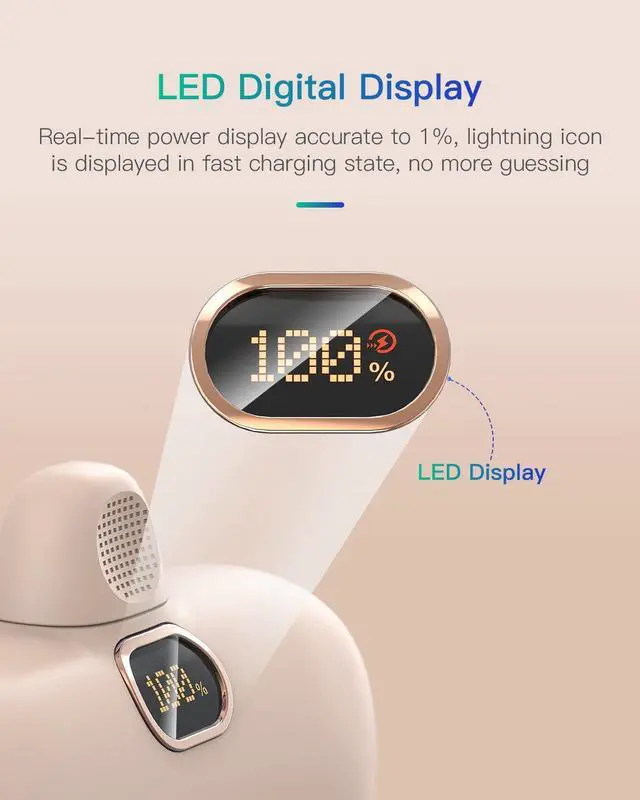


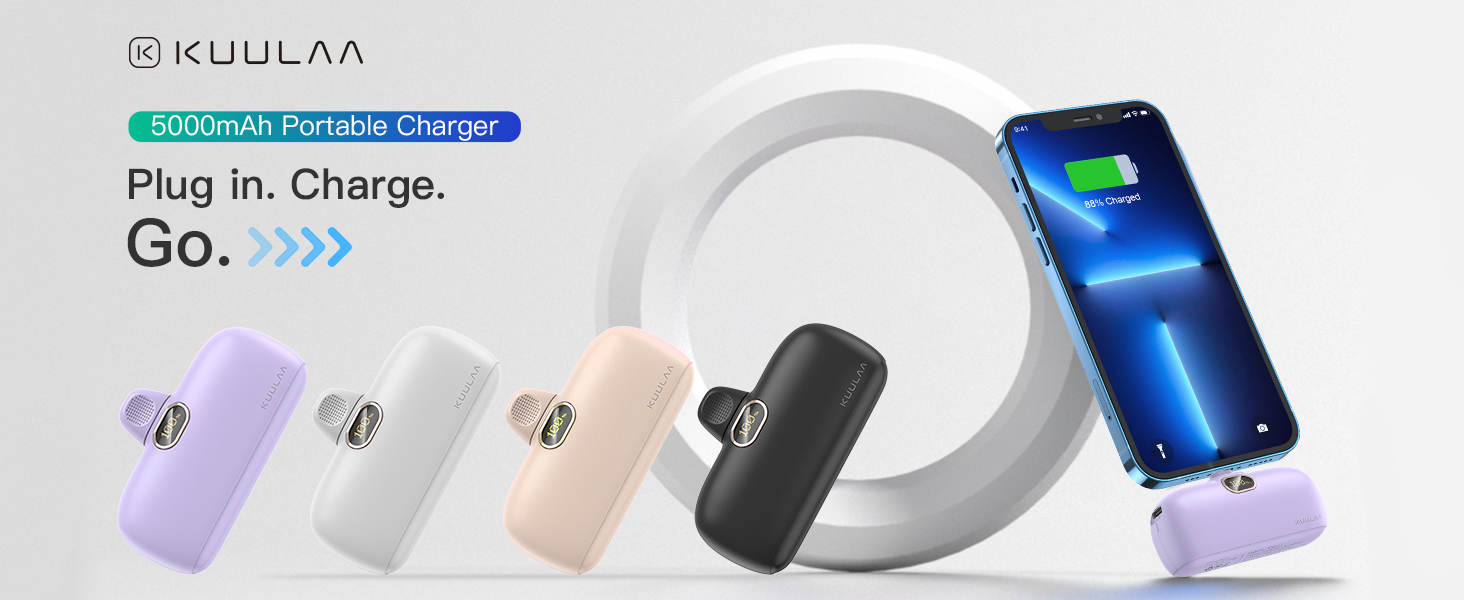
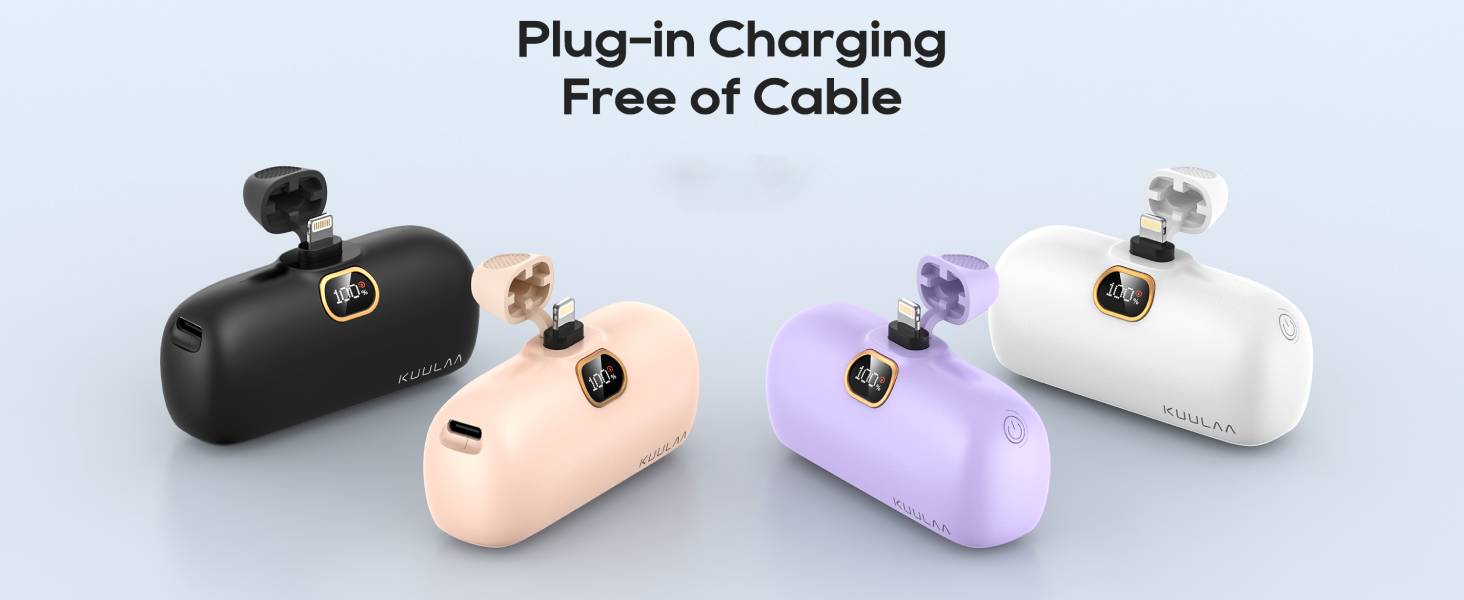
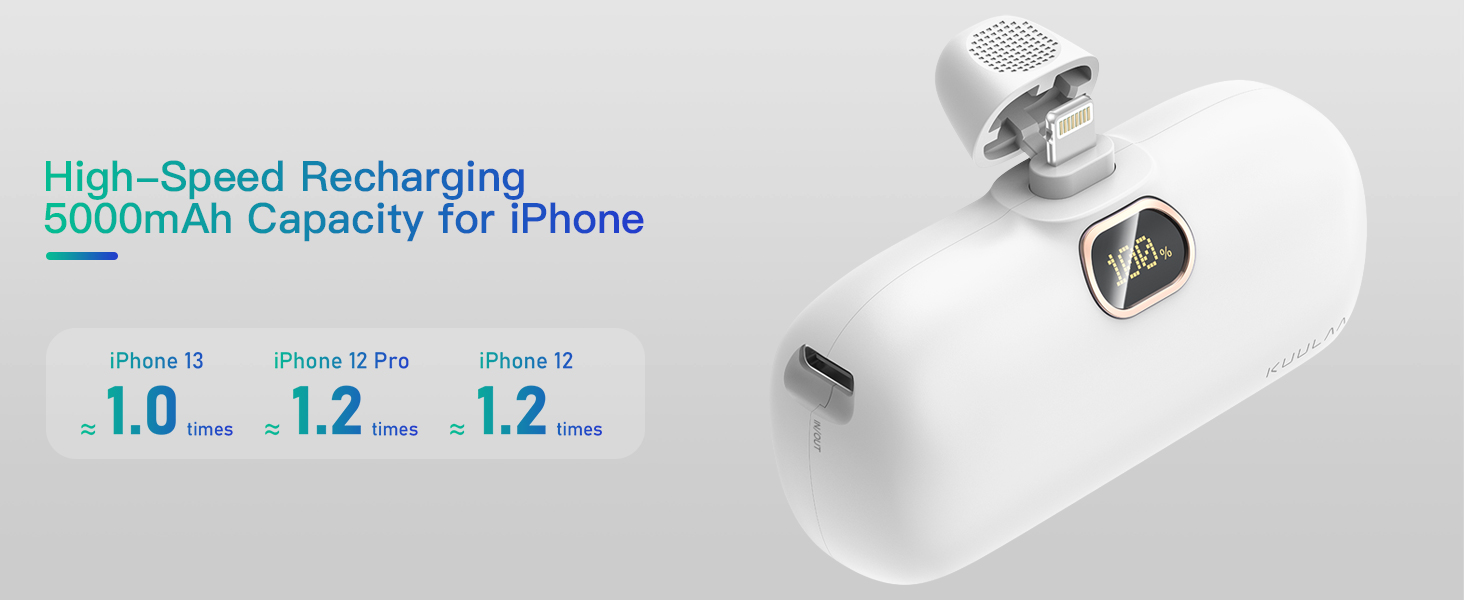
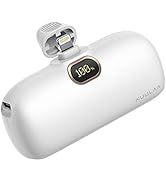
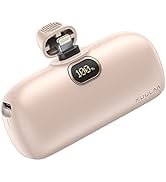
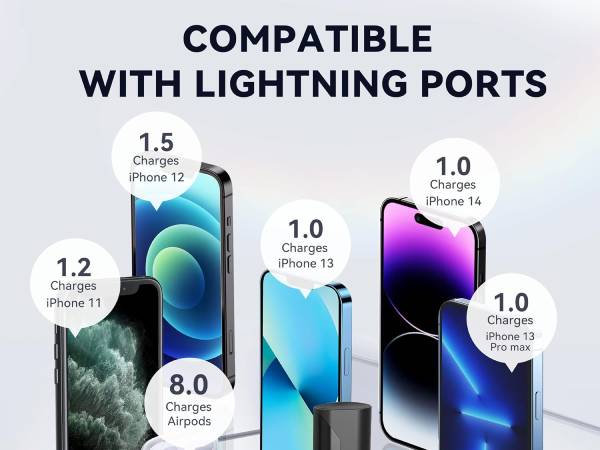
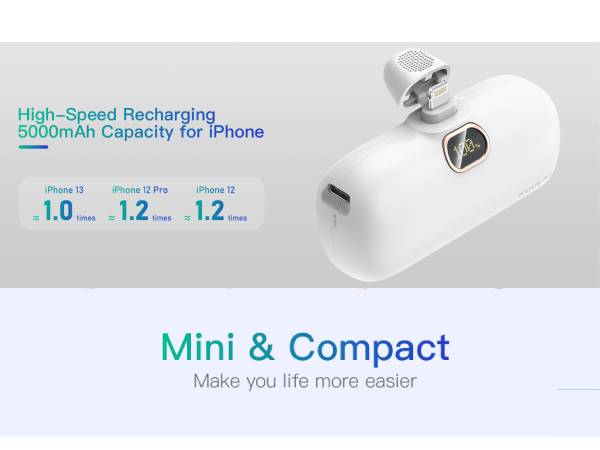
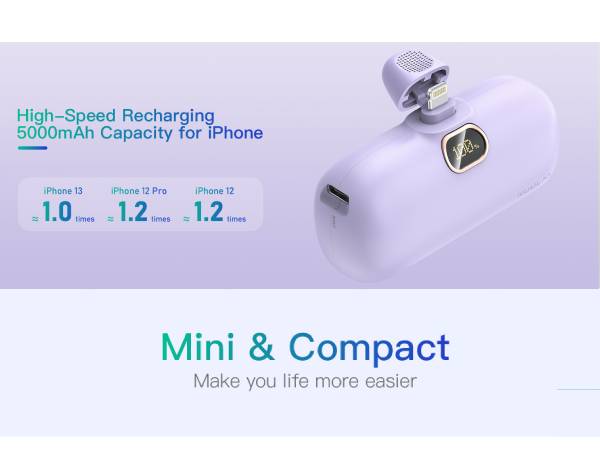
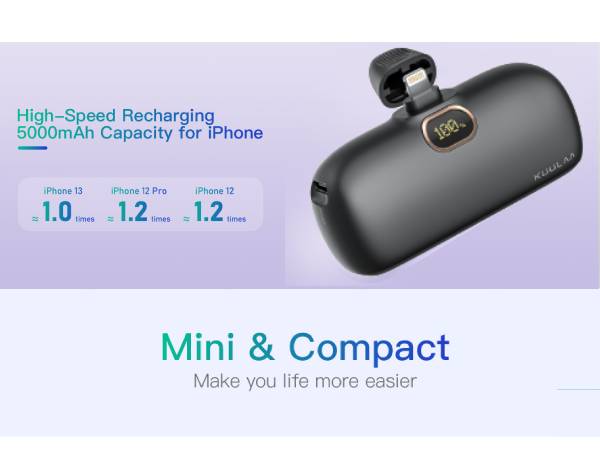
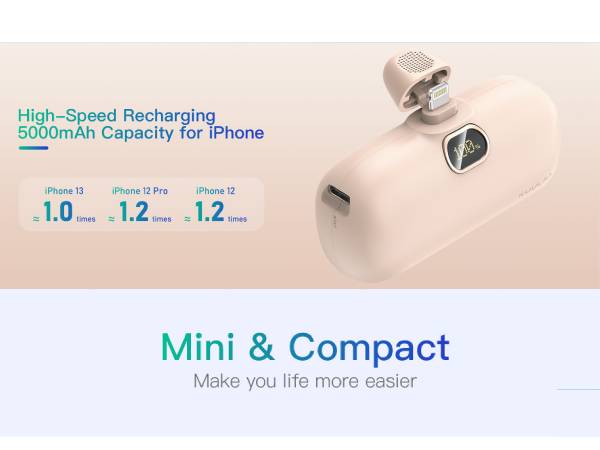
- Built-in Lightning cable, 5000mAh, meet your iPhone daily charging need
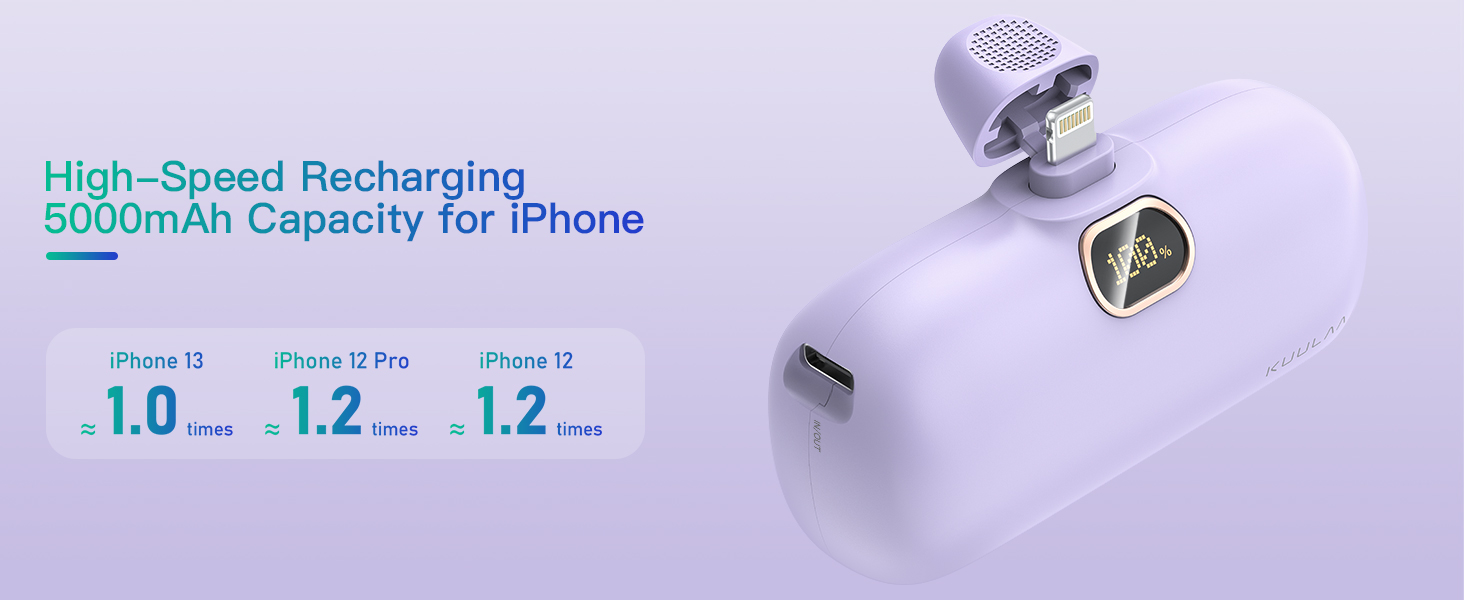
- Fashion - Novel built-in plug design, smooth and burr-free shell, a perfect addition to your phone
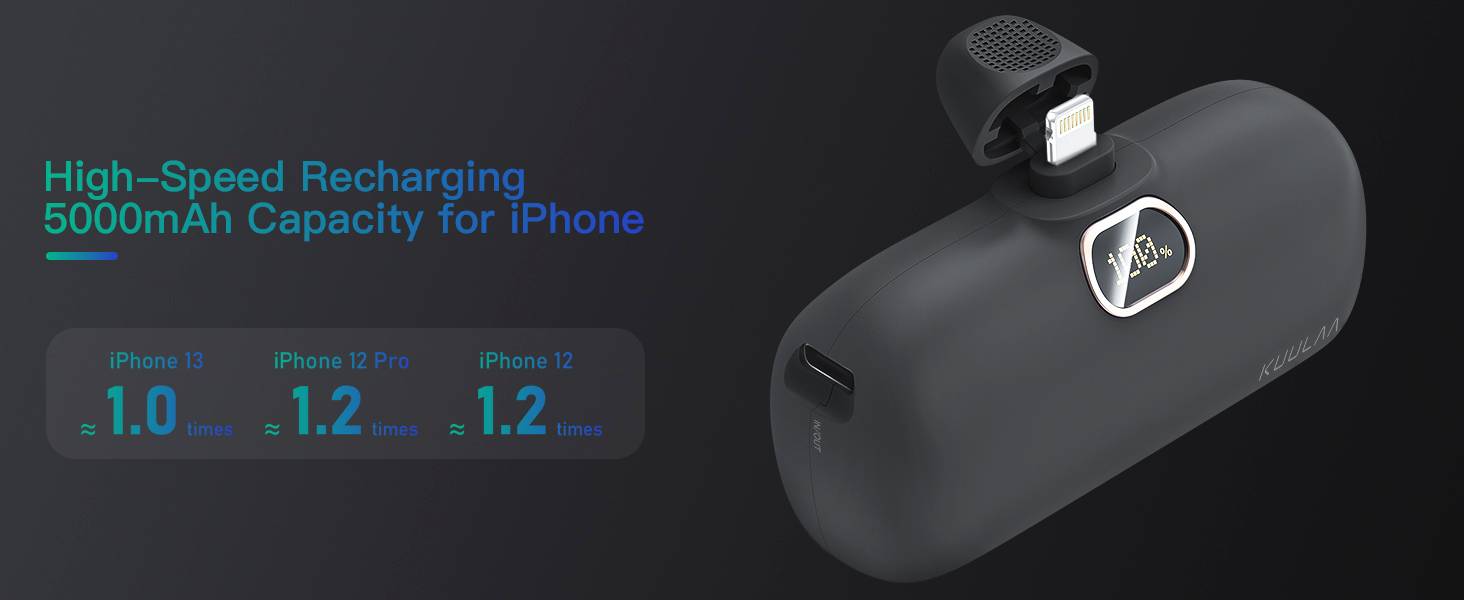
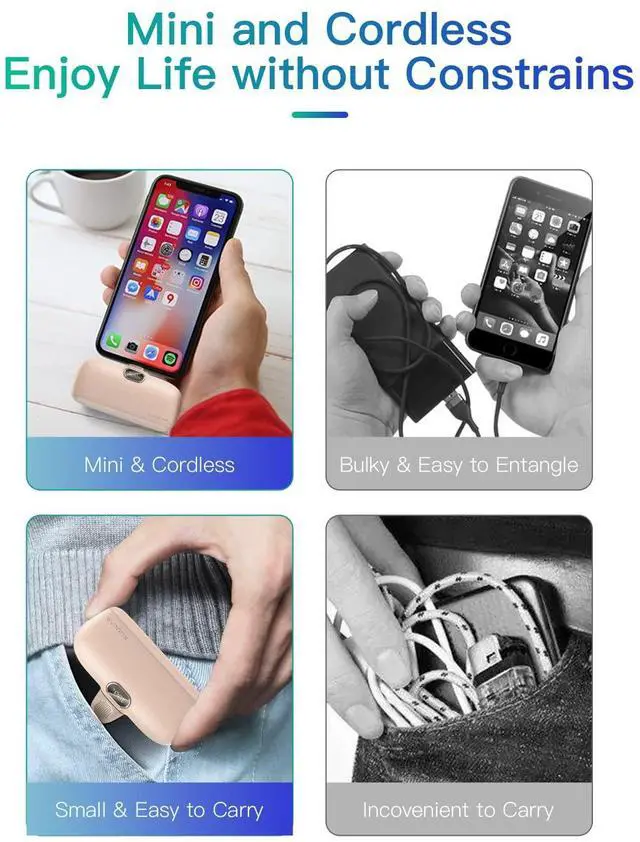
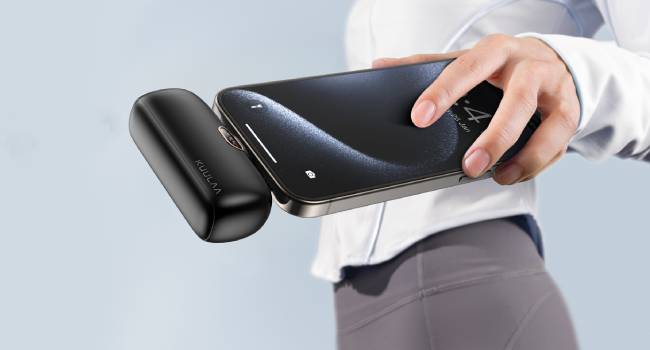
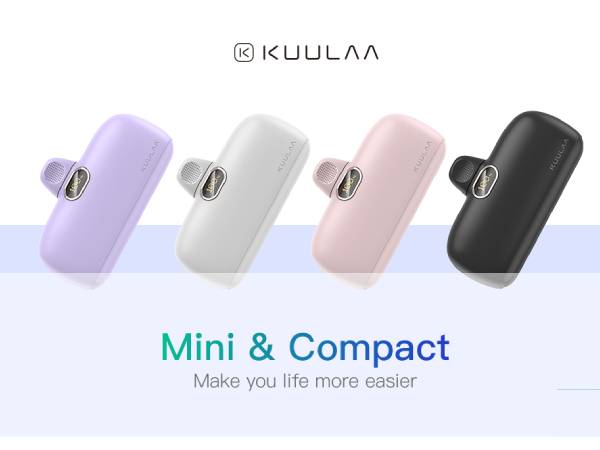
- Cute and compact - as small as a lipstick, fits in your pocket or makeup bag
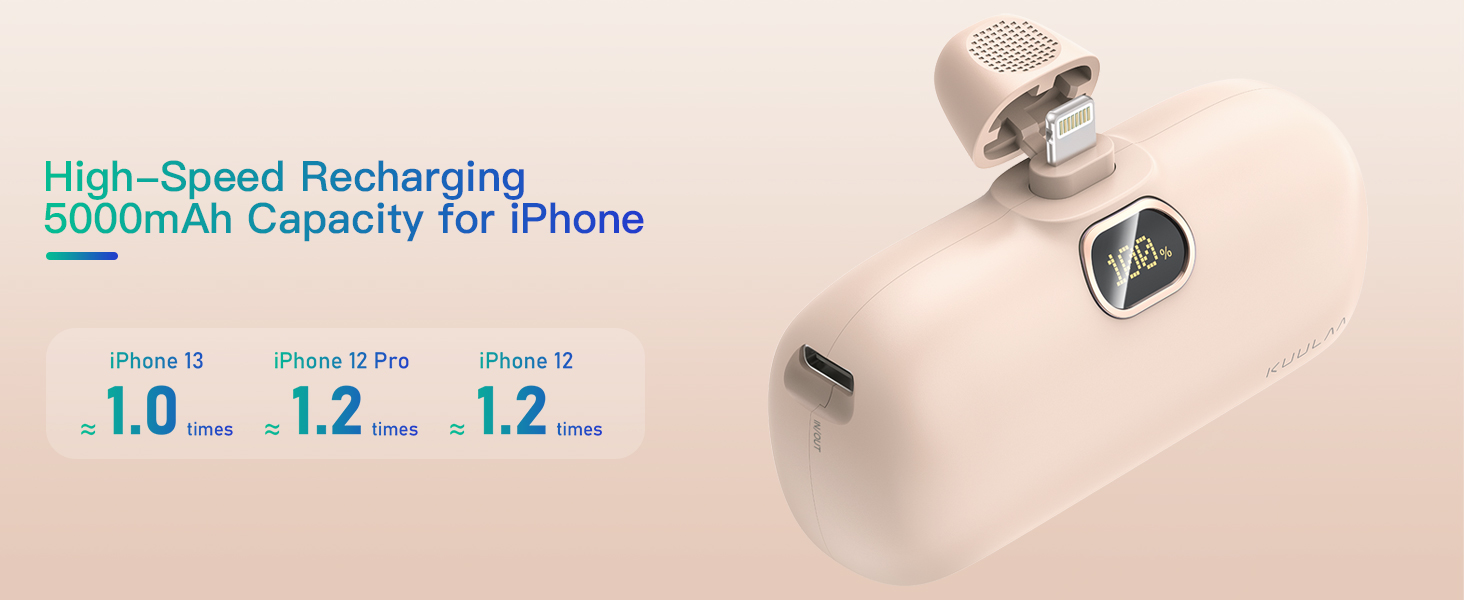
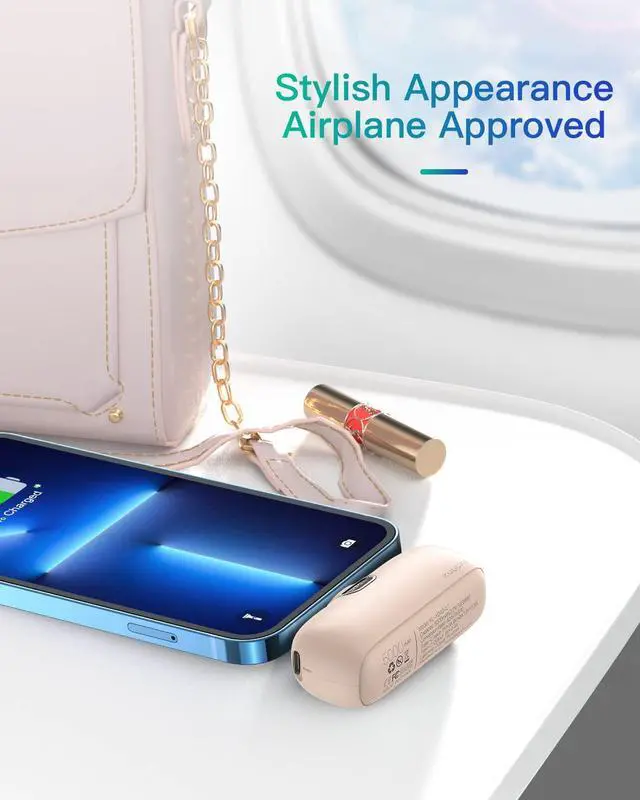
- Airplane-approved -- a travel essential, plug-in design, no need to use the charging cord
Kuulaa 2025 UPGRADED POWER BANKS
 iPhone Power Bank |  USB C Portable Charger |  Power Bank with Cables | 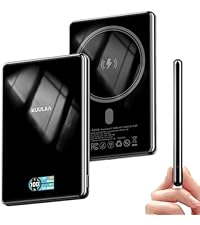 15W Magsafe Battery |  10000mah Magsafe Battery |  Magsafe Battery 0.3'' |  Magsafe Battery 0.27'' | |
|---|---|---|---|---|---|---|---|
Customer Reviews | — | — | — | — | — | — | — |
Price | — | — | — | — | — | — | — |
Capacity | 5000mAh | 5000mAh | 10000mAh | 10000mAh | 10000mAh | 5000mAh | 5000mAh |
Special Feature | Plug-in Charging | Plug-in Charging | Built-in Cables | Dual Output | Wireless/Thin | Wireless/Thin | Wireless/Kickstand |
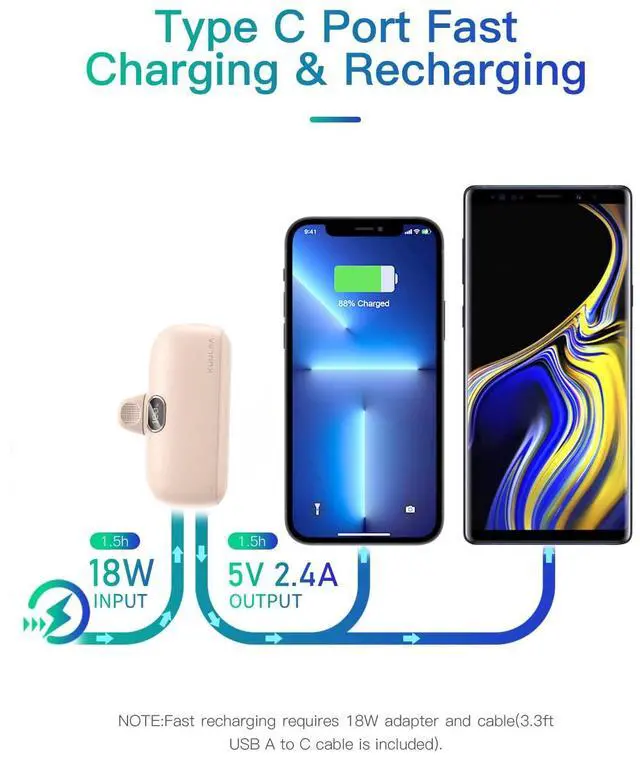
Output | Plug-in Lightning & USB-C Port | Plug-in & USB-C Port | USB C/Lightning Cable&USB Port | USB Output | Wireless/USB C Port | Wireless/USB C Port | Wireless/USB C Port |
Input | USB-C Port | USB-C Port | USB-C Port | USB-C Port | USB C port | USB C port | USB C port |
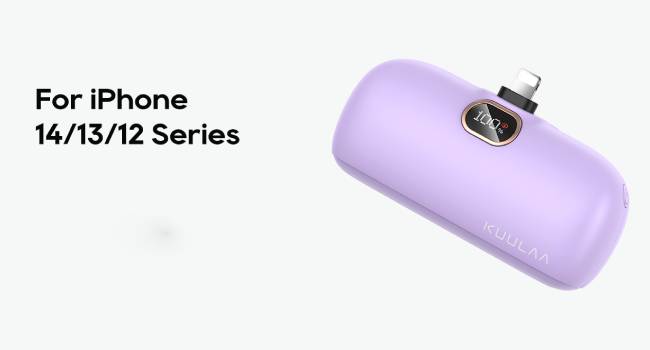
Compatible Devices | iPhone 14/13/12/11/XR | iPhone 15/16/17/Samsung | iPhone/iWatch/Samsung/Android | iPhone air/16/15/14/13/12 | iPhone air/16/15/14/13/12 | iPhone air/16/15/14/13/12 | iPhone air/16/15/14/13/12 |
Fast Charing | ? | ? | ? | ? | ? | ? | ? |
How to self-check if the rechargeable battery shows power but cannot charge?
Replace the charging cable / Clean the charging port/ Switch device test: Try to charge other phones/ Check the temperature(>40? overheating)
What should I check if the charging is frequently interrupted (disconnected after charging for a while)?
Make sure the connection is solid: check whether the charging cable is plugged tightly with the device interface;
Why does the actual charge count not reach the claimed “5000mAh” power?
Due to the difference in voltage conversion loss, wire resistance, and equipment power consumption, the actual output is about 60-70% (industry standard).
Still have questions?
If you still can't charge after completing the above steps/the charger has obvious physical damage (such as deformed interface, cracked shell), please let us know.


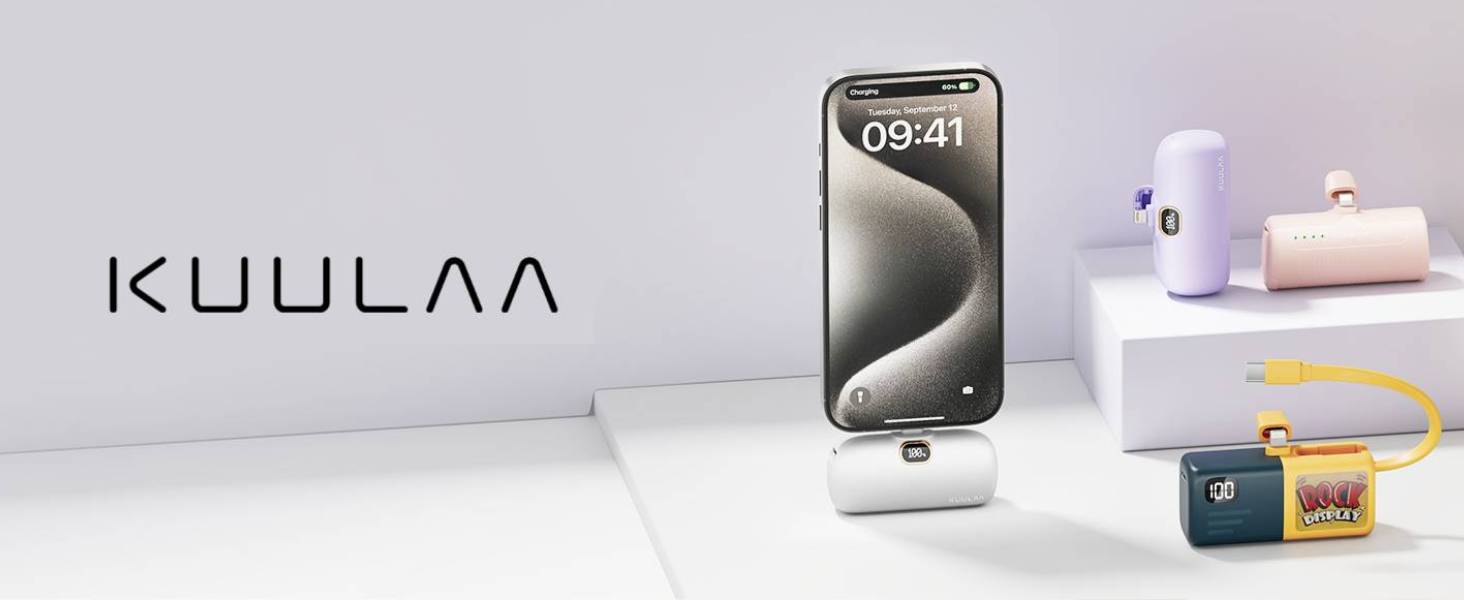
- KUULAA is a company dedicated to charging technology, we advocate practicality and innovation to make our customers' lives easier.
- We specialize in portable charger, our power banks are compact and portable, mini but powerful, their compatibility its can be used for a variety of devices, the macaron color case cater to most people's preferences.
- Our battery packs are a good choice for self use and gift giving!
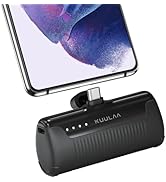
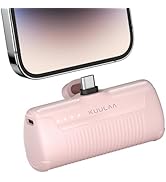
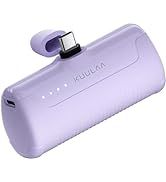
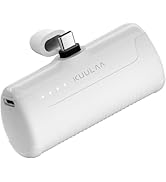
4500mAh USB C Power Bank
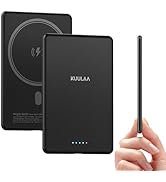
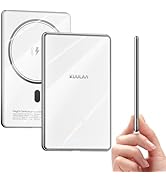
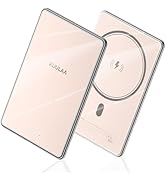
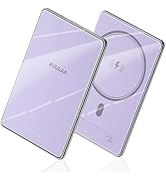
5000mAh Mag-safe Battery Pack

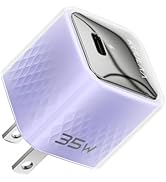
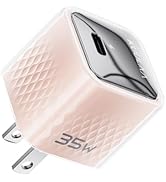
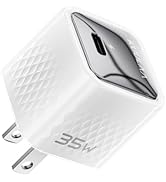
USB C Charger Block
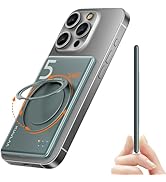
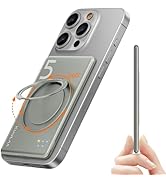
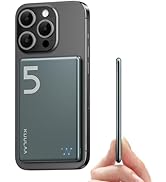
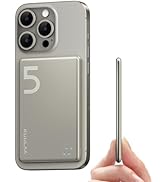
Slim Magsafe Battery Pack
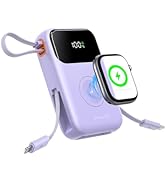


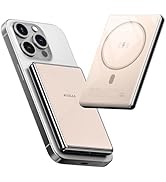
10000mah Power Bank
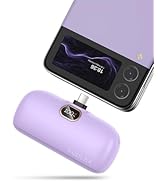
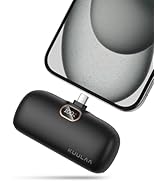
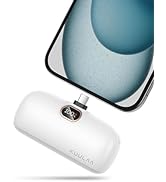
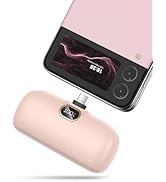
PD20W PowerBank USB C
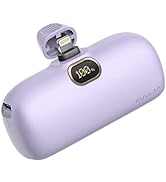
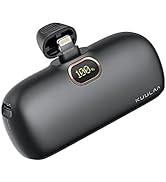
Mini Power Bank for iphone


- Built-in Lightning cable, 5000mAh, meet your iPhone daily charging need
- Fashion - Novel built-in plug design, smooth and burr-free shell, a perfect addition to your phone
- Cute and compact - as small as a lipstick, fits in your pocket or makeup bag
- Airplane-approved -- a travel essential, plug-in design, no need to use the charging cord
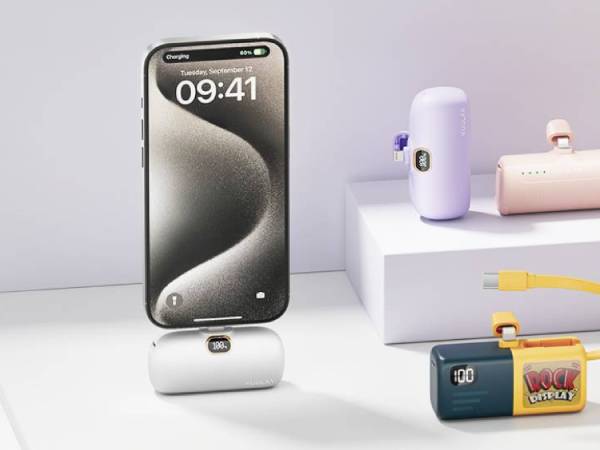
Kuulaa 2025 UPGRADED POWER BANKS
iPhone Power Bank | USB C Portable Charger | Power Bank with Cables | 15W Magsafe Battery | 10000mah Magsafe Battery | Magsafe Battery 0.3'' | Magsafe Battery 0.27'' |
|---|---|---|---|---|---|---|
| Customer Reviews | ||||||
| — | — | — | — | — | — | — |
| Price | ||||||
| — | — | — | — | — | — | — |
| Capacity | ||||||
| 5000mAh | 5000mAh | 10000mAh | 10000mAh | 10000mAh | 5000mAh | 5000mAh |
| Special Feature | ||||||
| Plug-in Charging | Plug-in Charging | Built-in Cables | Dual Output | Wireless/Thin | Wireless/Thin | Wireless/Kickstand |
| Output | ||||||
| Plug-in Lightning & USB-C Port | Plug-in & USB-C Port | USB C/Lightning Cable&USB Port | USB Output | Wireless/USB C Port | Wireless/USB C Port | Wireless/USB C Port |
| Input | ||||||
| USB-C Port | USB-C Port | USB-C Port | USB-C Port | USB C port | USB C port | USB C port |
| Compatible Devices | ||||||
| iPhone 14/13/12/11/XR | iPhone 15/16/17/Samsung | iPhone/iWatch/Samsung/Android | iPhone air/16/15/14/13/12 | iPhone air/16/15/14/13/12 | iPhone air/16/15/14/13/12 | iPhone air/16/15/14/13/12 |
| Fast Charing | ||||||
| ? | ? | ? | ? | ? | ? | ? |
How to self-check if the rechargeable battery shows power but cannot charge?
Replace the charging cable / Clean the charging port/ Switch device test: Try to charge other phones/ Check the temperature(>40? overheating)
What should I check if the charging is frequently interrupted (disconnected after charging for a while)?
Make sure the connection is solid: check whether the charging cable is plugged tightly with the device interface;
Why does the actual charge count not reach the claimed “5000mAh” power?
Due to the difference in voltage conversion loss, wire resistance, and equipment power consumption, the actual output is about 60-70% (industry standard).
Still have questions?
If you still can't charge after completing the above steps/the charger has obvious physical damage (such as deformed interface, cracked shell), please let us know.
- KUULAA is a company dedicated to charging technology, we advocate practicality and innovation to make our customers' lives easier.
- We specialize in portable charger, our power banks are compact and portable, mini but powerful, their compatibility its can be used for a variety of devices, the macaron color case cater to most people's preferences.
- Our battery packs are a good choice for self use and gift giving!
4500mAh USB C Power Bank
5000mAh Mag-safe Battery Pack
USB C Charger Block
Slim Magsafe Battery Pack
10000mah Power Bank
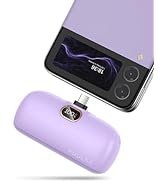
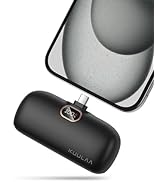
PD20W PowerBank USB C
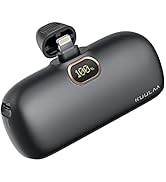
Mini Power Bank for iphone
