here!
here!
I’m your shopping assistant for PC builds, upgrades, and everything tech.
Got questions? Ask away!
Start a conversation
here!
I’m your shopping assistant for PC builds, upgrades, and everything tech.
Got questions? Ask away!
Start a conversation
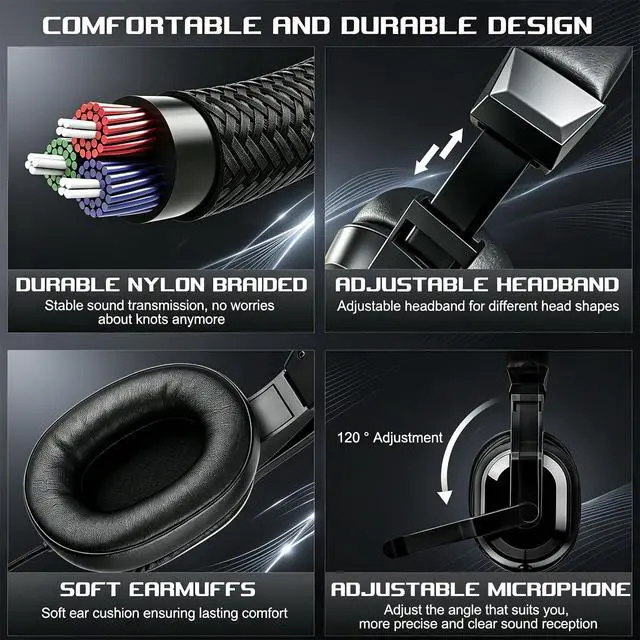
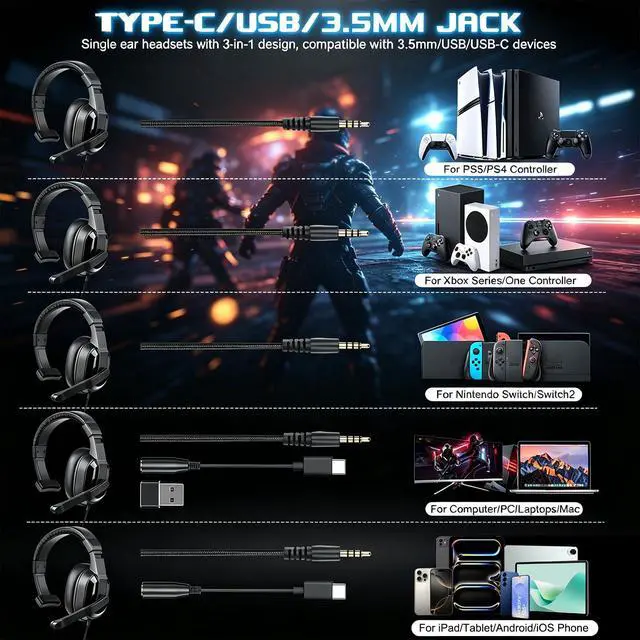
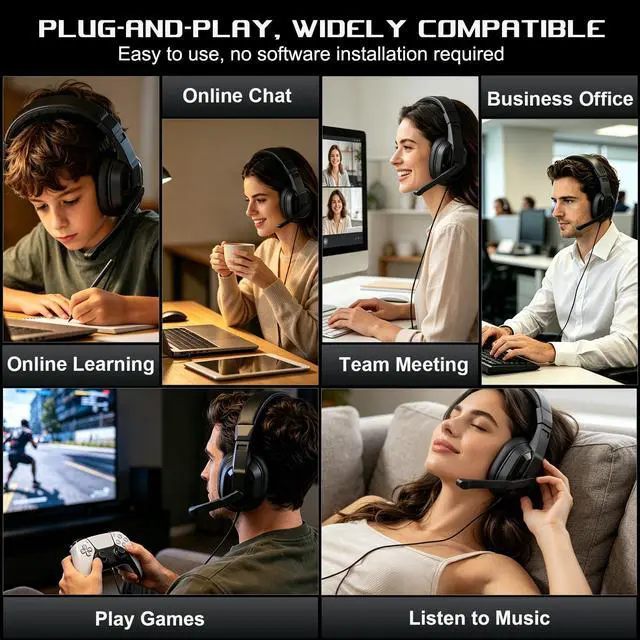



Any questions? Ask CelesteSM will help you find out quickly.


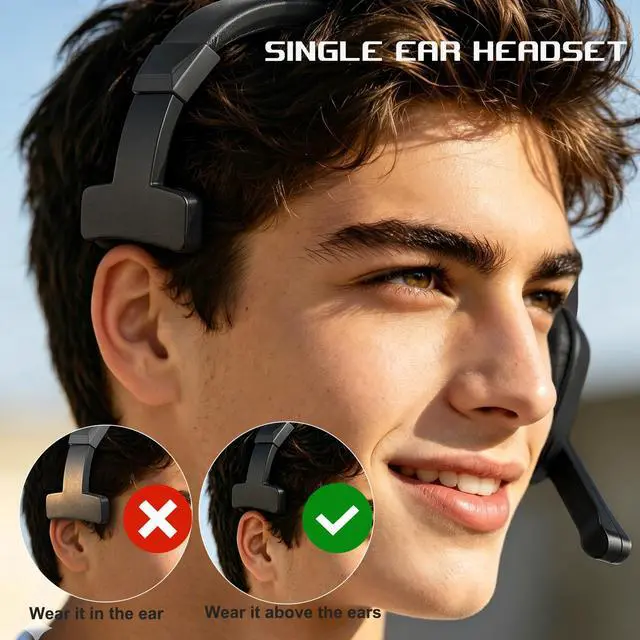
The side with ear muffs and microphone can only be worn on the left ear
The side without microphone and earmuffs needs to be worn above the right ear


The side with ear muffs and microphone can only be worn on the left ear
The side without microphone and earmuffs needs to be worn above the right ear
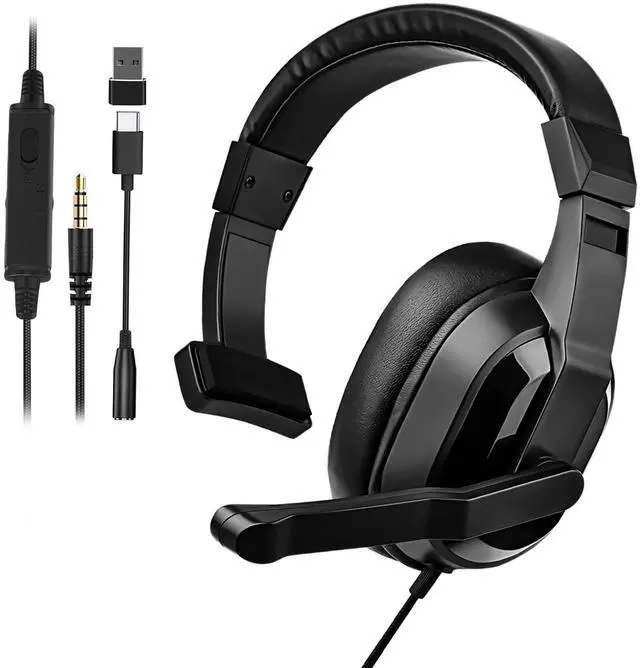
1x Wired single-sided headphones
1x USB Type-C to USB Type-A adapter
1x 3.5mm to Type- c cable


Go to "Settings">"Devices">"Audio Devices" : (1). Set "Input Device" to "Headset Connected to Controller"; (2). Set "Output Device" to "Headset Connected to Controller'" ; (3). Set "Output to Headphones"; (4). Set "Volume Control (Headphones)" level to maximum. ; (5). Select "Adjust Microphone Level" and follow the on-screen instructions to calibrate your microphone
Compatible with Nintendo Switch/Switch Lite and Nintendo Switch 2
| Compatible Protocol | A2DP/AVRCPHSP/HFP |
|---|---|
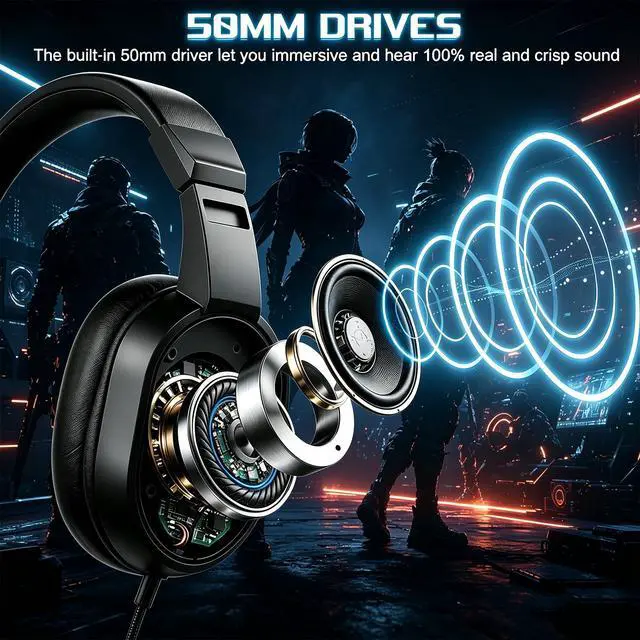
| Speaker Specifications | 50mm,320+10%,20mW |
| Sensitivity | 103dB+5dB |
| Frequency Response Range | 20~20KHz |
| Microphone Sensitivity | Omnidirectional -42 dB+5% |
| Microphone Impedance | 2.2KO+15% |
| Microphone Response Frequency | 10-28000Hz |
| Compatible System | For iOS, Android, Mac OS, Windows |
| Wired Support Type | 3.5mm, Type-C, USB-A |
| If the Headphones Produce Echo | Firmly insert the 3.5mm plug into your device, then rotate the 3.5mm plug 360° |