








------------------FAQ-------------------
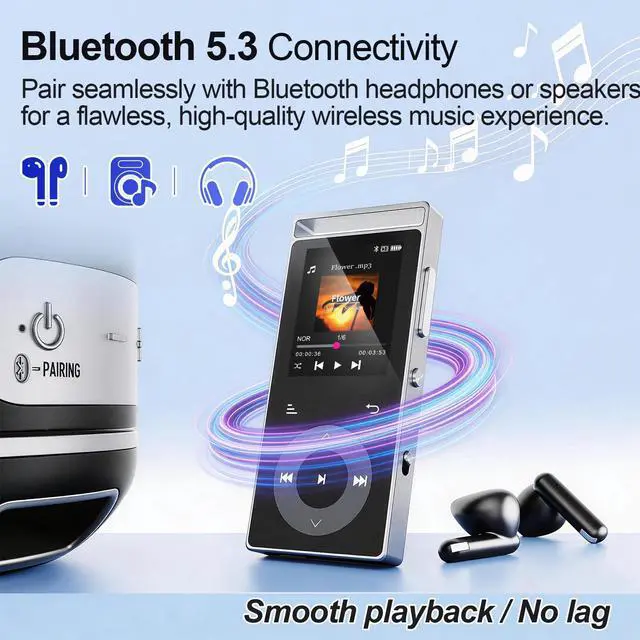
Q: The MP3 player cannot connect to Bluetooth headphones/speakers. What should I do?
A: Please follow the steps below:
- Turn off Bluetooth on your phone – to avoid signal interference from other devices.
- Reset your Bluetooth headphones/speakers – follow the instructions in your headphone/speaker manual.
- Bring them close and search again – place the reset headphones/speakers next to the MP3 player (within 1 meter), then search for Bluetooth devices on the MP3 player and connect.
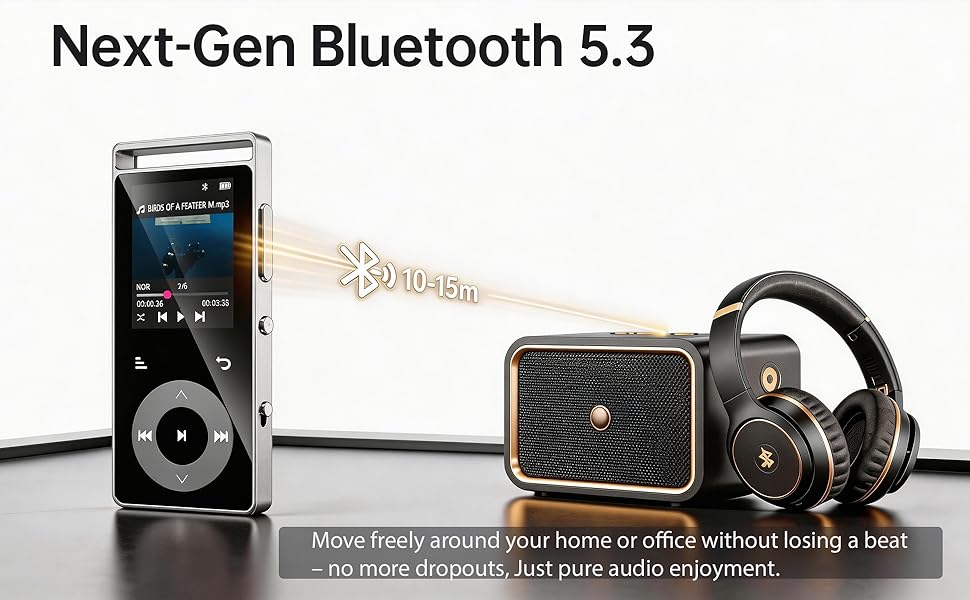
Note: The MP3 player, phone, and computer are all Bluetooth signal transmitting devices. They cannot connect directly to each other. The MP3 player can only connect to Bluetooth receiving devices, such as Bluetooth headphones or Bluetooth speakers.
Q: The data cable cannot connect the player to my computer, and I cannot transfer music files. What should I do?
A: Please follow the troubleshooting steps below:
- Use the original data cable included with the product – other cables may not be compatible.
- Replug the cable – disconnect the cable from both the player and the computer, then reconnect firmly. Try several times.
- Change the USB port on your computer – try a different USB port.
- Test with another computer – connect the player to a different computer to rule out issues with your current computer.
- Replace the data cable – if none of the above works, try a different reliable data cable (must support data transfer, not just charging).
Hint: After a successful connection, you may need to manually confirm "Transfer Mode" or "USB Mode" on the MP3 player screen before the computer will recognize the device.
Q: Why is there no sound when playing music?
A: Please check the following in order:
- Is the volume turned up? – Make sure the MP3 player is not muted or set to the lowest volume.
- Is the playback device properly connected? – Check that Bluetooth headphones/speakers are successfully paired, or that wired earphones are firmly plugged in.
- Try playing another song – to rule out a corrupted audio file.
- Restore factory settings – If the above steps don't work, try restoring factory settings from the settings menu.
Q: Does the device have a built-in speaker?
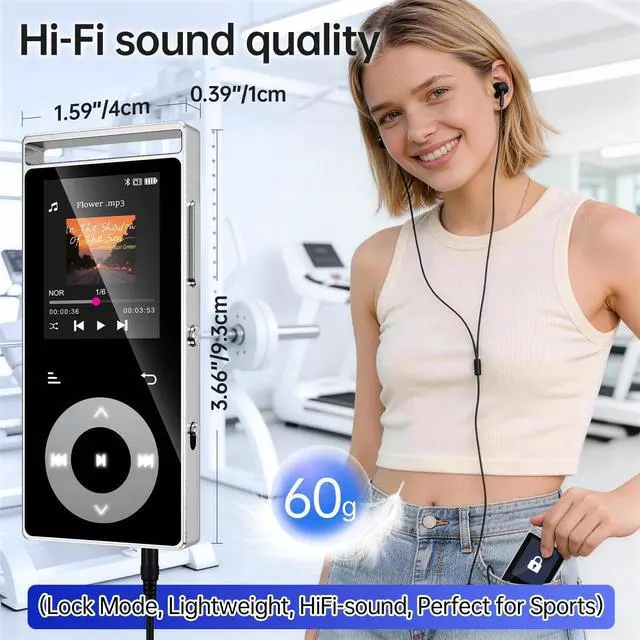
A: No. You must connect Bluetooth headphones/speakers or wired earphones to listen to music.
------------------FAQ-------------------
Q: The MP3 player cannot connect to Bluetooth headphones/speakers. What should I do?
A: Please follow the steps below:
- Turn off Bluetooth on your phone – to avoid signal interference from other devices.
- Reset your Bluetooth headphones/speakers – follow the instructions in your headphone/speaker manual.
- Bring them close and search again – place the reset headphones/speakers next to the MP3 player (within 1 meter), then search for Bluetooth devices on the MP3 player and connect.
Note: The MP3 player, phone, and computer are all Bluetooth signal transmitting devices. They cannot connect directly to each other. The MP3 player can only connect to Bluetooth receiving devices, such as Bluetooth headphones or Bluetooth speakers.
Q: The data cable cannot connect the player to my computer, and I cannot transfer music files. What should I do?
A: Please follow the troubleshooting steps below:
- Use the original data cable included with the product – other cables may not be compatible.
- Replug the cable – disconnect the cable from both the player and the computer, then reconnect firmly. Try several times.
- Change the USB port on your computer – try a different USB port.
- Test with another computer – connect the player to a different computer to rule out issues with your current computer.
- Replace the data cable – if none of the above works, try a different reliable data cable (must support data transfer, not just charging).
Hint: After a successful connection, you may need to manually confirm "Transfer Mode" or "USB Mode" on the MP3 player screen before the computer will recognize the device.
Q: Why is there no sound when playing music?
A: Please check the following in order:
- Is the volume turned up? – Make sure the MP3 player is not muted or set to the lowest volume.
- Is the playback device properly connected? – Check that Bluetooth headphones/speakers are successfully paired, or that wired earphones are firmly plugged in.
- Try playing another song – to rule out a corrupted audio file.
- Restore factory settings – If the above steps don't work, try restoring factory settings from the settings menu.
Q: Does the device have a built-in speaker?
A: No. You must connect Bluetooth headphones/speakers or wired earphones to listen to music.