


















UD-3900H product overview video

Tech Specs
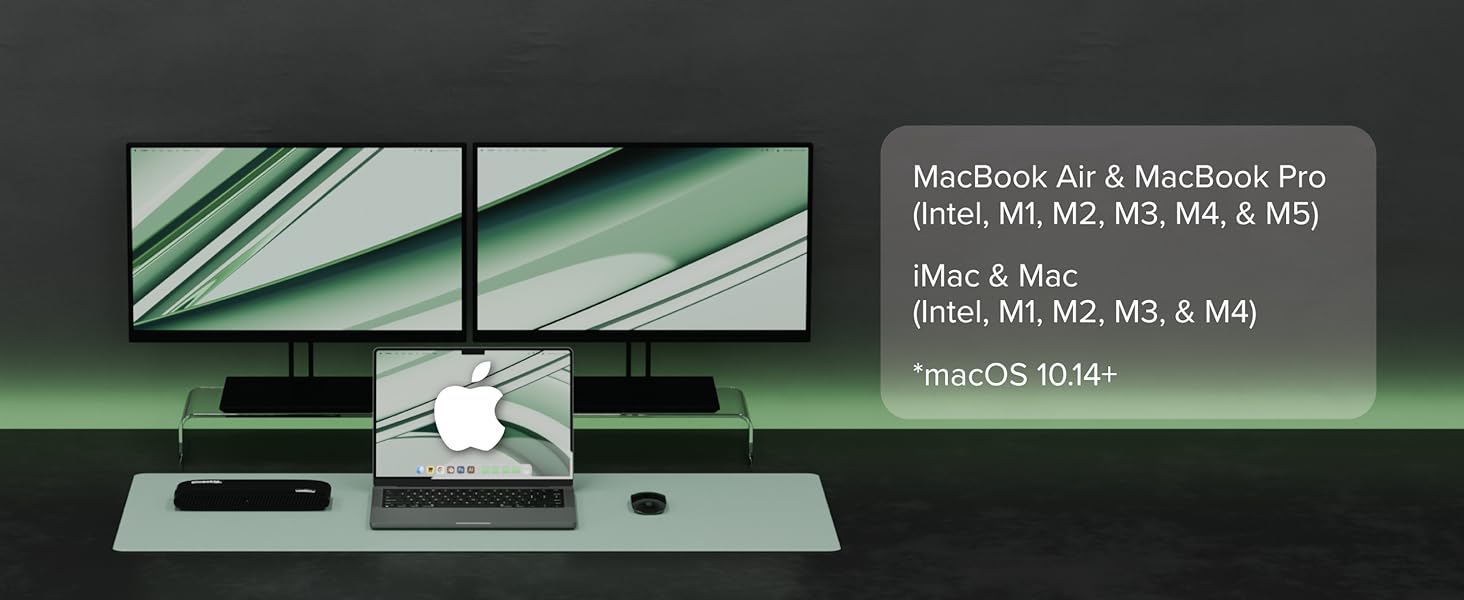
Does the UD-3900H work with MacBooks or iMacs?
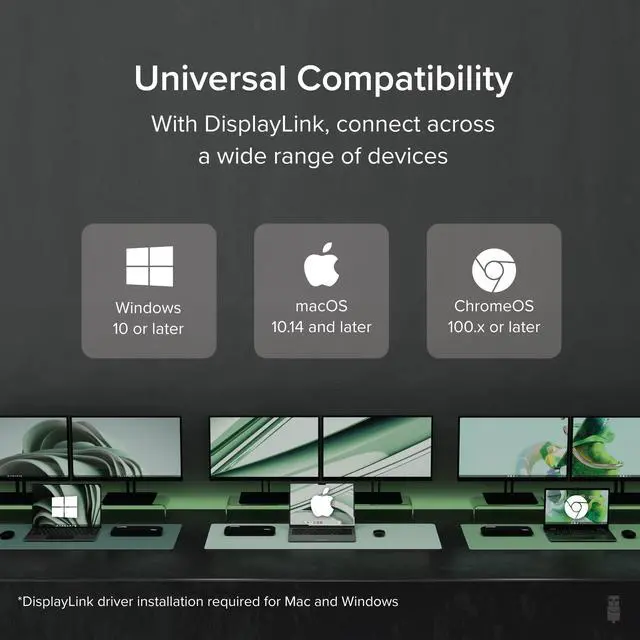
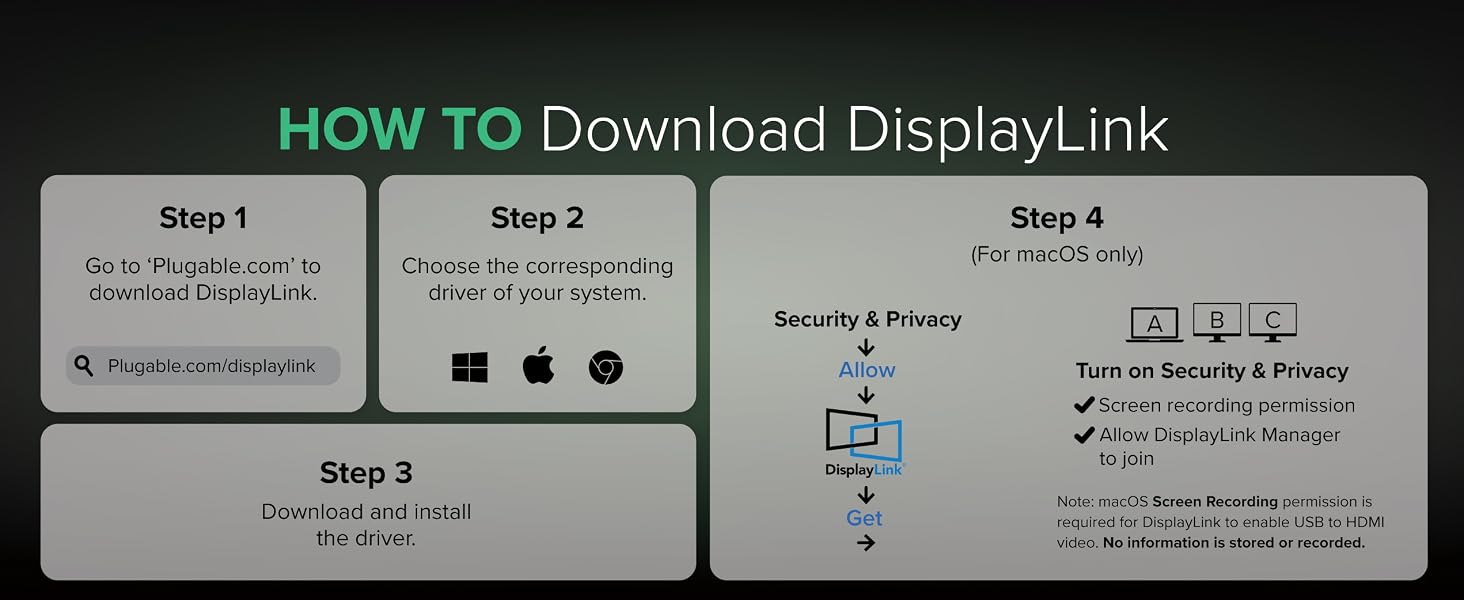
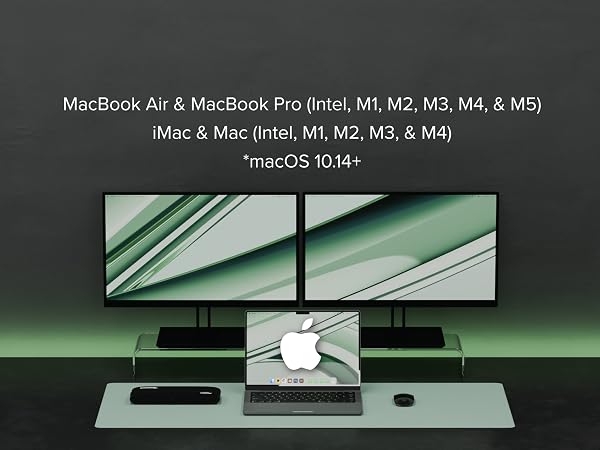
Yes, the UD-3900H is compatible with MacBooks and iMacs running macOS 10.14 or later. You’ll need to install DisplayLink drivers, and we provide step-by-step instructions on the Plugable website to guide you through the process.
Does the UD-3900H provide power to charge my laptop?
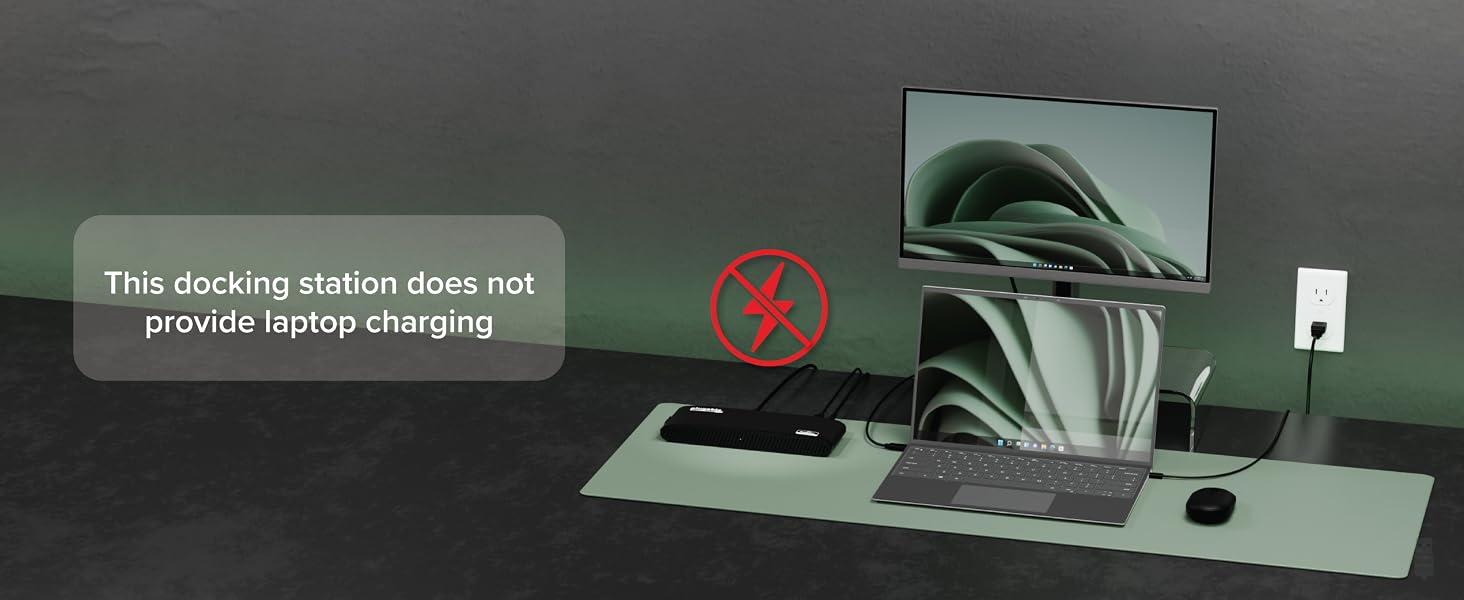
No, the UD-3900H does not provide power to the laptop.
Do I need to install software/drivers to use the UD-3900H?
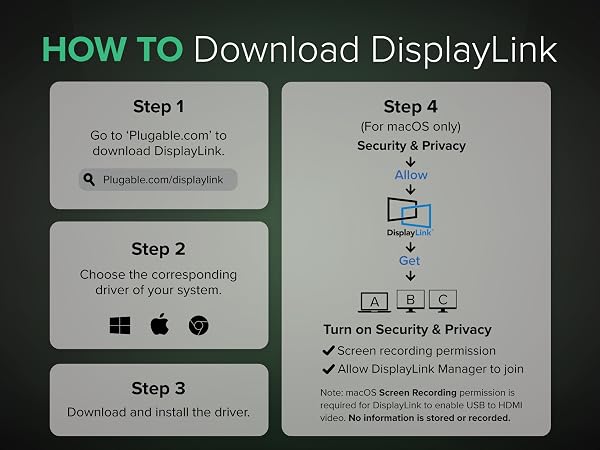
Yes, driver installation is required. On Windows, the drivers can install automatically via Windows Update, while on macOS, you'll need to manually install the DisplayLink Manager Application.
When installing DisplayLink software on my Mac, why is it necessary to grant ‘Screen Recording’ permission?
macOS requires "Screen Recording" for the DisplayLink driver to work properly. Approving it enables the driver to send data over USB from your computer to the DisplayLink-powered display. No data, images, or pixels are being stored or recorded.
Windows drivers are "automatic." What if my corporate environment restricts updates?
While DisplayLink drivers are usually automatically installed, for corporate or restricted environments, manual installation may be required.
Compare Plugable Universal Docking Stations
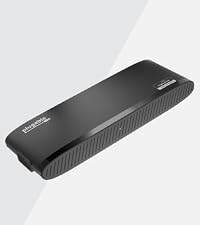 UD-3900H | 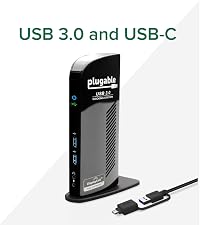 UD-3900 |  UD-3900Z | 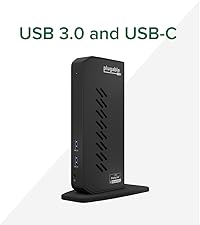 UD-6950Z | 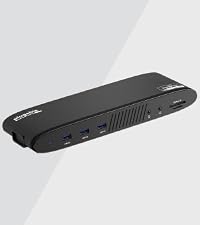 UD-6950PDH | |
|---|---|---|---|---|---|
Customer Reviews | — | — | — | — | — |
Price | — | — | — | — | — |
Laptop Compatibility | USB 3.0, USB4, TB4/3, USB-C | USB 3.0, USB4, TB4/3, USB-C | USB 3.0, USB4, TB4/3, USB-C | USB 3.0, USB4, TB4/3, USB-C | USB4, TB4/3, USB-C |
# of Displays | 2 | 2 | 2 | 2 | 2 |
Video Ports | HDMI 1.3, DVI (Adapters Incl.) | 1x HDMI 1.3, 1x DVI | 2x HDMI | 2x HDMI 2.0,2x Displayport 1.2 | 2x HDMI 2.0,2x Displayport 1.2 |
Max Resolutions Supported | 2x 1920x1200 @ 60Hz | 2x 1920x1200 @ 60Hz | 2x 1920x1200 @ 60Hz | 2x 4K@ 60Hz | 2x 4K@ 60Hz |
# of USB Ports | 6 | 6 | 6 | 6 | 5 |
Laptop Charging | No | No | No | No | 100W (96W Certified) |
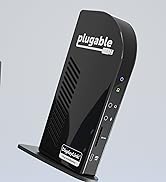
Form Factor | Horizontal | Vertical | Vertical | Vertical | Horizontal |
UD-3900H product overview video


Tech Specs
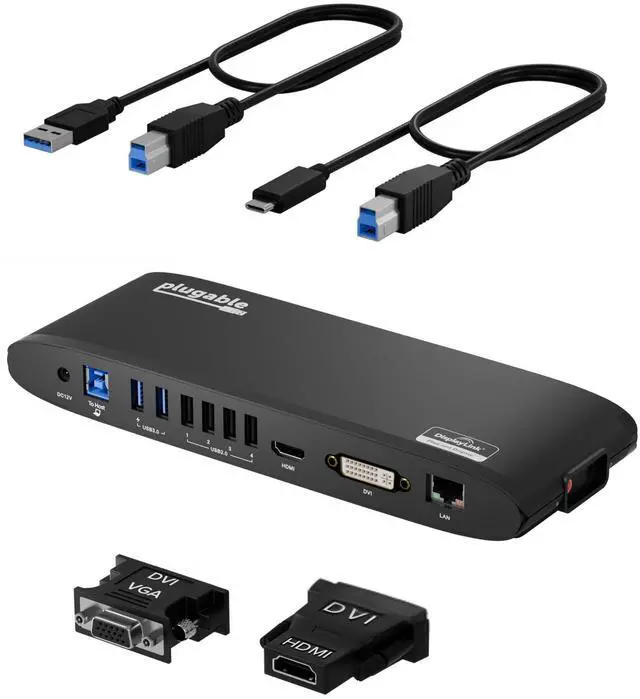
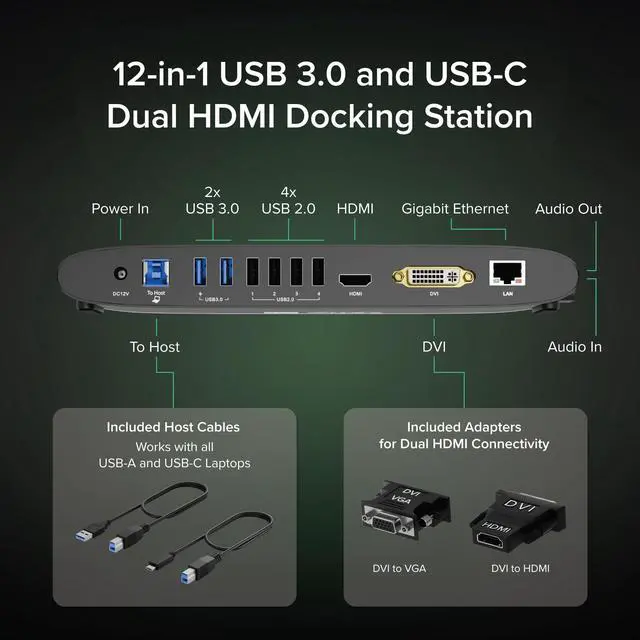
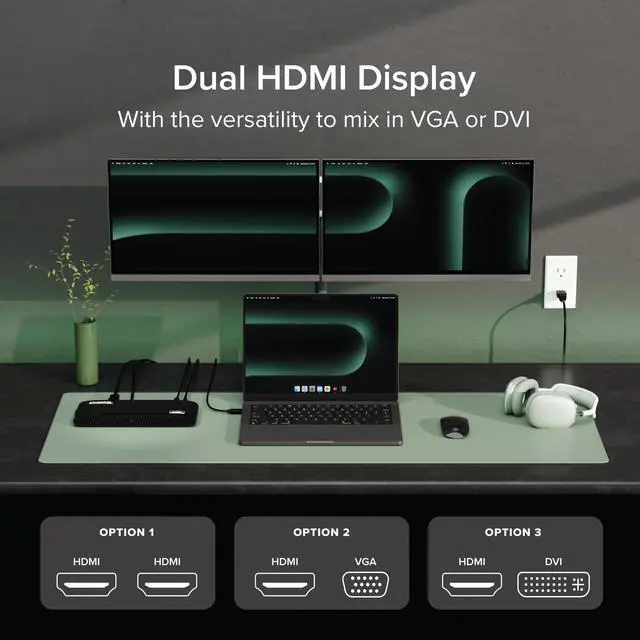
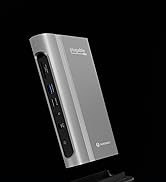
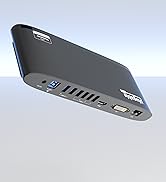
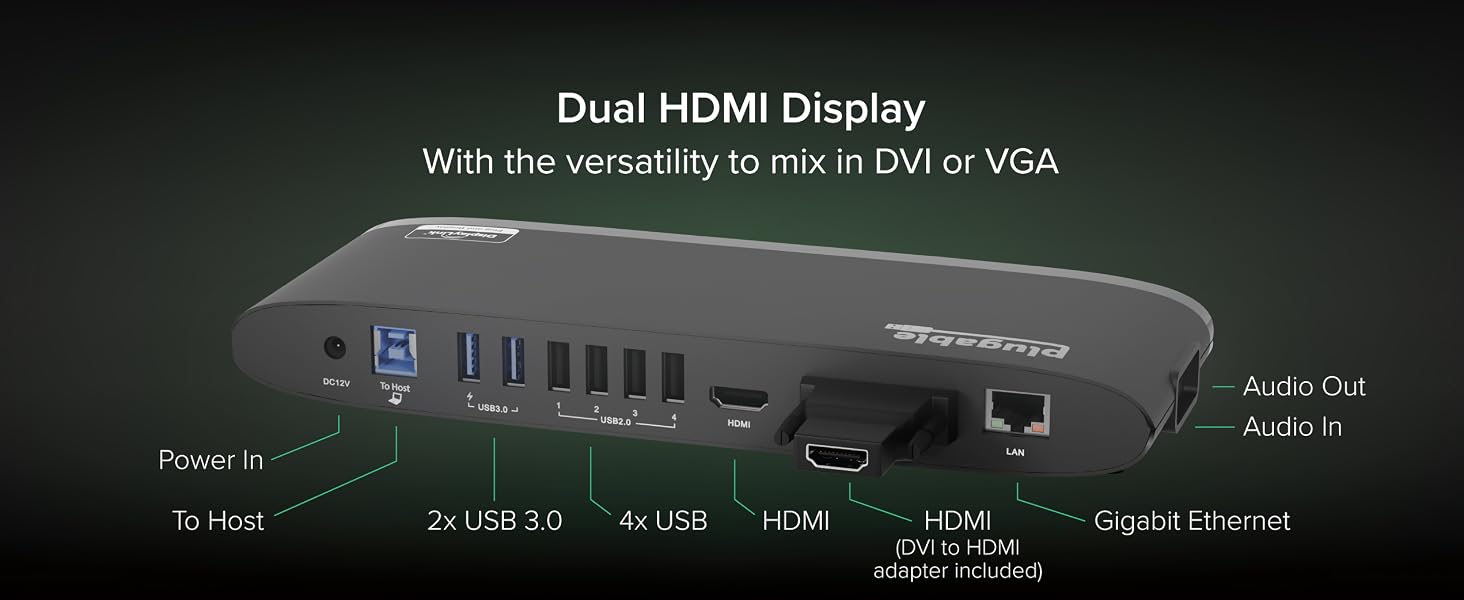
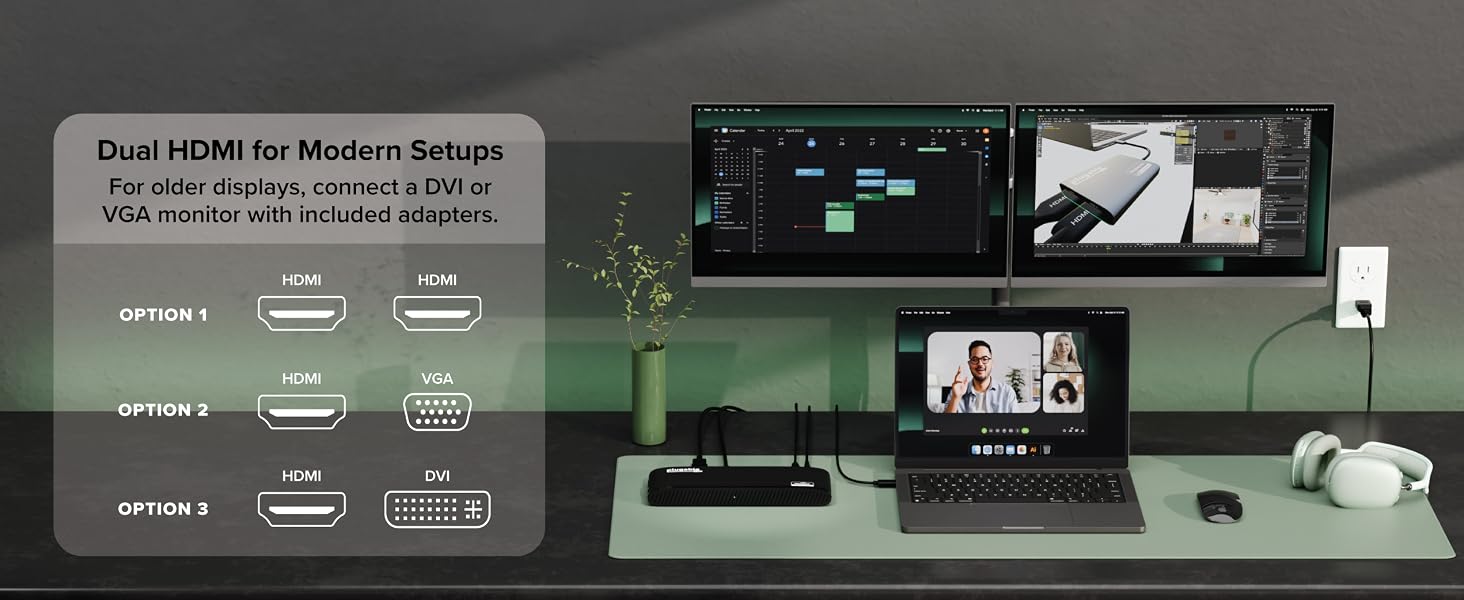
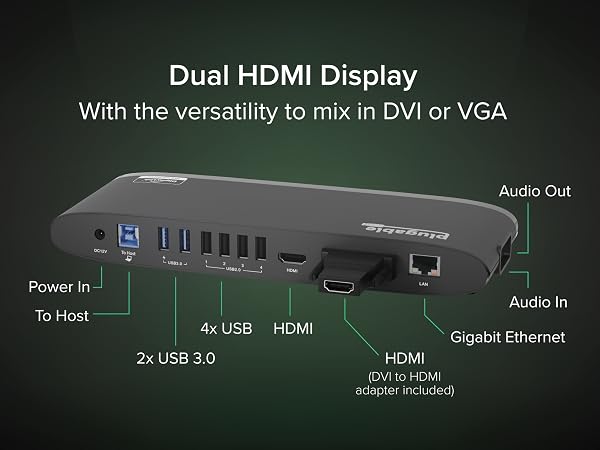
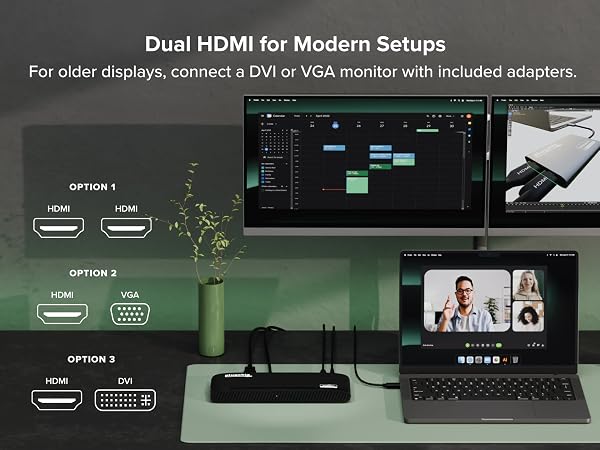
| Dual Display Support | Two 1920 x 1200 60Hz HDMI displays with options to expand to DVI or VGA with included adapters |
|---|---|
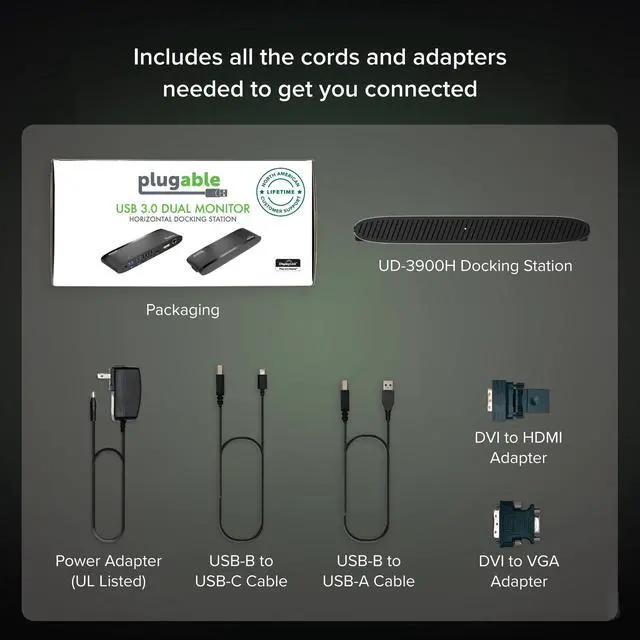
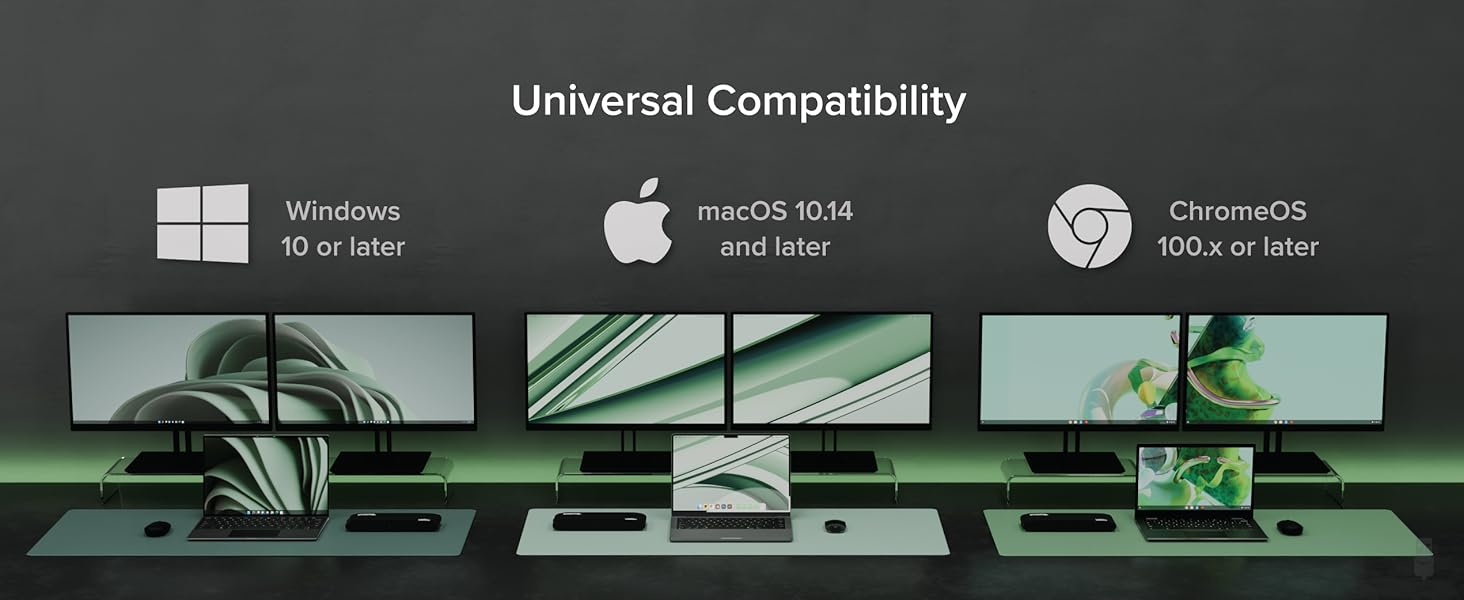
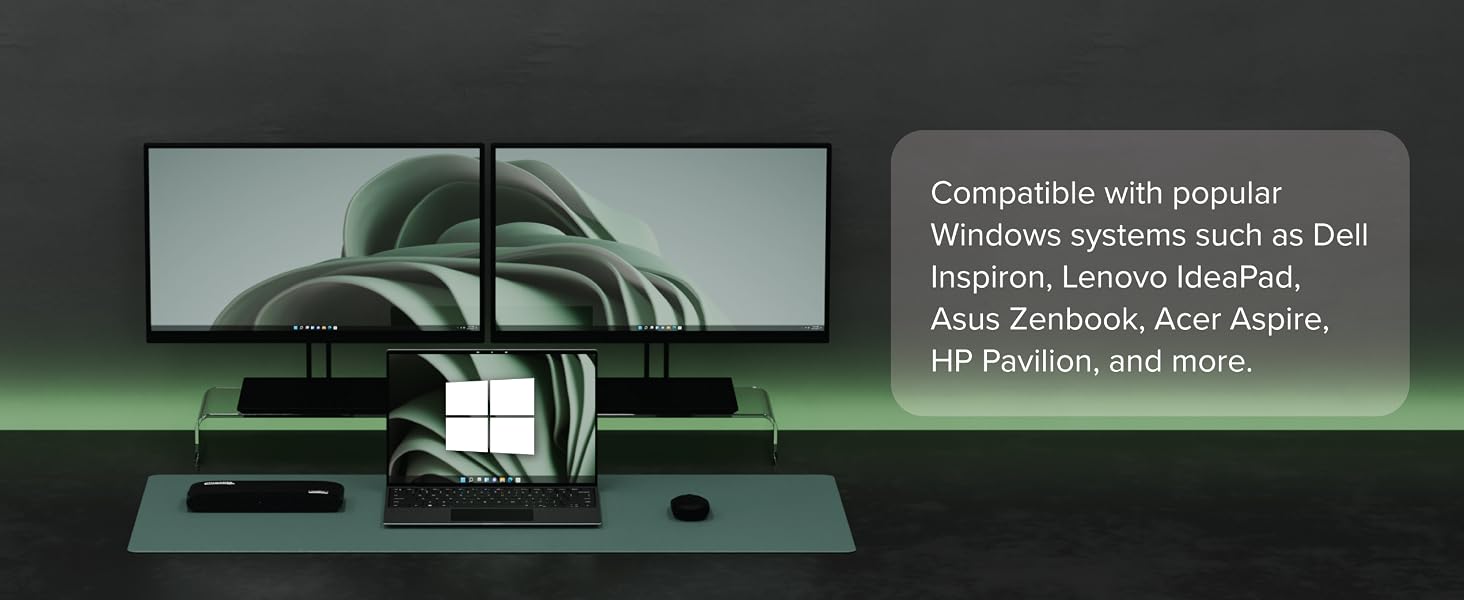
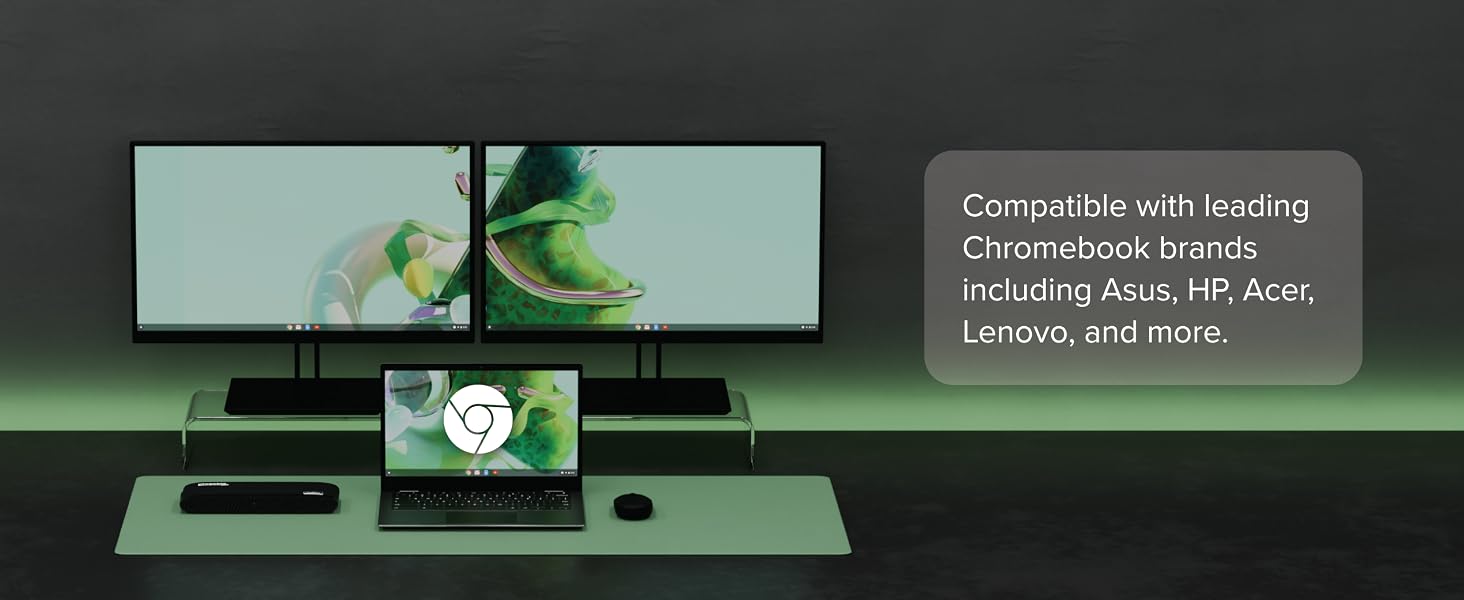
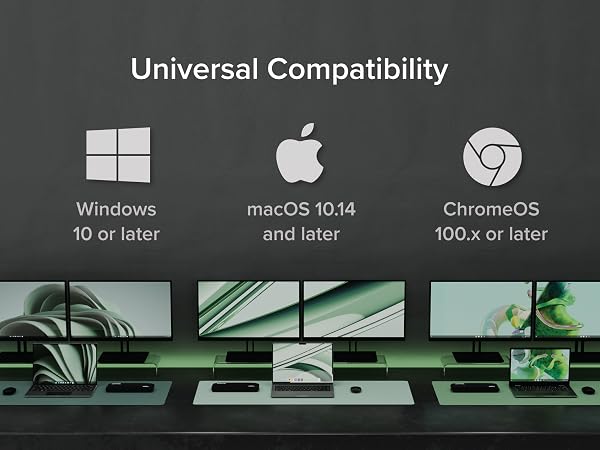
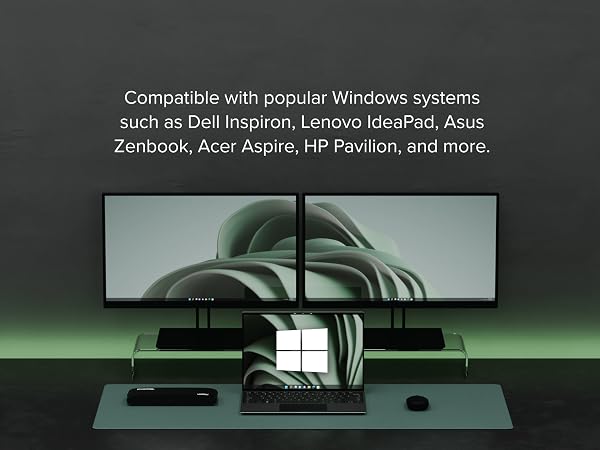
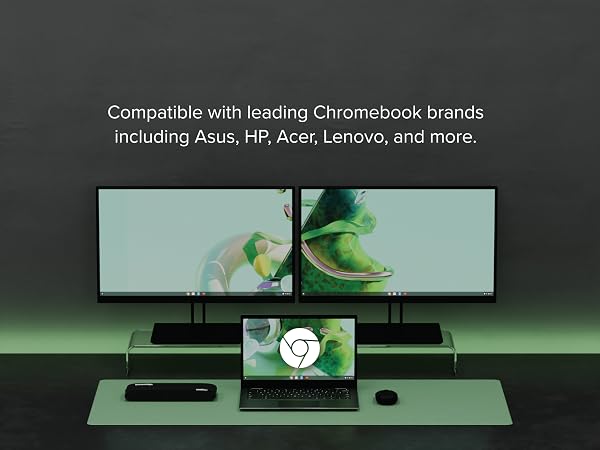
| Universal Compatibility | Ideal for mixed laptop environments—seamlessly compatible with Windows 7–11, macOS 10.14+, and ChromeOS 100.x or later. Connect to the host device via included USB-A or USB-C cable. |
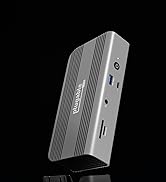
| Streamline Connectivity | Boost productivity with 2 USB 3.0 ports for fast 5Gbps transfers and 4 USB 2.0 ports for seamless peripheral connections. High-speed wired networking via Gigabit Ethernet and crystal-clear audio through dedicated headphone and mic jacks. |
| Intended Use | Ideal for web browsing and productivity software such as word processing, spreadsheets and web browsing. Not recommended for gaming, video editing, or rendering |
Does the UD-3900H work with MacBooks or iMacs?
Yes, the UD-3900H is compatible with MacBooks and iMacs running macOS 10.14 or later. You’ll need to install DisplayLink drivers, and we provide step-by-step instructions on the Plugable website to guide you through the process.
Does the UD-3900H provide power to charge my laptop?
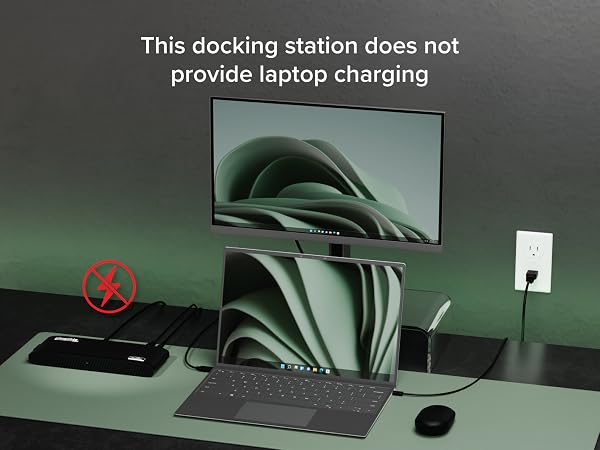
No, the UD-3900H does not provide power to the laptop.
Do I need to install software/drivers to use the UD-3900H?
Yes, driver installation is required. On Windows, the drivers can install automatically via Windows Update, while on macOS, you'll need to manually install the DisplayLink Manager Application.
When installing DisplayLink software on my Mac, why is it necessary to grant ‘Screen Recording’ permission?
macOS requires "Screen Recording" for the DisplayLink driver to work properly. Approving it enables the driver to send data over USB from your computer to the DisplayLink-powered display. No data, images, or pixels are being stored or recorded.
Windows drivers are "automatic." What if my corporate environment restricts updates?
While DisplayLink drivers are usually automatically installed, for corporate or restricted environments, manual installation may be required.
Compare Plugable Universal Docking Stations
UD-3900H | UD-3900 | UD-3900Z | UD-6950Z | UD-6950PDH |
|---|---|---|---|---|
| Customer Reviews | ||||
| — | — | — | — | — |
| Price | ||||
| — | — | — | — | — |
| Laptop Compatibility | ||||
| USB 3.0, USB4, TB4/3, USB-C | USB 3.0, USB4, TB4/3, USB-C | USB 3.0, USB4, TB4/3, USB-C | USB 3.0, USB4, TB4/3, USB-C | USB4, TB4/3, USB-C |
| # of Displays | ||||
| 2 | 2 | 2 | 2 | 2 |
| Video Ports | ||||
| HDMI 1.3, DVI (Adapters Incl.) | 1x HDMI 1.3, 1x DVI | 2x HDMI | 2x HDMI 2.0,2x Displayport 1.2 | 2x HDMI 2.0,2x Displayport 1.2 |
| Max Resolutions Supported | ||||
| 2x 1920x1200 @ 60Hz | 2x 1920x1200 @ 60Hz | 2x 1920x1200 @ 60Hz | 2x 4K@ 60Hz | 2x 4K@ 60Hz |
| # of USB Ports | ||||
| 6 | 6 | 6 | 6 | 5 |
| Laptop Charging | ||||
| No | No | No | No | 100W (96W Certified) |
| Form Factor | ||||
| Horizontal | Vertical | Vertical | Vertical | Horizontal |


Find Your Docking Station

Shop for Mac

Shop for Windows


Shop Universal Compatability


Shop for Business