here!
here!
I’m your shopping assistant for PC builds, upgrades, and everything tech.
Got questions? Ask away!
Start a conversation
here!
I’m your shopping assistant for PC builds, upgrades, and everything tech.
Got questions? Ask away!
Start a conversation



Any questions? Ask CelesteSM will help you find out quickly.
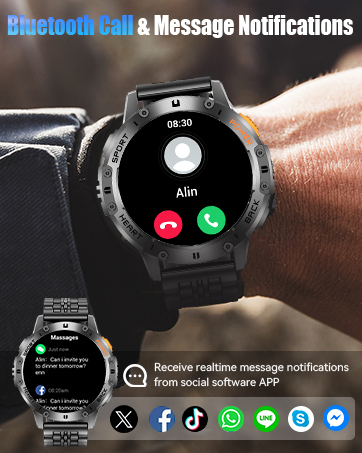
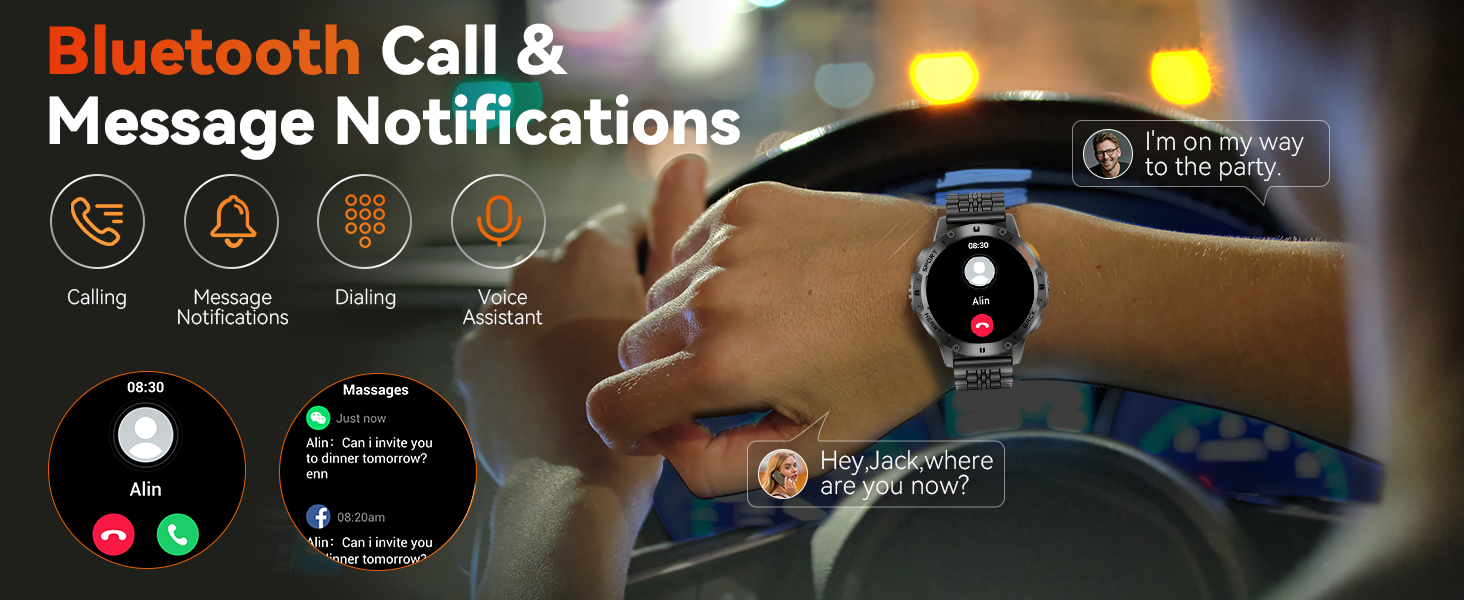
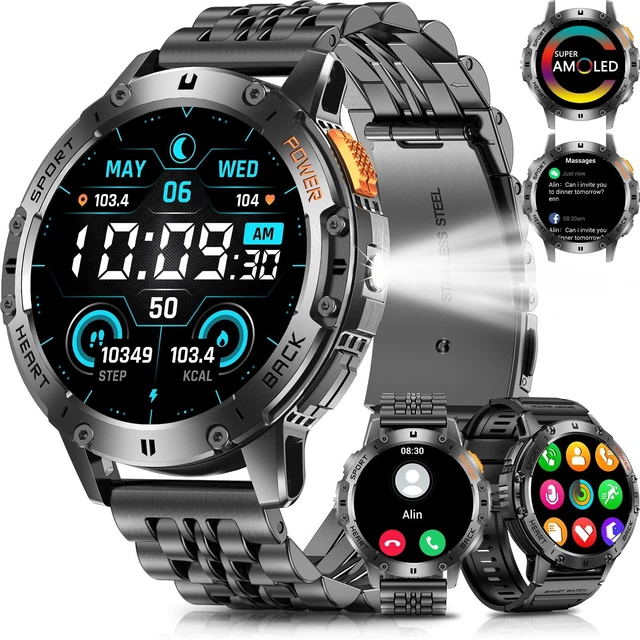
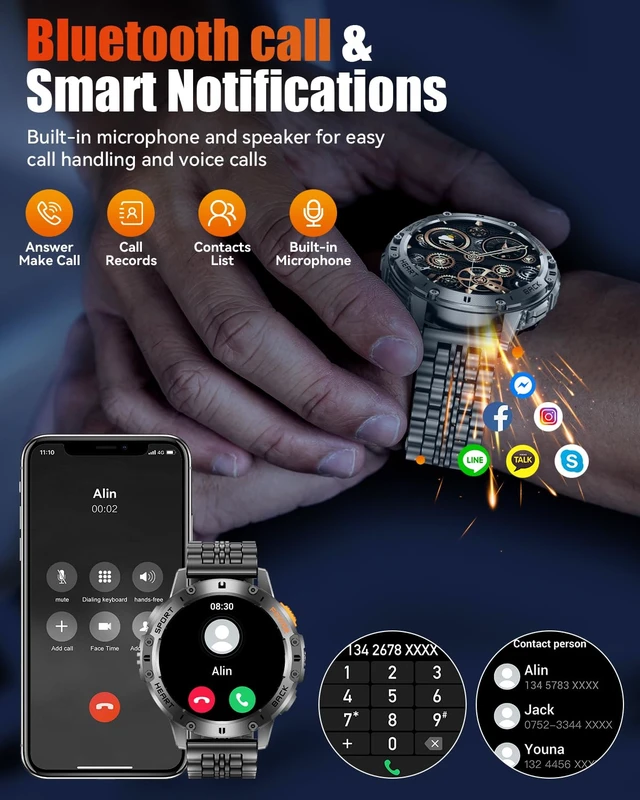
Bluetooth Calls & Message Notifications: Built-in high-fidelity speakers and a microphone, enjoy effortless chats with friends. The high-definition screen delivers clear messages, ensuring you never miss important updates.
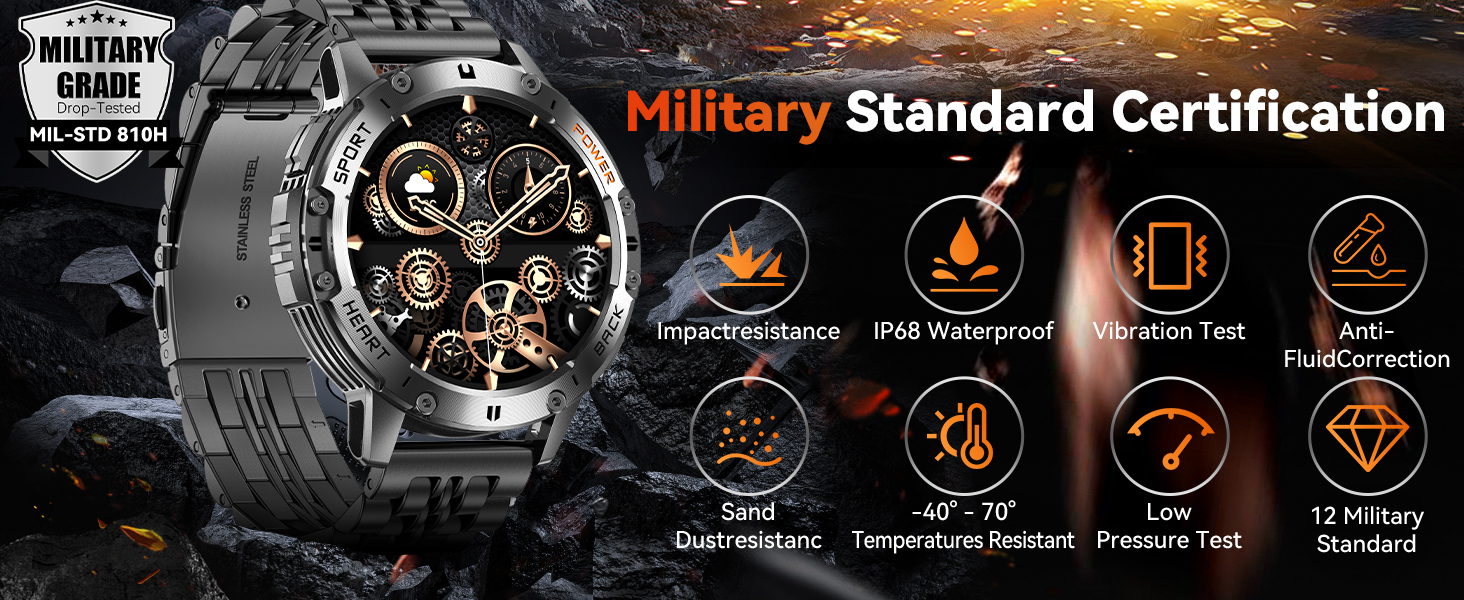
Military Standard Certification: Tested against over 12 military standards, it is designed to be virtually indestructible, accompanying you on every adventure.
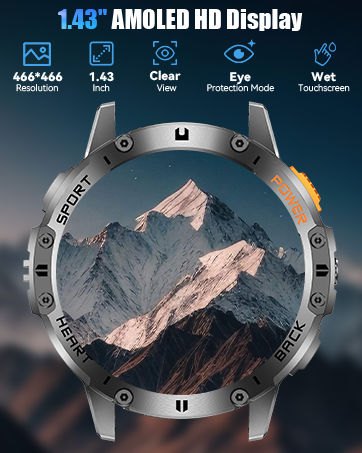
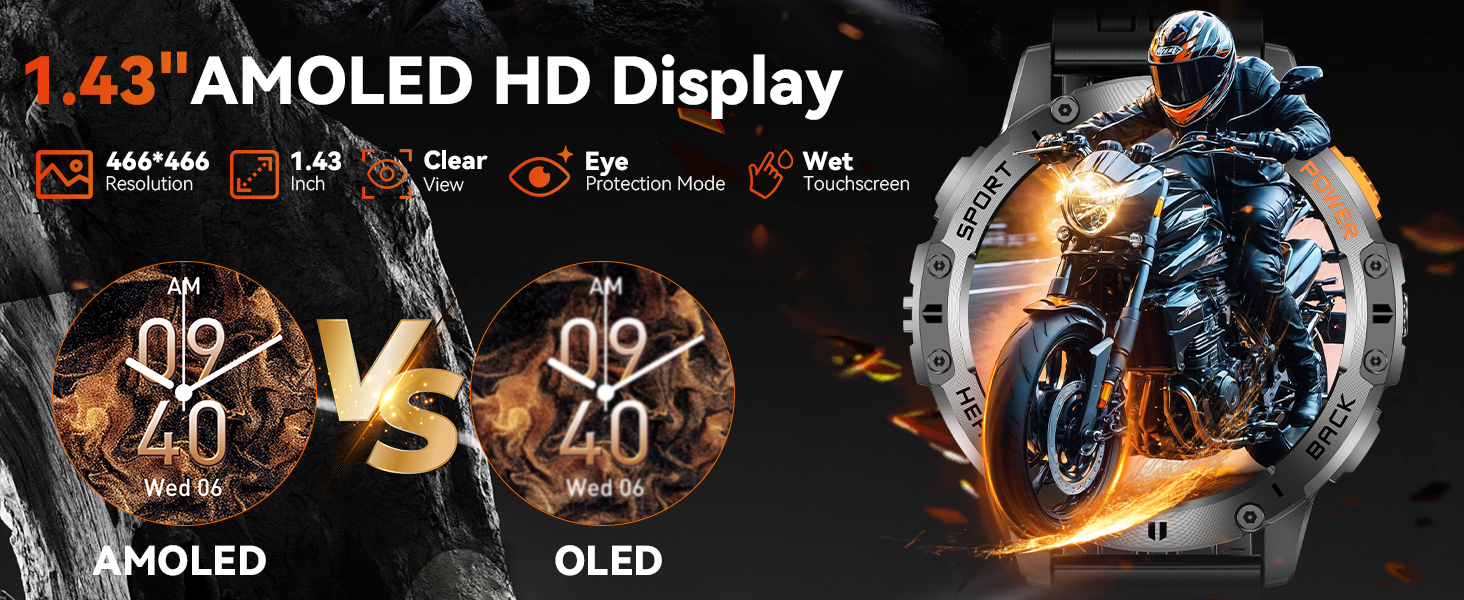
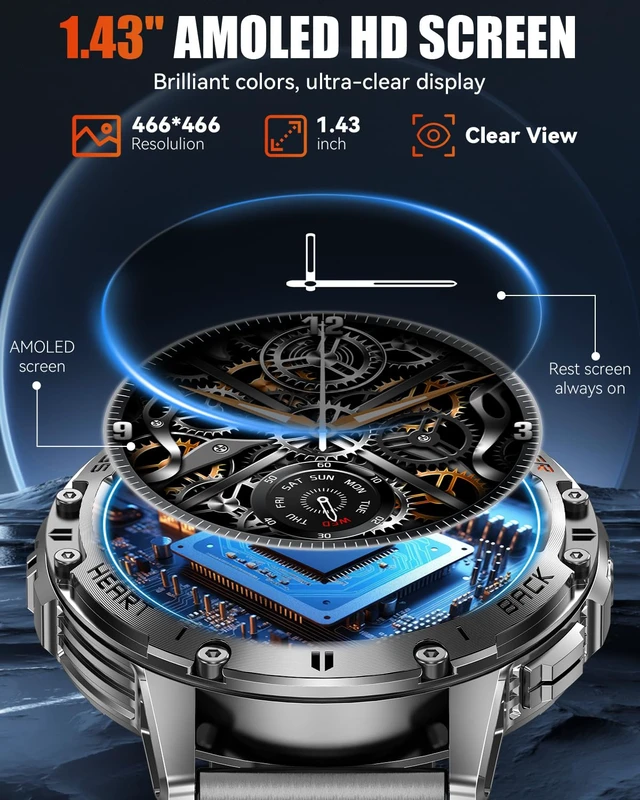
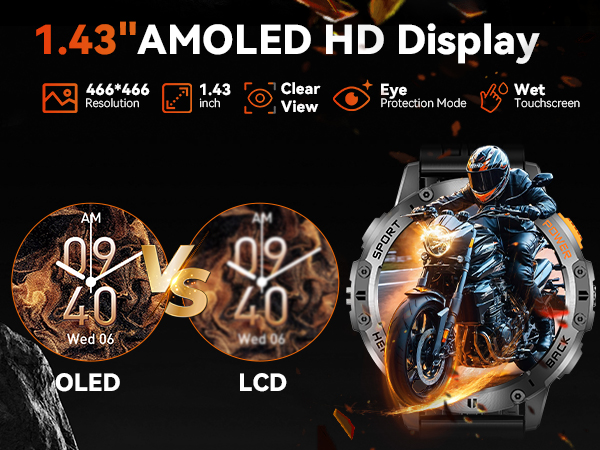
1.43" HD AMOLED Screen: With an ultra-high resolution of 466*466 and AMOLED display, it delivers a refined and vibrant visual experience.
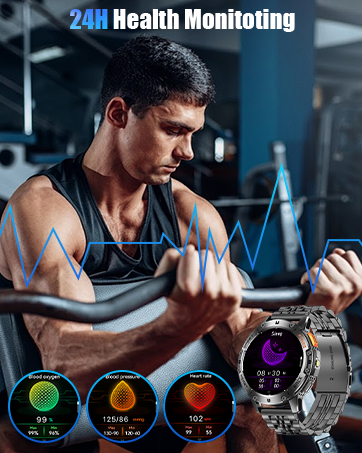
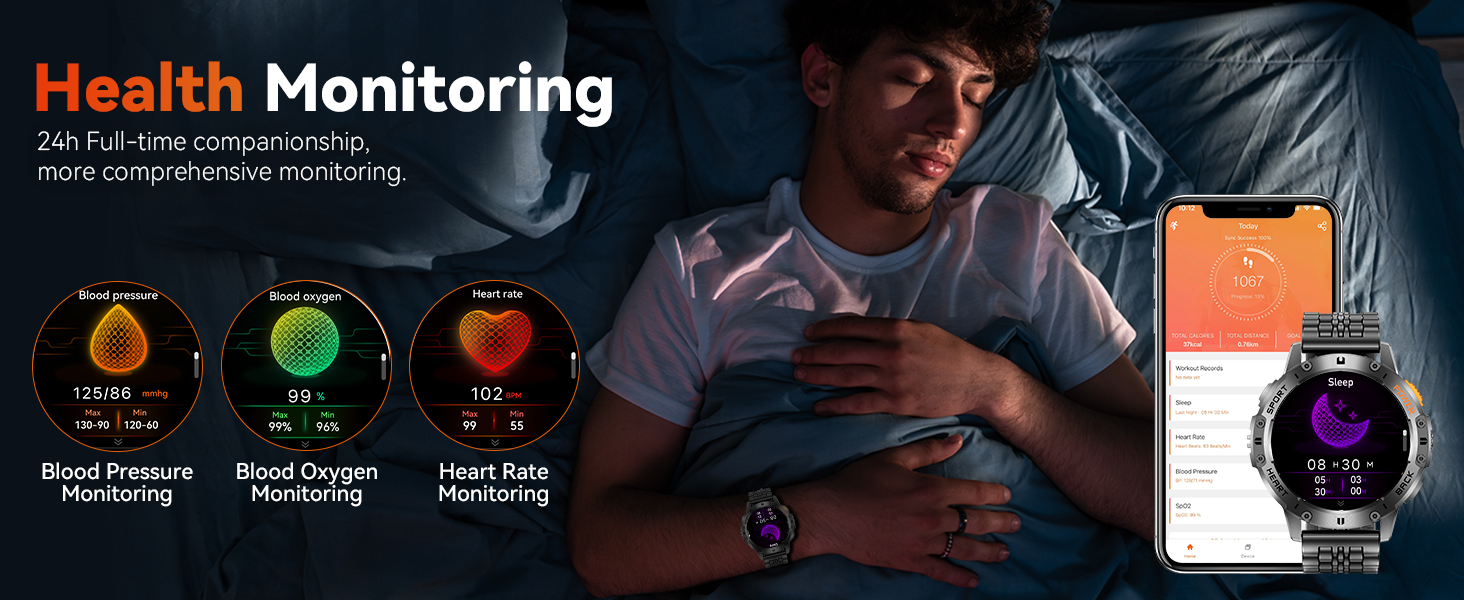
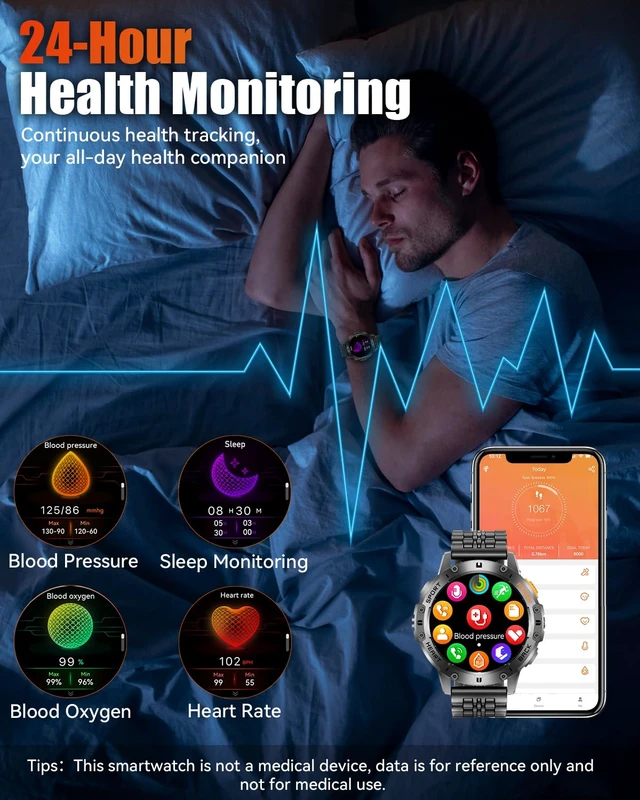
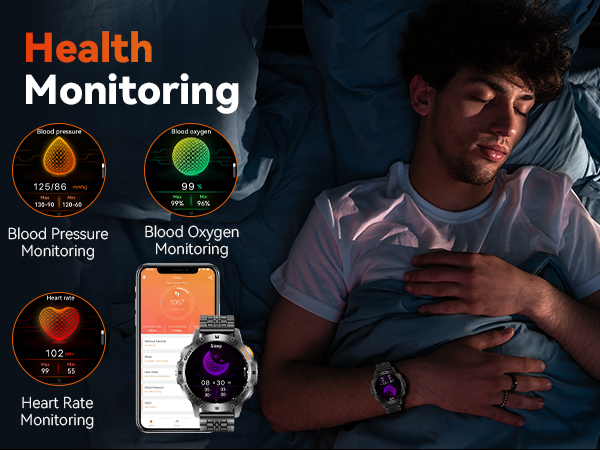
24h Health tracker: Built-in optical sensor that continuously monitors your sleep quality and other health data. With 24/7 tracking, you can gain insight into your health to foster a healthier lifestyle.
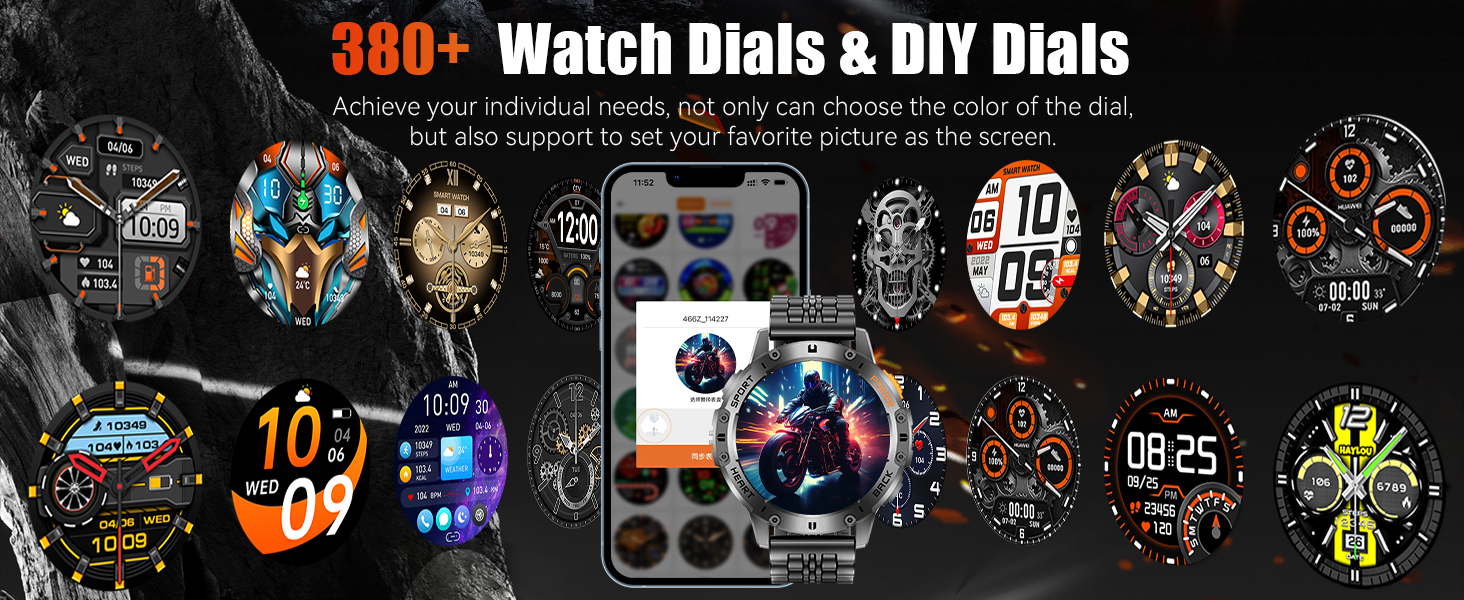
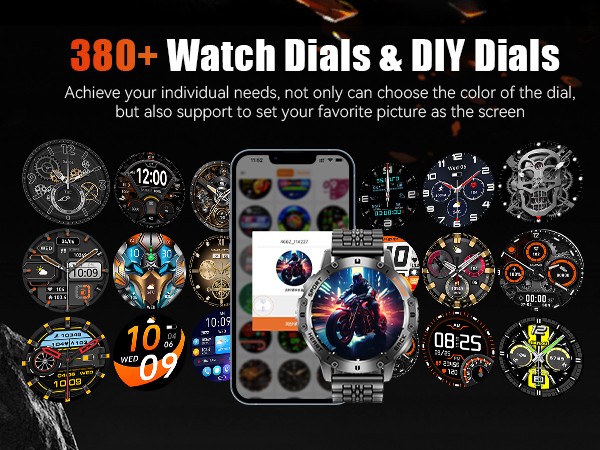
389 Watch Dials: With a variety of watch faces to choose from and DIY customization support, you can showcase your unique style.
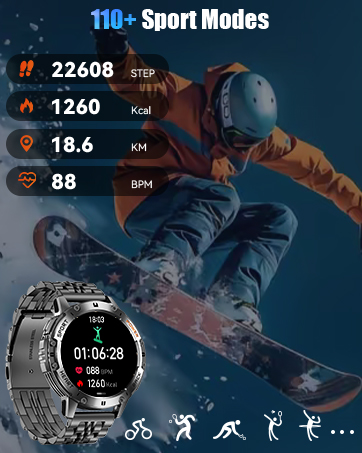
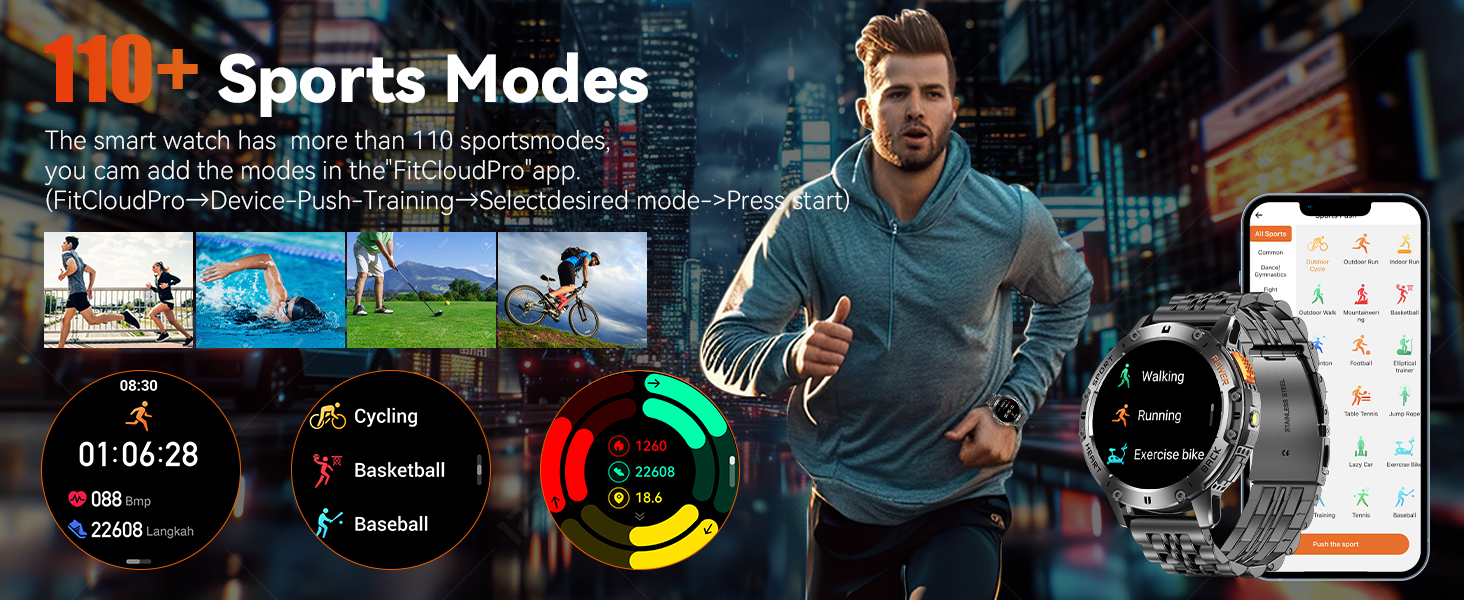
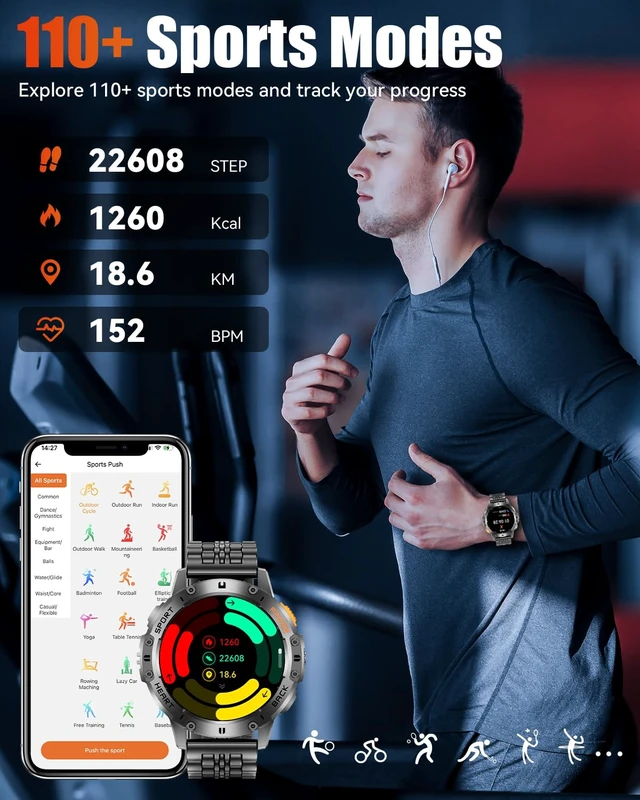
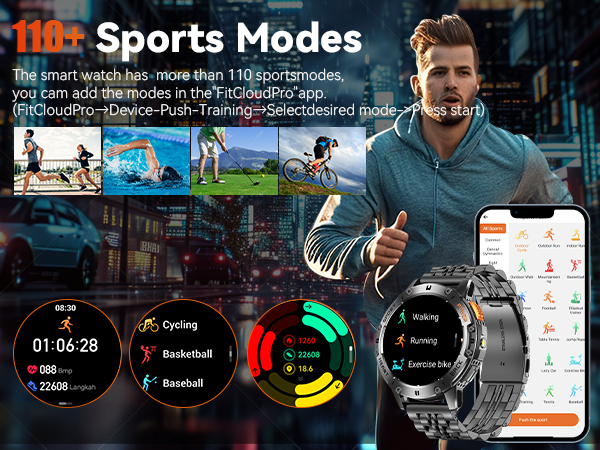
110 Sports Modes: With over 110 sport modes available through "FitCloudPro," it fully meets your diverse fitness needs.
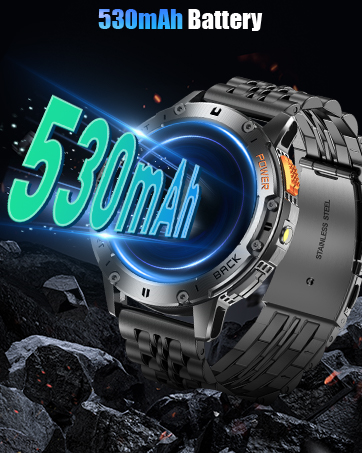
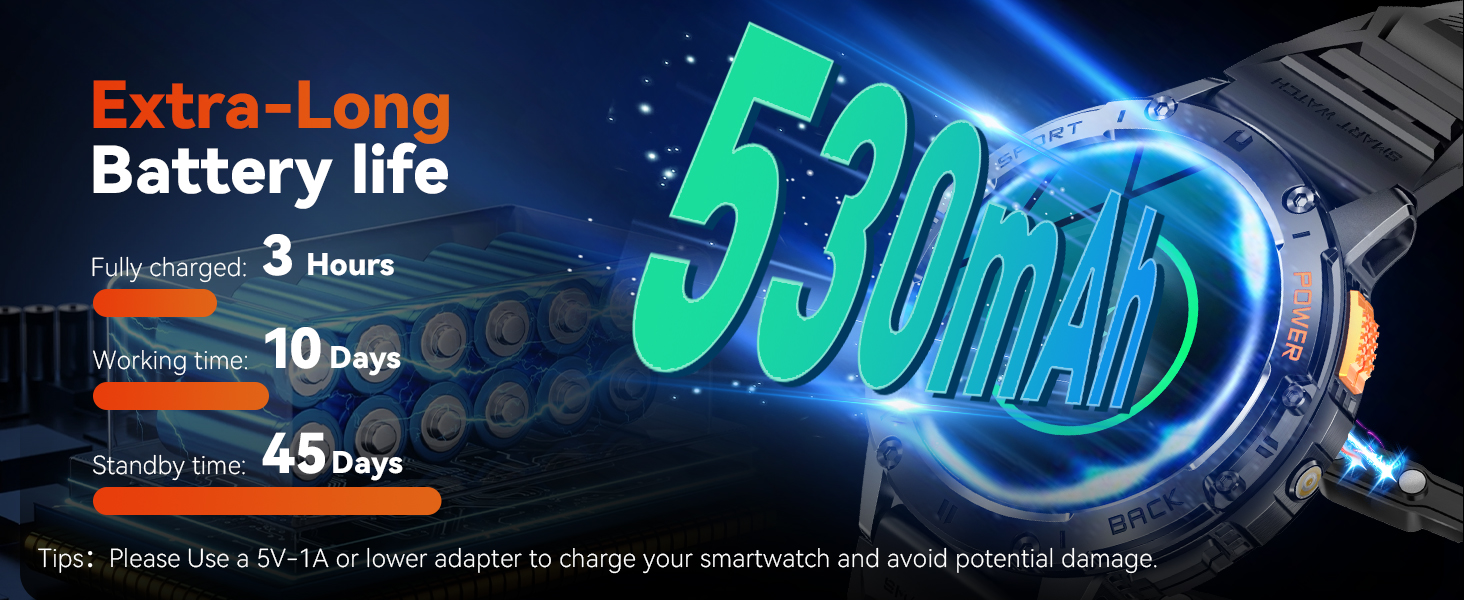
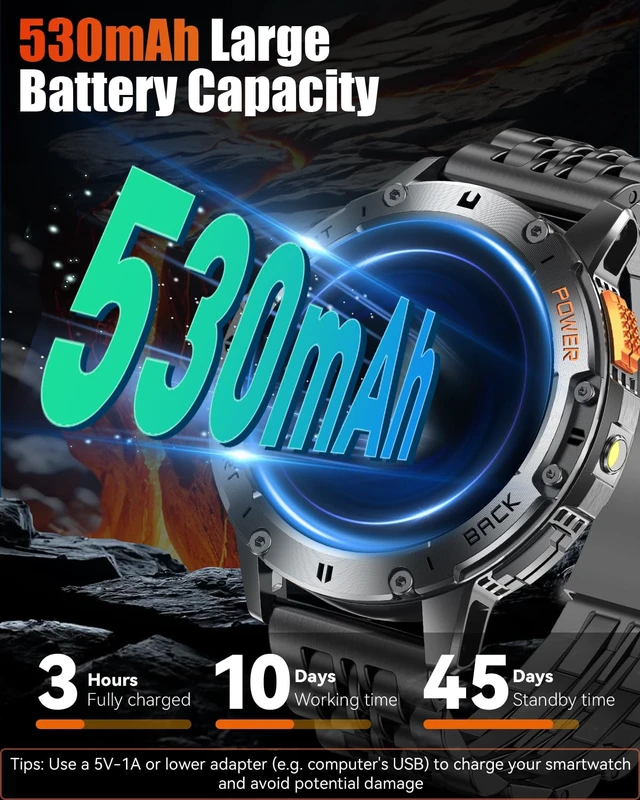
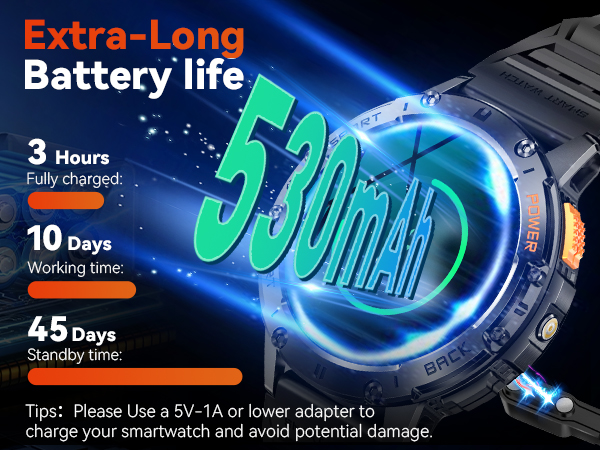
530mAh Battery: With an ultra-long battery life of 7-10 days (depending on personal usage), say goodbye to battery anxiety.
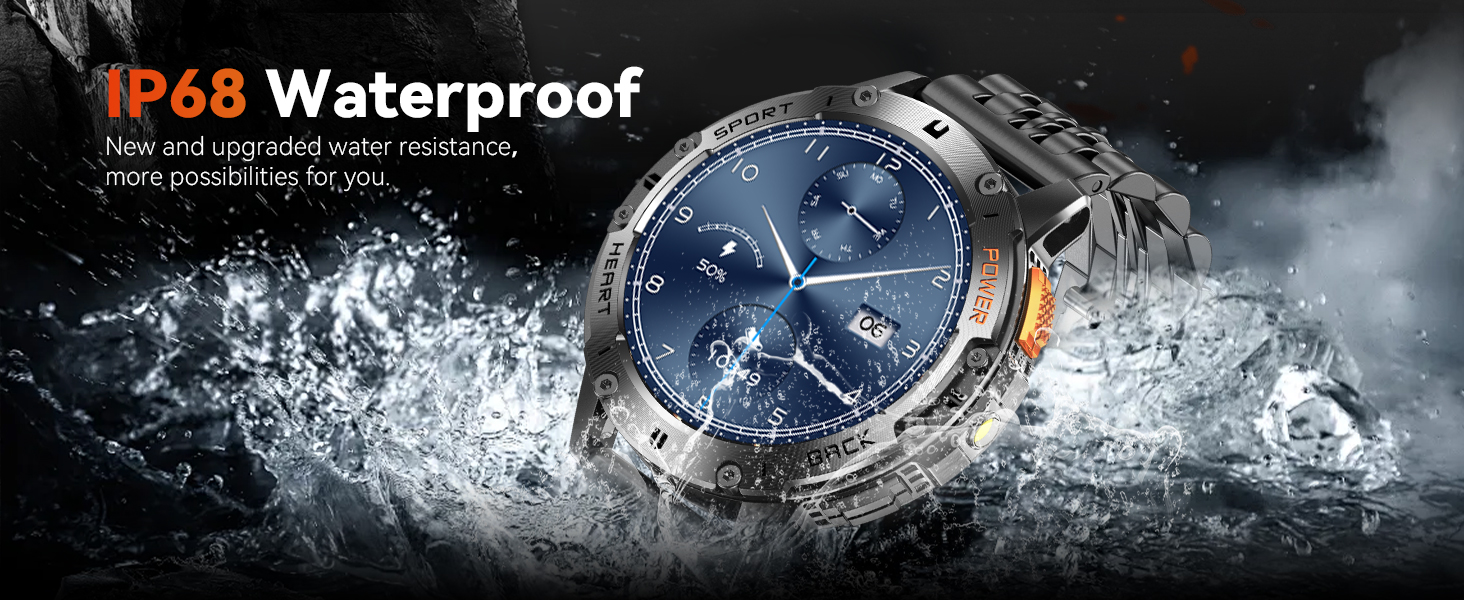
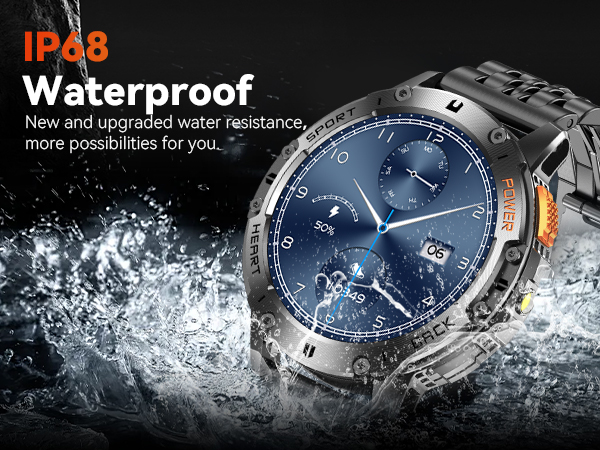
IP68 Waterproof: Whether for daily use or in rainy conditions, this smartwatch can easily handle it. The waterproof design ensures you don’t have to worry about water damage (avoid using it for diving).
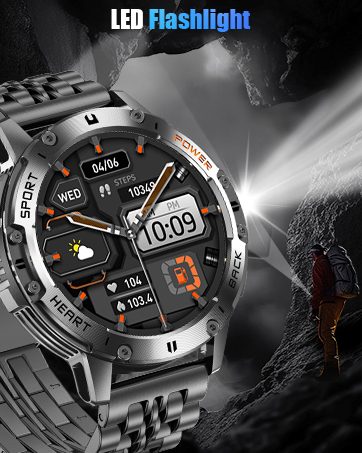
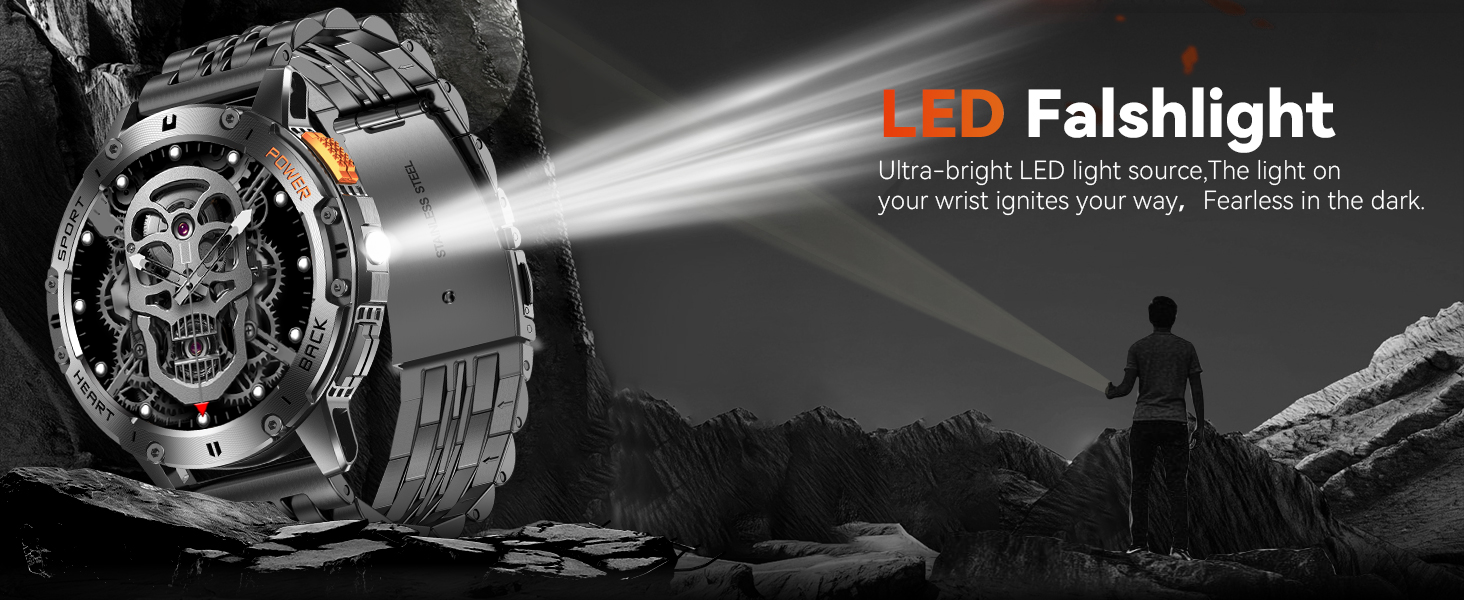
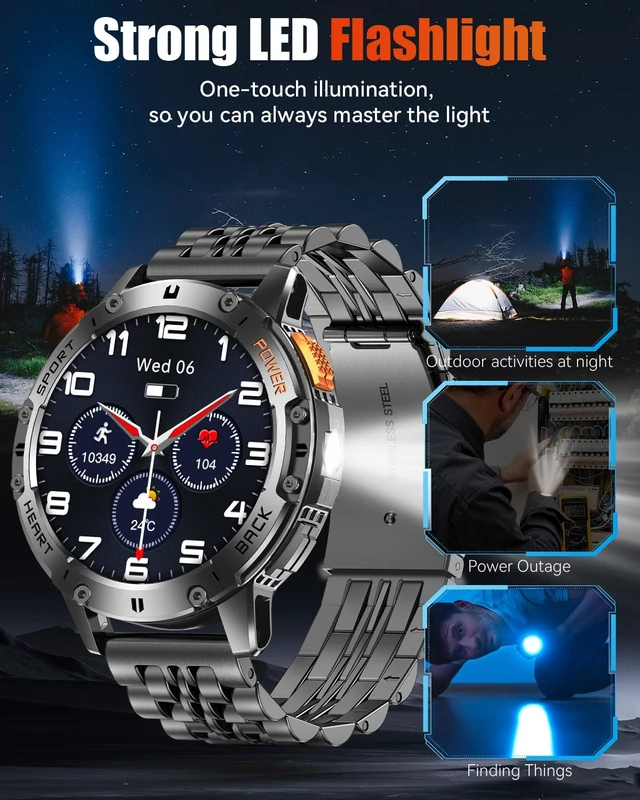
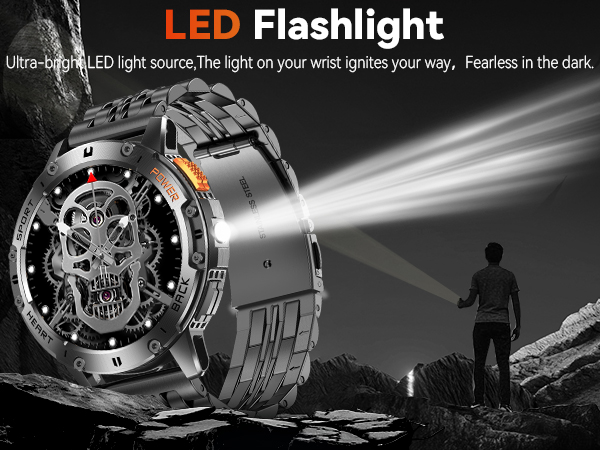
LED Flashlight: Activate the flashlight function anytime to easily illuminate your surroundings, so you never have to worry about the dark.
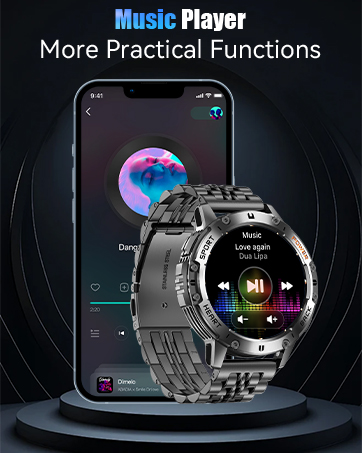
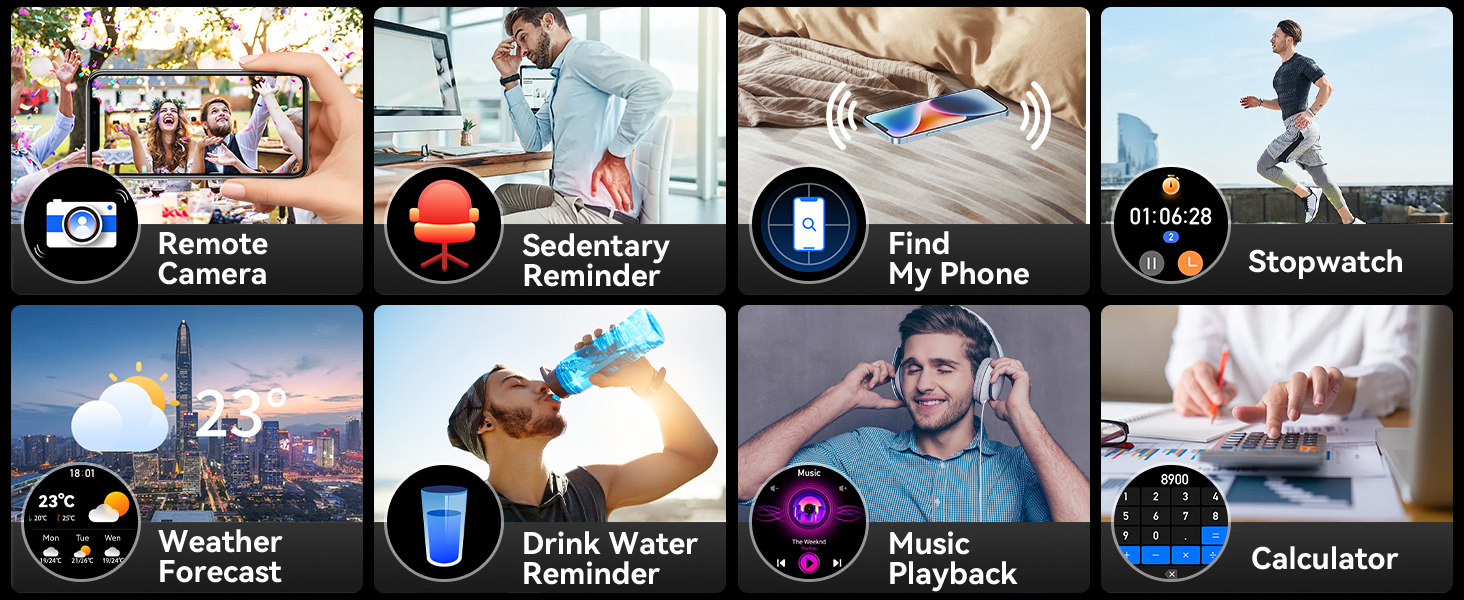
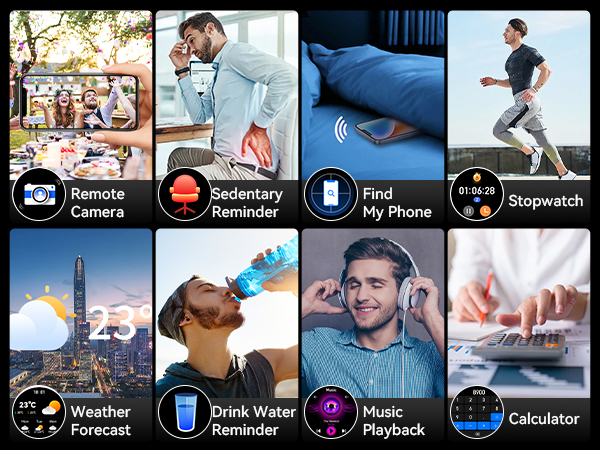
Multi-Funcational: This men's smartwatch comes with a variety of practical and thoughtful features, including water intake reminders, sedentary reminders, taking photos by shaking the watch, and finding your phone. These features add convenience and fun to your life. More exciting functions are waiting for you to explore.

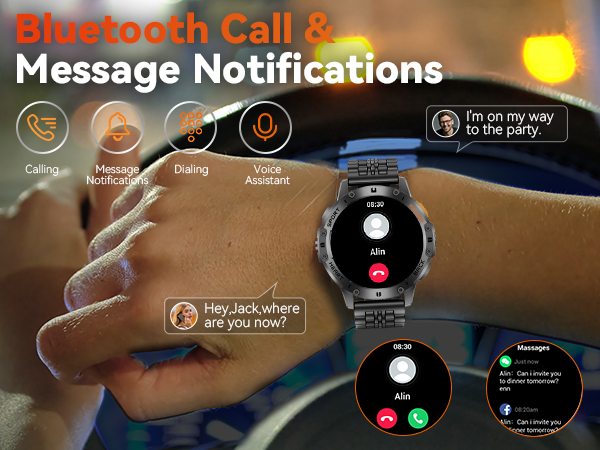
Bluetooth Calls & Message Notifications: Built-in high-fidelity speakers and a microphone, enjoy effortless chats with friends. The high-definition screen delivers clear messages, ensuring you never miss important updates.
Military Standard Certification: Tested against over 12 military standards, it is designed to be virtually indestructible, accompanying you on every adventure.
1.43" HD AMOLED Screen: With an ultra-high resolution of 466*466 and AMOLED display, it delivers a refined and vibrant visual experience.
24h Health tracker: Built-in optical sensor that continuously monitors your sleep quality and other health data. With 24/7 tracking, you can gain insight into your health to foster a healthier lifestyle.
389 Watch Dials: With a variety of watch faces to choose from and DIY customization support, you can showcase your unique style.
110 Sports Modes: With over 110 sport modes available through "FitCloudPro," it fully meets your diverse fitness needs.
530mAh Battery: With an ultra-long battery life of 7-10 days (depending on personal usage), say goodbye to battery anxiety.
IP68 Waterproof: Whether for daily use or in rainy conditions, this smartwatch can easily handle it. The waterproof design ensures you don’t have to worry about water damage (avoid using it for diving).
LED Flashlight: Activate the flashlight function anytime to easily illuminate your surroundings, so you never have to worry about the dark.
Multi-Funcational: This men's smartwatch comes with a variety of practical and thoughtful features, including water intake reminders, sedentary reminders, taking photos by shaking the watch, and finding your phone. These features add convenience and fun to your life. More exciting functions are waiting for you to explore.
1. Download the "FitCloudPro" app: Search for and download "FitCloudPro" in the app store.
2. Turn on Bluetooth: Enable Bluetooth in your phone settings to ensure the smart watch can be detected.
3. Connect the smart watch: Open the app, select "Add Peripheral Now", choose "K65" to bind, and agree to the connection request on the smart watch.
4. Set audio mode: Swipe down on the smart watch screen, select the "Phone" icon, and choose the audio mode as needed.
If you want the sound to come out of your phone/headset, follow the steps in the video.
If you want to change the dial / DIY dial, please follow the steps in the video.
1.If you are experiencing messages that are not displayed on your smartwatch, Turn off “Do Not Disturb“ mode on your smartwatch and follow the steps in the video.
2.If you're using an Android phone, skip to the 1:00 mark in the video, where it covers connecting the smartwatch and setting up message notifications.
If you want the watch screen to stay always on, you can follow the steps shown in the video.
Note: Enabling this feature will shorten the watch's operating time ! ! !
1.If you want to change the preferred unit of your smartwatch, follow the steps in the video.
2.Let us know when you have any problems with your smartwatch with this video and we'll fix it for you!