


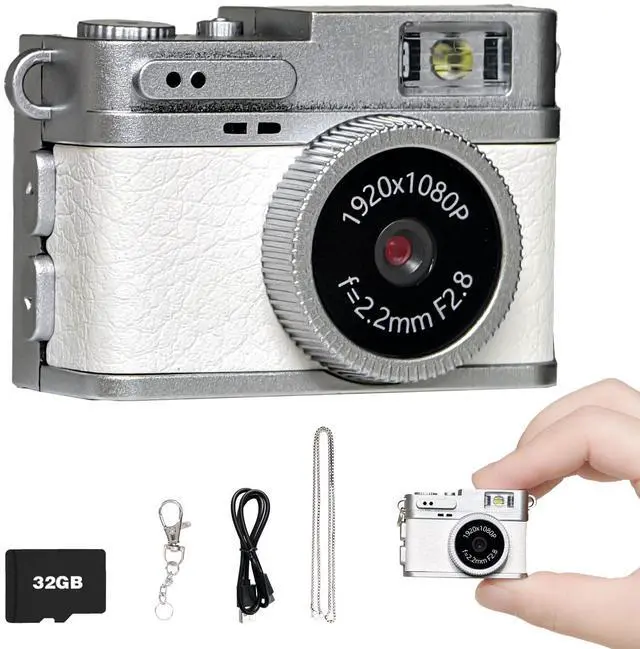




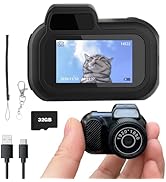
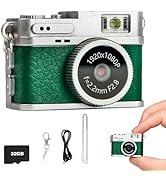
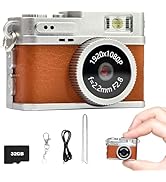

Compact camera: shoot photos, record videos—all in one.

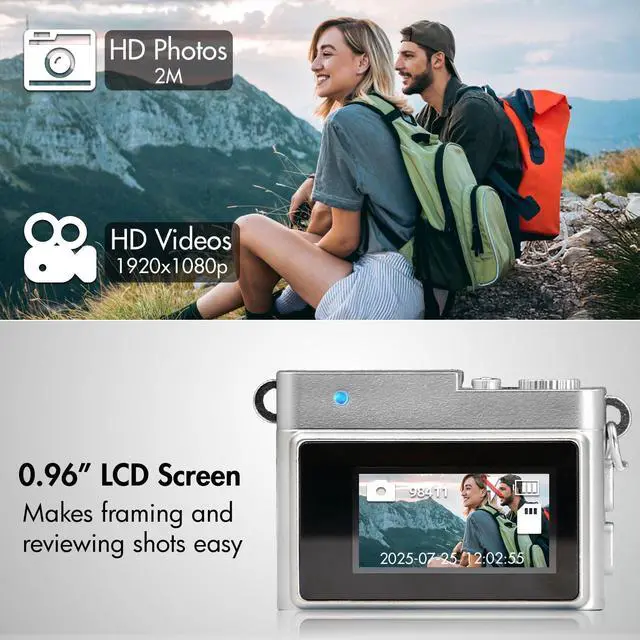
Capture all the beautiful instants in life

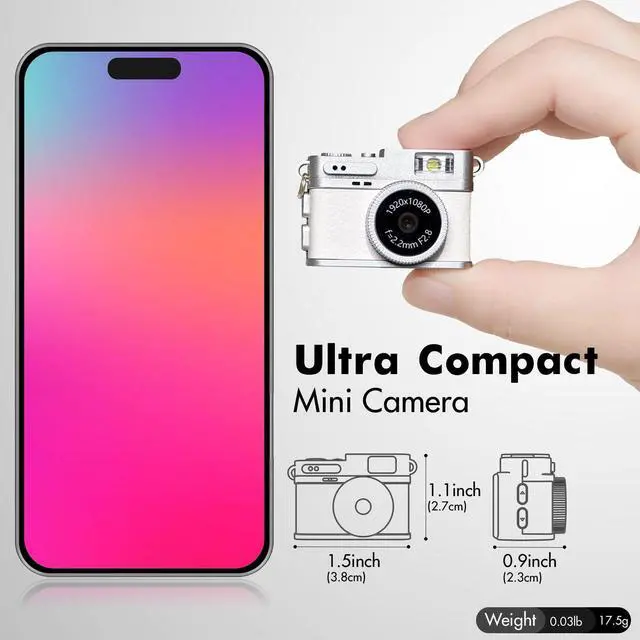
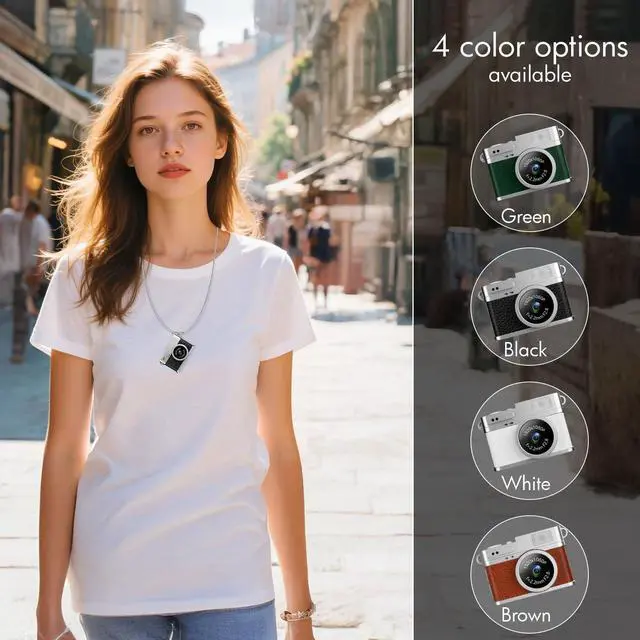
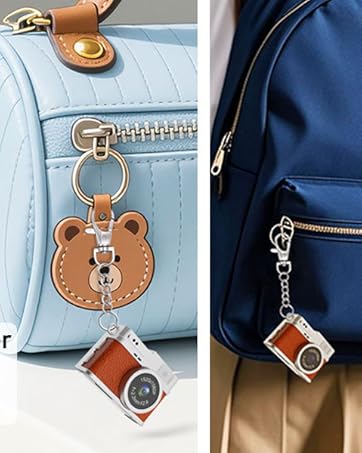
Necklace of views, bag of tales—this tiny camera trails every step.


How to Change the Time and Date
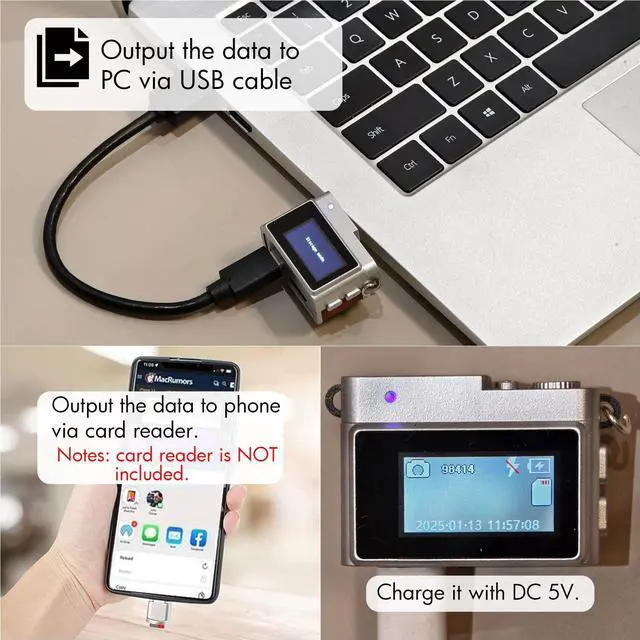
1.Connect the Camera via USB to Windows PC
2. Select "Mass Storage Mode" on the Camera
3. Open the newly appeared Removable Disk on the PC
4. Navigate to the DCIM folder and run the xxx.bat file. A time txt file will be generated in the root directory
5. Safety eject the camera from the PC and restart the camera, the time will be updated automatically
Specifications

Ideal gift alert! This mini camera fits kids, yong person and photography fans to record happy moments!!
Compact camera: shoot photos, record videos—all in one.
Capture all the beautiful instants in life
Necklace of views, bag of tales—this tiny camera trails every step.
How to Change the Time and Date
1.Connect the Camera via USB to Windows PC
2. Select "Mass Storage Mode" on the Camera
3. Open the newly appeared Removable Disk on the PC
4. Navigate to the DCIM folder and run the xxx.bat file. A time txt file will be generated in the root directory
5. Safety eject the camera from the PC and restart the camera, the time will be updated automatically
Specifications
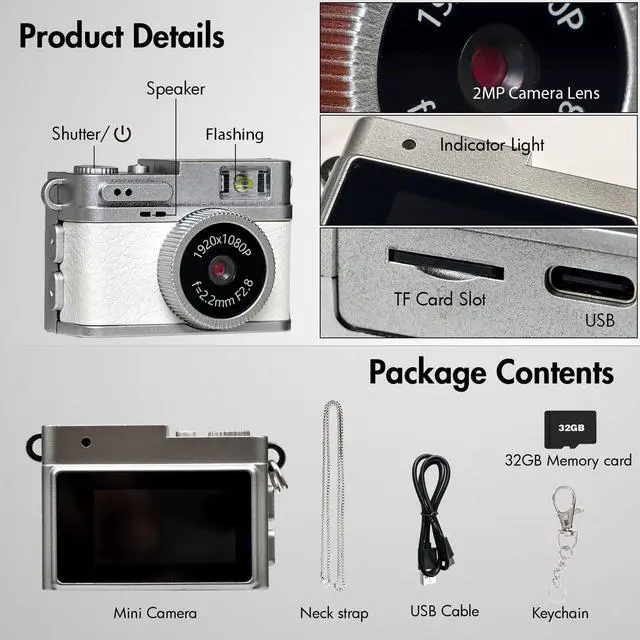
| Screen Size | 0.96INCH |
| Colour | White |
| Filters | 4 filters |
| Battery Capacity | 180MAH |
| Photo Format | JPG |
| Video Format | AVI |
| Recording function | YES |
| Video Resolution | 1920 * 1080P |
| Image Resolution | Default 2M |
| Extended Memory | MAX 128G (installed 32GB Card) |
| Loop Record | Default 3 mins |
| Charging Port | Type-C |
| Workting Time | About 50+ mins |
| Wifi | NO |
| Waterproof | NO |
Ideal gift alert! This mini camera fits kids, yong person and photography fans to record happy moments!!
retro camera