


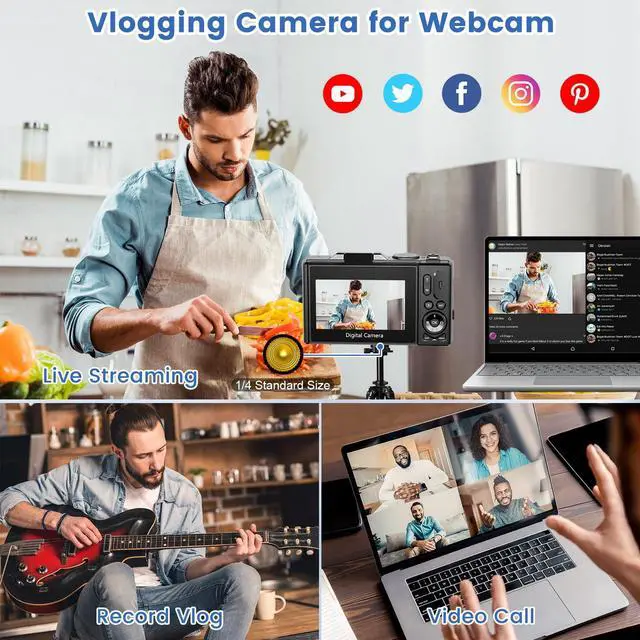


Can I attach this camera to a tripod?
Yes,our cameras have a tripod port on the bottom that fit 1/4 standard size
Is it possible to support larger capacity Micro SD cards?
Yes, the 4K digital camera compatible with max 128GB, please format the 32G micro card before use the camera first.
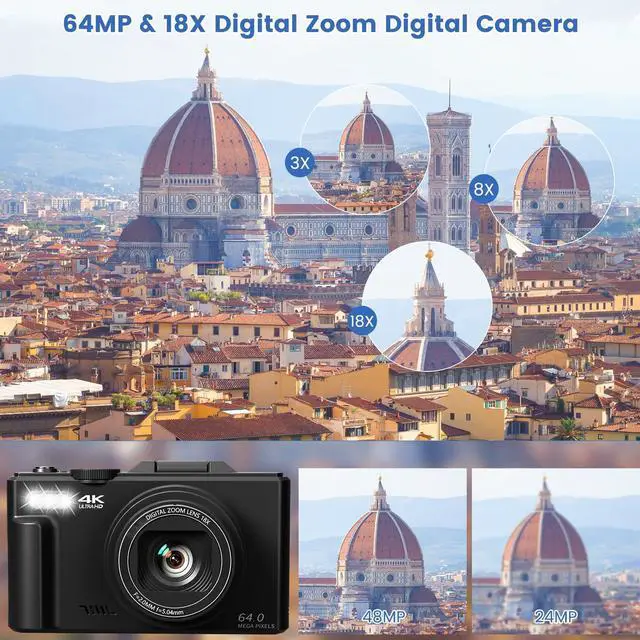
How do I take HD images and video?
In the Photo mode, press the “MENU ” button to enter the photo menu settings page, select the “Pixel Inset” option, adjust the pixel to 64MP to capture HD photos.
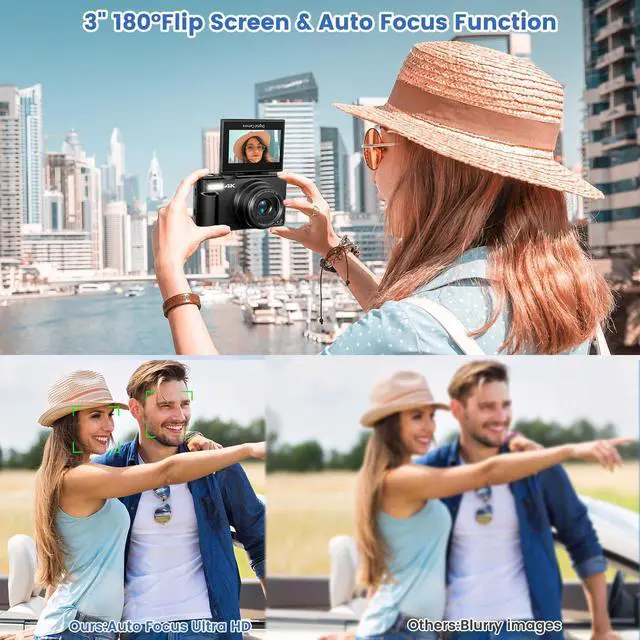
How to Autofocus Take Still Image?
1.Focus the camera on the static object you want to photograph
2.Press the shutter button halfway down to focus, When the image is in focus, The focus frame in the screen will turn green.
3.Press the shutter button fully down to shoot an image.
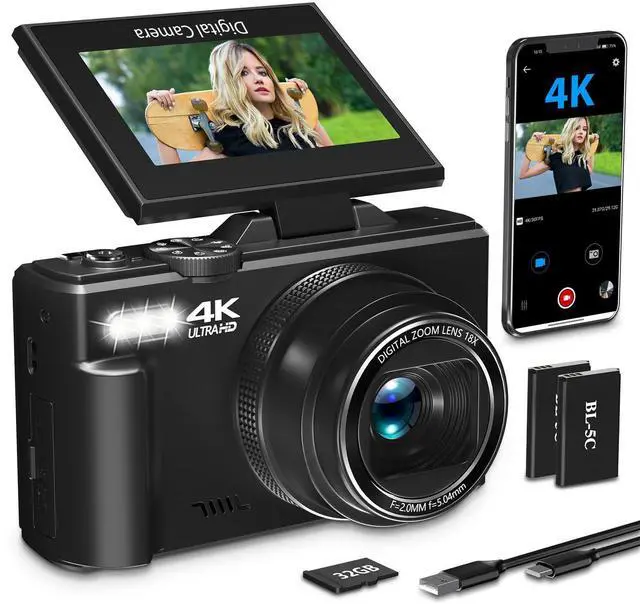
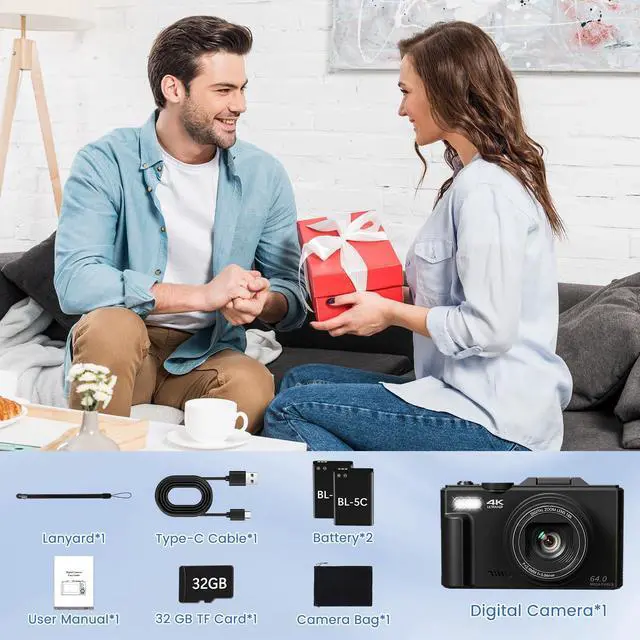
Missing accessories, there's no Micro SD card in my package
The micro SD card is packaged with the camera, please open the “USB/TF” on the side of the camera to check.


Can I attach this camera to a tripod?
Yes,our cameras have a tripod port on the bottom that fit 1/4 standard size
Is it possible to support larger capacity Micro SD cards?
Yes, the 4K digital camera compatible with max 128GB, please format the 32G micro card before use the camera first.
How do I take HD images and video?
In the Photo mode, press the “MENU ” button to enter the photo menu settings page, select the “Pixel Inset” option, adjust the pixel to 64MP to capture HD photos.
How to Autofocus Take Still Image?
1.Focus the camera on the static object you want to photograph
2.Press the shutter button halfway down to focus, When the image is in focus, The focus frame in the screen will turn green.
3.Press the shutter button fully down to shoot an image.
Missing accessories, there's no Micro SD card in my package
The micro SD card is packaged with the camera, please open the “USB/TF” on the side of the camera to check.