


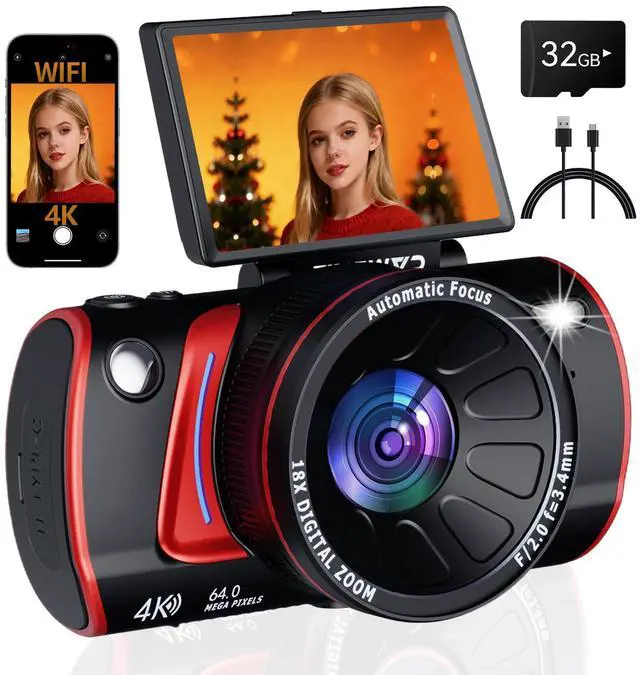
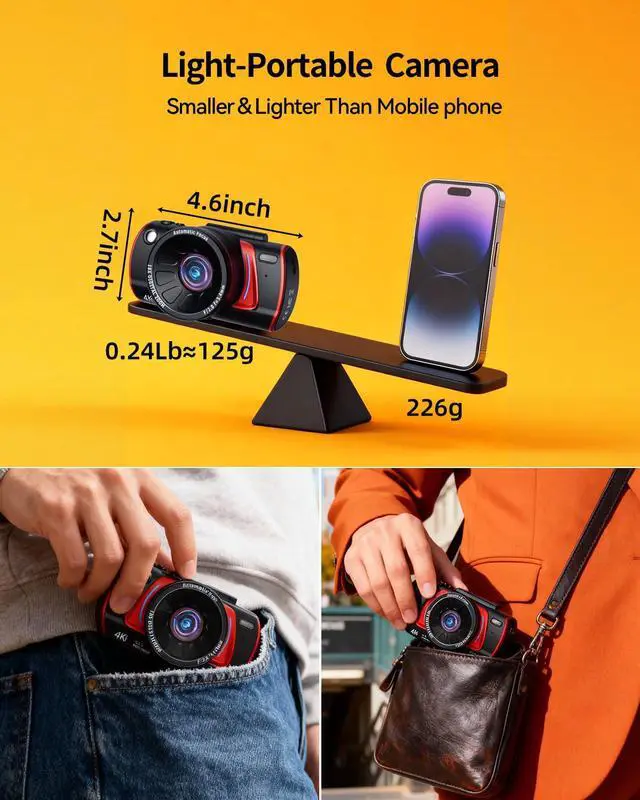
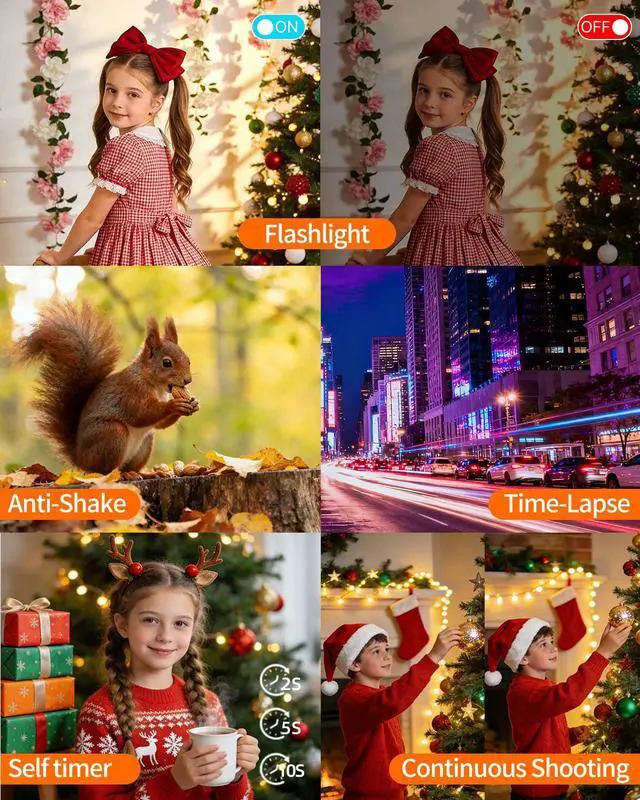
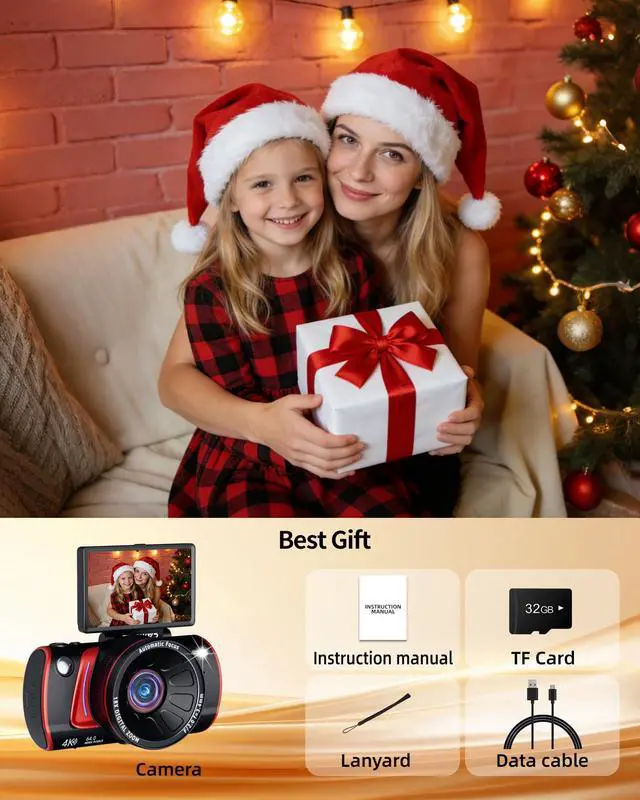


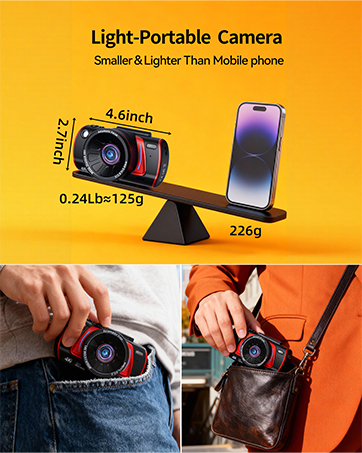
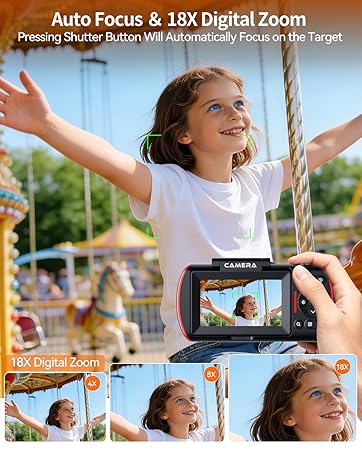
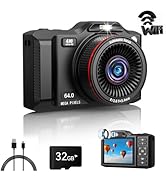
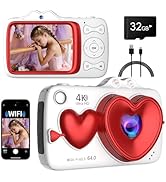
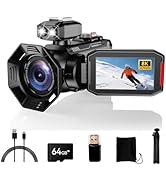
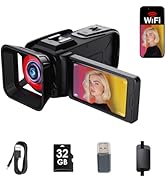
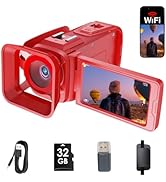
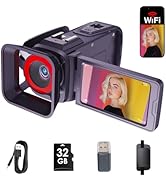

4K digital camera
Merchant Video


Multiple styles and colors for you to choose from
 Digital Camera |  Digital Camera |  Dual Lens digital camera |  Dual Lens digital camera |  8K Digital Camera |  4K Video Camera Camcorder |  8K Video Camera Camcorder | |
|---|---|---|---|---|---|---|---|
Customer Reviews | — | — | — | — | — | — | — |
Price | — | — | — | — | — | — | — |
Dual-lens | ? | ? | ? | ? | ? | ? | ? |
Flip Screen | ? | ? | ? | ? | ? | ? | ? |
18X Digital Zoom | ? | ? | ? | ? | ? | ? | ? |
Dual display | ? | ? | ? | ? | ? | ? | ? |
Resolution | 4K | 4K | 4K | 4K | 8K | 4K | 8K |
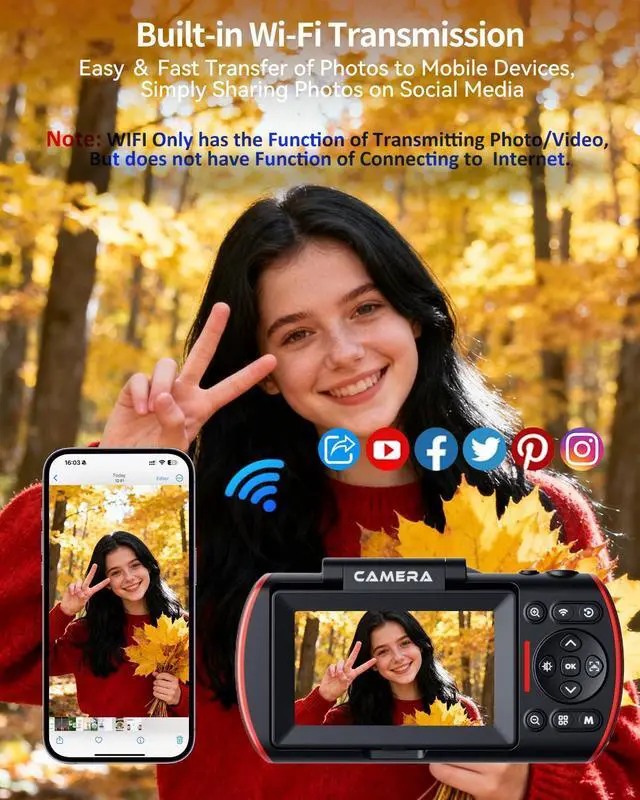
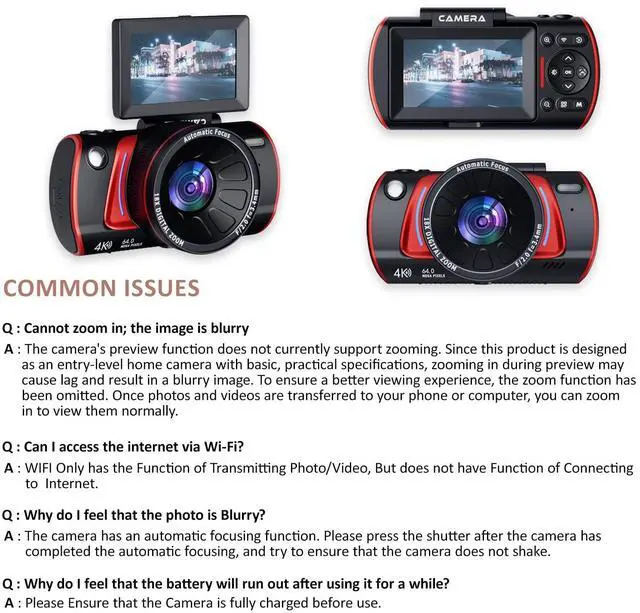
Can I access the internet via Wi-Fi?
WIFI Only has the Function of Transmitting Photo/Video, But does not have Function of Connecting to Internet.
How to Transfer the Files?
1.Connect the camera directly to a computer via the original USB cable, and choose "MSDS" when a dialog pops up.
2.Open the APP “Vipulse”, access to the camera files, and then download them directly to your phone.
Why do I feel that the photo is Blurry?
The camera has an automatic focusing function. Please press the shutter after the camera has completed the automatic focusing, and try to ensure that the camera does not shake.
Why can't my phone connect to the camera via Wi-Fi or control it through the app?
1.Restart Camera then Restart Wi-Fi mode
2.Make sure App is connected to Camera's Wi-Fi Not Home Wi-Fi
3. If the App Crashes Reinstall it. When prompted for permissions like camera access or location services, select “Allow.
How to deal with the excessive noise in the photos taken?
1 Open the "Menu" , find the "Photo Mode", and adjust the ISO to "400".
2 Please set the camera's exposure compensation to +1. If the noise is still excessive, you can adjust the exposure compensation to +2.

4K digital camera
Merchant Video


Multiple styles and colors for you to choose from
Digital Camera | Digital Camera | Dual Lens digital camera | Dual Lens digital camera | 8K Digital Camera | 4K Video Camera Camcorder | 8K Video Camera Camcorder |
|---|---|---|---|---|---|---|
| Customer Reviews | ||||||
| — | — | — | — | — | — | — |
| Price | ||||||
| — | — | — | — | — | — | — |
| Dual-lens | ||||||
| ? | ? | ? | ? | ? | ? | ? |
| Flip Screen | ||||||
| ? | ? | ? | ? | ? | ? | ? |
| 18X Digital Zoom | ||||||
| ? | ? | ? | ? | ? | ? | ? |
| Dual display | ||||||
| ? | ? | ? | ? | ? | ? | ? |
| Resolution | ||||||
| 4K | 4K | 4K | 4K | 8K | 4K | 8K |
Can I access the internet via Wi-Fi?
WIFI Only has the Function of Transmitting Photo/Video, But does not have Function of Connecting to Internet.
How to Transfer the Files?
1.Connect the camera directly to a computer via the original USB cable, and choose "MSDS" when a dialog pops up.
2.Open the APP “Vipulse”, access to the camera files, and then download them directly to your phone.
Why do I feel that the photo is Blurry?
The camera has an automatic focusing function. Please press the shutter after the camera has completed the automatic focusing, and try to ensure that the camera does not shake.
Why can't my phone connect to the camera via Wi-Fi or control it through the app?
1.Restart Camera then Restart Wi-Fi mode
2.Make sure App is connected to Camera's Wi-Fi Not Home Wi-Fi
3. If the App Crashes Reinstall it. When prompted for permissions like camera access or location services, select “Allow.
How to deal with the excessive noise in the photos taken?
1 Open the "Menu" , find the "Photo Mode", and adjust the ISO to "400".
2 Please set the camera's exposure compensation to +1. If the noise is still excessive, you can adjust the exposure compensation to +2.
Multiple styles available
Multiple styles available