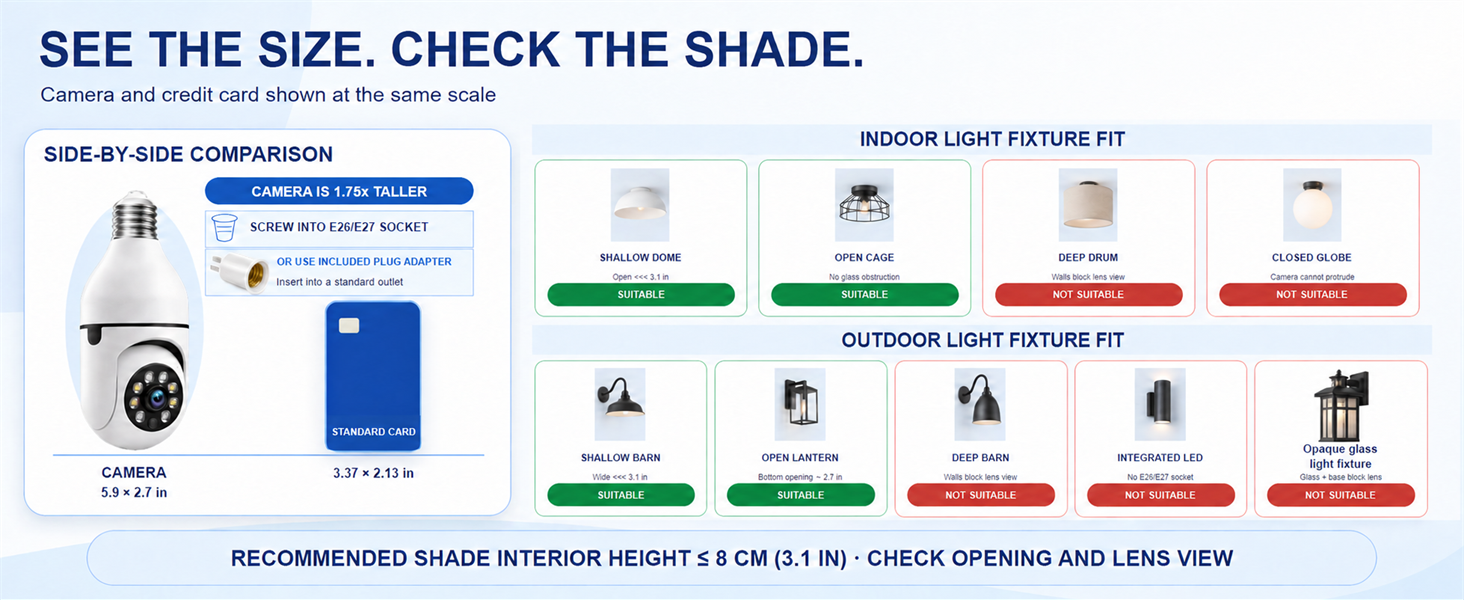
here!
I’m your shopping assistant for PC builds, upgrades, and everything tech.
Got questions? Ask away!
Start a conversation
here!
I’m your shopping assistant for PC builds, upgrades, and everything tech.
Got questions? Ask away!
Start a conversation
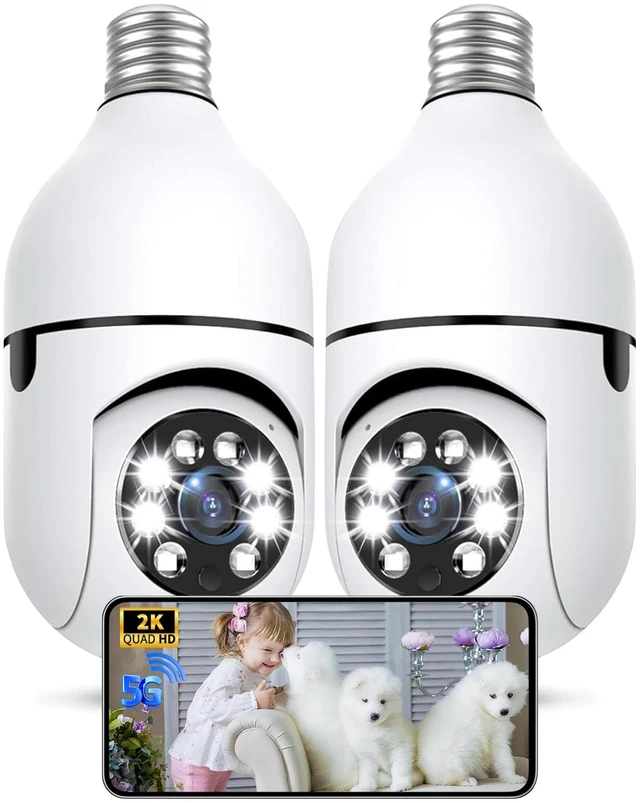
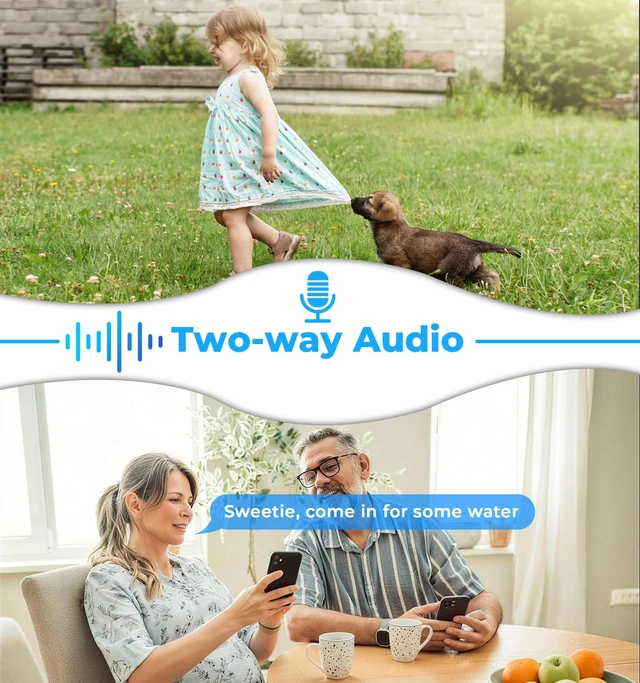
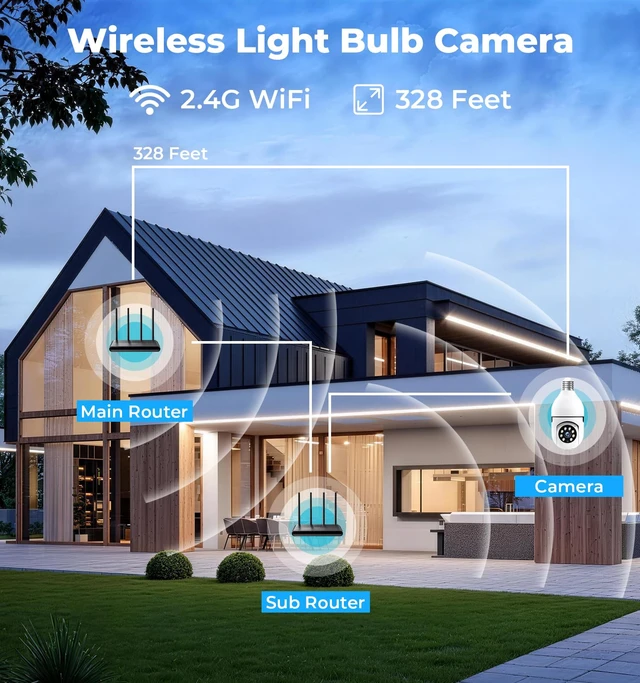
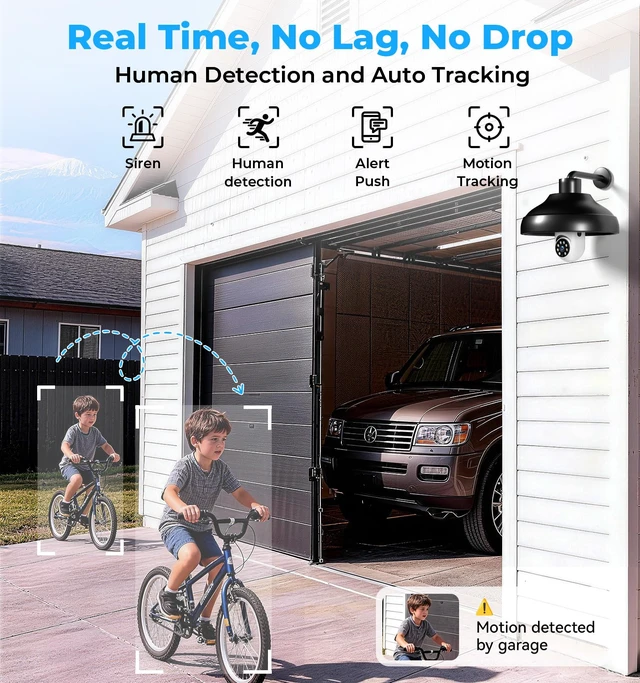
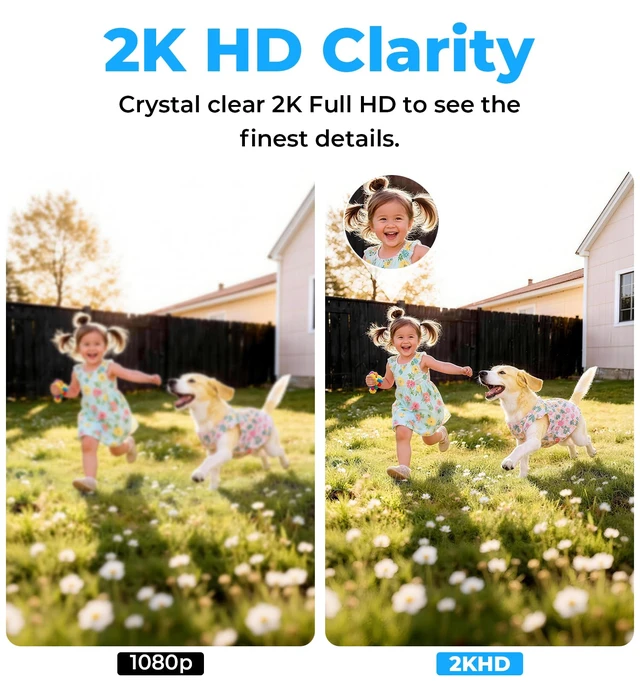
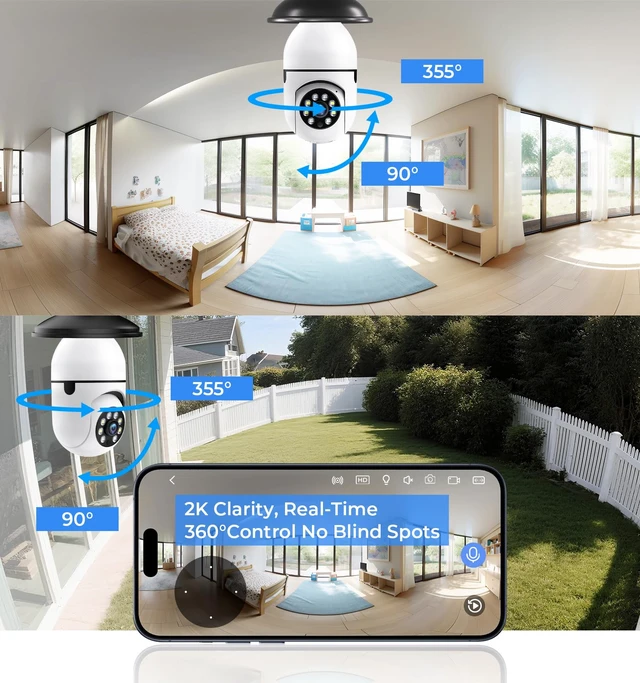
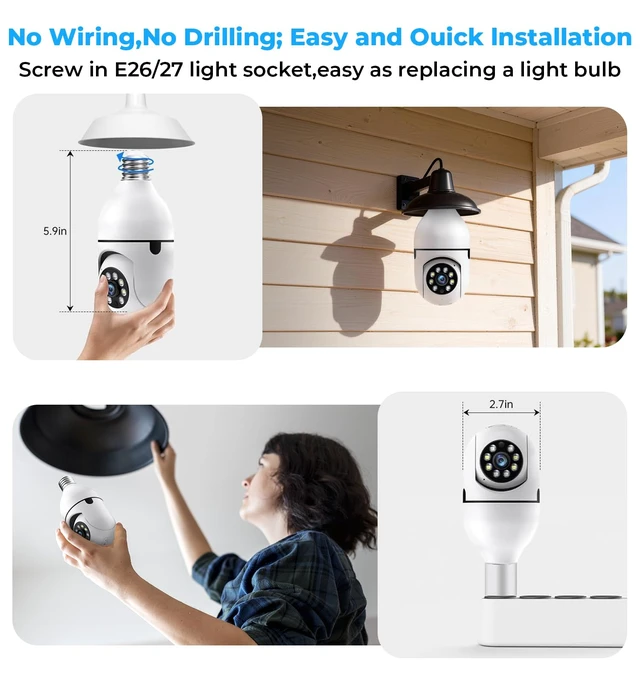



Any questions? Ask CelesteSM will help you find out quickly.
 Bulb Security Camera |  LightBulb Security Camera | 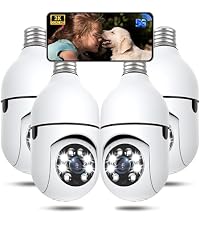 Poleeye Bulb Camera 4Pack | 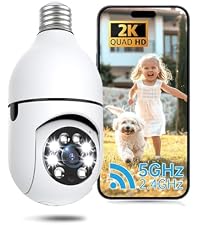 Screw Bulb Camera Outdoor | 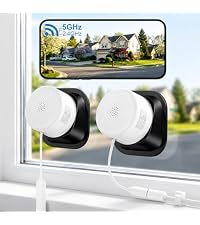 2K Window Cameras | 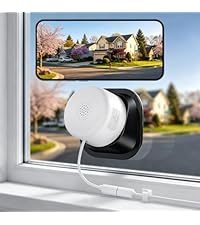 Window Security Camera | 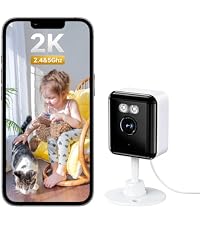 Indoor Camera Wireless | |
|---|---|---|---|---|---|---|---|
Customer Reviews | — | — | — | — | — | — | — |
Price | — | — | — | — | — | — | — |
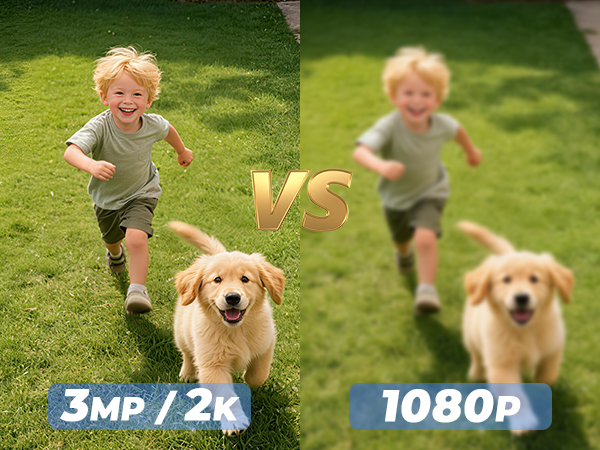
Resolution | 3MP/2K | 5MP/2.5K | 3MP/2K | 3MP/2K | 3MP/2K | 3MP/2K | 3MP/2K |
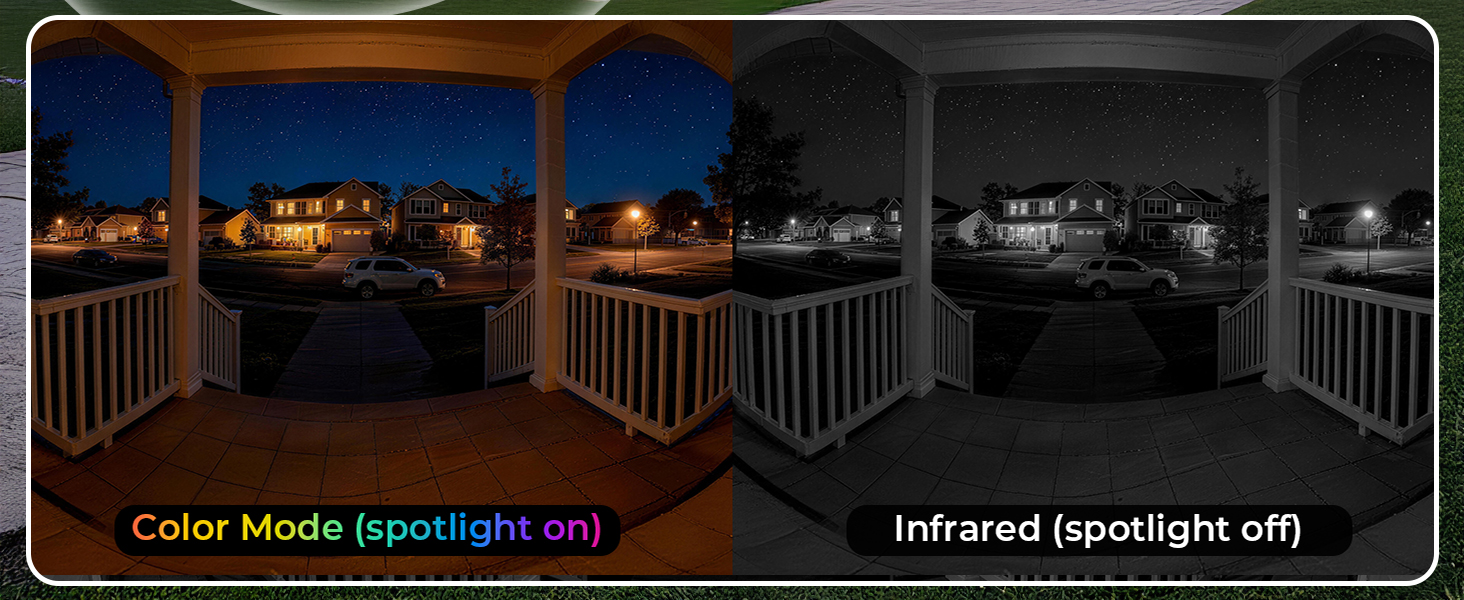
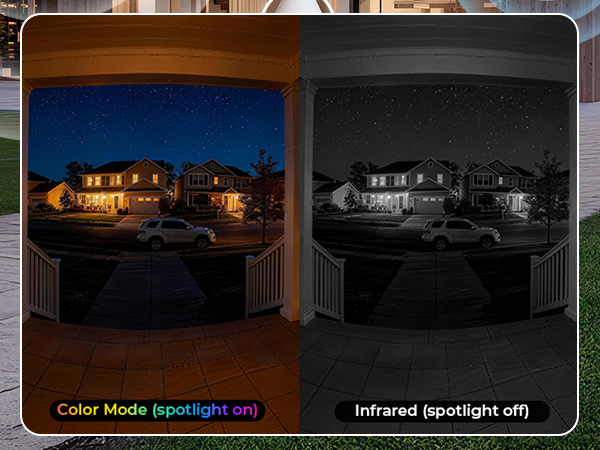
Night Vision | Color/ Infrared Night Vision | Color/ Infrared Night Vision | Color/ Infrared Night Vision | Color/ Infrared Night Vision | Starlight Night Vision | Starlight Night Vision | Color/ Infrared Night Vision |
App | Eseecloud | Eseecloud | Eseecloud | Eseecloud | InstaVision | InstaVision | InstaVision |
No Pop-Up Ads App | Truisee | Truisee | Truisee | Truisee | NewAiEye | NewAiEye | NewAiEye |
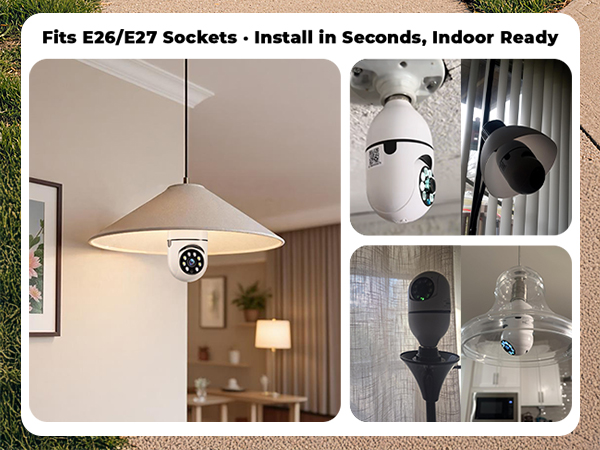
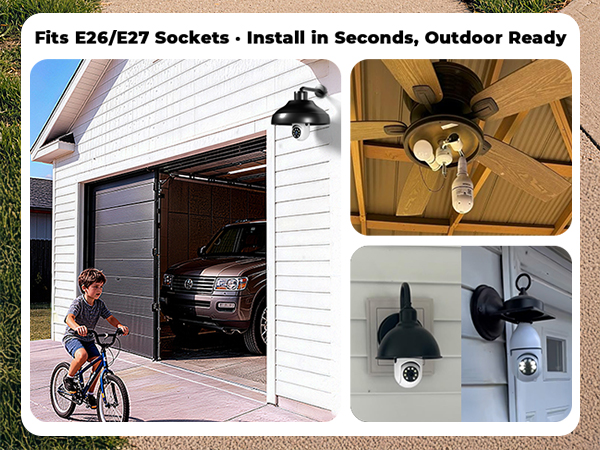
Wired Use? | Screw E26/E27 Socket | Screw E26/E27 Socket | Screw E26/E27 Socket | Screw E26/E27 Socket | Type C Cable | Type C Cable | Type C Cable |
Detection Distance | 23ft | 23ft | 23ft | 23ft | 23ft | 23ft | 23ft |
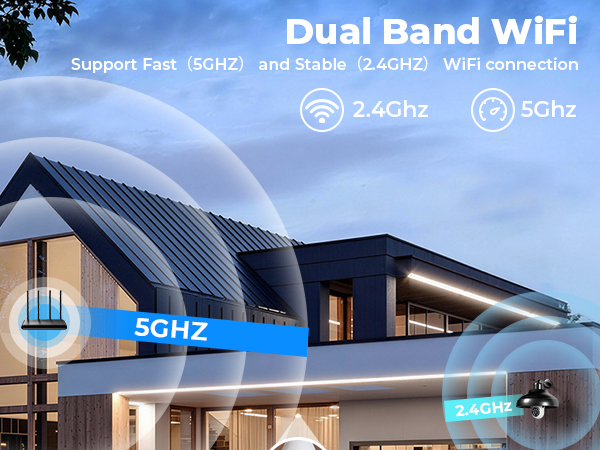
2.4Ghz & 5Ghz | ? | ? | ? | ? | ? | ? | ? |
What Can I do when there are too much annoying persistent requests to subscribe to cloud storage during setup?
Please use the No Pop-Up Ads App to setup, there are no ads and if you insert a micro SD card you will no longer to need subscribe to cloud forever.
InstaVision corresponds to NewAiEye(no ads)
Eseecloud corresponds to Truisee(no ads)
How I can cancel the free trial with automatic renewal?
Please let us know by SMS along with you device ID and account username we will cancel it immediately; or tell the customer-service through the app to cancel along with you device ID and account username.
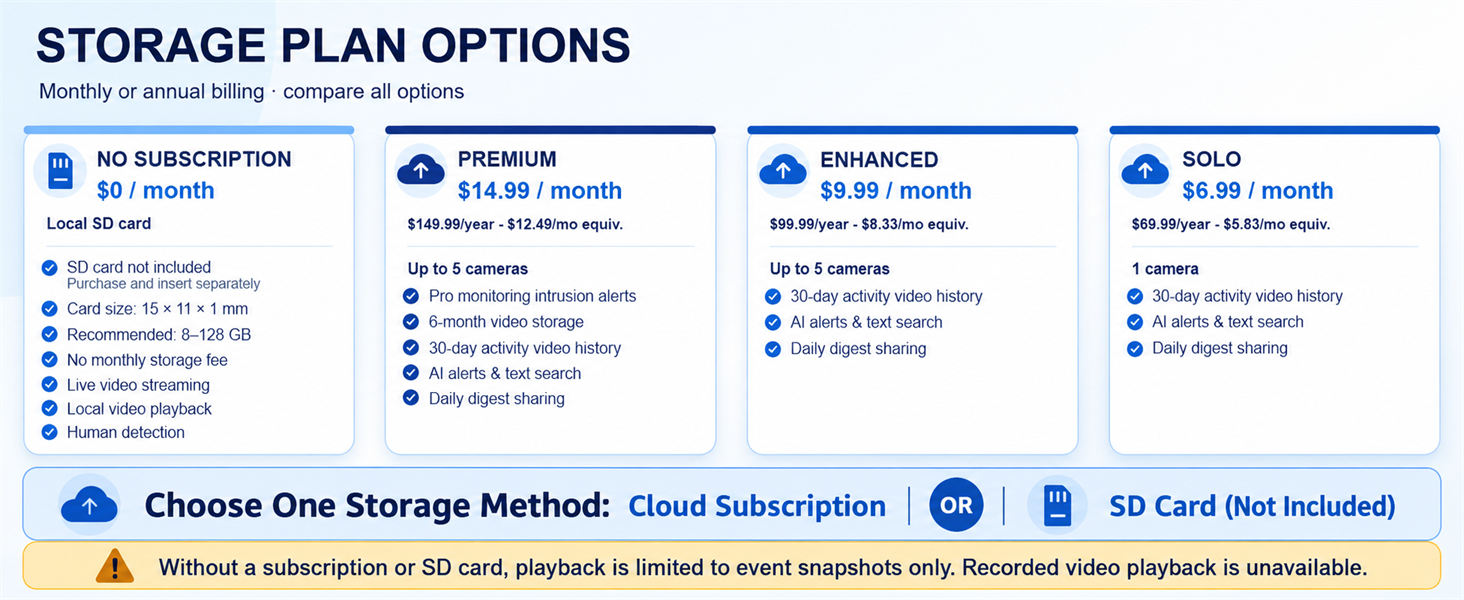
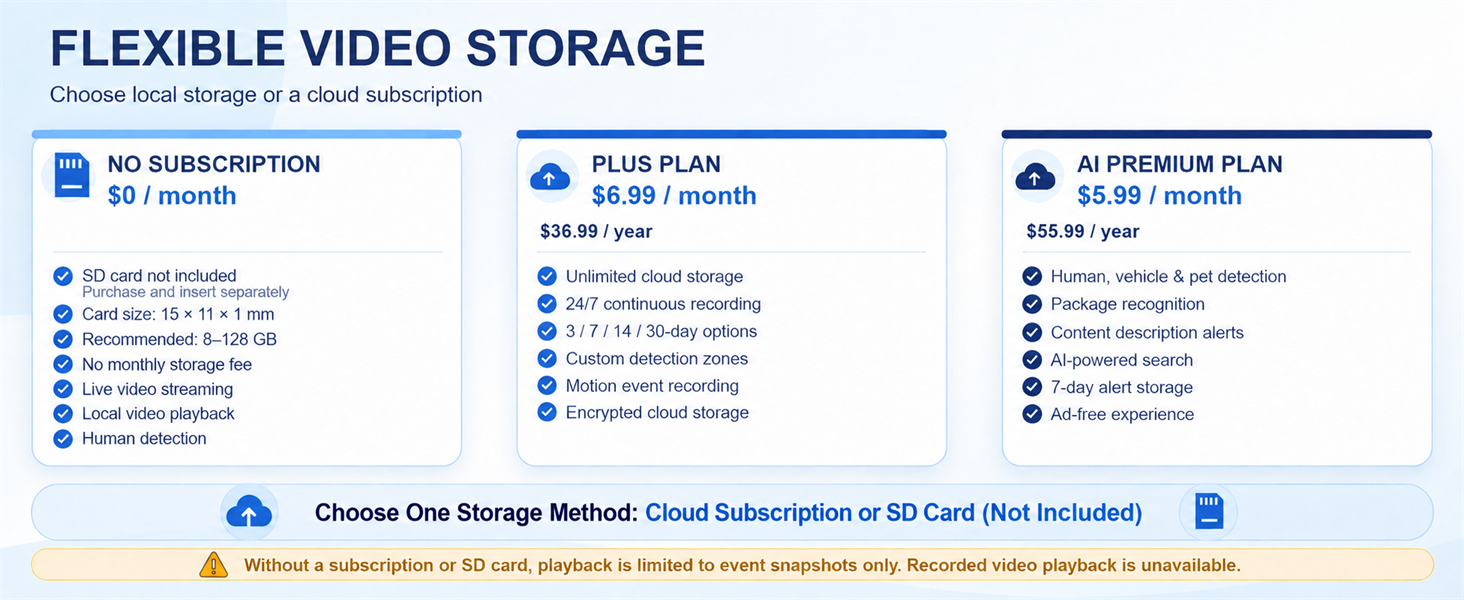
Why the camera cannot record the video but only picture detected at the first time I use the camera?
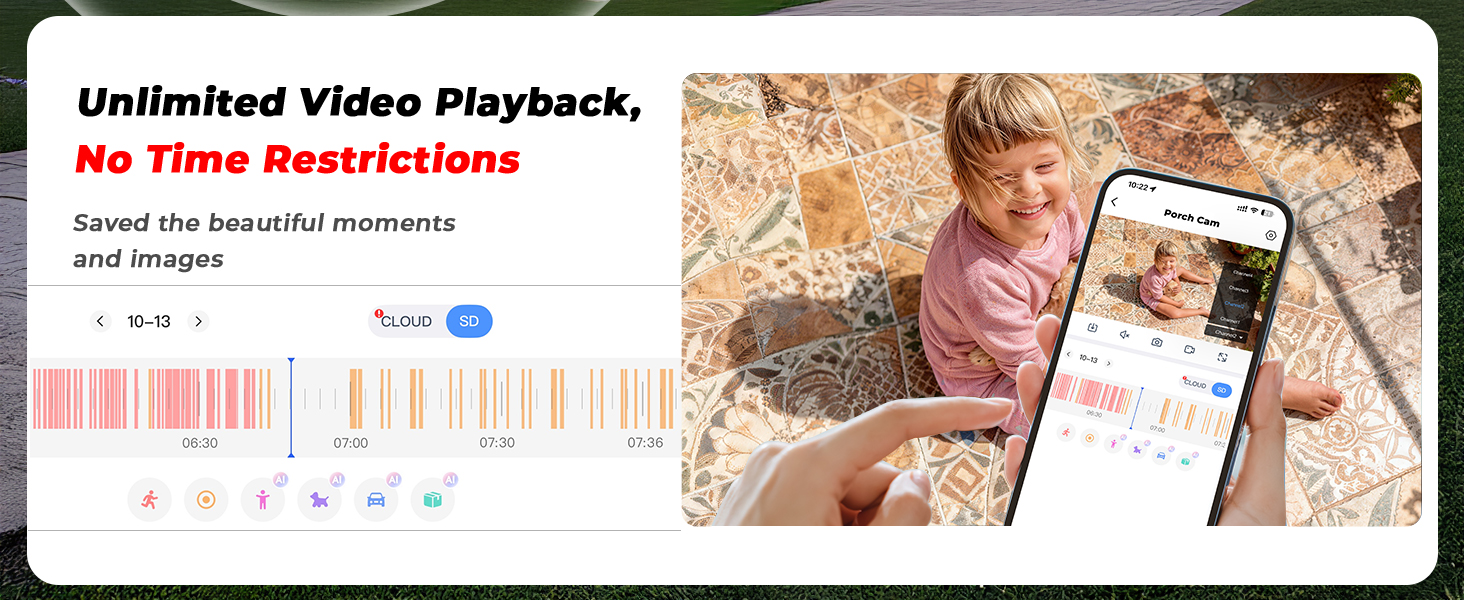
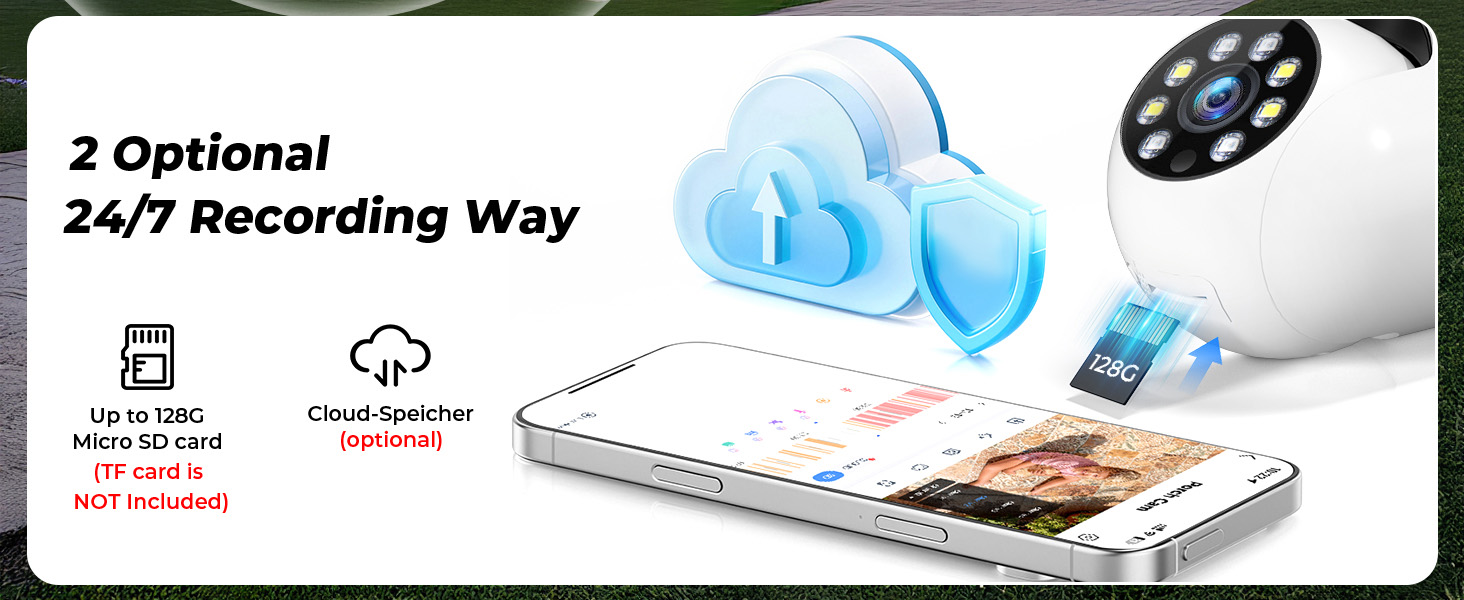
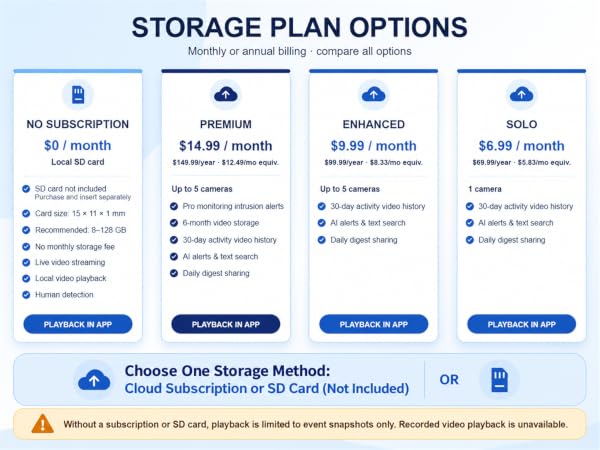
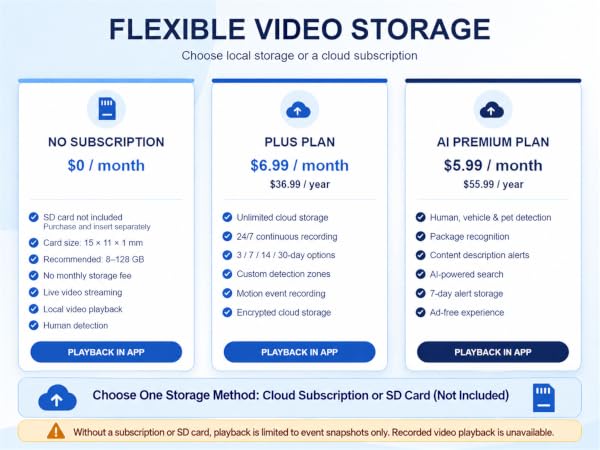
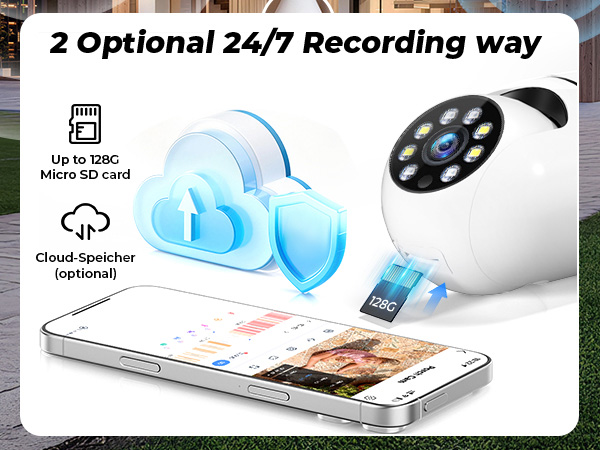
The video can be detected when you insert a micro SD or use the cloud, for the video need to be storaged in somewhere, this camera is support micro SD card or optional subscribe cloud,
you can chose as your preference.
I didn’t buy a microSD card and I’m not subscribed to cloud storage. Is the camera still usable?
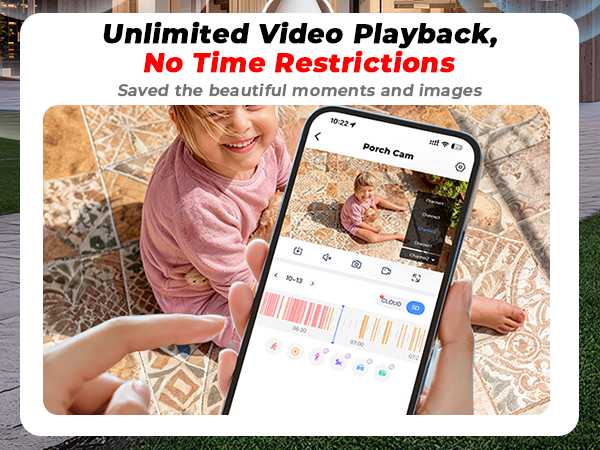
Not really, you can still use the camera to watch live video in real time. However, without either a microSD card or a cloud storage plan, the camera has nowhere to save recordings. That means there are no recording and playback features.
What should I pay attention when choose a SD card?
For EseeCloud devices:Capacity: 8GB–256GB Class 10 or higher, FAT32 Format
For InstaVision devices: Capacity: 8GB–256GB,U3 or V30 and above Speed Class,FAT32 Format
Same Size: 15mm × 11mm × 1mm (standard TF card)

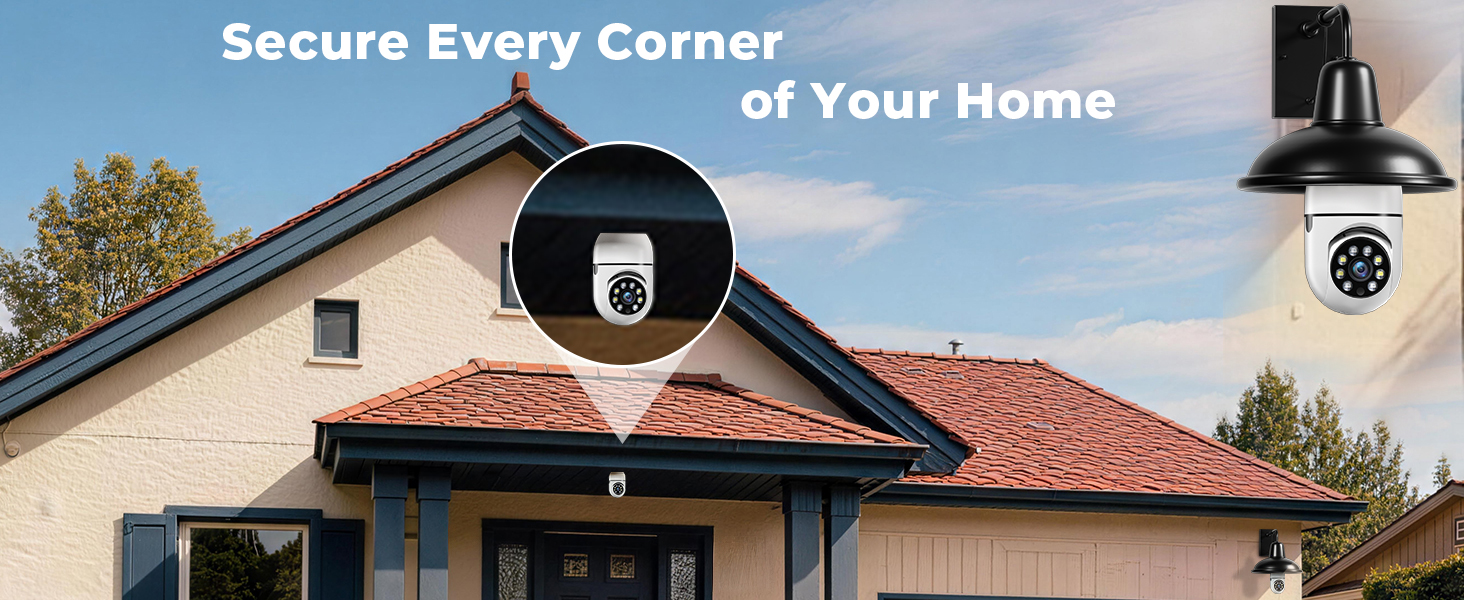
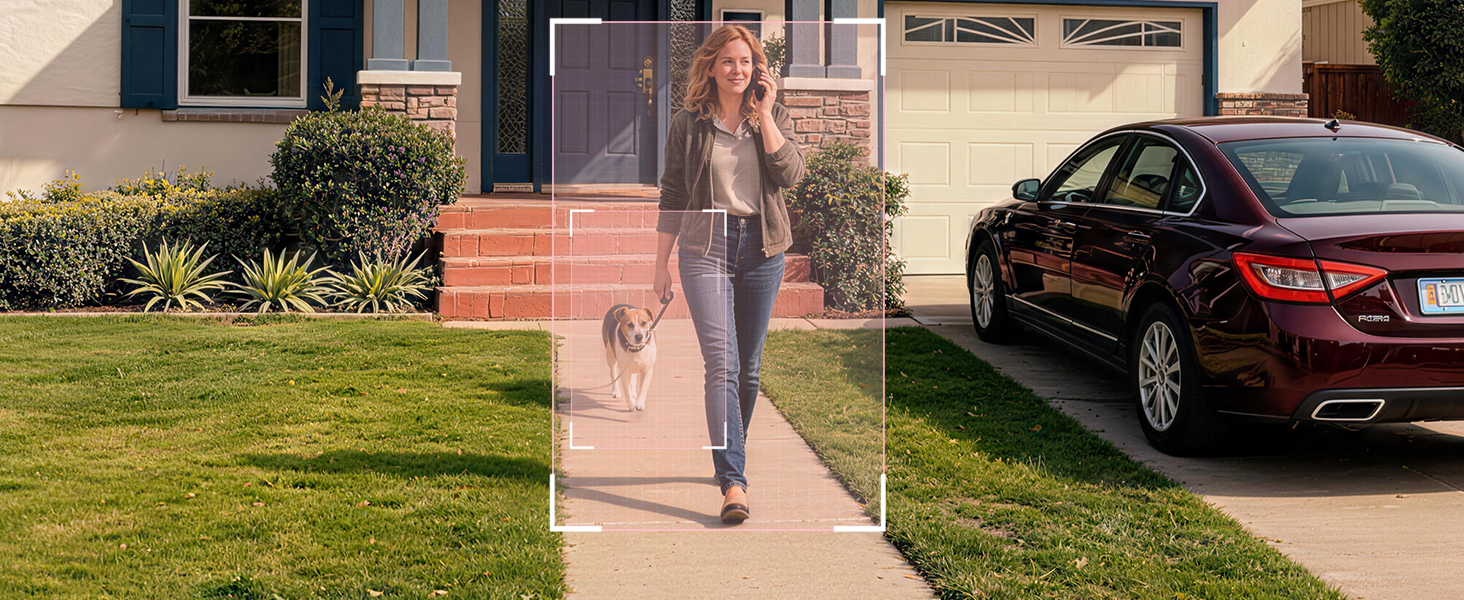
At Ploeeye, we believe every home deserves an extra layer of protection.
Inspired by the idea of “one more eye watching over your home,” Ploeeye creates smart home security cameras designed to help families stay connected, protected, and relieved wherever they are.Like a trusted guardian, keep an eye on what matters most and helps you see more, know more, and respond faster when it matters.
Because security is not only watching — More caring.
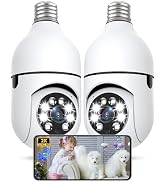
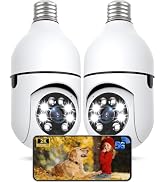
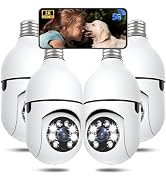


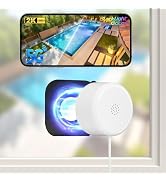
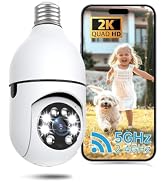
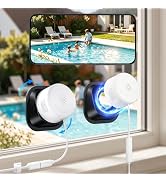
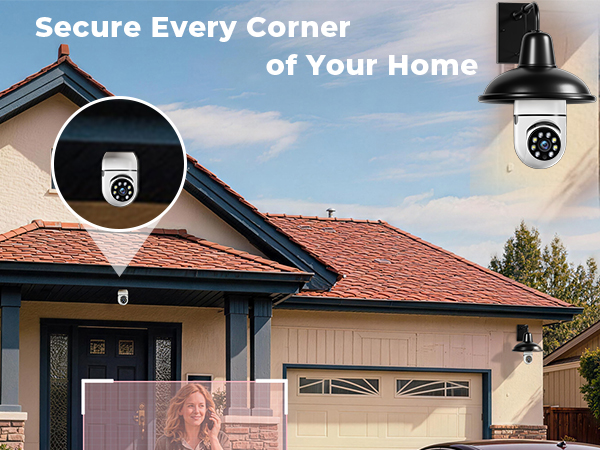
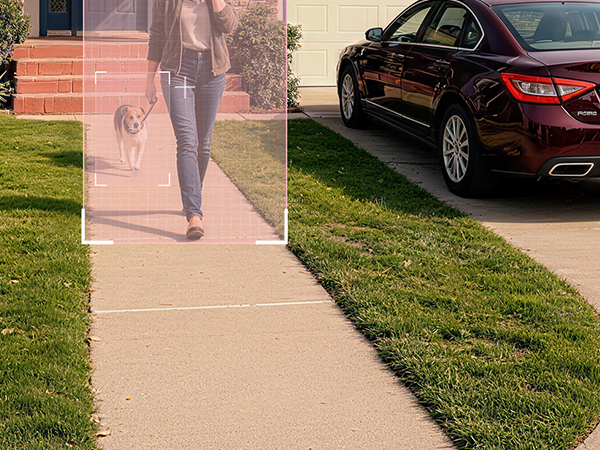
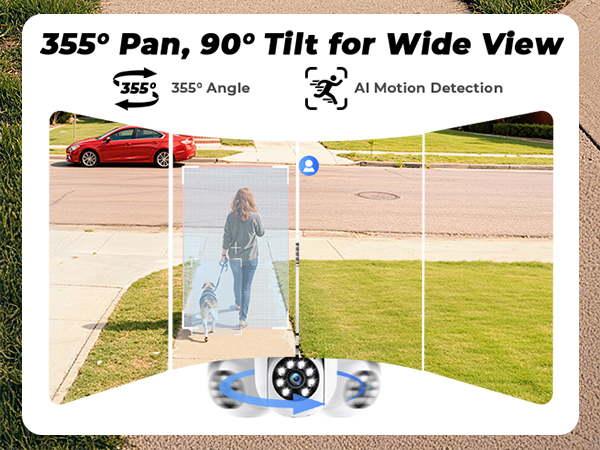
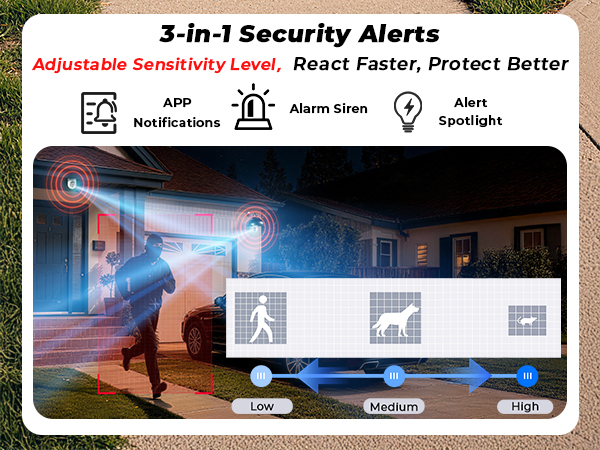
Bulb Security Camera | LightBulb Security Camera | Poleeye Bulb Camera 4Pack | Screw Bulb Camera Outdoor | 2K Window Cameras | Window Security Camera | Indoor Camera Wireless |
|---|---|---|---|---|---|---|
| Customer Reviews | ||||||
| — | — | — | — | — | — | — |
| Price | ||||||
| — | — | — | — | — | — | — |
| Resolution | ||||||
| 3MP/2K | 5MP/2.5K | 3MP/2K | 3MP/2K | 3MP/2K | 3MP/2K | 3MP/2K |
| Night Vision | ||||||
| Color/ Infrared Night Vision | Color/ Infrared Night Vision | Color/ Infrared Night Vision | Color/ Infrared Night Vision | Starlight Night Vision | Starlight Night Vision | Color/ Infrared Night Vision |
| App | ||||||
| Eseecloud | Eseecloud | Eseecloud | Eseecloud | InstaVision | InstaVision | InstaVision |
| No Pop-Up Ads App | ||||||
| Truisee | Truisee | Truisee | Truisee | NewAiEye | NewAiEye | NewAiEye |
| Wired Use? | ||||||
| Screw E26/E27 Socket | Screw E26/E27 Socket | Screw E26/E27 Socket | Screw E26/E27 Socket | Type C Cable | Type C Cable | Type C Cable |
| Detection Distance | ||||||
| 23ft | 23ft | 23ft | 23ft | 23ft | 23ft | 23ft |
| 2.4Ghz & 5Ghz | ||||||
| ? | ? | ? | ? | ? | ? | ? |
What Can I do when there are too much annoying persistent requests to subscribe to cloud storage during setup?
Please use the No Pop-Up Ads App to setup, there are no ads and if you insert a micro SD card you will no longer to need subscribe to cloud forever.
InstaVision corresponds to NewAiEye(no ads)
Eseecloud corresponds to Truisee(no ads)
How I can cancel the free trial with automatic renewal?
Please let us know by SMS along with you device ID and account username we will cancel it immediately; or tell the customer-service through the app to cancel along with you device ID and account username.
Why the camera cannot record the video but only picture detected at the first time I use the camera?
The video can be detected when you insert a micro SD or use the cloud, for the video need to be storaged in somewhere, this camera is support micro SD card or optional subscribe cloud,
you can chose as your preference.
I didn’t buy a microSD card and I’m not subscribed to cloud storage. Is the camera still usable?
Not really, you can still use the camera to watch live video in real time. However, without either a microSD card or a cloud storage plan, the camera has nowhere to save recordings. That means there are no recording and playback features.
What should I pay attention when choose a SD card?
For EseeCloud devices:Capacity: 8GB–256GB Class 10 or higher, FAT32 Format
For InstaVision devices: Capacity: 8GB–256GB,U3 or V30 and above Speed Class,FAT32 Format
Same Size: 15mm × 11mm × 1mm (standard TF card)
At Ploeeye, we believe every home deserves an extra layer of protection.
Inspired by the idea of “one more eye watching over your home,” Ploeeye creates smart home security cameras designed to help families stay connected, protected, and relieved wherever they are.Like a trusted guardian, keep an eye on what matters most and helps you see more, know more, and respond faster when it matters.
Because security is not only watching — More caring.