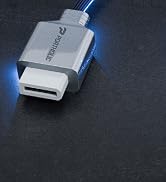
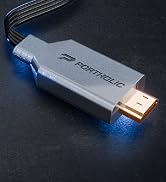
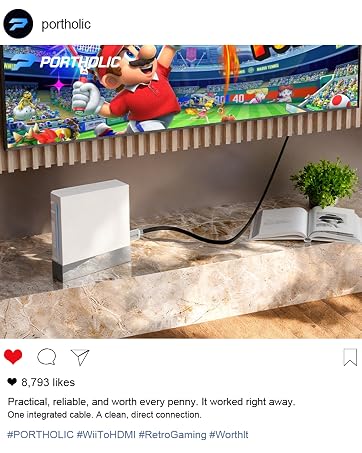
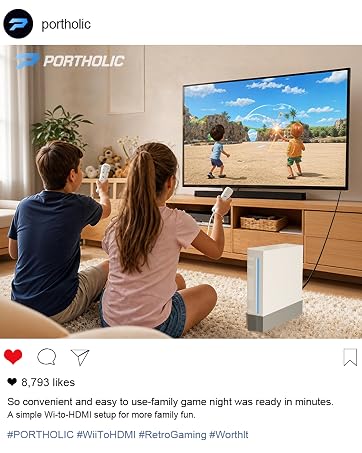
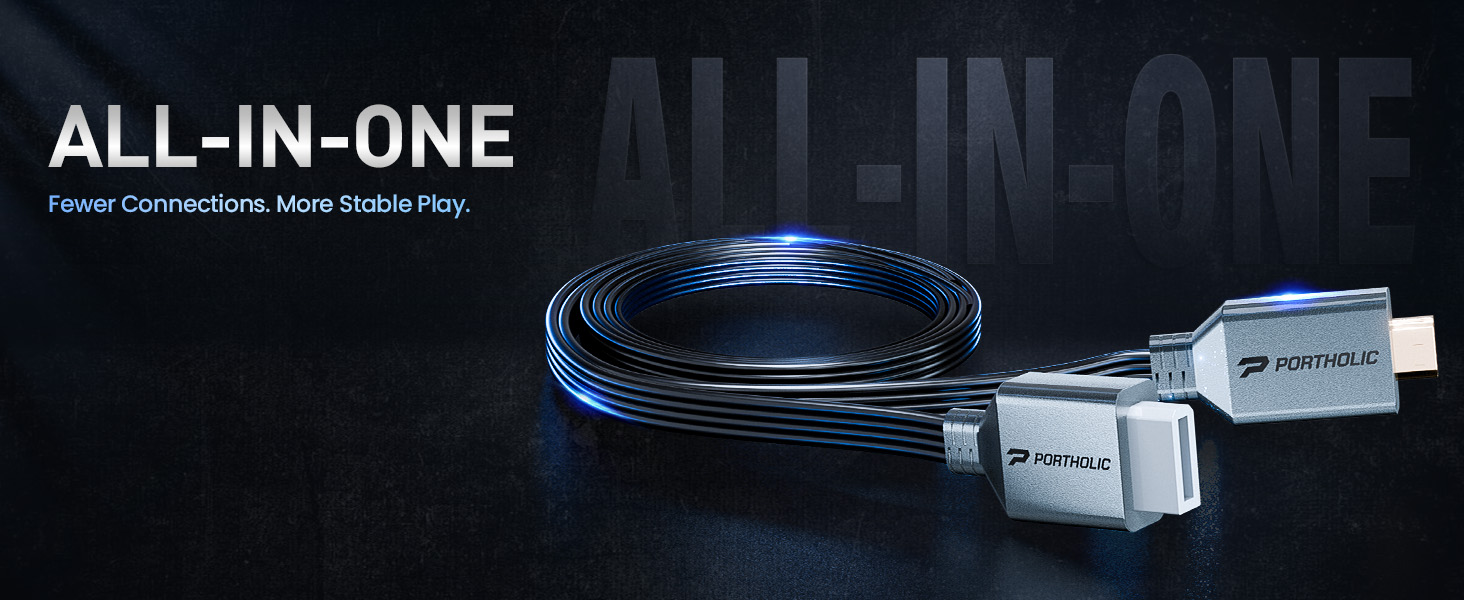
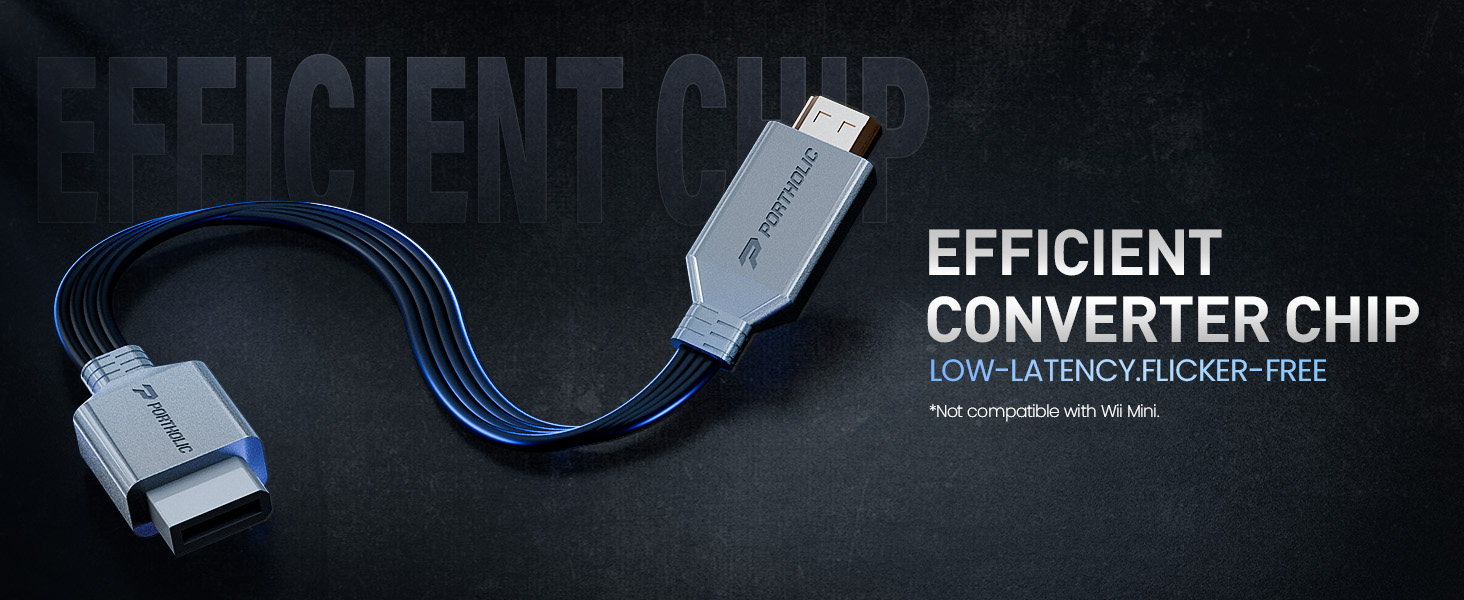
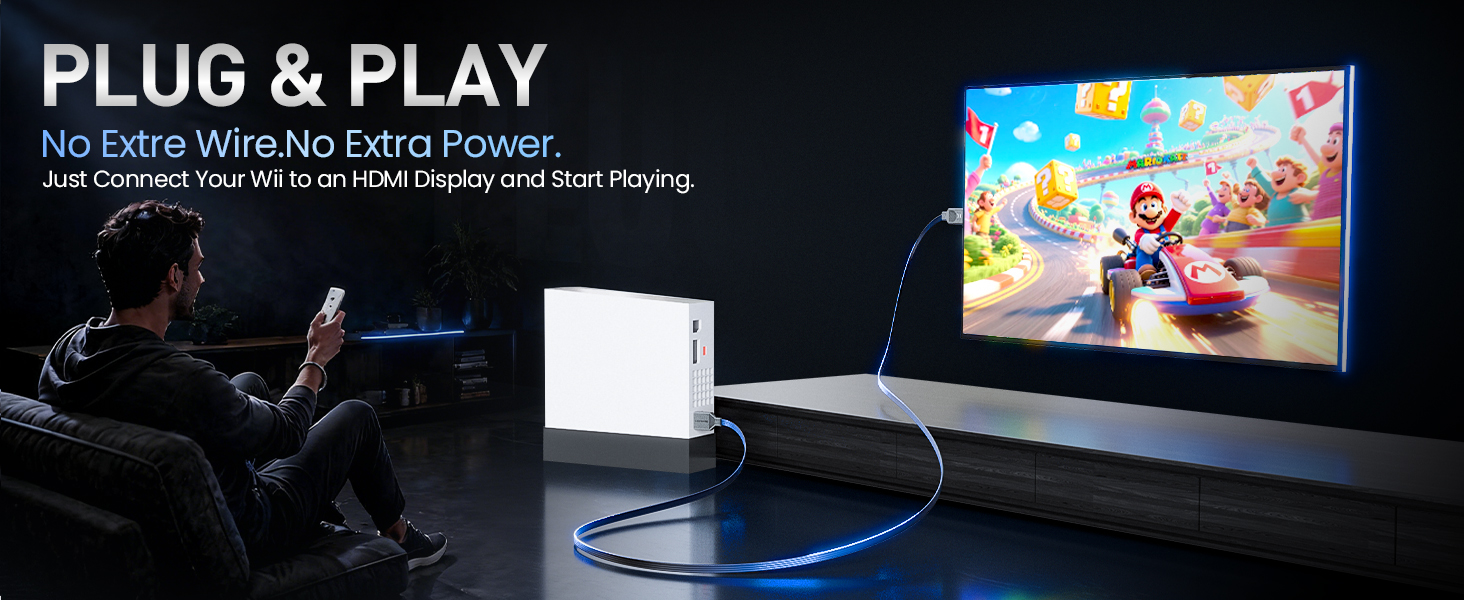
here!
here!
I’m your shopping assistant for PC builds, upgrades, and everything tech.
Got questions? Ask away!
Start a conversation
here!
I’m your shopping assistant for PC builds, upgrades, and everything tech.
Got questions? Ask away!
Start a conversation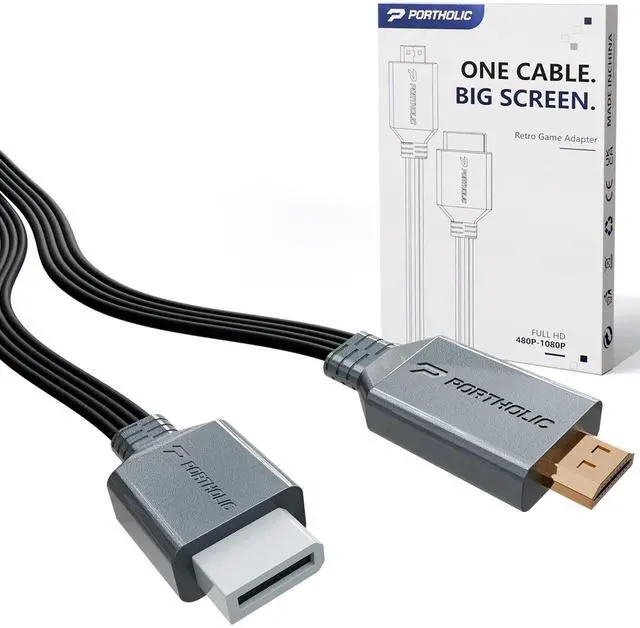



Any questions? Ask CelesteSM will help you find out quickly.
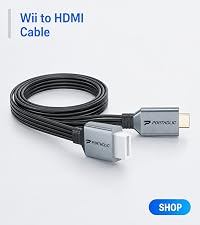 Wii to HDMI Cable | 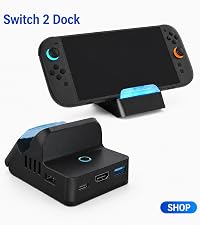 Switch 2 Dock | 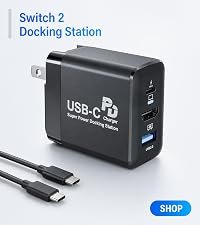 Switch 2 Docking Station | 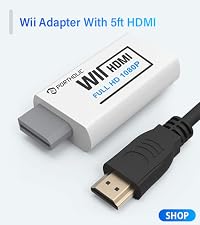 Wii to HDMI with 5ft HDMI | 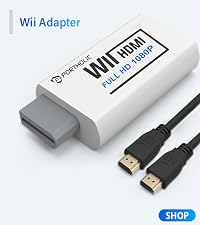 Wii to HDMI with 3ft HDMI | |
|---|---|---|---|---|---|
Customer Reviews | — | — | — | — | — |
Price | — | — | — | — | — |
Function | Cable | Charging,Stand,Adapter | Charging,Adapter | Adapter | Adapter |
Number of Ports | 0 | 5 | 3 | 1 | 1 |
USB-B Port | - | 2x USB2.0,1x USB3.0 | 1x USB3.0 | - | - |
USB-C Port | - | 1 x 5Gbps | 1 x 5Gbps | - | - |
HDMI port | 1xHDMI | 1xHDMI | 1x HDMI 2.0, Up to 4K@60Hz | 1xHDMI | 1xHDMI |
Plug & Play | ? | ? | ? | ? | ? |
24/7 Service Team | ? | ? | ? | ? | ? |
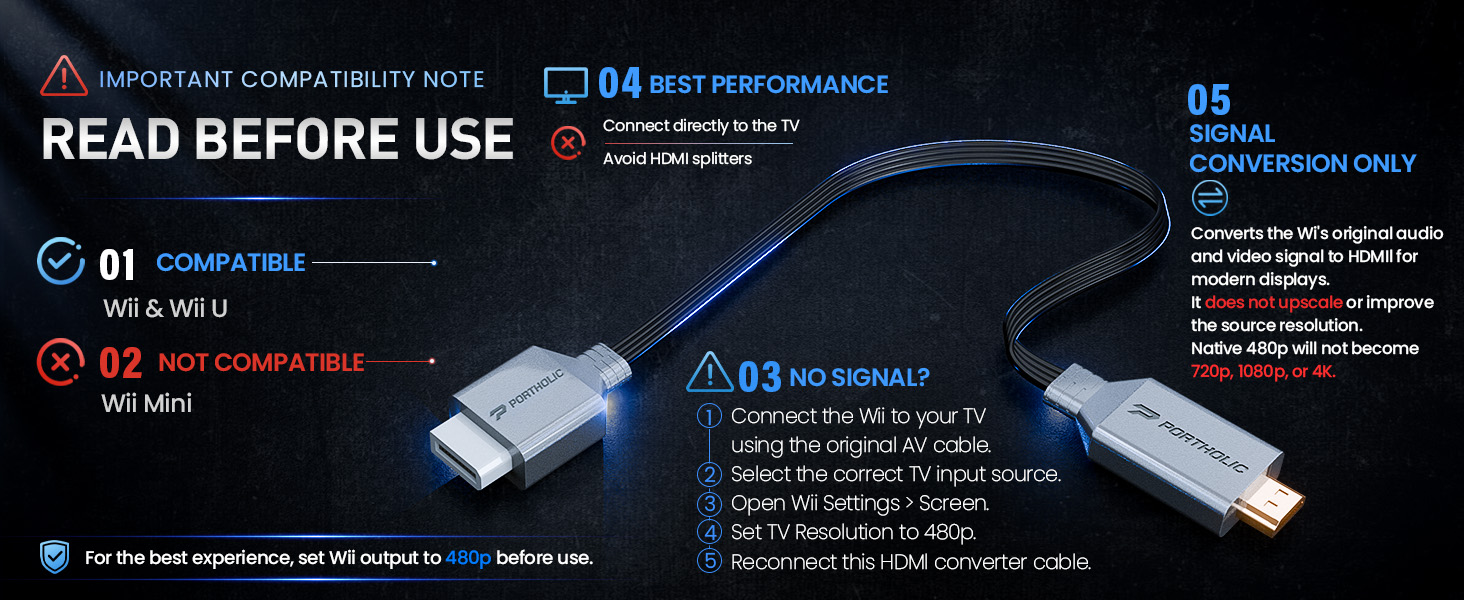
Does this converter make Wii games true 1080p?
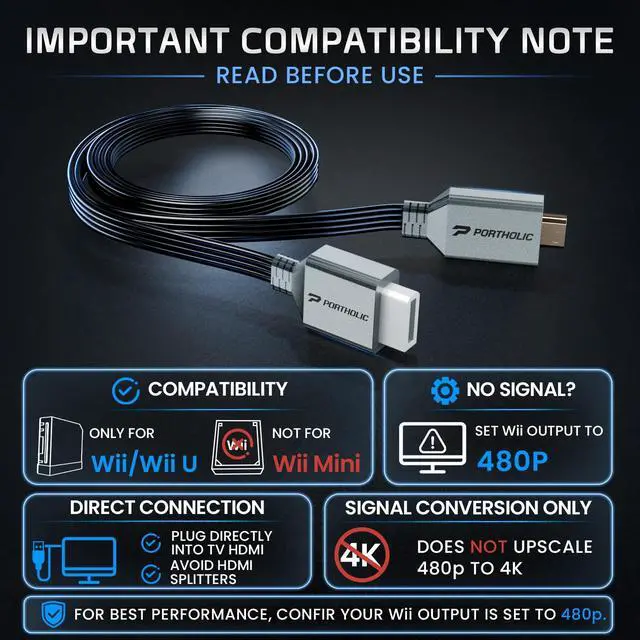
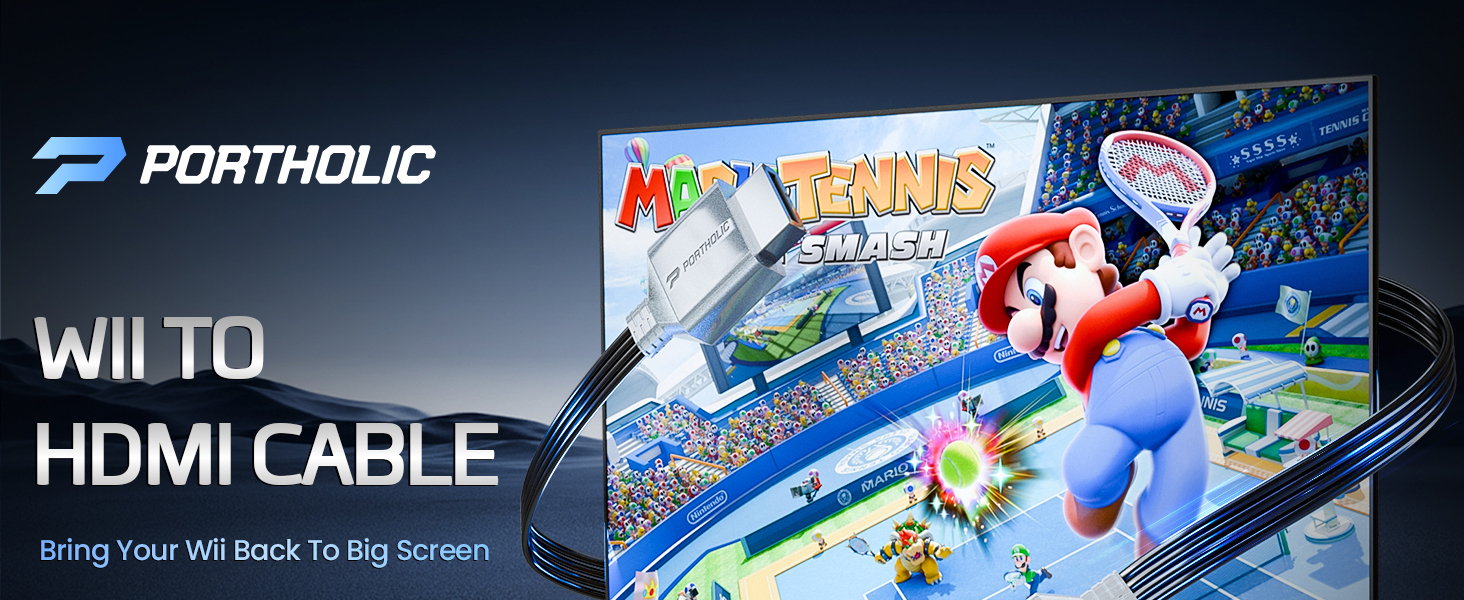
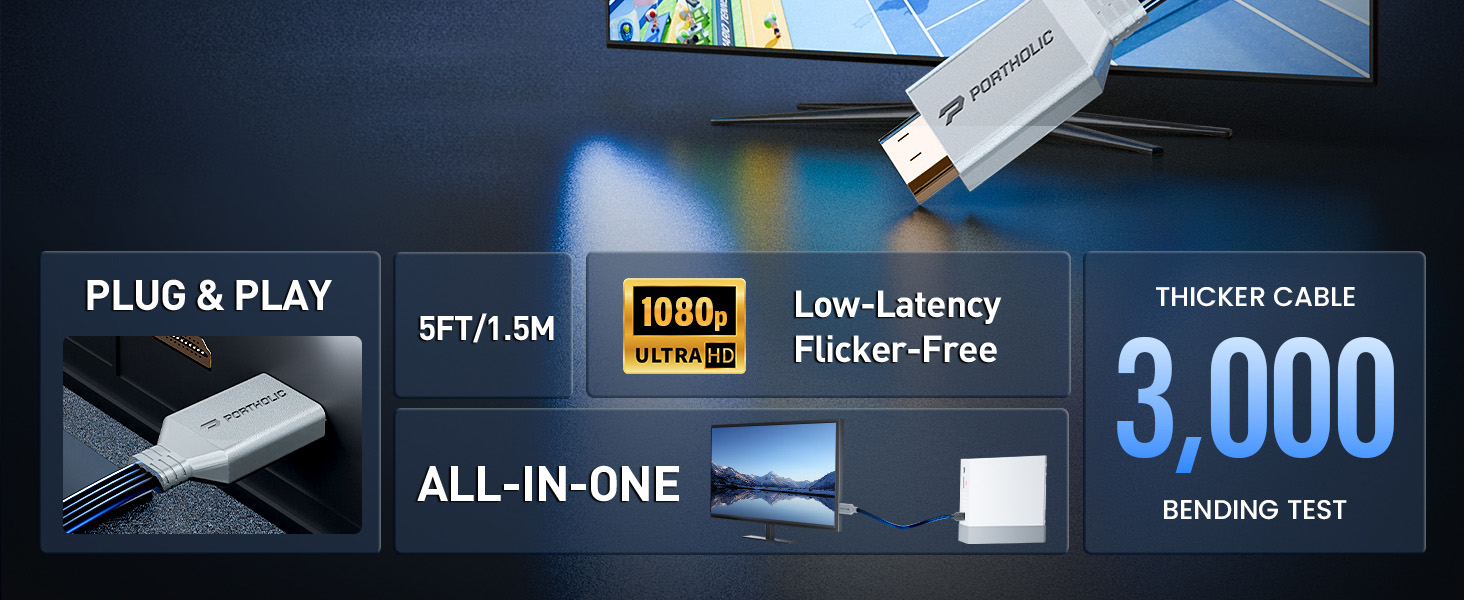
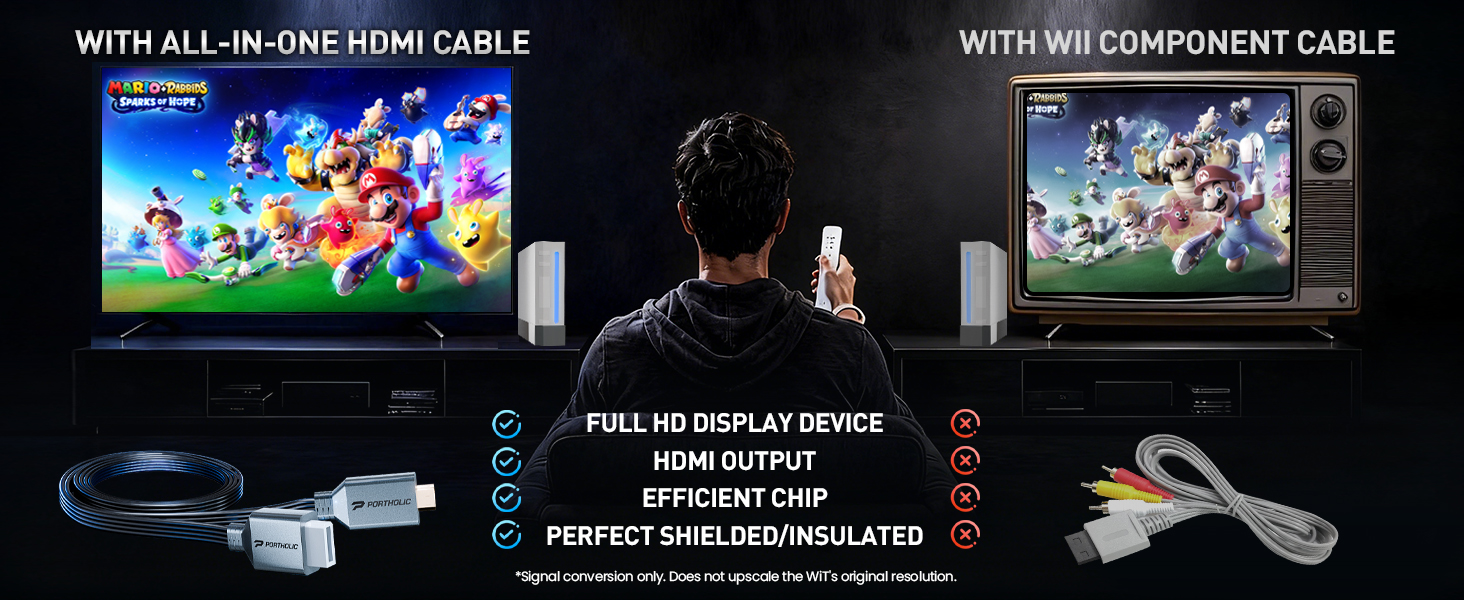
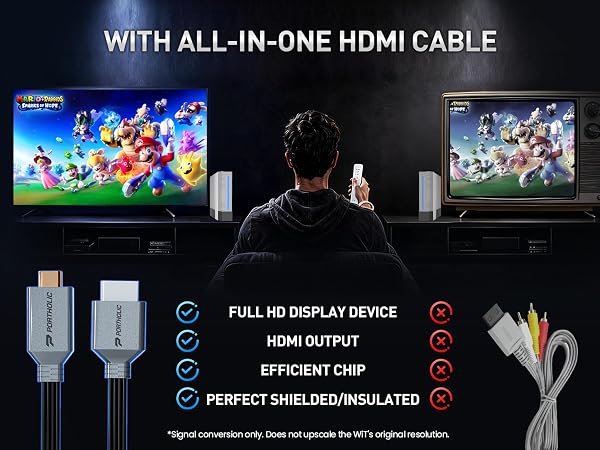
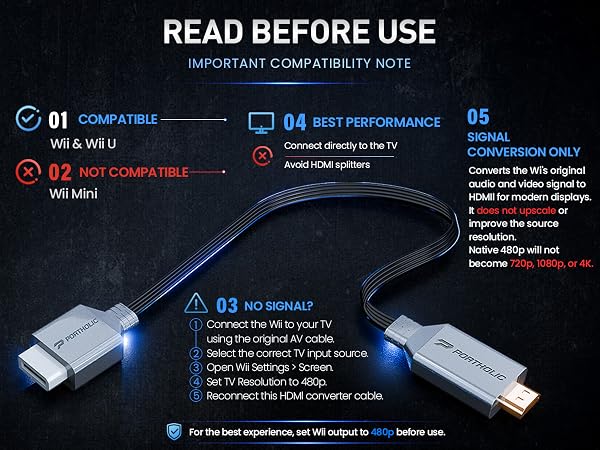
No. It converts the Wii’s original NTSC 480i/480p signal to HDMI. It does not upscale the resolution to 720p, 1080p, or 4K, and it cannot improve the original game graphics.
Does it transmit both audio and video?
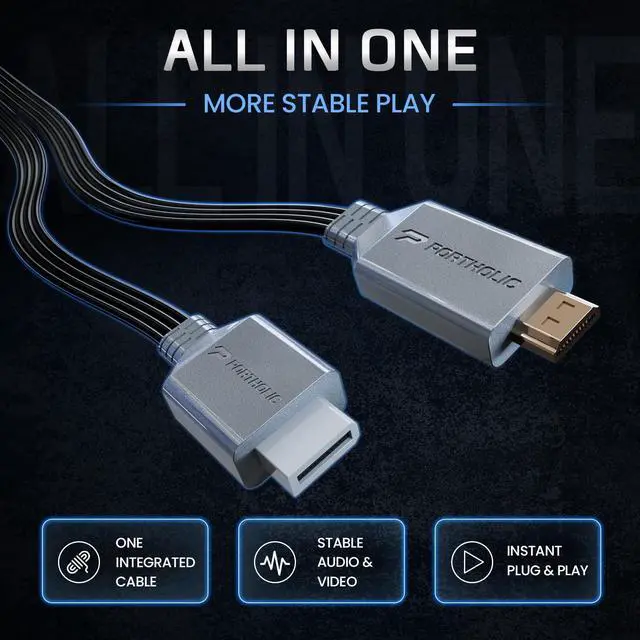
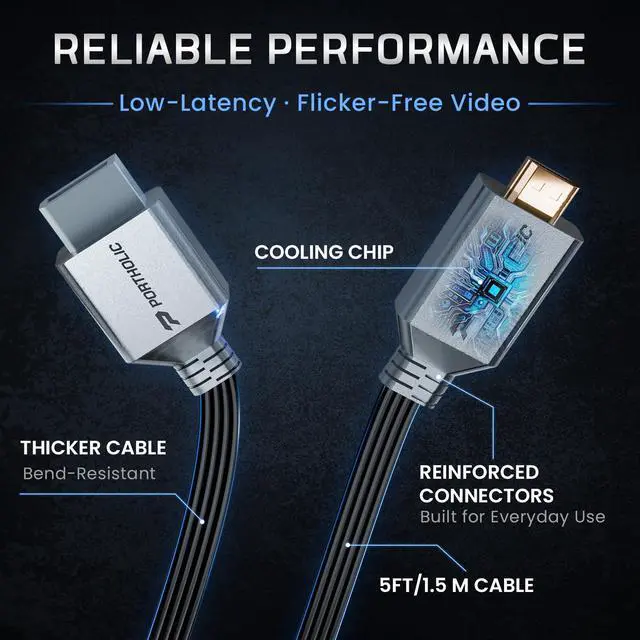
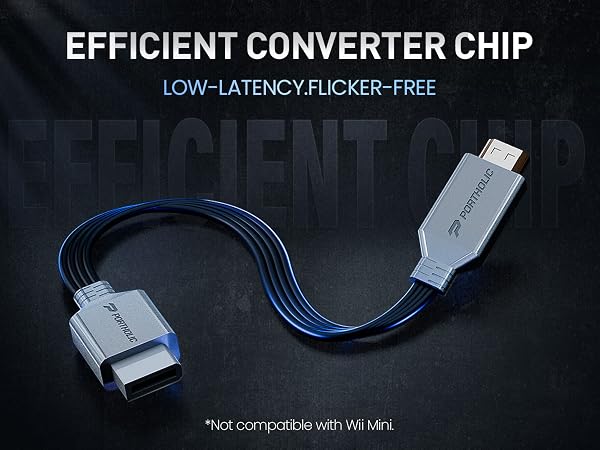
Yes. The built-in efficient chip transmits synchronized audio and video through HDMI. If you are using a monitor without built-in speakers, a separate audio solution may be required.
Can I use it with a monitor or projector?
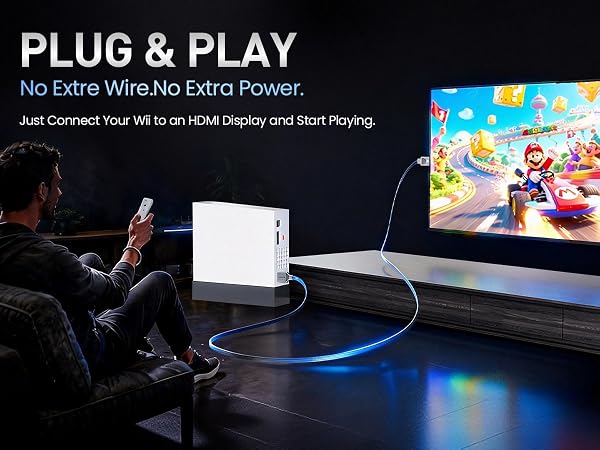
Yes. It can be connected to a TV, monitor, or projector with an HDMI input. The display must support the Wii’s original output resolution, such as 480p.
What should I do if the picture flickers or there is no sound?
Set the Wii output to 480p, select the correct HDMI input, and connect the cable directly to the TV without a splitter or switcher. You can also try another HDMI port and restart the Wii and display.
Wii to HDMI Cable | Switch 2 Dock | Switch 2 Docking Station | Wii to HDMI with 5ft HDMI | Wii to HDMI with 3ft HDMI |
|---|---|---|---|---|
| Customer Reviews | ||||
| — | — | — | — | — |
| Price | ||||
| — | — | — | — | — |
| Function | ||||
| Cable | Charging,Stand,Adapter | Charging,Adapter | Adapter | Adapter |
| Number of Ports | ||||
| 0 | 5 | 3 | 1 | 1 |
| USB-B Port | ||||
| - | 2x USB2.0,1x USB3.0 | 1x USB3.0 | - | - |
| USB-C Port | ||||
| - | 1 x 5Gbps | 1 x 5Gbps | - | - |
| HDMI port | ||||
| 1xHDMI | 1xHDMI | 1x HDMI 2.0, Up to 4K@60Hz | 1xHDMI | 1xHDMI |
| Plug & Play | ||||
| ? | ? | ? | ? | ? |
| 24/7 Service Team | ||||
| ? | ? | ? | ? | ? |
Does this converter make Wii games true 1080p?
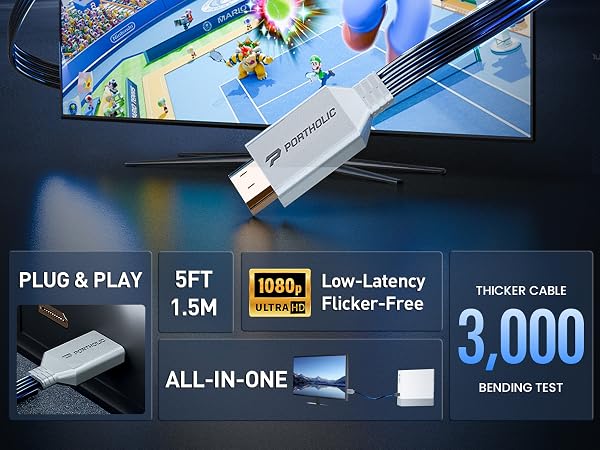
No. It converts the Wii’s original NTSC 480i/480p signal to HDMI. It does not upscale the resolution to 720p, 1080p, or 4K, and it cannot improve the original game graphics.
Does it transmit both audio and video?
Yes. The built-in efficient chip transmits synchronized audio and video through HDMI. If you are using a monitor without built-in speakers, a separate audio solution may be required.
Can I use it with a monitor or projector?
Yes. It can be connected to a TV, monitor, or projector with an HDMI input. The display must support the Wii’s original output resolution, such as 480p.
What should I do if the picture flickers or there is no sound?
Set the Wii output to 480p, select the correct HDMI input, and connect the cable directly to the TV without a splitter or switcher. You can also try another HDMI port and restart the Wii and display.