


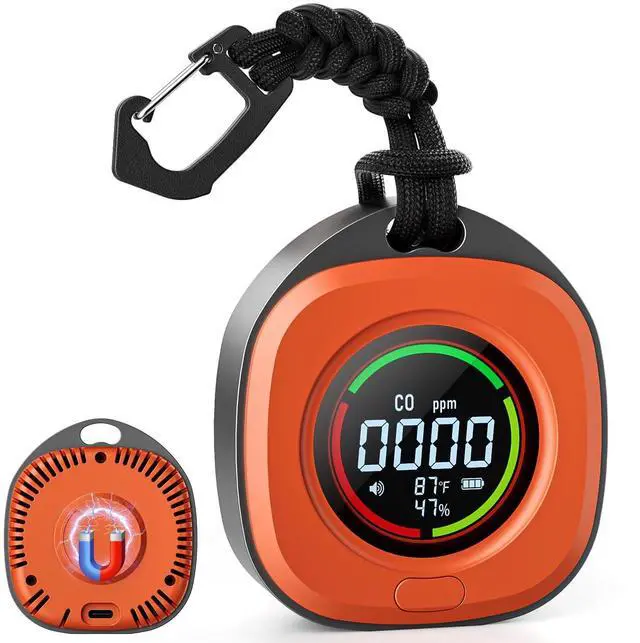


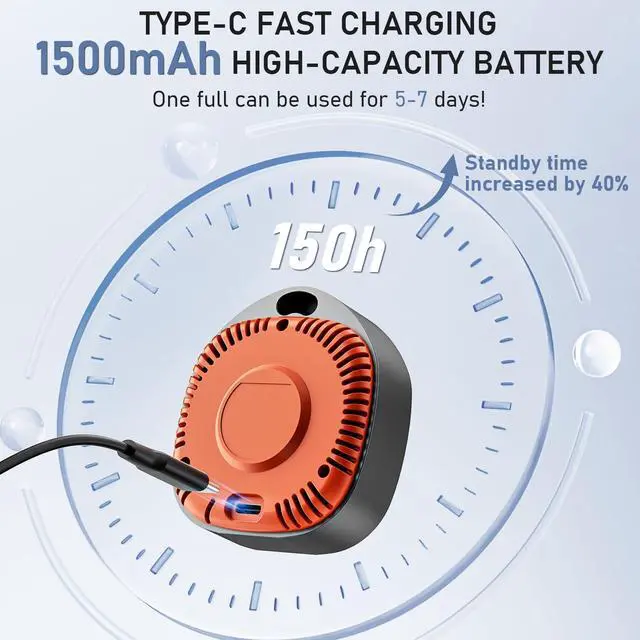
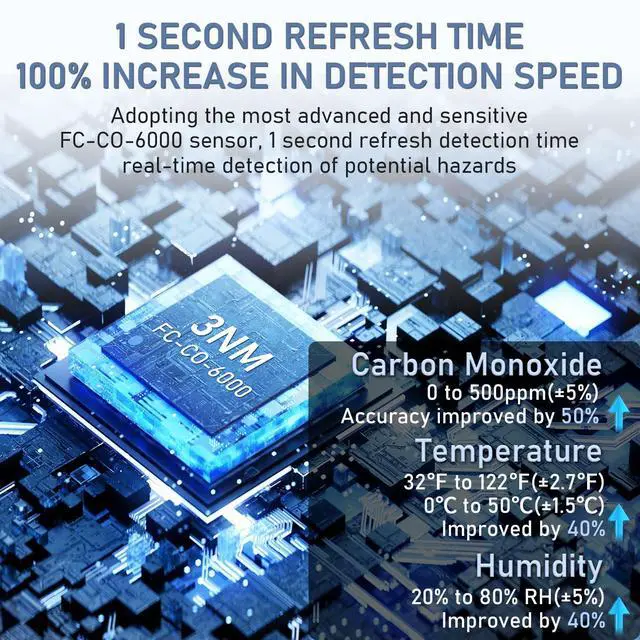
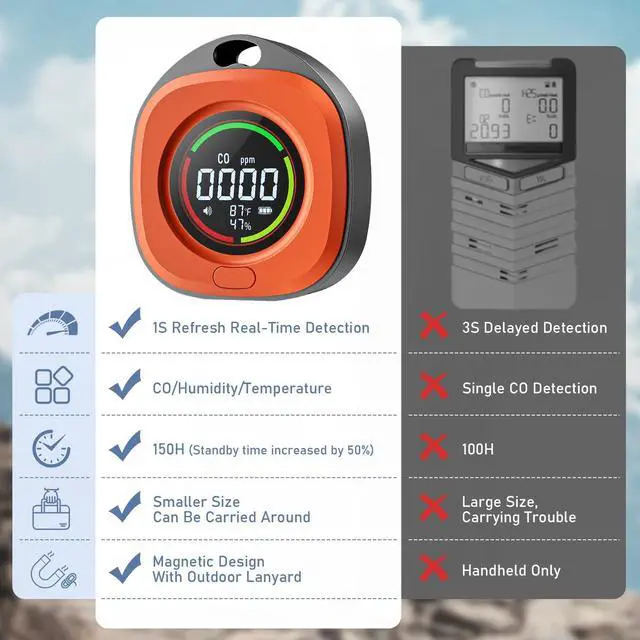



PRIMBARBER with more than a decade of industry experience-has become a trusted name in the industry. Our high quality products are exported to more than 100 countries and regions, and have provided satisfactory services to more than 100 million customers worldwide. Providing customers with better product experience and service is the core concept we have been pursuing!



PRIMBARBER'S DESIGN TEAM
consists of many energetic, young and talented industry elites. Committed to bringing creativity and innovative design to every product






Setting the Alarm Threshold
- Enter Setup: Double-click the button.
- Set Last Digit: (It will be blinking). Tap the button to cycle through values (0-9).
- Set First Digits: Hold the button for 2 seconds. The first two digits will blink. Tap the button to cycle through values (00-99).
- Save: Hold the button for 2 seconds. The screen will show 0 to confirm saving.
- Verify: To confirm the saved value, hold the button for 2 seconds again. The display will show your set value.
Portable Carbon Monoxide Detectors
Merchant Video
PRIMBARBER with more than a decade of industry experience-has become a trusted name in the industry. Our high quality products are exported to more than 100 countries and regions, and have provided satisfactory services to more than 100 million customers worldwide. Providing customers with better product experience and service is the core concept we have been pursuing!
PRIMBARBER'S DESIGN TEAM
consists of many energetic, young and talented industry elites. Committed to bringing creativity and innovative design to every product


Portable Carbon Monoxide Detectors
Merchant VideoSetting the Alarm Threshold
- Enter Setup: Double-click the button.
- Set Last Digit: (It will be blinking). Tap the button to cycle through values (0-9).
- Set First Digits: Hold the button for 2 seconds. The first two digits will blink. Tap the button to cycle through values (00-99).
- Save: Hold the button for 2 seconds. The screen will show 0 to confirm saving.
- Verify: To confirm the saved value, hold the button for 2 seconds again. The display will show your set value.
