here!
here!
I’m your shopping assistant for PC builds, upgrades, and everything tech.
Got questions? Ask away!
Start a conversation
here!
I’m your shopping assistant for PC builds, upgrades, and everything tech.
Got questions? Ask away!
Start a conversation




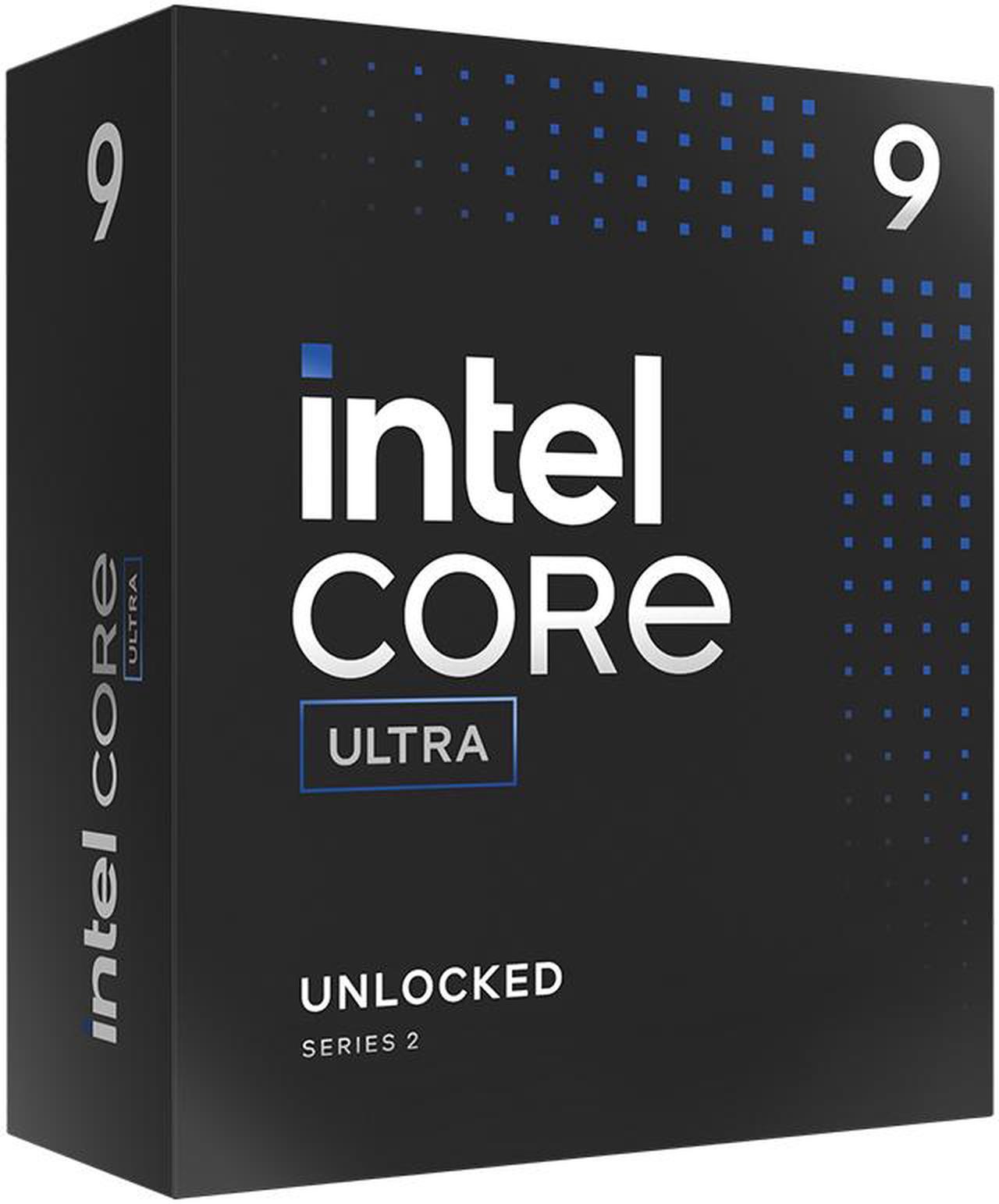
Free MSI MAG Core Liquid 240mm AIO Cooler and Intel AI Software Bundle, limited offer
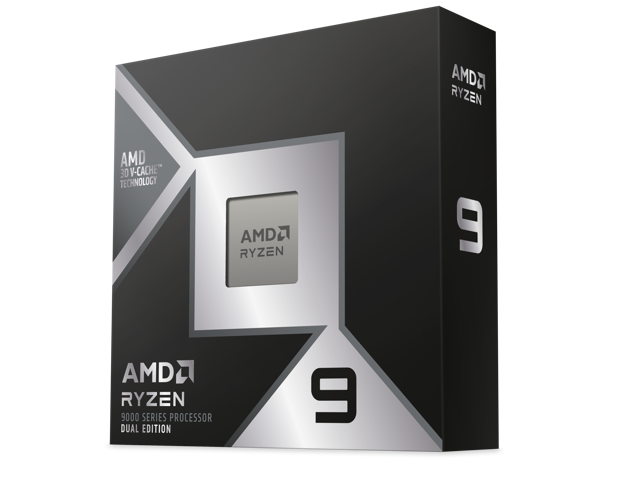
Free Cooler Master Elite Liquid 240mm AIO and Onimusha Game Bundle, limited offer
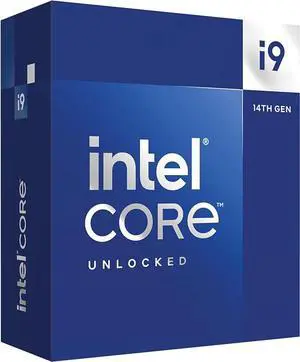
Free MSI MAG Core Liquid 240mm AIO Cooler, limited offer
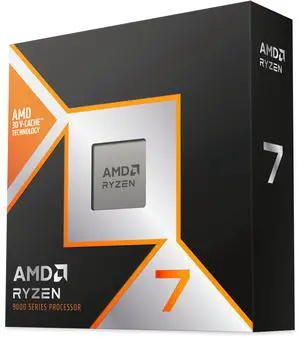
Free Cooler Master Elite Liquid 240mm AIO and Onimusha Game Bundle, limited offer
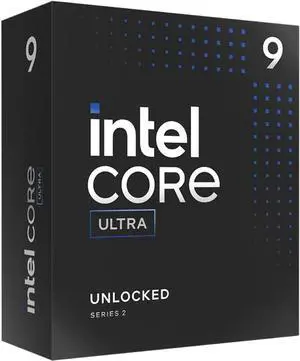
Free MSI MAG Core Liquid 240mm AIO Cooler and Intel AI Software Bundle, limited offer
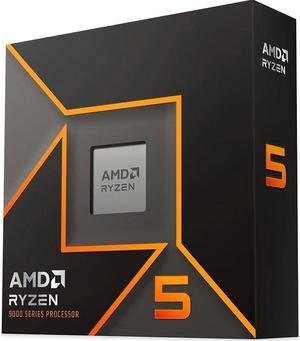
Free Cooler Master Elite Liquid 240mm AIO w/ purchase, limited offer
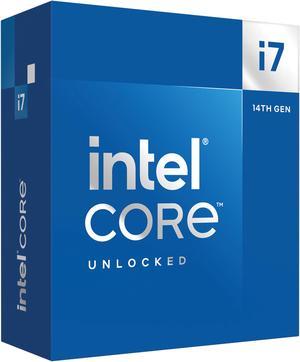
Free Cooler Master Elite Liquid 240mm AIO Cooler, limited offer

Free Cooler Master Elite Liquid 240mm AIO and Onimusha Game Bundle, limited offer
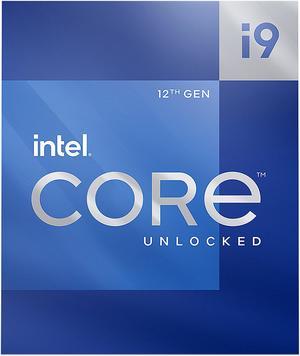
Free ASUS Z790 Gaming WIFI7 Motherboard, limited offer
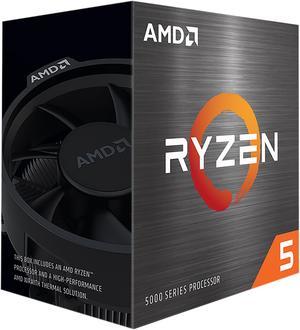
Free Gamdias Boreas 120mm Air Cooler w/ purchase, limited offer
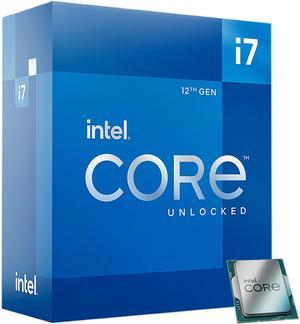
Free Cooler Master Elite Liquid 240mm AIO Cooler, limited offer
Free ASRock Pro 850B Power Supply, limited offer
Explore a wide selection of desktop CPU processors from Intel® and AMD designed to optimize multitasking and boost your PC’s performance. Whether you're gaming, working, or creating, find the right CPU to match your computing needs and budget.
At the center of CPU choice lies core architecture, shaping how your processor handles tasks. Intel's latest designs feature hybrid cores, blending high-performance cores with efficiency cores to optimize power usage and multitasking fluidity. This makes chips like the Intel CPUs / Processors excel in fast single-thread execution while smoothly handling background tasks. Meanwhile, AMD's Zen 4 cores focus on raw multithreaded power with efficient 5nm technology, delivering excellent performance in multi-core workloads such as content creation and gaming. Balancing these architectures against your usage scenario will guide you to the best CPU for your build.
Professionals seeking increased computational muscle or developers optimizing workflows will appreciate workstation-grade processors. Industries like 3D rendering, CAD modeling, and data analysis benefit enormously from CPUs with high core counts, massive cache, and support for ECC memory to prevent data corruption. Newegg’s Workstation CPU Processor selection includes chips designed to scale performance in demanding environments. Pairing your CPU with complementary components and proper cooling solutions is essential for maintaining reliability and maximizing throughput in professional scenarios.
Newegg shopping tip: When choosing a CPU, focus on the number of cores and threads to match your workload—more cores help with multitasking and content creation, while higher clock speeds benefit gaming. Also, check compatibility with your motherboard’s socket type to avoid any installation issues.
Dive into Intel CPUs featuring the latest hybrid architectures and Turbo Boost for top-tier single-threaded performance and gaming prowess.
Explore AMD processors with Zen 4 cores, great multithreaded power, and efficient 5nm tech perfect for creators and gamers alike.
Find desktop CPUs engineered for everything from everyday tasks to hardcore gaming, offering unlocked multipliers and high clock speeds.
Starting out with building or upgrading a PC can feel overwhelming, especially when picking a CPU, the brain of your computer. For beginners, focus on key features like socket compatibility with your motherboard, core count, and clock speed. Consumer-friendly desktop options deliver solid performance for daily tasks and casual gaming without hassle. To make your choice easier, you can explore options between industry leaders, like Intel CPUs / Processors or AMD CPUs / Processors. These vendors offer options that blend straightforward usability with solid power for everyday computing needs.
If you want smooth gameplay and responsive performance, the CPU is key. Gamers benefit from faster single-thread performance and high clock speeds, which drive better frame rates and quicker load times in popular titles. The latest Intel Core Ultra 9 / Core i9 processors boost gaming prowess with hybrid cores and Turbo Boost technologies. AMD’s Zen 4 architecture also offers powerful multithreaded setups that handle gaming alongside streaming or content creation effortlessly. Make sure you pick a desktop CPU processor designed for strong gaming performance to keep your rig competitive in demanding titles.
For creative professionals working with video editing, 3D rendering, or software development, a CPU with multiple cores and high thread counts can significantly shorten render times and streamline multitasking. Check out Workstation CPU Processor options that deliver the scalability and reliability needed for these intensive tasks. AMD’s Zen 4 processors with efficient 5nm processes and Intel’s Core Ultra 7 series provide excellent blends of performance and power efficiency ideal for demanding, creative workloads running multiple applications at once.
Research more: Choosing the right CPU depends on what you plan to do, whether it’s gaming, content creation, or everyday tasks. For a deeper dive into specifications, benchmarks, and compatibility, check out the Newegg Insider buying guides to make a well-informed decision.
Last Updated: October 2026 | Newegg CPU / Processor Buying Guide
Both Intel i7 and AMD Ryzen 7 offer strong gaming performance, but Ryzen 7 often provides better multi-threading, while Intel chips sometimes edge out slightly in single-core speed, which can help in certain games.
For video editing, having more cores generally matters more because the software can use multiple cores to speed up rendering, though a decent clock speed also helps keep things running smoothly during editing.
Intel processors often excel in single-threaded tasks and gaming, while AMD CPUs typically offer better multi-core performance and value for multitasking and productivity. Your choice hinges on what kind of work or play you prioritize.
More cores let a processor handle multiple tasks at once, improving performance in demanding applications like video editing or gaming. For everyday use, four to six cores usually deliver smooth performance, but heavy workloads benefit from eight or more.
Focus on a processor with higher clock speeds and at least four cores, like an Intel i5 or AMD Ryzen 5. It’s not always about the most expensive model, but balance it with your graphics card and budget.
If you need a CPU right away, pick a current mid-to-high tier model that fits your needs since new releases can take months to arrive and stabilize prices. Waiting might get you slightly better tech, but today’s CPUs are pretty powerful already.
Most modern gaming CPUs are built to last and handle heavy loads without issues for years. However, quality can vary by brand and model, so reading long-term user reviews helps spot any overheating or performance drop concerns.
Watch out for complaints about overheating, compatibility with your motherboard, and throttling under load. Checking detailed reviews often reveals if a CPU runs hot or has driver issues that could affect stability.
Check the socket type on your motherboard and make sure it matches the CPU’s socket specification. Also, verify that your BIOS is updated to support the specific processor model.
Use a small pea-sized amount of thermal paste in the center of the CPU, then spread it evenly when you attach the cooler. Too much or too little paste can affect heat transfer efficiency.
“ I would recommend this AMD CPU for any build its a really power house of a CPU and that's what I wanted. ”
AMD Ryzen 9 9900X - Ryzen 9 9000 Series Granite Ridge (Zen 5) 12-Core 4.4 GHz - Socket AM5 120W - Radeon Graphics Processor - 100-100000662WOF“ Works like it should no doubt, but runs a bit hotter than it's equivalent - the Intel Core i5-11600 ”
AMD Ryzen 5 5500 - Ryzen 5 5000 Series Cezanne (Zen 3) 6-Core 3.6 GHz Socket AM4 65W No Integrated Graphics Desktop CPU Processor - 100-100000457BOX“ Great performance for the price! Ive been running AMD CPUs for over a decade and they have really knocked it out of the park with the Zen 4 architecture. ”
AMD Ryzen 5 7600X - Zen 4 6-Core 4.7 GHz - Socket AM5 - 105W Desktop Processor (100-100000593WOF)“ I just stopped trusting 13-14 generations of Intel CPUs. ”
Intel Core Ultra 7 265K - Core Ultra 7 (Series 2) Arrow Lake 20-Core (8P+12E), LGA 1851, 125W Desktop Processor - BX80768265K“ Honestly I told myself that if I have any of the trademark 14th gen problems I would switch to AMD, but this processor has been the best one I've ever had. ”
Intel Core i9-14900K - Core i9 14th Gen 24-Core (8P+16E) LGA 1700 125W Intel UHD Graphics 770 Desktop Processor - Boxed - BX8071514900K“ Really glad i went and thoroughly reviewed Intel's next-gen cpu's before i pulled the trigger. ”
AMD Ryzen 7 9800X3D - Ryzen 7 9000 Series Zen 5 8-Core 5.2 GHz - Socket AM5 120W - AMD Radeon Graphics Desktop Processor - 100-100001084WOF“ This cpu is great. Runs flawlessly and I have officially become an amd fan. ”
AMD Ryzen 7 9800X3D - Ryzen 7 9000 Series Zen 5 8-Core 5.2 GHz - Socket AM5 120W - AMD Radeon Graphics Desktop Processor - 100-100001084WOF“ AMD CPU, is so far been the best for me . May change my mind later but now AMD CPU's are great. ”
AMD Ryzen 5 5500 - Ryzen 5 5000 Series Cezanne (Zen 3) 6-Core 3.6 GHz Socket AM4 65W No Integrated Graphics Desktop CPU Processor - 100-100000457BOX