here!
here!
I’m your shopping assistant for PC builds, upgrades, and everything tech.
Got questions? Ask away!
Start a conversation
here!
I’m your shopping assistant for PC builds, upgrades, and everything tech.
Got questions? Ask away!
Start a conversation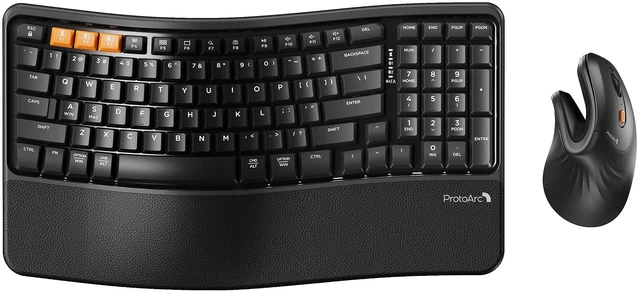



Any questions? Ask CelesteSM will help you find out quickly.


Mission
At ProtoArc, our mission is to deliver innovative workspace solutions that enhance comfort, boost productivity, and foster overall wellness.
Vision
We believe that everyone deserves a workspace that not only meets their functional needs but also empowers them to thrive. Our vision is a world where work environments promote health, happiness, and high performance.

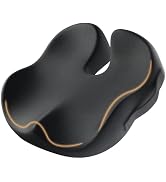
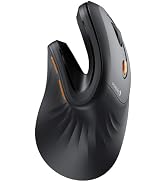
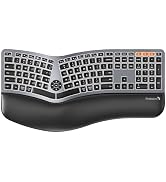
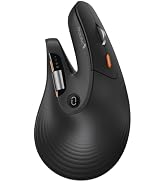
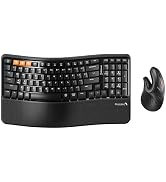
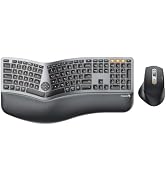
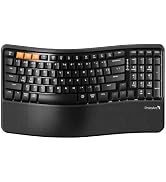
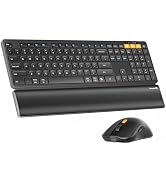
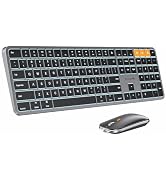
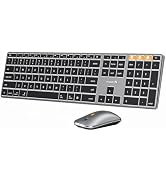

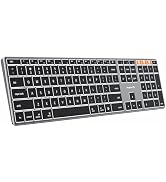

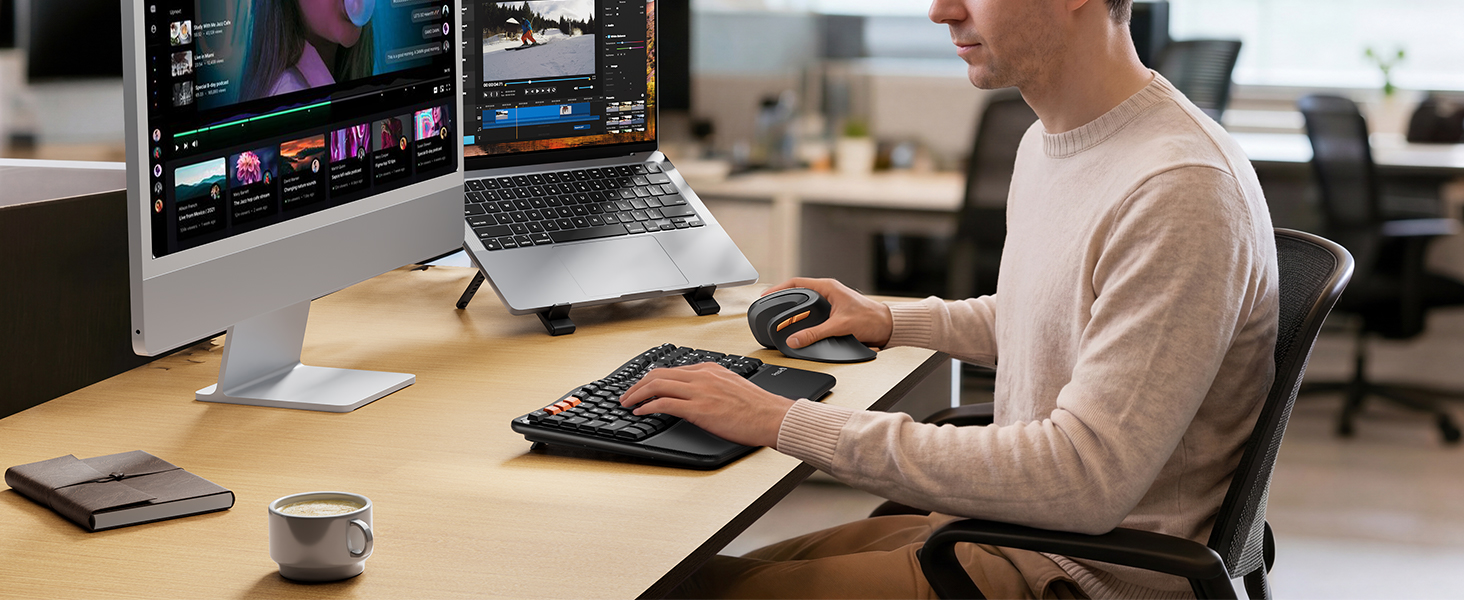
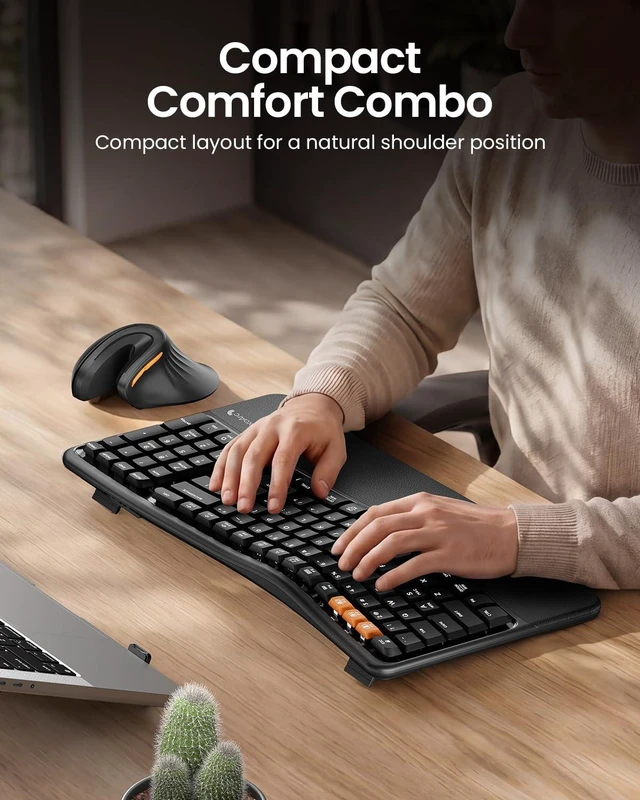
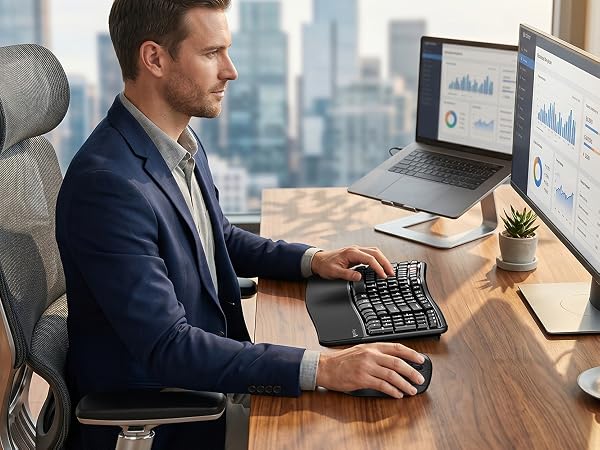
Ergonomic compact layout that reduces wrist & forearm pressure
Takes a short time to adapt, but helps relieve daily muscle tension, keeping your hands comfortable and productive
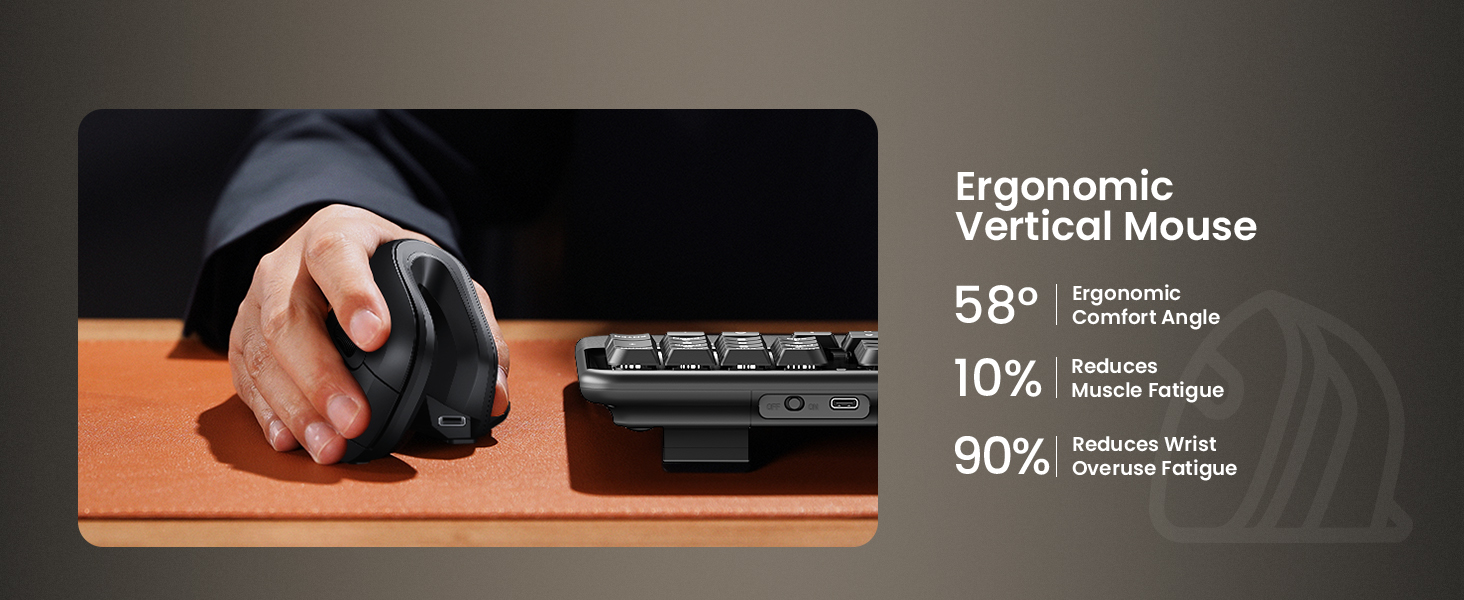
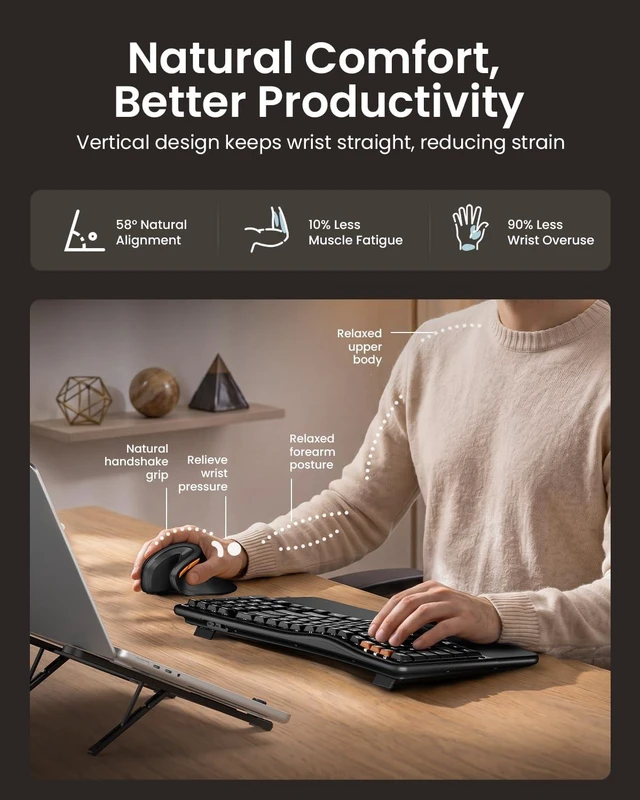
Wrist-friendly design: The vertical grip keeps your forearm and wrist in a natural, relaxed position — great for reducing strain during long work sessions;
Note: Designed for small to medium hands (under 7.5"). There's also a slight learning curve of 1–2 weeks as you adjust to the vertical grip
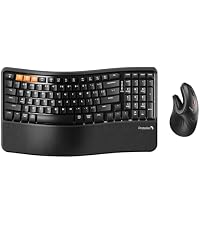 EKM02 Wave Keys Combo | 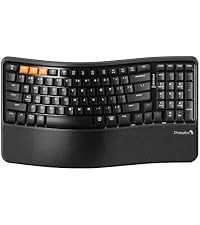 EK02 Wave Keys Keyboard | 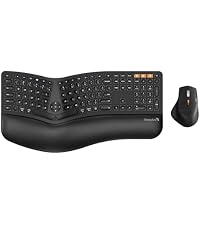 EKM01 Plus Ergo Combo | 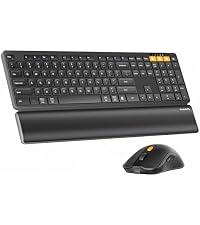 KM60 Full Size Combo | 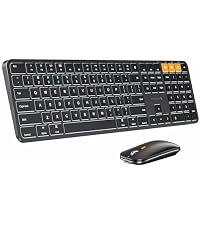 KM100-A Mac Combo |  MP50 Ergonomic Mouse Pad | |
|---|---|---|---|---|---|---|
Customer Reviews | — | — | — | — | — | — |
Price | — | — | — | — | — | — |
Design | Wave keys + Vertical Mouse | Wave keys | Split Ergonomic | Low-profile Flat | Low-profile Flat | Ergonomic Design |
Key Difference | for Wrist Strain Relief | for Wrist Strain Relief | for Serious Ergonomic Typists | Ergonomic Basics for Users | for Mac Users | / |
Size | Compact (15.6"×8.9") | Compact (15.6"×8.9") | Full-size (20.75"×11") | Full-size (16.8"×7.6") | Full-size (16.7"×4.7") | / |
Number of Keys | 100 Keys | 100 Keys | 117 Keys | 109 Keys | 109 Backlit Keys | / |
Mouse Type | Vertical (EM11 NL) | / | Sculpted Palm & Thumb Rest | Standard Ergonomic Mouse | Standard Optical Mouse | / |
Wrist Rest | Cushioned Memory Foam | Cushioned Memory Foam | Cushioned Memory Foam | Built-in Wrist Rest | No | / |
Connection Type | 2.4G + Dual Bluetooth | 2.4G + Dual Bluetooth | 2.4G + Dual Bluetooth | 2.4G + Dual Bluetooth | Three Bluetooth | / |
Operating System | Win/Mac/Android | Win/Mac/Android | Win/Mac/Android | Win/Mac/Android | Mac Only | / |
Color | Black | Black | Black | Black | Space Black | Black |
Backlight | ? | ? | ? | ? | ? | ? |
Numeric Keypad | ? | ? | ? | ? | ? | ? |
USB C Recharge | ? | ? | ? | ? | ? | ? |
Are you new to wave keys ergonomic keyboards?
Unlike traditional keyboards, adjusting to the wave keys layout of ergonomic keyboard may require an initial adaptation period before you become accustomed to its design and layout
Some keyboard keys do not work / Keyboard keys have typing delay / Keyboard keys repeat typing:
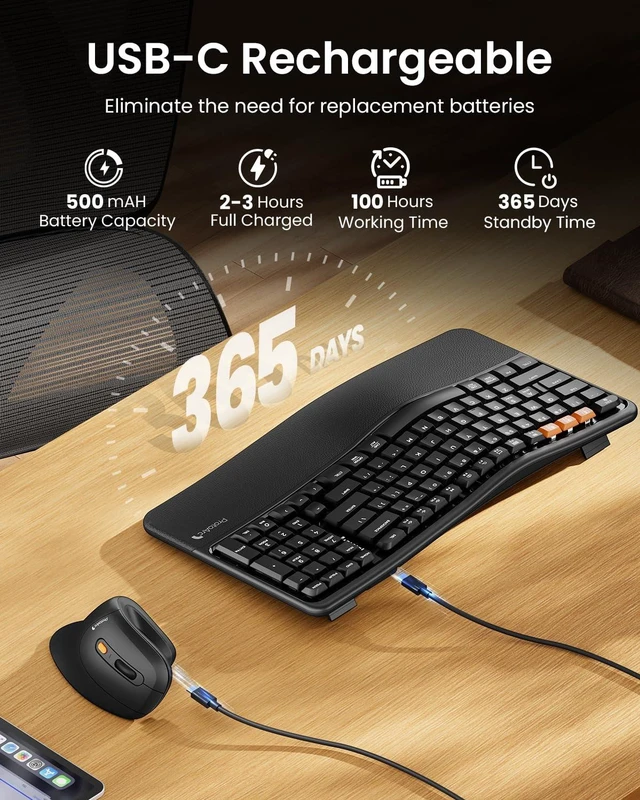
1.Make sure the keyboard is fully charged;
2.Turn off Bluetooth on your computer and then turn it back on
3.Recommended to be compatible with PC devices produced after 2015;
The keyboard and mouse cannot connect to your device?
1.Ensure that the keyboard/mouse is fully charged.
2.Confirm that the keyboard/mouse is in the correct mode.
3.Delete the keyboard and mouse's Bluetooth pairing from your device's Bluetooth listing.
4.Repair the keyboard/mouse with your device.
How to Use Multimedia or F1-F12 function?
FN-Lock key makes it easy to switch between F-keys and Media keys by pressing Fn+Esc. The bluetooth keyboard comes preconfigured with multimedia functions. Press Fn+ESC key to activate the FN functions, you can perform F1 ~ F12 functions
What is the dimension of the keyboard and mouse?
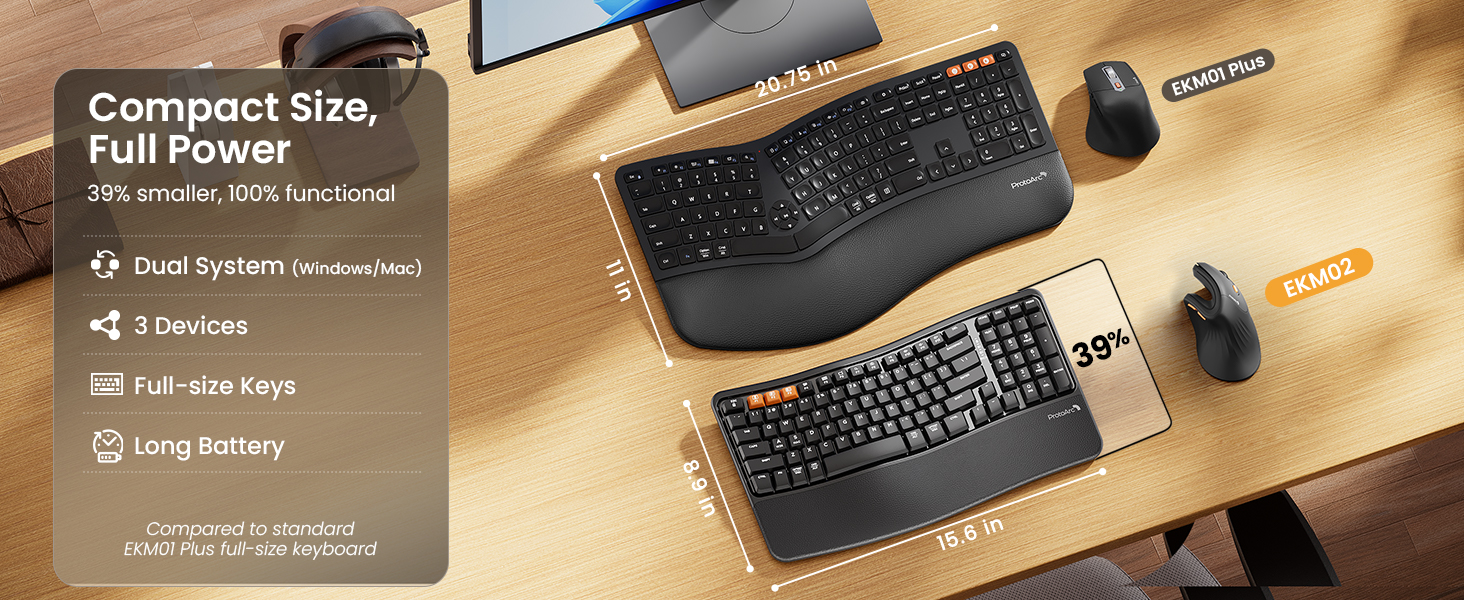
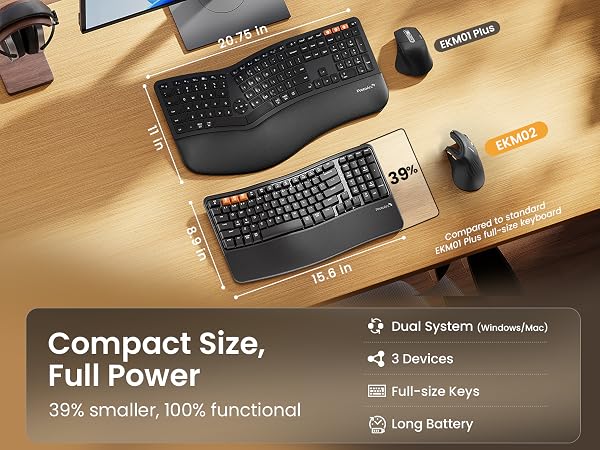
The dimension of the keyboard is 15.6 inch x 8.9 inch, this keyboard is a not a standard full-size keyboard. But it bring your mouse closer — less shoulder strain. The dimension of the mouse is 13.7 inch x 6.9 inch
Ergonomic compact layout that reduces wrist & forearm pressure
Takes a short time to adapt, but helps relieve daily muscle tension, keeping your hands comfortable and productive
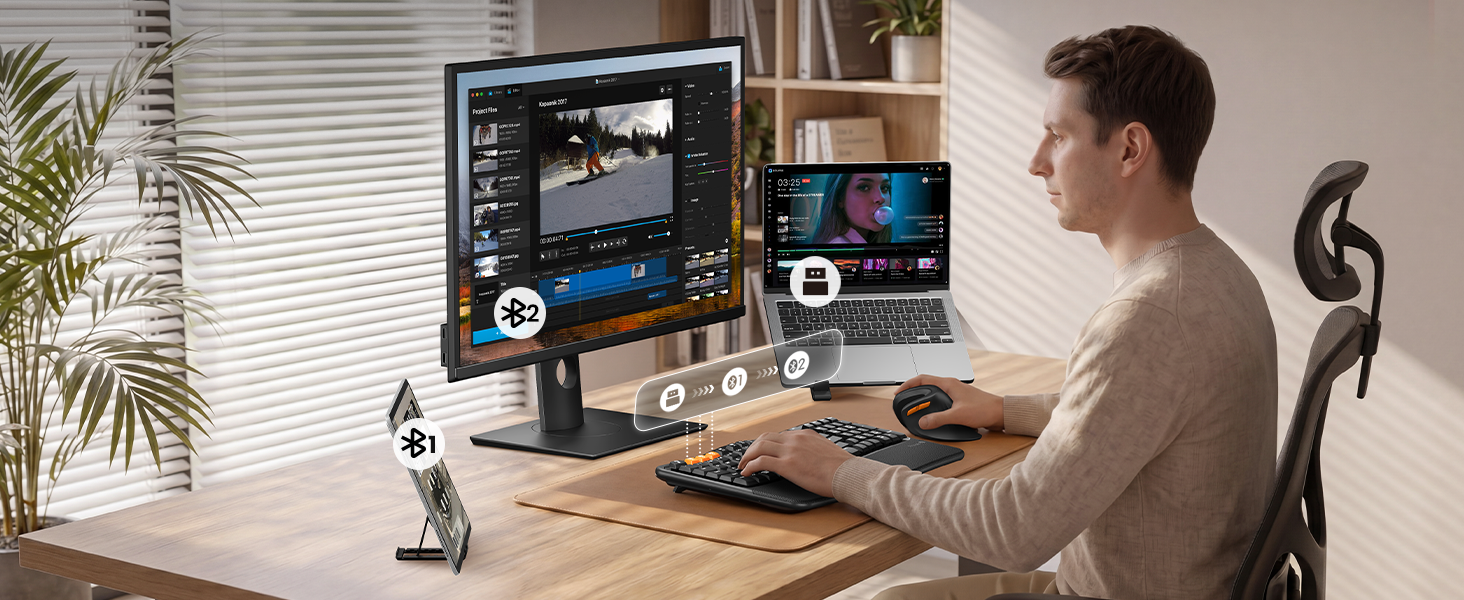
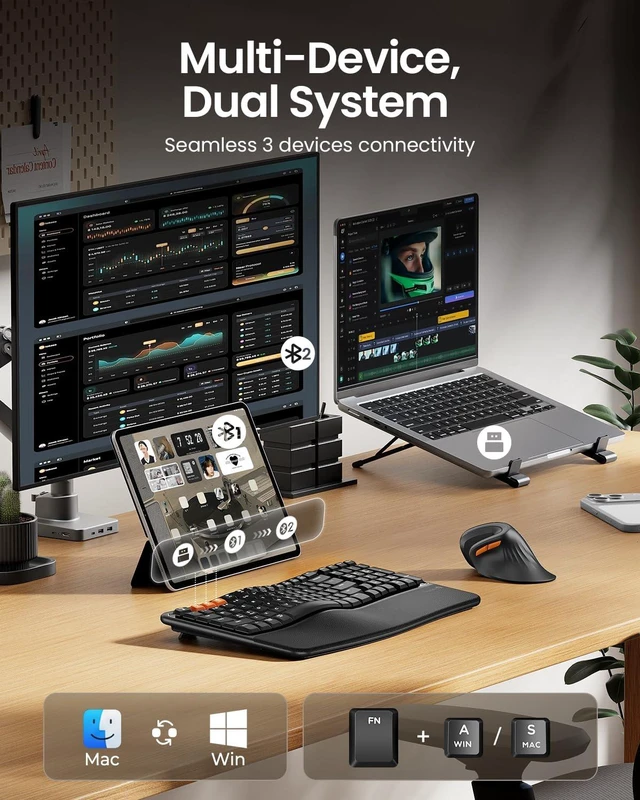
Switch between 3 devices seamlessly
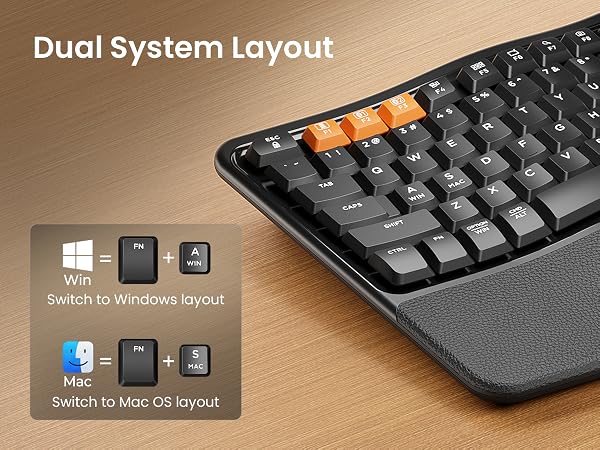
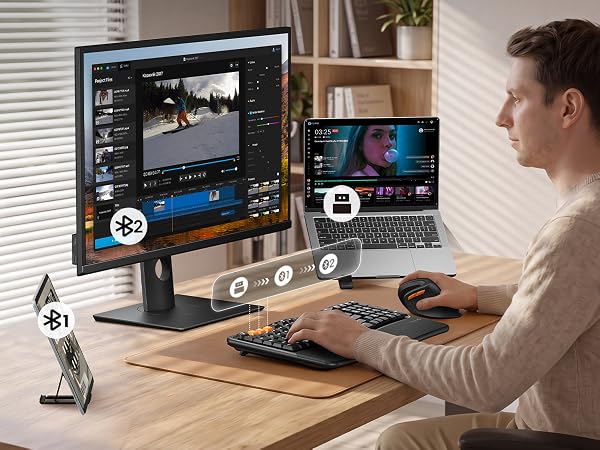
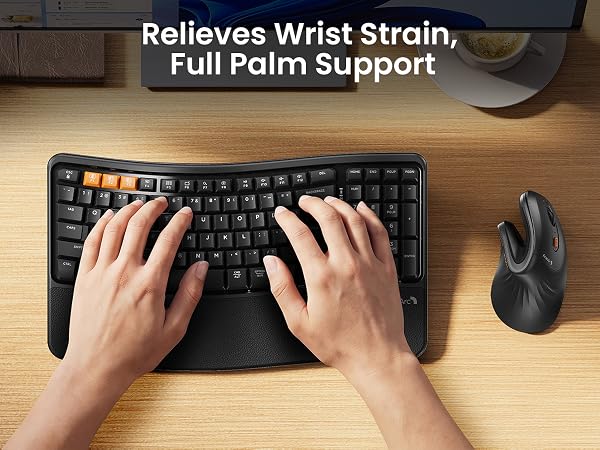

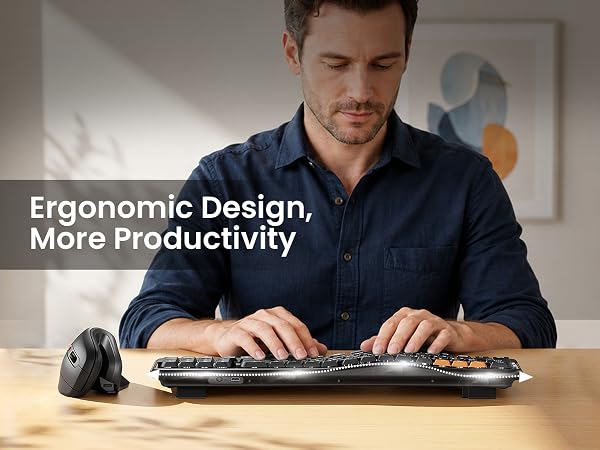
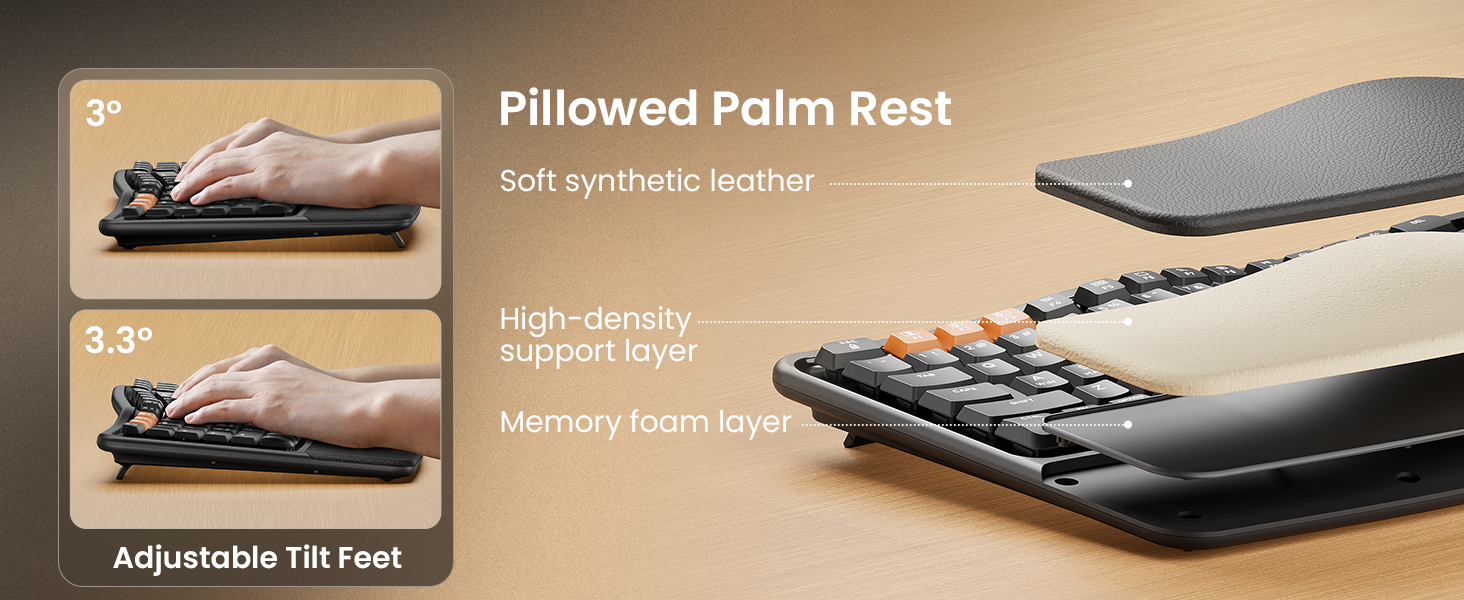
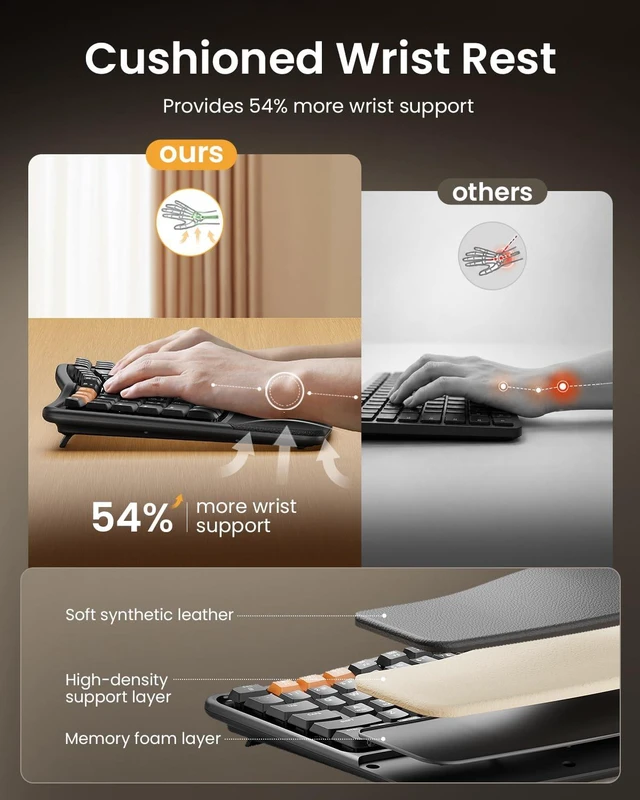
From pillowed palm rest to ergonomic efficiency — experience comfort that keeps you working longer with less fatigue
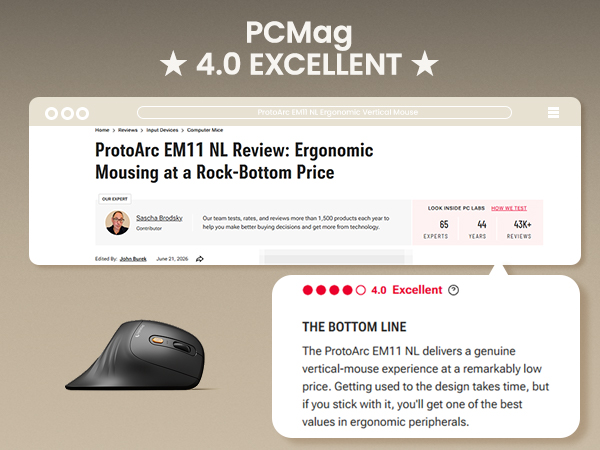

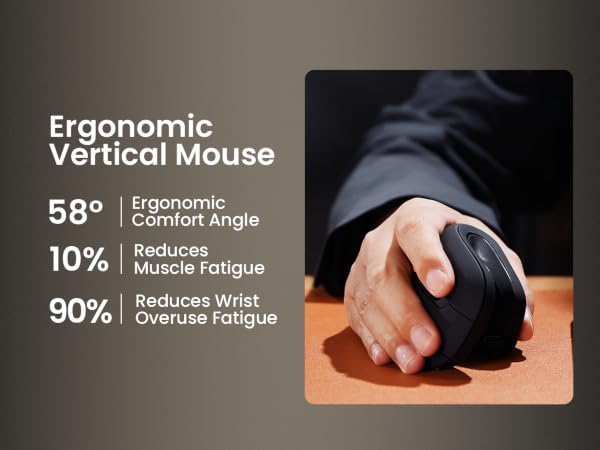
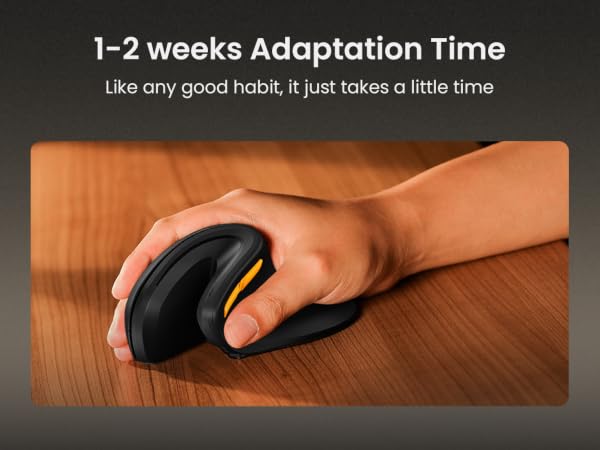
Wrist-friendly design: The vertical grip keeps your forearm and wrist in a natural, relaxed position — great for reducing strain during long work sessions;
Note: Designed for small to medium hands (under 7.5"). There's also a slight learning curve of 1–2 weeks as you adjust to the vertical grip
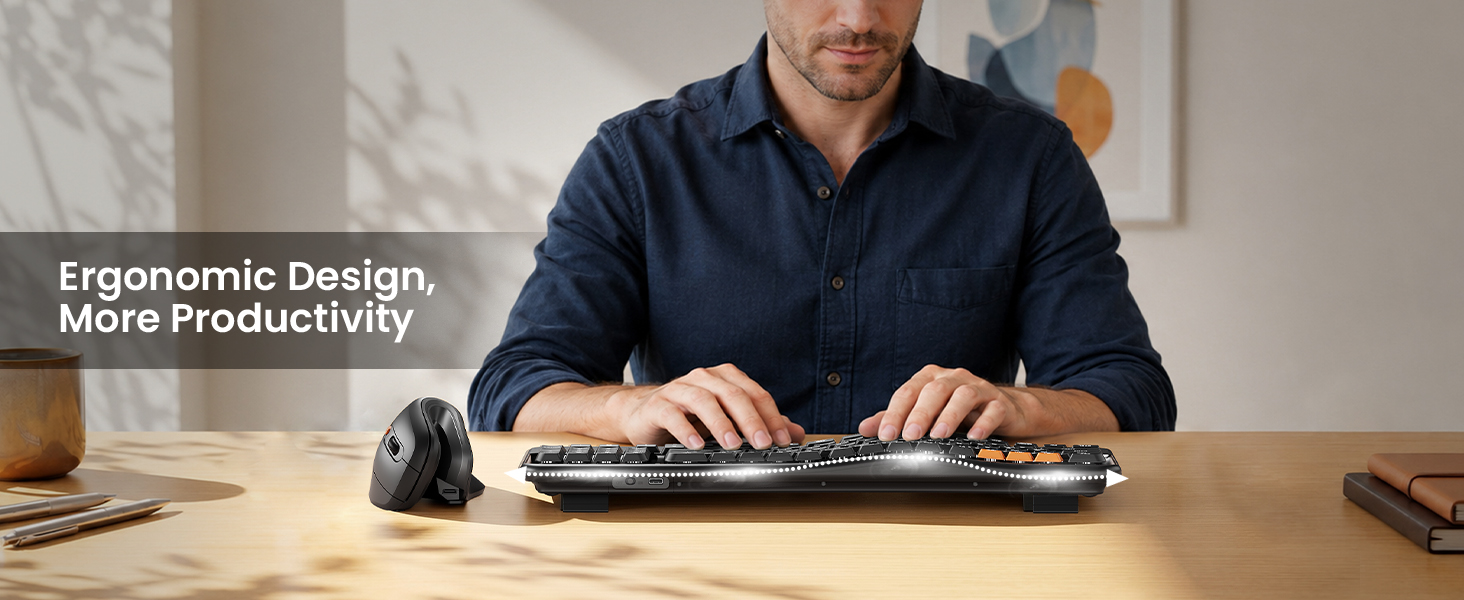
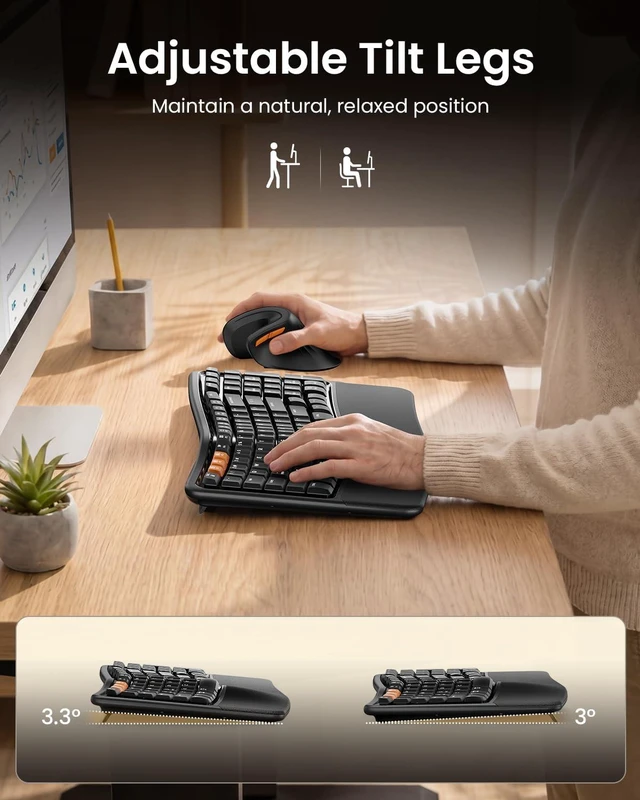
Wave keys layout improve typing posture, reducing muscle strain on your wrists and forearms
Cushioned wrist rest provides 54% support to make typing effortless and comfortable

EKM02 Wave Keys Combo | EK02 Wave Keys Keyboard | EKM01 Plus Ergo Combo | KM60 Full Size Combo | KM100-A Mac Combo | MP50 Ergonomic Mouse Pad |
|---|---|---|---|---|---|
| Customer Reviews | |||||
| — | — | — | — | — | — |
| Price | |||||
| — | — | — | — | — | — |
| Design | |||||
| Wave keys + Vertical Mouse | Wave keys | Split Ergonomic | Low-profile Flat | Low-profile Flat | Ergonomic Design |
| Key Difference | |||||
| for Wrist Strain Relief | for Wrist Strain Relief | for Serious Ergonomic Typists | Ergonomic Basics for Users | for Mac Users | / |
| Size | |||||
| Compact (15.6"×8.9") | Compact (15.6"×8.9") | Full-size (20.75"×11") | Full-size (16.8"×7.6") | Full-size (16.7"×4.7") | / |
| Number of Keys | |||||
| 100 Keys | 100 Keys | 117 Keys | 109 Keys | 109 Backlit Keys | / |
| Mouse Type | |||||
| Vertical (EM11 NL) | / | Sculpted Palm & Thumb Rest | Standard Ergonomic Mouse | Standard Optical Mouse | / |
| Wrist Rest | |||||
| Cushioned Memory Foam | Cushioned Memory Foam | Cushioned Memory Foam | Built-in Wrist Rest | No | / |
| Connection Type | |||||
| 2.4G + Dual Bluetooth | 2.4G + Dual Bluetooth | 2.4G + Dual Bluetooth | 2.4G + Dual Bluetooth | Three Bluetooth | / |
| Operating System | |||||
| Win/Mac/Android | Win/Mac/Android | Win/Mac/Android | Win/Mac/Android | Mac Only | / |
| Color | |||||
| Black | Black | Black | Black | Space Black | Black |
| Backlight | |||||
| ? | ? | ? | ? | ? | ? |
| Numeric Keypad | |||||
| ? | ? | ? | ? | ? | ? |
| USB C Recharge | |||||
| ? | ? | ? | ? | ? | ? |
Are you new to wave keys ergonomic keyboards?
Unlike traditional keyboards, adjusting to the wave keys layout of ergonomic keyboard may require an initial adaptation period before you become accustomed to its design and layout
Some keyboard keys do not work / Keyboard keys have typing delay / Keyboard keys repeat typing:
1.Make sure the keyboard is fully charged;
2.Turn off Bluetooth on your computer and then turn it back on
3.Recommended to be compatible with PC devices produced after 2015;
The keyboard and mouse cannot connect to your device?
1.Ensure that the keyboard/mouse is fully charged.
2.Confirm that the keyboard/mouse is in the correct mode.
3.Delete the keyboard and mouse's Bluetooth pairing from your device's Bluetooth listing.
4.Repair the keyboard/mouse with your device.
How to Use Multimedia or F1-F12 function?
FN-Lock key makes it easy to switch between F-keys and Media keys by pressing Fn+Esc. The bluetooth keyboard comes preconfigured with multimedia functions. Press Fn+ESC key to activate the FN functions, you can perform F1 ~ F12 functions
What is the dimension of the keyboard and mouse?
The dimension of the keyboard is 15.6 inch x 8.9 inch, this keyboard is a not a standard full-size keyboard. But it bring your mouse closer — less shoulder strain. The dimension of the mouse is 13.7 inch x 6.9 inch
Mission
At ProtoArc, our mission is to deliver innovative workspace solutions that enhance comfort, boost productivity, and foster overall wellness.
Vision
We believe that everyone deserves a workspace that not only meets their functional needs but also empowers them to thrive. Our vision is a world where work environments promote health, happiness, and high performance.