here!
here!
I’m your shopping assistant for PC builds, upgrades, and everything tech.
Got questions? Ask away!
Start a conversation
here!
I’m your shopping assistant for PC builds, upgrades, and everything tech.
Got questions? Ask away!
Start a conversation
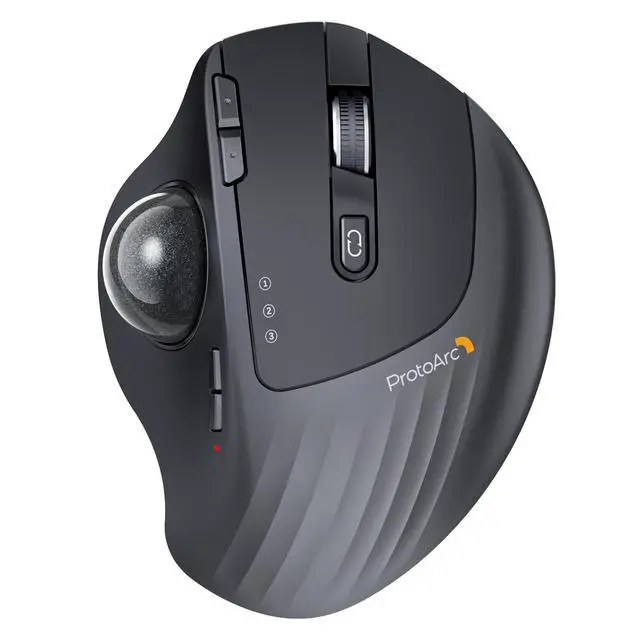
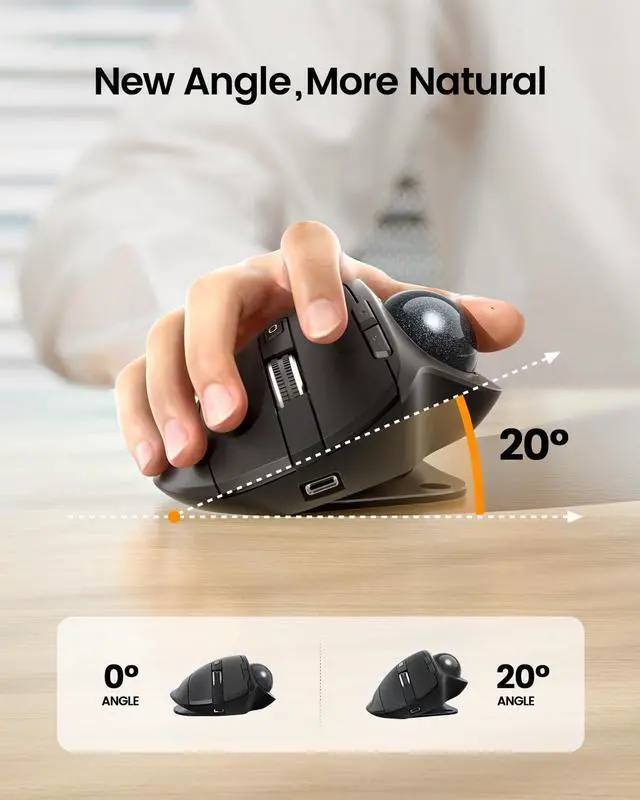
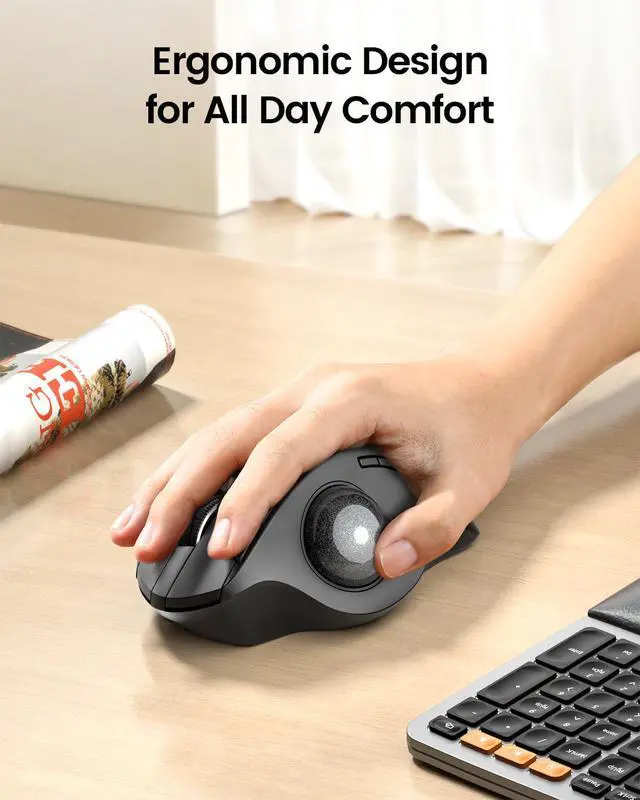



Any questions? Ask CelesteSM will help you find out quickly.
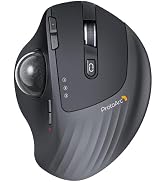
Is your trackball feeling sticky, jumpy, or less responsive? Over time, dust, oil, and dead skin cells build up inside the mechanism, causing the ball to drag or the cursor to skip. In this video, we’ll show you how to give it a proper clean. Regular maintenance restores that silky-smooth glide, ensures precise cursor control, and extends the life of your device. A few minutes of care makes all the difference!
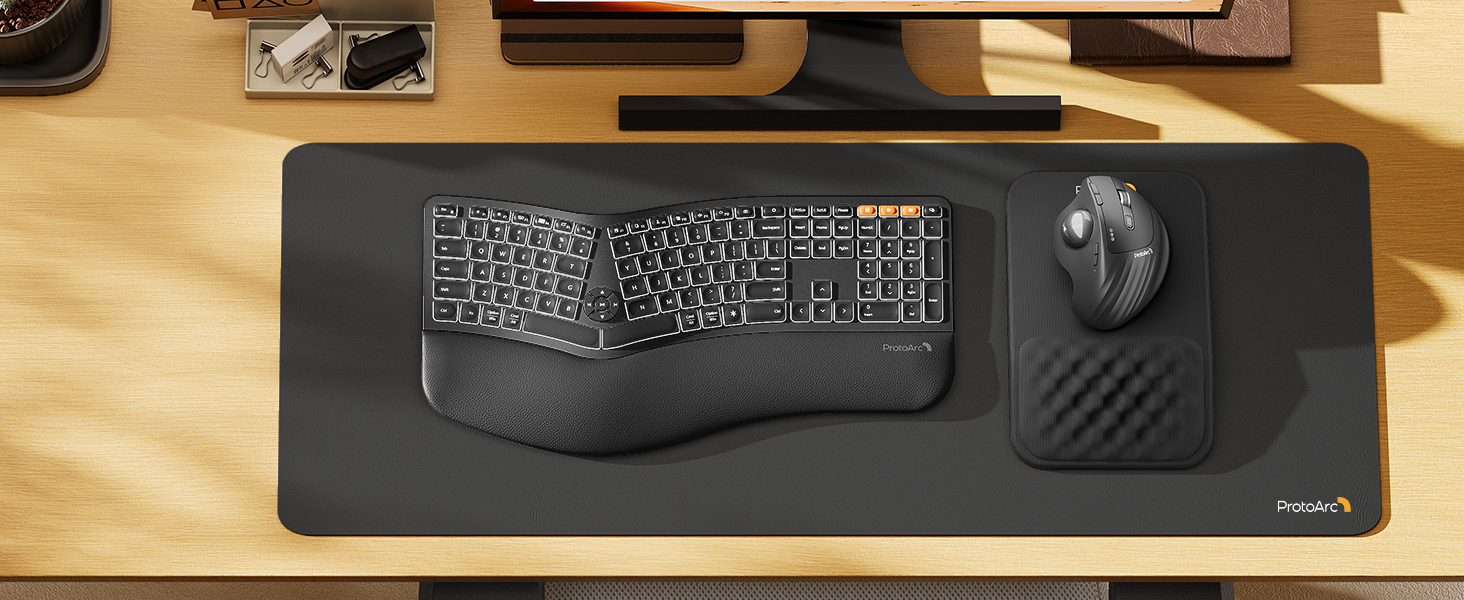
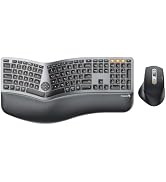
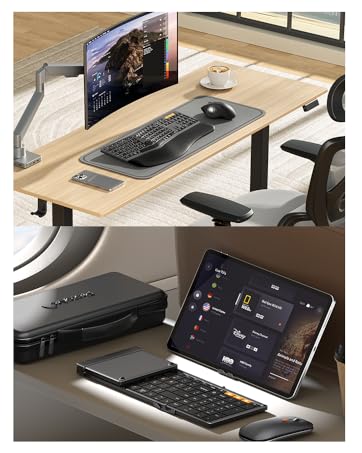
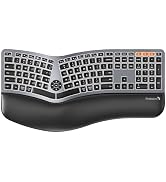
Type more naturally with ProtoArc EK01 Plus. The ergo keyboard with cushioned palm rest, curved split keyframe and responsive scissor keys - Reduces wrist strain, keep your hands and shoulder relaxed
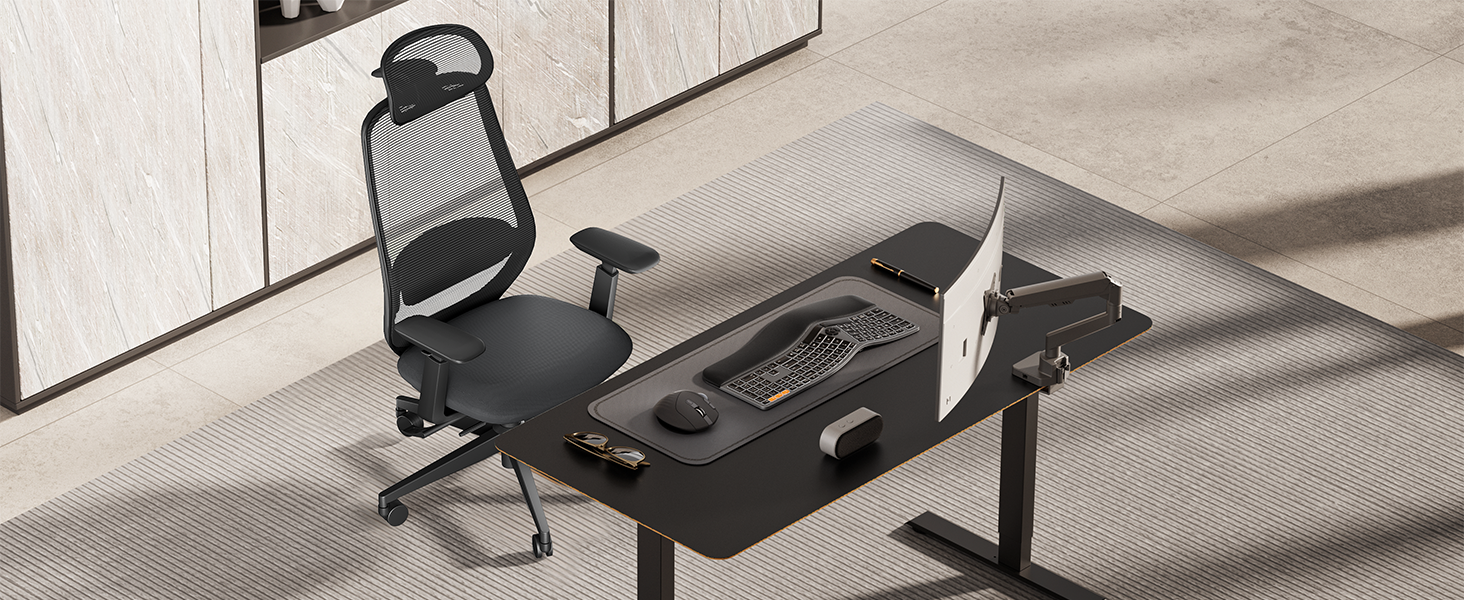
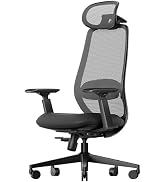
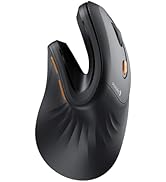
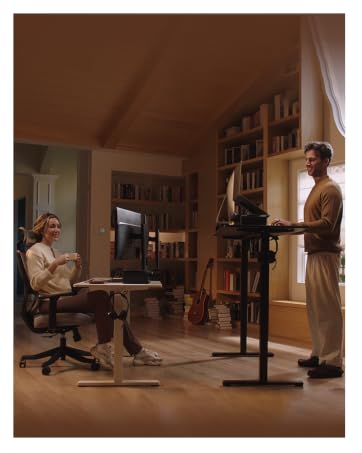
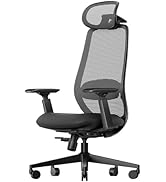
Transform your home office into a productivity haven with our ergonomic trackball mouse and chair. Designed to provide all-day comfort
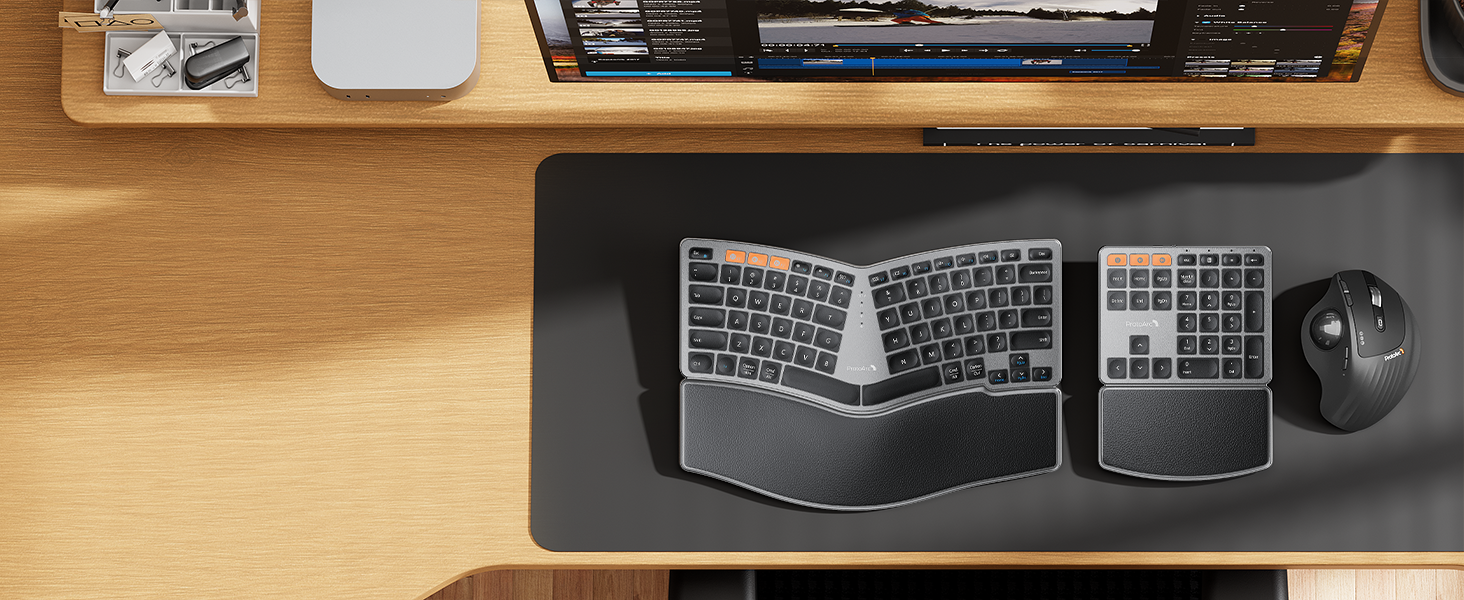
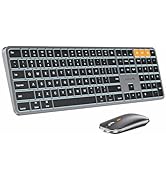
ProtoArc EK04 wireless ergonomic keyboard with separate number pad provides greater flexibility for your workspace setup, greatly helps to improve your work productivity.
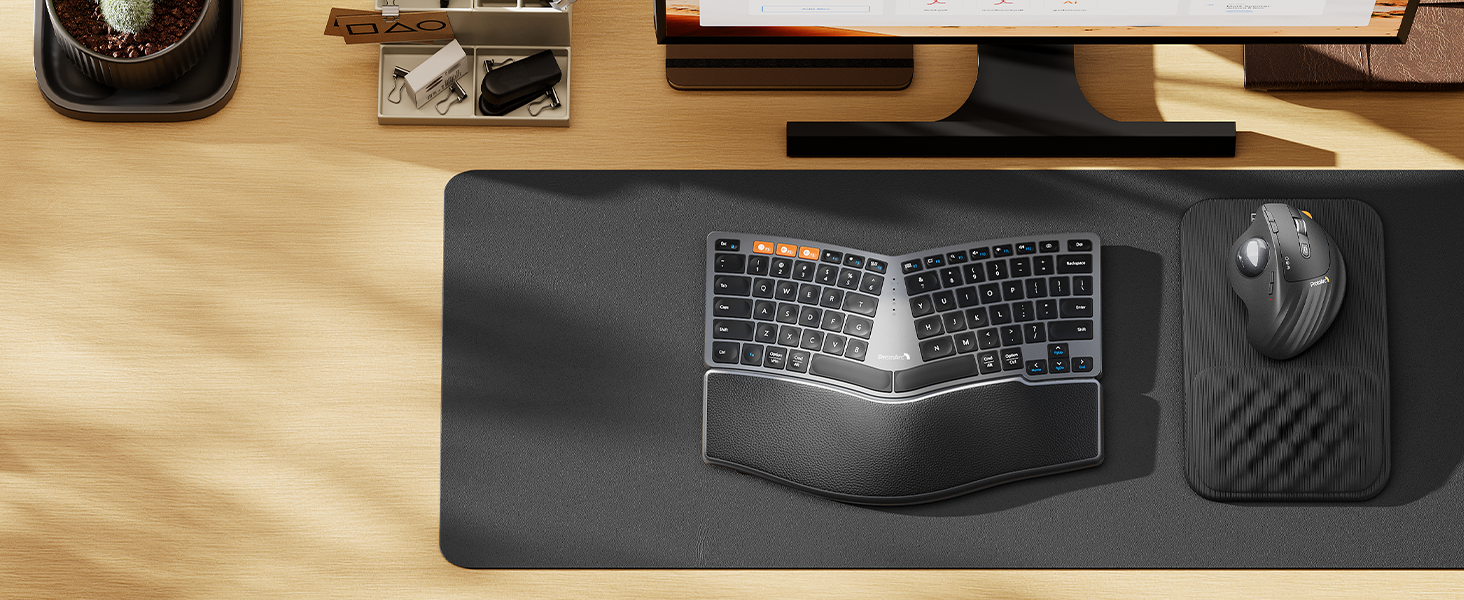
ProtoArc EK04 Mini compact ergonomic keyboard offers a space-saving solution to maximize workspace efficiency without sacrificing comfort and functionality.
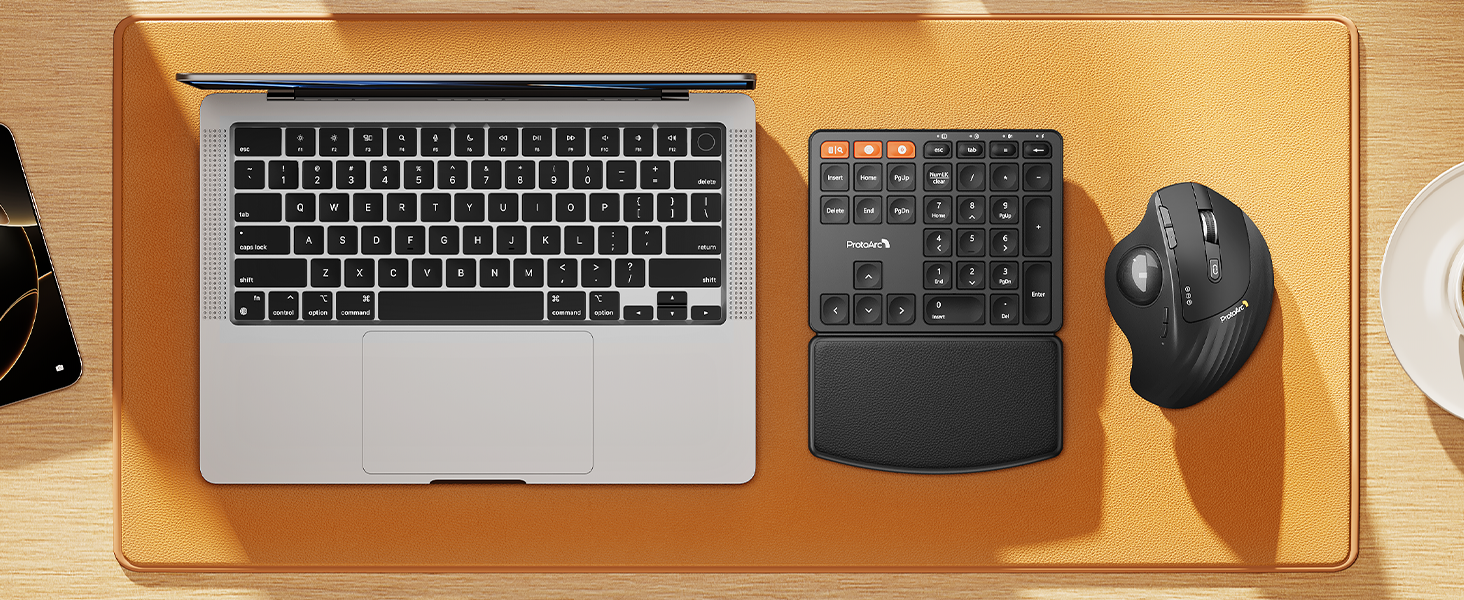
ProtoArc EK04 N wireless ergonomic number pad with wrist rest can enhance work efficiency and provide typing comfort for long-term data entry work.

 EM01 NL Trackball Mouse | 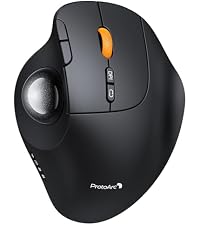 EM02 Trackball Mouse |  EM05NL Vertical Trackball |  EM04 Trackball Mouse |  EM11 Vertical Mouse | 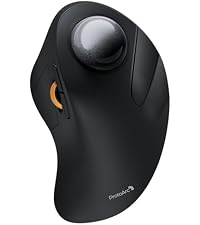 EM03 NL Trackball Mouse |  EM15 USB-C Tri-Mode Mouse | |
|---|---|---|---|---|---|---|---|
Customer Reviews | — | — | — | — | — | — | — |
Price | — | — | — | — | — | — | — |
Connection Type | 2.4G + Dual Bluetooth | 2.4G + Dual Bluetooth | 2.4G + Dual Bluetooth | 2.4G + Dual Bluetooth | 2.4G + Dual Bluetooth | 2.4G + Dual Bluetooth | USB-C + 2.4G + Bluetooth |
Compatibility | MacOS,iOS, iPadOS, Win,Android | MacOS,iOS, iPadOS, Win,Android | MacOS,iOS, iPadOS, Win,Android | MacOS,iOS, iPadOS, Win,Android | MacOS,iOS, iPadOS, Win,Android | MacOS,iOS, iPadOS, Win,Android | MacOS,iOS, iPadOS, Win,Android |
Color | Black-Gray Ball | Black-Gray Ball | Black-Gray Ball | Black | Black | Black-Gray Ball | Black |
USB-C Charging | ? | ? | ? | ? | ? | ? | ? |
Mouse Type | Thumb Type | Thumb Type | Thumb Type | Thumb Type | Vertical Mouse | Index Finger Type | / |
Hand Size | Great for Medium Hand | Great for Medium Hand | Great for Medium Hand | Great for Small Hand | Great for Medium Hand | Great for Medium to Large Hand | Great for Medium Hand |


Mission
At ProtoArc, our mission is to deliver innovative workspace solutions that enhance comfort, boost productivity, and foster overall wellness.
Vision
We believe that everyone deserves a workspace that not only meets their functional needs but also empowers them to thrive. Our vision is a world where work environments promote health, happiness, and high performance.
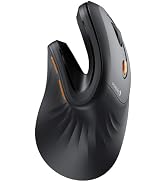
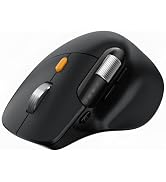
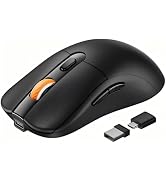
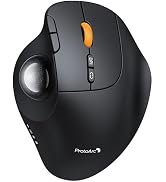
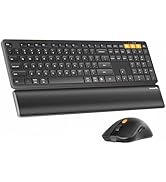
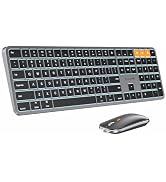
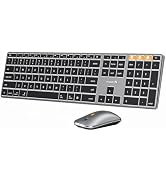

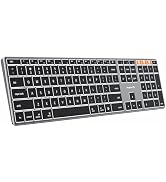

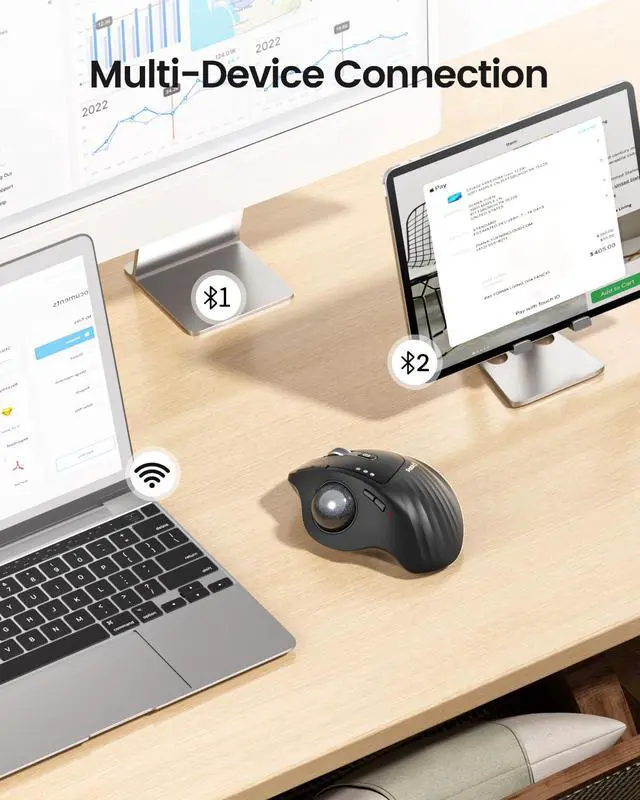
Switch freely between Android, tablet and Mac with just one button
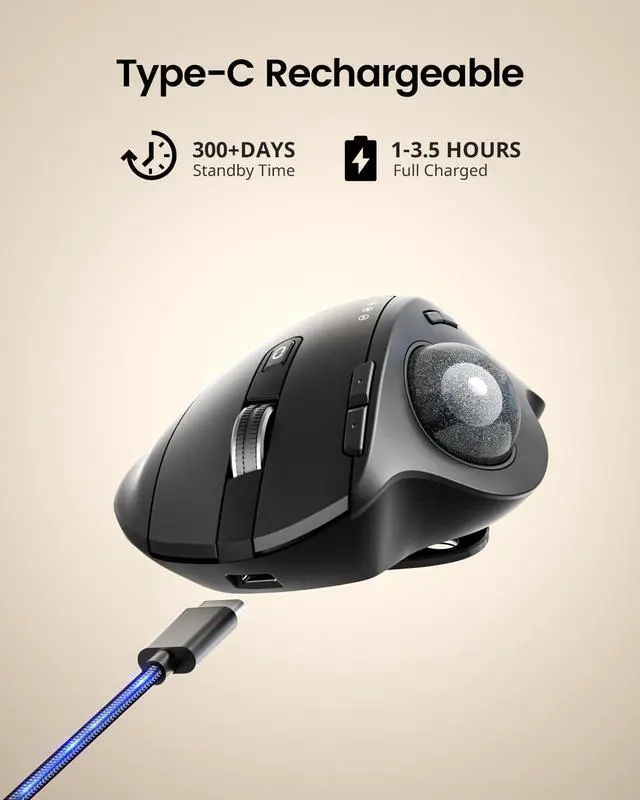
Easily charge the mouse with the included usb c charging cable anytime anywhere


Is your trackball feeling sticky, jumpy, or less responsive? Over time, dust, oil, and dead skin cells build up inside the mechanism, causing the ball to drag or the cursor to skip. In this video, we’ll show you how to give it a proper clean. Regular maintenance restores that silky-smooth glide, ensures precise cursor control, and extends the life of your device. A few minutes of care makes all the difference!


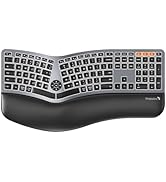
Type more naturally with ProtoArc EK01 Plus. The ergo keyboard with cushioned palm rest, curved split keyframe and responsive scissor keys - Reduces wrist strain, keep your hands and shoulder relaxed
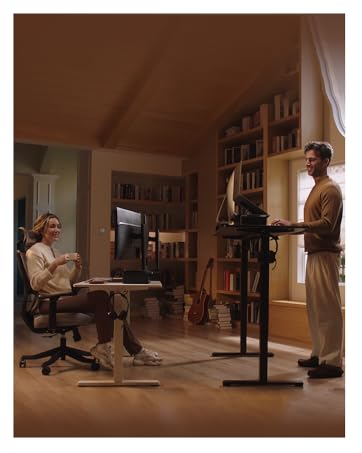
Transform your home office into a productivity haven with our ergonomic trackball mouse and chair. Designed to provide all-day comfort
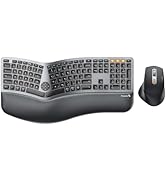
ProtoArc EK04 wireless ergonomic keyboard with separate number pad provides greater flexibility for your workspace setup, greatly helps to improve your work productivity.
ProtoArc EK04 Mini compact ergonomic keyboard offers a space-saving solution to maximize workspace efficiency without sacrificing comfort and functionality.
ProtoArc EK04 N wireless ergonomic number pad with wrist rest can enhance work efficiency and provide typing comfort for long-term data entry work.
EM01 NL Trackball Mouse | EM02 Trackball Mouse | EM05NL Vertical Trackball | EM04 Trackball Mouse | EM11 Vertical Mouse | EM03 NL Trackball Mouse | 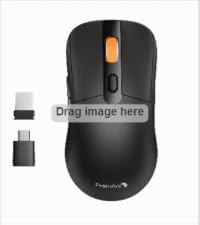 EM15 USB-C Tri-Mode Mouse |
|---|---|---|---|---|---|---|
| Customer Reviews | ||||||
| — | — | — | — | — | — | — |
| Price | ||||||
| — | — | — | — | — | — | — |
| Connection Type | ||||||
| 2.4G + Dual Bluetooth | 2.4G + Dual Bluetooth | 2.4G + Dual Bluetooth | 2.4G + Dual Bluetooth | 2.4G + Dual Bluetooth | 2.4G + Dual Bluetooth | USB-C + 2.4G + Bluetooth |
| Compatibility | ||||||
| MacOS,iOS, iPadOS, Win,Android | MacOS,iOS, iPadOS, Win,Android | MacOS,iOS, iPadOS, Win,Android | MacOS,iOS, iPadOS, Win,Android | MacOS,iOS, iPadOS, Win,Android | MacOS,iOS, iPadOS, Win,Android | MacOS,iOS, iPadOS, Win,Android |
| Color | ||||||
| Black-Gray Ball | Black-Gray Ball | Black-Gray Ball | Black | Black | Black-Gray Ball | Black |
| USB-C Charging | ||||||
| ? | ? | ? | ? | ? | ? | ? |
| Mouse Type | ||||||
| Thumb Type | Thumb Type | Thumb Type | Thumb Type | Vertical Mouse | Index Finger Type | / |
| Hand Size | ||||||
| Great for Medium Hand | Great for Medium Hand | Great for Medium Hand | Great for Small Hand | Great for Medium Hand | Great for Medium to Large Hand | Great for Medium Hand |
Mission
At ProtoArc, our mission is to deliver innovative workspace solutions that enhance comfort, boost productivity, and foster overall wellness.
Vision
We believe that everyone deserves a workspace that not only meets their functional needs but also empowers them to thrive. Our vision is a world where work environments promote health, happiness, and high performance.