




525 Radio Function Display
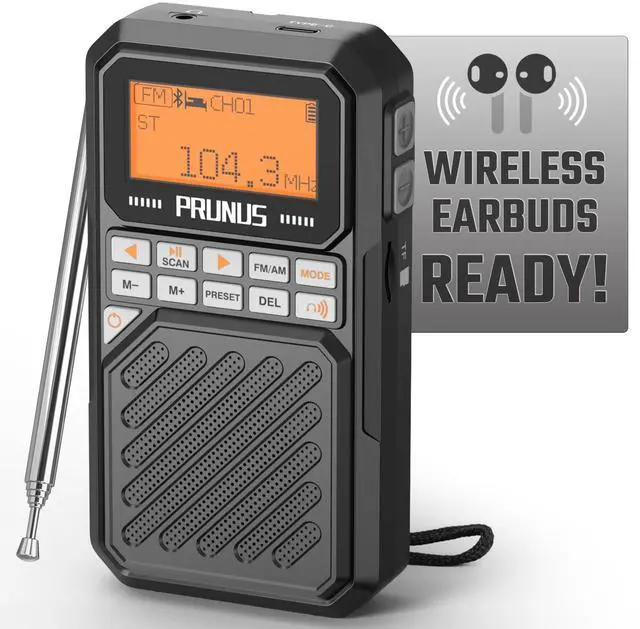
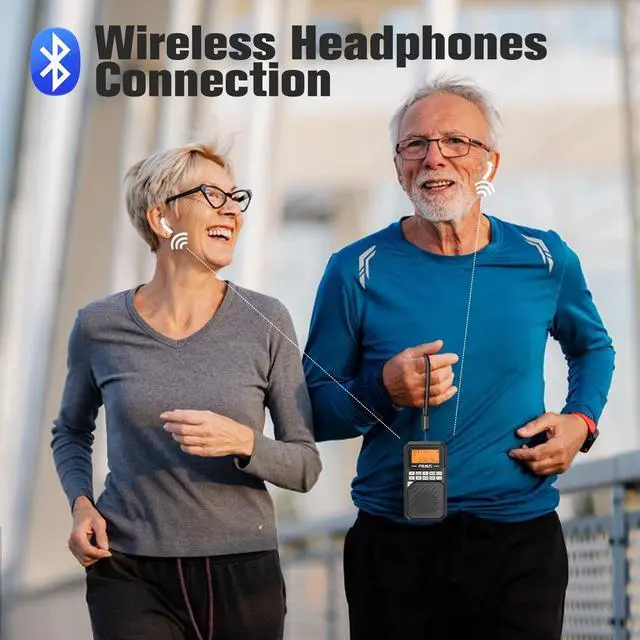
Merchant VideoAbove is the full function demonstration video. PRUNUS features groundbreaking technology that enables radio-to-Bluetooth headphone connection, giving you unrestricted listening outdoors.

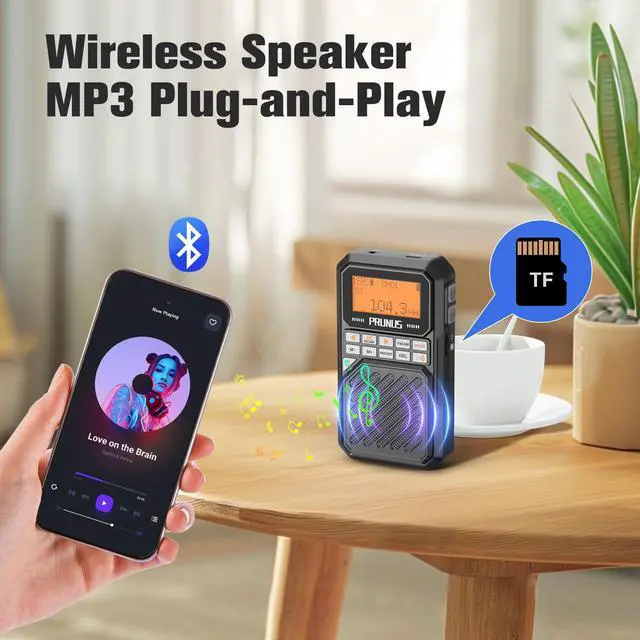
First-time support for radio TF card single-song repeat, playlist looping and shuffle play. Whether you're unwinding at home or enjoying a picnic outdoor, elevate every moment with exceptional audio. Experience crystal-clear sound quality.

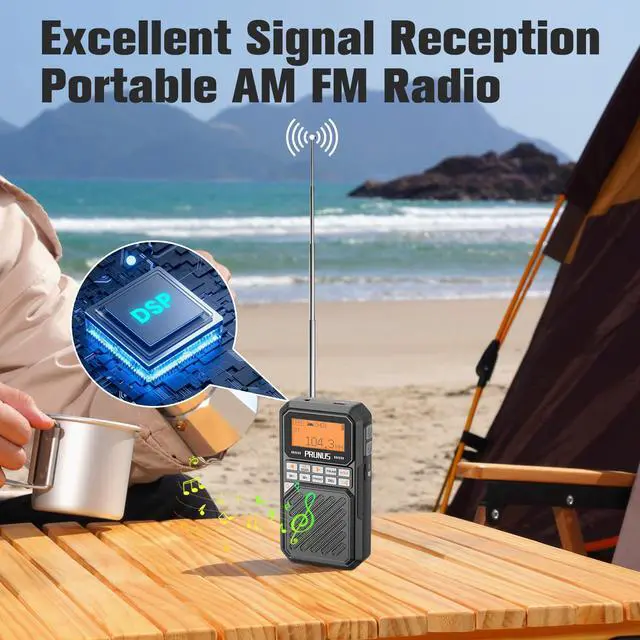
Pocket Size: 1.1 x 2.6 x 4.8 inch, Weight: 5.5oz. The compact size of transistor radio enables it to fit easily into your pocket or bag. The lightweight design of pocket radio am fm ensures you can carry it around without feeling any burden.

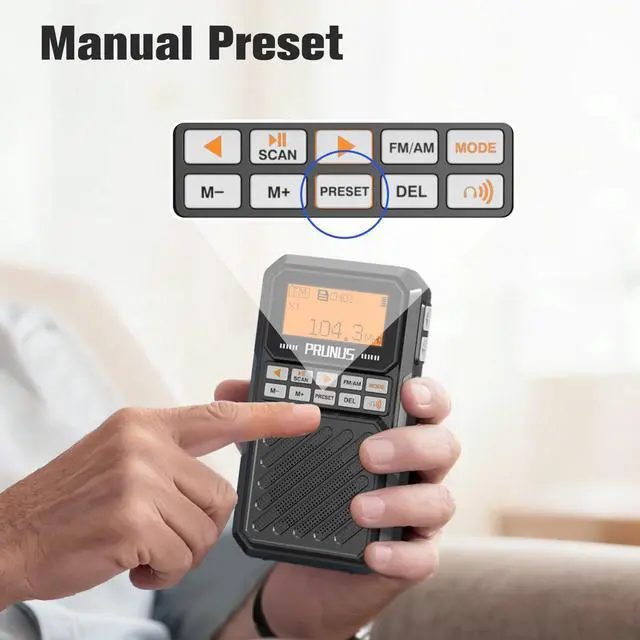
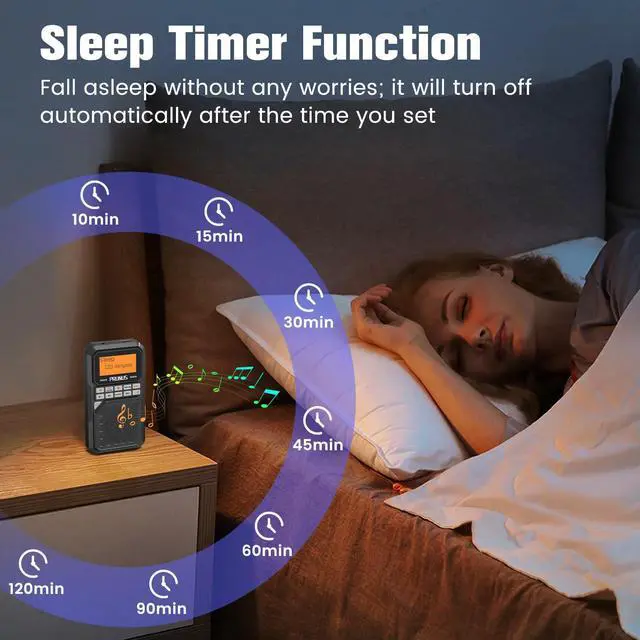
Preset: Supports up to 99 manual storage stations, making your favorite broadcasts instantly accessible.(Most other radios do not have a Preset function). You can set your radio to automatically turn off between 10 to 120 minutes with reduced battery consumption.

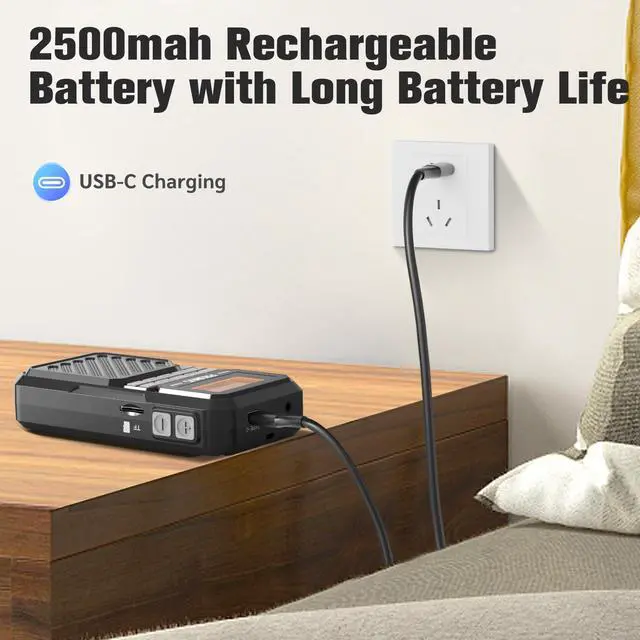
The 2500mah rechargeable battery is one of the largest capacity batteries of the radio, In a fully charged state, 50% of the volume can listen for about 24 hours, battery life significantly exceeds that of other radios. The package includes a USB-C charging cable.
How long does it take to connect the bluetooth headphones?
After resetting bluetooth headphones and turning on the radio's Bluetooth transmitter, wait for more than 40 seconds, and the radio will automatically connect to the headphones. The second time will be automatically established quickly.
What to do if the bluetooth headphones won't connect? Or Cantact us with email in user's manual
1. Turn off Bluetooth on your phone and any other Bluetooth transmitting devices near to avoid automatic connection to the headphones, and reset the headphones.
2. Radio delete previously connected devices, then try to connect to your headphones.
What to do if there's no sound after connecting the bluetooth headphones?
1. The headphones or charging case might have low battery. Charge them and try reconnecting.
2. Check if the radio volume is too low. Increase the volume.
3. If there's a sound delay, turn off the radio and then turn it back on, and reconnect.
What to do if there's noise after connecting? What to do if the connection process freezes?
Press and hold the power button for 10 seconds to restart, then reconnect the headphones. Please refer to the instruction manual before use.
What should I do if the radio I got won't turn on?
If the radio fails to power on, first try to fully charge it with the charging cable, then attempt to turn it on by pressing the power button.

A Perfect Gift: Give it to family and friends to keep them happy—perfect for showing your love and care!
525 Radio Function Display
Merchant VideoAbove is the full function demonstration video. PRUNUS features groundbreaking technology that enables radio-to-Bluetooth headphone connection, giving you unrestricted listening outdoors.

First-time support for radio TF card single-song repeat, playlist looping and shuffle play. Whether you're unwinding at home or enjoying a picnic outdoor, elevate every moment with exceptional audio. Experience crystal-clear sound quality.

Pocket Size: 1.1 x 2.6 x 4.8 inch, Weight: 5.5oz. The compact size of transistor radio enables it to fit easily into your pocket or bag. The lightweight design of pocket radio am fm ensures you can carry it around without feeling any burden.

Preset: Supports up to 99 manual storage stations, making your favorite broadcasts instantly accessible.(Most other radios do not have a Preset function). You can set your radio to automatically turn off between 10 to 120 minutes with reduced battery consumption.

The 2500mah rechargeable battery is one of the largest capacity batteries of the radio, In a fully charged state, 50% of the volume can listen for about 24 hours, battery life significantly exceeds that of other radios. The package includes a USB-C charging cable.
How long does it take to connect the bluetooth headphones?
After resetting bluetooth headphones and turning on the radio's Bluetooth transmitter, wait for more than 40 seconds, and the radio will automatically connect to the headphones. The second time will be automatically established quickly.
What to do if the bluetooth headphones won't connect? Or Cantact us with email in user's manual
1. Turn off Bluetooth on your phone and any other Bluetooth transmitting devices near to avoid automatic connection to the headphones, and reset the headphones.
2. Radio delete previously connected devices, then try to connect to your headphones.
What to do if there's no sound after connecting the bluetooth headphones?
1. The headphones or charging case might have low battery. Charge them and try reconnecting.
2. Check if the radio volume is too low. Increase the volume.
3. If there's a sound delay, turn off the radio and then turn it back on, and reconnect.
What to do if there's noise after connecting? What to do if the connection process freezes?
Press and hold the power button for 10 seconds to restart, then reconnect the headphones. Please refer to the instruction manual before use.
What should I do if the radio I got won't turn on?
If the radio fails to power on, first try to fully charge it with the charging cable, then attempt to turn it on by pressing the power button.

A Perfect Gift: Give it to family and friends to keep them happy—perfect for showing your love and care!