here!
here!
I’m your shopping assistant for PC builds, upgrades, and everything tech.
Got questions? Ask away!
Start a conversation
here!
I’m your shopping assistant for PC builds, upgrades, and everything tech.
Got questions? Ask away!
Start a conversation



Any questions? Ask CelesteSM will help you find out quickly.
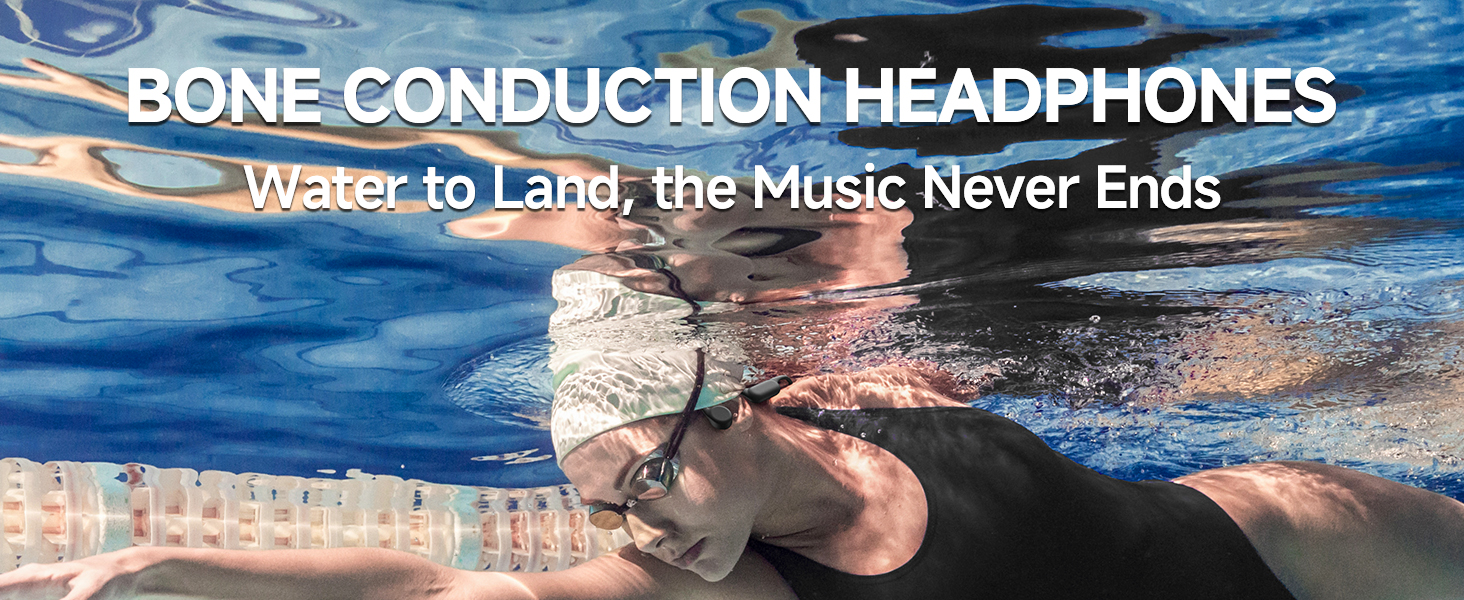
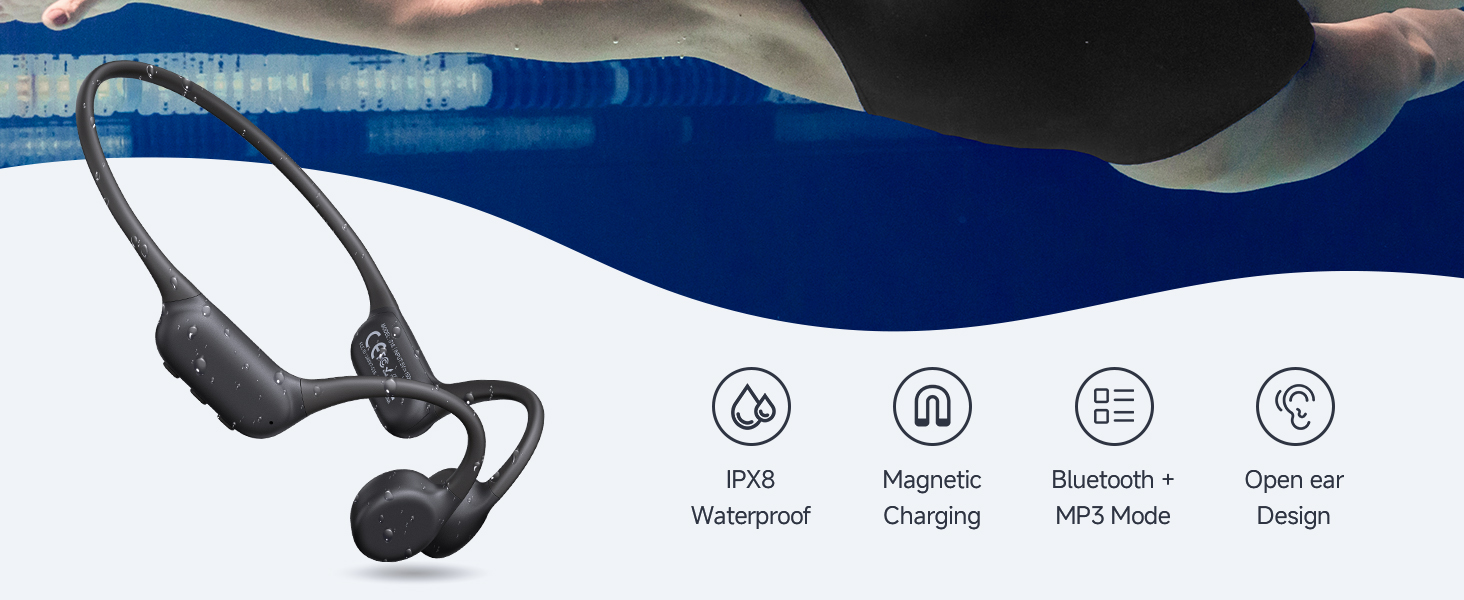
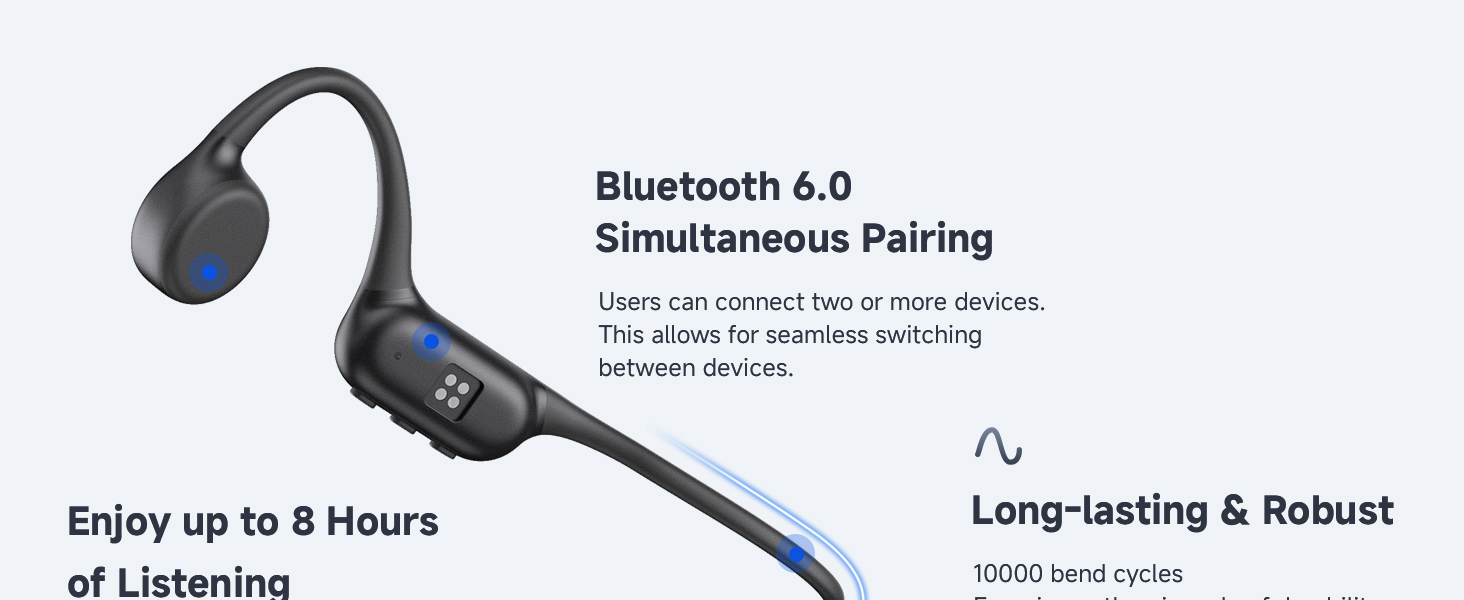
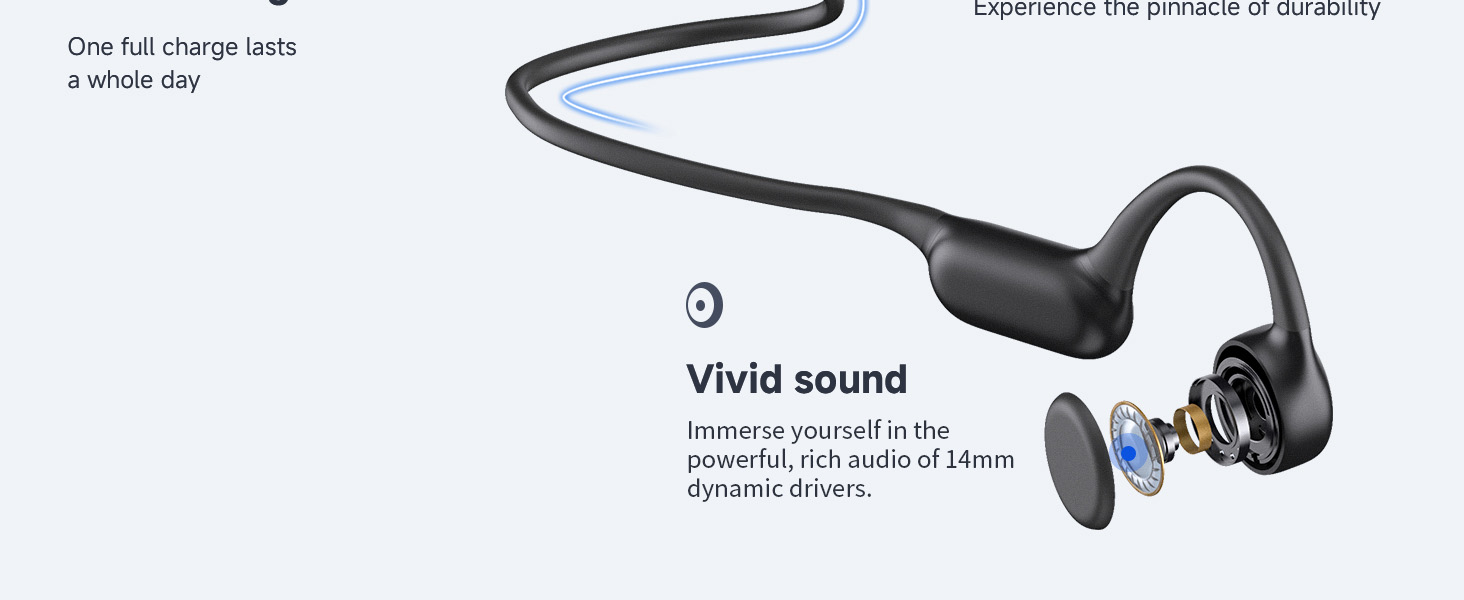
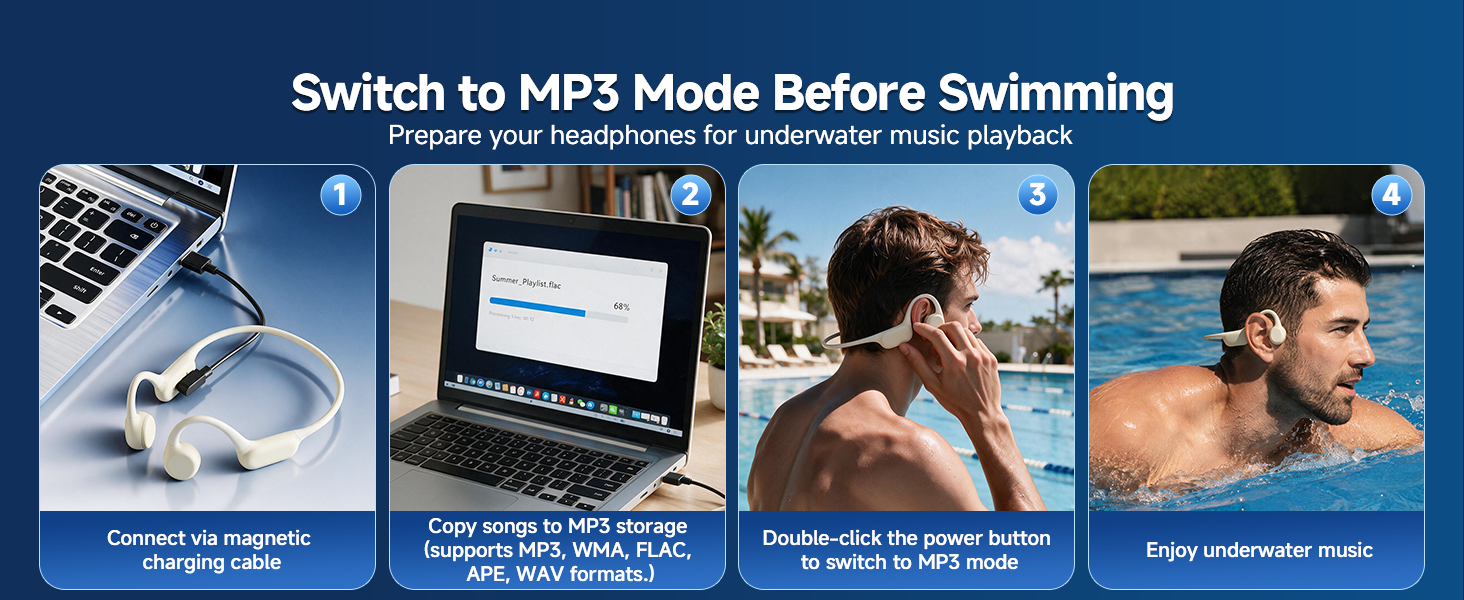
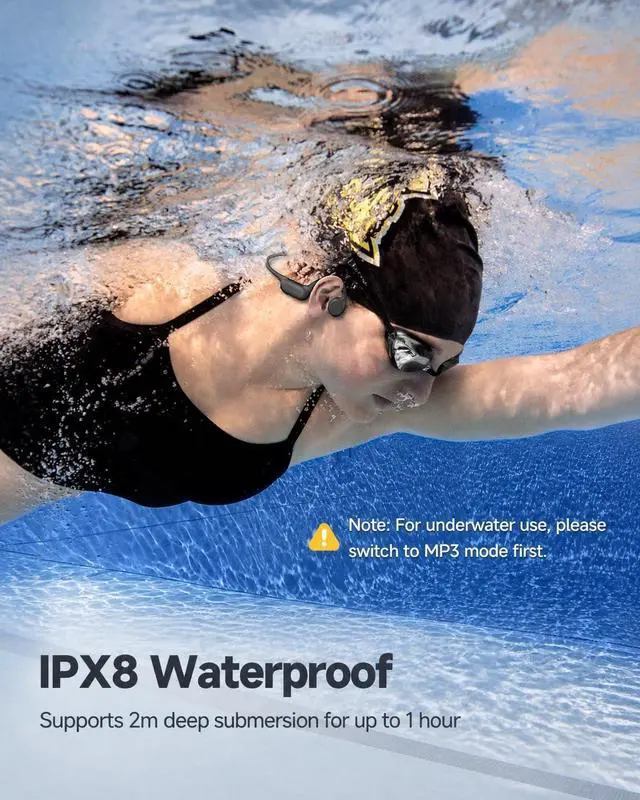
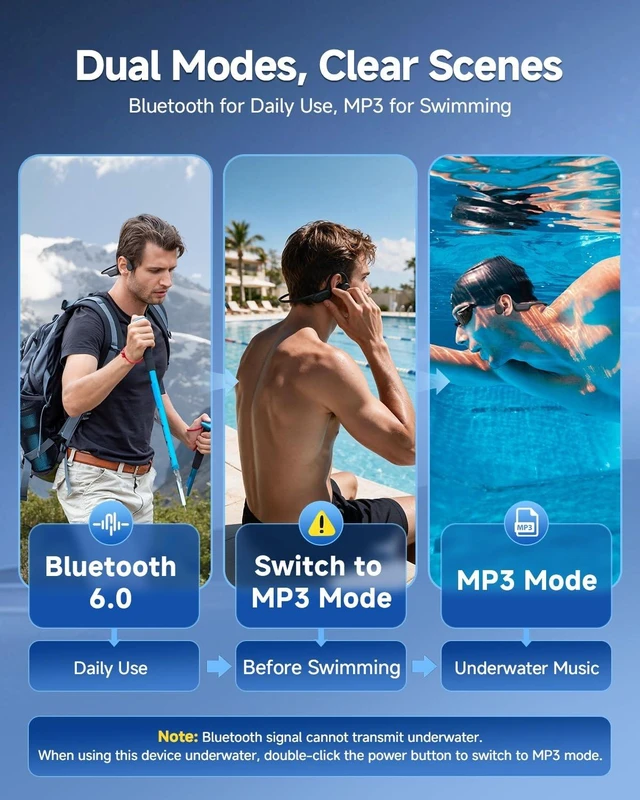
How do I switch to MP3 Mode (for underwater use)?
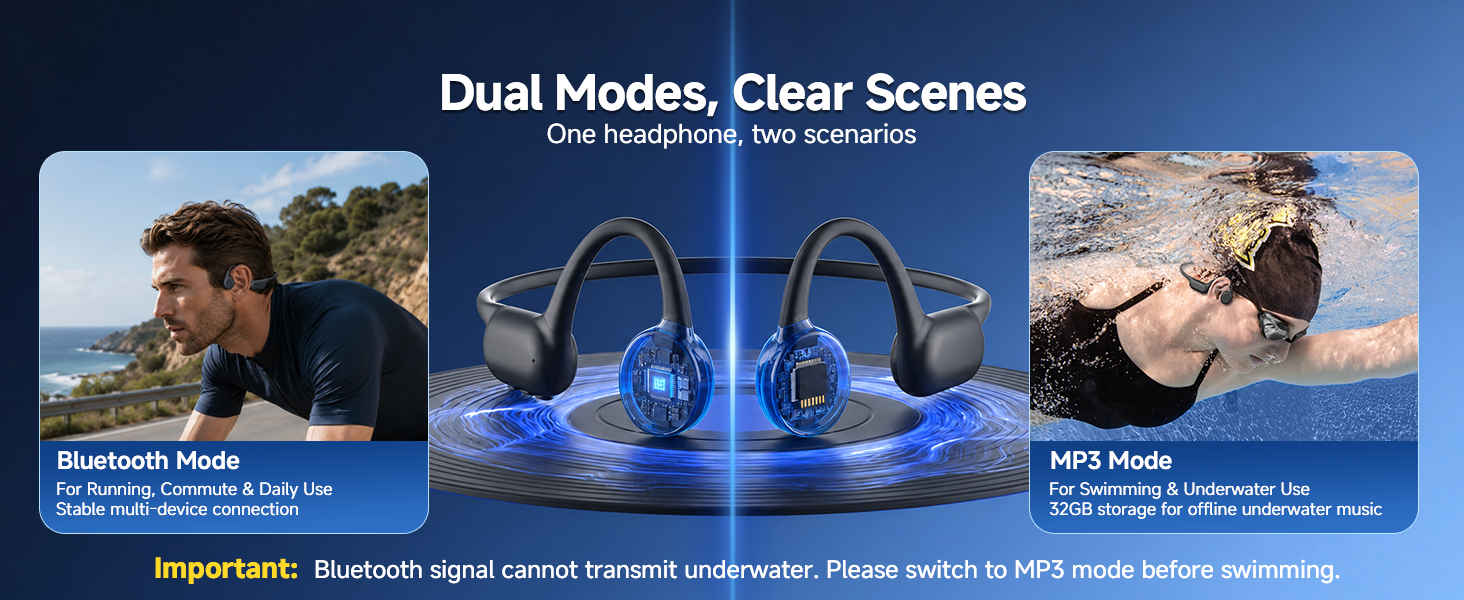
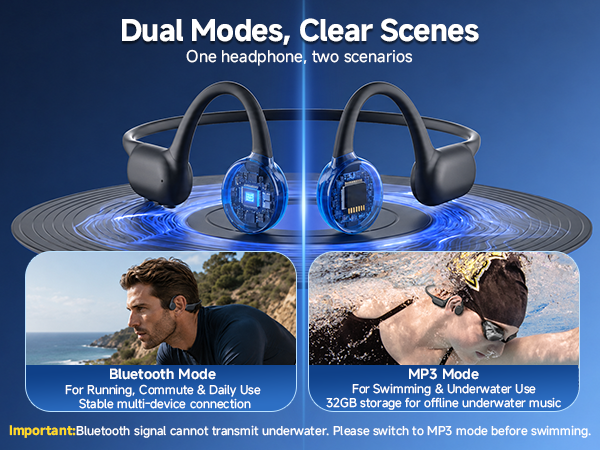
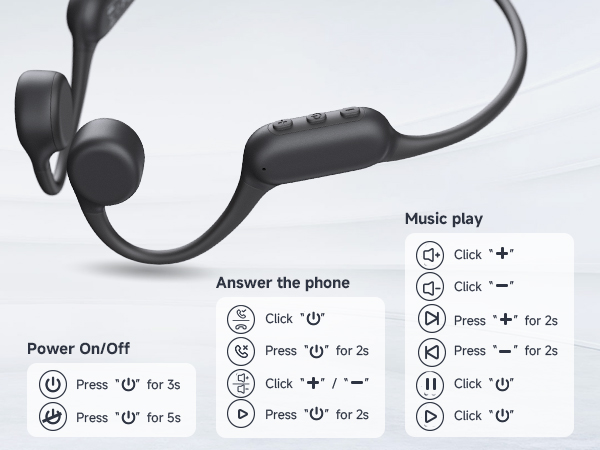
When the headphones are powered on, the default mode is Bluetooth mode (music mode). To switch to MP3 mode, please double-click the power button. Ensure valid songs are stored if mode switching fails; restore factory settings if needed.
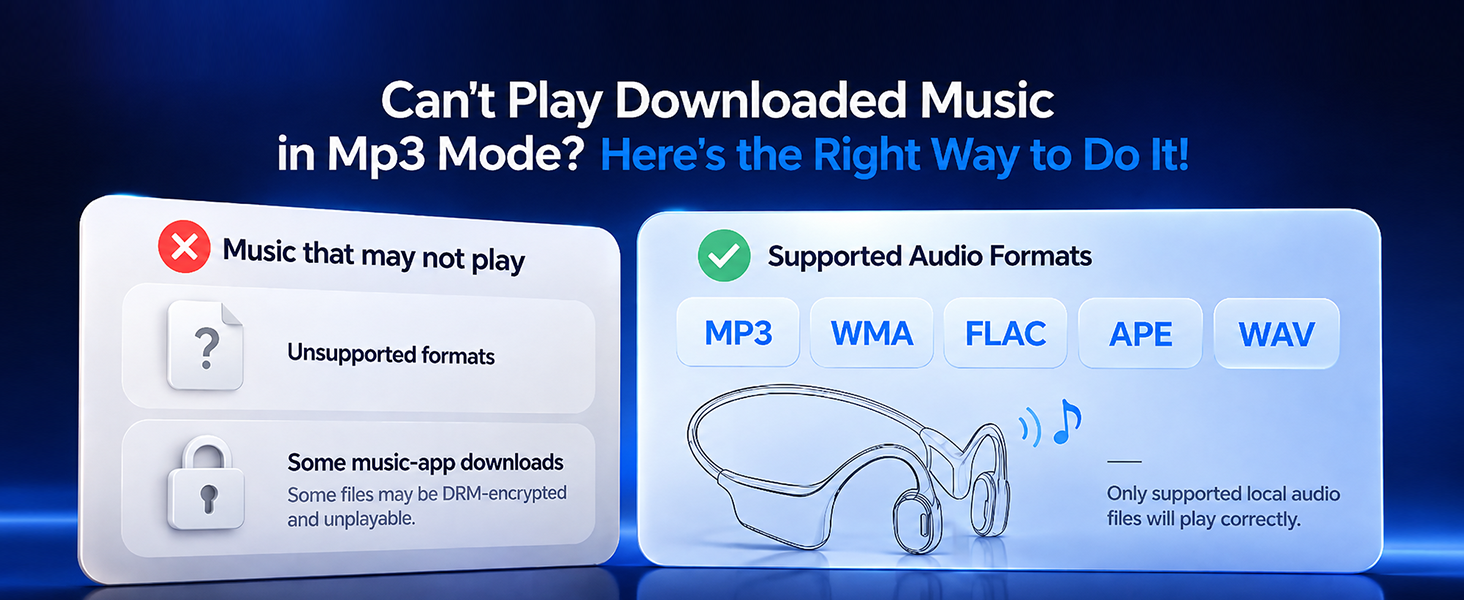
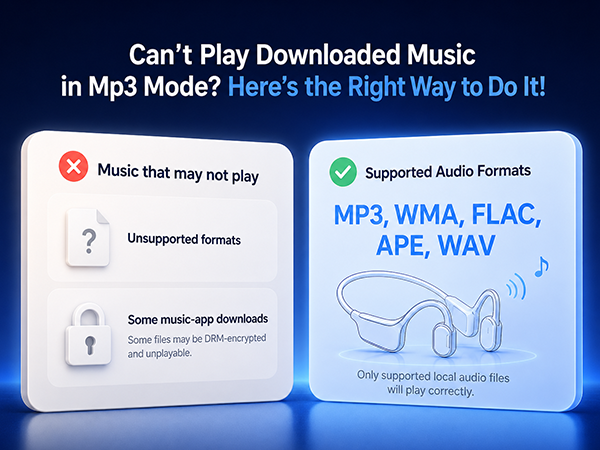
Downloaded music cannot be played after switching to MP3 mode?
a. Check about the songs are one of the following formats:MP3, WMA, FLAC, APE, or WAV.
b. Confirm the computer recognizes the headphones
c.Delete the downloaded songs, and then copy the songs again.
The songs in MP3 Mode cannot be deleted/coppyed on the computer?
Please reconnect the headphones to your computer and ensure the computer recognizes the device before deleting the files.
Cannot recognized the MP3 Mode?
a. Delete the songs and re-download again
b. If the headphones still cannot be played, reconnect it to computer to ensure the computer recognizes the headphones, then copy the songs again.
How to Reset?
Turn off the headphones, press and hold the power button for the 10S. Successfully, the red indicator light flashes 3 times.
Note: to reconnect the phone, please delete the previous Bluetooth naming S18 on the phone.

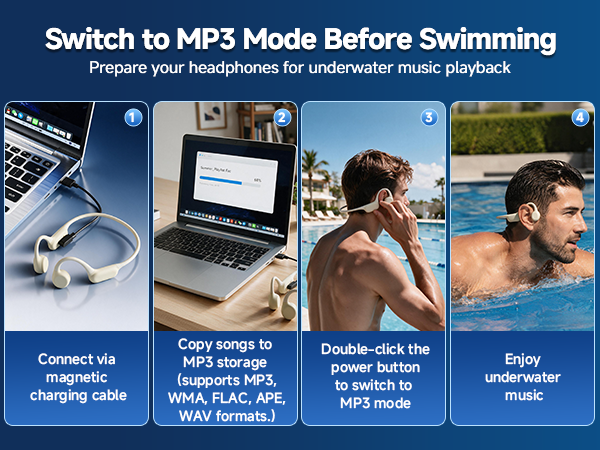

How do I switch to MP3 Mode (for underwater use)?
When the headphones are powered on, the default mode is Bluetooth mode (music mode). To switch to MP3 mode, please double-click the power button. Ensure valid songs are stored if mode switching fails; restore factory settings if needed.
Downloaded music cannot be played after switching to MP3 mode?
a. Check about the songs are one of the following formats:MP3, WMA, FLAC, APE, or WAV.
b. Confirm the computer recognizes the headphones
c.Delete the downloaded songs, and then copy the songs again.
The songs in MP3 Mode cannot be deleted/coppyed on the computer?
Please reconnect the headphones to your computer and ensure the computer recognizes the device before deleting the files.
Cannot recognized the MP3 Mode?
a. Delete the songs and re-download again
b. If the headphones still cannot be played, reconnect it to computer to ensure the computer recognizes the headphones, then copy the songs again.
How to Reset?
Turn off the headphones, press and hold the power button for the 10S. Successfully, the red indicator light flashes 3 times.
Note: to reconnect the phone, please delete the previous Bluetooth naming S18 on the phone.