




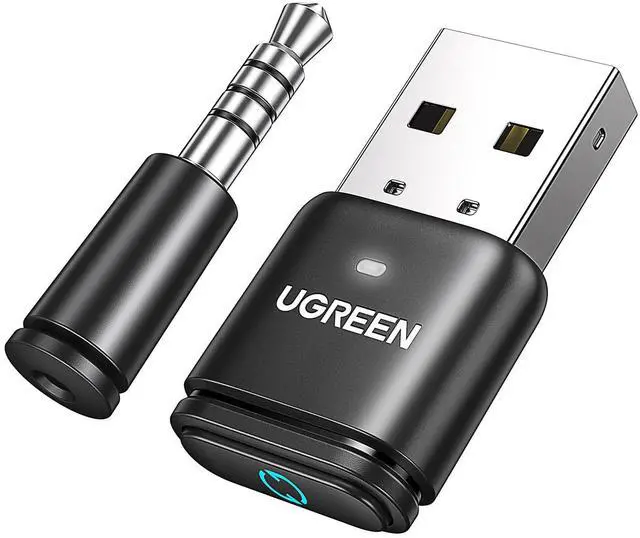
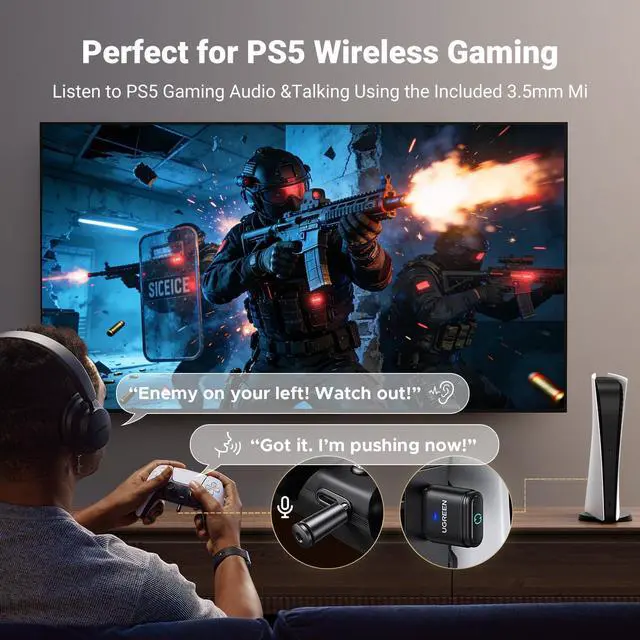
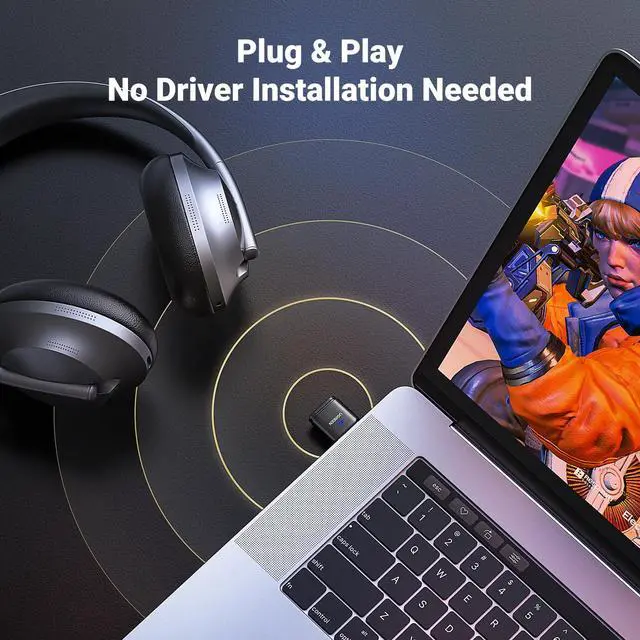



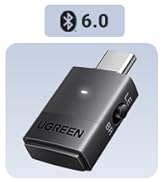
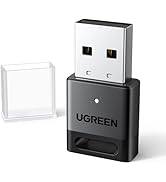


You can connect your Bluetooth headphones to devices like the PS4/PS5 and Switch that don’t have Bluetooth support, as well as Windows and Mac.
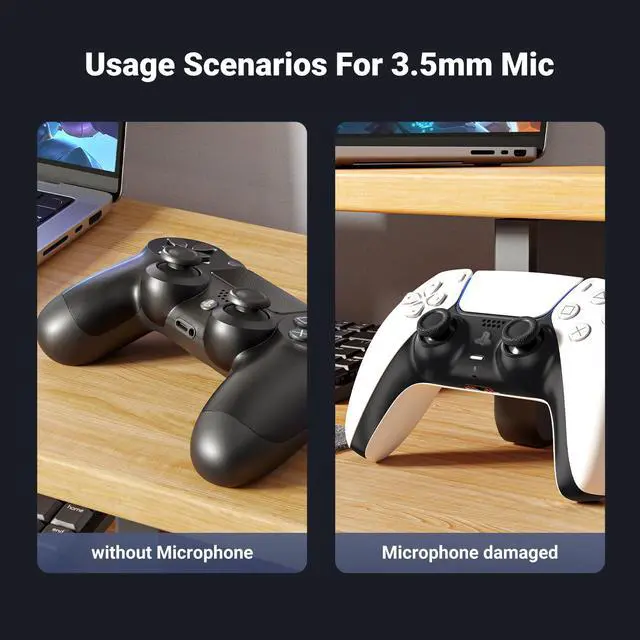
In addition, a mini analog microphone is part of the bundle so you can enjoy stereo-quality in-game chat.


Why can't my headphone be paired with this USB Bluetooth Adapter?
Please make sure that your headphone support Bluetooth function instead of wireless function, since wireless headphones are not the same as Bluetooth headphones.
What can I do if my Bluetooth headphone/speaker cannot pair with this item?
Please try resetting the item with the following steps. In power-on mode, press the multi-function key for 10 seconds to reset it, the red/green/blue indicator blinks cyclically for 2 times, indicating that the factory restoration is successful.
How can I pair my Bluetooth headphone/speaker with this item?
Please refer to the "How to Use UGREEN Audio Adapter CM668?" instructional video on the product page.
Why doesn't the product enter pairing mode when powered on? Why doesn't the LED light flash red and blue alternately?
First connection auto-pairs with a device. After pairing, it remembers the device and reconnects on power-up (LED flashes every 5s). Hold the multi-function button 3s to pair a new device.
The product's appearance is similar to a USB Bluetooth adapter. What are the differences?
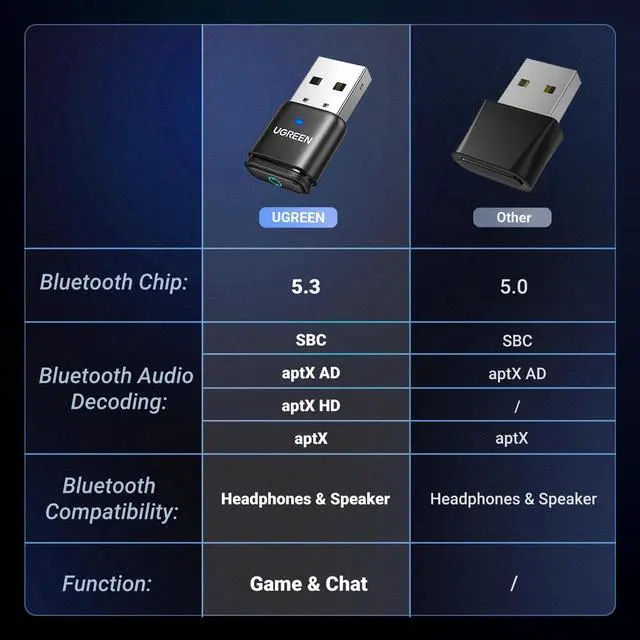
1)Audio only; USB adapter also supports mice, keyboards, and gamepads.
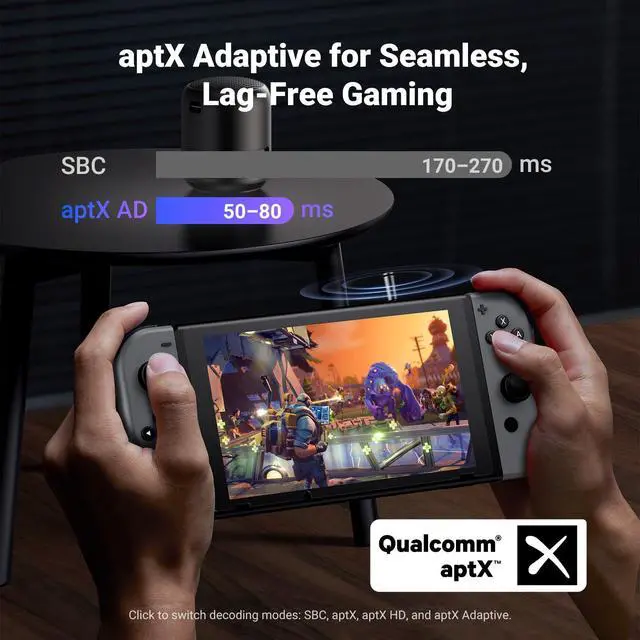
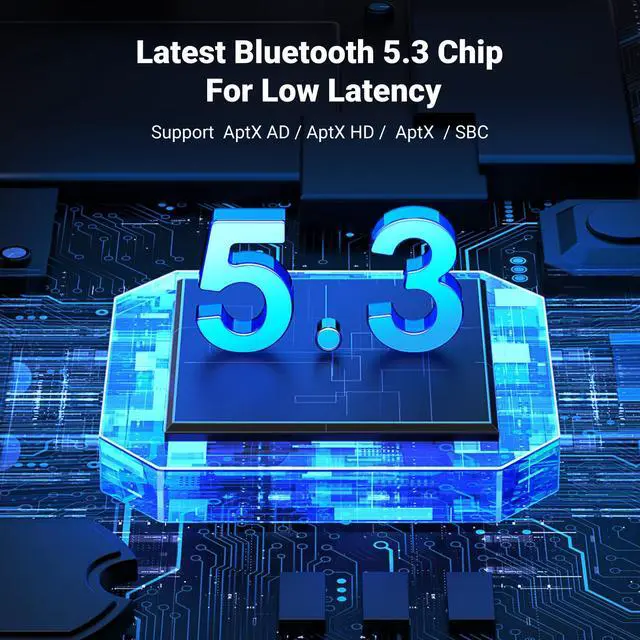
2)Supports SBC/aptX/aptX HD/aptX Adaptive; USB adapter only SBC.
3)Works with PS4/PS5/Switch/PC; USB adapter only Windows.


You can connect your Bluetooth headphones to devices like the PS4/PS5 and Switch that don’t have Bluetooth support, as well as Windows and Mac.
In addition, a mini analog microphone is part of the bundle so you can enjoy stereo-quality in-game chat.


Why can't my headphone be paired with this USB Bluetooth Adapter?
Please make sure that your headphone support Bluetooth function instead of wireless function, since wireless headphones are not the same as Bluetooth headphones.
What can I do if my Bluetooth headphone/speaker cannot pair with this item?
Please try resetting the item with the following steps. In power-on mode, press the multi-function key for 10 seconds to reset it, the red/green/blue indicator blinks cyclically for 2 times, indicating that the factory restoration is successful.
How can I pair my Bluetooth headphone/speaker with this item?
Please refer to the "How to Use UGREEN Audio Adapter CM668?" instructional video on the product page.
Why doesn't the product enter pairing mode when powered on? Why doesn't the LED light flash red and blue alternately?
First connection auto-pairs with a device. After pairing, it remembers the device and reconnects on power-up (LED flashes every 5s). Hold the multi-function button 3s to pair a new device.
The product's appearance is similar to a USB Bluetooth adapter. What are the differences?
1)Audio only; USB adapter also supports mice, keyboards, and gamepads.
2)Supports SBC/aptX/aptX HD/aptX Adaptive; USB adapter only SBC.
3)Works with PS4/PS5/Switch/PC; USB adapter only Windows.


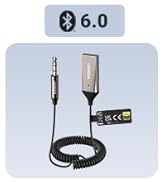
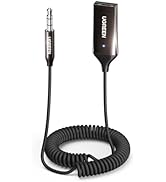
TV/Car Bluetooth 6.0 receiver
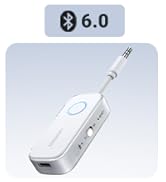
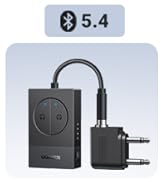
Airplane Bluetooth Tranmitter
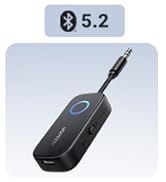
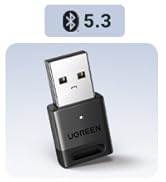
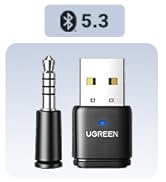
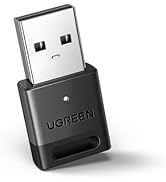
PC/PS5 Bluetooth Adapter
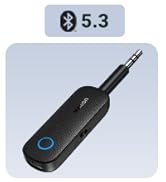
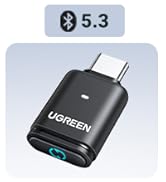
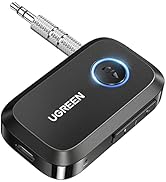
Other Hot Bluetooth Adapter