



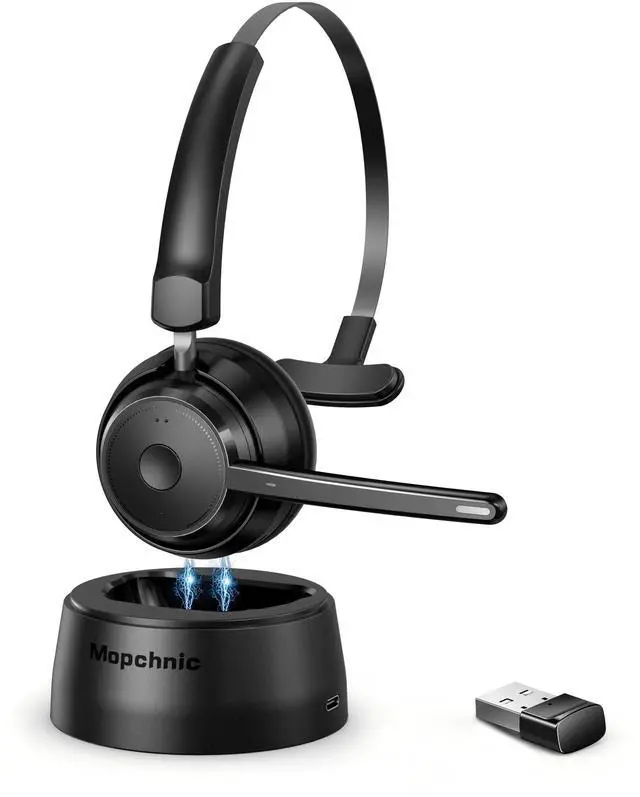
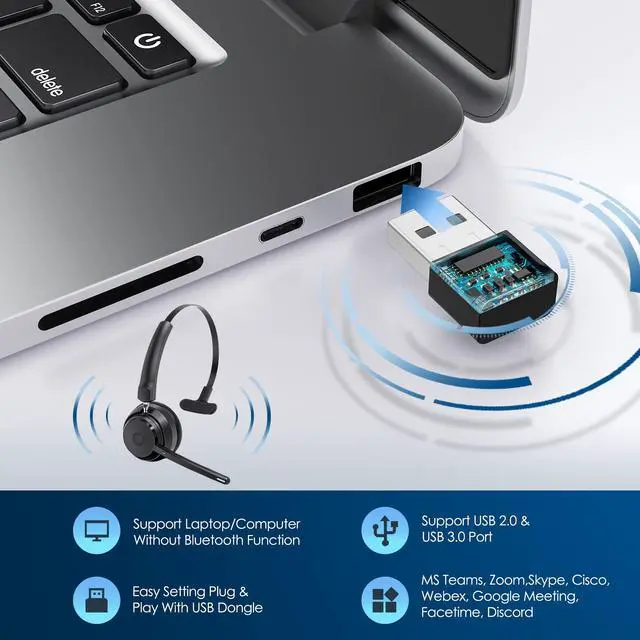
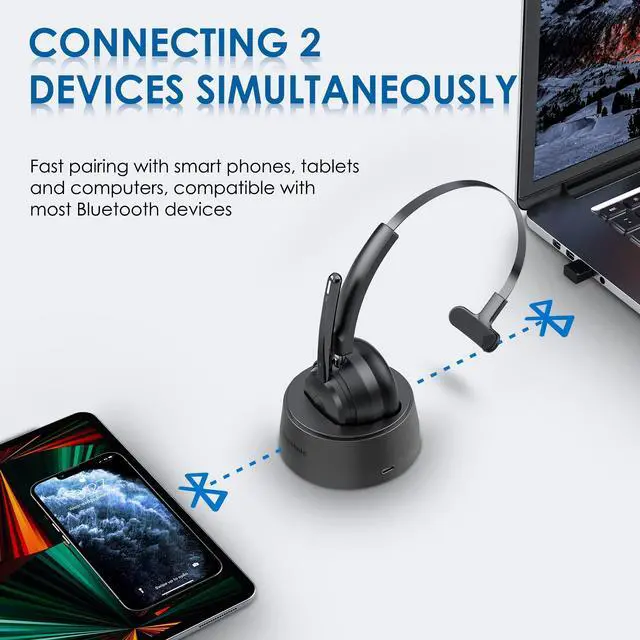
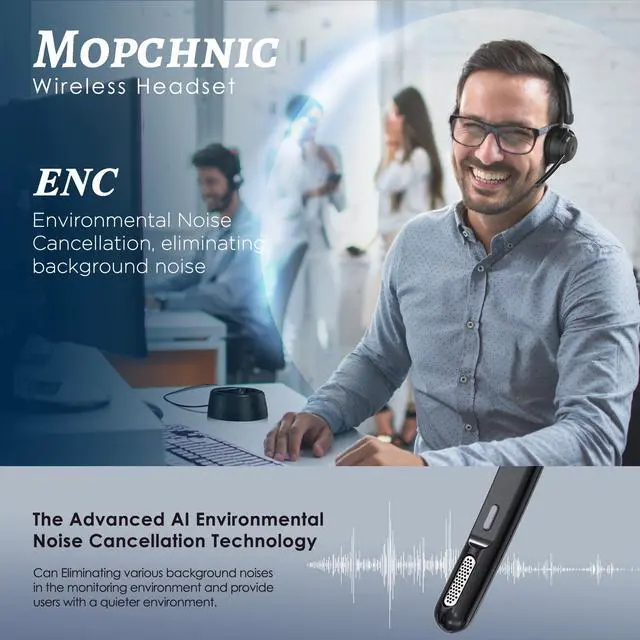



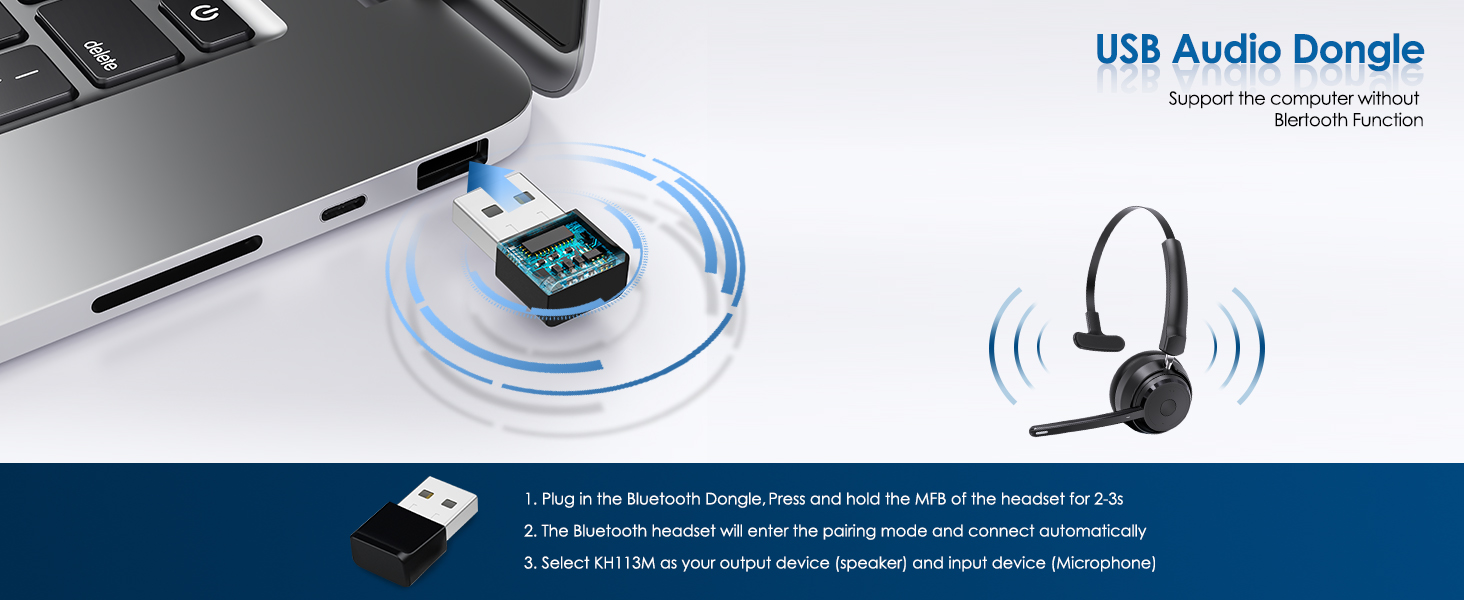

Can I pair it to computer?
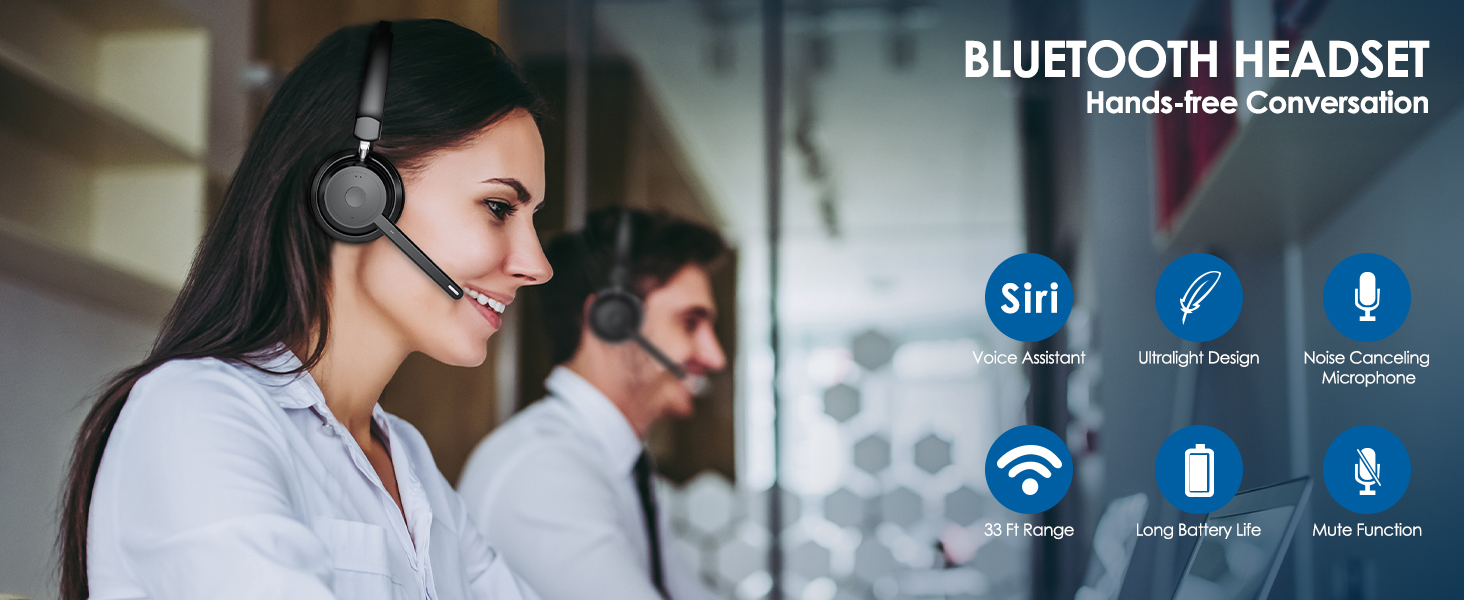
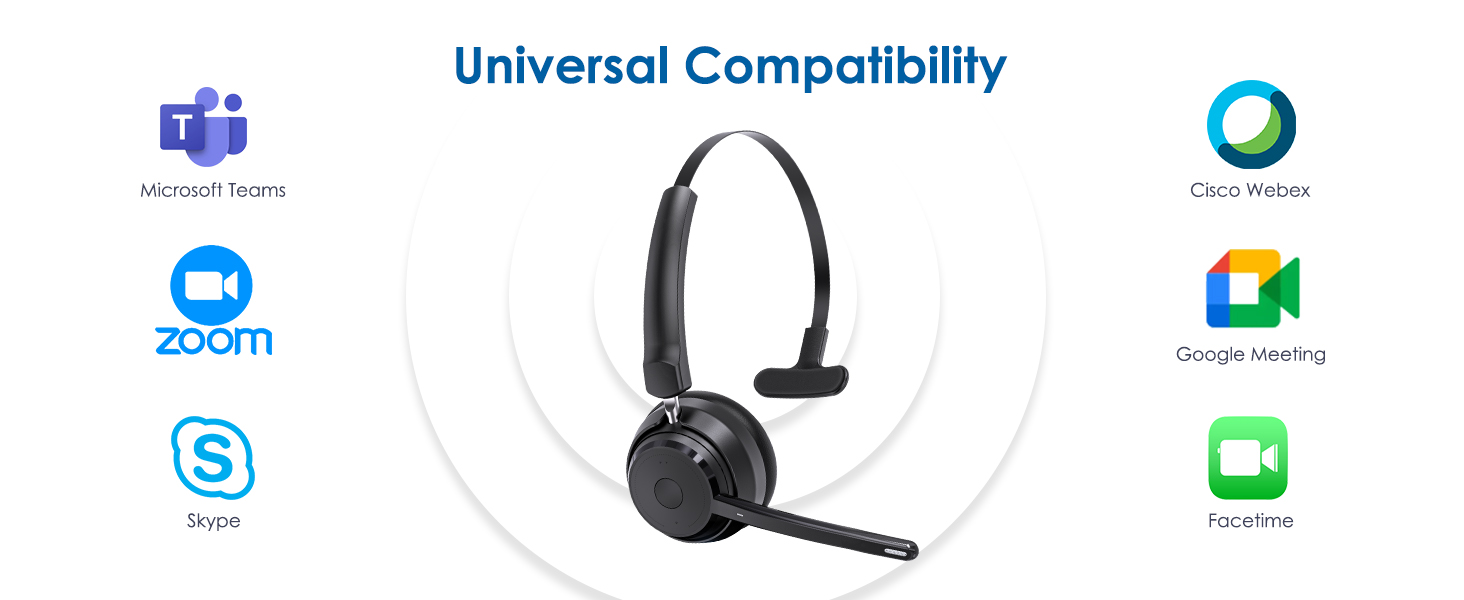
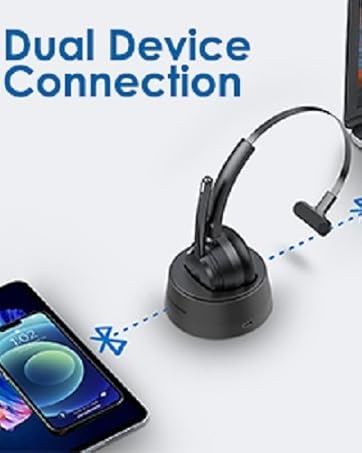
Yes, this Bluetooth headset is compatible with cell phones, laptops, computers.
How to pair to cell phone?
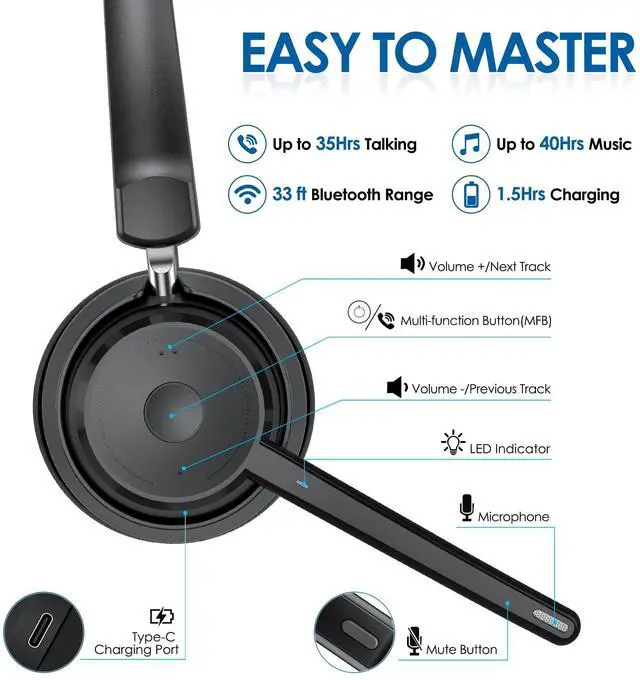
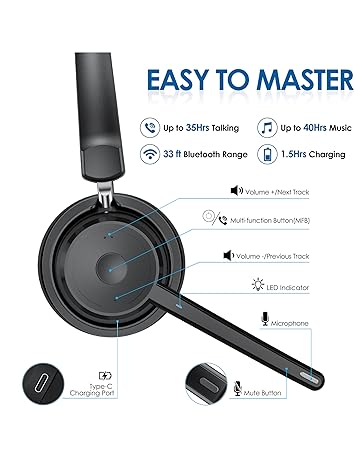
In the off state, press and hold MFB for 5-6 seconds to power on and enter pairing status,the LED flashes white and red alternately. Search and click to connect "KH113M" on your cell phone.
Can I pick up the landline calls?
The Bluetooth headset can only answer calls on cell phones. The MFB may not work when connected to a computer or landline phone due to software compatibility.
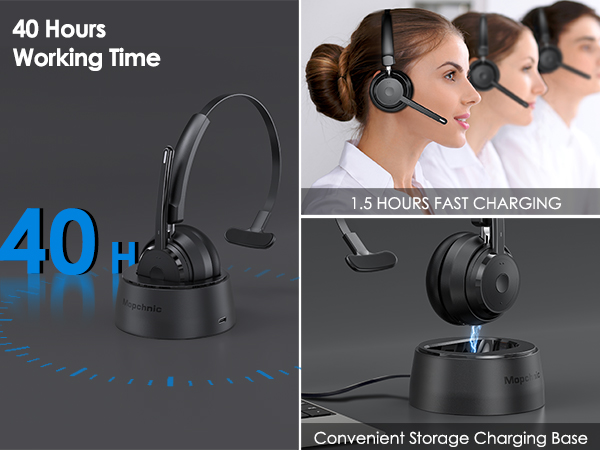
How do I charge the Bluetooth headset?
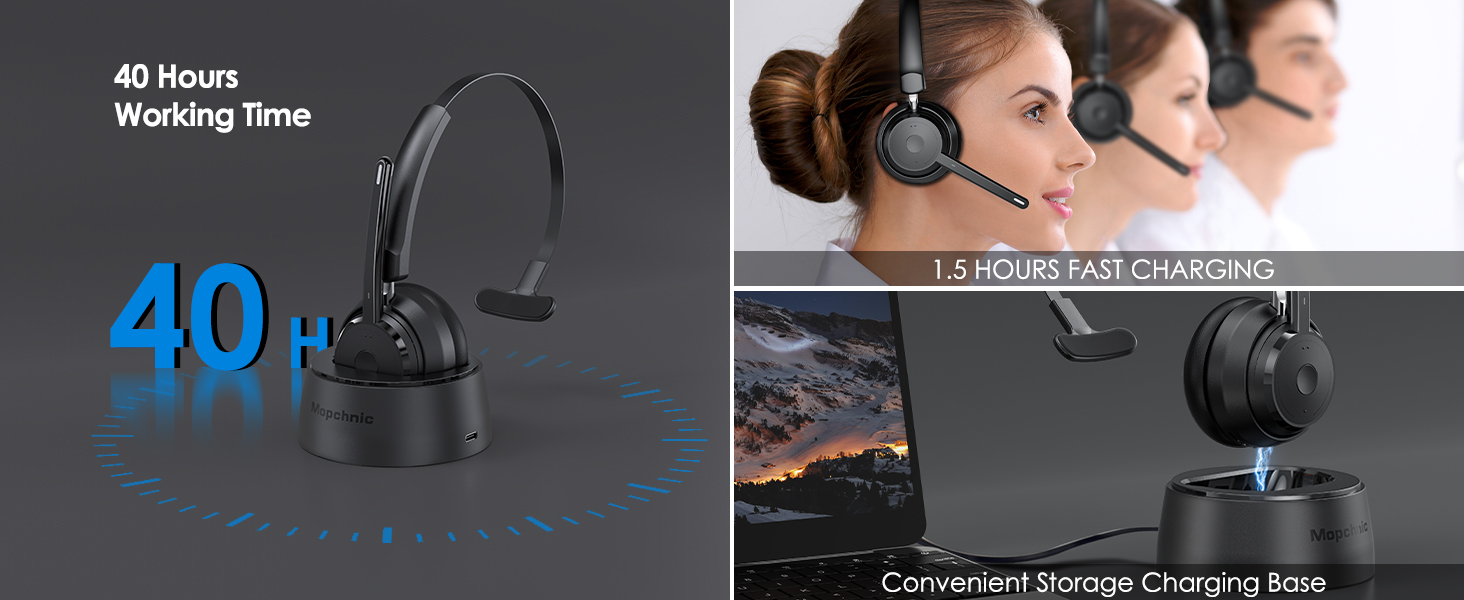
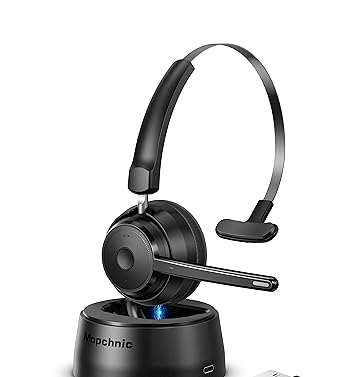
You can charge the product through the charging base or Type-C charging cable. During charging, please keep the charging base and charging cable connected.
Can I mute the call?
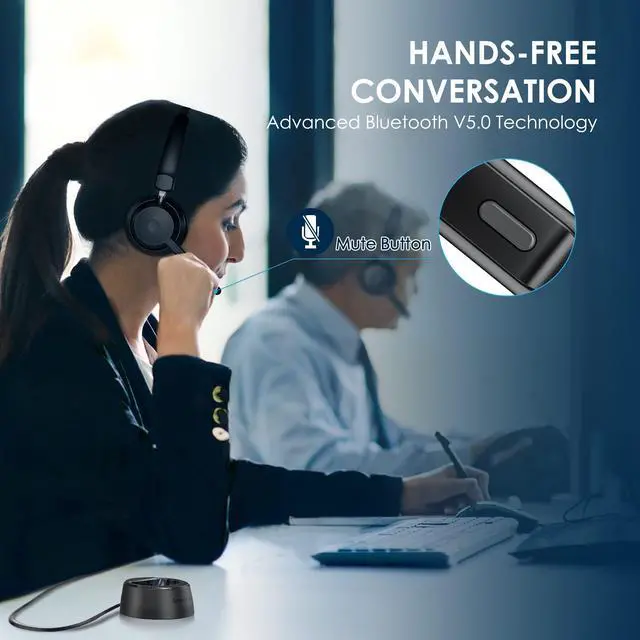
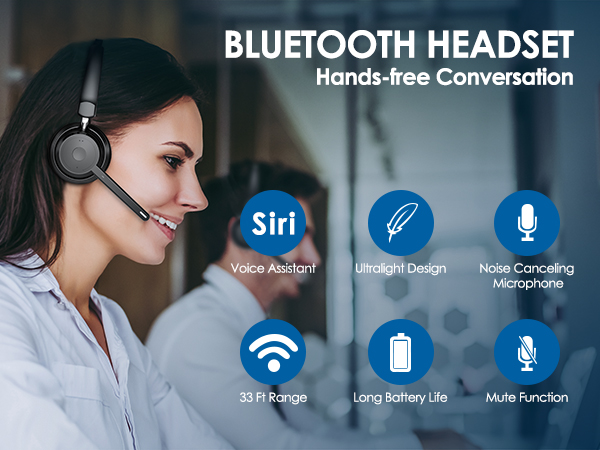
Hi, yes you can click the mute button the the microphone to mute the cell phone calls.

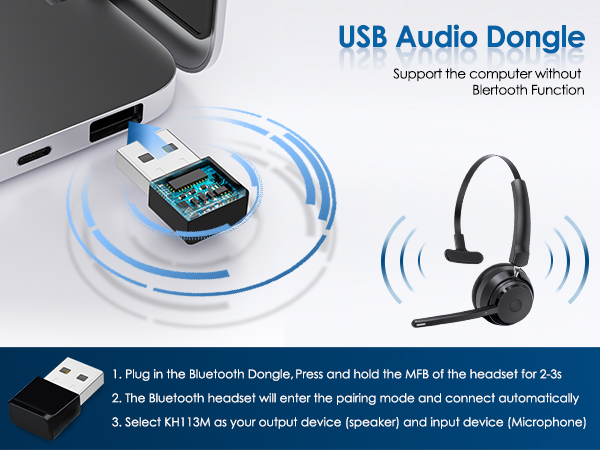

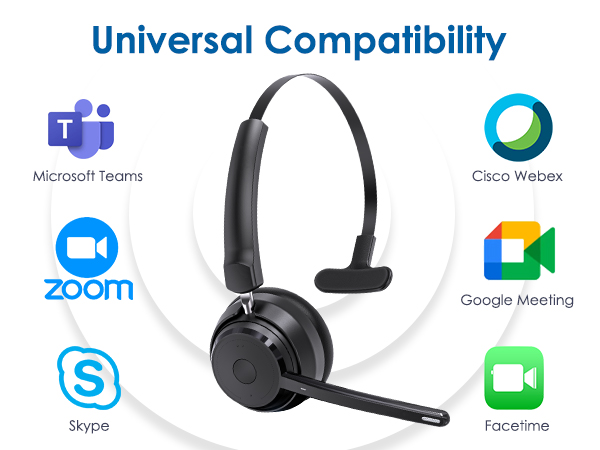
Can I pair it to computer?
Yes, this Bluetooth headset is compatible with cell phones, laptops, computers.
How to pair to cell phone?
In the off state, press and hold MFB for 5-6 seconds to power on and enter pairing status,the LED flashes white and red alternately. Search and click to connect "KH113M" on your cell phone.
Can I pick up the landline calls?
The Bluetooth headset can only answer calls on cell phones. The MFB may not work when connected to a computer or landline phone due to software compatibility.
How do I charge the Bluetooth headset?
You can charge the product through the charging base or Type-C charging cable. During charging, please keep the charging base and charging cable connected.
Can I mute the call?
Hi, yes you can click the mute button the the microphone to mute the cell phone calls.