












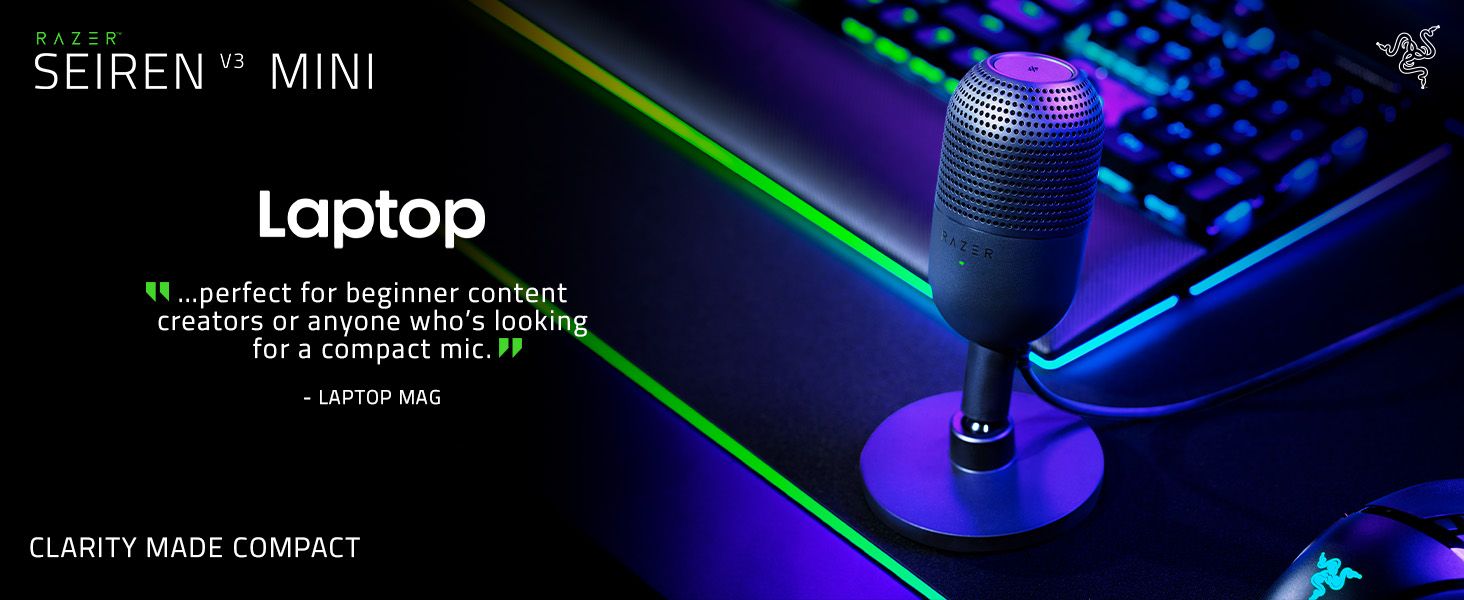

CLARITY MADE COMPACT
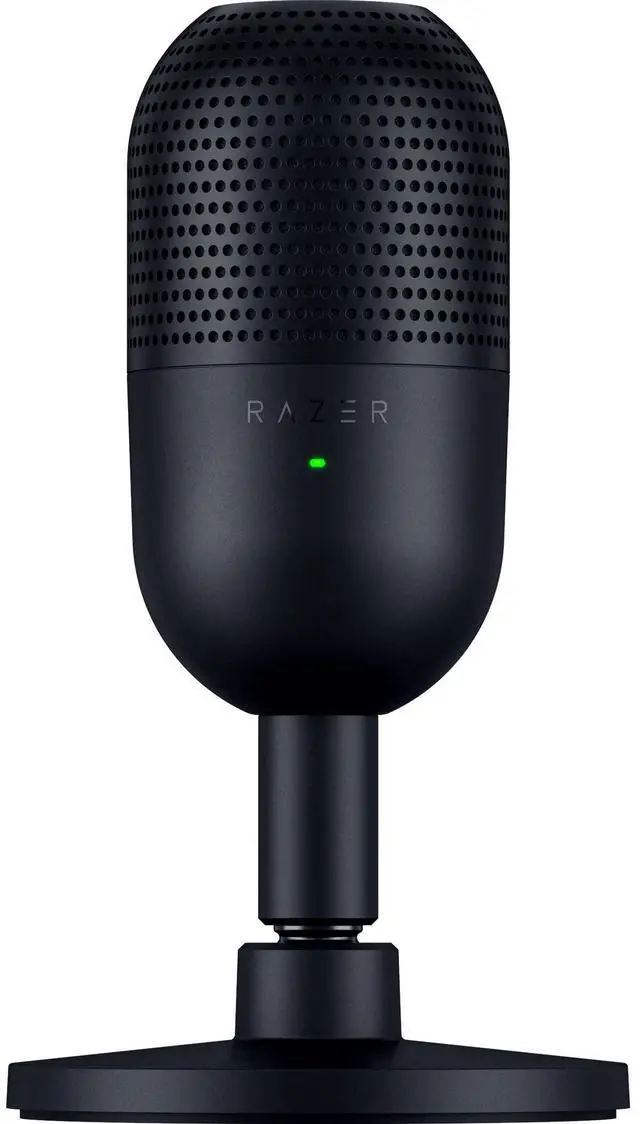
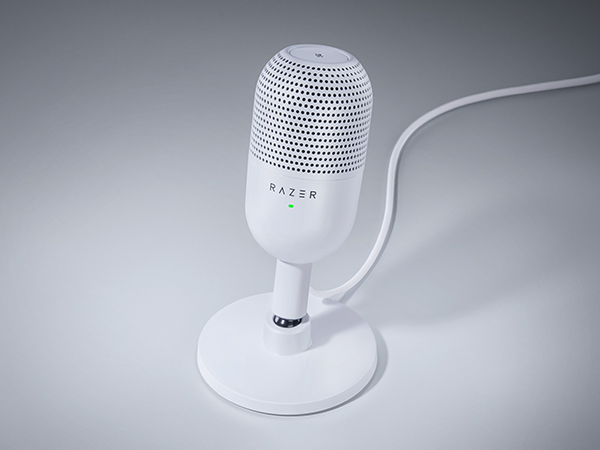
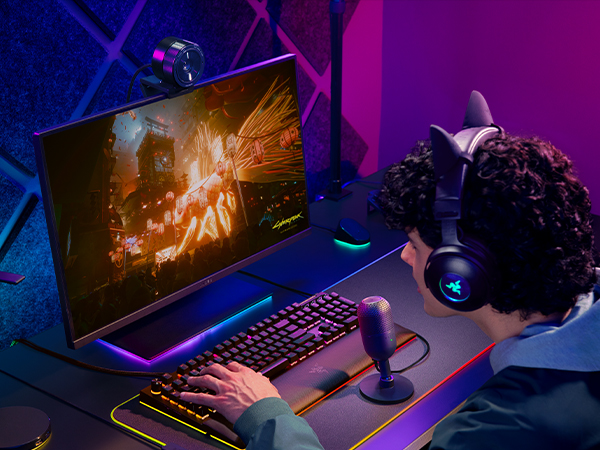
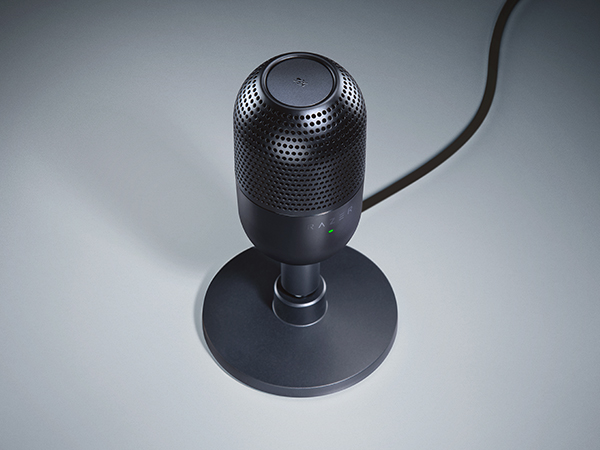
Meet the Razer Seiren V3 Mini—an ultra-compact USB microphone that now packs even more. Featuring a new tap-to-mute function and advanced audio customization, enjoy studio-quality voice capture with the perfect pint-sized companion for gaming, streaming, and chatting
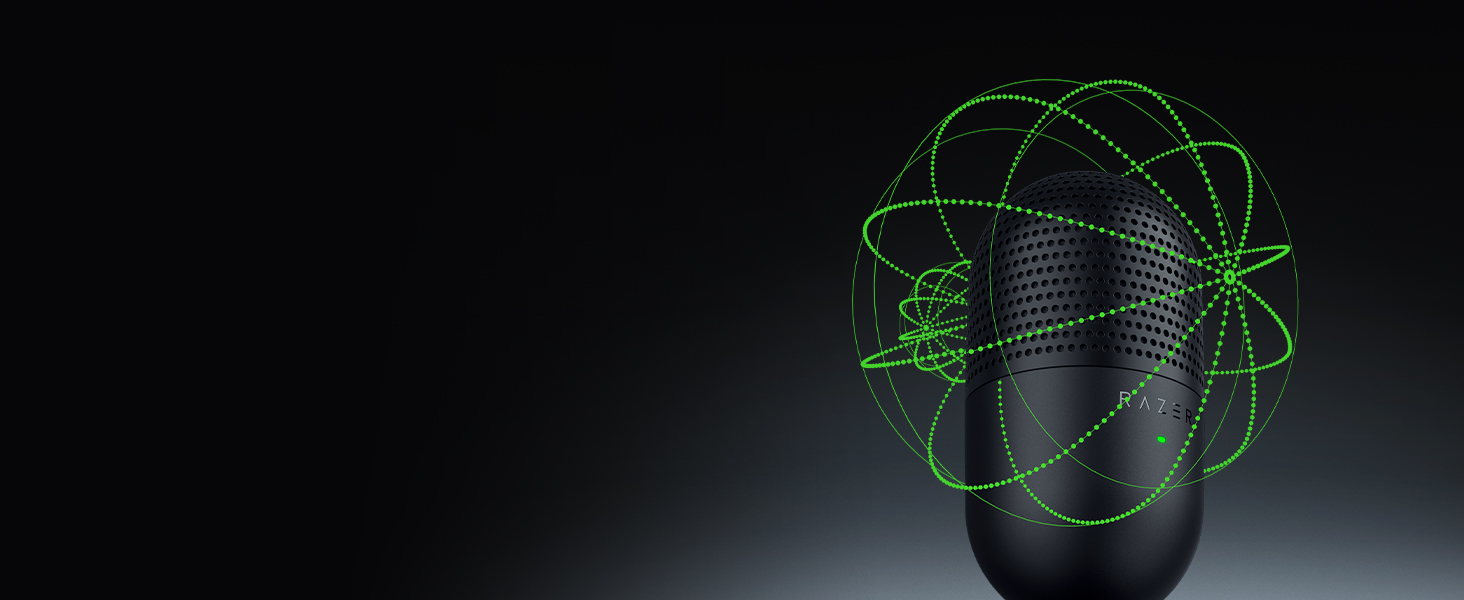
Crystal-clear Capture
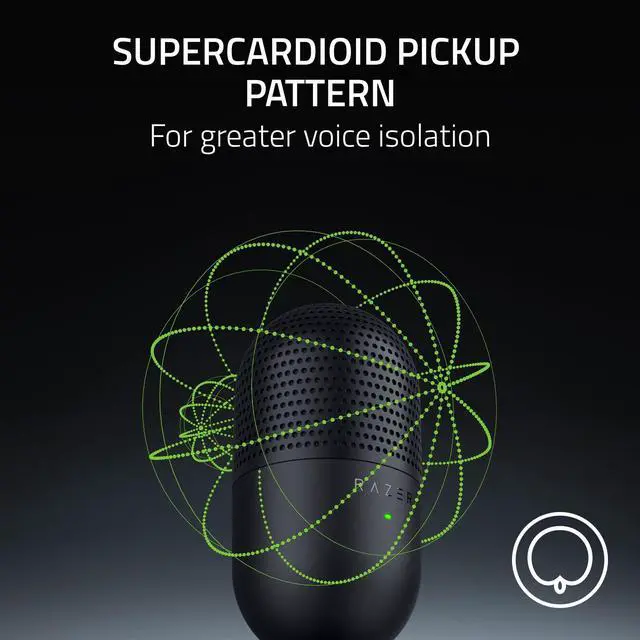
Supercardioid Condenser Mic
Detailed voice capture with a tighter pickup to minimize background noise for stellar clarity
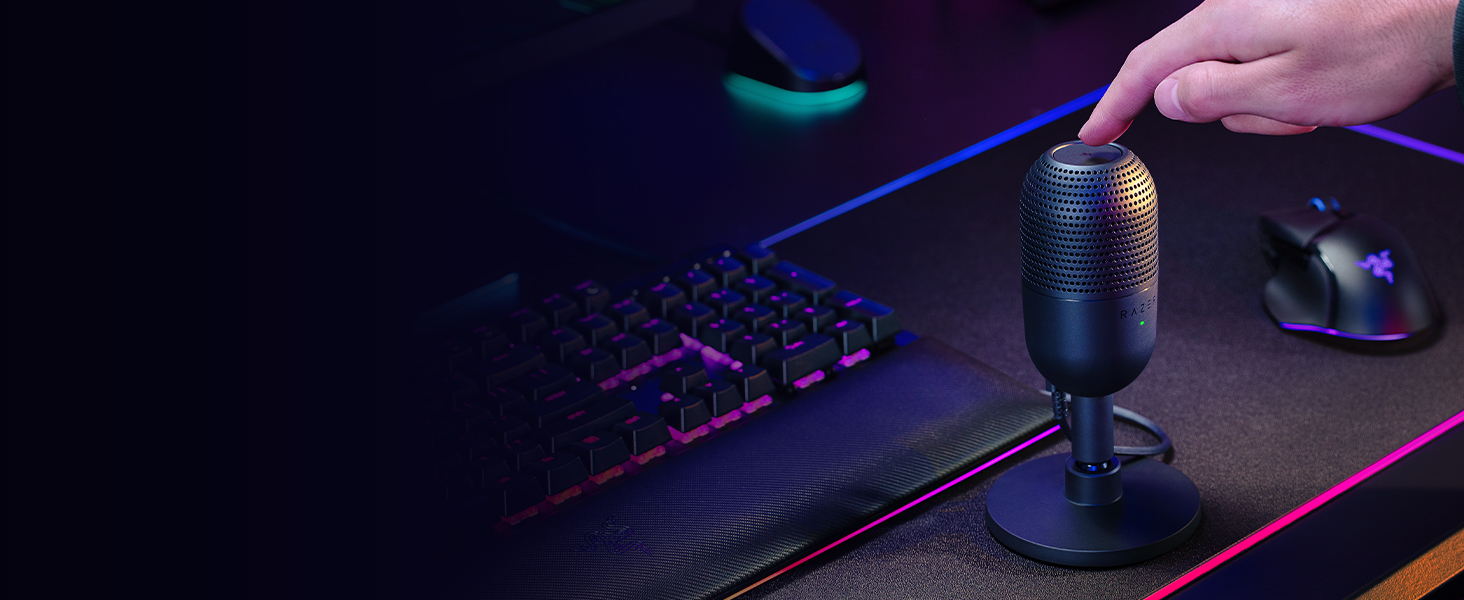
Instant Control
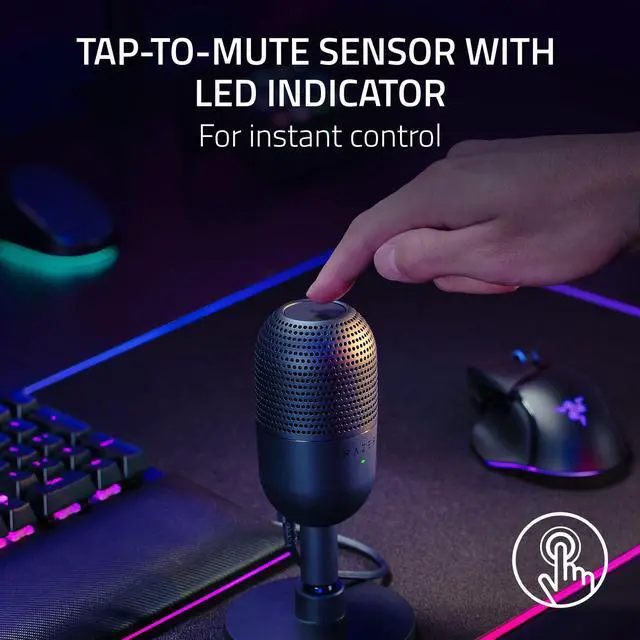
Multi-Function Tap-to-Mute Sensor
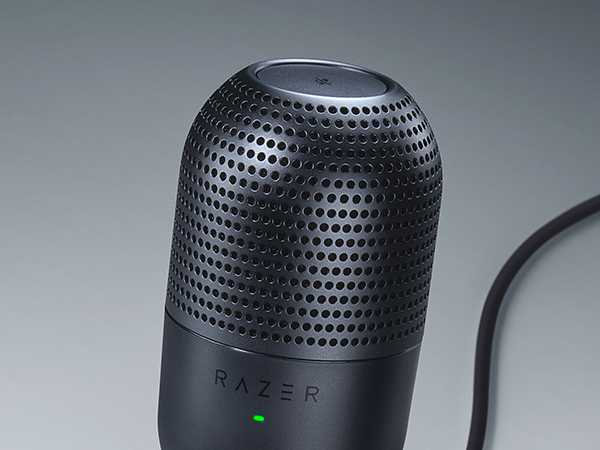
Tap to mute instantly, tell at a glance if the mic is active or not with an LED status indicator
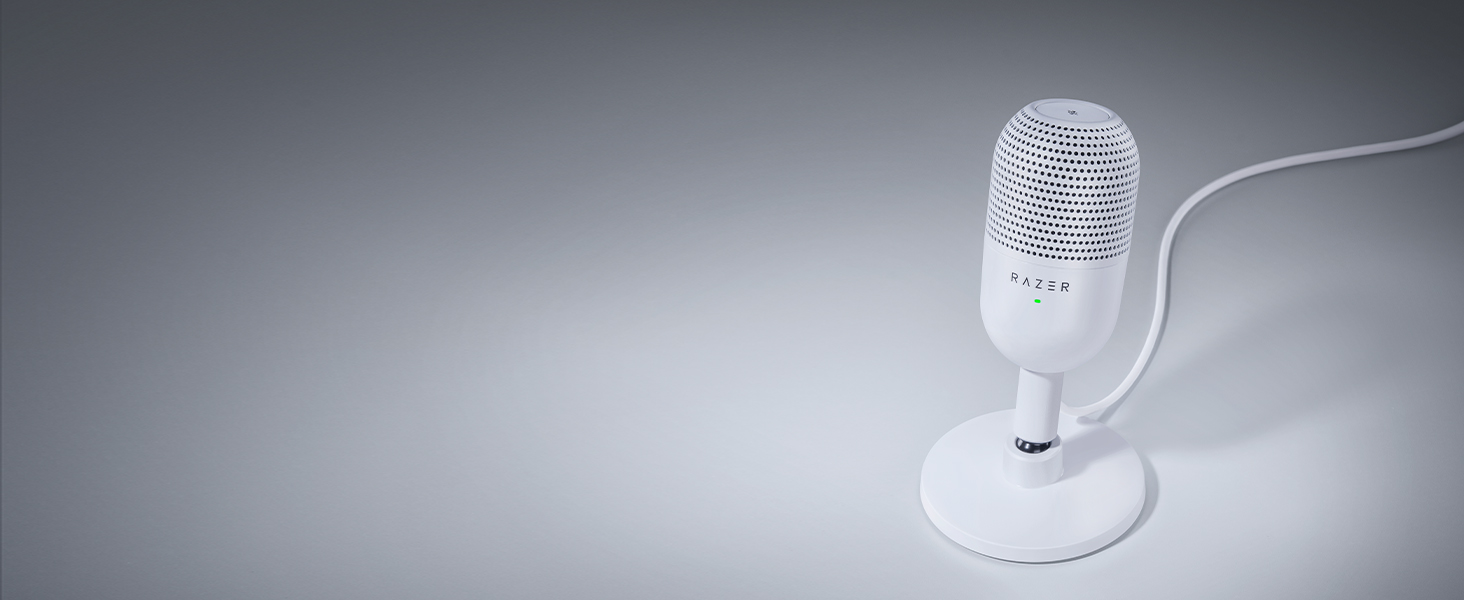
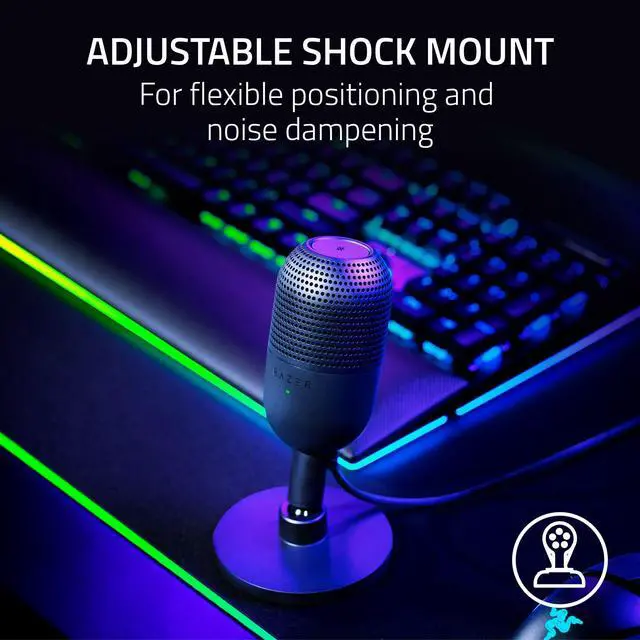
To Dampen Noise
Built-in Shock Absorber
Find your sweet spot with a tiltable mic stand and built-in shock absorber to dampen noise
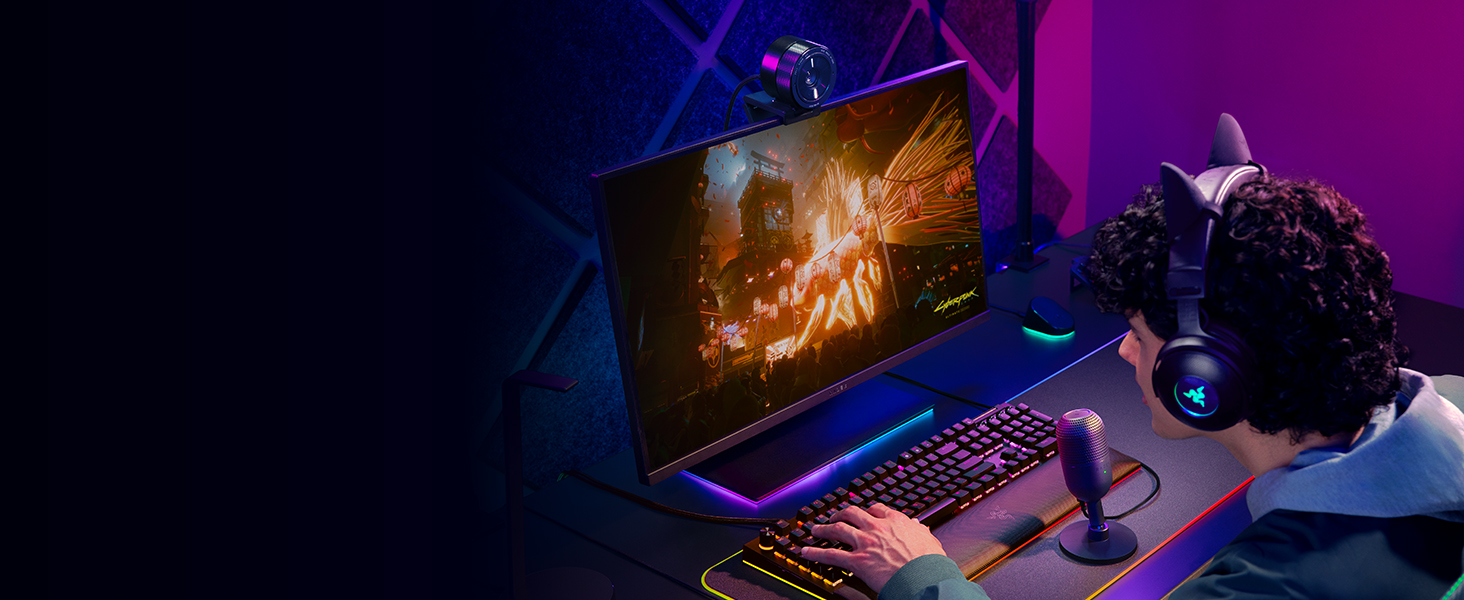
Fuss-free Setup
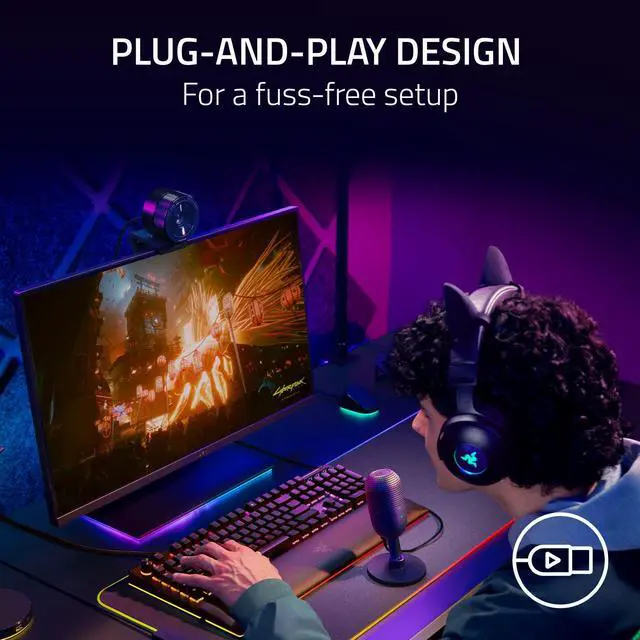
Plug-and-Play Design
Game, stream, or chat in seconds. Simply plug the USB mic into your PC and you're good to go
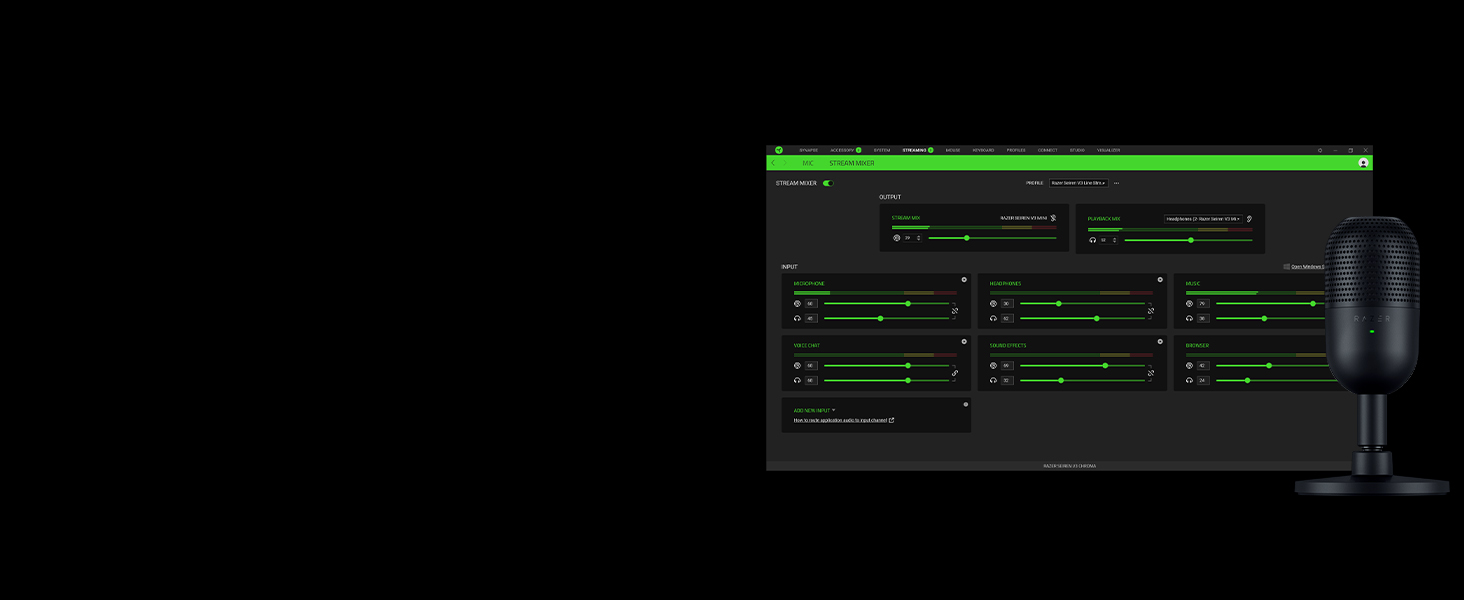
One-stop Control
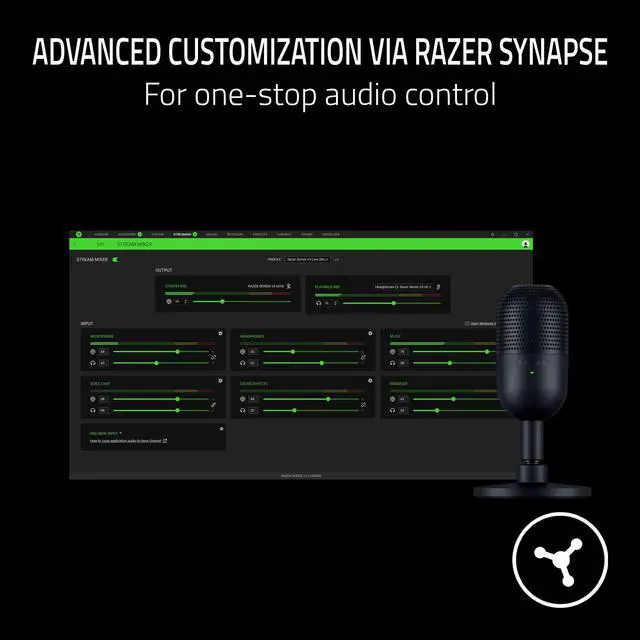
Advanced Customization via Razer Synapse
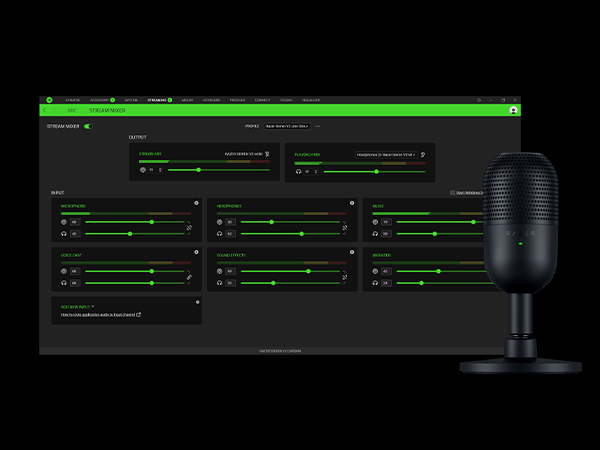
Customize sampling bit rates, manage your stream mix with an on-board audio mixer, and more

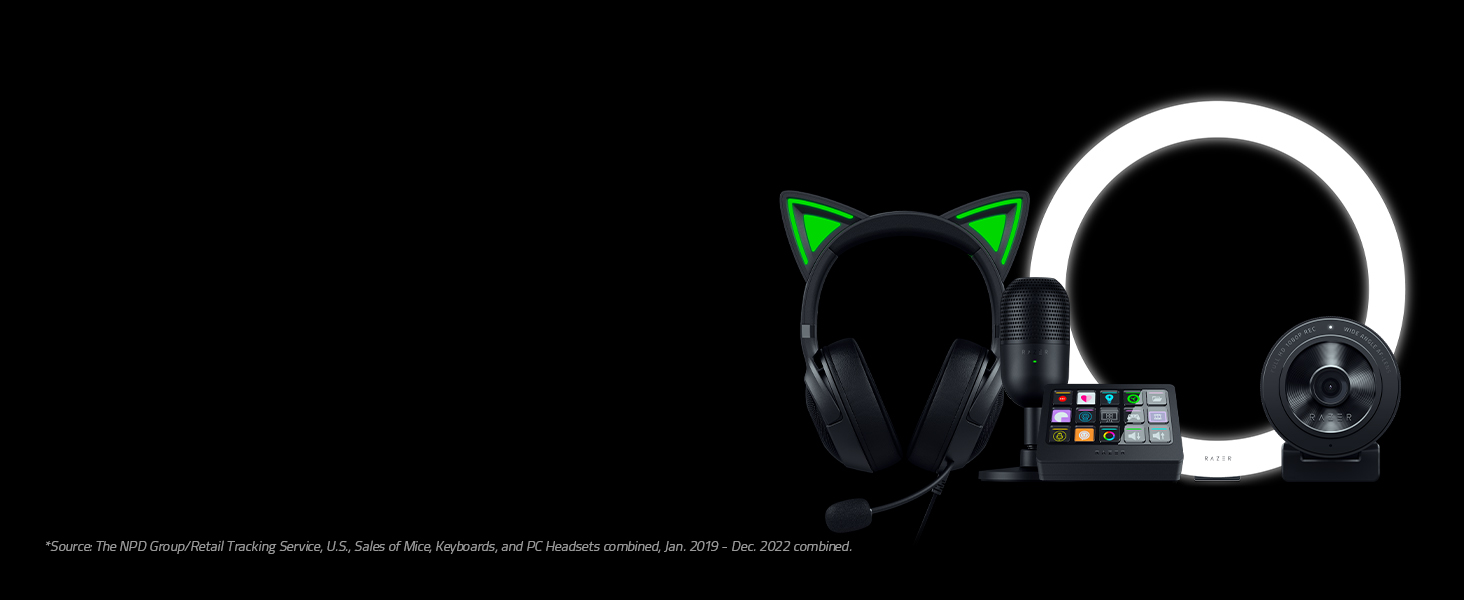
Gear Up
Explore our full lineup and create your best content with gear that's from the #1 Selling PC Gaming Peripherals Brand in the U.S.*
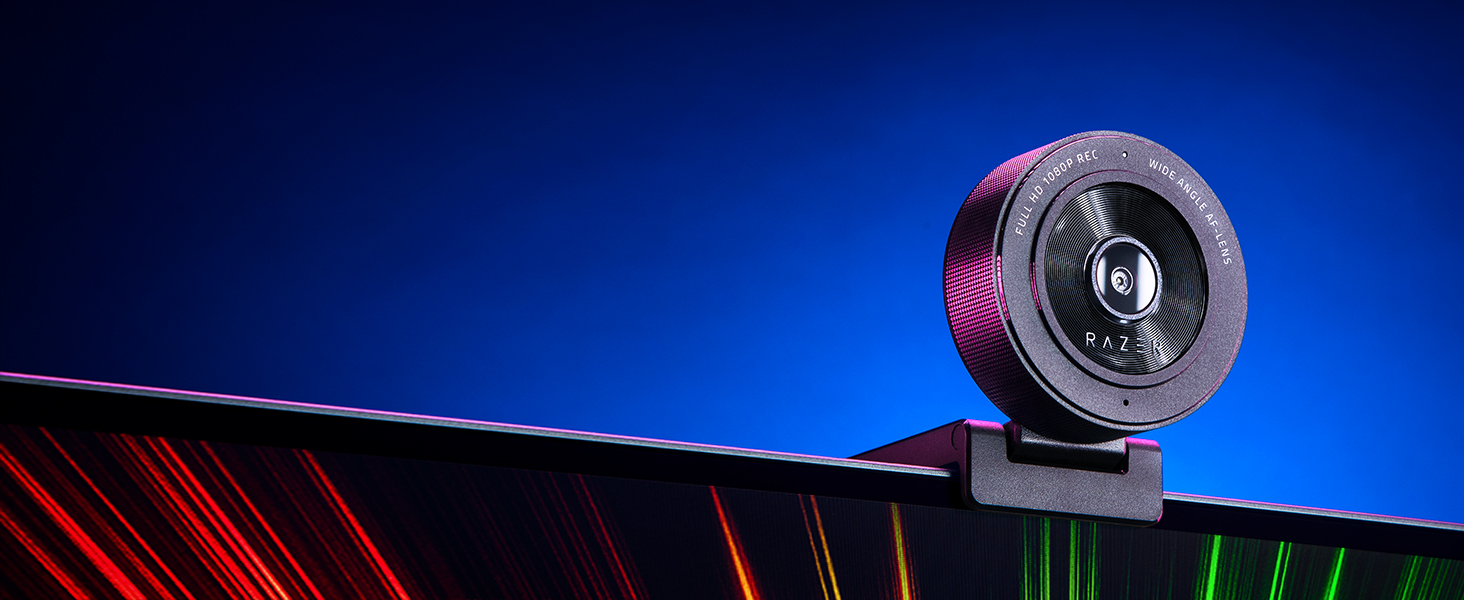
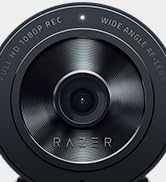
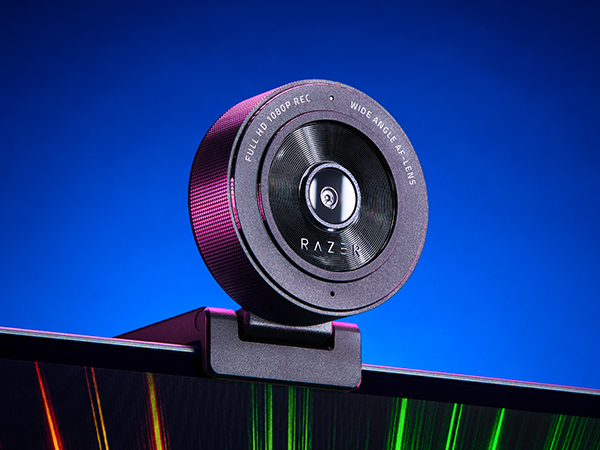
Razer Kiyo X
A USB webcam for FHD streaming at 1080p 30 FPS. With great visual fidelity, fully customizable settings, smart auto-focusing, and more, have all the tools you need to start creating stellar content

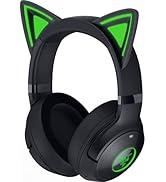
Razer Kraken Kitty V2
Stand out and turn heads with unique kitty ears powered by Razer Chroma RGB, as you put on a show with stream-reactive lighting and a crystal-clear mic
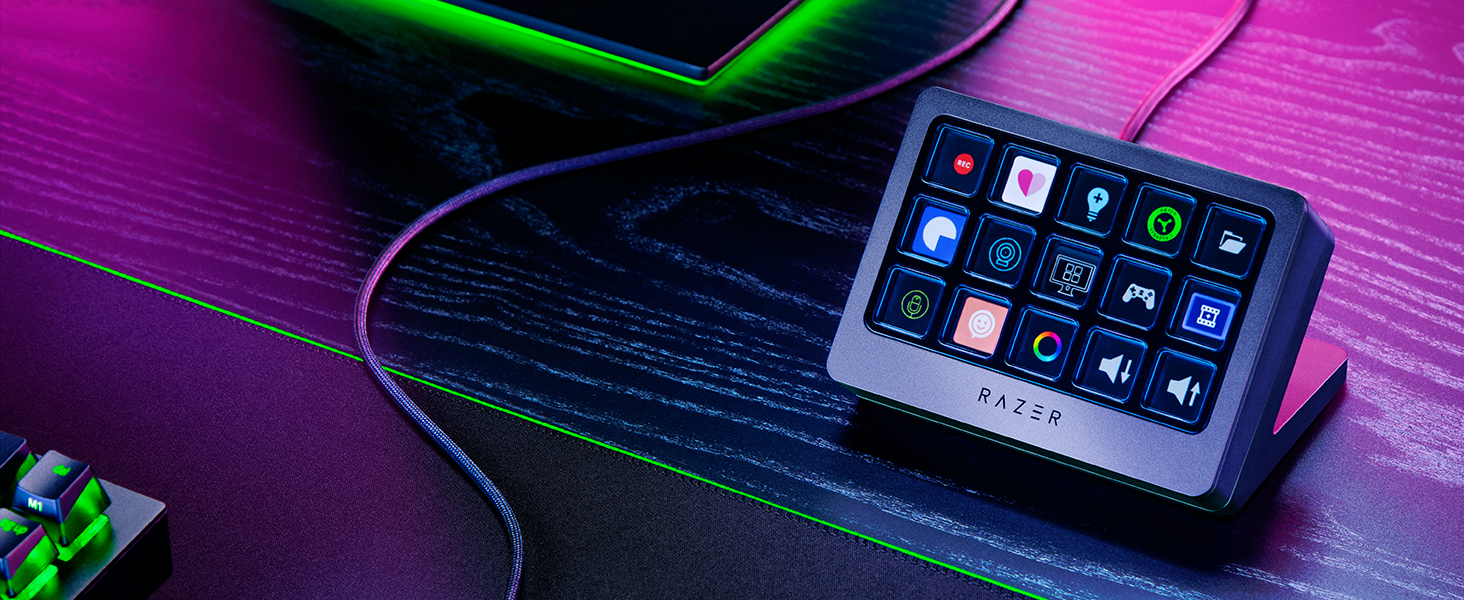
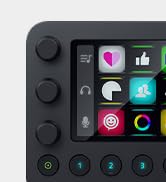
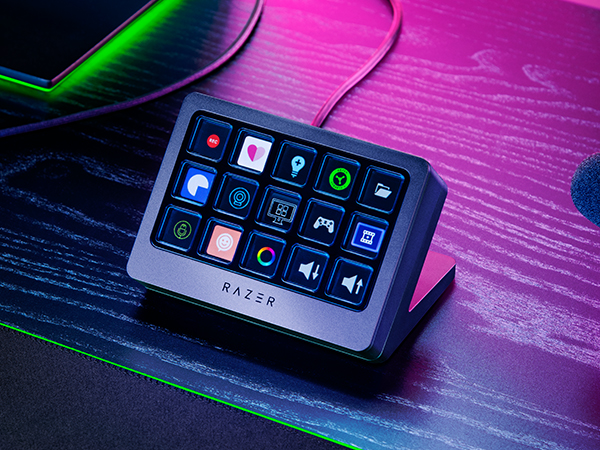
Razer Stream Controller X
Manage your streaming and content creation seamlessly through one convenient device that controls all your apps and tools. Streamline your workflow so you can focus on engaging your fans
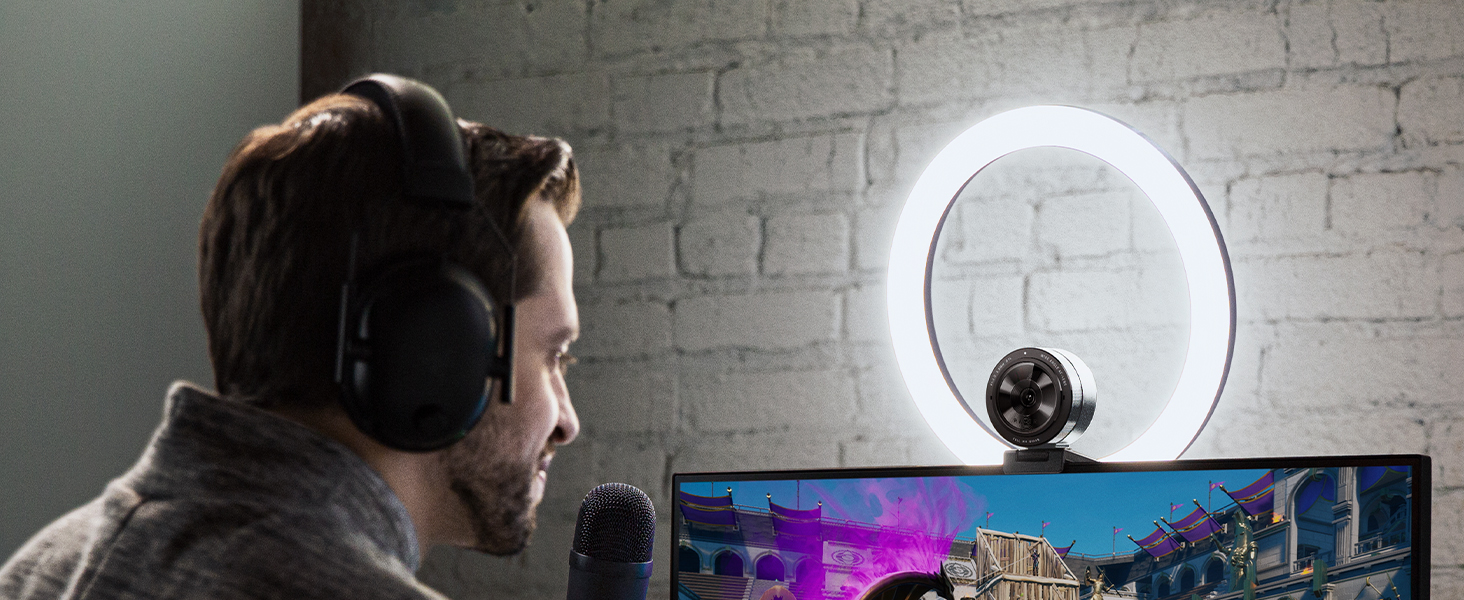
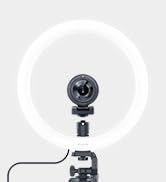
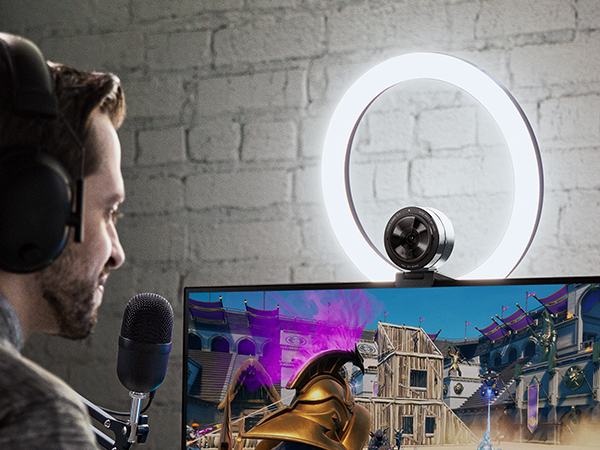
Razer Ring Light
Make every impression your best and elevate your video broadcasting. Designed for professional PC and mobile streaming, enjoy optimal illumination that provides studio-like quality without the fuss
What is the difference between the Razer Seiren V3 Mini and our previous model?
The Razer Seiren V3 Mini features a new tap-to-mute function, advanced audio customization, and an improved bit sampling rate
How do I know when the Razer Seiren V3 Mini is muted?
You can easily tell if the mic is active or not by looking at the LED status indicator on the front of the mic. The indicator will show red when the mic is muted, and green when the mic is active
How and what settings can I change on my Razer Seiren V3 Mini?
Download and install the latest version of Razer Synapse to your PC to access the Razer Seiren V3 Mini’s settings. These settings include customizing its studio-level sample rates and managing your stream mix via the onboard audio mixer
Is Razer Synapse required to use the Razer Seiren V3 Mini?
No, the Razer Seiren V3 Mini works right out of the box without Razer Synapse. Just plug in, select it in the microphone settings of your streaming or teleconferencing software, and you’re good to go.
Can I use the Razer Seiren V3 Mini with a mic arm?
Yes, the Razer Seiren V3 Mini is compatible with boom mic arms (not included). Simply remove the mic’s desk stand base and attach it to your preferred boom mic arm via a 5/8" male to 3/8" female adapter thread screw if required (not included)
Razer Seiren Microphone Comparison
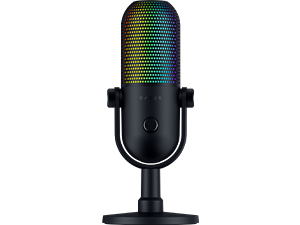 Seiren V3 Chroma | 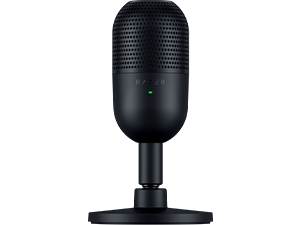 Seiren V3 Mini | 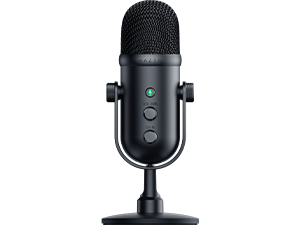 Seiren V2 Pro |
|---|---|---|
Audio Supercardioid Condenser Mic with Digital Gain Limiter | Audio Supercardioid Condenser Mic | Audio Cardioid Dynamic Mic |
Lighting Game and Stream Reactive Lighting Powered by Razer Chroma RGB | Lighting LED Mute Status Indicator | Lighting LED Mute Status Indicator |
Hardware Controls Multi-Function Tap-to-Mute Sensor, Multi-Function Dial | Hardware Controls Tap-to-Mute Sensor | Hardware Controls Mute Button |
Bit Sampling Rate 96 kHz / 24 bit | Bit Sampling Rate 96 kHz / 24 bit | Bit Sampling Rate 44.1 kHz / 48 kHz / 96 kHz / 24 bit |
Mic Monitoring 3.5 mm Headphone Port | Mic Monitoring NA | Mic Monitoring 3.5 mm Headphone Port |
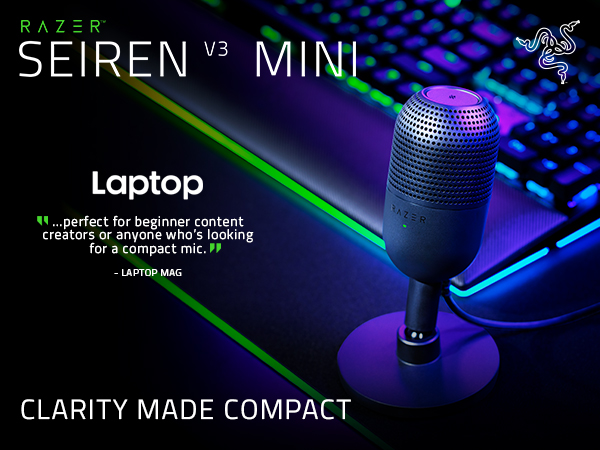

Meet the Razer Seiren V3 Mini—an ultra-compact USB microphone that now packs even more. Featuring a new tap-to-mute function and advanced audio customization, enjoy studio-quality voice capture with the perfect pint-sized companion for gaming, streaming, and chatting
Crystal-clear Capture
Supercardioid Condenser Mic
Detailed voice capture with a tighter pickup to minimize background noise for stellar clarity
Instant Control
Multi-Function Tap-to-Mute Sensor
Tap to mute instantly, tell at a glance if the mic is active or not with an LED status indicator
To Dampen Noise
Built-in Shock Absorber
Find your sweet spot with a tiltable mic stand and built-in shock absorber to dampen noise
Fuss-free Setup
Plug-and-Play Design
Game, stream, or chat in seconds. Simply plug the USB mic into your PC and you're good to go
One-stop Control
Advanced Customization via Razer Synapse
Customize sampling bit rates, manage your stream mix with an on-board audio mixer, and more
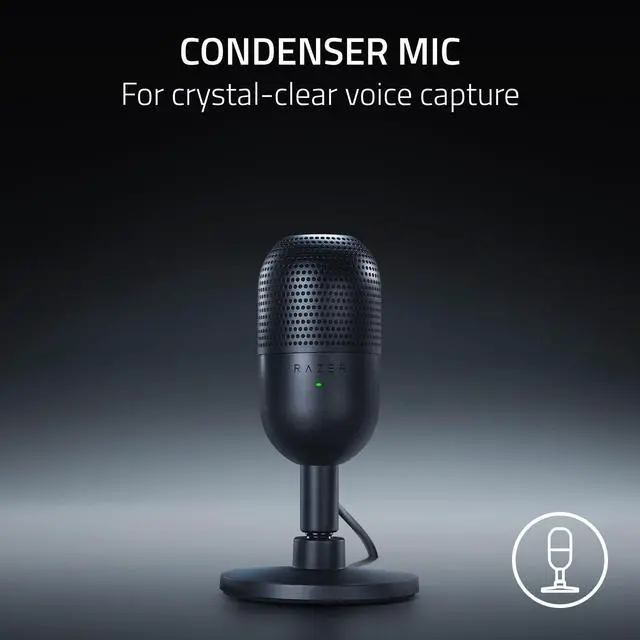
Condenser Mic
Fitted with a custom condenser capsule, the mic's impressive sensitivity can capture more detail especially at higher frequencies, ensuring it broadcasts your voice with stellar clarity and quality
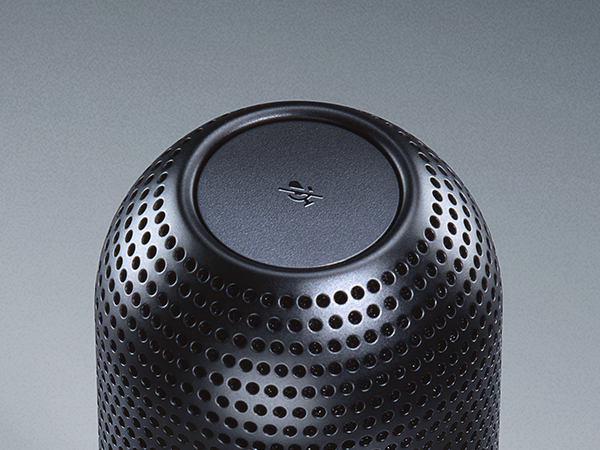
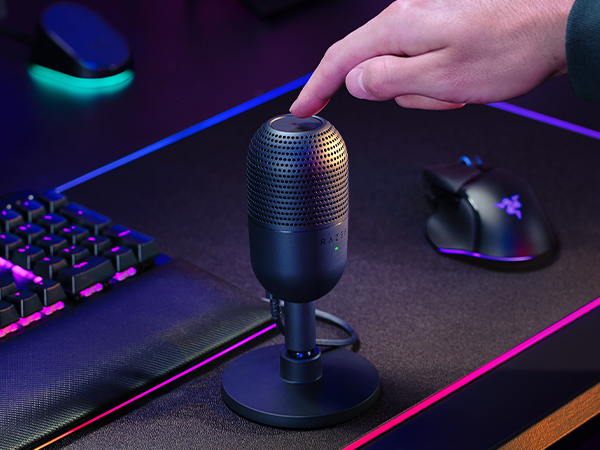
Tap-to-Mute Sensor with LED Indicator
Whether you’re gaming, chatting, or streaming, instantly prevent audio mishaps by simply tapping the top of the mic, and tell at a glance if the mic is active or not with an LED status indicator
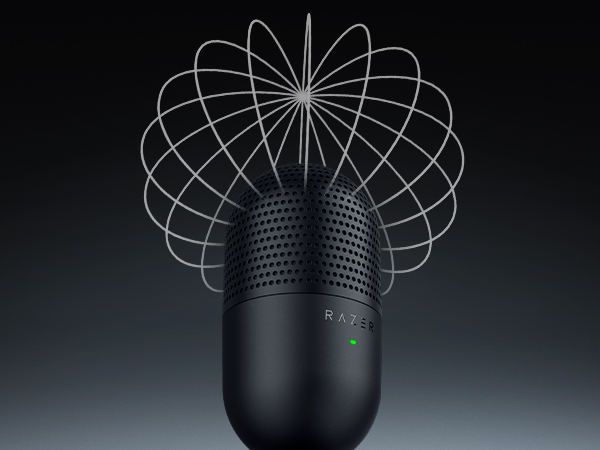
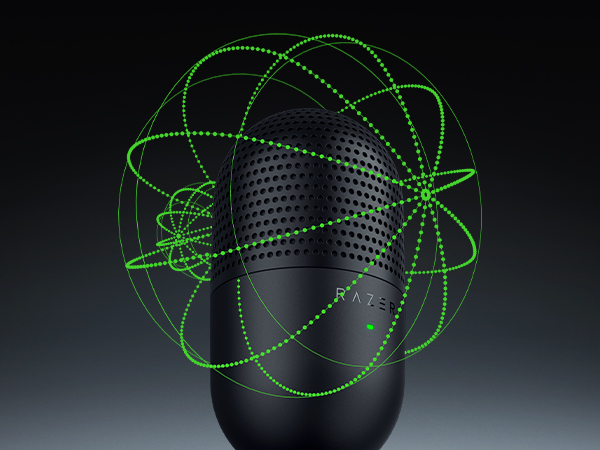
Supercardioid Pickup Pattern
A tighter pickup pattern allows the mic to focus on your voice while suppressing room noise, so you’ll never have to worry about sounds like typing or mouse clicks getting in the way
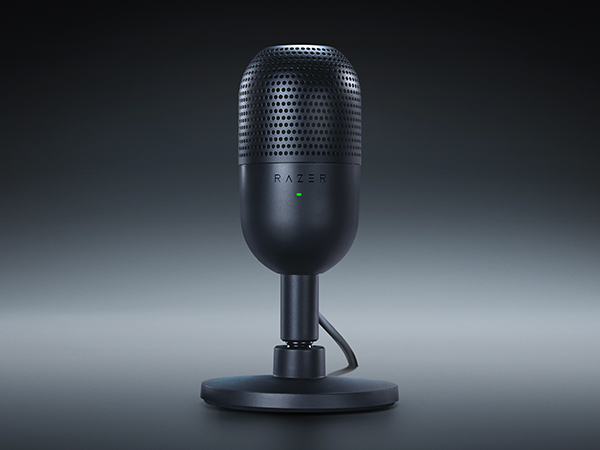
Built-In Shock Absorber
Protects your audience’s ears by dampening vibrations from knocks and bumps. Speak into the front of the mic for optimal performance.
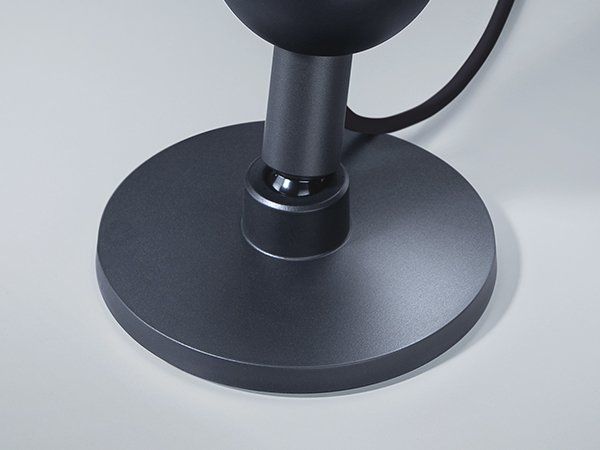
Tiltable Stand
Find your sweet spot with a tiltable mic stand. Can be detached for a boom arm setup
Plug-and-Play Design
Be ready to game, stream, or chat in seconds. Simply plug the USB mic to your PC and you’re good to go—no software or drivers required. Works with Discord, OBS Studio, and XSplit
Gear Up
Razer Kiyo X
Razer Kraken Kitty V2
Razer Stream Controller X
Razer Ring Light
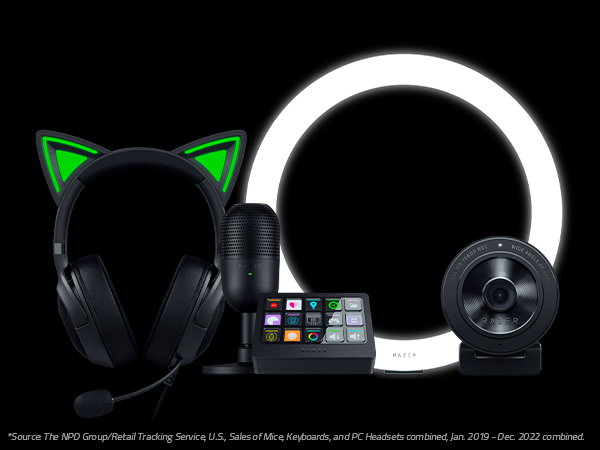

Explore our full lineup and create your best content with gear that's from the #1 Selling PC Gaming Peripherals Brand in the U.S.*
A USB webcam for FHD streaming at 1080p 30 FPS. With great visual fidelity, fully customizable settings, smart auto-focusing, and more, have all the tools you need to start creating stellar content
Stand out and turn heads with unique kitty ears powered by Razer Chroma RGB, as you put on a show with stream-reactive lighting and a crystal-clear mic
Manage your streaming and content creation seamlessly through one convenient device that controls all your apps and tools. Streamline your workflow so you can focus on engaging your fans
Make every impression your best and elevate your video broadcasting. Designed for professional PC and mobile streaming, enjoy optimal illumination that provides studio-like quality without the fuss
What is the difference between the Razer Seiren V3 Mini and our previous model?
The Razer Seiren V3 Mini features a new tap-to-mute function, advanced audio customization, and an improved bit sampling rate
How do I know when the Razer Seiren V3 Mini is muted?
You can easily tell if the mic is active or not by looking at the LED status indicator on the front of the mic. The indicator will show red when the mic is muted, and green when the mic is active
How and what settings can I change on my Razer Seiren V3 Mini?
Download and install the latest version of Razer Synapse to your PC to access the Razer Seiren V3 Mini’s settings. These settings include customizing its studio-level sample rates and managing your stream mix via the onboard audio mixer
Is Razer Synapse required to use the Razer Seiren V3 Mini?
No, the Razer Seiren V3 Mini works right out of the box without Razer Synapse. Just plug in, select it in the microphone settings of your streaming or teleconferencing software, and you’re good to go.
Can I use the Razer Seiren V3 Mini with a mic arm?
Yes, the Razer Seiren V3 Mini is compatible with boom mic arms (not included). Simply remove the mic’s desk stand base and attach it to your preferred boom mic arm via a 5/8" male to 3/8" female adapter thread screw if required (not included)
Razer Seiren Microphone Comparison
The Razer Creator Line
Start Your Creator Line
Sustainability
