





Smart DAC Chip
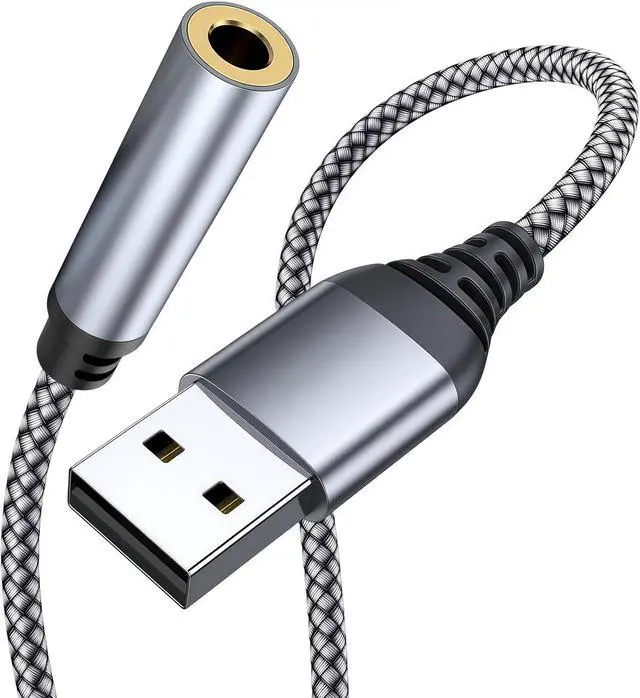
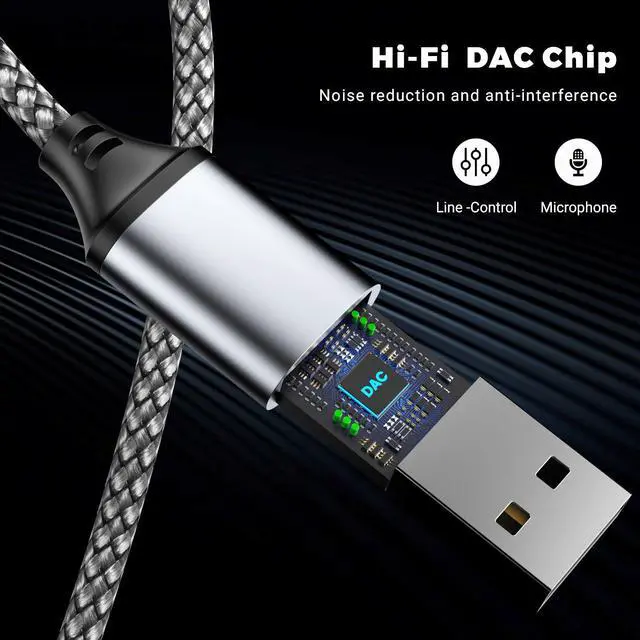
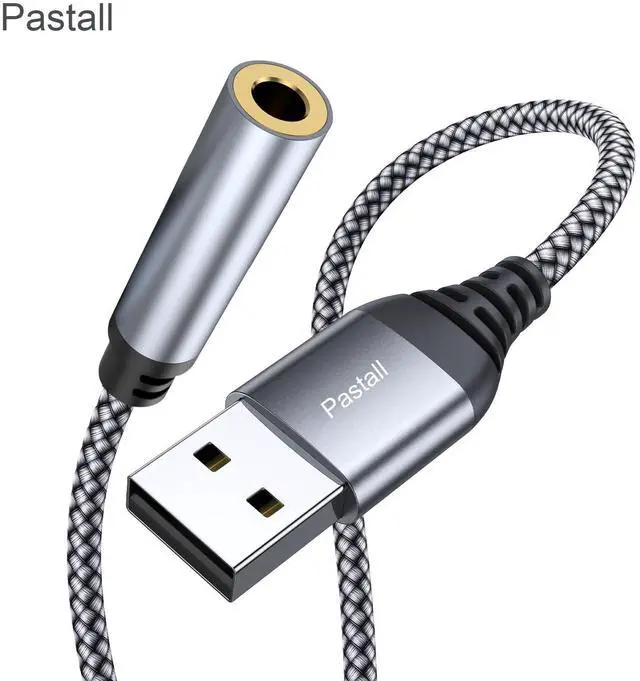
This usb to headphone adapter adopted an advance DAC Smart Chip,
this usb to 3.5mm jack audio adapter delivers an exceptional audio experience.
Shielding current interference, eliminating music noise,
ensuring clarity and purity of audio transmission.
You could enjoy crystal clear sound quality and immerse yourself in the world of music.

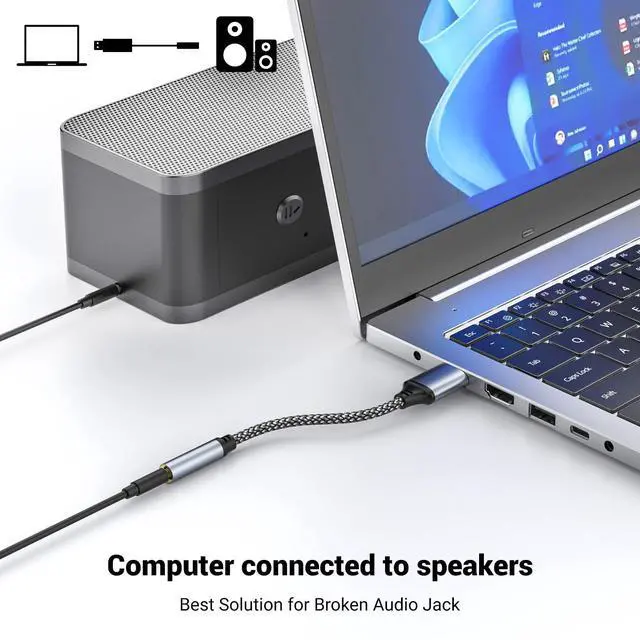
This usb sound card No need to install software, drive, or complex connection mode, plug and play.
Let you use the simplest way to enjoy wonderful music anywhere.

Configuration Instructions
Windows:
1.Right-click on the sound icon in the taskbar.
2.Select Playback or Recording devices.
3.Adjust the volume on the computer and in the application.
Mac: Go to System Preferences > Sound > C-Media USB Headset > Output or Input > Volume
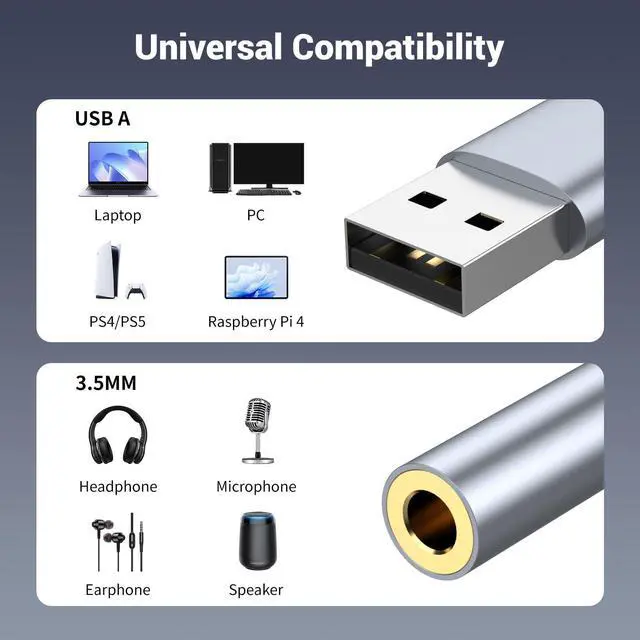
Compatible with Windows 10/8.1/8/7/Vista/XP, Mac OS X 10.2 or above, Linux, and Google Chromebook, Windows Surface 3 pro.
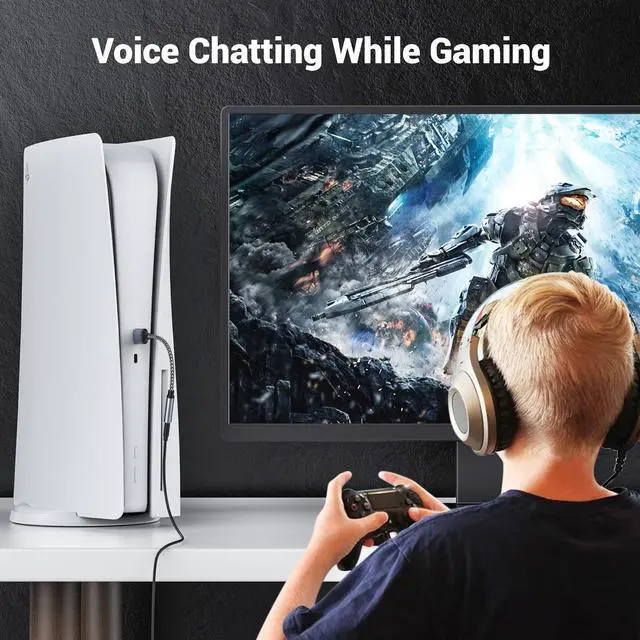
Raspberry Pi and PS4/5 etc.
Note:
1.Not compatible with PS3! Not compatible with TV/car!
2.Do not work with work with headset with separated headphone and microphone 3.5mm audio port.
3.For some computers to select an audio output device, double-click the sound icon in the control panel,and then select USB audio device as the default device.
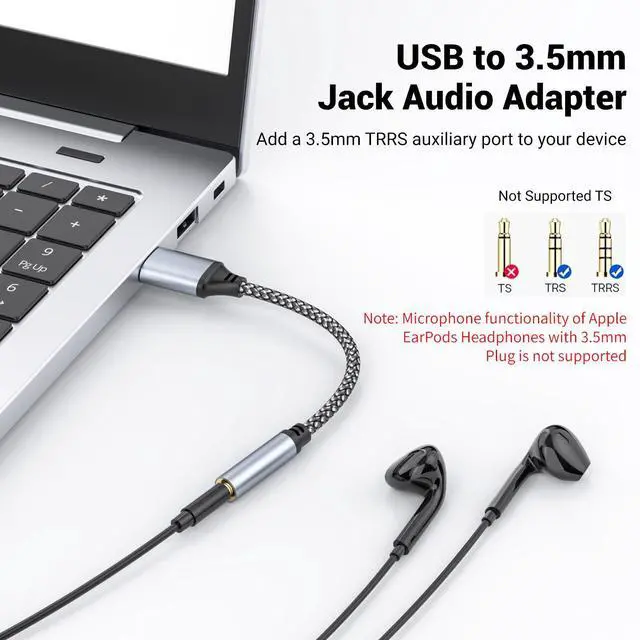
4. Please kindly note it only supports mono microphone TRRS, it does not support TS, TRS.Not compatible with PS3. For listening functions, this USB port is output, not input. Audio can only transfer from USB port to 3.5mm port.
5. Note: Microphone functionality of Apple EarPods Headphones with 3.5mm Plug is not supported.
 Pastall 2Pack USB to 3.5mm Jack Audio Adapter, USB to Audio Aux Cable Externa... |  Pastall ???????????????? USB to 3.5mm Jack Audio Adapter, USB to Aux Adapter ... |  2 Pack USB to 3.5mm Jack Audio Adapter, USB to Audio Aux Adapter External Ste... |  Pastall USB C to 3.5mm Audio Adapter, Typec to Aux Adapter,Typec Sound Card,U... |  USB to 3.5mm Jack Audio Adapter, 39 inch USB to Audio Aux Cable External Ster... |  USB to 3.5mm Jack Audio Adapter, USB to Aux Adapter ???????????????? to 24-Bi... | |
|---|---|---|---|---|---|---|
| Customer Reviews | — | — | — | — | — | — |
| Price | — | — | — | — no data | — | — no data |
| hardware interface | USB | USB | USB | USBC | USB | USB |
| 16bit/48khz | 16bit/48khz | 16bit/48khz | 16bit/48khz | 16bit/48khz | 24bit/96khz | |
| length | 14CM | 4.5cm | 4.3cm | 3.6cm | 100cm | 4.7cm |
Smart DAC Chip
This usb to headphone adapter adopted an advance DAC Smart Chip,
this usb to 3.5mm jack audio adapter delivers an exceptional audio experience.
Shielding current interference, eliminating music noise,
ensuring clarity and purity of audio transmission.
You could enjoy crystal clear sound quality and immerse yourself in the world of music.
This usb sound card No need to install software, drive, or complex connection mode, plug and play.
Let you use the simplest way to enjoy wonderful music anywhere.
Configuration Instructions
Windows:
1.Right-click on the sound icon in the taskbar.
2.Select Playback or Recording devices.
3.Adjust the volume on the computer and in the application.
Mac: Go to System Preferences > Sound > C-Media USB Headset > Output or Input > Volume
Compatible with Windows 10/8.1/8/7/Vista/XP, Mac OS X 10.2 or above, Linux, and Google Chromebook, Windows Surface 3 pro.
Raspberry Pi and PS4/5 etc.
Note:
1.Not compatible with PS3! Not compatible with TV/car!
2.Do not work with work with headset with separated headphone and microphone 3.5mm audio port.
3.For some computers to select an audio output device, double-click the sound icon in the control panel,and then select USB audio device as the default device.
4. Please kindly note it only supports mono microphone TRRS, it does not support TS, TRS.Not compatible with PS3. For listening functions, this USB port is output, not input. Audio can only transfer from USB port to 3.5mm port.
5. Note: Microphone functionality of Apple EarPods Headphones with 3.5mm Plug is not supported.
Pastall 2Pack USB to 3.5mm Jack Audio Adapter, USB to Audio Aux Cable Externa... | Pastall ???????????????? USB to 3.5mm Jack Audio Adapter, USB to Aux Adapter ... | 2 Pack USB to 3.5mm Jack Audio Adapter, USB to Audio Aux Adapter External Ste... | Pastall USB C to 3.5mm Audio Adapter, Typec to Aux Adapter,Typec Sound Card,U... | USB to 3.5mm Jack Audio Adapter, 39 inch USB to Audio Aux Cable External Ster... | USB to 3.5mm Jack Audio Adapter, USB to Aux Adapter ???????????????? to 24-Bi... | |
|---|---|---|---|---|---|---|
| Customer Reviews | — | — | — | — | — | — |
| Price | — | — | — | — no data | — | — no data |
| hardware interface | USB | USB | USB | USBC | USB | USB |
| 16bit/48khz | 16bit/48khz | 16bit/48khz | 16bit/48khz | 16bit/48khz | 24bit/96khz | |
| length | 14CM | 4.5cm | 4.3cm | 3.6cm | 100cm | 4.7cm |