




 here!
here!
I’m your shopping assistant for PC builds, upgrades, and everything tech.
Got questions? Ask away!
Start a conversation
here!
I’m your shopping assistant for PC builds, upgrades, and everything tech.
Got questions? Ask away!
Start a conversation
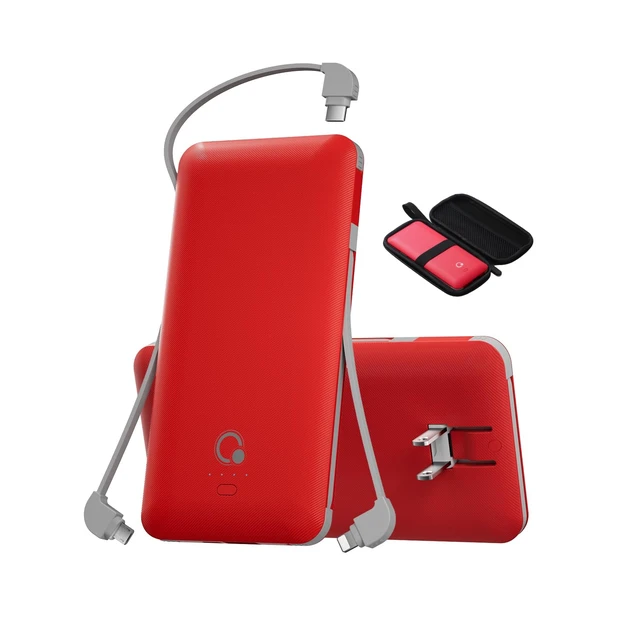
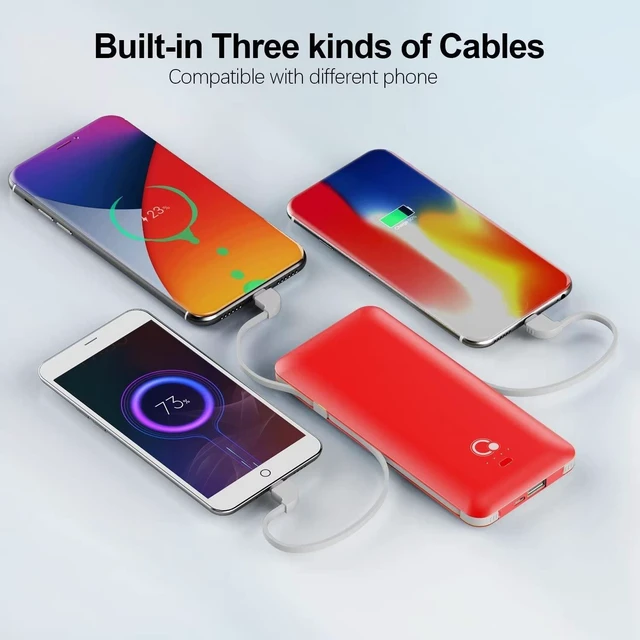

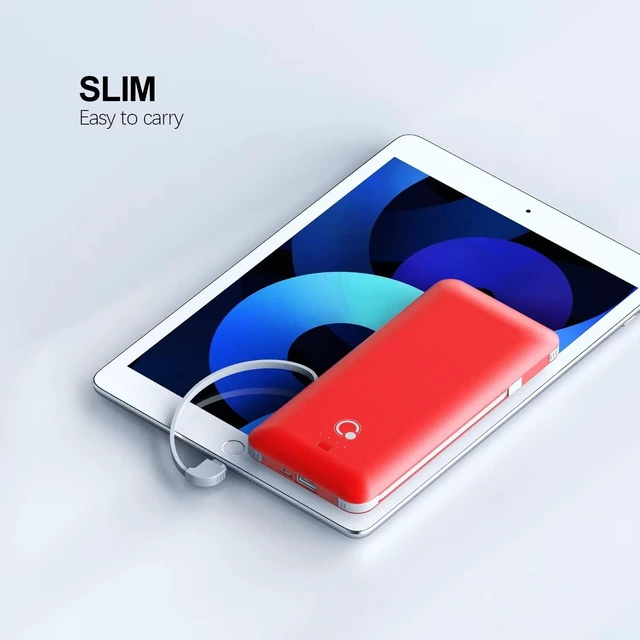



Any questions? Ask CelesteSM will help you find out quickly.
TO CHARGE YOUR ELECTRONIC DEVICE
Option 1
Your electronic device will be charged by power bank automatically once connected with the built-in cable. If not, please press the power button to turn on the power bank
Option 2
Connect the USB port to your electronic device with charging cable that comes with your electronic device, then power bank will start charging, if not, please press the power button to turn on the power bank
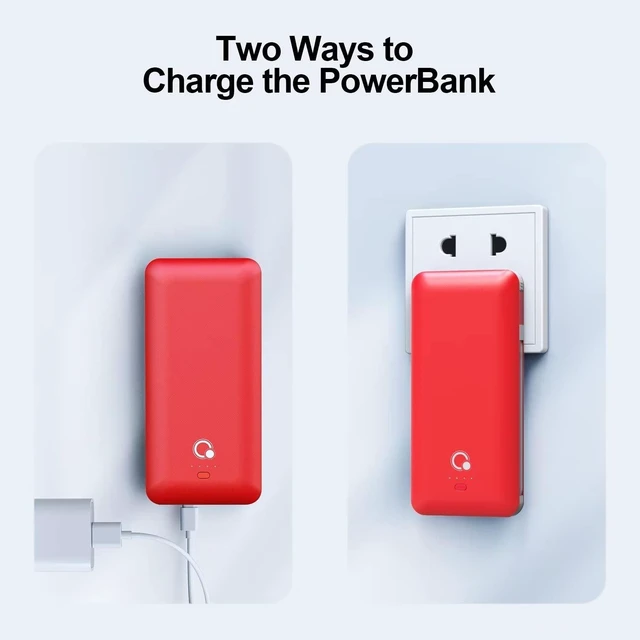
TO CHARGE POWER BANK
Option 1
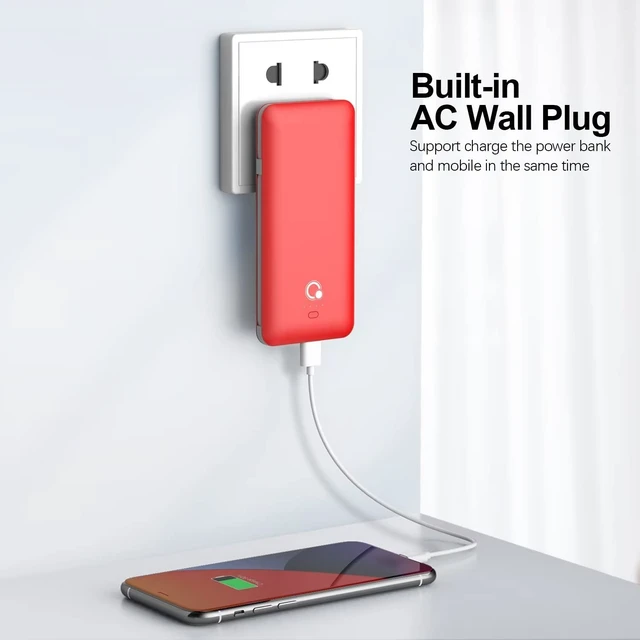
Using the built-in AC plug
Plug the built-in AC plug of the power bank into the AC outlet. The LED lights will illuminate and indicate battery level in the power bank. When all 4 LED lights are on and solid/none are flashing, the power bank is fully charged.(It will take about 8 hours to fully charged the power bank from AC outlet)
Option 2
Using Micro USB charging cable(Not included)
Connect power bank to a USB AC adaptor or the USB port of a computer with a micro USB charging cable(Not included).The LED lights will illuminate and indicate what battery level is in the power bank. When all the LED lights are on and solid/none are flashing,the power bank is fully charged.
CHECK THE BATTERY POWER LEVEL
Make a quick press and release on the power button, the LED indicators will light up for a few seconds then turn off automatically, each LED light represents approx twenty-five percent power of a full battery.
NOTE
If you find it can not charge your phone, please press the button


