



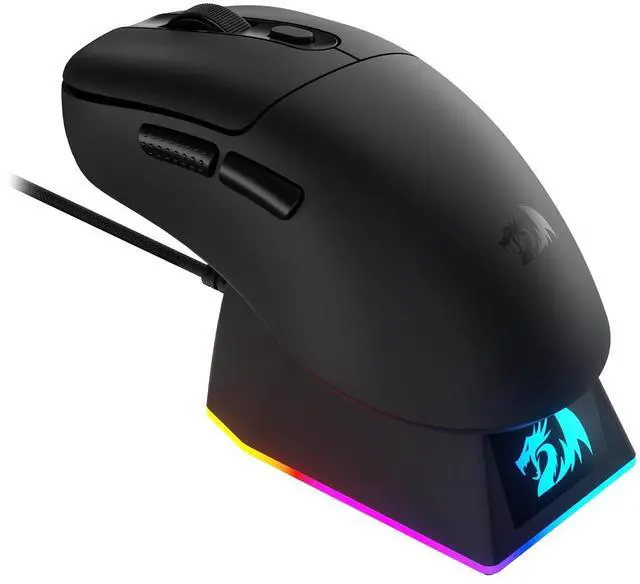


Ultra-Lightweight 61g Design
The M998 delivers effortless speed and reduced hand fatigue during long gaming or work sessions. Giving you faster reactions and smoother movement without sacrificing durability or comfort.

5-Level DPI Adjustment
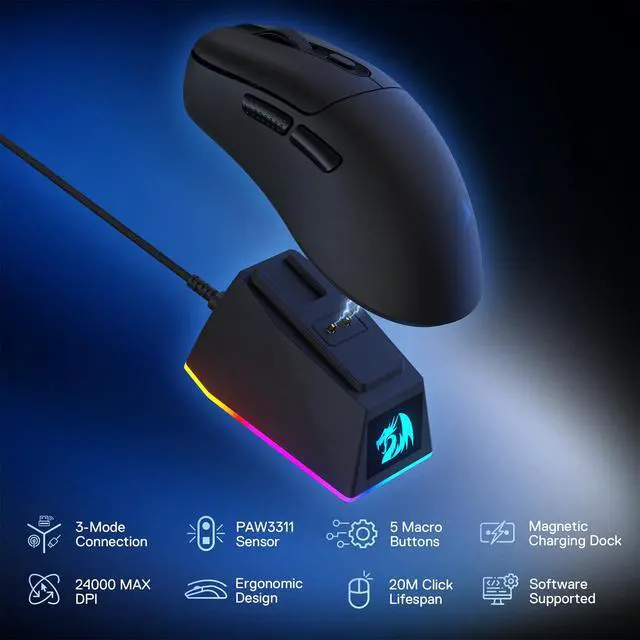
Switch instantly between 400–3200 CPI for daily work or gaming, then unlock ultra-high sensitivity up to 24,000 DPI through software for precision control tailored to your playstyle.
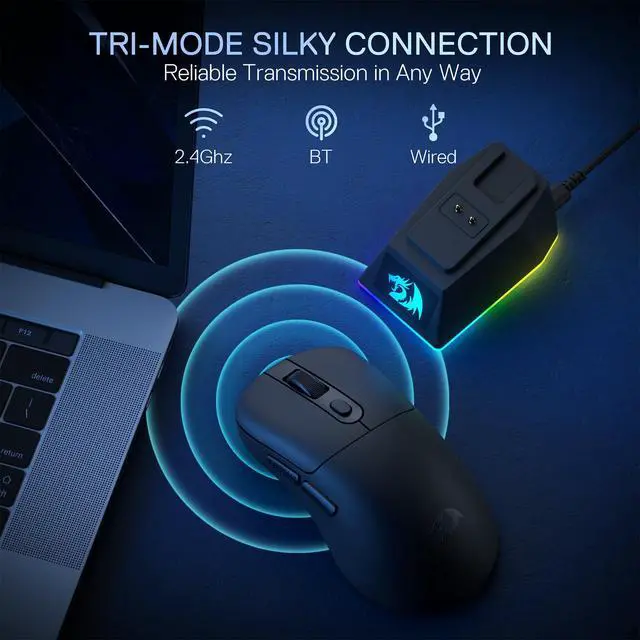
Does the 2.4G mode require a receiver?
No. Simply switch the charging dock to 2.4G mode. As long as the dock is powered, the mouse will work.
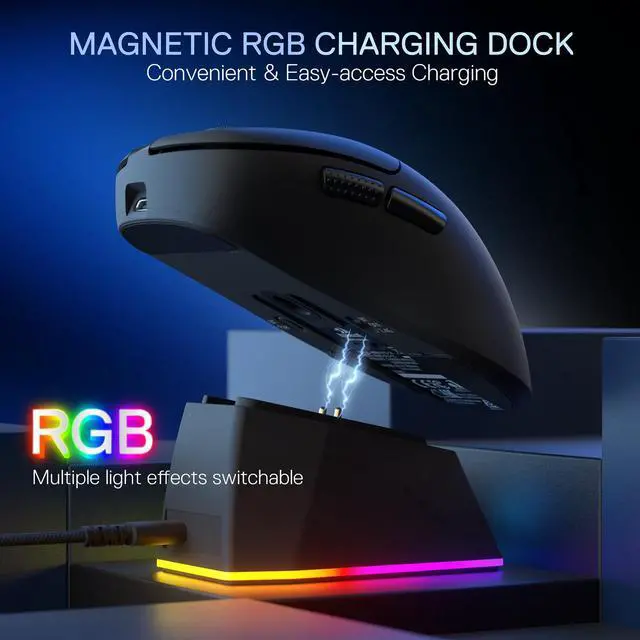
Can the charging dock charge when connected to a computer?
Yes, but if you want to charge the mouse while the computer is powered off, you need to enable the motherboard setting that keeps USB power on during shutdown. Otherwise, the mouse will not charge after the computer is turned off.
M998
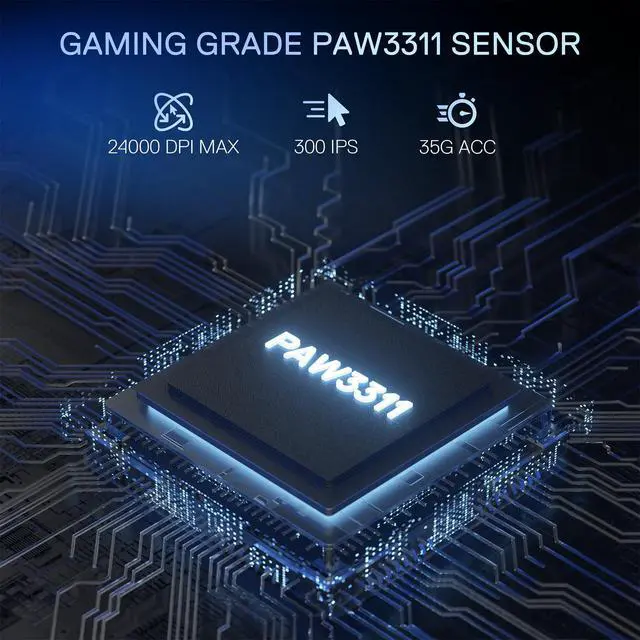
BT/2.4G/Wired | Connection | BT/2.4G/Wired |
Optical Pixart 3311 | Sensor | Optical Pixart 3395 |
50-24,000 | DPI | 50-26,000 |
35G | ACC | 50G |
5 | Macro Buttons | 9 |
Backlit | ||
Software |
BT/2.4G/Wired | Connection | 2.4G Wireless/Wired |
Optical Pixart 3311 | Sensor | Optical Pixart 3335 |
50-24,000 | DPI | 100-16,000 |
35G | ACC | 40G |
5 | Macro Buttons | 16 |
Backlit | ||
Software |
BT/2.4G/Wired | Connection | 2.4G Wireless/Wired |
Optical Pixart 3311 | Sensor | Optical Pixart 3325 |
50-24,000 | DPI | 100-10,000 |
35G | ACC | 20G |
5 | Macro Buttons | 8 |
Backlit | ||
Software |
BT/2.4G/Wired | Connection | Wired |
Optical Pixart 3311 | Sensor | Optical Pixart 3325 |
50-24,000 | DPI | 100-10,000 |
35G | ACC | 20G |
5 | Macro Buttons | 7 |
Backlit | ||
Software |


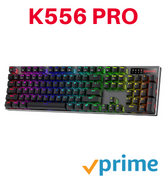
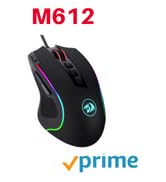
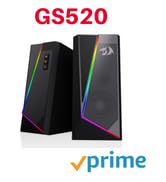
BIG SAVE
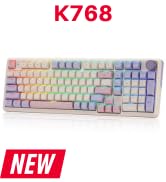
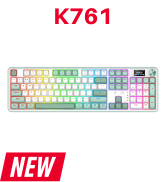
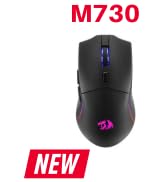
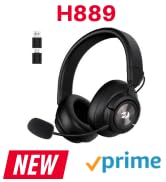
NEW ARRIVED GEAR
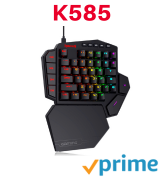
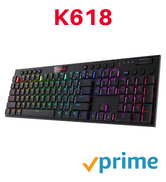
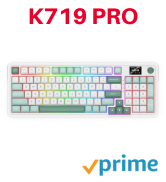
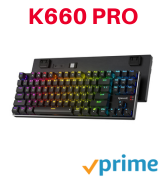
Gaming Keyboard
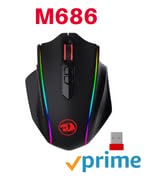
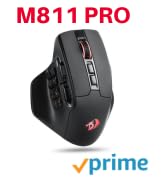
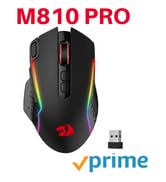
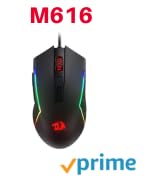
Gaming Mice

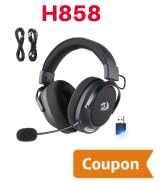
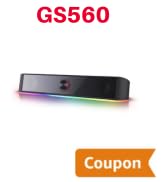
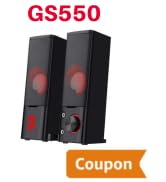
Audio Gear
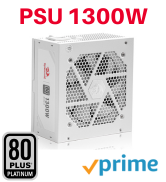
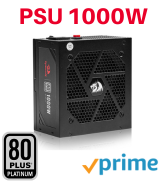


Gaming Setup
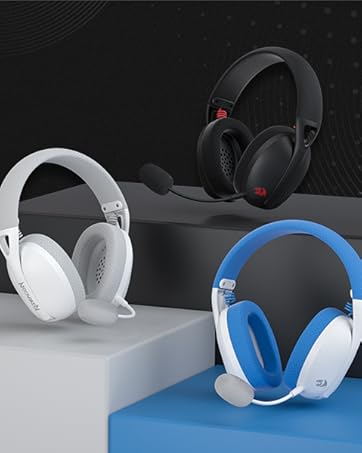
Redragon H848 Headset
Weighs only 178g (6.2 oz)
Comfortable to wear all day long!
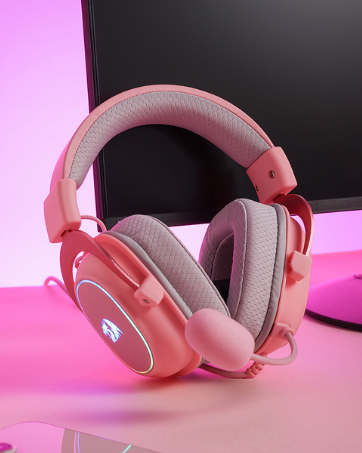
Redragon H510 RGB Series
Pink! Yes, that is PINK available now, cute & hot.
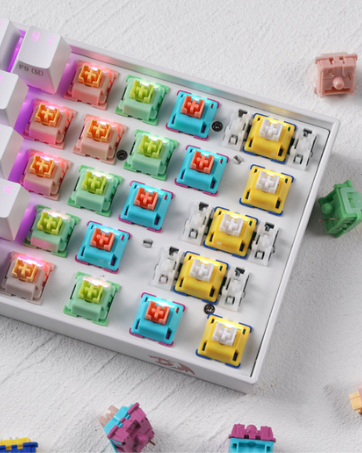
Redragon Custom Switches
6 Types Available for Any Keyboard Moding
Tactile, Linear, Silent, We Got What You Want


Ultra-Lightweight 61g Design
The M998 delivers effortless speed and reduced hand fatigue during long gaming or work sessions. Giving you faster reactions and smoother movement without sacrificing durability or comfort.
5-Level DPI Adjustment
Switch instantly between 400–3200 CPI for daily work or gaming, then unlock ultra-high sensitivity up to 24,000 DPI through software for precision control tailored to your playstyle.
Does the 2.4G mode require a receiver?
No. Simply switch the charging dock to 2.4G mode. As long as the dock is powered, the mouse will work.
Can the charging dock charge when connected to a computer?
Yes, but if you want to charge the mouse while the computer is powered off, you need to enable the motherboard setting that keeps USB power on during shutdown. Otherwise, the mouse will not charge after the computer is turned off.
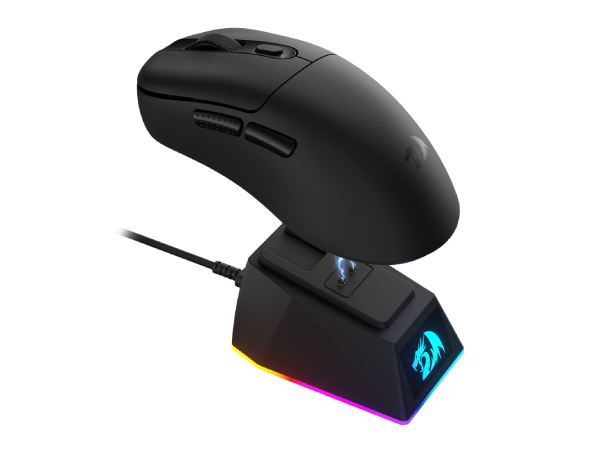
M998
Connection
BT/2.4G/Wired
Sensor
Optical Pixart 3311
DPI
50-24,000
ACC
35G
Macro Buttons
5
Backlit
Software
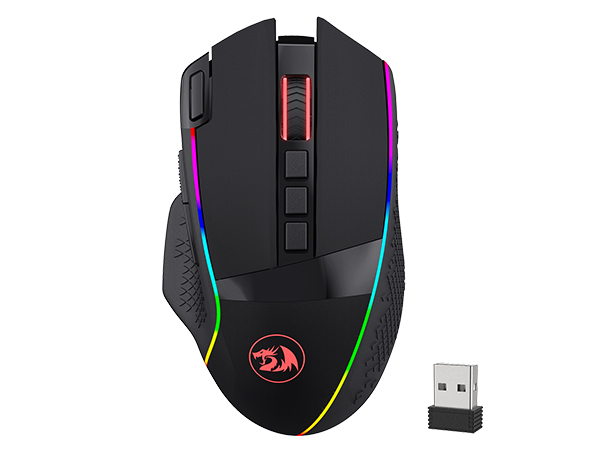
M991
Connection
BT/2.4G/Wired
Sensor
Optical Pixart 3395
DPI
50-26,000
ACC
50G
Macro Buttons
9
Backlit
Software
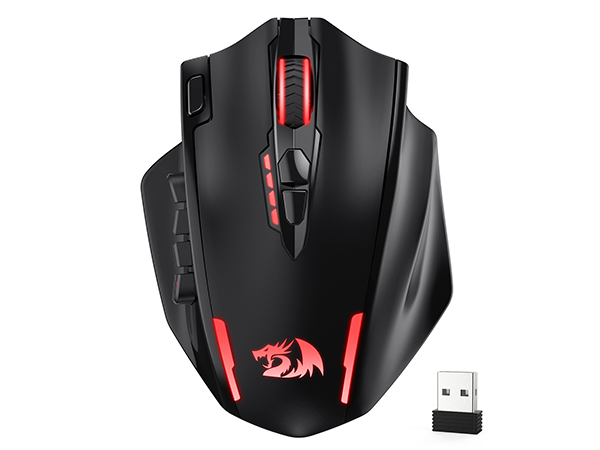
M913
Connection
2.4G Wireless/Wired
Sensor
Optical Pixart 3335
DPI
100-16,000
ACC
40G
Macro Buttons
16
Backlit
Software
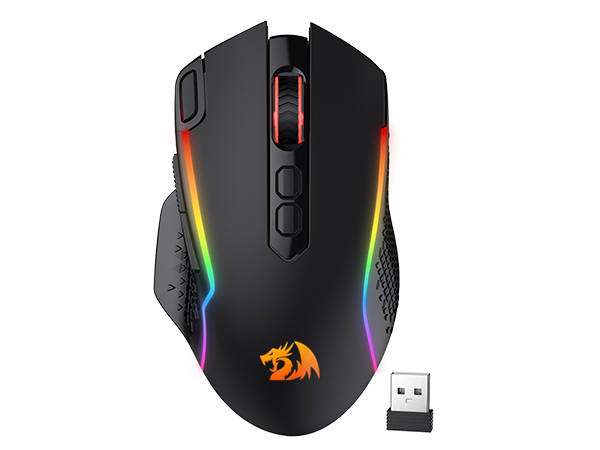
M810
Connection
2.4G Wireless/Wired
Sensor
Optical Pixart 3325
DPI
100-10,000
ACC
20G
Macro Buttons
8
Backlit
Software
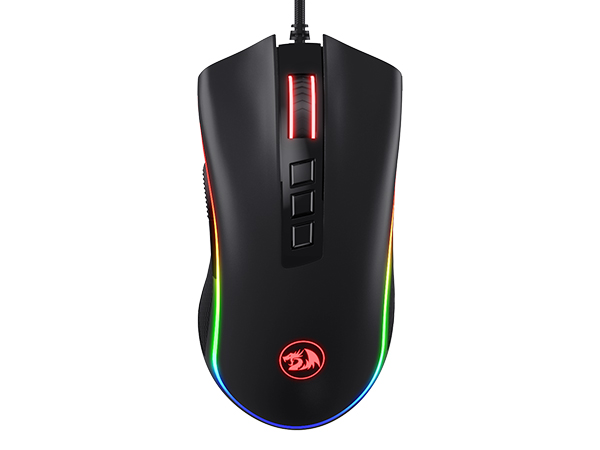
M711
Connection
Wired
Sensor
Optical Pixart 3325
DPI
100-10,000
ACC
20G
Macro Buttons
7
Backlit
Software
BIG SAVE
NEW ARRIVED GEAR
Gaming Keyboard
Gaming Mice
Audio Gear
Gaming Setup
Redragon H848 Headset
Weighs only 178g (6.2 oz)
Comfortable to wear all day long!
Redragon H510 RGB Series
Pink! Yes, that is PINK available now, cute & hot.
Redragon Custom Switches
6 Types Available for Any Keyboard Moding
Tactile, Linear, Silent, We Got What You Want