here!
here!
I’m your shopping assistant for PC builds, upgrades, and everything tech.
Got questions? Ask away!
Start a conversation
here!
I’m your shopping assistant for PC builds, upgrades, and everything tech.
Got questions? Ask away!
Start a conversation
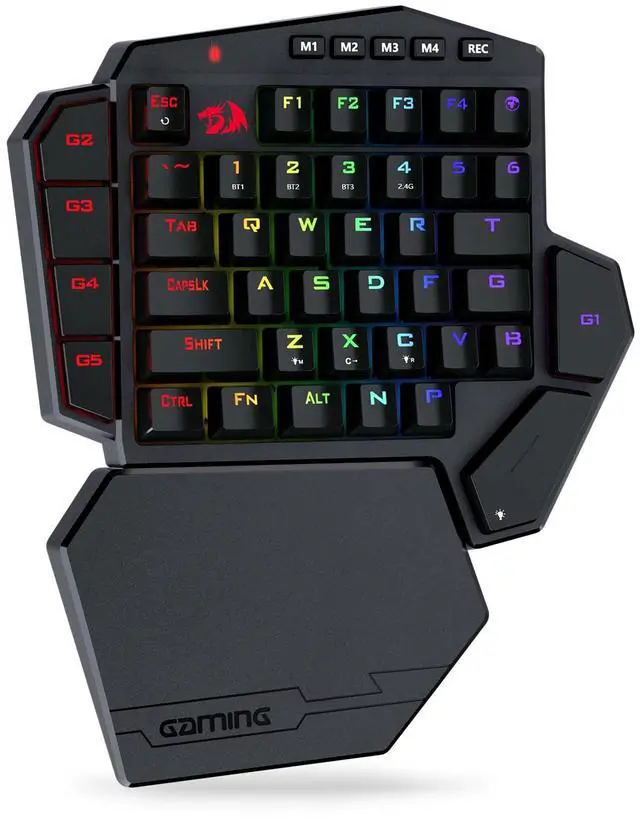



Any questions? Ask CelesteSM will help you find out quickly.
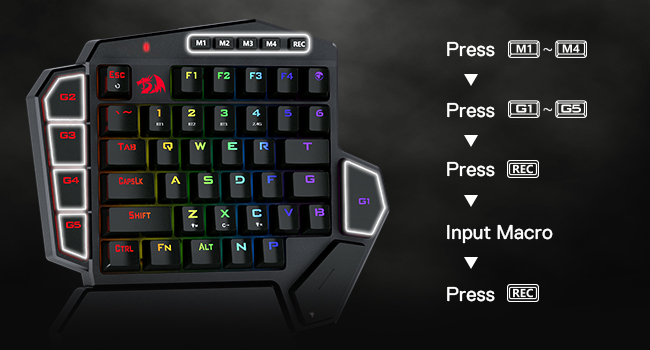
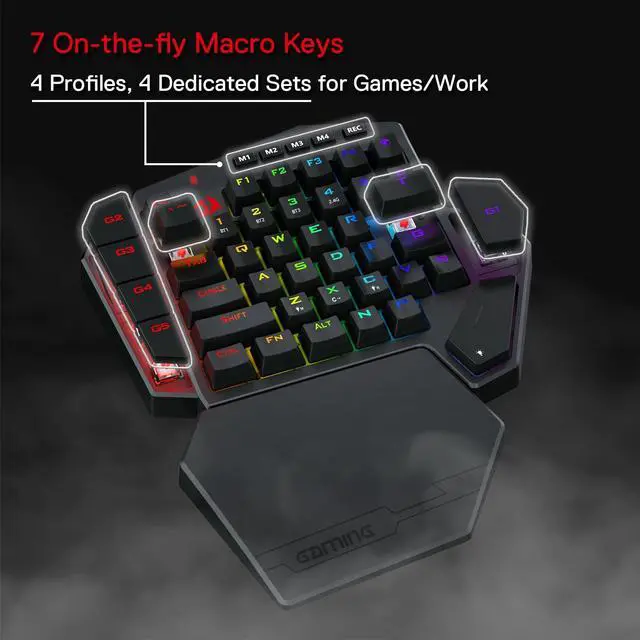
Totally 28(7×4) onboard macros are all available for various keybindings. For example, assign"123" to G1 key: Choose one profile firstly to click M1/2/3/4, click G1 and then click REC, press 123 and finally click REC to save.
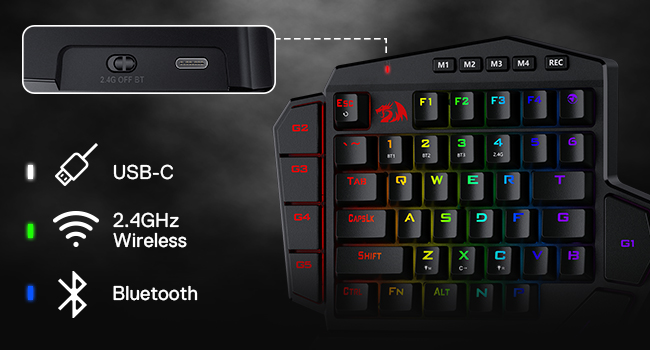
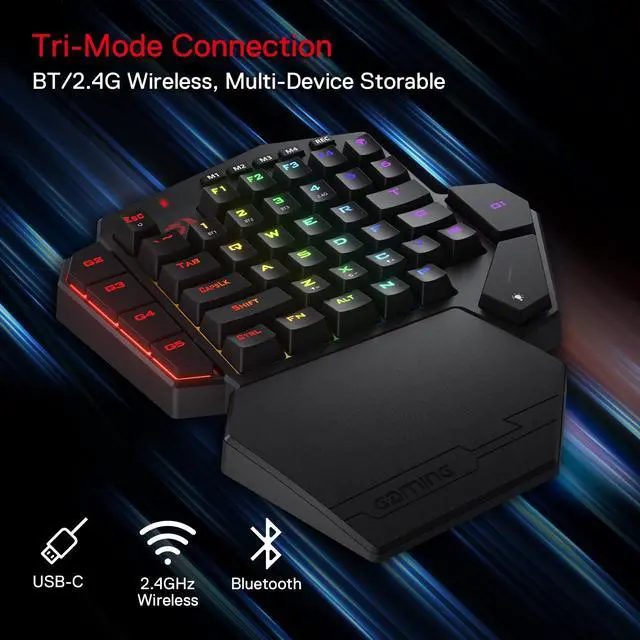
The mode switch beside the USB-C jack is easy to use. Use the keyboard in wireless mode at 2.4G & BT mode, and use the keyboard in wired mode at OFF mode with USB-C cable plugged in.
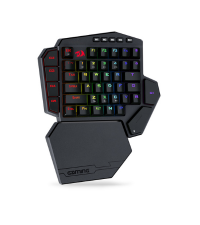 K585 PRO |  K556 PRO TKL |  K655 |  K580 PRO | K655 75% |  K686 EISA |  K618 Horus | |
|---|---|---|---|---|---|---|---|
Customer Reviews | — | — | — | — | — | — | — |
Price | — | — | — | — | — | — | — |
Dimension | 10.3×8.5 in | 13.9×4.9 in | 13.7 x 4.9 in | 17.3 x 6.0 in | 13.7 x 4.9 in | 15.3 x 5.5 in | 17.2×5.8 in |
Weight | 0.63 kg | 0.90 kg | 0.73 kg | 1.17 kg | 0.73 kg | 0.92 kg | 0.73 kg |
Switch | Red Switch | Red Switch | Red Switch | Red Switch | Red Switch | Custom Switch (Litsea) | Red Switch (Low profile) |
Keys | 42 | 87 | 78 | 104 | 78 | 98 | 104 |
Extra G Keys | 5 | 0 | 4 | 5 | 4 | 0 | 5 |
Connection | Wired/BT/2.4Ghz | Wired/BT/2.4Ghz | Wired | Wired/BT/2.4Ghz | Wired | Wired/BT/2.4Ghz | Wired/BT/2.4Ghz |
RGB | ? | ? | ? | ? | ? | ? | ? |
Software | ? | ? | ? | ? | ? | ? | ? |
Troubleshooting for BT connection issue
Slide the switch to BT.2, Press FN+1/2/3 , the LED marked with M flashes in blue/Cyan/Mageta.
Troubleshooting for wired connection issue
If the computer does not recognize the keyboard, try using a different USB port or test it on another computer.
How to recharge
When the battery is low, the M LED will flash red.Use the USB-A to USB-C cable included to connect the keyboard to a 5V 1–2A USB port.We recommend using a computer USB port to prevent damage.
Troubleshooting Software Connectivity Issues
Please note that the software can only be used when connected and used with a wired keyboard.
Troubleshooting for key issues
Please remove the keycaps and switches, and clean them.

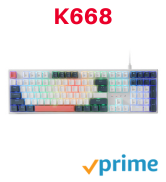
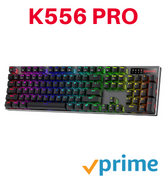
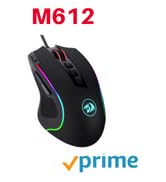
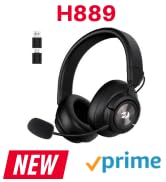
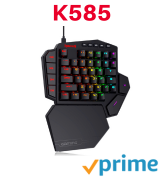
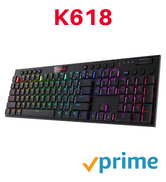
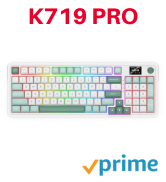

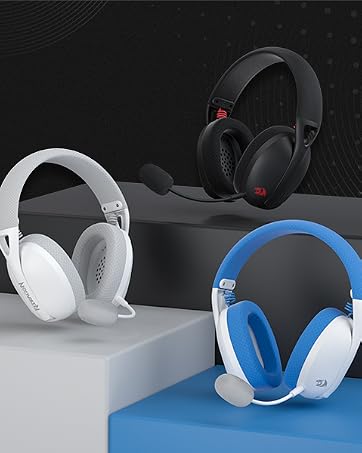
Weighs only 178g (6.2 oz)
Comfortable to wear all day long!
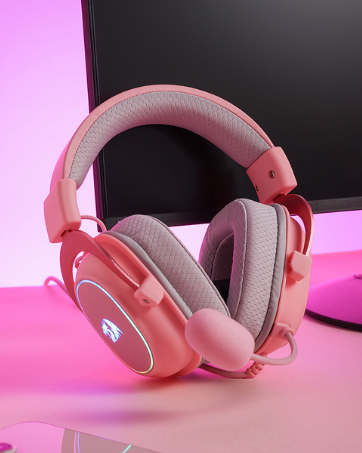
Pink! Yes, that is PINK available now, cute & hot.
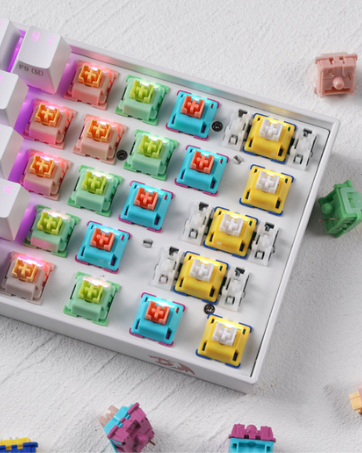
6 Types Available for Any Keyboard Moding
Tactile, Linear, Silent, We Got What You Want
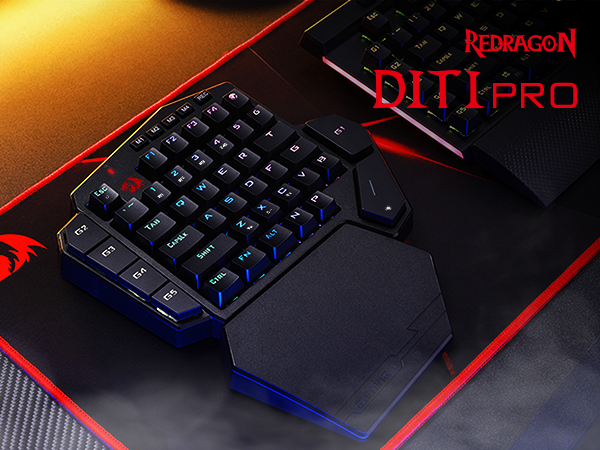
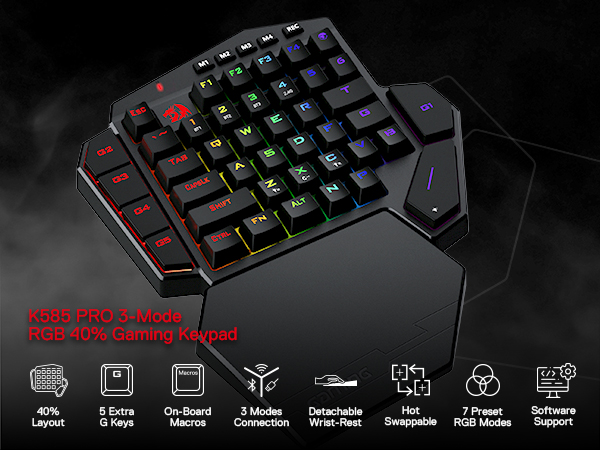
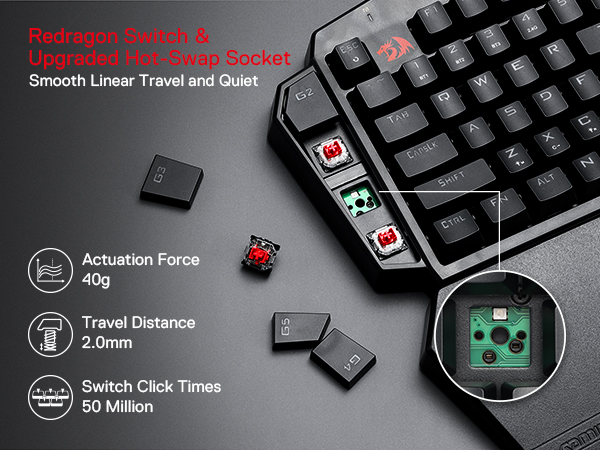
Totally 28(7×4) onboard macros are all available for various keybindings. For example, assign"123" to G1 key: Choose one profile firstly to click M1/2/3/4, click G1 and then click REC, press 123 and finally click REC to save.
The mode switch beside the USB-C jack is easy to use. Use the keyboard in wireless mode at 2.4G & BT mode, and use the keyboard in wired mode at OFF mode with USB-C cable plugged in.
K585 PRO | K556 PRO TKL | K655 | K580 PRO | K655 75% | K686 EISA | K618 Horus |
|---|---|---|---|---|---|---|
| Customer Reviews | ||||||
| — | — | — | — | — | — | — |
| Price | ||||||
| — | — | — | — | — | — | — |
| Dimension | ||||||
| 10.3×8.5 in | 13.9×4.9 in | 13.7 x 4.9 in | 17.3 x 6.0 in | 13.7 x 4.9 in | 15.3 x 5.5 in | 17.2×5.8 in |
| Weight | ||||||
| 0.63 kg | 0.90 kg | 0.73 kg | 1.17 kg | 0.73 kg | 0.92 kg | 0.73 kg |
| Switch | ||||||
| Red Switch | Red Switch | Red Switch | Red Switch | Red Switch | Custom Switch (Litsea) | Red Switch (Low profile) |
| Keys | ||||||
| 42 | 87 | 78 | 104 | 78 | 98 | 104 |
| Extra G Keys | ||||||
| 5 | 0 | 4 | 5 | 4 | 0 | 5 |
| Connection | ||||||
| Wired/BT/2.4Ghz | Wired/BT/2.4Ghz | Wired | Wired/BT/2.4Ghz | Wired | Wired/BT/2.4Ghz | Wired/BT/2.4Ghz |
| RGB | ||||||
| ? | ? | ? | ? | ? | ? | ? |
| Software | ||||||
| ? | ? | ? | ? | ? | ? | ? |
Troubleshooting for BT connection issue
Slide the switch to BT.2, Press FN+1/2/3 , the LED marked with M flashes in blue/Cyan/Mageta.
Troubleshooting for wired connection issue
If the computer does not recognize the keyboard, try using a different USB port or test it on another computer.
How to recharge
When the battery is low, the M LED will flash red.Use the USB-A to USB-C cable included to connect the keyboard to a 5V 1–2A USB port.We recommend using a computer USB port to prevent damage.
Troubleshooting Software Connectivity Issues
Please note that the software can only be used when connected and used with a wired keyboard.
Troubleshooting for key issues
Please remove the keycaps and switches, and clean them.
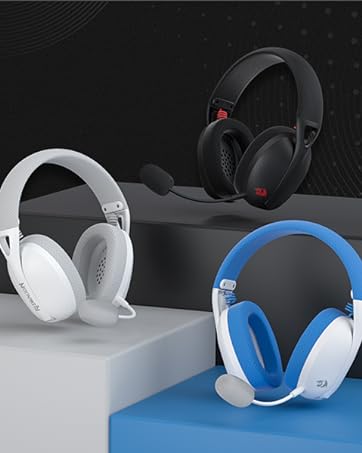
Weighs only 178g (6.2 oz)
Comfortable to wear all day long!
Pink! Yes, that is PINK available now, cute & hot.
6 Types Available for Any Keyboard Moding
Tactile, Linear, Silent, We Got What You Want
| Brand | Redragon |
| Compatible Devices | PC, Laptop, Tablet |
| Connectivity Technology | Wireless |
| Keyboard Description | Wireless One-handed Gaming Keyboard |
| Recommended Uses For Product | Gaming |
| Special Feature | 3-mode Wireless, Ergonomic, Hot-Swappable |
| Color | Red Switch |
| Keyboard backlighting color support | RGB |
| Style | Gaming |
| Product Dimensions | 10.83"L x 9.06"W x 1.57"H |
| Additional Features | 3-mode Wireless, Ergonomic, Hot-Swappable |
| Number of Batteries Required | 1 |
| Power Source | Battery Powered |
| Switch Type | Linear |
| Keyboard Layout | QWERTY |
| Hand Orientation | Ambidextrous |
| Button Quantity | 42 |
| Mechanical Keyboard Switch Model | OUTEMU Red |
| Compatible Amazon Tablet Models | Amazon Fire HD 10 11th Generation, Amazon Fire HD 10 13th Generation, Amazon Fire HD 8 10th Generation, Amazon Fire HD 8 11th Generation, Amazon Fire HD 8 12th Generation |
| Compatible Tablet Computer Models | Amazon Fire 7 Kids 12th Generation |
| Number of Keys | 49 |
| Number of Sections | 1 |
| Style Name | Gaming |
| Theme | gaming, red |
| Antenna Location | Gaming |
| Built-In Media | USB Cable |
| Model Number | DITI |
| Model Name | DITI |
| Series Number | 5 |
| Item Highlight | 0-Delay 2.4GHz Connection, On Board Macro Keys Keyboard, USB Pass-Through Port, Hot-Swap Socket, Detachable Wrist Rest |
| Unit Count | 1 Count |
| Manufacturer | Redragon |
| Number of Packs | 1 |
| Number of Items | 1 |
| Mfr Part Number | 265099838 |
| Warranty Description | 1 year |
| Item Dimensions L x W x H | 10.83"L x 9.06"W x 1.57"H |
| Enclosure Material | Plastic |