here!
here!
I’m your shopping assistant for PC builds, upgrades, and everything tech.
Got questions? Ask away!
Start a conversation
here!
I’m your shopping assistant for PC builds, upgrades, and everything tech.
Got questions? Ask away!
Start a conversation
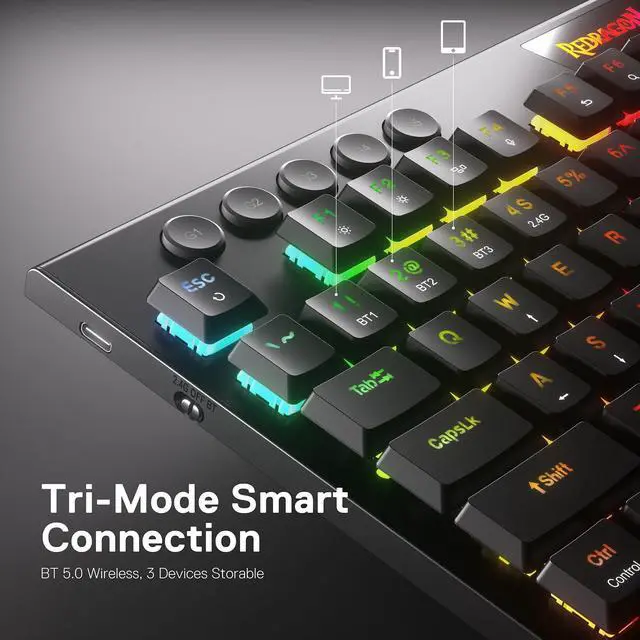



Any questions? Ask CelesteSM will help you find out quickly.


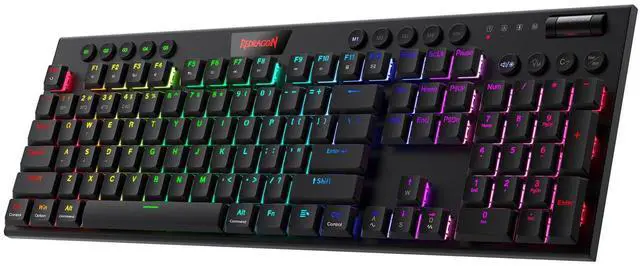
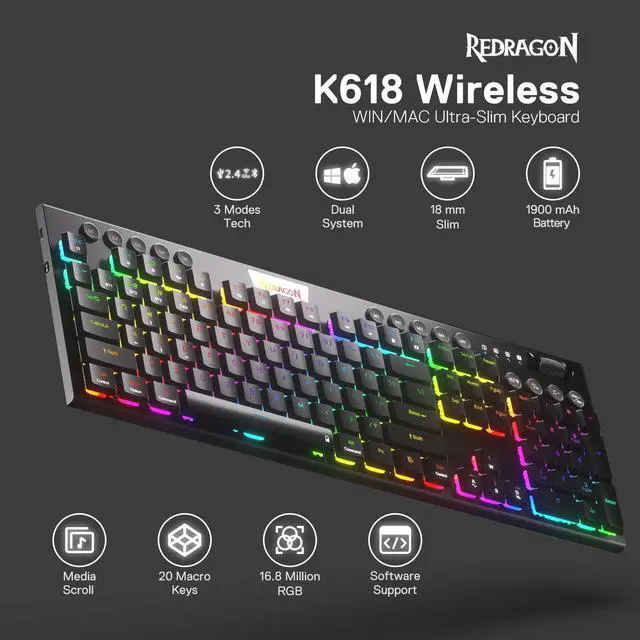
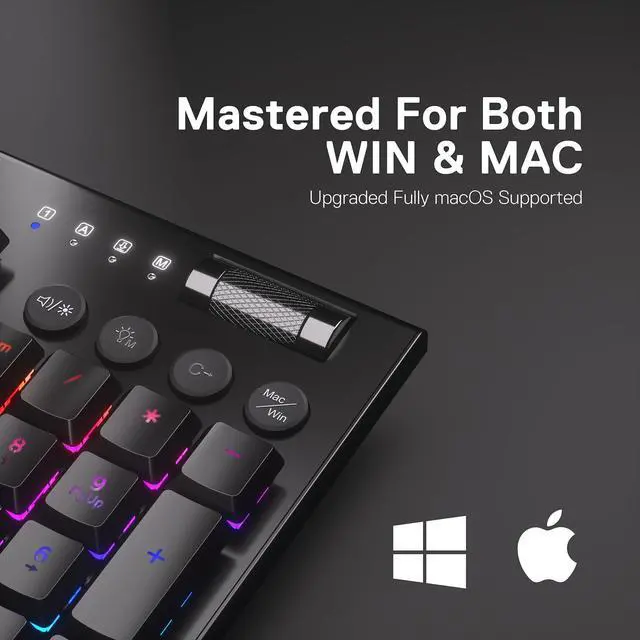
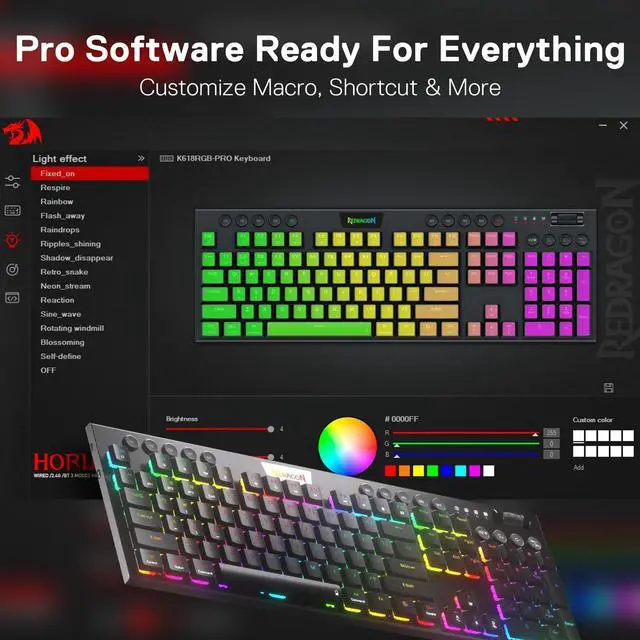
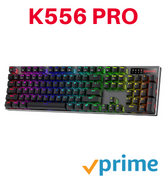
Up to 20 preset vibrant backlight modes can be adjusted easily by onboard keys and software, the brightness is also adjustable by scroll section. Redragon logo filled with sync RGB colors offers extra active buff for the gamer.

Equipped with an advanced dependable battery, the keyboard provides a prolonged using time in wireless mode. Low battery indicator makes sure the keyboard will always online if you don't forget to recharge.

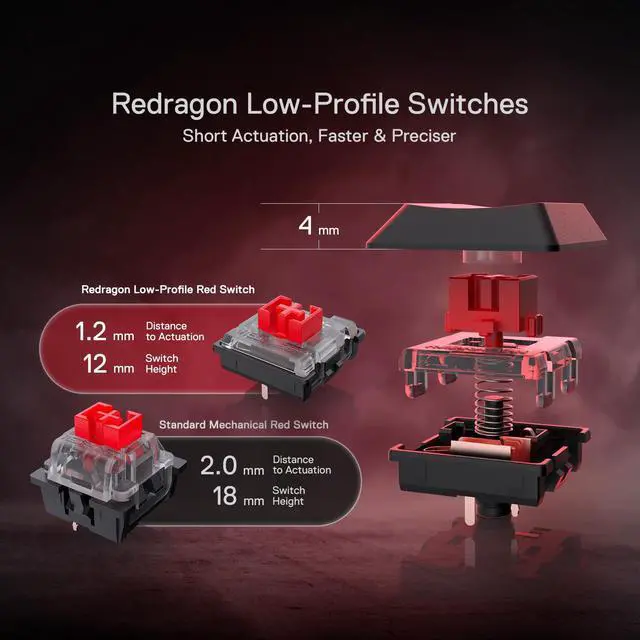
What is the difference between low-profile switches and standard switches?
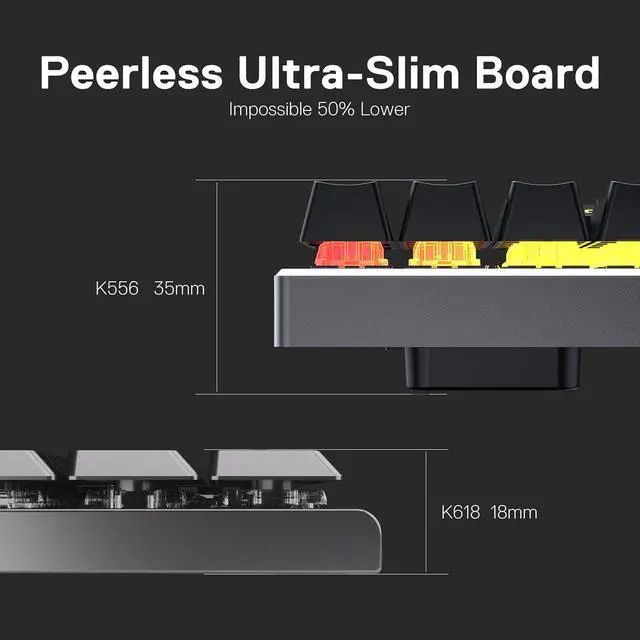
Low-profile switches feel slimmer and require less key travel, making them faster and lighter to press. Standard switches have a taller profile with deeper key travel, giving a more traditional, solid, and tactile typing feel.
Troubleshooting for wired mode
If the keyboard is not recognized by the computer when using a wired connection, please try replacing the USB cable, USB port, and device for testing.
Troubleshooting for common keyboard situations
If you encounter any issues while using the keyboard, you can reset it by holding Fn + ESC for 3 seconds or by performing a reset in the software.
How do I use the software?
On Windows, use the software in wired mode. Turn the switch OFF and plug in the cable.
Why won't my keyboard connect via Bluetooth?
Make sure it's charged, reset it (Fn + ESC), turn switch to BT then reconnect(press FN+1/2/3).







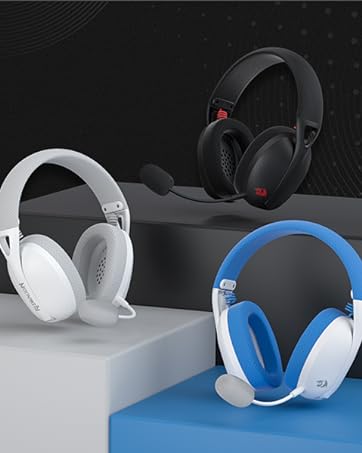
Weighs only 178g (6.2 oz)
Comfortable to wear all day long!
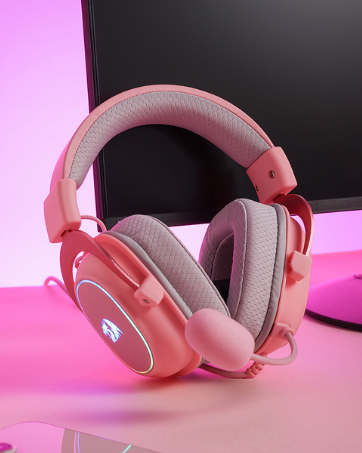
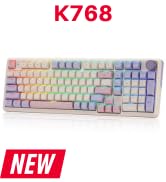
Pink! Yes, that is PINK available now, cute & hot.
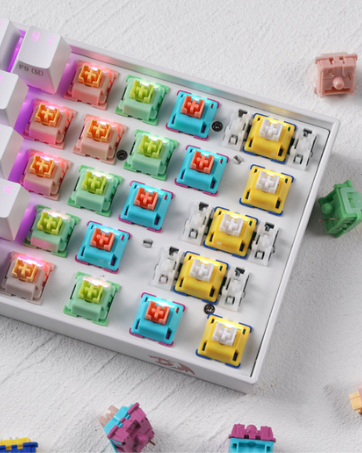
6 Types Available for Any Keyboard Moding
Tactile, Linear, Silent, We Got What You Want


Up to 20 preset vibrant backlight modes can be adjusted easily by onboard keys and software, the brightness is also adjustable by scroll section. Redragon logo filled with sync RGB colors offers extra active buff for the gamer.
Equipped with an advanced dependable battery, the keyboard provides a prolonged using time in wireless mode. Low battery indicator makes sure the keyboard will always online if you don't forget to recharge.

What is the difference between low-profile switches and standard switches?
Low-profile switches feel slimmer and require less key travel, making them faster and lighter to press. Standard switches have a taller profile with deeper key travel, giving a more traditional, solid, and tactile typing feel.
Troubleshooting for wired mode
If the keyboard is not recognized by the computer when using a wired connection, please try replacing the USB cable, USB port, and device for testing.
Troubleshooting for common keyboard situations
If you encounter any issues while using the keyboard, you can reset it by holding Fn + ESC for 3 seconds or by performing a reset in the software.
How do I use the software?
On Windows, use the software in wired mode. Turn the switch OFF and plug in the cable.
Why won't my keyboard connect via Bluetooth?
Make sure it's charged, reset it (Fn + ESC), turn switch to BT then reconnect(press FN+1/2/3).
Weighs only 178g (6.2 oz)
Comfortable to wear all day long!
Pink! Yes, that is PINK available now, cute & hot.
6 Types Available for Any Keyboard Moding
Tactile, Linear, Silent, We Got What You Want