here!
here!
I’m your shopping assistant for PC builds, upgrades, and everything tech.
Got questions? Ask away!
Start a conversation
here!
I’m your shopping assistant for PC builds, upgrades, and everything tech.
Got questions? Ask away!
Start a conversation
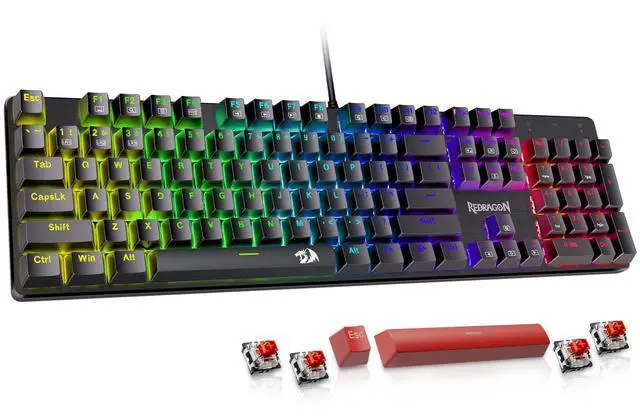


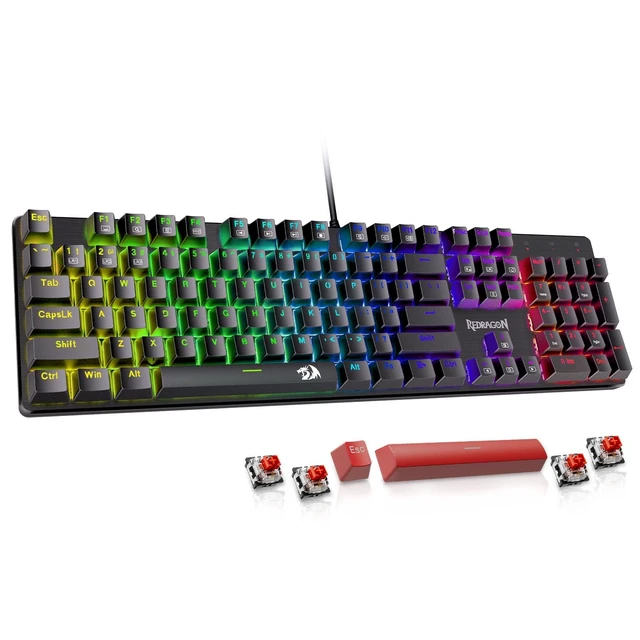


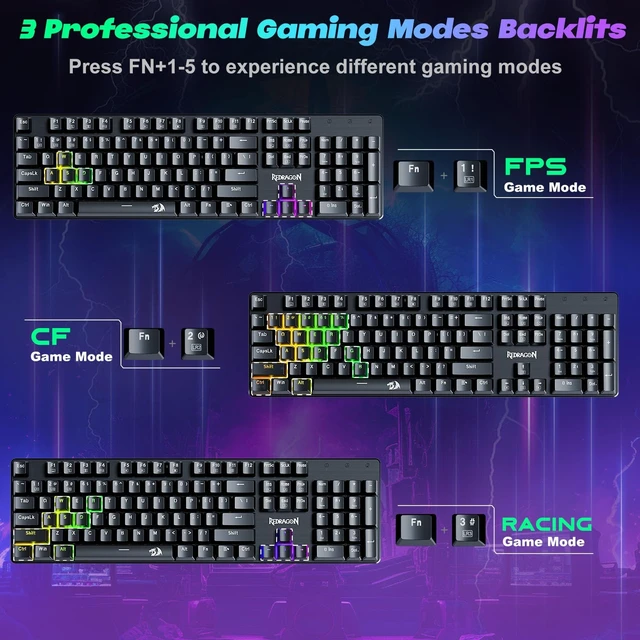



Any questions? Ask CelesteSM will help you find out quickly.

Prevent accidental spills from interrupting your game

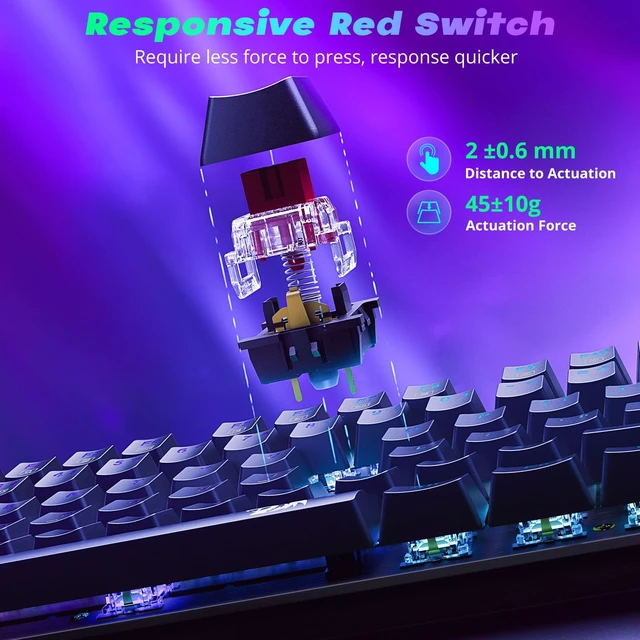
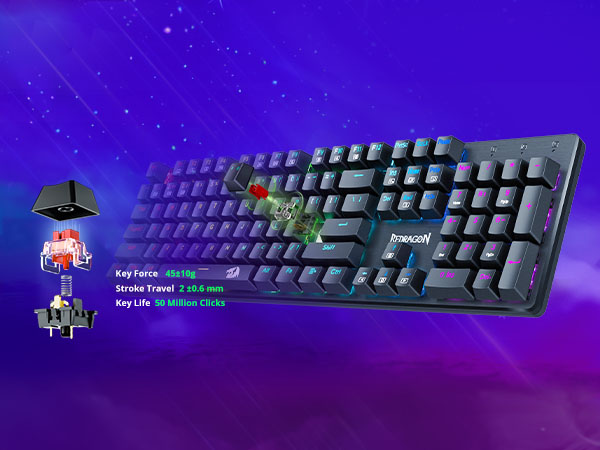
Make your typing and gaming more comfortable
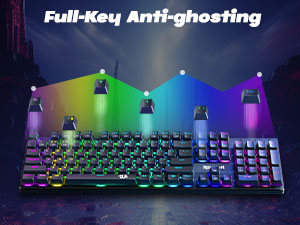
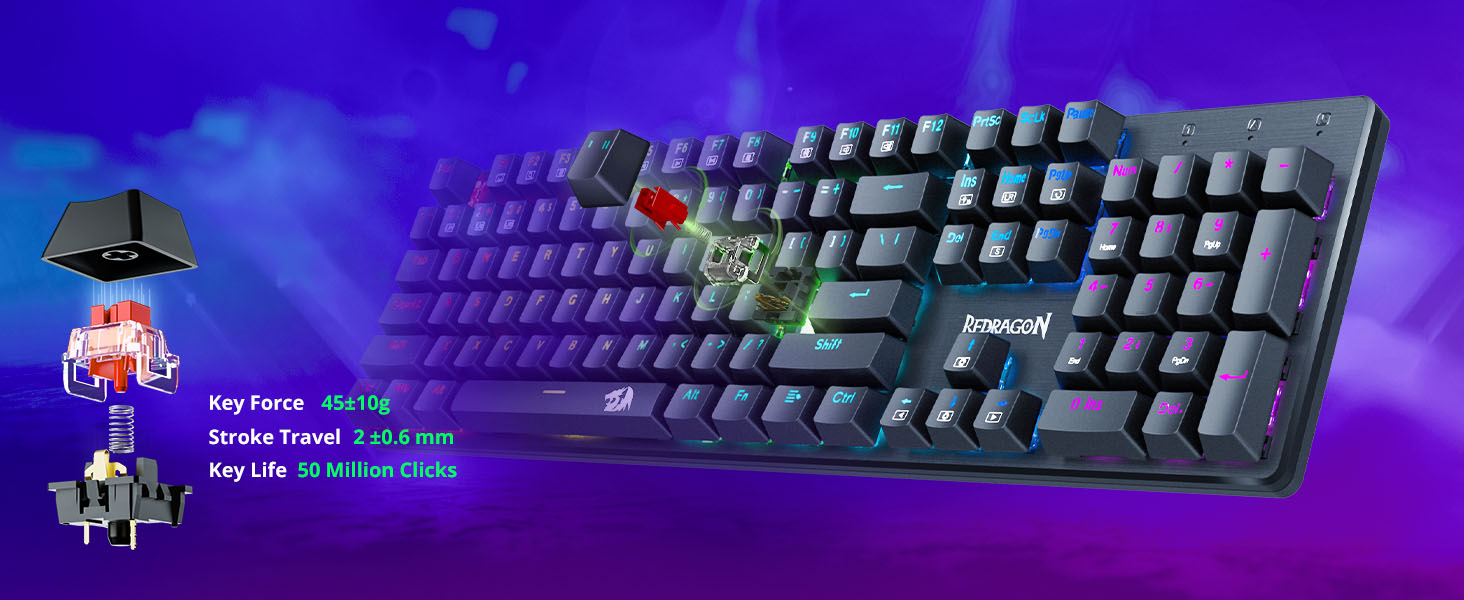
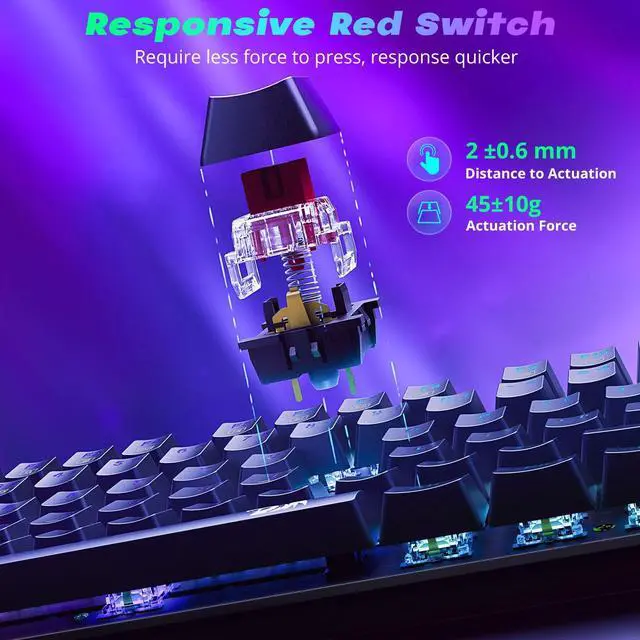
All keys can work simultaneously, easily complete any combining functions without conflicting keys
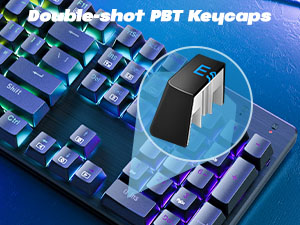
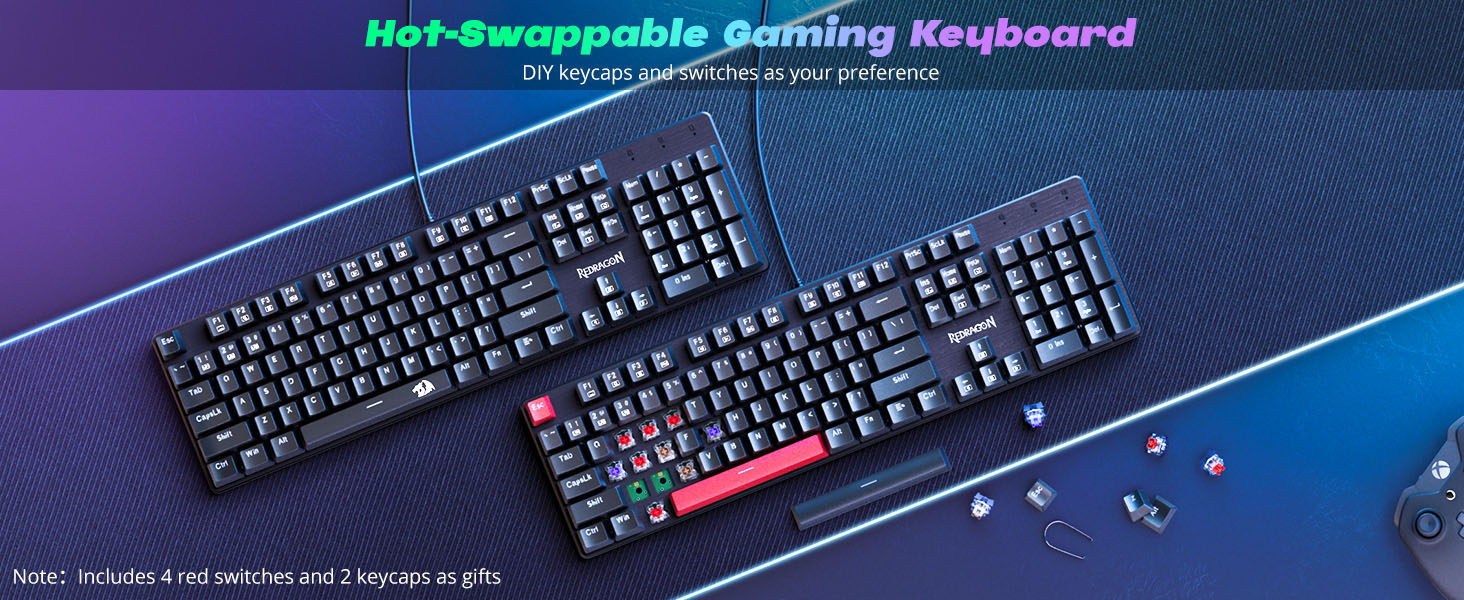
No concerns about keycap fading even with prolonged use
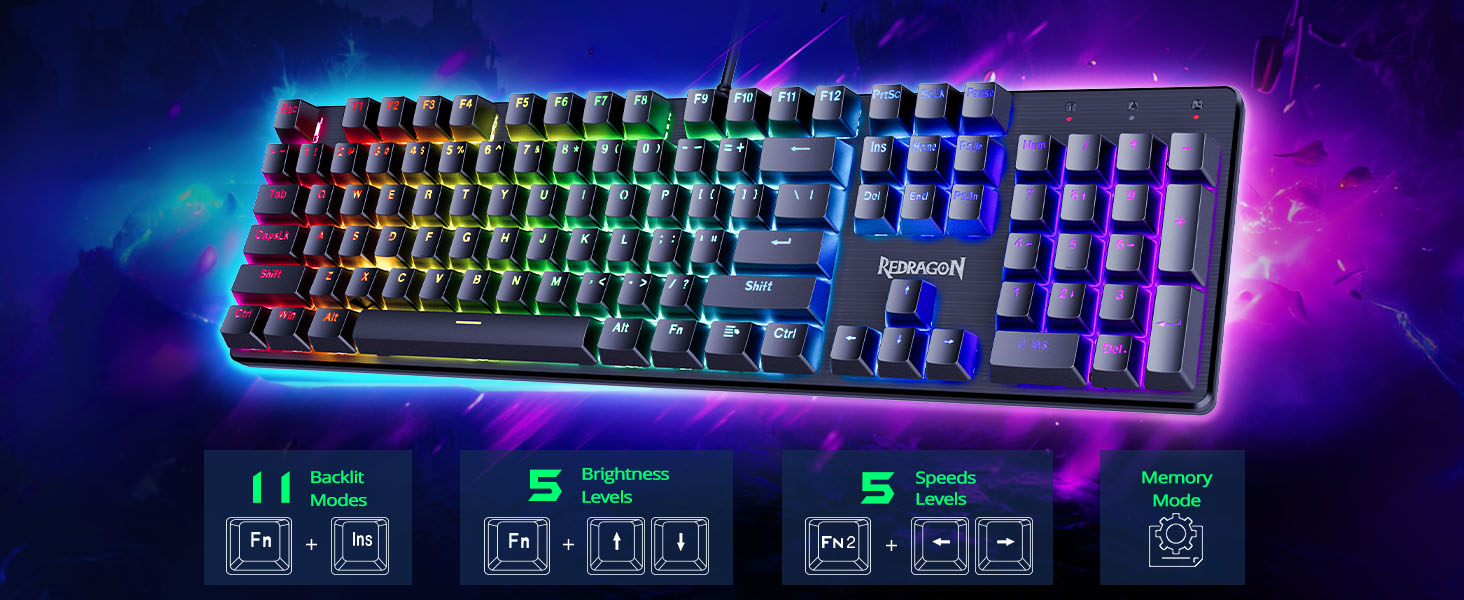
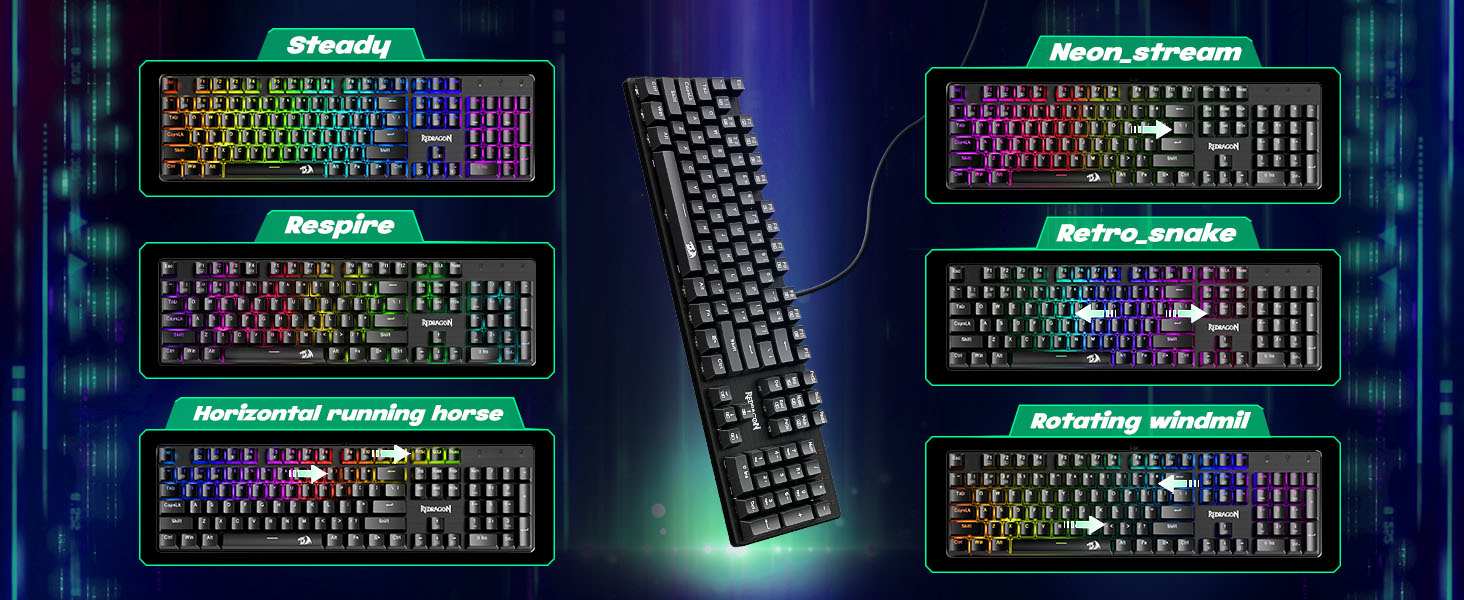
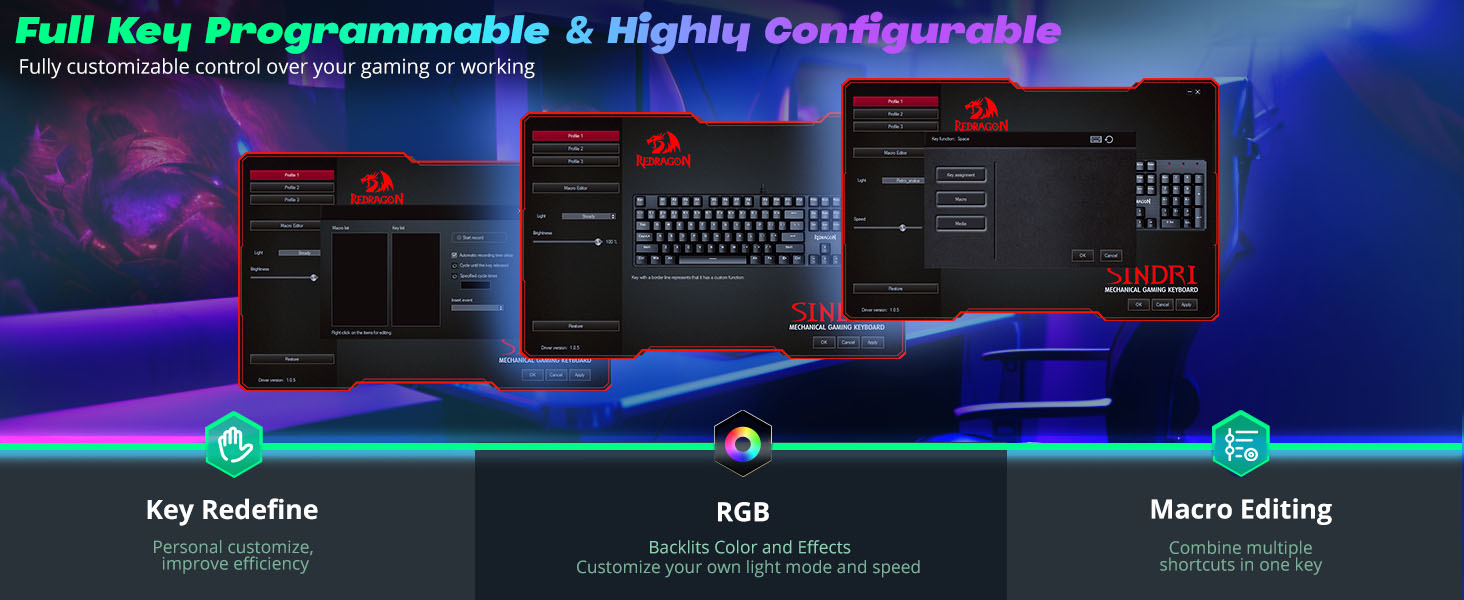
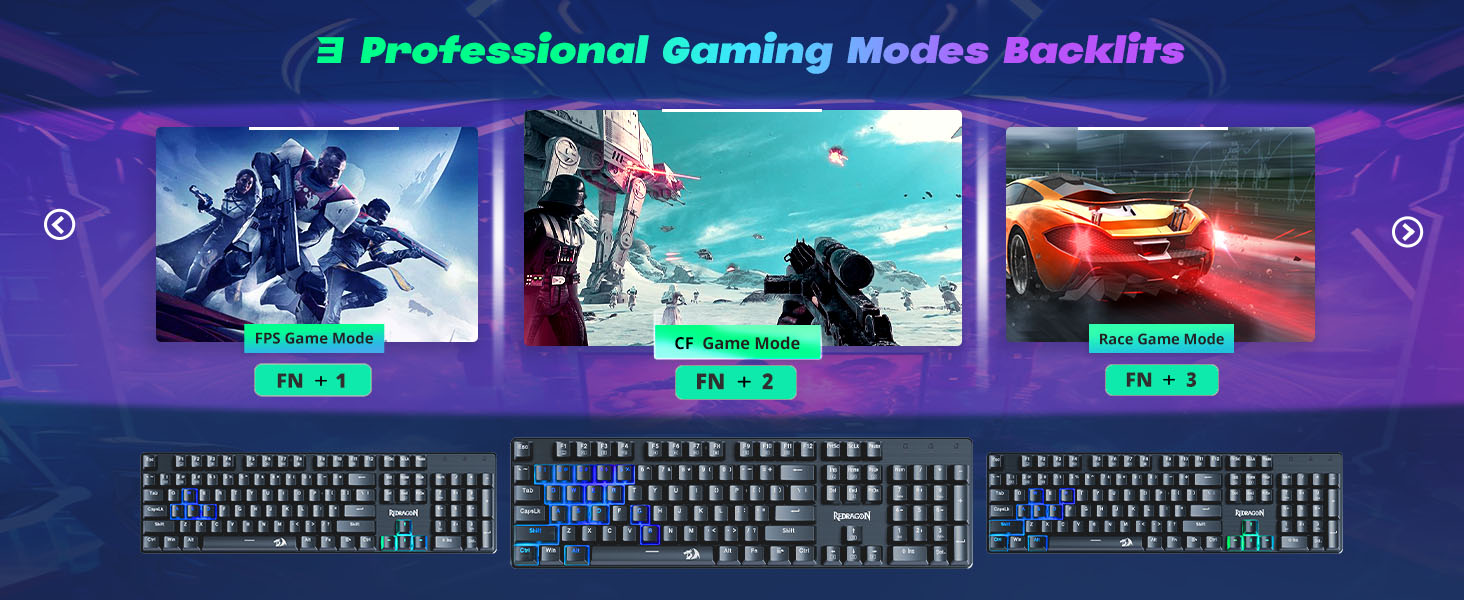
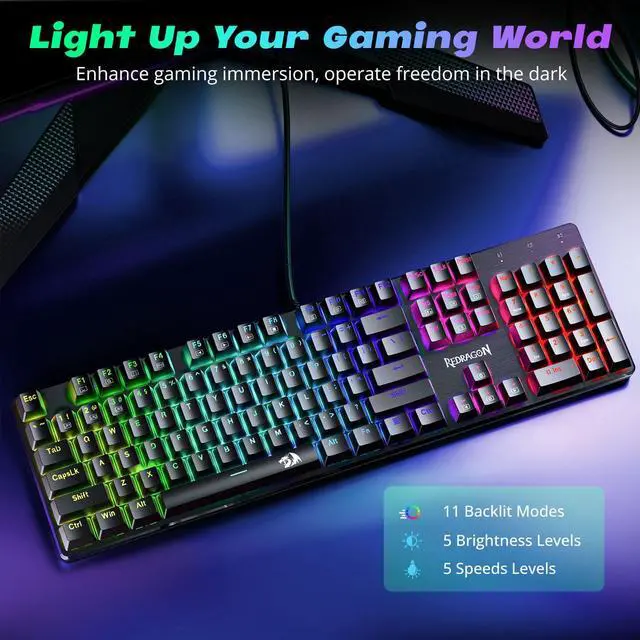
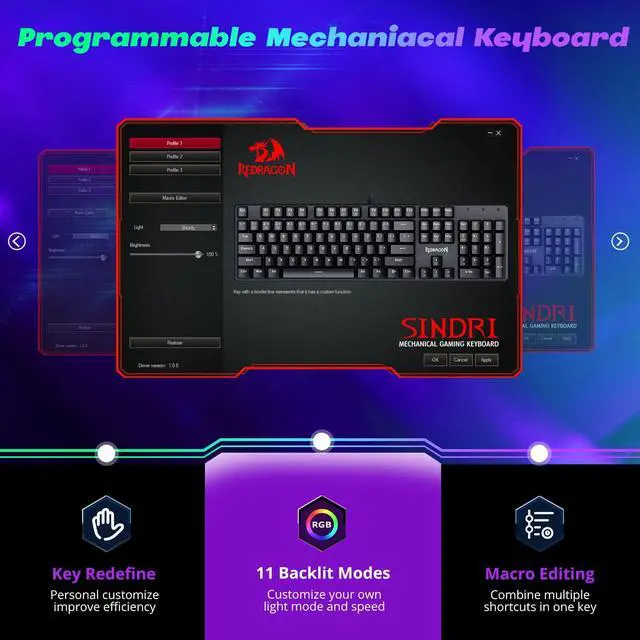
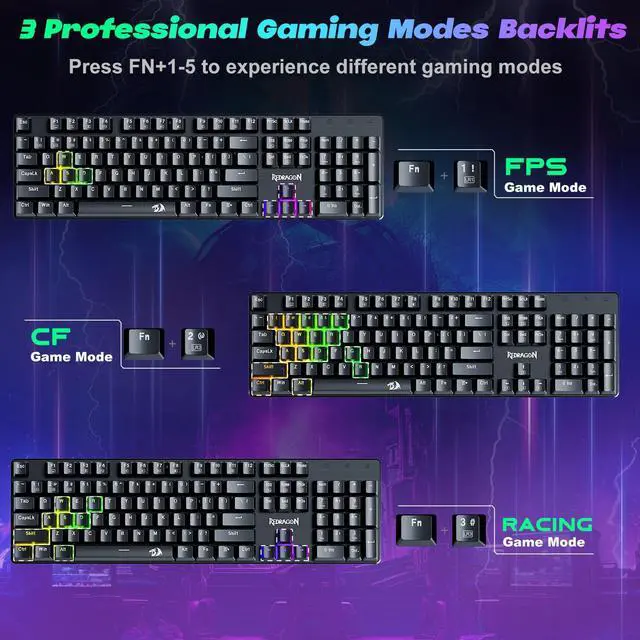
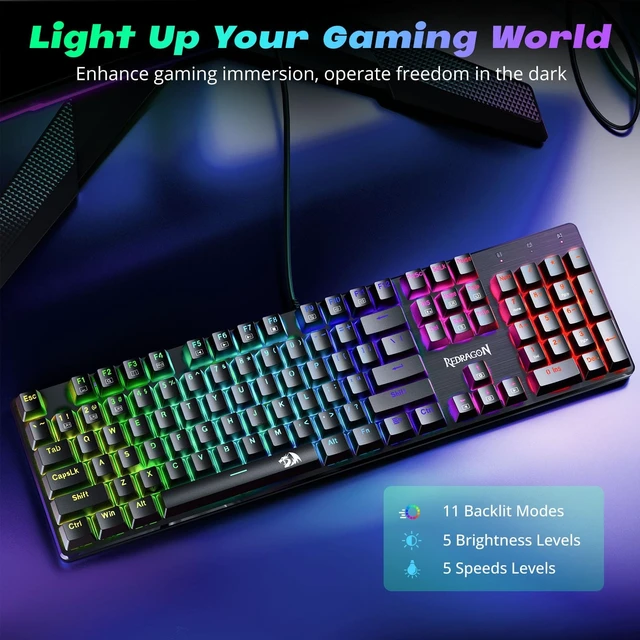
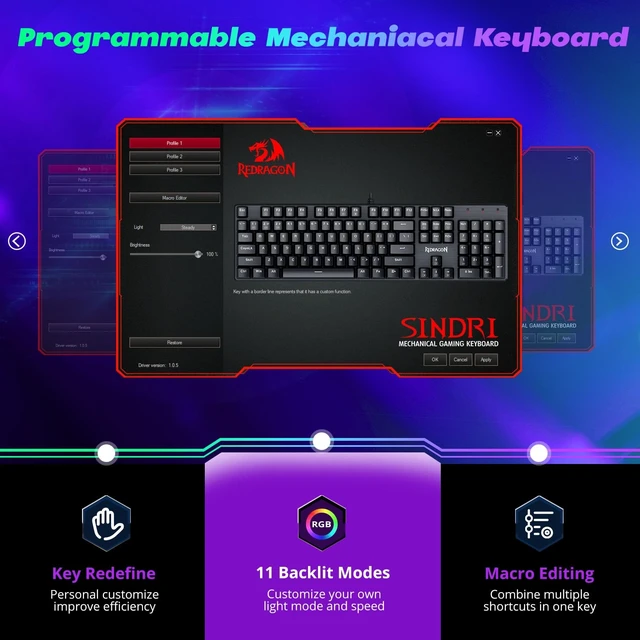
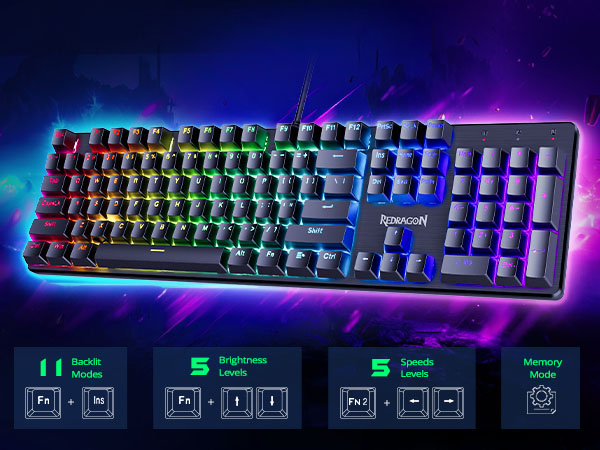
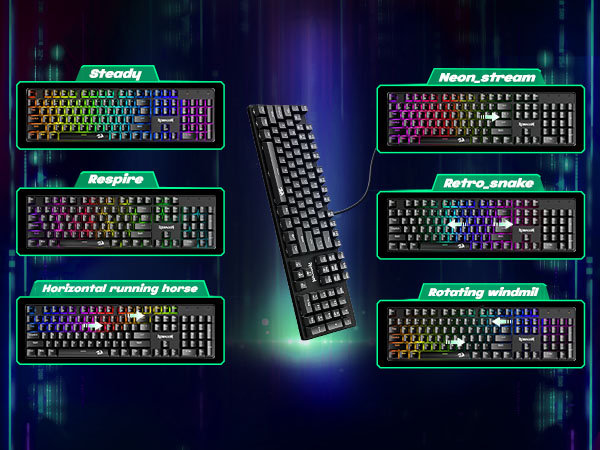
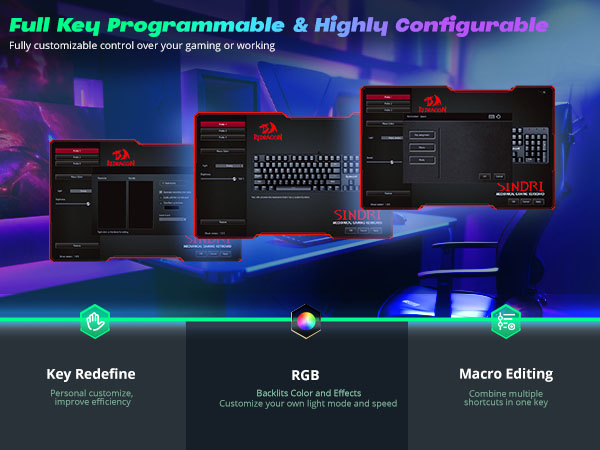
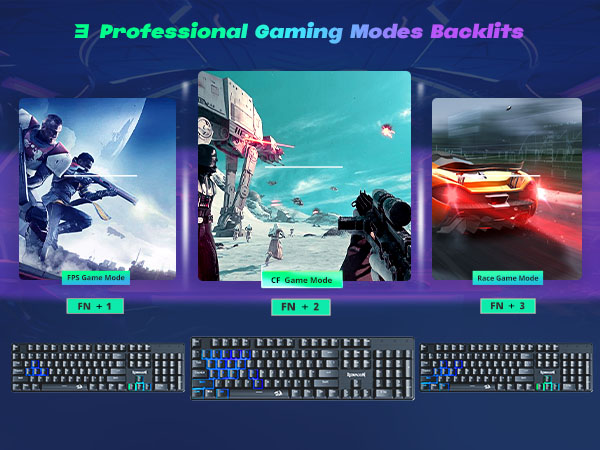
You can remap the key functions, add macro keys, change the light modes, and adjust the speed and brightness of the backlight.
NOTE: The backlight color can not be customized.
What should I do if the keys do not work?
What should I do if the keys do not work?
How can I change the backlight?
How can I change the backlight?
How can I download the Software?
1. Go to Redragon website; 2. Clcik" Download"; 3. Chosse"keyboard",Search the model: K671
Note: The driver only supports the Windows operating system.
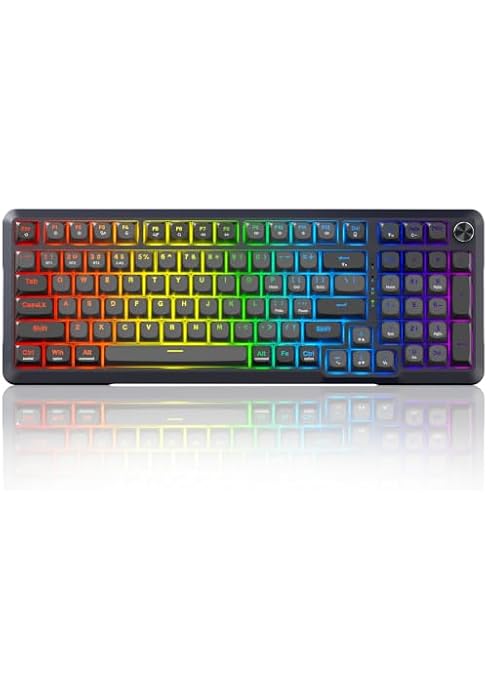
K671 | Model | K671-KS |
Red Switch | Switch | Linear Switch |
Rainbow | Backlit | RGB |
Wired | Connection Methods | Wired/2.4G/Bluetooth |
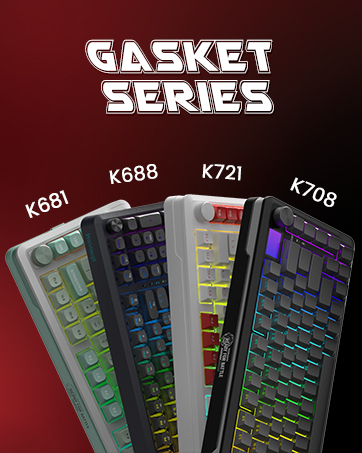
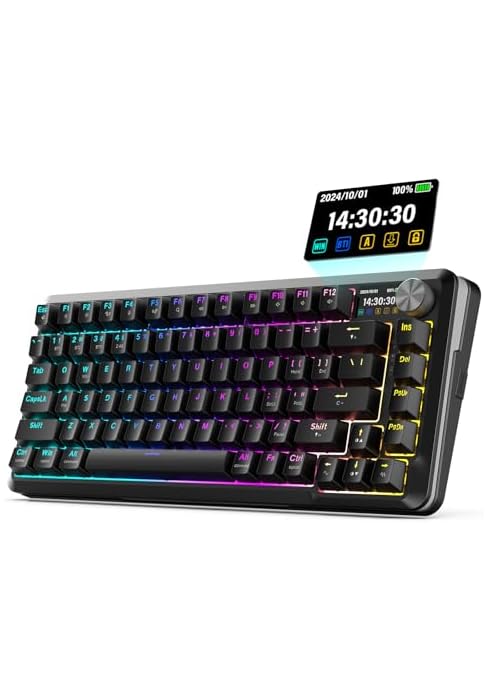
K671 | Model | K688-PRO |
Red Switch | Switch | Linear Switch |
Rainbow | Backlit | RGB |
Wired | Connection Methods | Wired/2.4G/Bluetooth |
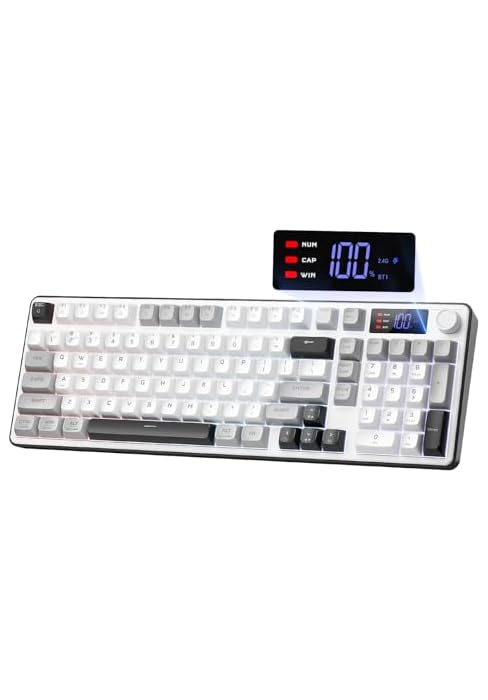
K671 | Model | K708 |
Red Switch | Switch | Linear Switch |
Rainbow | Backlit | RGB |
Wired | Connection Methods | Wired/2.4G/Bluetooth |
K671 | Model | K527 |
Red Switch | Switch | Membrane |
Rainbow | Backlit | RGB |
Wired | Connection Methods | Wired/2.4G/Bluetooth |
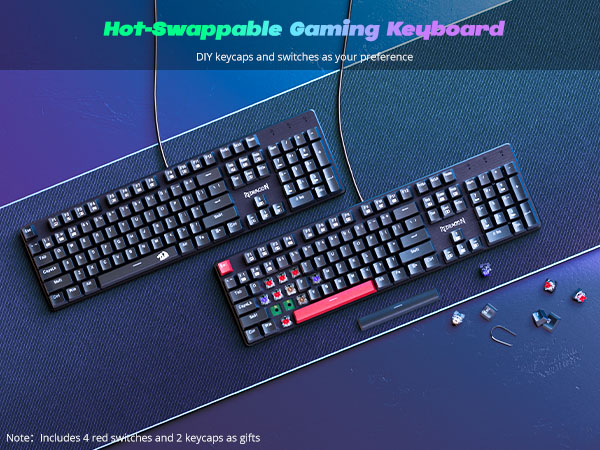
Prevent accidental spills from interrupting your game
Make your typing and gaming more comfortable
All keys can work simultaneously, easily complete any combining functions without conflicting keys
No concerns about keycap fading even with prolonged use
You can remap the key functions, add macro keys, change the light modes, and adjust the speed and brightness of the backlight.
NOTE: The backlight color can not be customized.
What should I do if the keys do not work?
What should I do if the keys do not work?
How can I change the backlight?
How can I change the backlight?
How can I download the Software?
1. Go to Redragon website; 2. Clcik" Download"; 3. Chosse"keyboard",Search the model: K671
Note: The driver only supports the Windows operating system.
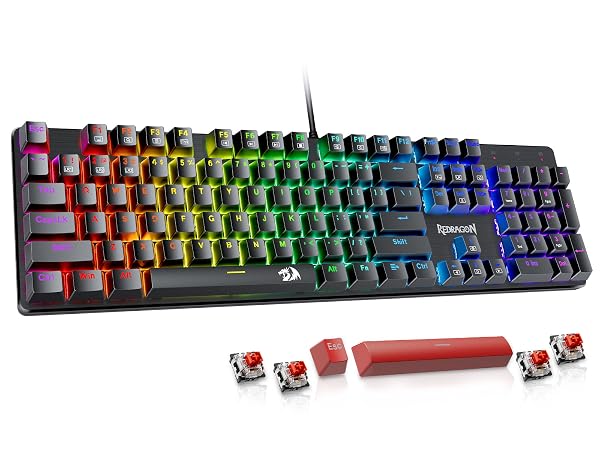
Model | K671 |
Switch | Red Switch |
Backlit | Rainbow |
Connection Methods | Wired |
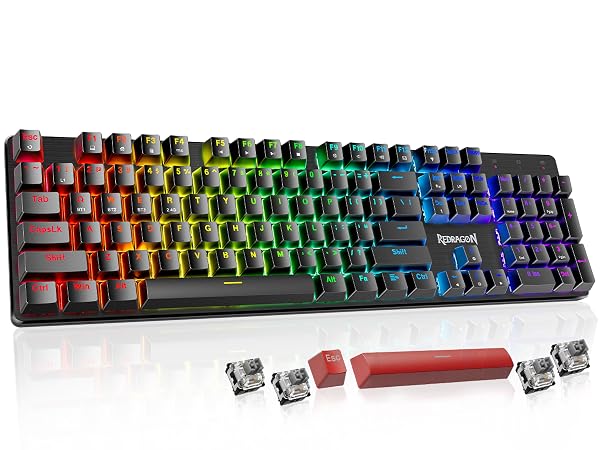
Model | K671-KS |
Switch | Linear Switch |
Backlit | RGB |
Connection Methods | Wired/2.4G/Bluetooth |
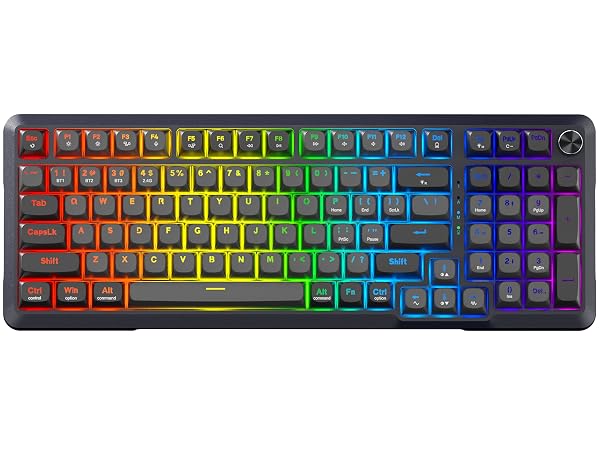
Model | K688-PRO |
Switch | Linear Switch |
Backlit | RGB |
Connection Methods | Wired/2.4G/Bluetooth |