



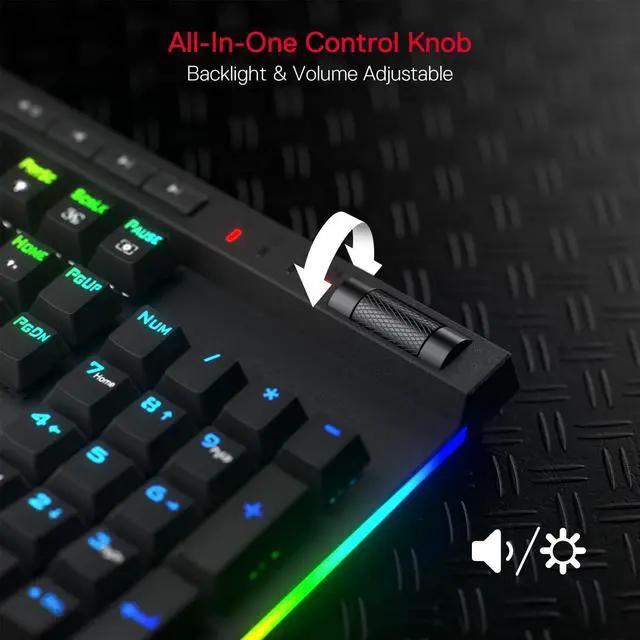
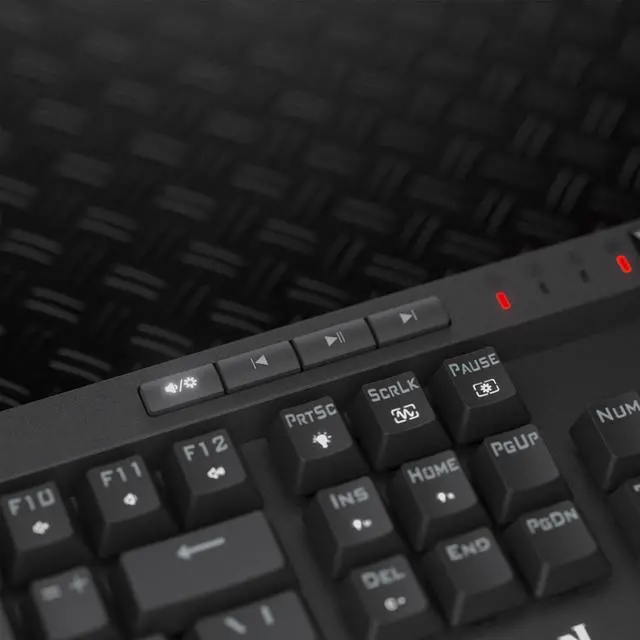


Dedicated Media Controls
The controls let you quickly play, pause, and skip the music right from the keyboard without interrupting your game. Scroll bar allows intuitive control with simple motion.

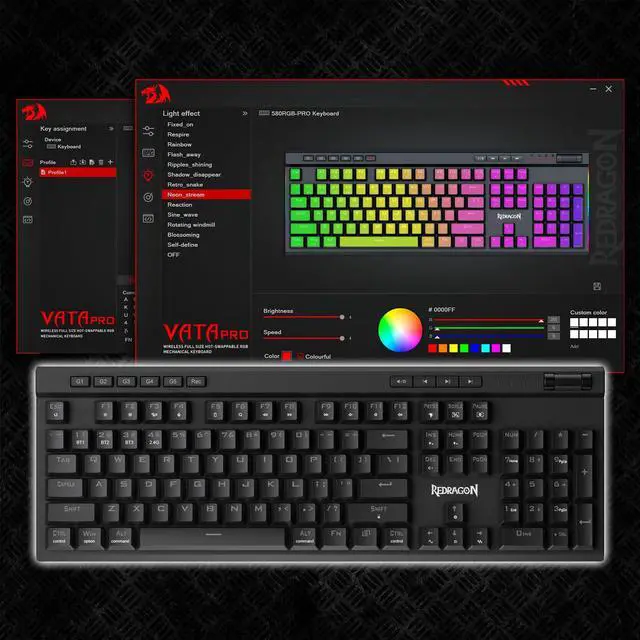
Pro Software Supported
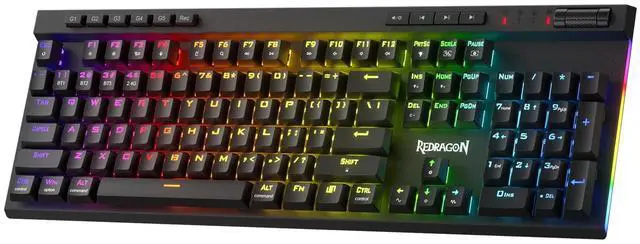
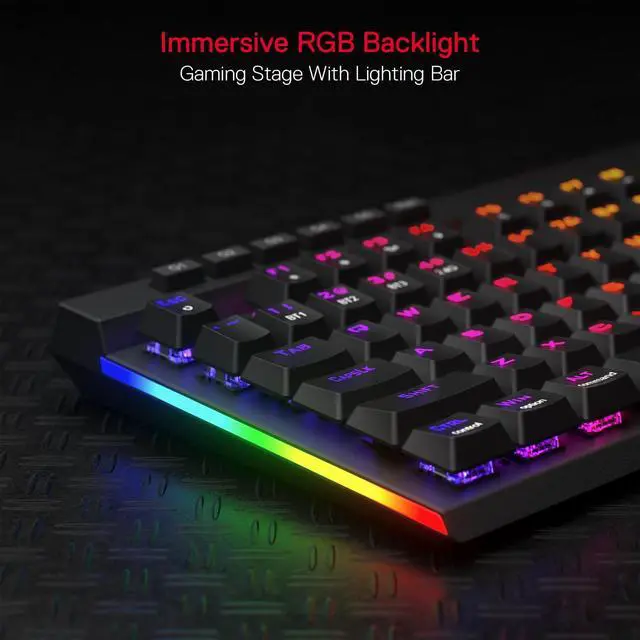
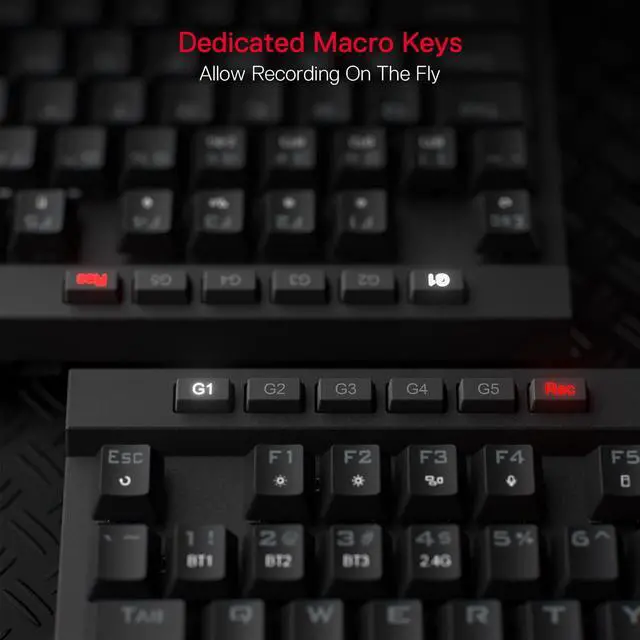
Use the software to make some unique macros or adjust backlight modes on your keyboard. Complex and cool combo can be activated with one click.
Redragon EPIC KB
 K580 PRO |  K617 Magnetic |  K556 PRO TKL |  K673 Gasket | 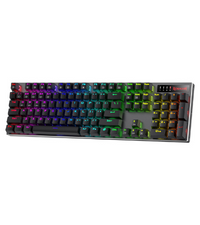 K556 PRO |  K686 EISA |  K618 Horus | |
|---|---|---|---|---|---|---|---|
Customer Reviews | — | — | — | — | — | — | — |
Price | — | — | — | — | — | — | — |
Dimension | 17.3 x 6.0 in | 11.5×4.0 in | 13.9×4.9 in | 13.2×5.5 in | 17.1×4.9 in | 15.3 x 5.5 in | 17.2×5.8 in |
Weight | 1.17 kg | 0.56 kg | 0.90 kg | 0.91 kg | 1.06 kg | 0.92 kg | 0.73 kg |
Switch | Red Switch | Hall Magnetic Switch | Red Switch | Red Switch | Red Switch | Custom Switch (Litsea) | Red Switch (Low profile) |
Keys | 104 | 61 | 87 | 81 | 104 | 98 | 104 |
Extra G Keys | 5 | 0 | 0 | 0 | 0 | 0 | 5 |
Connection | Wired/BT/2.4Ghz | Wired | Wired/BT/2.4Ghz | Wired/BT/2.4Ghz | Wired/BT/2.4Ghz | Wired/BT/2.4Ghz | Wired/BT/2.4Ghz |
RGB | ? | ? | ? | ? | ? | ? | ? |
Software | ? | ? | ? | ? | ? | ? | ? |
Connection issues:
For wired, switch to off, try a new USB to C cable, and test with different ports/computers. For wireless, set to 2.4G or BT, and test with other devices.
Key issues
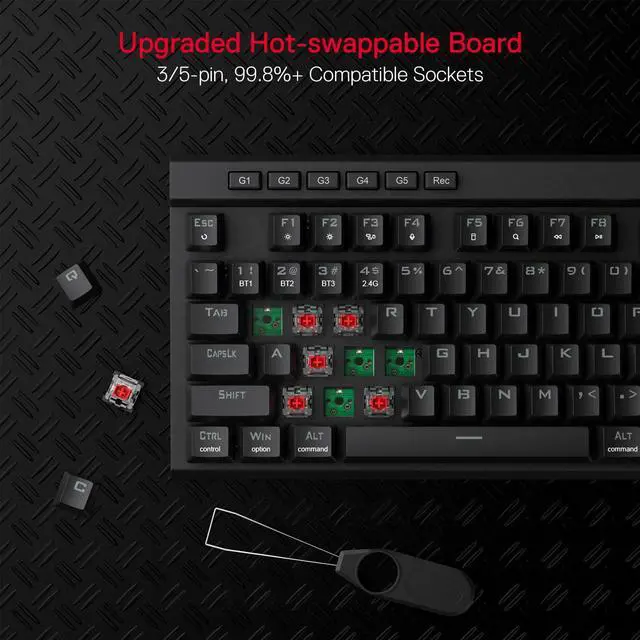
Replace the keyboard switch and press Fn + Esc to reset.

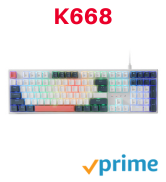
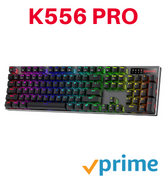
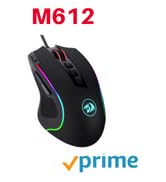
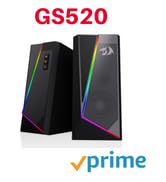
BIG SAVE
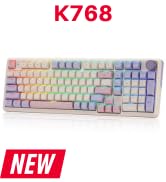
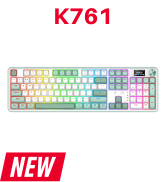
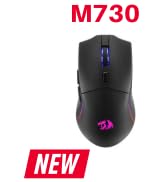
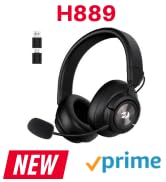
NEW ARRIVED GEAR
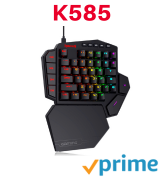
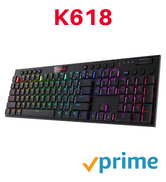
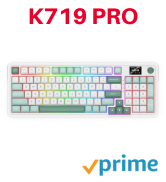
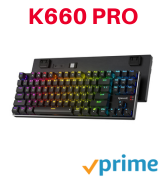
Gaming Keyboard
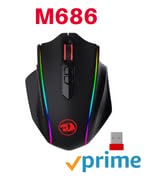
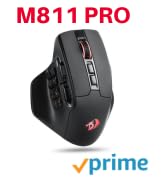
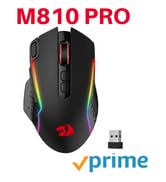
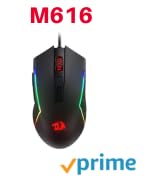
Gaming Mice

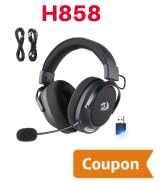
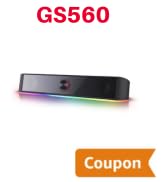
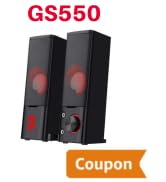
Audio Gear
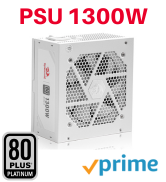



Gaming Setup
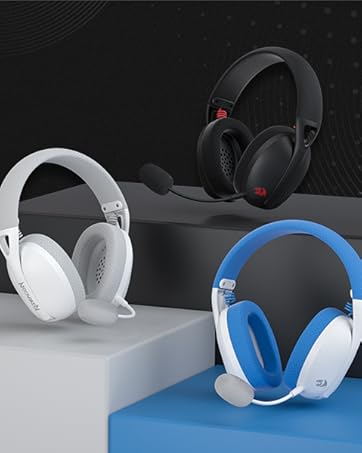
Redragon H848 Headset
Weighs only 178g (6.2 oz)
Comfortable to wear all day long!
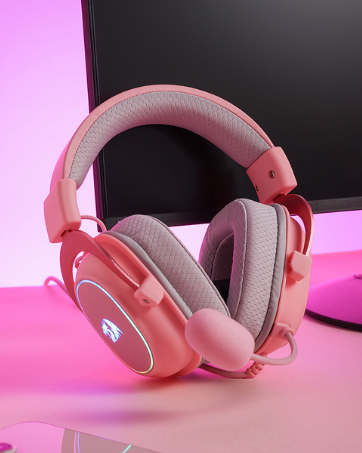
Redragon H510 RGB Series
Pink! Yes, that is PINK available now, cute & hot.
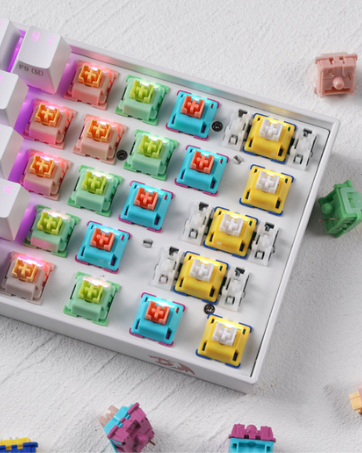
Redragon Custom Switches
6 Types Available for Any Keyboard Moding
Tactile, Linear, Silent, We Got What You Want


Dedicated Media Controls
The controls let you quickly play, pause, and skip the music right from the keyboard without interrupting your game. Scroll bar allows intuitive control with simple motion.
Pro Software Supported
Use the software to make some unique macros or adjust backlight modes on your keyboard. Complex and cool combo can be activated with one click.
Redragon EPIC KB
K580 PRO | K617 Magnetic | K556 PRO TKL | K673 Gasket | K556 PRO | K686 EISA | K618 Horus |
|---|---|---|---|---|---|---|
| Customer Reviews | ||||||
| — | — | — | — | — | — | — |
| Price | ||||||
| — | — | — | — | — | — | — |
| Dimension | ||||||
| 17.3 x 6.0 in | 11.5×4.0 in | 13.9×4.9 in | 13.2×5.5 in | 17.1×4.9 in | 15.3 x 5.5 in | 17.2×5.8 in |
| Weight | ||||||
| 1.17 kg | 0.56 kg | 0.90 kg | 0.91 kg | 1.06 kg | 0.92 kg | 0.73 kg |
| Switch | ||||||
| Red Switch | Hall Magnetic Switch | Red Switch | Red Switch | Red Switch | Custom Switch (Litsea) | Red Switch (Low profile) |
| Keys | ||||||
| 104 | 61 | 87 | 81 | 104 | 98 | 104 |
| Extra G Keys | ||||||
| 5 | 0 | 0 | 0 | 0 | 0 | 5 |
| Connection | ||||||
| Wired/BT/2.4Ghz | Wired | Wired/BT/2.4Ghz | Wired/BT/2.4Ghz | Wired/BT/2.4Ghz | Wired/BT/2.4Ghz | Wired/BT/2.4Ghz |
| RGB | ||||||
| ? | ? | ? | ? | ? | ? | ? |
| Software | ||||||
| ? | ? | ? | ? | ? | ? | ? |
Connection issues:
For wired, switch to off, try a new USB to C cable, and test with different ports/computers. For wireless, set to 2.4G or BT, and test with other devices.
Key issues
Replace the keyboard switch and press Fn + Esc to reset.
BIG SAVE
NEW ARRIVED GEAR
Gaming Keyboard
Gaming Mice
Audio Gear
Gaming Setup
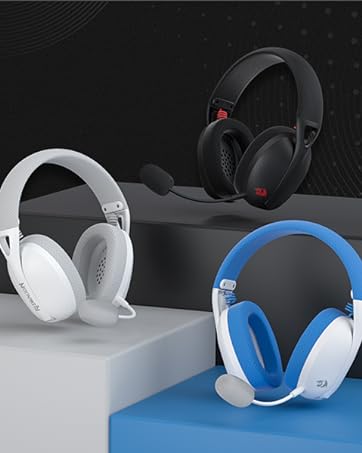
Redragon H848 Headset
Weighs only 178g (6.2 oz)
Comfortable to wear all day long!
Redragon H510 RGB Series
Pink! Yes, that is PINK available now, cute & hot.
Redragon Custom Switches
6 Types Available for Any Keyboard Moding
Tactile, Linear, Silent, We Got What You Want
