here!
here!
I’m your shopping assistant for PC builds, upgrades, and everything tech.
Got questions? Ask away!
Start a conversation
here!
I’m your shopping assistant for PC builds, upgrades, and everything tech.
Got questions? Ask away!
Start a conversation



Any questions? Ask CelesteSM will help you find out quickly.
How to correct the time/volume on the screen?
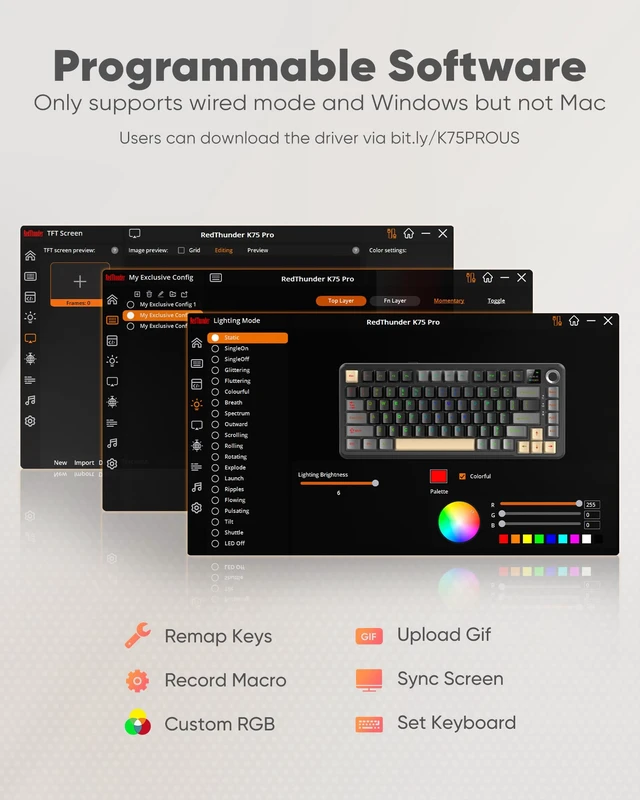
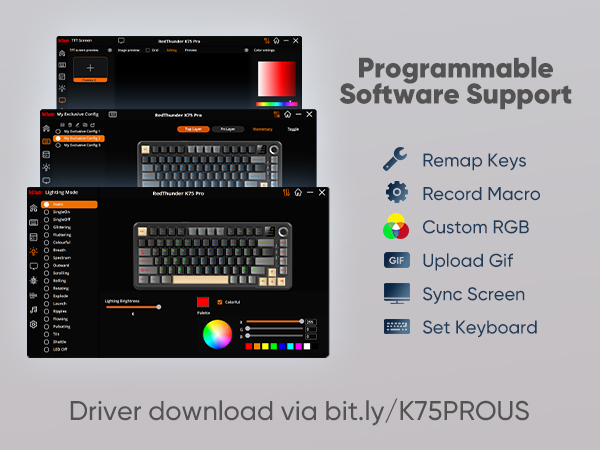
Click K75 Pro US driver in wired mode via Windows computer, screen time and volume are automatically synced.
Manual adjustment reference user manual.
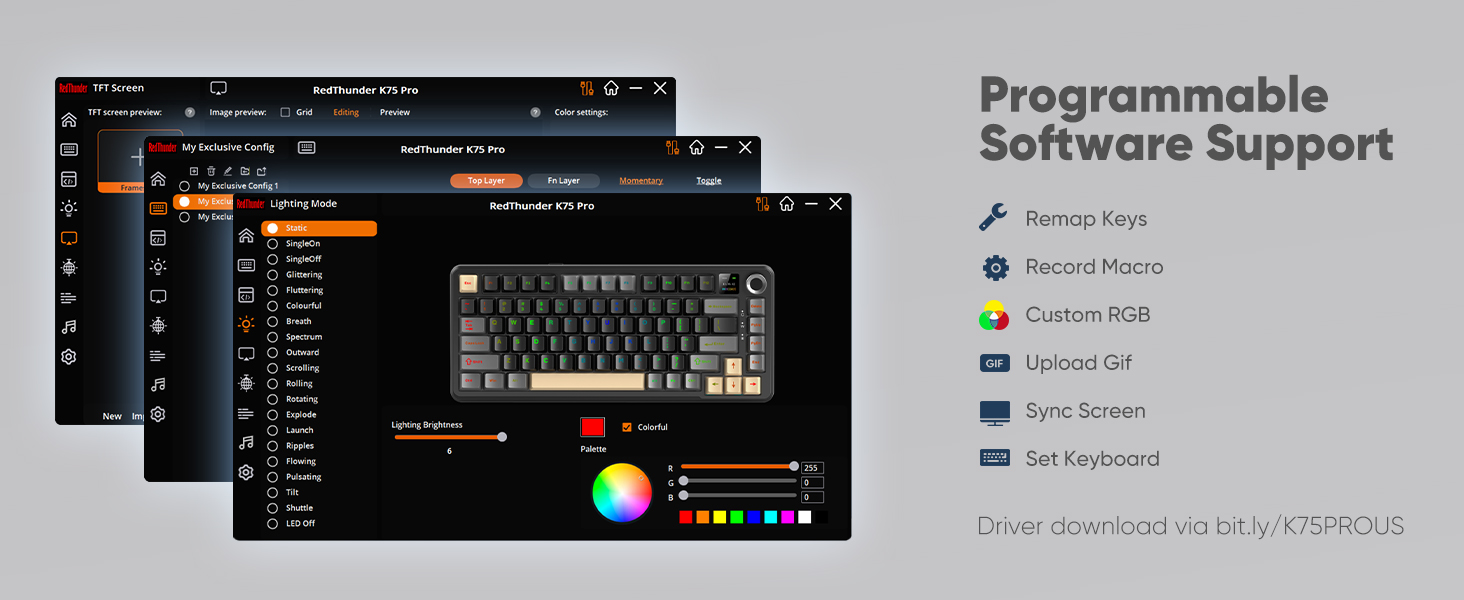
How can I download the software?
bit.ly/K75PROUS
How to charge the K75 Pro Wireless Keyboard?
Charge with original cable via computer USB (DC:5V). Avoid non-original/non-compliant cables or high-voltage sockets.
Insufficient voltage/current from a USB-split dock may stop the keyboard from charging/working (due to varying keyboard power).
How to use the wired mode of the K75 Pro keyboard?
Connect the keyboard to the device using the original cable with data transfer function.
How to fix keyboard Bluetooth not working?
Low battery may cause abnormal Bluetooth performance on the keyboard.
Fully charge the keyboard and re-pair Bluetooth.
 K75 Pro Keyboard | 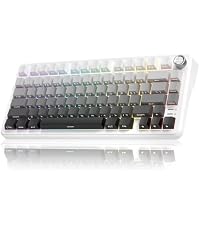 K75 S Keyboard |  K75 Ultra Keyboard | 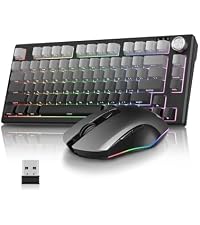 K75 Keyboard & Mouse | 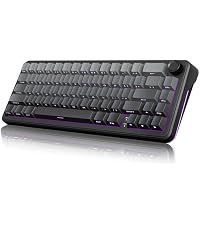 K65 S Keyboard | 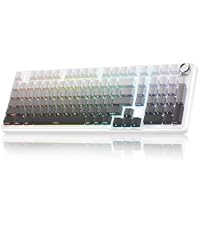 K95 S Keyboard | 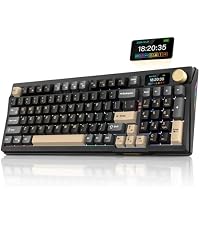 K95 Ultra Keyboard | |
|---|---|---|---|---|---|---|---|
Customer Reviews | — | — | — | — | — | — | — |
Price | — | — | — | — | — | — | — |
CNC Knob | ? | ? | ? | ? | ? | ? | ? |
Hot-swappable | ? | ? | ? | ? | ? | ? | ? |
RGB Backlight | ? | ? | ? | ? | ? | ? | ? |
Side Light | ? | ? | ? | ? | ? | ? | ? |
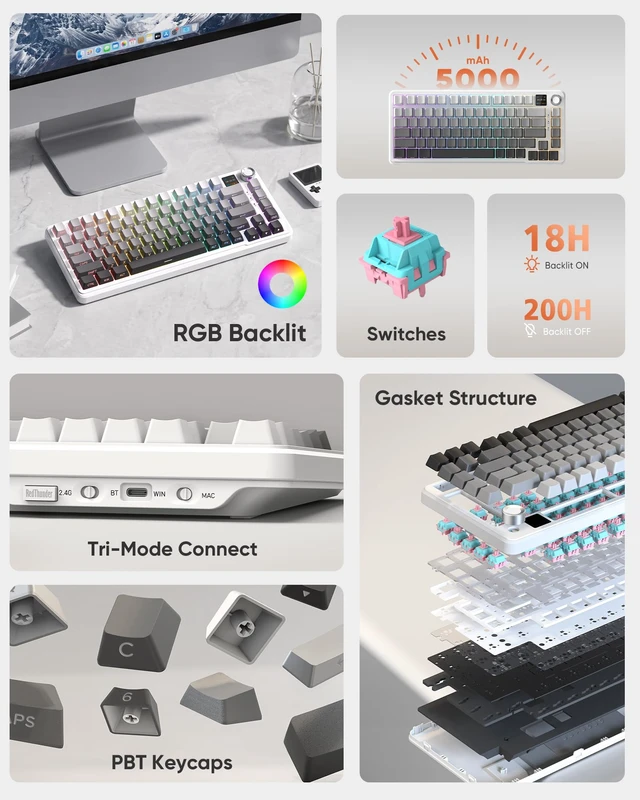
Keyboard Battery Level | 5000 mAh | 4000 mAh | 8000 mAh | 4000 mAh | 4000 mAh | 8000 mAh | 8000 mAh |
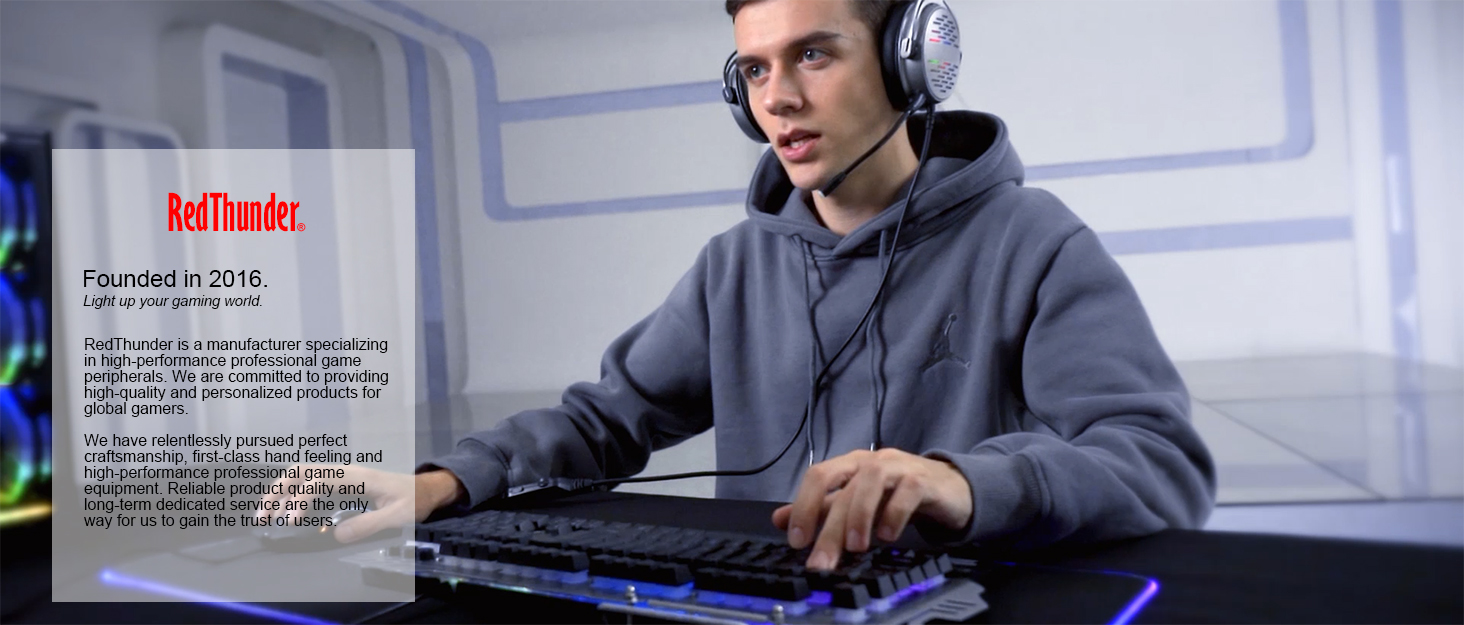

About RedThunder
RedThunder is a manufacturer specializing in high-performance professional game peripherals. We are committed to providing high-quality and personalized products for global gamers.
We have relentlessly pursuing perfect craftsmanship, first-class feel, high-performance professional gaming equipment and high-standard service. Your satisfaction is our driving force.
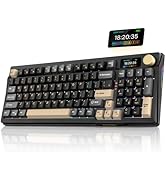
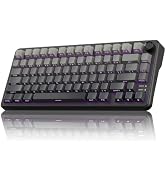
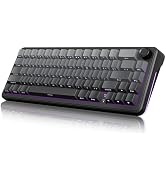
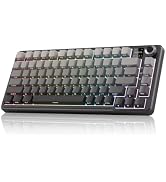
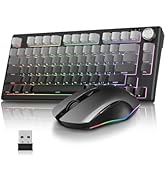
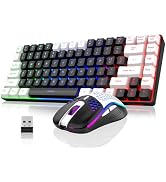
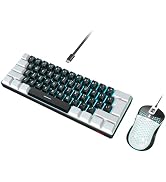
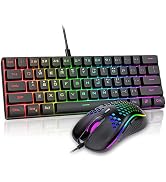
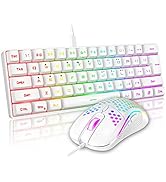
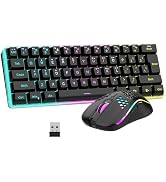
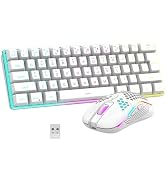
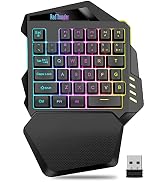
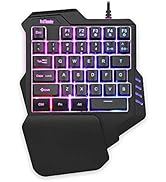


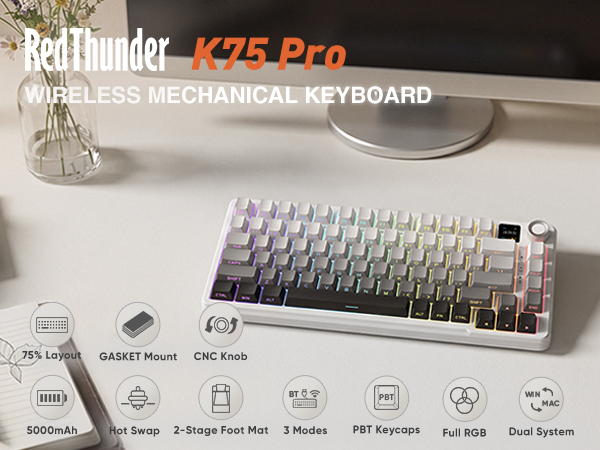
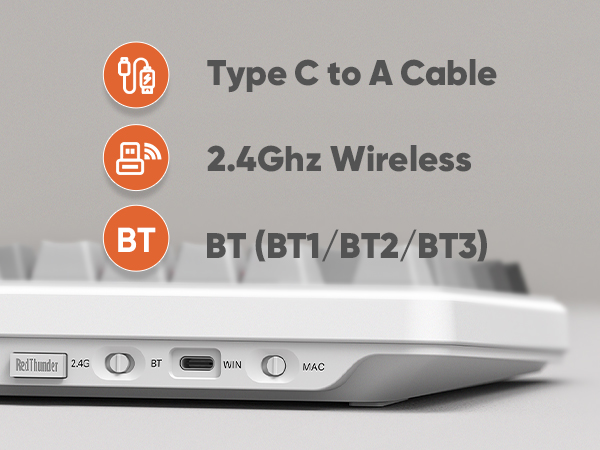
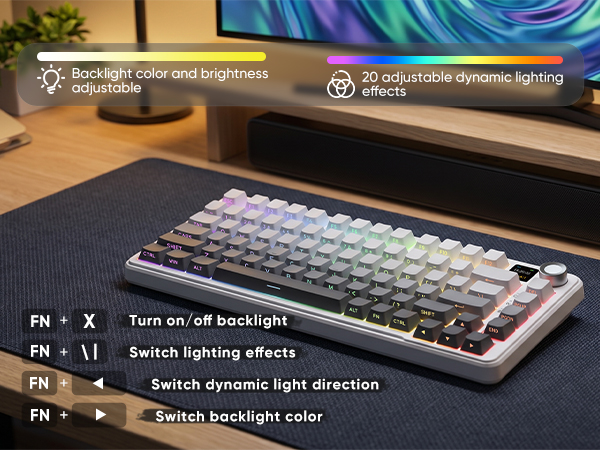
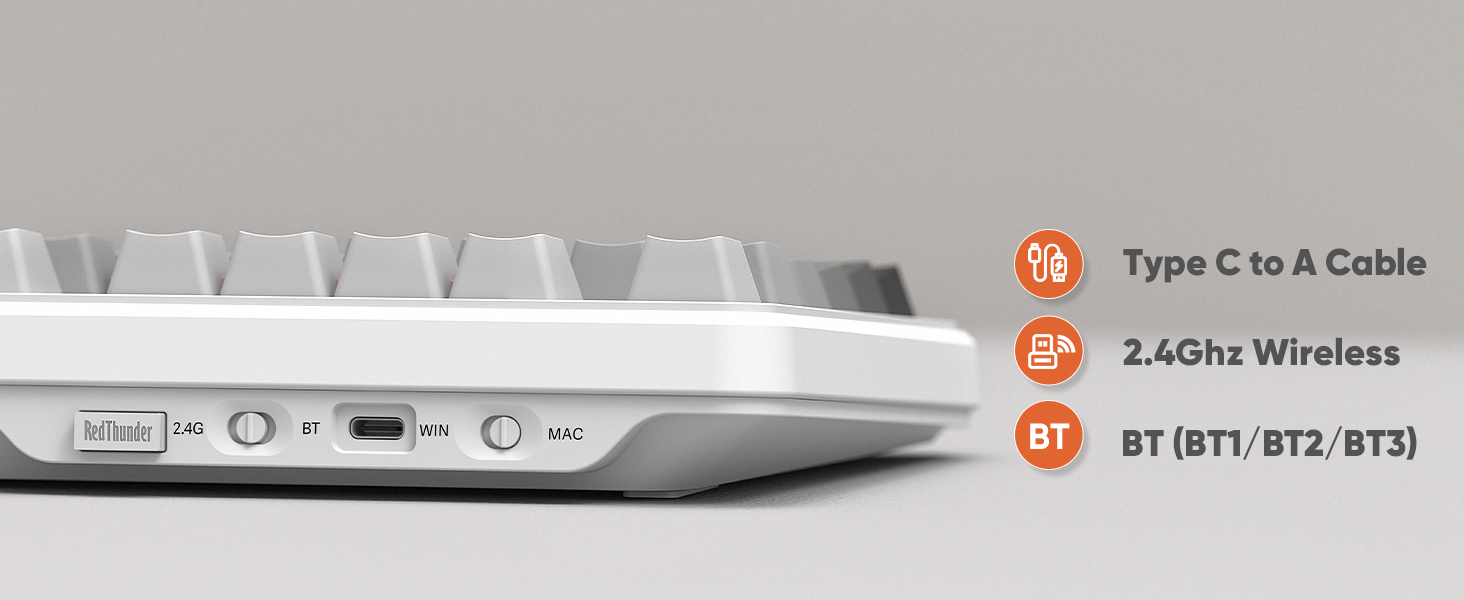
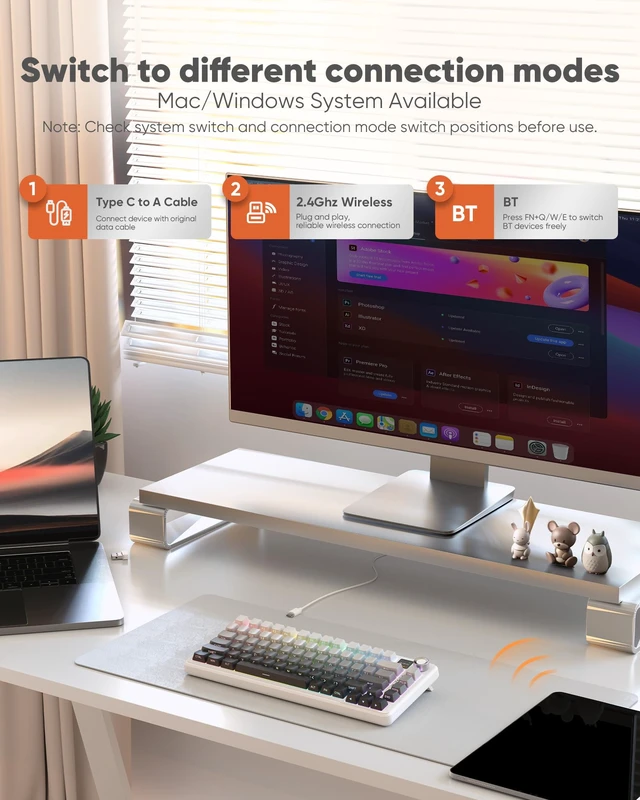
1. Long press FN + Q/W/E: BT1/BT2/BT3 pairing. Short press FN + Q/W/E: BT1/BT2/BT3 switching.
2. FN + R: 2.4G repairing(Paired by defaultat thefactory).
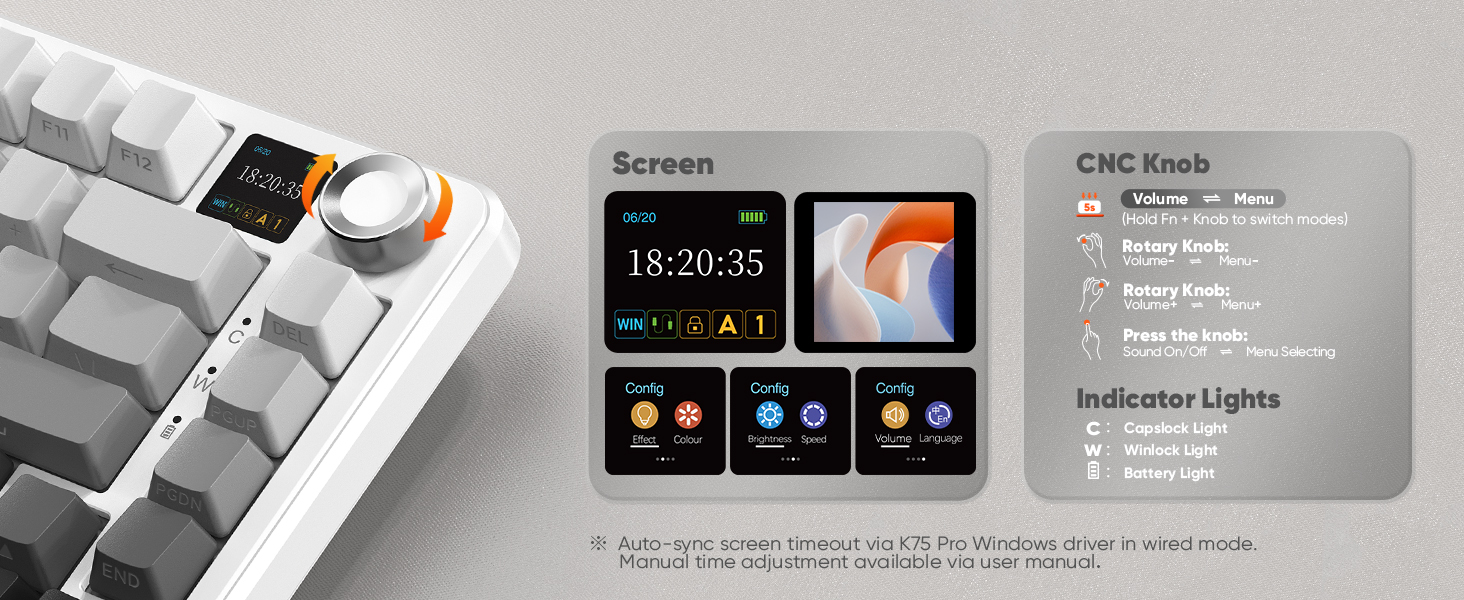
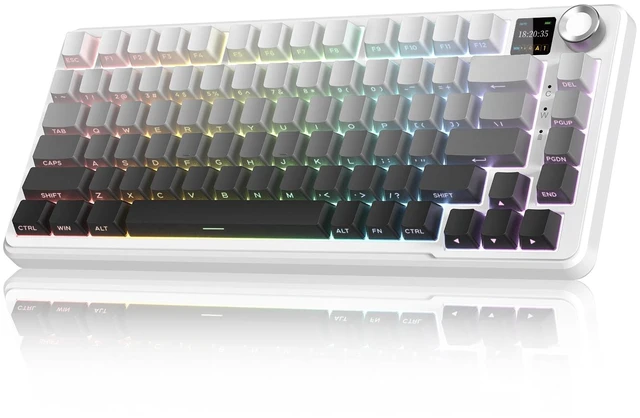
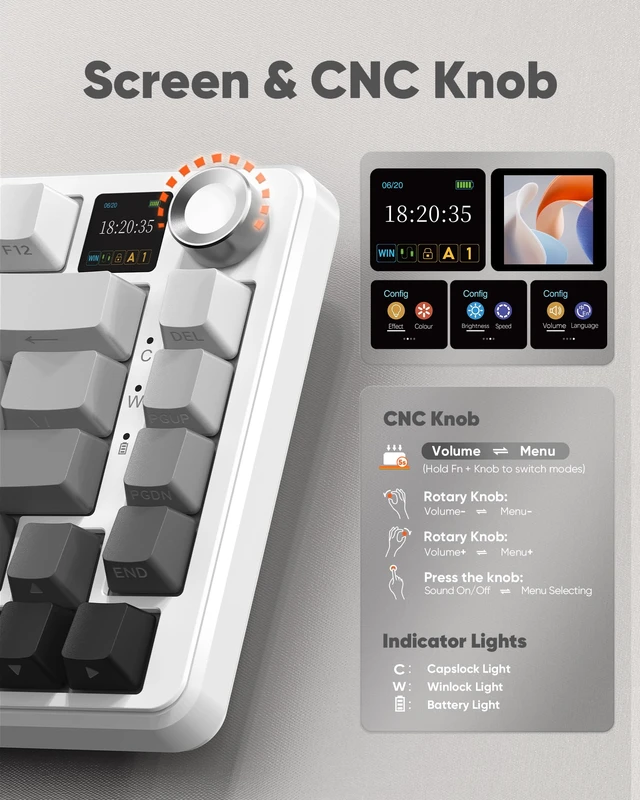
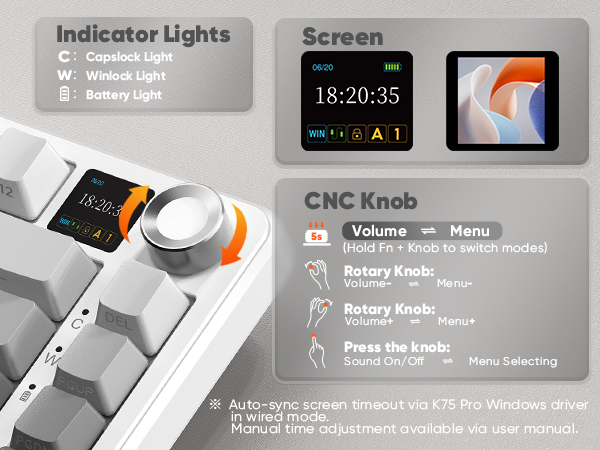
Press FN + CNC Knob to switch modes. Default volume adjustment at first boot.
Volume Mode: Rotate to adjust volume.Press to mute/unmute.
Menu Mode: Rotate to navigate the menu. Press to select a function.
Screen time adjustment: Refer to manual or auto-sync via Windows driver.
How to correct the time/volume on the screen?
Click K75 Pro US driver in wired mode via Windows computer, screen time and volume are automatically synced.
Manual adjustment reference user manual.
How can I download the software?
bit.ly/K75PROUS
How to charge the K75 Pro Wireless Keyboard?
Charge with original cable via computer USB (DC:5V). Avoid non-original/non-compliant cables or high-voltage sockets.
Insufficient voltage/current from a USB-split dock may stop the keyboard from charging/working (due to varying keyboard power).
How to use the wired mode of the K75 Pro keyboard?
Connect the keyboard to the device using the original cable with data transfer function.
How to fix keyboard Bluetooth not working?
Low battery may cause abnormal Bluetooth performance on the keyboard.
Fully charge the keyboard and re-pair Bluetooth.
K75 Pro Keyboard | K75 S Keyboard | K75 Ultra Keyboard | K75 Keyboard & Mouse | K65 S Keyboard | K95 S Keyboard | K95 Ultra Keyboard |
|---|---|---|---|---|---|---|
| Customer Reviews | ||||||
| — | — | — | — | — | — | — |
| Price | ||||||
| — | — | — | — | — | — | — |
| CNC Knob | ||||||
| ? | ? | ? | ? | ? | ? | ? |
| Hot-swappable | ||||||
| ? | ? | ? | ? | ? | ? | ? |
| RGB Backlight | ||||||
| ? | ? | ? | ? | ? | ? | ? |
| Side Light | ||||||
| ? | ? | ? | ? | ? | ? | ? |
| Keyboard Battery Level | ||||||
| 5000 mAh | 4000 mAh | 8000 mAh | 4000 mAh | 4000 mAh | 8000 mAh | 8000 mAh |
About RedThunder
RedThunder is a manufacturer specializing in high-performance professional game peripherals. We are committed to providing high-quality and personalized products for global gamers.
We have relentlessly pursuing perfect craftsmanship, first-class feel, high-performance professional gaming equipment and high-standard service. Your satisfaction is our driving force.