


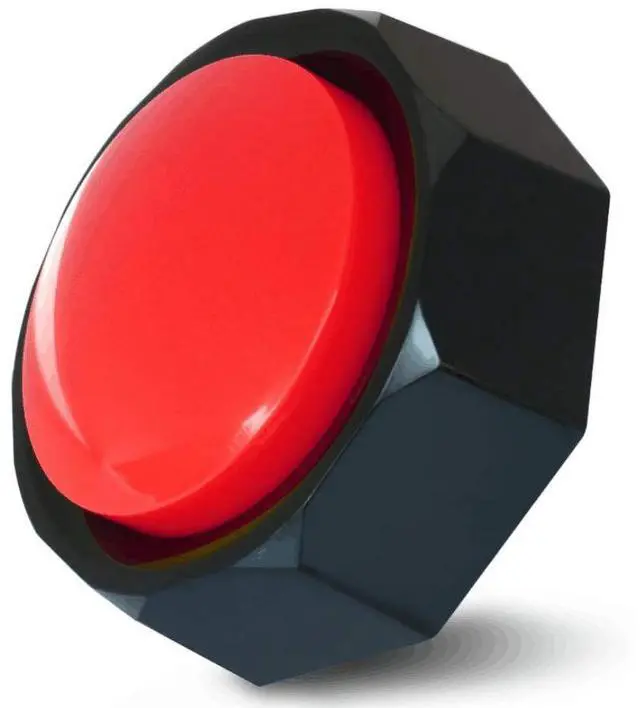
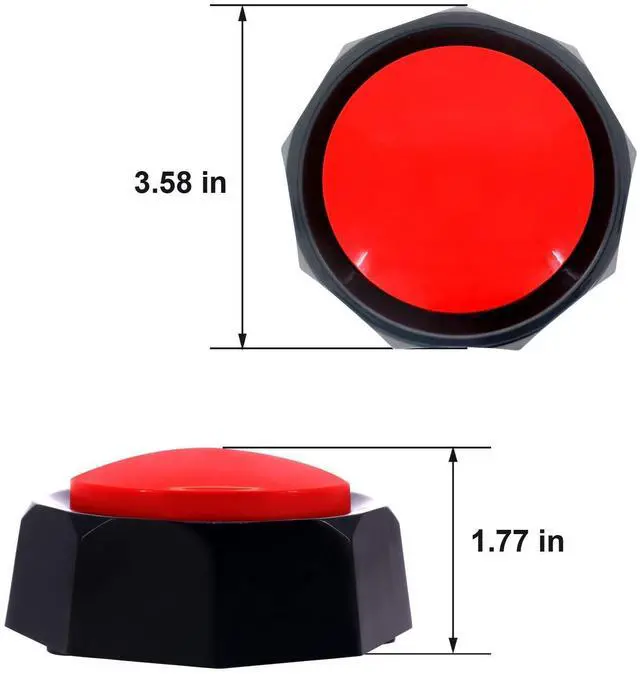
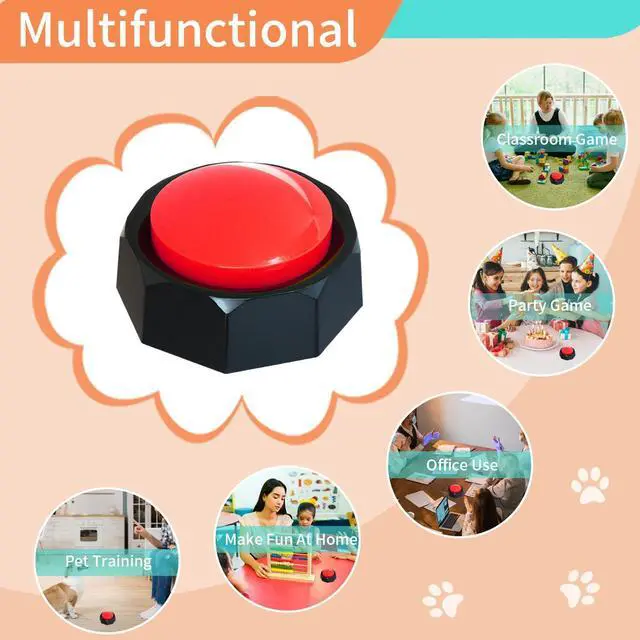


WIDE APPLICATION - Classroom game show & Communication button for special needs & Dog trainning & Gifts
FEATURES:
- You can change the recording at any time you want.
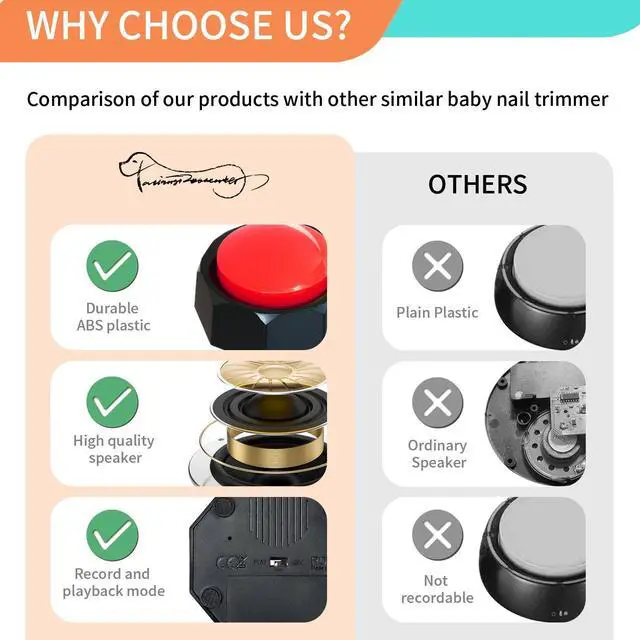
- Improved PLAY/OFF/REC control, others don't support power off switch, it means others will make a sound even you don't want it when you pressed it accidentally.
- Built-in metal speaker, clearer and louder recording, ensure better sound quality compared with others with plastic speaker.
- Cooler designm more stylish and cooler appearance.
- Softer springs inside the button, enable you to pree it easier even for kids and elderly.

Game Answer Buzzer
Re-recordable easy button, say something to it in advance, use it answer for you!
Pet Training Buzzer
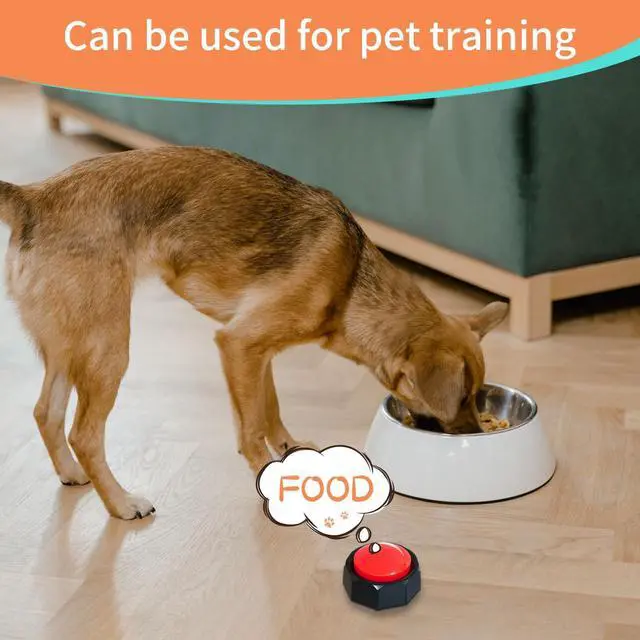
Record phrases like “Cue”“walk” “outside” “water” “play”, train pets to press buttons to blast the recordings when they want to play/ walk/ eat/ water....No one want their dogs to scratch at the door. Perfect solution! Absolutely reccomend for dog training, colors button as options for different training phrase.
Communication Button Special Needs
Program with commands for non-verbal autistic person to communicate with others.
Meaningful Gifts
Record the voices of people who are not around, won't feel lonely when you go out alone. Use it to send a secret message or leave a short reminder message for your child etc.

How to use?
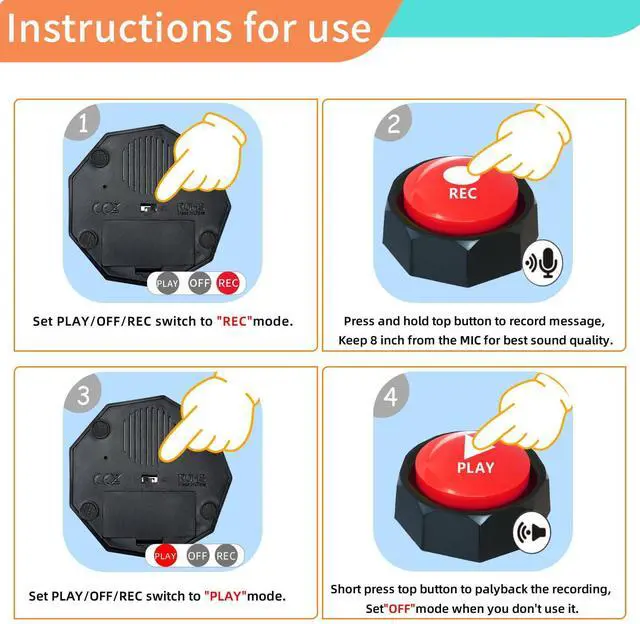
Step 1: Slide the REC/OFF/PLAY switch to "REC".
Step 2: 20 cm from the button, press and hold the top button for recording, when you hear the "beep" sound, then you can talk to it. Release the button after the recording is complete and you will hear two “Beep” sounds , which means that your recording was successful.
Step 3: Slide the REC/OFF/PLAY witch to "PLAY".
Step 4: Short press the button to listen the recording.
Step 5: Slide the REC/OFF/PLAY witch to "OFF" when you don't use it.
WIDE APPLICATION - Classroom game show & Communication button for special needs & Dog trainning & Gifts
FEATURES:
- You can change the recording at any time you want.
- Improved PLAY/OFF/REC control, others don't support power off switch, it means others will make a sound even you don't want it when you pressed it accidentally.
- Built-in metal speaker, clearer and louder recording, ensure better sound quality compared with others with plastic speaker.
- Cooler designm more stylish and cooler appearance.
- Softer springs inside the button, enable you to pree it easier even for kids and elderly.
Game Answer Buzzer
Re-recordable easy button, say something to it in advance, use it answer for you!
Pet Training Buzzer
Record phrases like “Cue”“walk” “outside” “water” “play”, train pets to press buttons to blast the recordings when they want to play/ walk/ eat/ water....No one want their dogs to scratch at the door. Perfect solution! Absolutely reccomend for dog training, colors button as options for different training phrase.
Communication Button Special Needs
Program with commands for non-verbal autistic person to communicate with others.
Meaningful Gifts
Record the voices of people who are not around, won't feel lonely when you go out alone. Use it to send a secret message or leave a short reminder message for your child etc.
How to use?
Step 1: Slide the REC/OFF/PLAY switch to "REC".
Step 2: 20 cm from the button, press and hold the top button for recording, when you hear the "beep" sound, then you can talk to it. Release the button after the recording is complete and you will hear two “Beep” sounds , which means that your recording was successful.
Step 3: Slide the REC/OFF/PLAY witch to "PLAY".
Step 4: Short press the button to listen the recording.
Step 5: Slide the REC/OFF/PLAY witch to "OFF" when you don't use it.