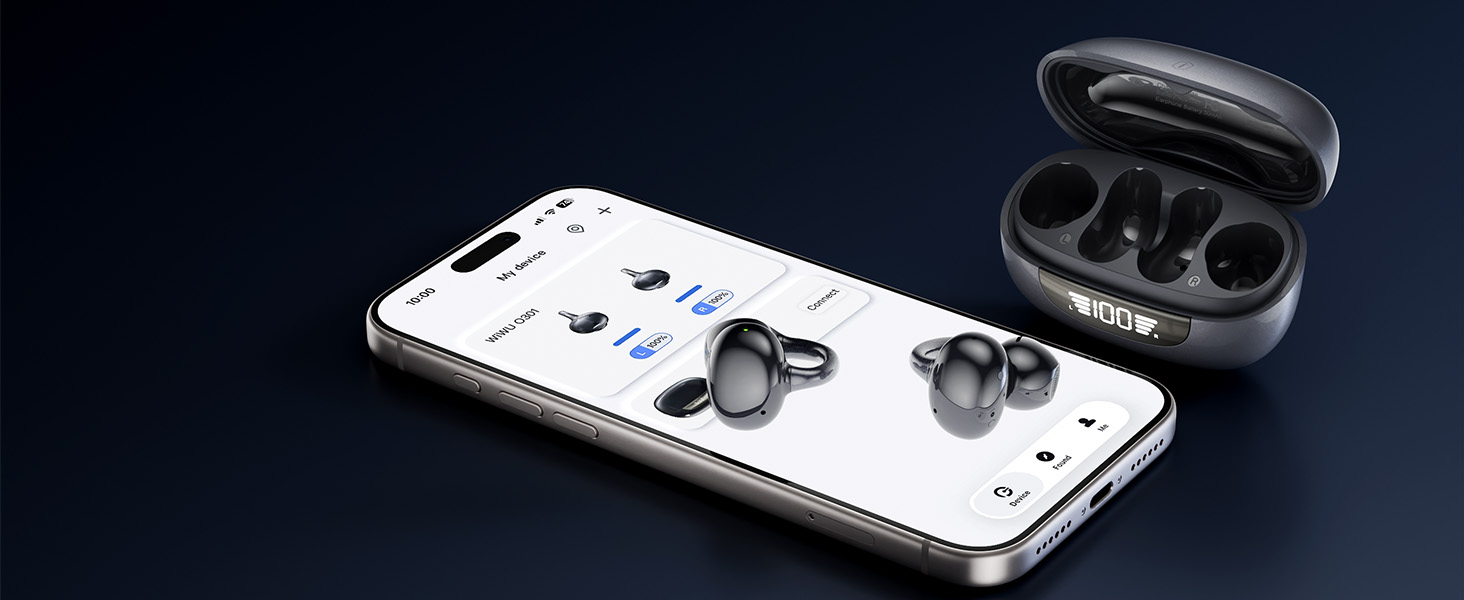
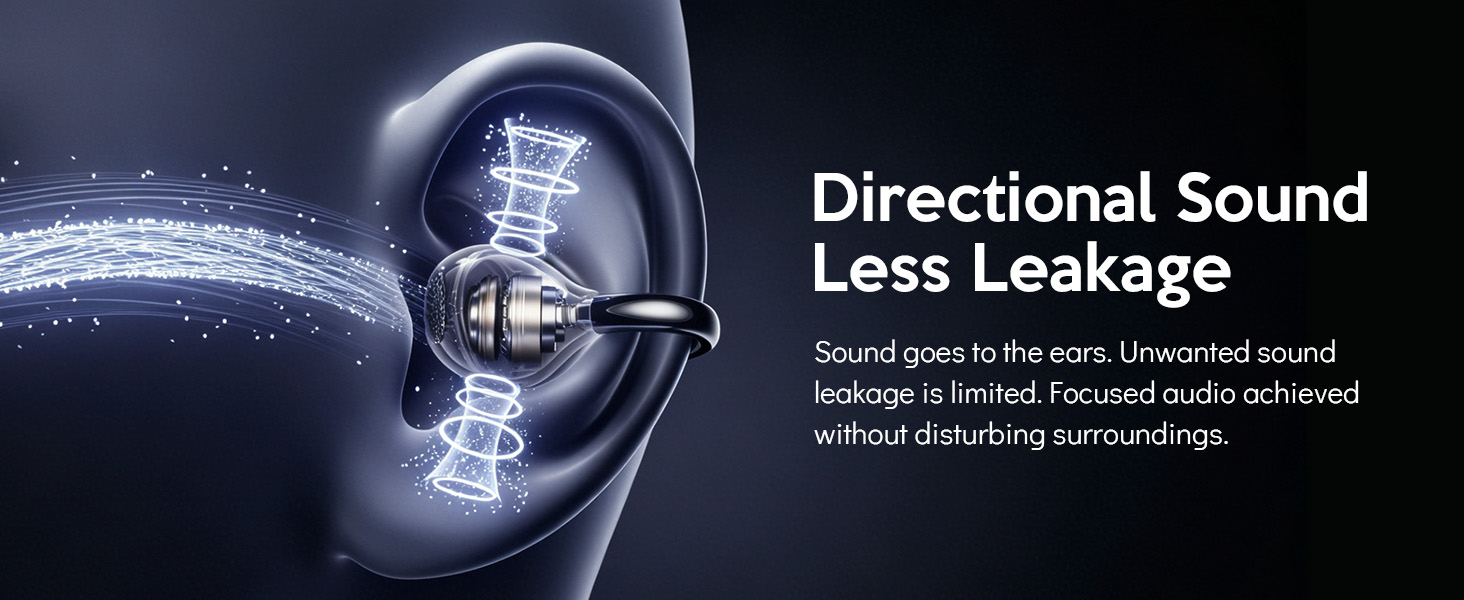
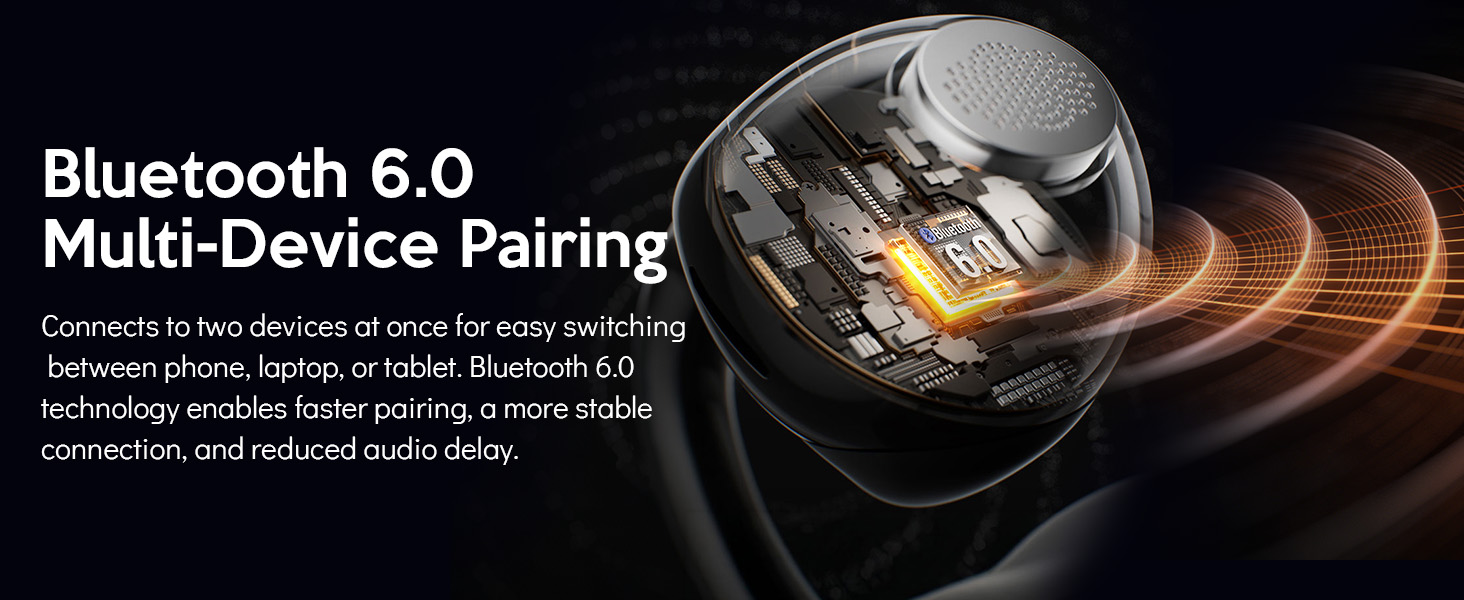
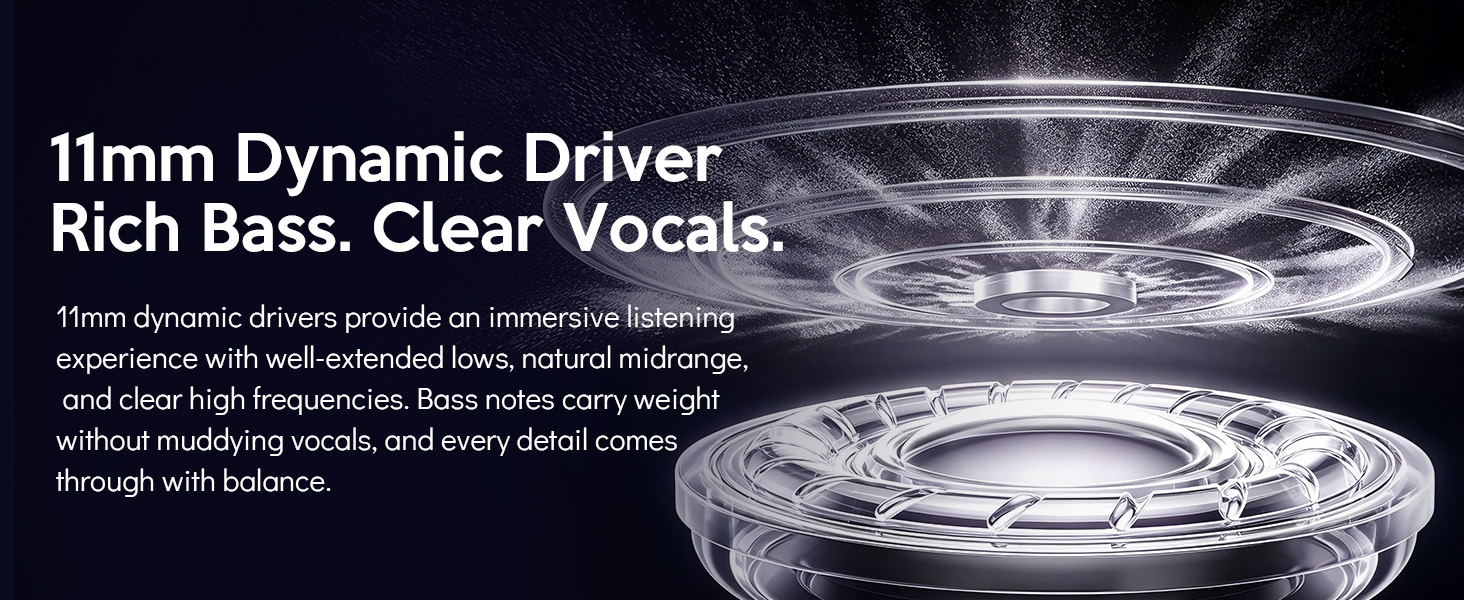
here!
here!
I’m your shopping assistant for PC builds, upgrades, and everything tech.
Got questions? Ask away!
Start a conversation
here!
I’m your shopping assistant for PC builds, upgrades, and everything tech.
Got questions? Ask away!
Start a conversation



Any questions? Ask CelesteSM will help you find out quickly.
App Support | ||
Smart Digital | Display | Smart Digital |
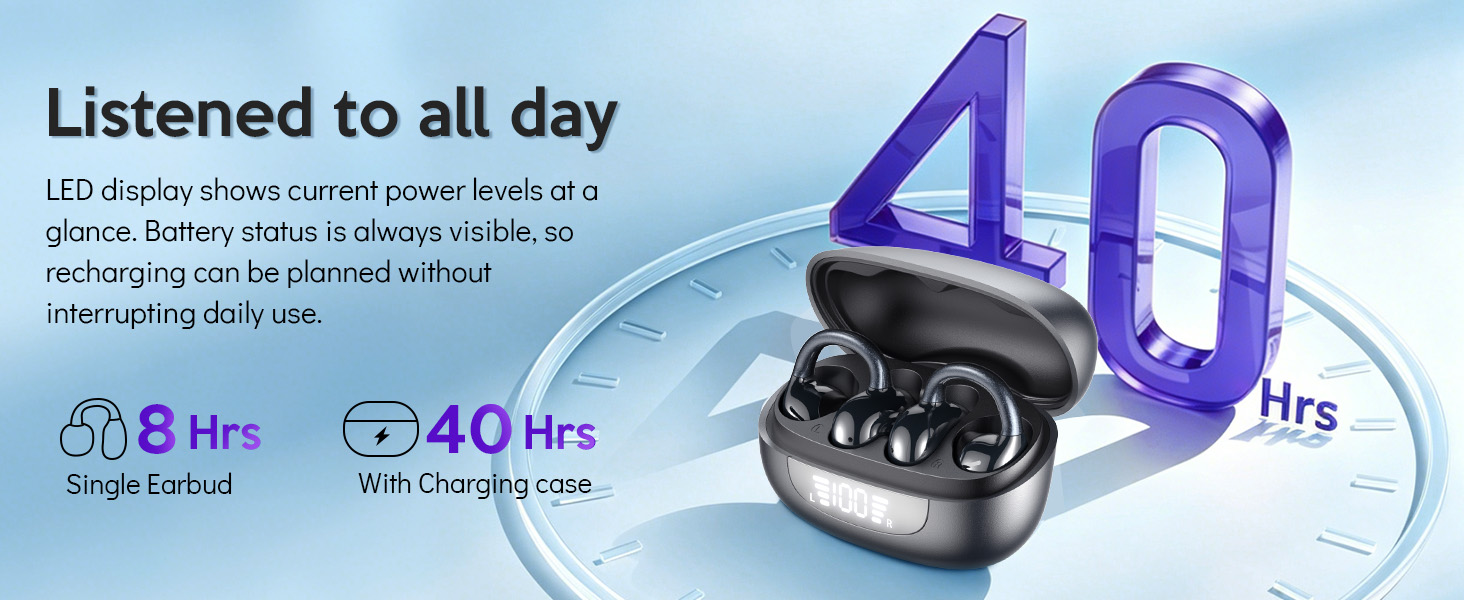
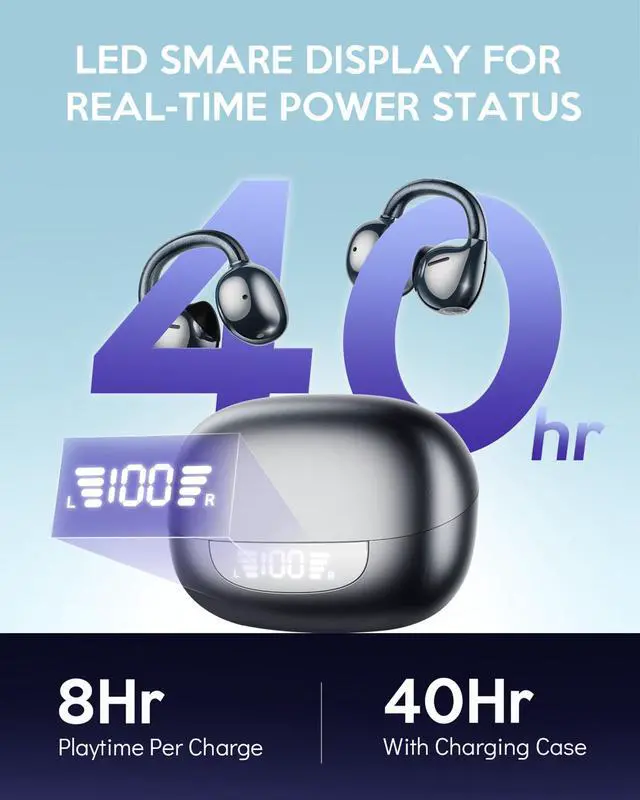
40h(charging case) | Battery Life | 40h(charging case) |
USB-C Charging | Charging | USB-C Charging |
6.0 | Bluetooth | 6.0 |
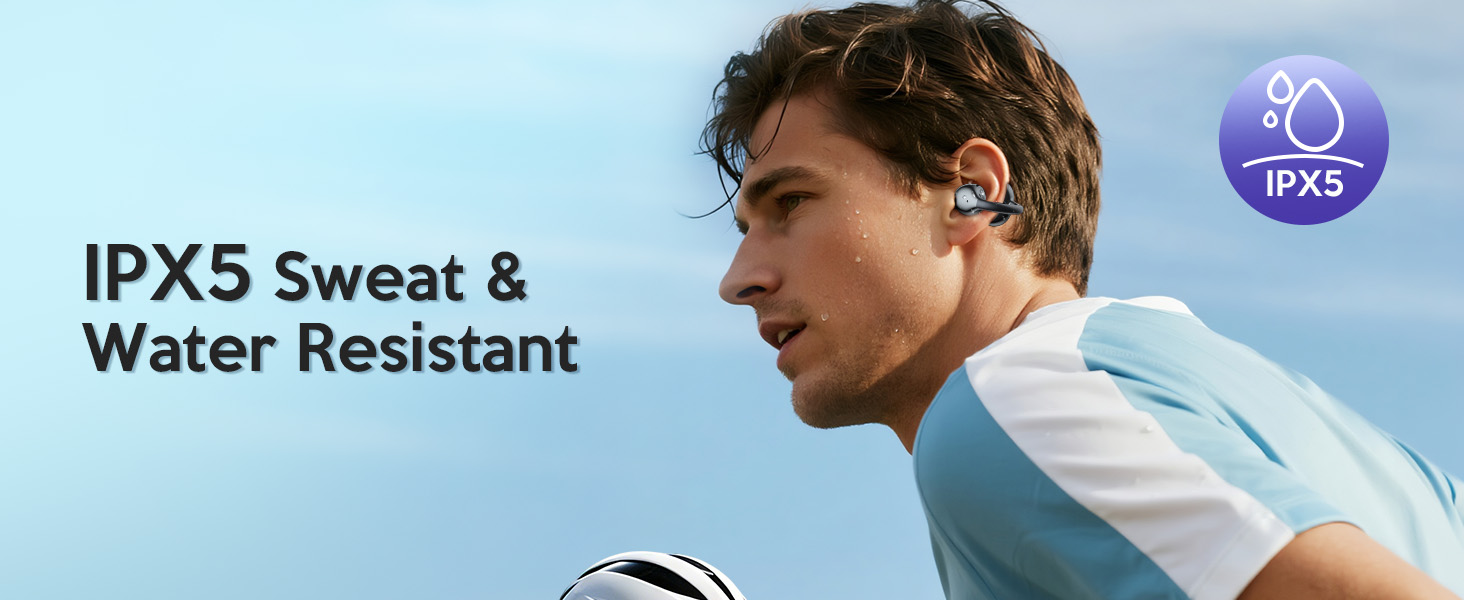
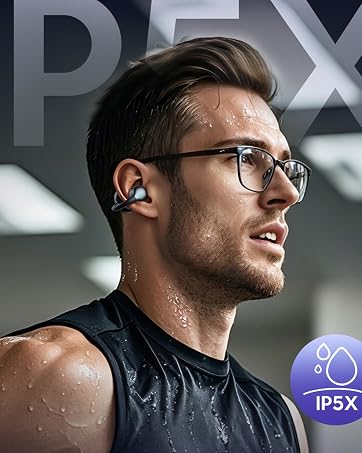
IPX5 | Water Resistance | IPX5 |
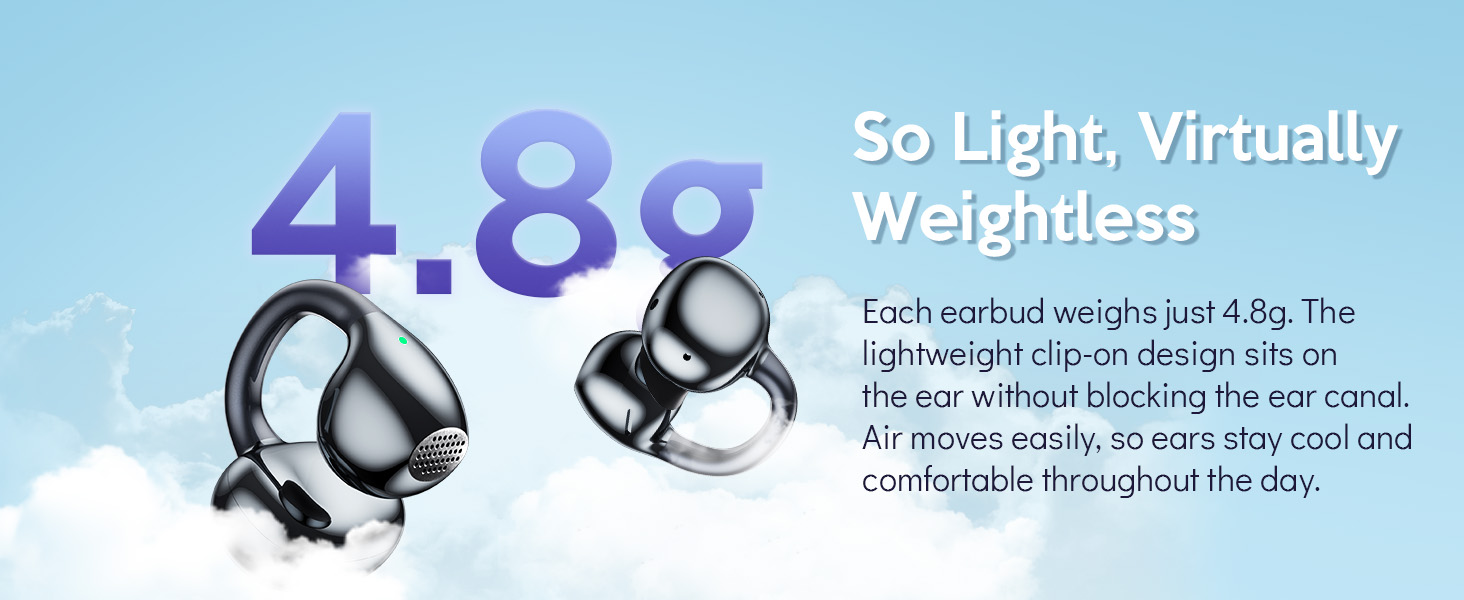
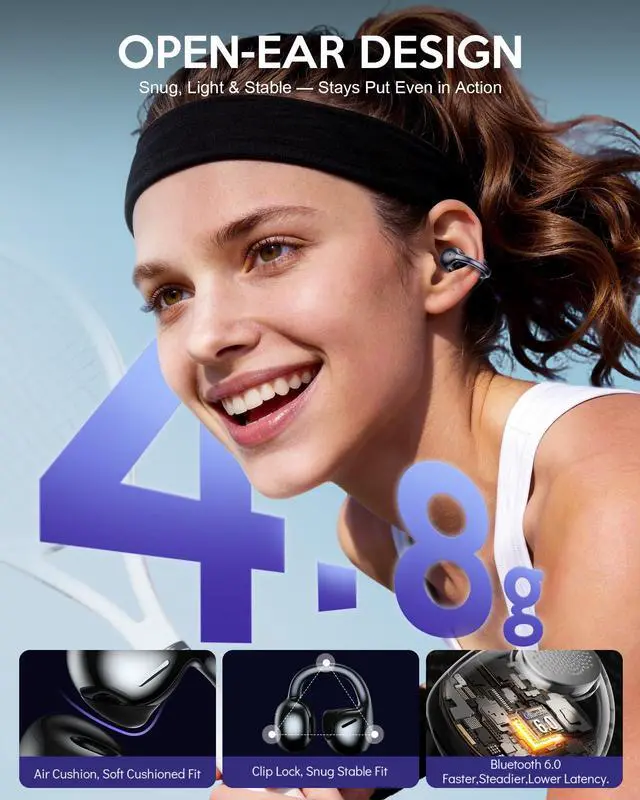
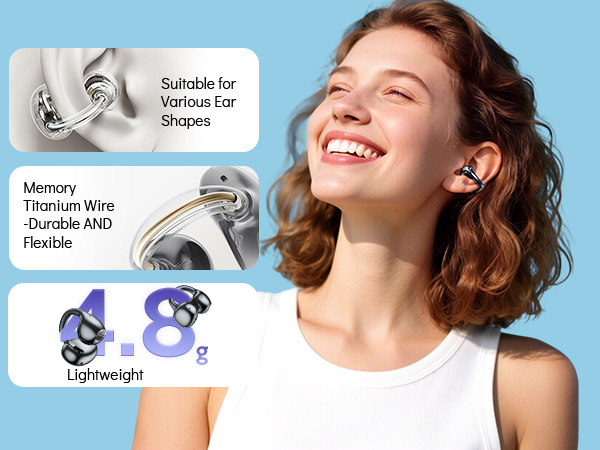
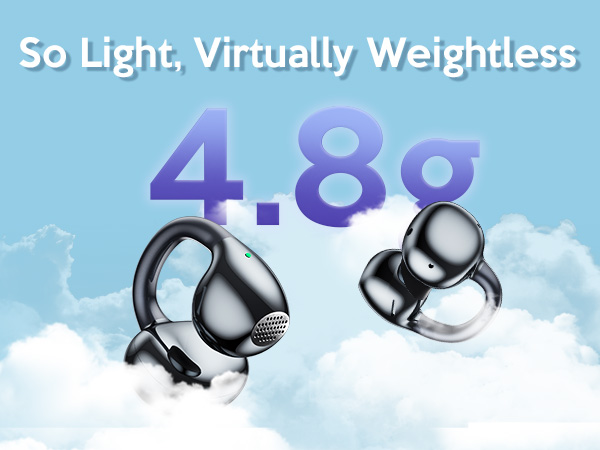
4.8g (single bud) | Weight | 4.8g (single bud) |
App Support | ||
Smart Digital | Display | Smart Digital |
40h(charging case) | Battery Life | 40h(charging case) |
USB-C Charging | Charging | USB-C Charging |
6.0 | Bluetooth | 6.0 |
IPX5 | Water Resistance | IPX5 |
4.8g (single bud) | Weight | 4.8g (single bud) |
App Support | ||
| — | Display | — |
40h(charging case) | Battery Life | 40h(charging case) |
USB-C Charging | Charging | USB-C Charging |
6.0 | Bluetooth | 5.3 |
IPX5 | Water Resistance | IPX56 |
4.8g (single bud) | Weight | 7.5g (single bud) |
App Support | ||
| — | Display | — |
40h(charging case) | Battery Life | 40h(charging case) |
USB-C Charging | Charging | USB-C Charging |
6.0 | Bluetooth | 5.3 |
IPX5 | Water Resistance | IPX56 |
4.8g (single bud) | Weight | 7.5g (single bud) |
How do I connect this clip-on earbuds via Bluetooth?
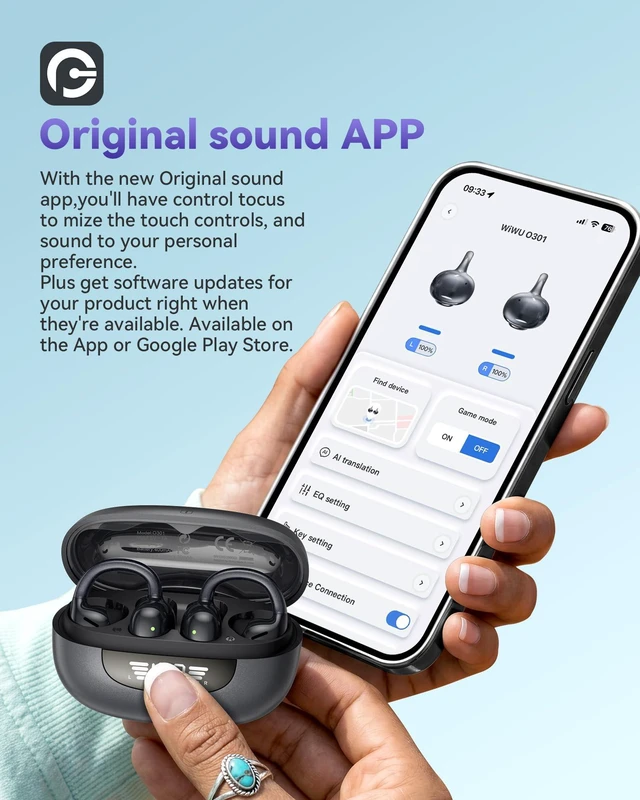
Take the earbuds out of the charging case, and they will automatically enter pairing mode. Find and select O301 in your phone’s Bluetooth list to complete connection. You will hear a prompt tone once paired successfully.
How do I adjust the volume on this open-ear earbuds?
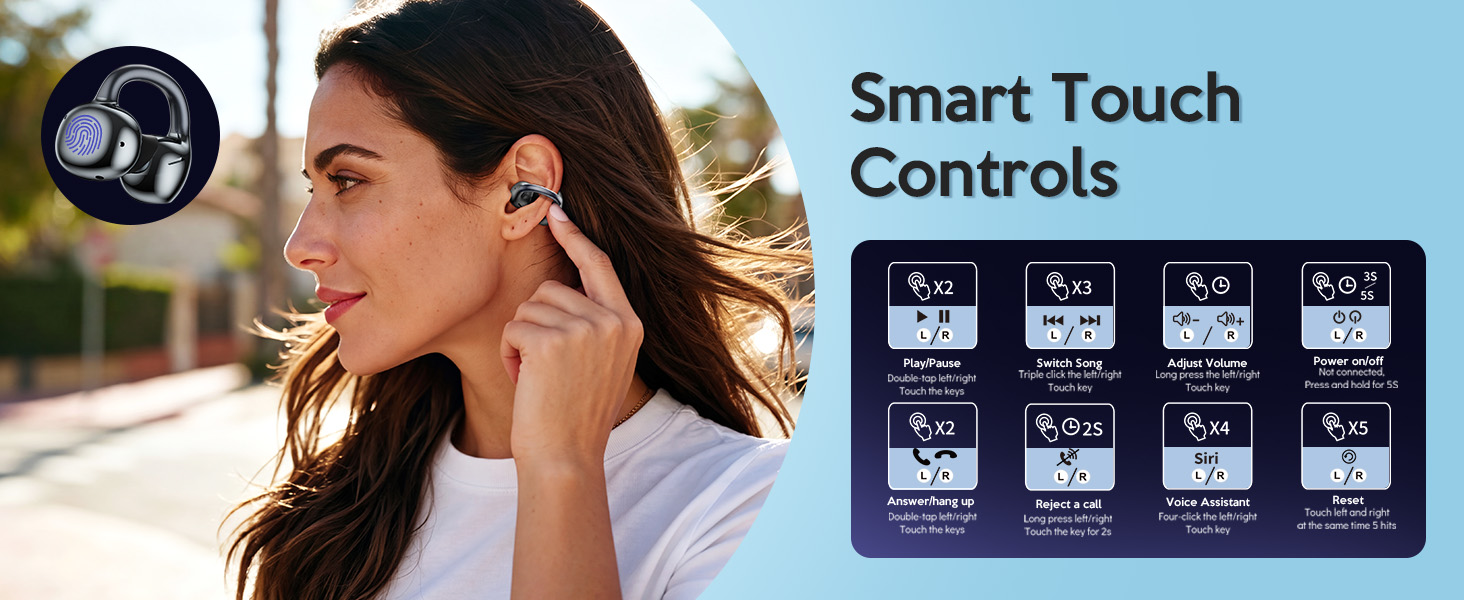
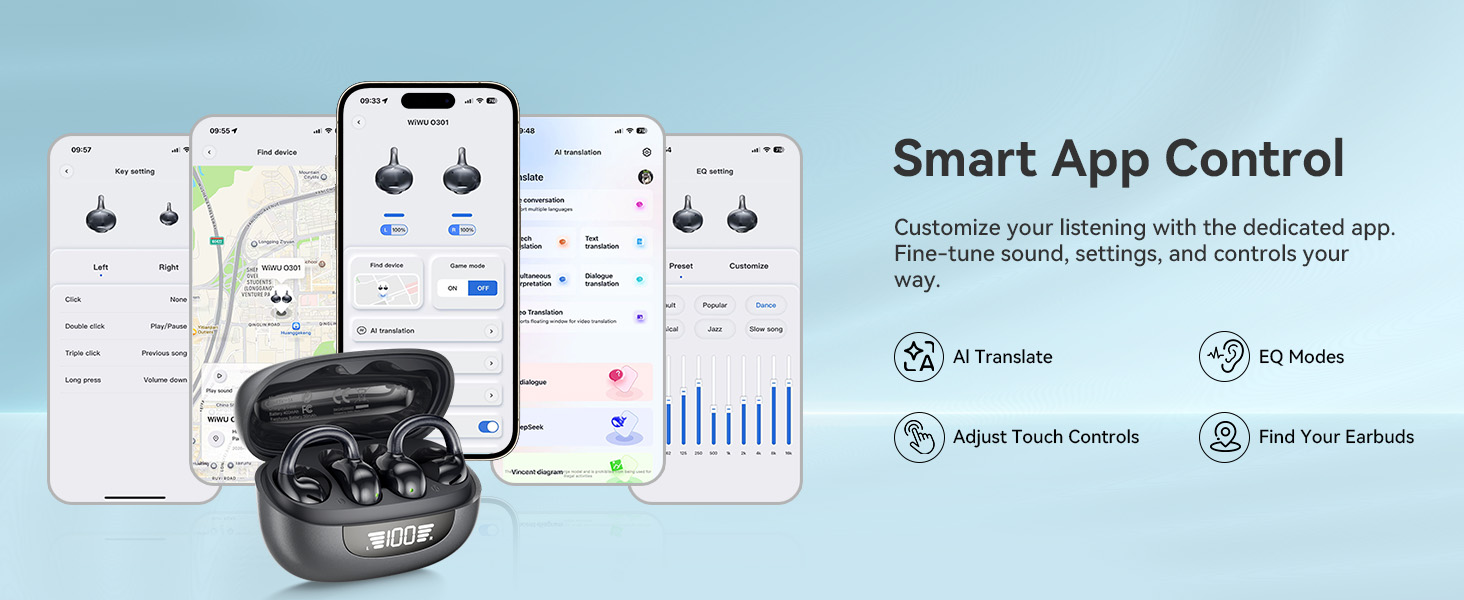
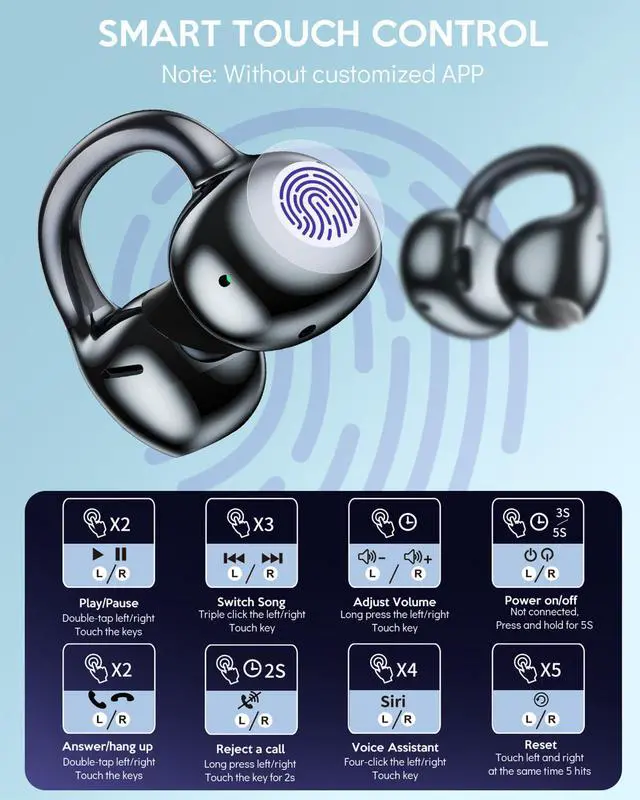
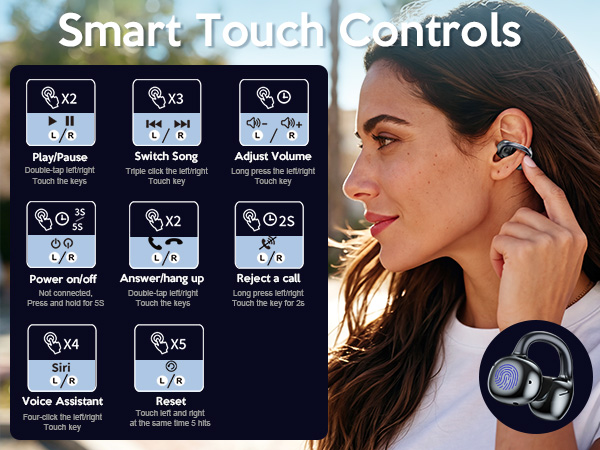
Our clip on earbuds can adjust the volume through the touch key on the phone or earphones. Long pressing the touch key on the left earphone will decrease the volume, while long pressing the touch key on the right earphone will increase the volume.
Will they stay secure during workouts?
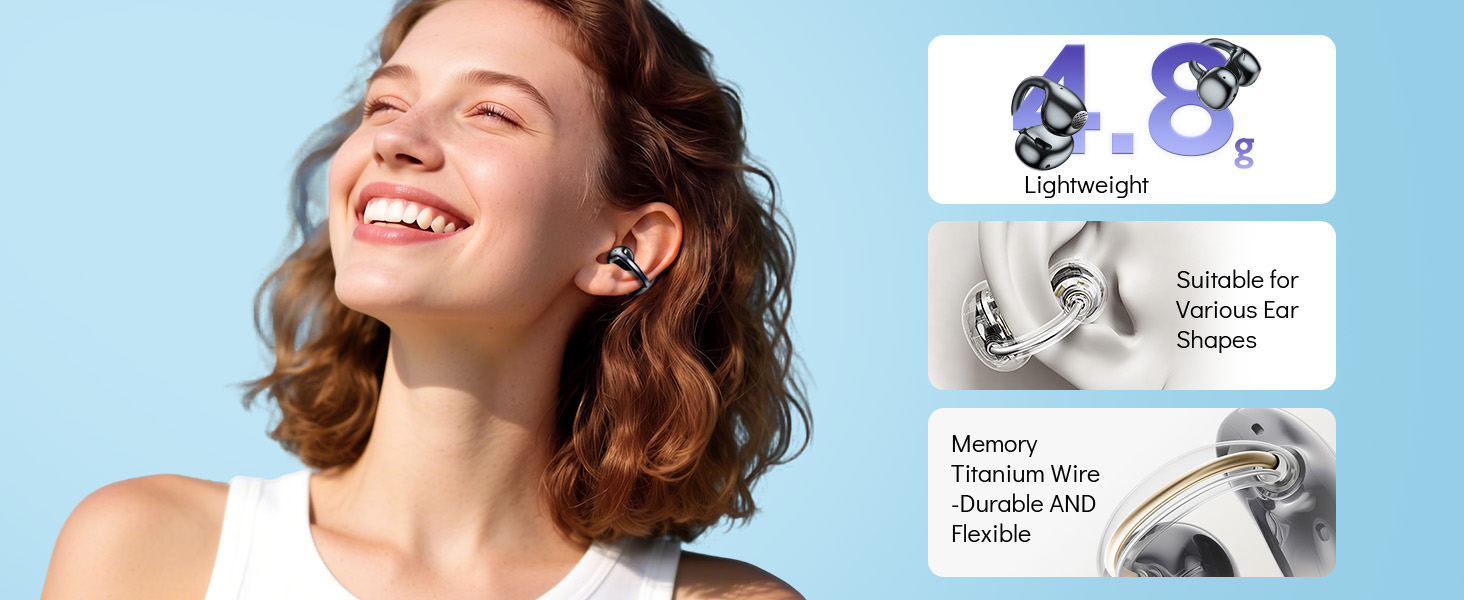
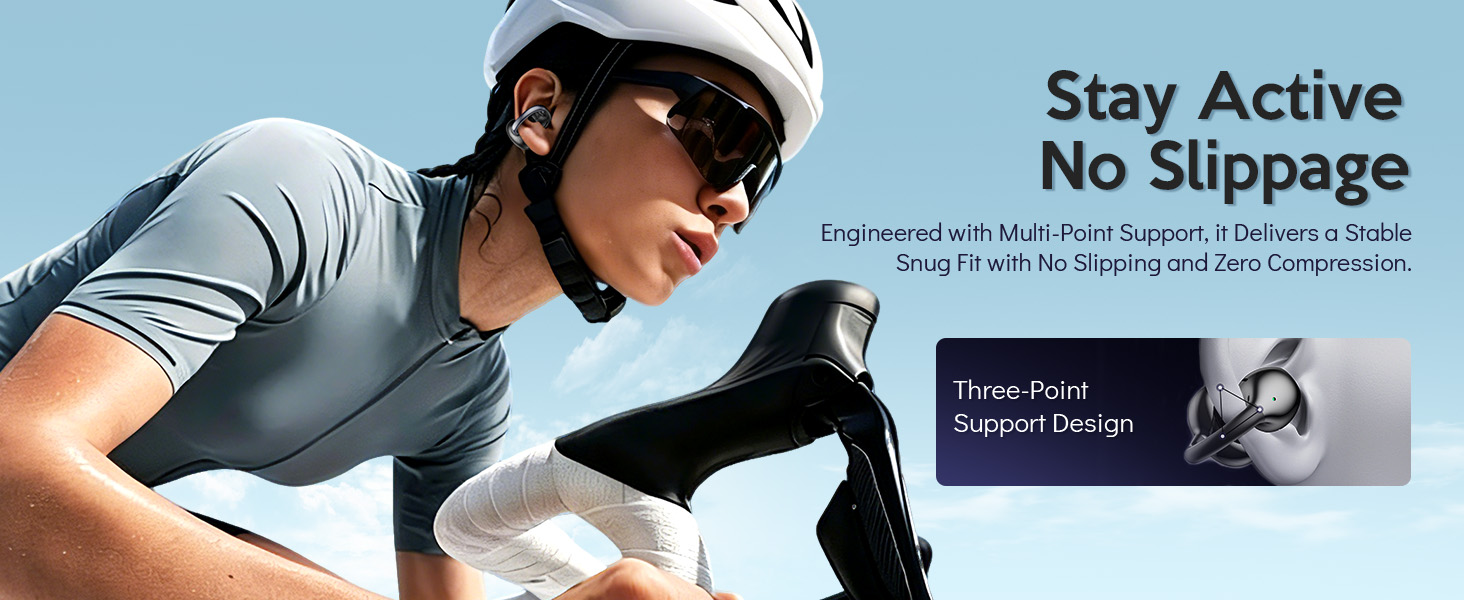
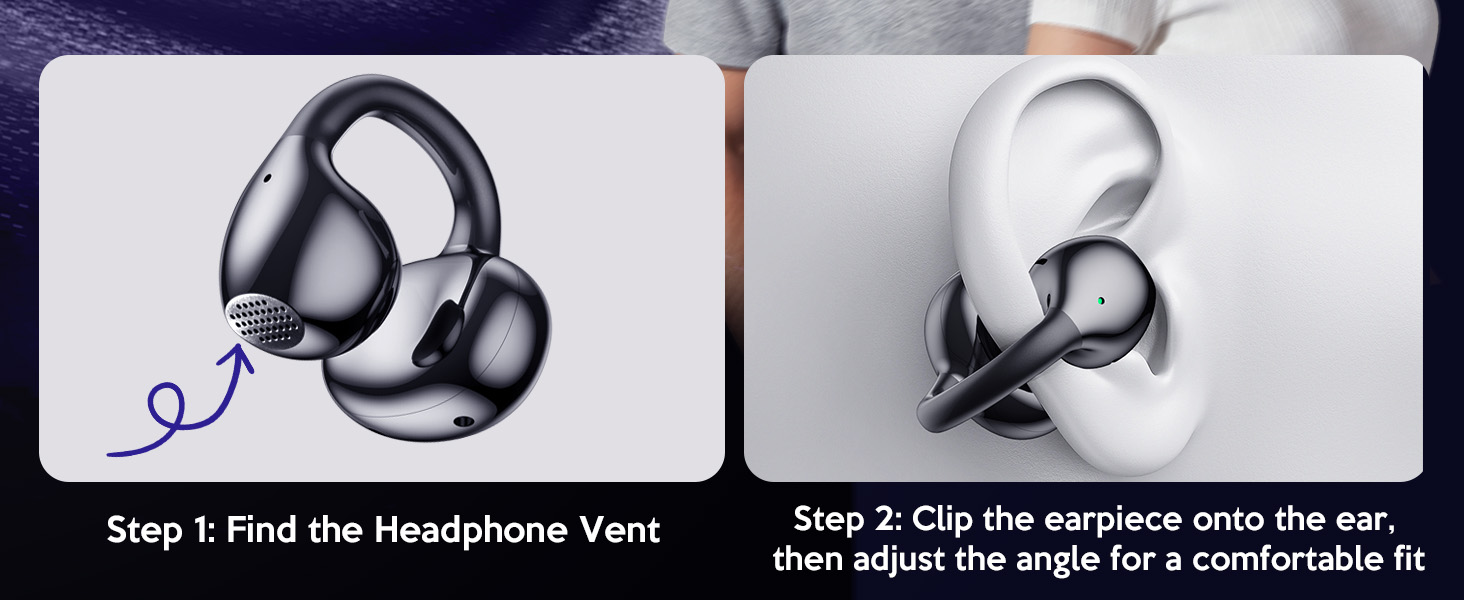
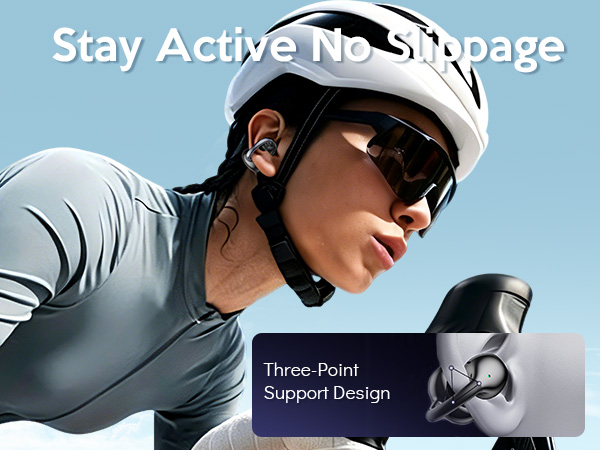
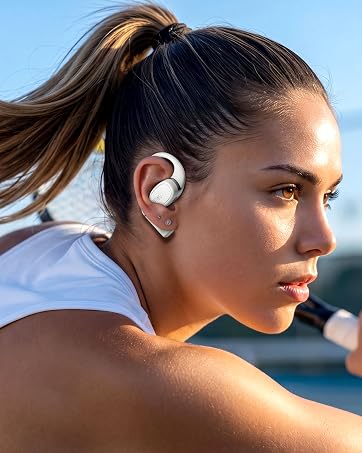
Yes. Featuring flexible earhooks and ergonomic open-ear design, the earbuds stay firmly in place for workouts, running and daily activities.
Is this clip on earbuds comfortable for long listening sessions?
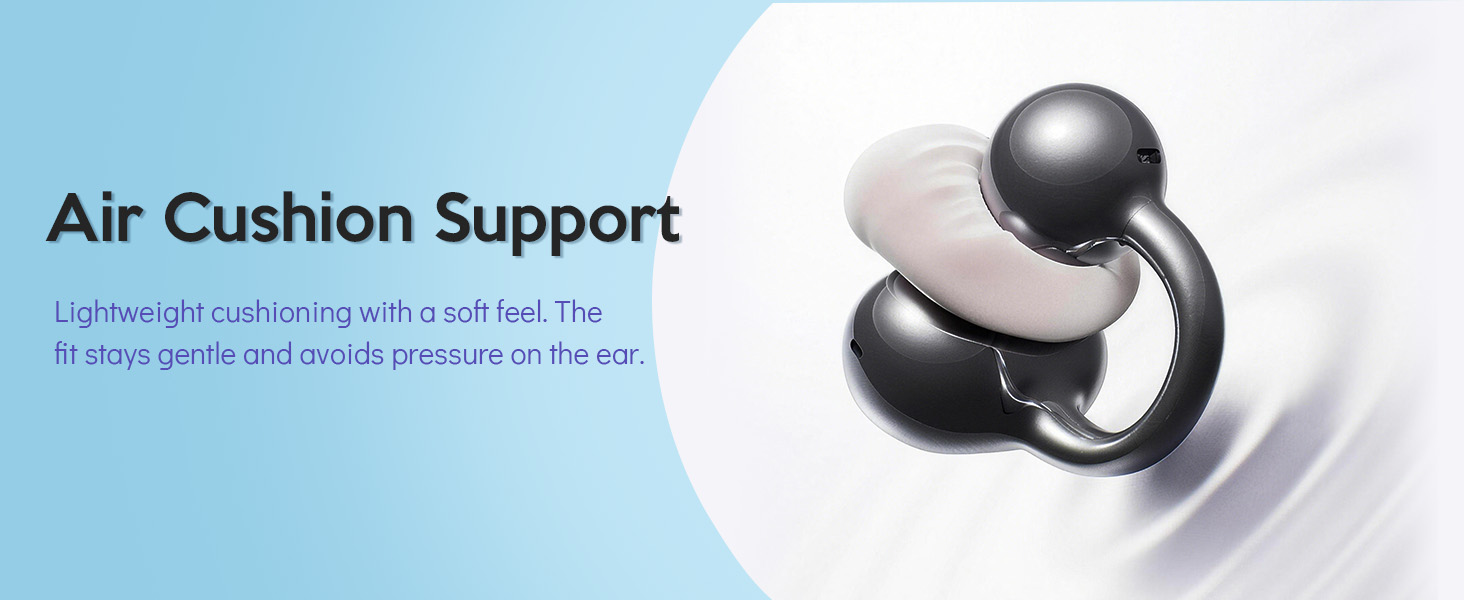
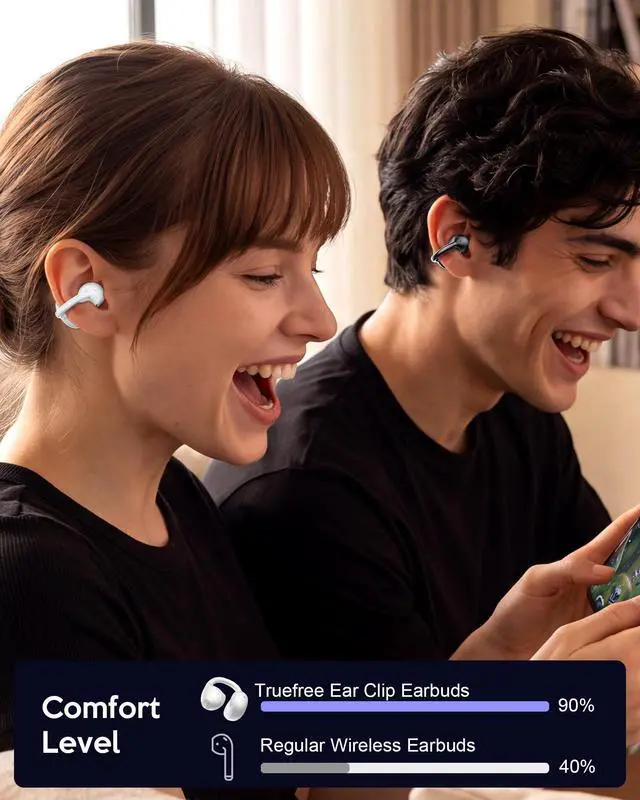
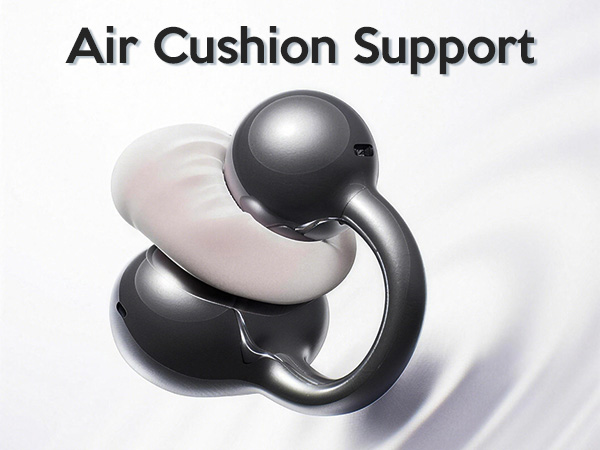
Yes. The lightweight open-ear design helps reduce in-ear pressure for more natural, comfortable listening throughout the day.
What should I do if the earbuds have connection or functional issues?
Follow these steps to reset the earbuds.
Clear the pairing information and disable Bluetooth.
Put earbuds in the charging case, then take them out and wait 20 seconds.
Reach out to our support team if the issue doesn't get fixed.
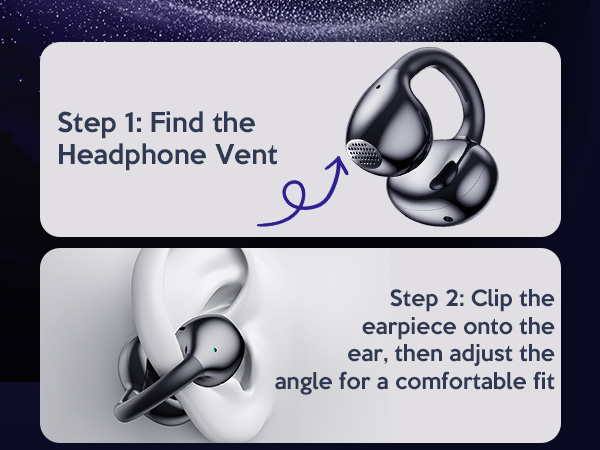
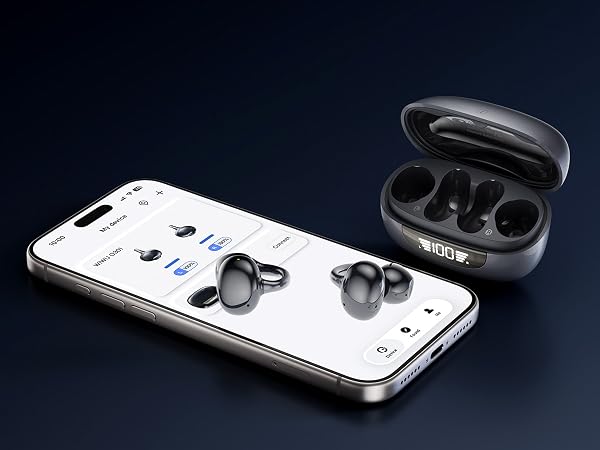
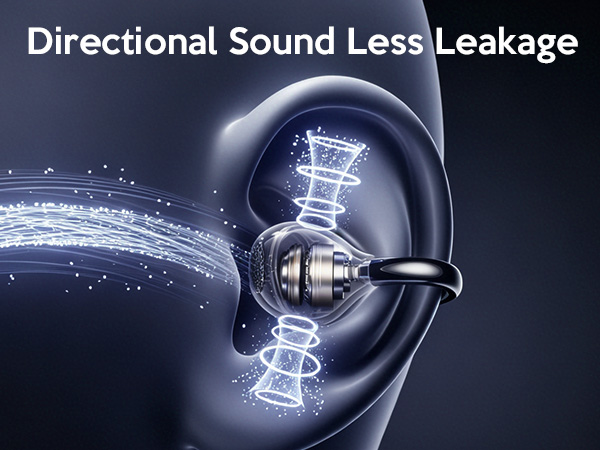
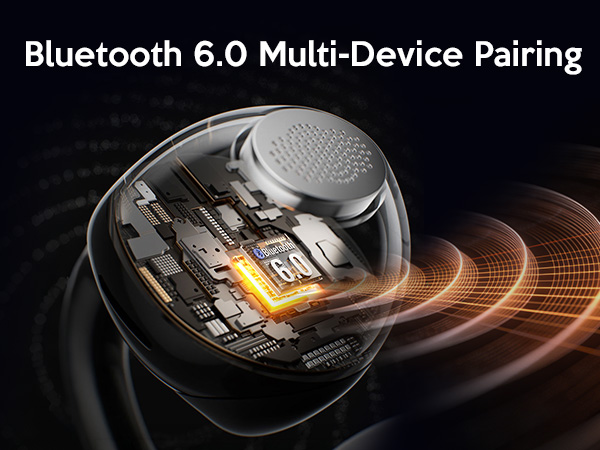

Connect instantly with one-step pairing, making setup quick and easy for all your devices.

App Support | |
Display | Smart Digital |
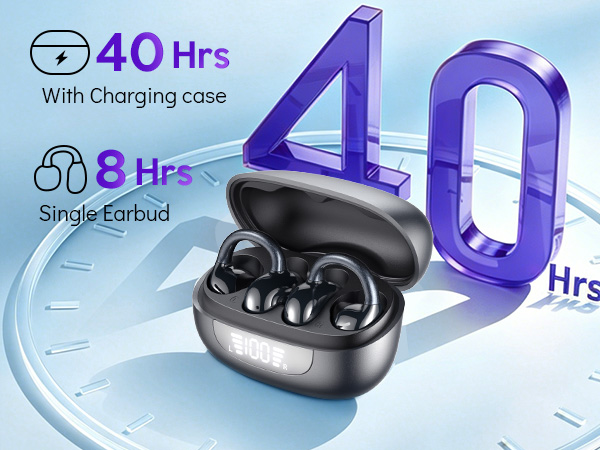
Battery Life | 40h(charging case) |
Charging | USB-C Charging |
Bluetooth | 6.0 |
Water Resistance | IPX5 |
Weight | 4.8g (single bud) |
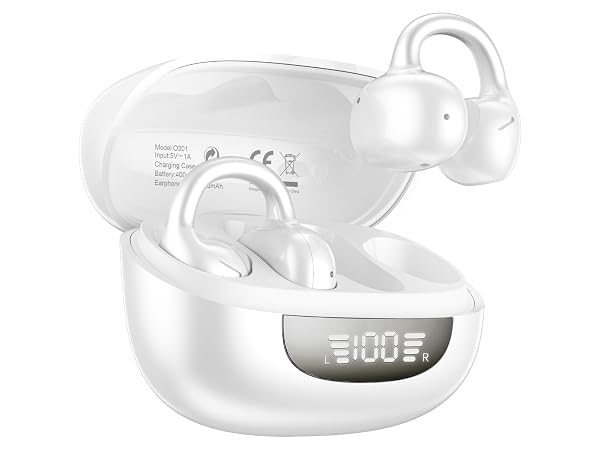
App Support | |
Display | Smart Digital |
Battery Life | 40h(charging case) |
Charging | USB-C Charging |
Bluetooth | 6.0 |
Water Resistance | IPX5 |
Weight | 4.8g (single bud) |
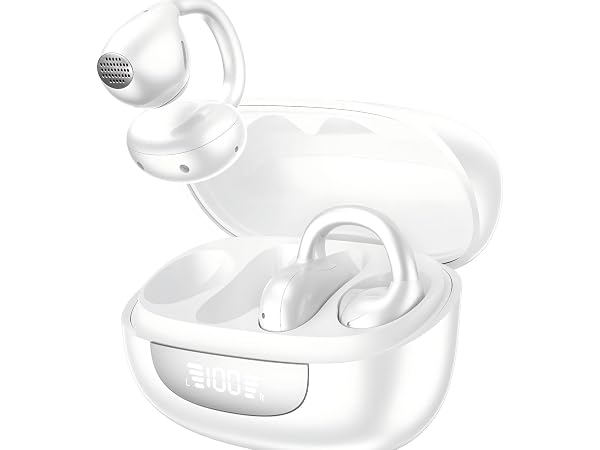
App Support | |
Display | Smart Digital |
Battery Life | 40h(charging case) |
Charging | USB-C Charging |
Bluetooth | 6.0 |
Water Resistance | IPX5 |
Weight | 4.8g (single bud) |
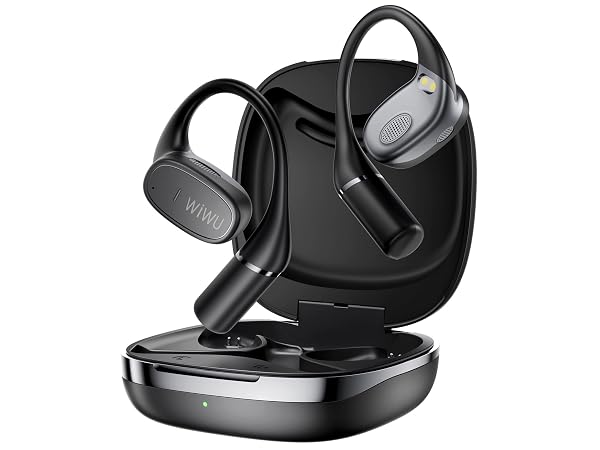
App Support | |
Display | — |
Battery Life | 40h(charging case) |
Charging | USB-C Charging |
Bluetooth | 5.3 |
Water Resistance | IPX56 |
Weight | 7.5g (single bud) |
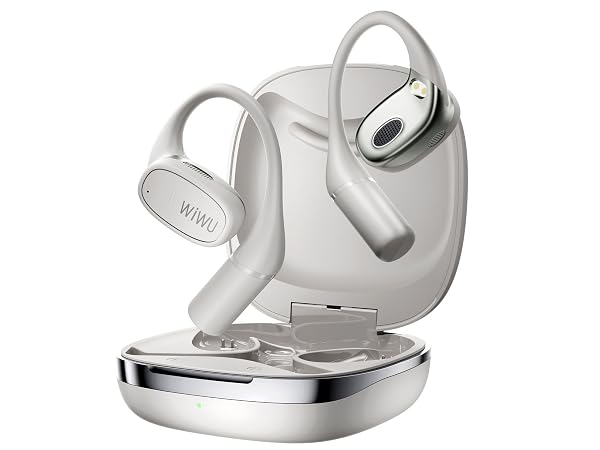
App Support | |
Display | — |
Battery Life | 40h(charging case) |
Charging | USB-C Charging |
Bluetooth | 5.3 |
Water Resistance | IPX56 |
Weight | 7.5g (single bud) |
How do I connect this clip-on earbuds via Bluetooth?
Take the earbuds out of the charging case, and they will automatically enter pairing mode. Find and select O301 in your phone’s Bluetooth list to complete connection. You will hear a prompt tone once paired successfully.
How do I adjust the volume on this open-ear earbuds?
Our clip on earbuds can adjust the volume through the touch key on the phone or earphones. Long pressing the touch key on the left earphone will decrease the volume, while long pressing the touch key on the right earphone will increase the volume.
Will they stay secure during workouts?
Yes. Featuring flexible earhooks and ergonomic open-ear design, the earbuds stay firmly in place for workouts, running and daily activities.
Is this clip on earbuds comfortable for long listening sessions?
Yes. The lightweight open-ear design helps reduce in-ear pressure for more natural, comfortable listening throughout the day.
What should I do if the earbuds have connection or functional issues?
Follow these steps to reset the earbuds.
Clear the pairing information and disable Bluetooth.
Put earbuds in the charging case, then take them out and wait 20 seconds.
Reach out to our support team if the issue doesn't get fixed.
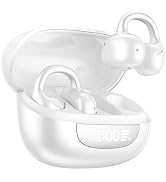
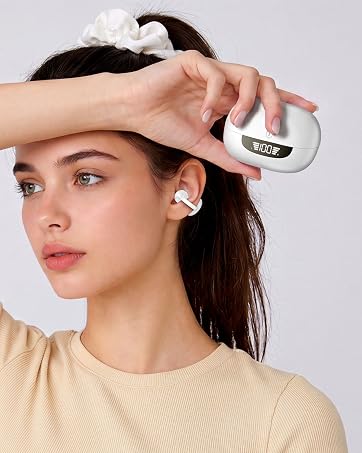
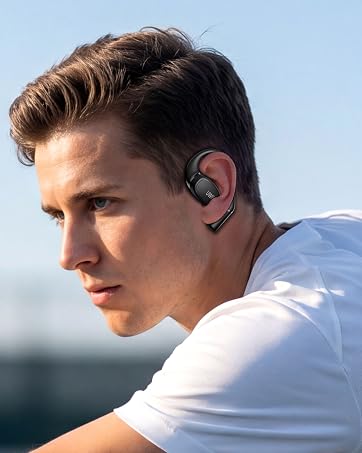
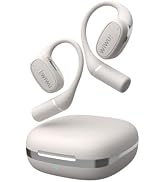
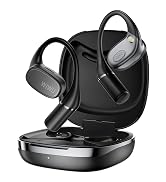
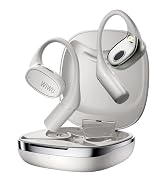
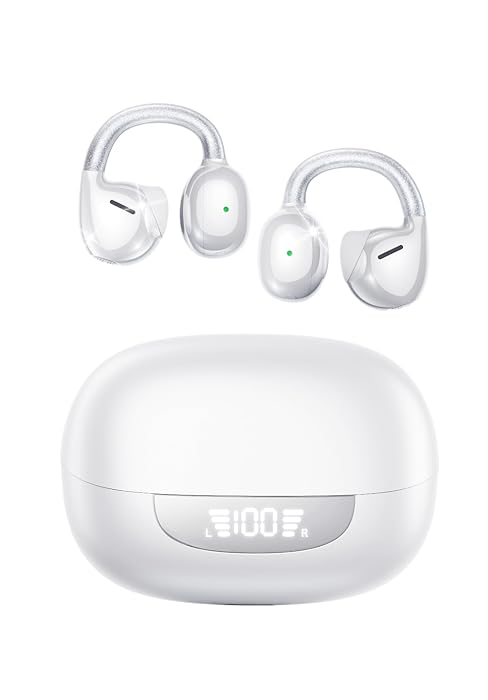
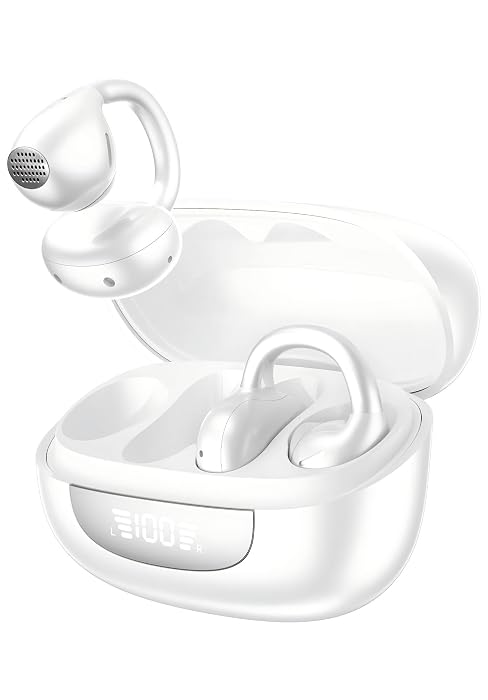
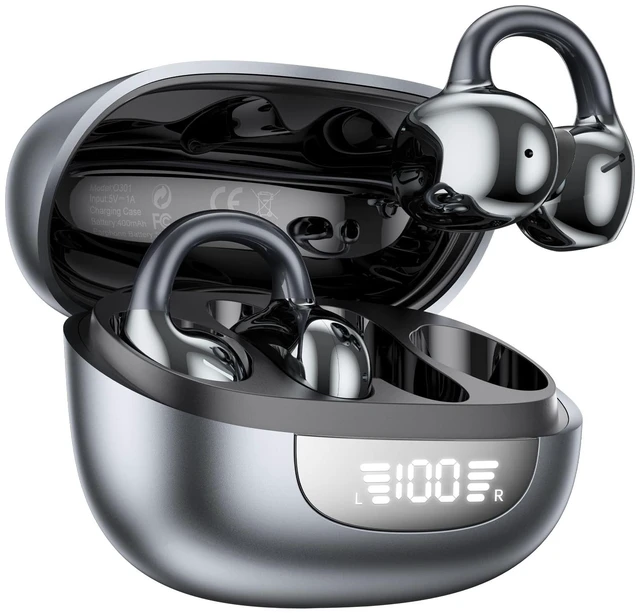
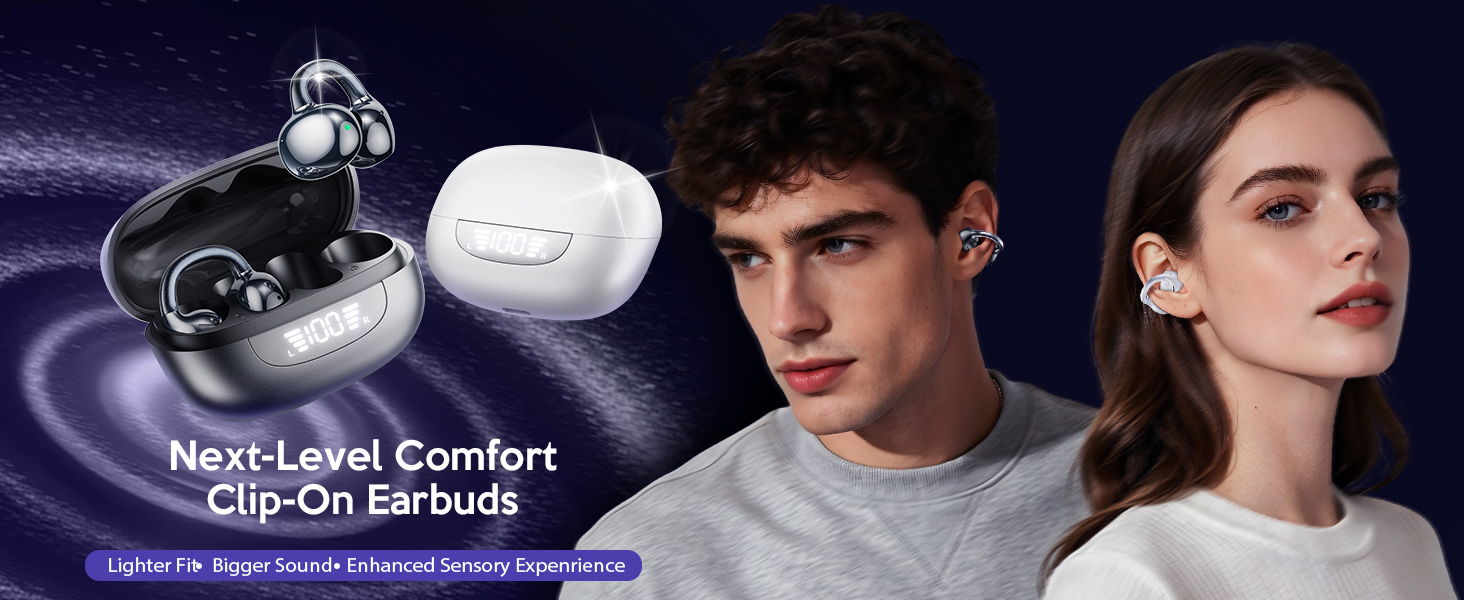
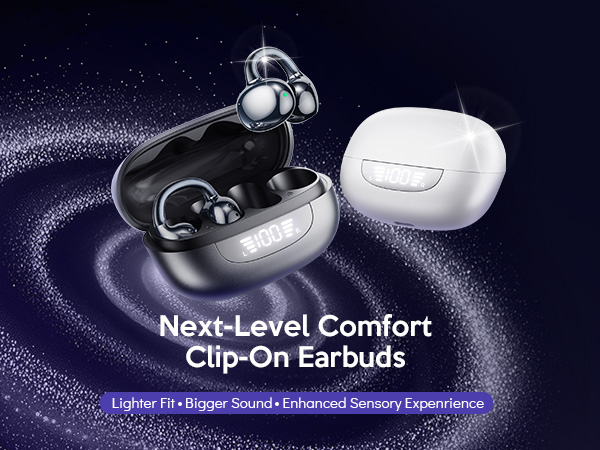
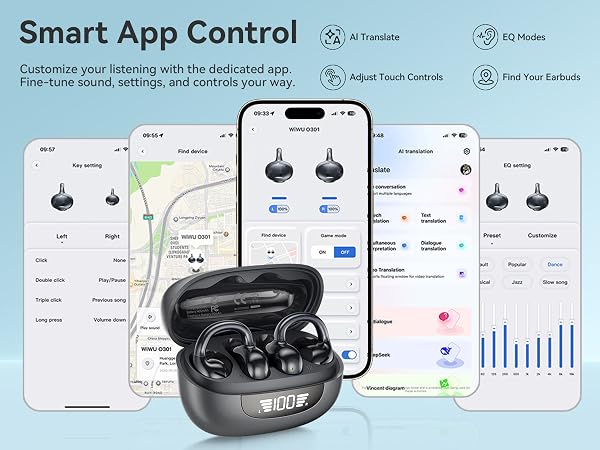
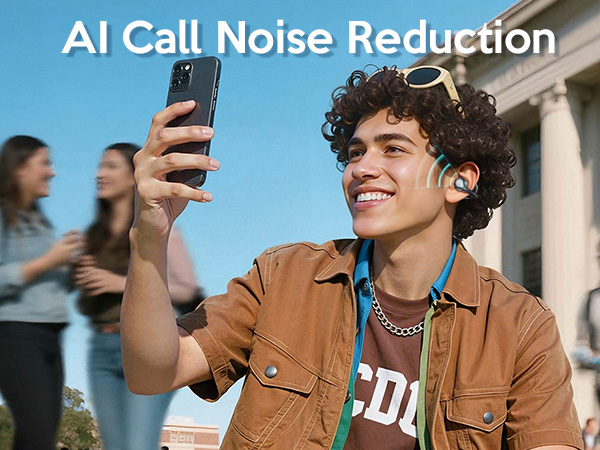
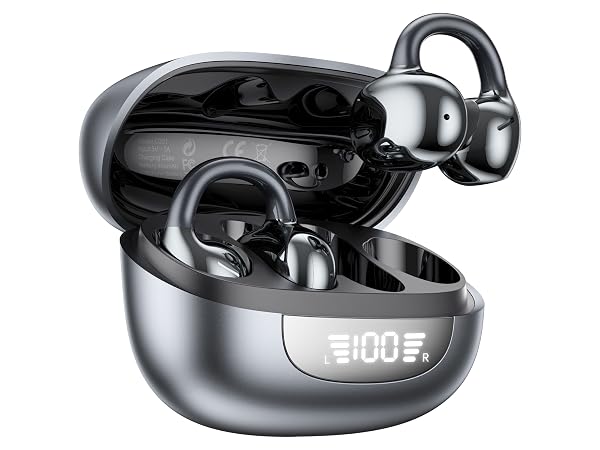
Clip On Earbuds, Open Ear Earbuds Bluetooth 6.0, Sport Clip Headphones with Mic, Digital LED Display, ENC, IPX5, AI, Customize EQ, 48H Playtime for Driving Running Cycling