
 Holiday Shipping Details & Extended Holiday Returns


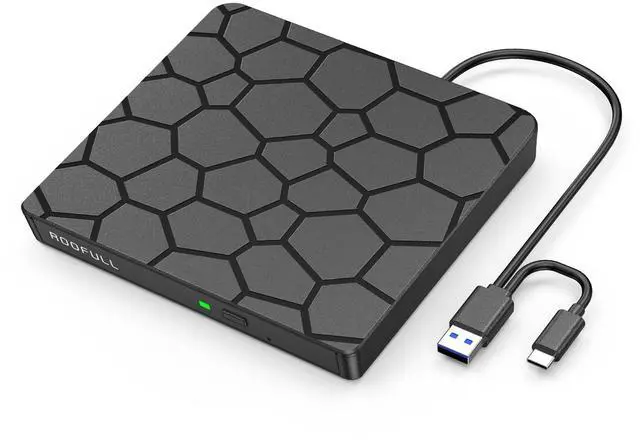



As one of the earliest professional external optical drive manufacturers invited to join , ROOFULL has sold over 3,240,000 pieces of CD/DVD drives since 2015.
We prioritize exceptional product quality, with each drive undergoing rigorous testing. Additionally, we are ready to assist with any inquiries or issues, ensuring support and satisfaction at every step.
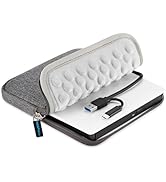
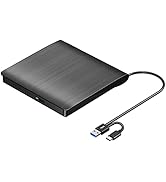
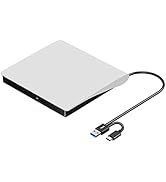
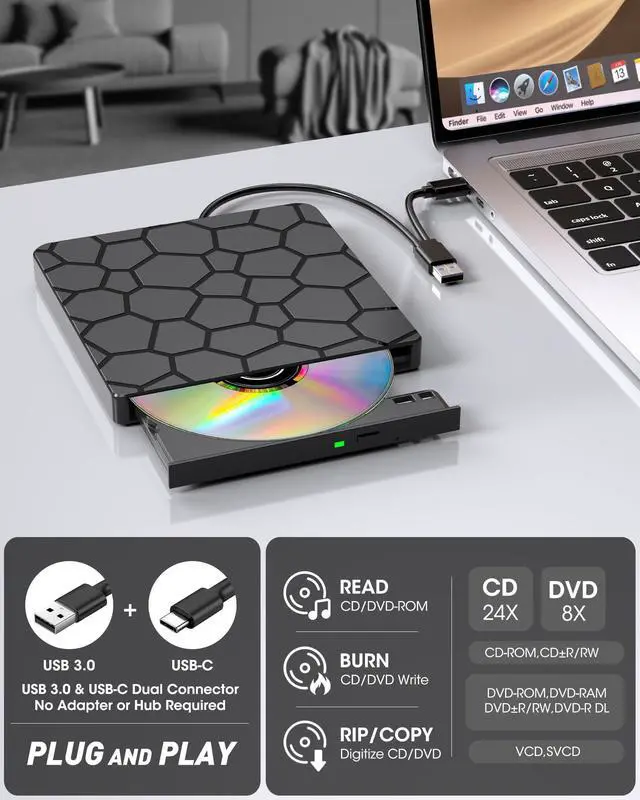
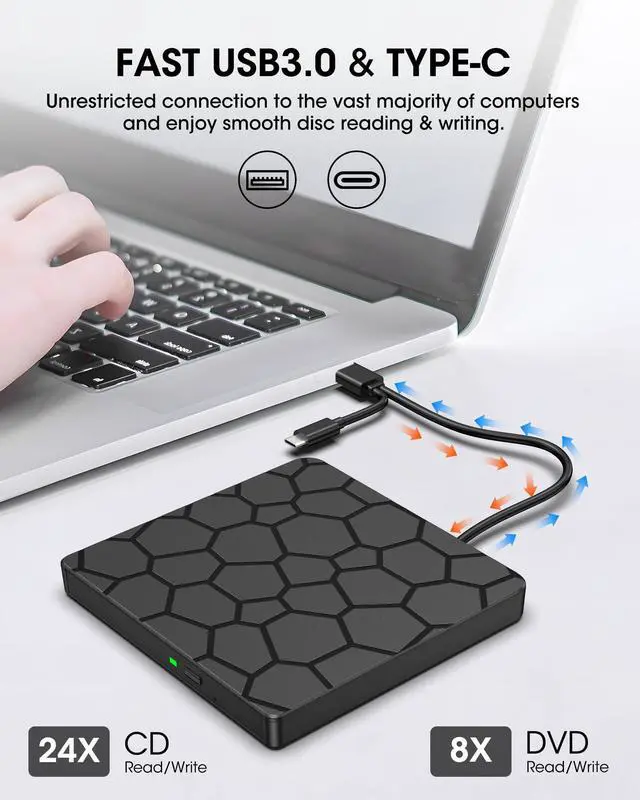
USB 3.0 & USB-C CD/DVD Drive
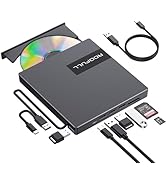
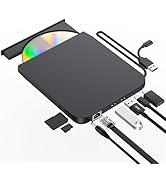
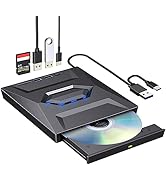
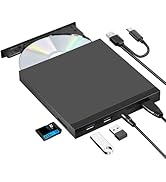
CD/DVD Drive with USB Hub
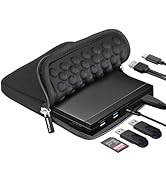
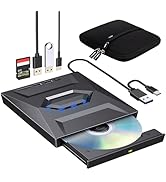
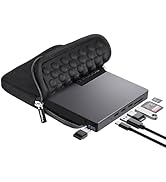
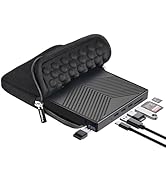
CD/DVD Drive with Hub & Case
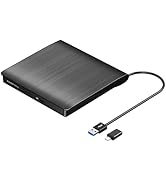
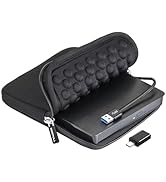
USB 3.0 CD/DVD-RW Drive


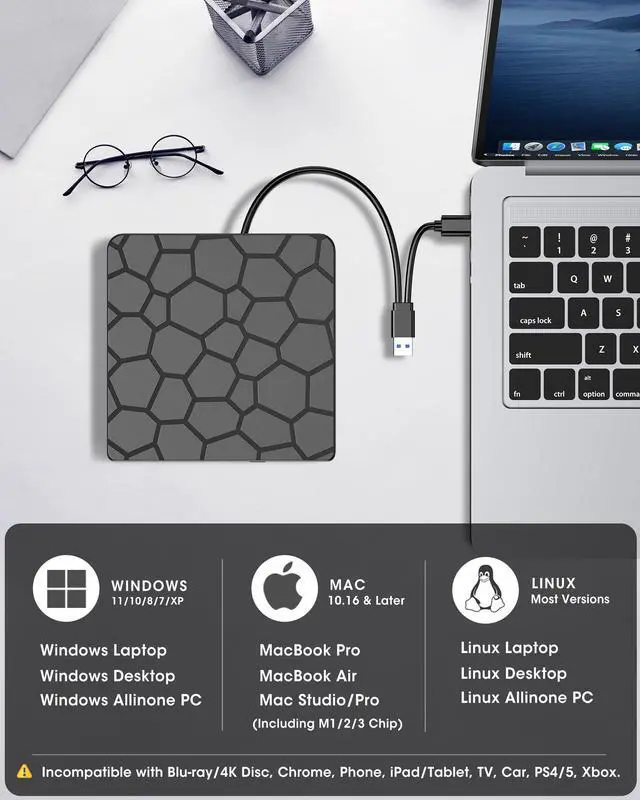
Works with Windows 11/10/8.1/8/7/Vista/XP, macOS 10.6+ (M1/M2/M3), and Linux. Not supported: TVs, cars, tablets, iPads, Chromebooks, Surface Pro, consoles, or Blu-ray/4K/3D discs.
ROOFULL F868 CD/DVD Drive User Guide & Notes
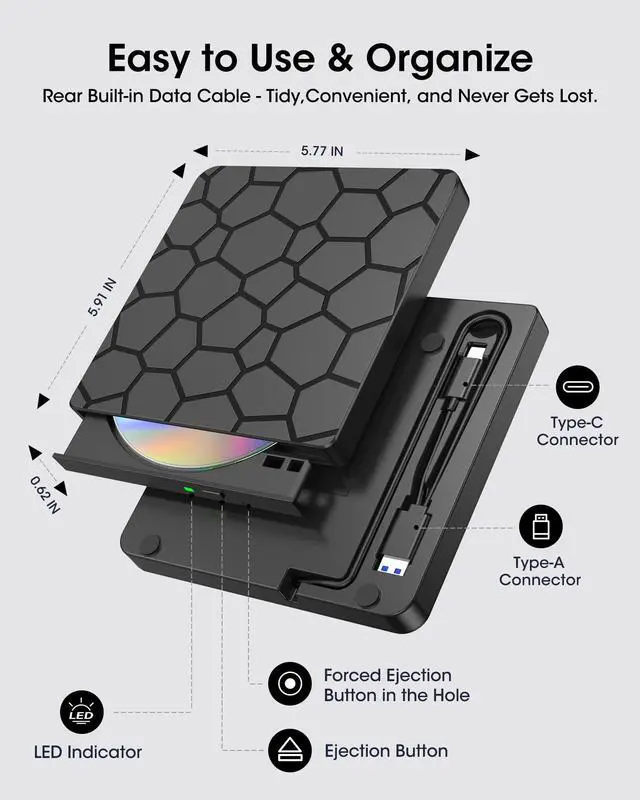
CONNECTION: Powered directly via USB 3.0/USB-C, no extra cable needed. For best results, use built-in USB ports (rear ports on desktops recommended). Avoid hubs or long extension cables.
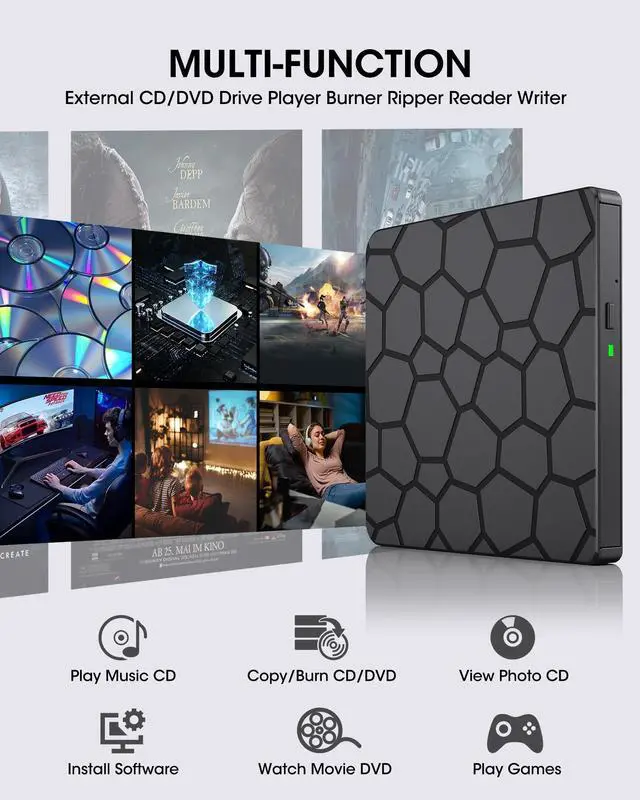
PLAY DISCS: Windows Media Player (audio CDs), VLC (video DVDs). On Mac, CDs open in Music; use VLC for DVDs. Linux: VLC works for both.
BURN & RIP/COPY DISCS: (You can create data, music, or video discs, copy discs, rip music to digital files, and back up photos or videos.)
* Choose trusted software (Windows: ImgBurn, BurnAware, CDBurnerXP; Mac: Burn, Express Burn, HandBrake, MakeMKV; Linux: K3b).
* Always check that your BLANK dischas ENOUGH space for the files. Write speed matters: use SLOWER speeds (CD =10X, DVD =8X) to reduce errors. Before burning, convert video files to DVD-compatible formats (e.g., MPEG-2) or audio files to CD-compatible formats (e.g., WAV or MP3).
TROUBLESHOOTING:
* Drive not recognized: connect directly, try another port, restart, or reinstall drivers.
* DVD won’t play: install VLC and check Region Code (To play video/movie DVDs, please check the region code setting: On Windows:: Go to This PC > right-click DVD drive > Properties > Hardware > Properties > DVD Region, then set the correct region (USA = Region 1). On Mac: Region setting will appear automatically the first time you insert a DVD. Note: The region code can only be changed 4~5 times. After that, it will stay fixed.).
* Burning fails: use quality discs, lower speed, close other programs.
* To eject a disc on Mac computers after playback/burning, right-click on the desktop icon and select "eject," or choose "File" > "Eject" from the menu.
ROOFULL Top External CD DVD Drive Picks
 RF868 |  ECD819-SU (with Case) |  ECD829-Y (with Case) |  RF40-SU (with Case) |  B21-Y |  ECD829-Y (White) |  ECD829-Y | |
|---|---|---|---|---|---|---|---|
Customer Reviews | — | — | — | — | — | — | — |
Price | — | — | — | — | — | — | — |
Connector Type | USB 3 Type-A & Type-C | USB 3 Type-A & Type-C Adapter | USB 3 Type-A & Type-C | USB 3 Type-A & Type-C | USB 3 Type-A & Type-C | USB 3 Type-A & Type-C | USB 3 Type-A & Type-C |
Compatible OS | Windows, Linux, Mac OS 10.16+ | Windows, Linux, Mac OS 10.16+ | Windows, Linux, Mac OS 10.16+ | Windows, Linux, Mac OS 10.16+ | Windows, Linux, Mac OS 10.16+ | Windows, Linux, Mac OS 10.16+ | Windows, Linux, Mac OS 10.16+ |
Compatible Devices | Laptop, Desktop, All-In-One PC | Laptop, Desktop, All-In-One PC | Laptop, Desktop, All-In-One PC | Laptop, Desktop, All-In-One PC | Laptop, Desktop, All-In-One PC | Laptop, Desktop, All-In-One PC | Laptop, Desktop, All-In-One PC |
Max Read/Write Speed | Max 24xCD / 8xDVD | Max 24xCD / 8xDVD | Max 24xCD / 8xDVD | Max 24xCD / 8xDVD | Max 24xCD / 8xDVD | Max 24xCD / 8xDVD | Max 24xCD / 8xDVD |
Extension Interface | No | No | No | USB 3.0, 2.0, SD Slot | USB 3.0, 2.0, USB-C, SD Slot | No | No |
Extra Power Supply Cord | ? | ? | ? | ? | ? | ? | ? |


Works with Windows 11/10/8.1/8/7/Vista/XP, macOS 10.6+ (M1/M2/M3), and Linux. Not supported: TVs, cars, tablets, iPads, Chromebooks, Surface Pro, consoles, or Blu-ray/4K/3D discs.
ROOFULL F868 CD/DVD Drive User Guide & Notes
CONNECTION: Powered directly via USB 3.0/USB-C, no extra cable needed. For best results, use built-in USB ports (rear ports on desktops recommended). Avoid hubs or long extension cables.
PLAY DISCS: Windows Media Player (audio CDs), VLC (video DVDs). On Mac, CDs open in Music; use VLC for DVDs. Linux: VLC works for both.
BURN & RIP/COPY DISCS: (You can create data, music, or video discs, copy discs, rip music to digital files, and back up photos or videos.)
* Choose trusted software (Windows: ImgBurn, BurnAware, CDBurnerXP; Mac: Burn, Express Burn, HandBrake, MakeMKV; Linux: K3b).
* Always check that your BLANK dischas ENOUGH space for the files. Write speed matters: use SLOWER speeds (CD =10X, DVD =8X) to reduce errors. Before burning, convert video files to DVD-compatible formats (e.g., MPEG-2) or audio files to CD-compatible formats (e.g., WAV or MP3).
TROUBLESHOOTING:
* Drive not recognized: connect directly, try another port, restart, or reinstall drivers.
* DVD won’t play: install VLC and check Region Code (To play video/movie DVDs, please check the region code setting: On Windows:: Go to This PC > right-click DVD drive > Properties > Hardware > Properties > DVD Region, then set the correct region (USA = Region 1). On Mac: Region setting will appear automatically the first time you insert a DVD. Note: The region code can only be changed 4~5 times. After that, it will stay fixed.).
* Burning fails: use quality discs, lower speed, close other programs.
* To eject a disc on Mac computers after playback/burning, right-click on the desktop icon and select "eject," or choose "File" > "Eject" from the menu.
ROOFULL Top External CD DVD Drive Picks
RF868 | ECD819-SU (with Case) | ECD829-Y (with Case) | RF40-SU (with Case) | B21-Y | ECD829-Y (White) | ECD829-Y |
|---|---|---|---|---|---|---|
| Customer Reviews | ||||||
| — | — | — | — | — | — | — |
| Price | ||||||
| — | — | — | — | — | — | — |
| Connector Type | ||||||
| USB 3 Type-A & Type-C | USB 3 Type-A & Type-C Adapter | USB 3 Type-A & Type-C | USB 3 Type-A & Type-C | USB 3 Type-A & Type-C | USB 3 Type-A & Type-C | USB 3 Type-A & Type-C |
| Compatible OS | ||||||
| Windows, Linux, Mac OS 10.16+ | Windows, Linux, Mac OS 10.16+ | Windows, Linux, Mac OS 10.16+ | Windows, Linux, Mac OS 10.16+ | Windows, Linux, Mac OS 10.16+ | Windows, Linux, Mac OS 10.16+ | Windows, Linux, Mac OS 10.16+ |
| Compatible Devices | ||||||
| Laptop, Desktop, All-In-One PC | Laptop, Desktop, All-In-One PC | Laptop, Desktop, All-In-One PC | Laptop, Desktop, All-In-One PC | Laptop, Desktop, All-In-One PC | Laptop, Desktop, All-In-One PC | Laptop, Desktop, All-In-One PC |
| Max Read/Write Speed | ||||||
| Max 24xCD / 8xDVD | Max 24xCD / 8xDVD | Max 24xCD / 8xDVD | Max 24xCD / 8xDVD | Max 24xCD / 8xDVD | Max 24xCD / 8xDVD | Max 24xCD / 8xDVD |
| Extension Interface | ||||||
| No | No | No | USB 3.0, 2.0, SD Slot | USB 3.0, 2.0, USB-C, SD Slot | No | No |
| Extra Power Supply Cord | ||||||
| ? | ? | ? | ? | ? | ? | ? |
As one of the earliest professional external optical drive manufacturers invited to join , ROOFULL has sold over 3,240,000 pieces of CD/DVD drives since 2015.
We prioritize exceptional product quality, with each drive undergoing rigorous testing. Additionally, we are ready to assist with any inquiries or issues, ensuring support and satisfaction at every step.
USB 3.0 & USB-C CD/DVD Drive
CD/DVD Drive with USB Hub
CD/DVD Drive with Hub & Case
USB 3.0 CD/DVD-RW Drive