
Your Browsing History

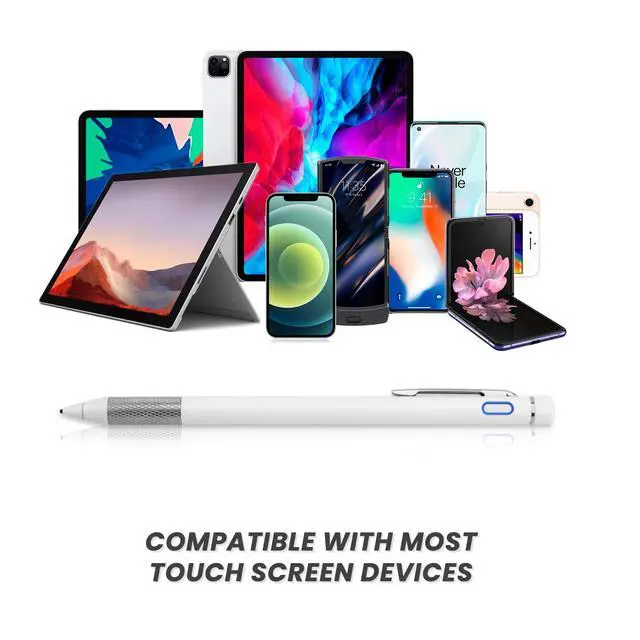



Stylus Pen for iPhone, Universal Pen with Elegant Slim Shape for iPhone 17 Pro Max/Air/16/15/14/13, White
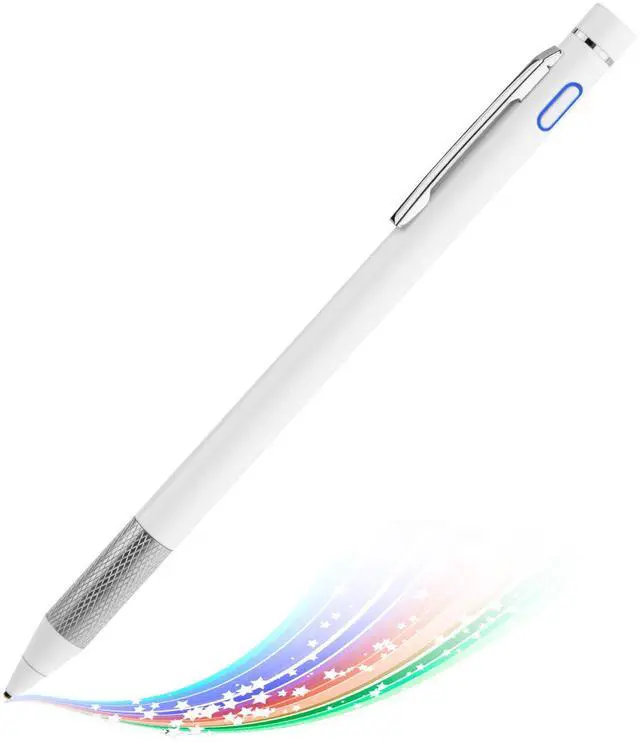
Slim and Awesome:This stylus for iPhone pen has a good touch point than the tip of your finger,which provides better accuracy to little touch focuses like keys on the screen. allows you to see exactly where your mark is being made and gives you the accurate point on the screen,Don't worry your fingers after using this pencil
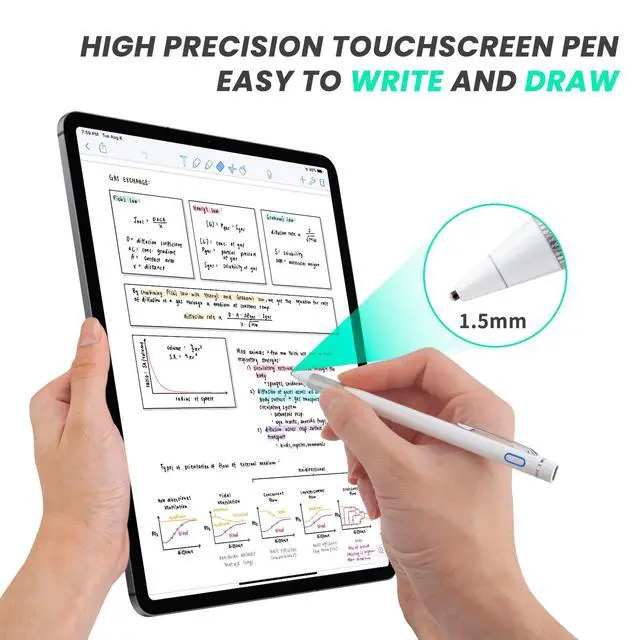
1.5mm Fine Point pen for iPhone lets you draw,write and navigate with pinpoint accuracy and offers comfortable pen-like control for iPhone stylist pens
Buffer Tip Pencil for iPhone stylus allows you to interact with your device without leaving scratches or smudges on the screen,it also works when there is screen protector
Anodized aluminum body stylus pencil for iPhone provides strong and firmly status
Intructions of Use:
It's a new common active stylus pen,so you can use it like a real pen
When you use this pen for different apps or devices, some of them need to switch the input type to handwriting or drawing mode.For example,when you use this pen in Apple "Notes" app,you need to click the small pen writing icon,so that you can start drawing/writing on the device
Tips:
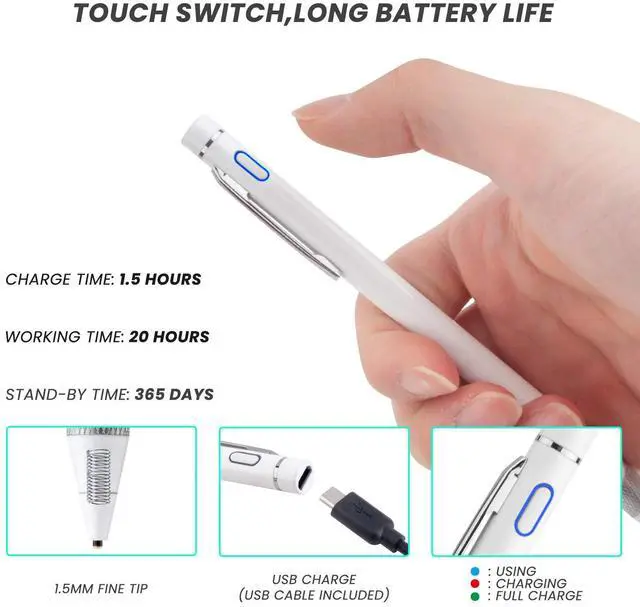
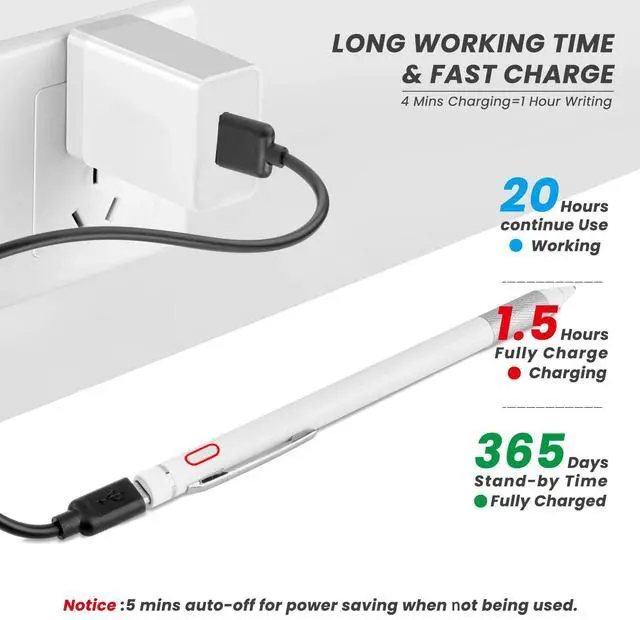
1. If the indicator flashes in blue, it means battery is outage,kindly get a micro usb b cable for charging it up
2. If you can slide the screen with this pen,but can't write/draw in the software, kindly check the apps' setting if it supports handwriting editing
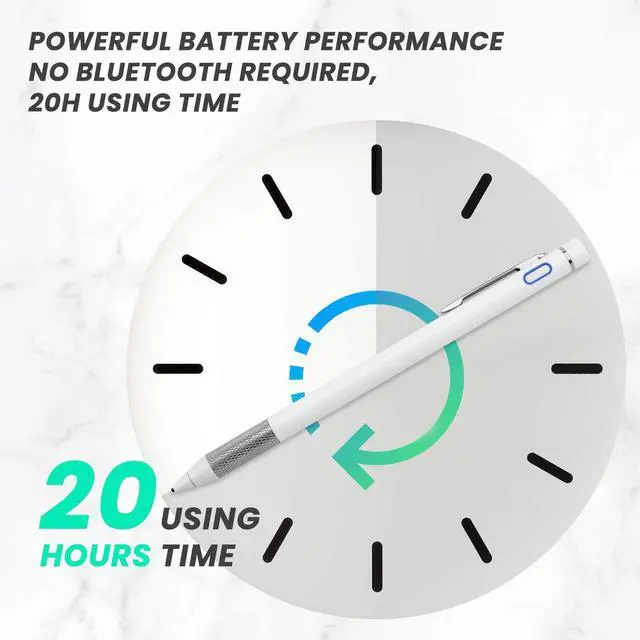
3. No bluetooth connection or cable connection with your device required
Recommend Apps:
Writing--Notes,UPAD3,Noteshelf,GoodNotes,EverNote,Notability,OneNote,etc
Drawing--Pigment,ArtRage,ArtStudio,Procreate,Paper,SketchBook,Sketches,etc