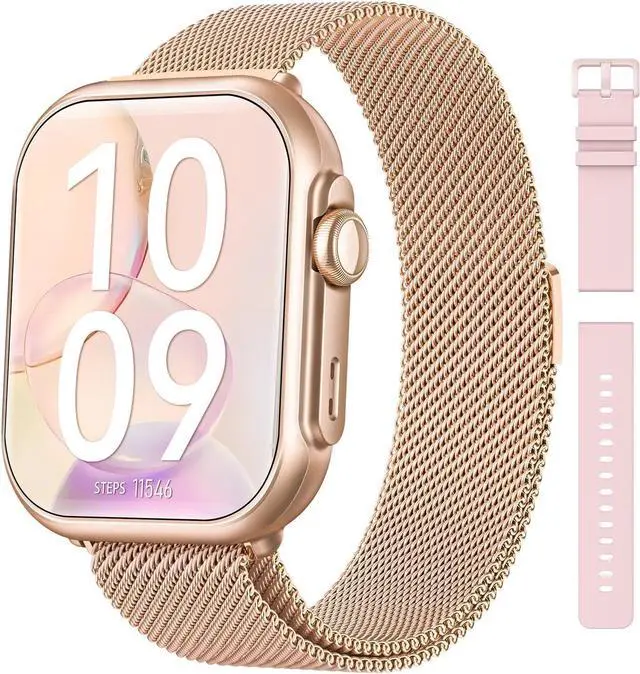
30+ Days Battery Life Never Stop ExploringSay goodbye to daily charging! With a powerful 1000mAh battery, smart watch lasts up to 30 days on a single charge (100 days in standby) and powers up in just 2.5 hours. Perfect for travelers, adventurers, or busy professionals who need reliable all-day tracking without interruptions. Works seamlessly with iOS 9.0+ and Android 6.0+, outperforming other android smart watch and smart watch for android phones in endurance
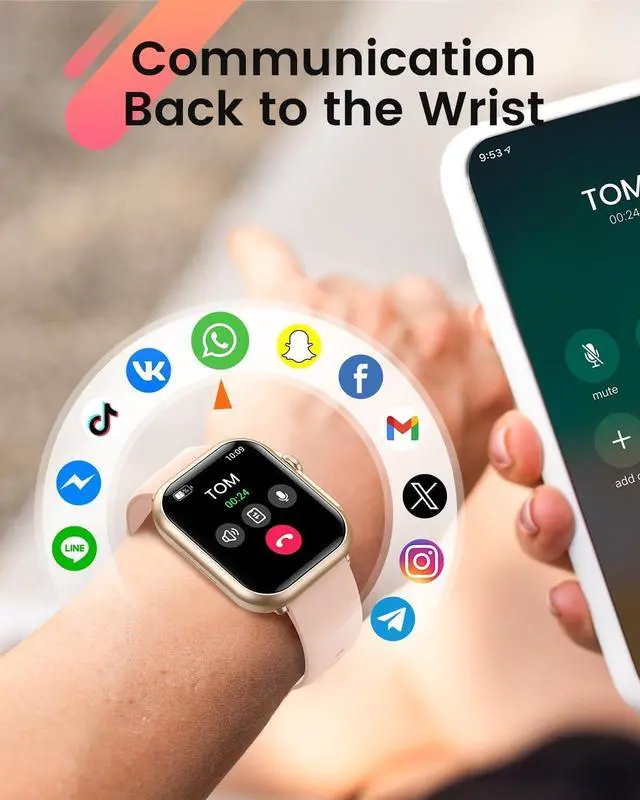
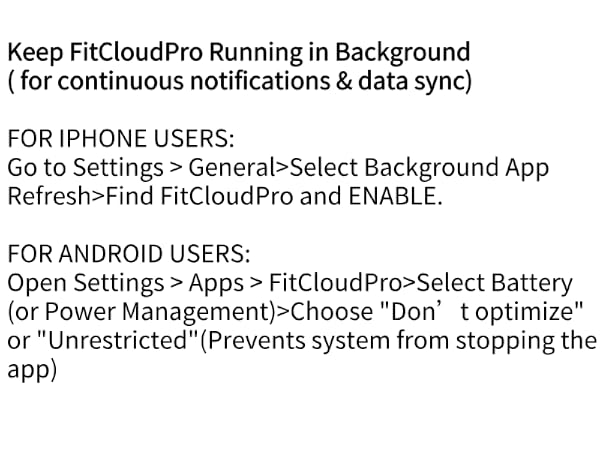
Bluetooth Calls & Smart Notifications Stay ConnectedAnswer calls directly from your wrist with crisp HD audio using smart watches for womenno phone needed! Get instant alerts for texts, emails, and social apps (WhatsApp, Facebook, Instagram, Twitter). Note: Enable call/SMS notifications in the FitCloudPro app after pairing (text replies not supported). Keep the app running in the background for uninterrupted alerts
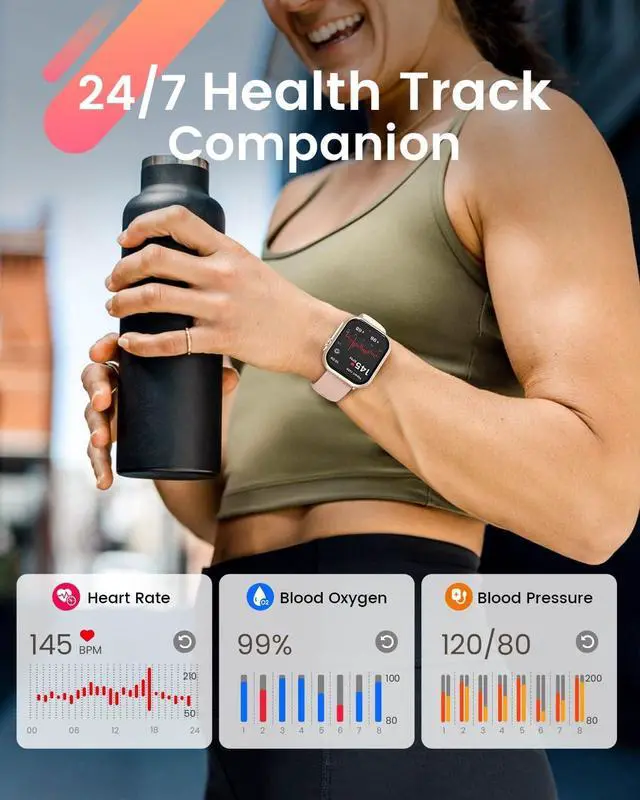
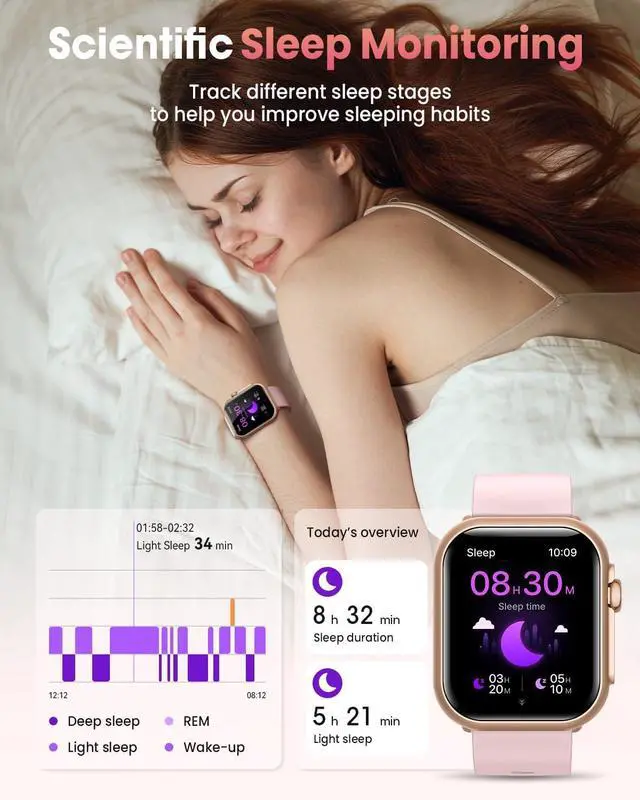
24/7 Health Monitoring Your Wellness GuardianHeart rate monitor track heart rate, sleep stages (deep/light/REM), and stress levels around the clock. Note: Sleep data is recorded between 9:30 PM12:00 PM; irregular sleep times may affect accuracy. Ideal for athletes, seniors, or anyone prioritizing health with a smart watches for women men that doubles as a personal wellness coach
+
+
Overview
Specs
Reviews
Any questions? Our AI mode will help you find out quickly.
Try me now
Why choose the G62 smartwatch?
30-day battery life
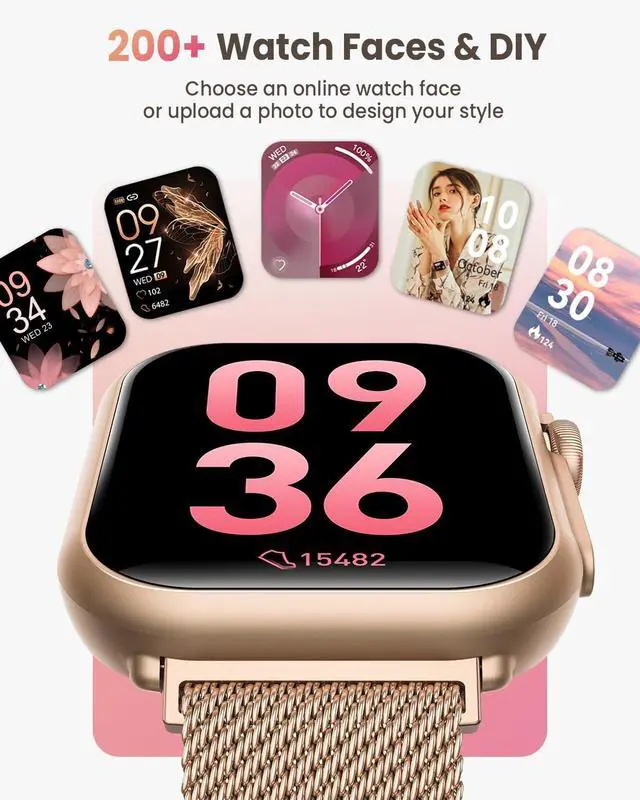
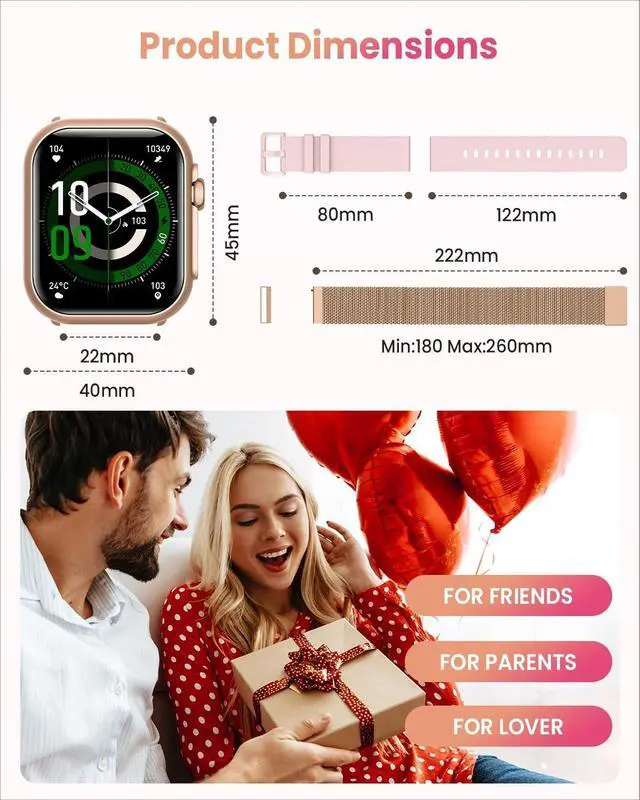
Multiple watch faces and straps
Health data tracking
Bluetooth call and message notifications
smart watch for women
how to charge smart watch
How to charge the smartwatch
*Please charge it before using it for the first time and press and hold the button for 5 seconds.
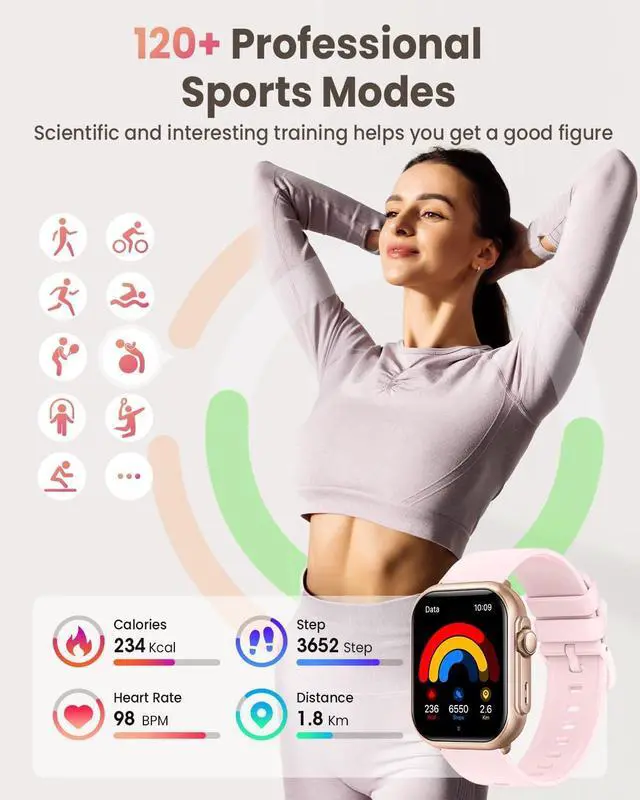
Add Sport modes and Change Unit Settings
Add Sport modes:Go to FitCloudPro App > Device > Workout Push > Choose sports > Sync to Watch
chang unit: Open FitCloudPro App > My > Units > change uint
Add Sports Modes and Change Units
Connect your Android phone
Bluetooth Connection
Open the FitCloudPro app ? Create account or login(or skip)? Tap "Devices" ? Select "Find Nearby Devices"? Choose "G62 Smartwatch" ? Tap "Connect"
Bluetooth Connection
Open the FitCloudPro app ? Create account or login(or skip)? Tap "Devices" ? Select "Find Nearby Devices"? Choose "G62 Smartwatch" ? Tap "Connect"
Connect your iPhone
smart watch for women
how to charge smart watch
Add Sports Modes and Change Units
Connect your Android phone
Connect your iPhone
Why choose the G62 smartwatch?
30-day battery life
Multiple watch faces and straps
Health data tracking
Bluetooth call and message notifications
How to charge the smartwatch
*Please charge it before using it for the first time and press and hold the button for 5 seconds.
Add Sport modes and Change Unit Settings
Add Sport modes:Go to FitCloudPro App > Device > Workout Push > Choose sports > Sync to Watch
chang unit: Open FitCloudPro App > My > Units > change uint
Bluetooth Connection
Open the FitCloudPro app ? Create account or login(or skip)? Tap "Devices" ? Select "Find Nearby Devices"? Choose "G62 Smartwatch" ? Tap "Connect"
Bluetooth Connection
Open the FitCloudPro app ? Create account or login(or skip)? Tap "Devices" ? Select "Find Nearby Devices"? Choose "G62 Smartwatch" ? Tap "Connect"
Smart Watch for Women Men Fitness: Smart Watch, Fitness Tracker, 2 Bands | 120+Sport Mode/30 Day+Battery Life/SpO2 Sleep Heart Rate Monitor/IP68/Compatiblefor iPhone&Android/Bluetooth Make/Answer Call