




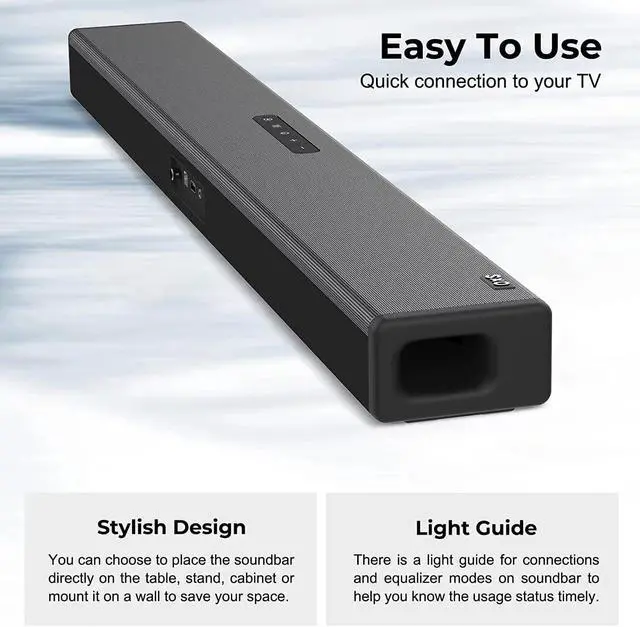


Sound Bars for TV & Hear Your TV Better
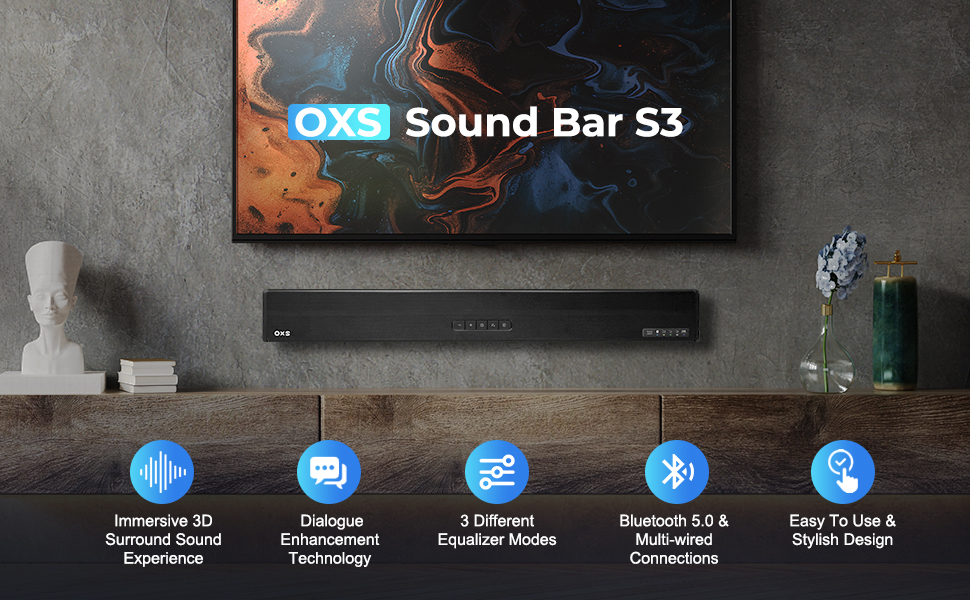
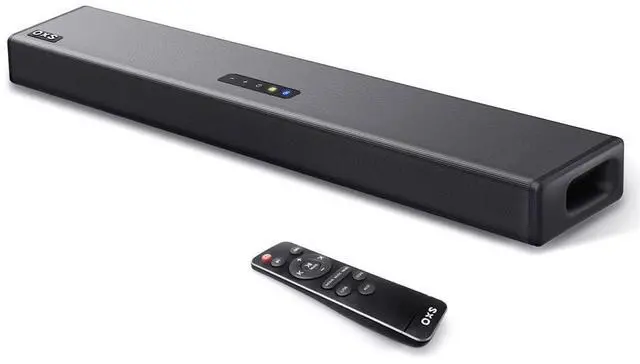
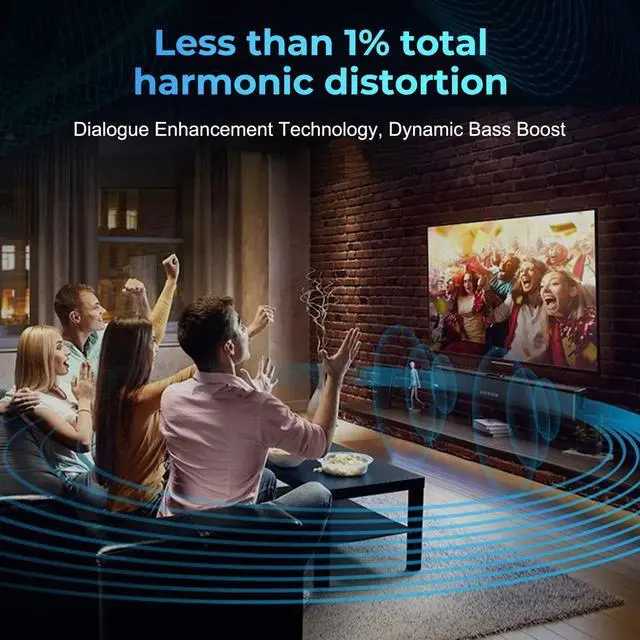
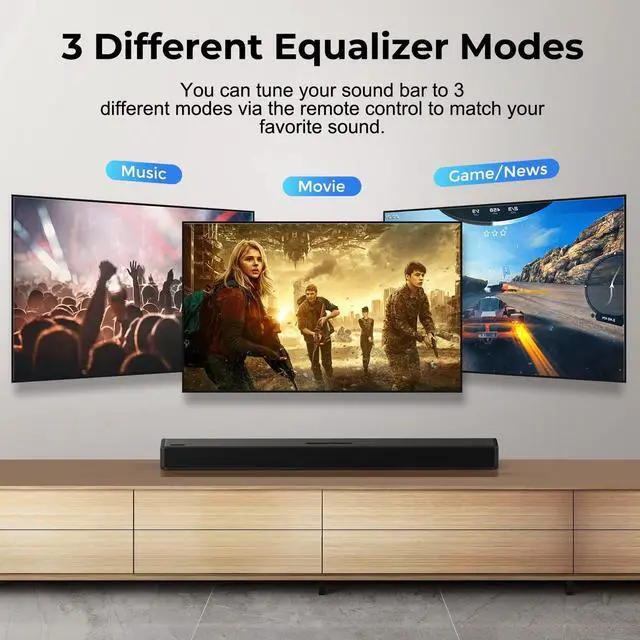
OXS S3 soundbar for TV with stylish design and dialogue enhancement technology,supports bluetooth 5.0, COAXIAL & multi-wired connections,and you can tune your sound bar to 3 different modes via the remote control.
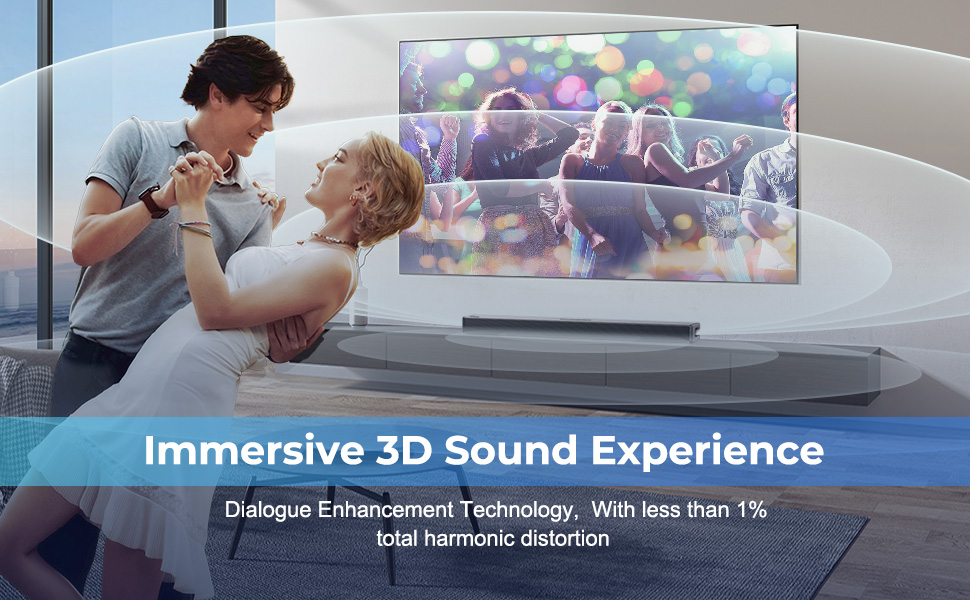
Immersive 3D Sound Experience
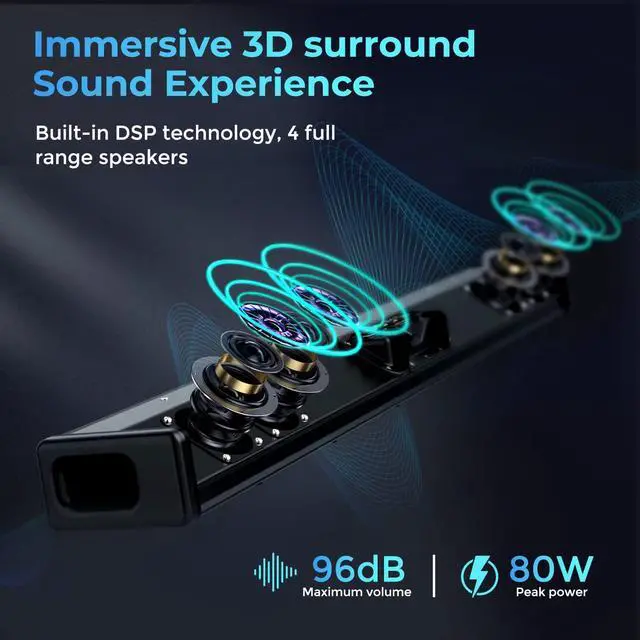
OXS S3 compact home audio sound bars is a 2.0 Channel soundbar, and can produce 3D sound effects that will take you into an immersive space and make your living room into a Home Theater. *Recommended audition distance:8.2 - 11.48ft.
OXS S3 Key Features
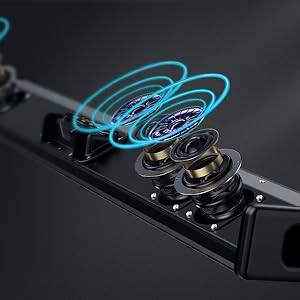
Full Range And Poweful Bass
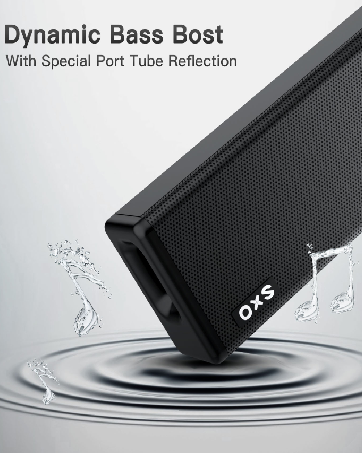
The soundbar is designed with 4 full-range speakers and dynamic bass with a special port tube reflection designed to deliver a soft and flexible bass effect.
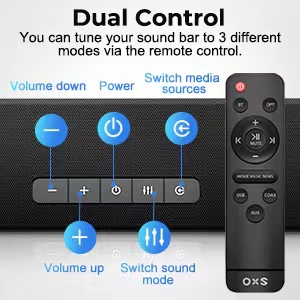
Two ways to control
You can control the sound bar with remote or directly with feature buttons control on it. The LED indicator shows the current mode you choose. Note: remote control is not compatible with universal or TV remotes.
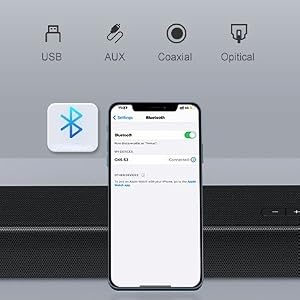
Multiple Connections
The OXS S3 TV speakers supports USB flash drive, AUX, OPTICAL, and COAXIAL wired audio input for TV. With Bluetooth 5.0 wireless transmission, you can easily connect OXS S3 to wireless devices .
Movie Mode
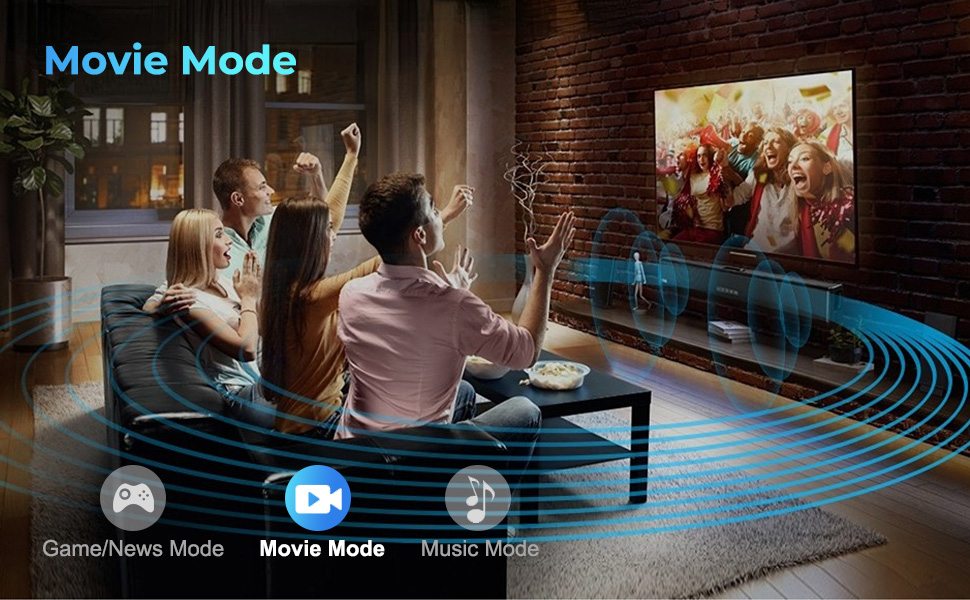
Make Your Home Theater
OXS S3 TV speakers sound bar can increase the stereo and layering of movie audio with DSP digital audio processing technology.
Game/News Mode
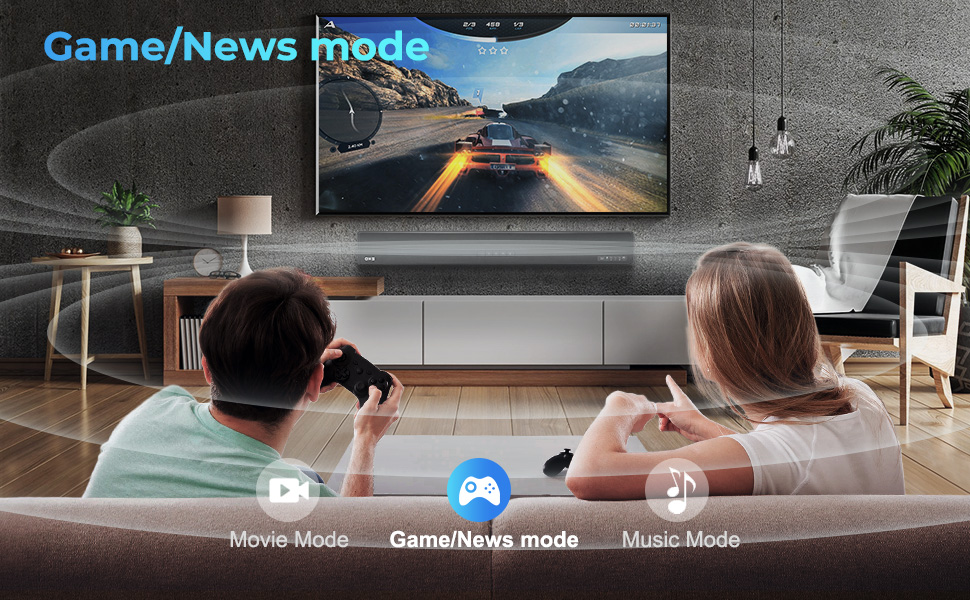
Rich Sound Configured For Gaming
The entire game scene naturally expands, filling the entire real space, making the limit between real and virtual no longer exist.
Music Mode
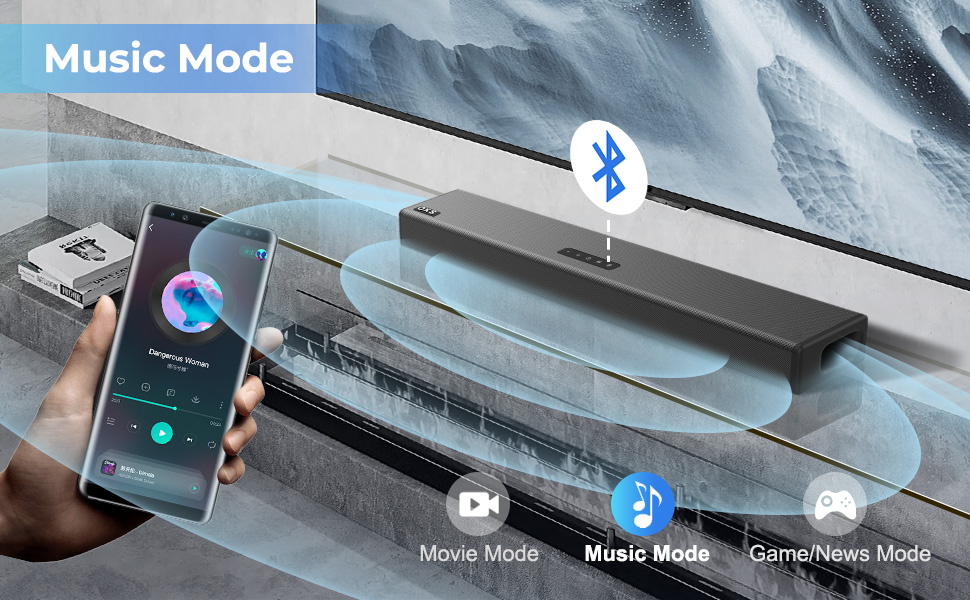
Make Your Immersive Concert
OXS S3 speakers for TV will make sure you won't miss a single note in any musical performance and make you immersive concert.
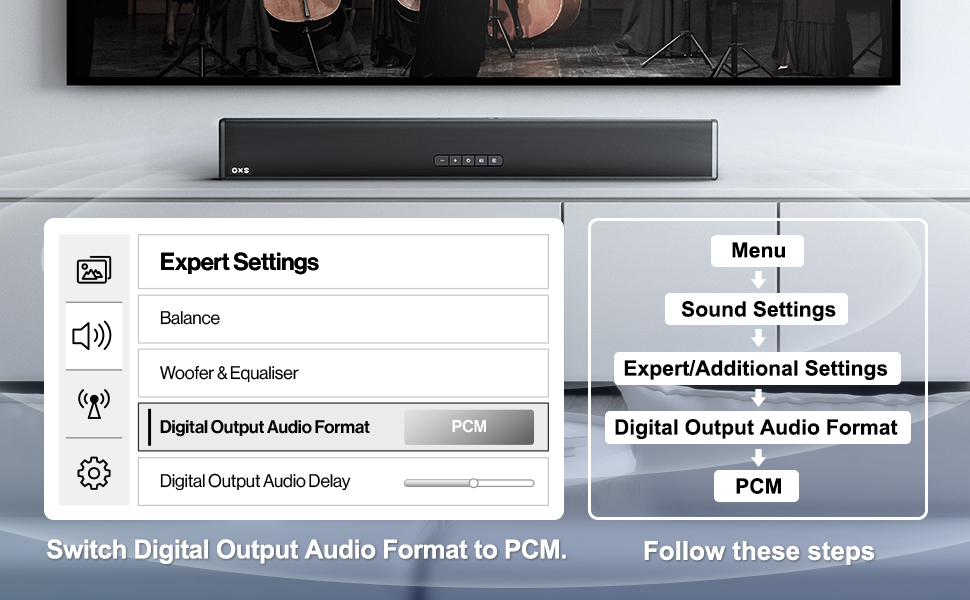
User Tips
When you use optical or coaxial cable to connect the soundbar to a TV, DVD, Blu-ray player or other suitable equipment, please change the Audio Output Settings of TV, DVD, Blu-ray player into the PCM form.
BLUETOOTH FUNCTION INTRODUCTION
1. To select Bluetooth mode, briefly press the button.
2. Enable the Bluetooth function on yourexternal device and search for Bluetoothdevices.
3. Select OXS S3 from the list of Bluetoothd evices.
4. To reset Bluetooth and enter pairing mode, press and hold the button for 3 seconds.
Our X-space Sound
OXS is an emerging brand with strong innovation. Focus on creating a rich immersive multi-dimensional full-scene spatial sound field.


OXS is committed to the research and development of wireless rich immersive multi-dimensional full-scene spatial sound field through simple and highly integrated equipment.
When you turn on the OXS Soundbar, the sound will be realistically reproduced, the border between the real and the virtual no longer exists.
Sound Bars for TV & Hear Your TV Better
OXS S3 soundbar for TV with stylish design and dialogue enhancement technology,supports bluetooth 5.0, COAXIAL & multi-wired connections,and you can tune your sound bar to 3 different modes via the remote control.
Immersive 3D Sound Experience
OXS S3 compact home audio sound bars is a 2.0 Channel soundbar, and can produce 3D sound effects that will take you into an immersive space and make your living room into a Home Theater. *Recommended audition distance:8.2 - 11.48ft.
OXS S3 Key Features
Full Range And Poweful Bass
The soundbar is designed with 4 full-range speakers and dynamic bass with a special port tube reflection designed to deliver a soft and flexible bass effect.
Two ways to control
You can control the sound bar with remote or directly with feature buttons control on it. The LED indicator shows the current mode you choose. Note: remote control is not compatible with universal or TV remotes.
Multiple Connections
The OXS S3 TV speakers supports USB flash drive, AUX, OPTICAL, and COAXIAL wired audio input for TV. With Bluetooth 5.0 wireless transmission, you can easily connect OXS S3 to wireless devices .
Movie Mode
Make Your Home Theater
OXS S3 TV speakers sound bar can increase the stereo and layering of movie audio with DSP digital audio processing technology.
Game/News Mode
Rich Sound Configured For Gaming
The entire game scene naturally expands, filling the entire real space, making the limit between real and virtual no longer exist.
Music Mode
Make Your Immersive Concert
OXS S3 speakers for TV will make sure you won't miss a single note in any musical performance and make you immersive concert.
User Tips
When you use optical or coaxial cable to connect the soundbar to a TV, DVD, Blu-ray player or other suitable equipment, please change the Audio Output Settings of TV, DVD, Blu-ray player into the PCM form.
BLUETOOTH FUNCTION INTRODUCTION
1. To select Bluetooth mode, briefly press the button.
2. Enable the Bluetooth function on yourexternal device and search for Bluetoothdevices.
3. Select OXS S3 from the list of Bluetoothd evices.
4. To reset Bluetooth and enter pairing mode, press and hold the button for 3 seconds.
Our X-space Sound
OXS is an emerging brand with strong innovation. Focus on creating a rich immersive multi-dimensional full-scene spatial sound field.
OXS is committed to the research and development of wireless rich immersive multi-dimensional full-scene spatial sound field through simple and highly integrated equipment.
When you turn on the OXS Soundbar, the sound will be realistically reproduced, the border between the real and the virtual no longer exists.