here!
here!
I’m your shopping assistant for PC builds, upgrades, and everything tech.
Got questions? Ask away!
Start a conversation
here!
I’m your shopping assistant for PC builds, upgrades, and everything tech.
Got questions? Ask away!
Start a conversation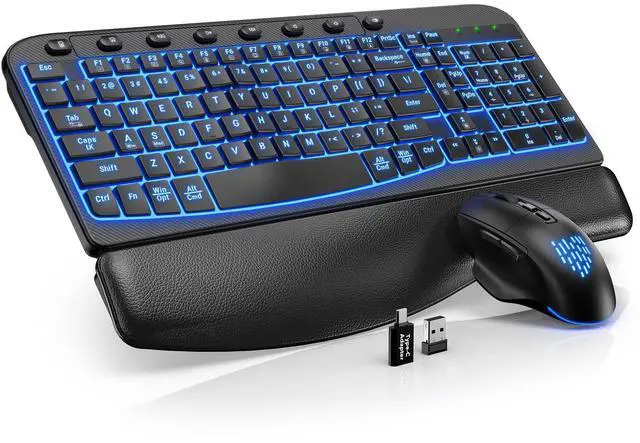



Any questions? Ask CelesteSM will help you find out quickly.


SABLUTE has focused on the manufacture and sale of keyboards and mice for many years, our aim is quality, innovation and you. 2017, we received some letters from some of our customers, they wanted a little more ambiance in their boring work as well as wanted the keys to light up for typing in the dark. So we started to develop wireless keyboards and mice with backlight, just to bring you a better experience and more productivity.


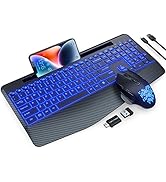
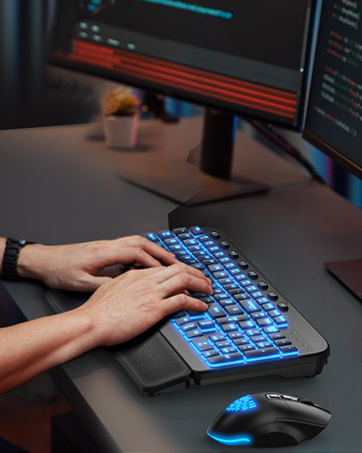
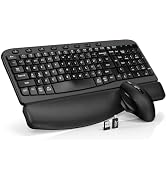
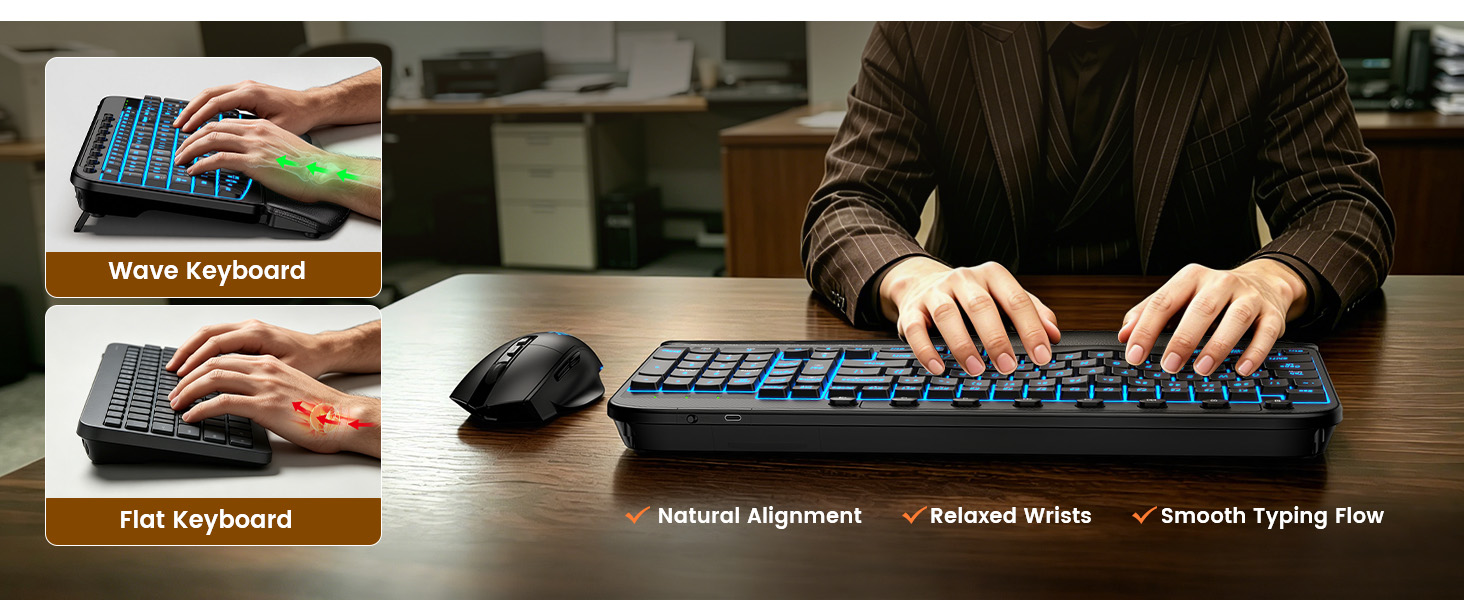
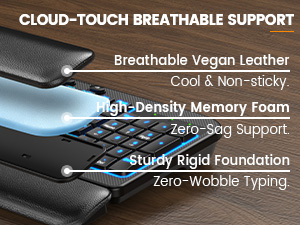
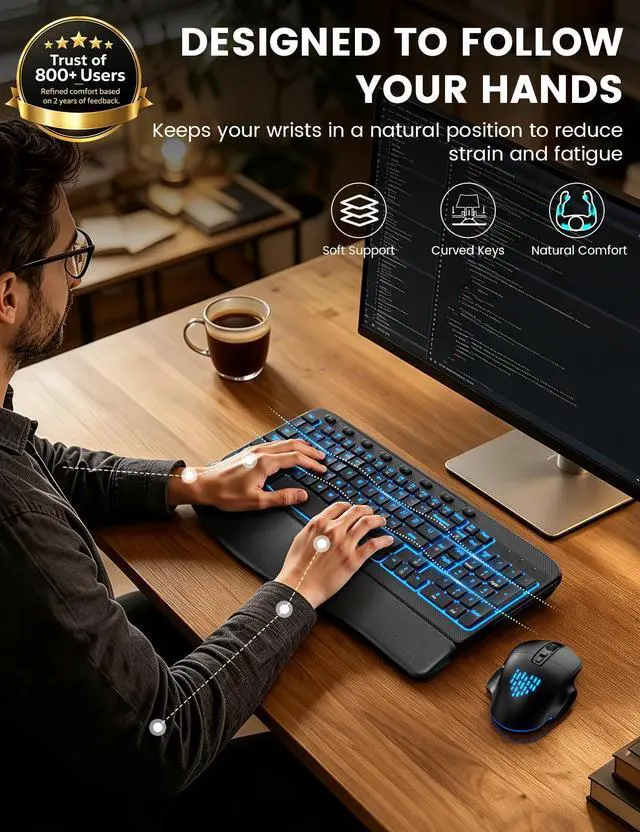
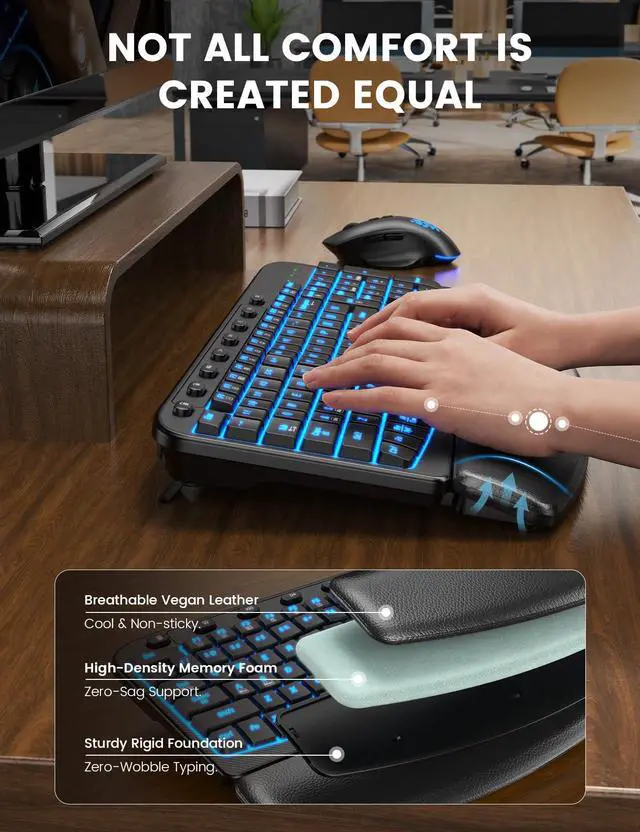
Soft cushioning helps support your wrists during long hours of work.
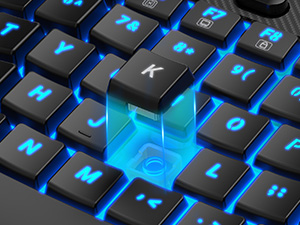
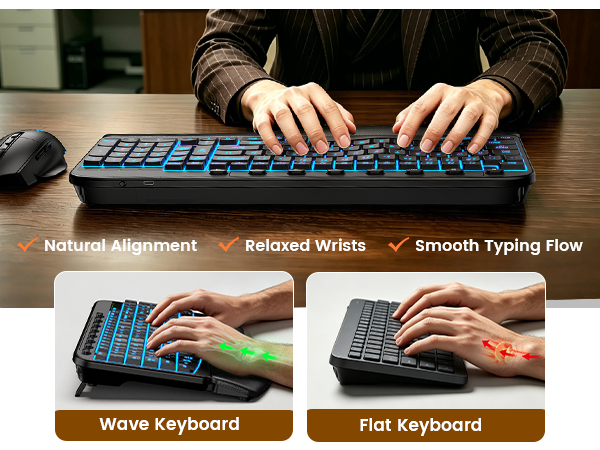
Curved keycaps help your fingers land naturally for smoother typing.
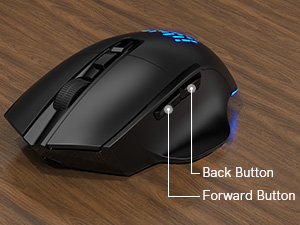
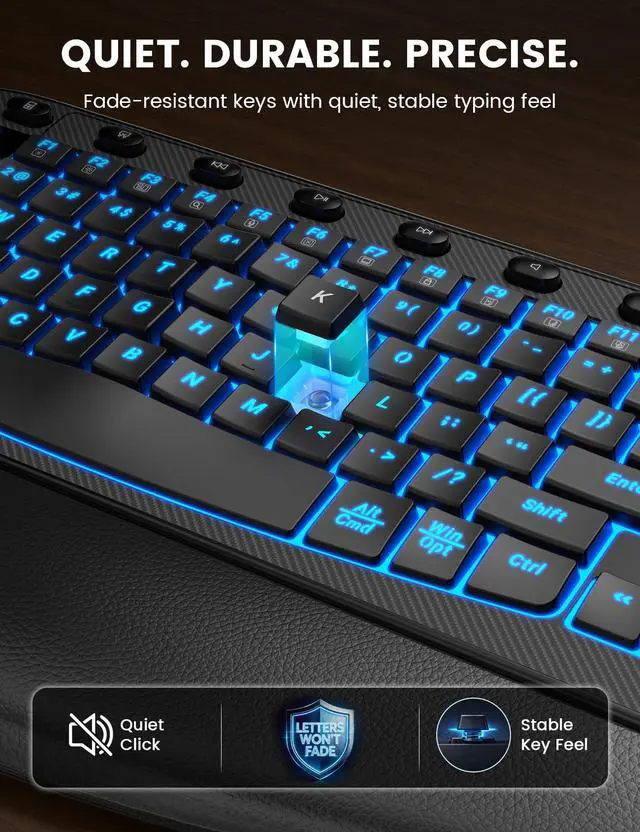
Comfortable shape and quiet clicks help keep you focused throughout the day.
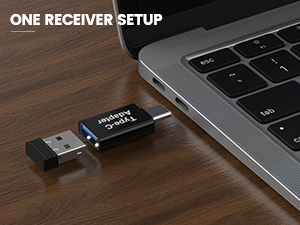
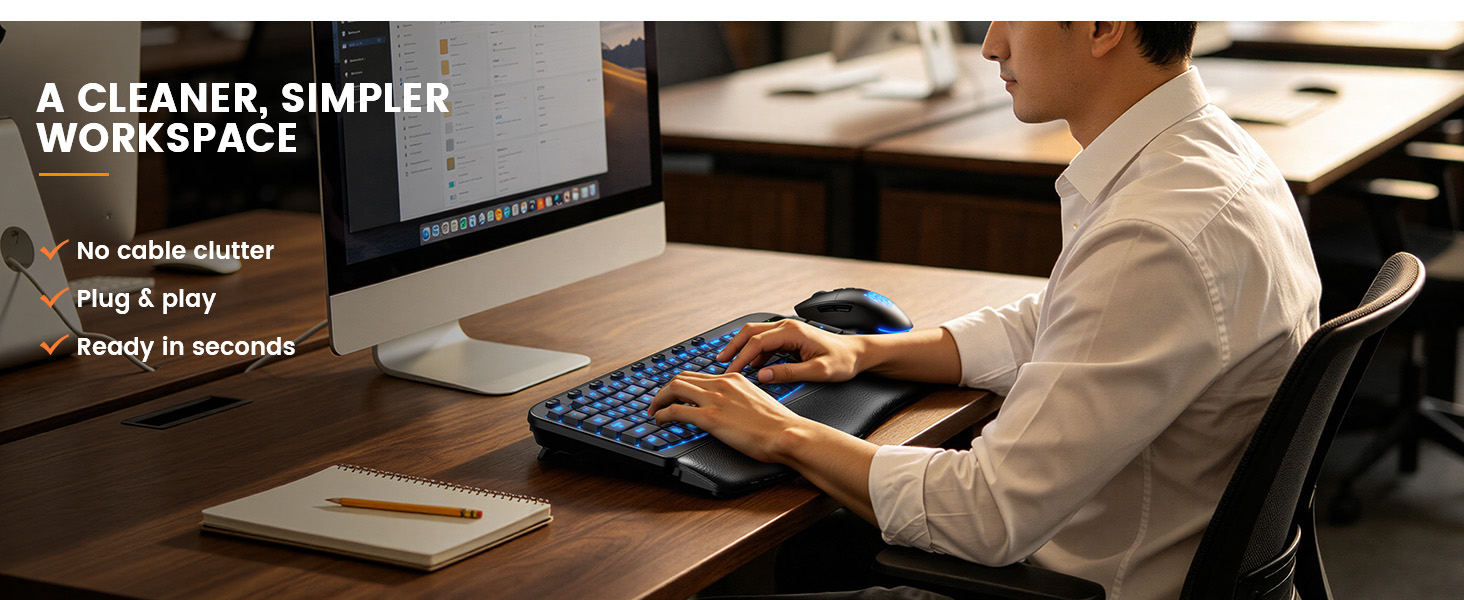
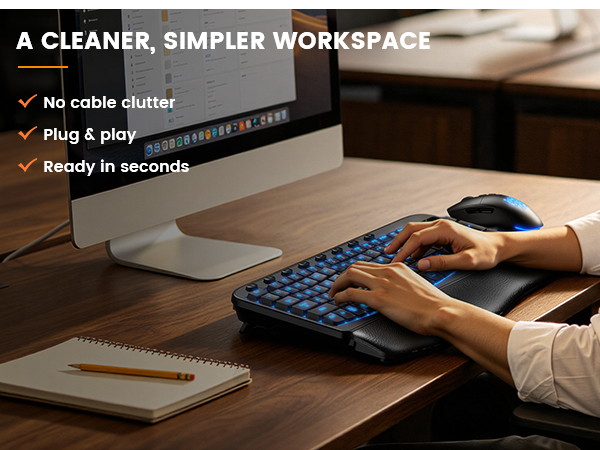
One USB receiver connects both keyboard and mouse for a cleaner desk.
I’ve never used a wavy ergonomic keyboard. Will it be hard to adapt?
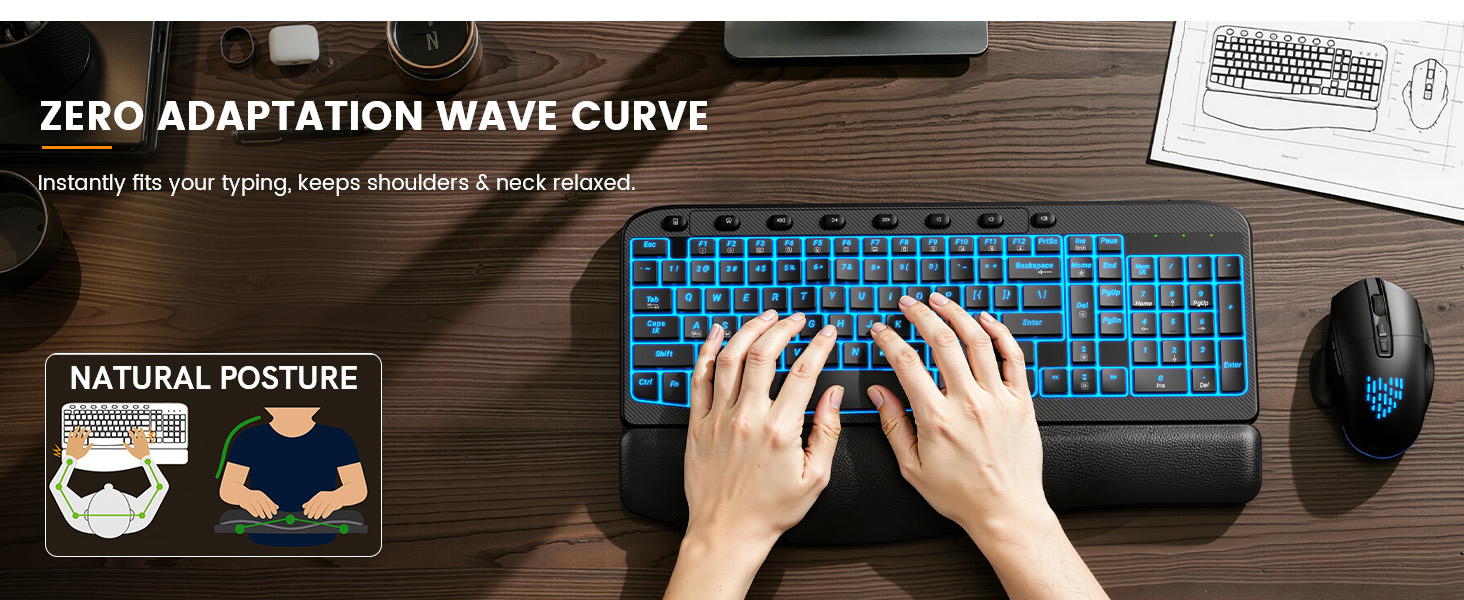
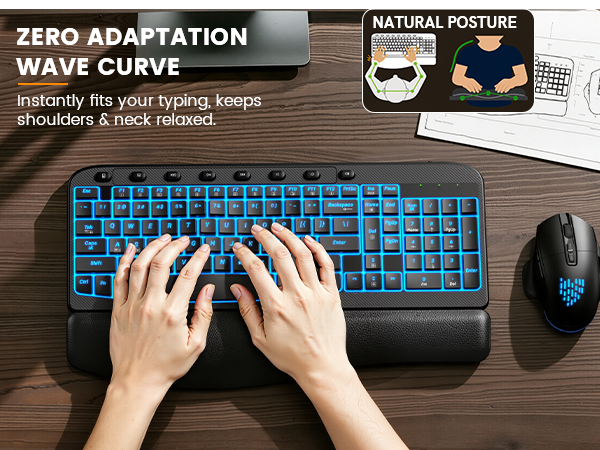
Our wave ergonomic keyboard features a constant curve layout that reduces stress and promotes natural typing. The familiar design ensures a smooth transition with little to no learning curve.
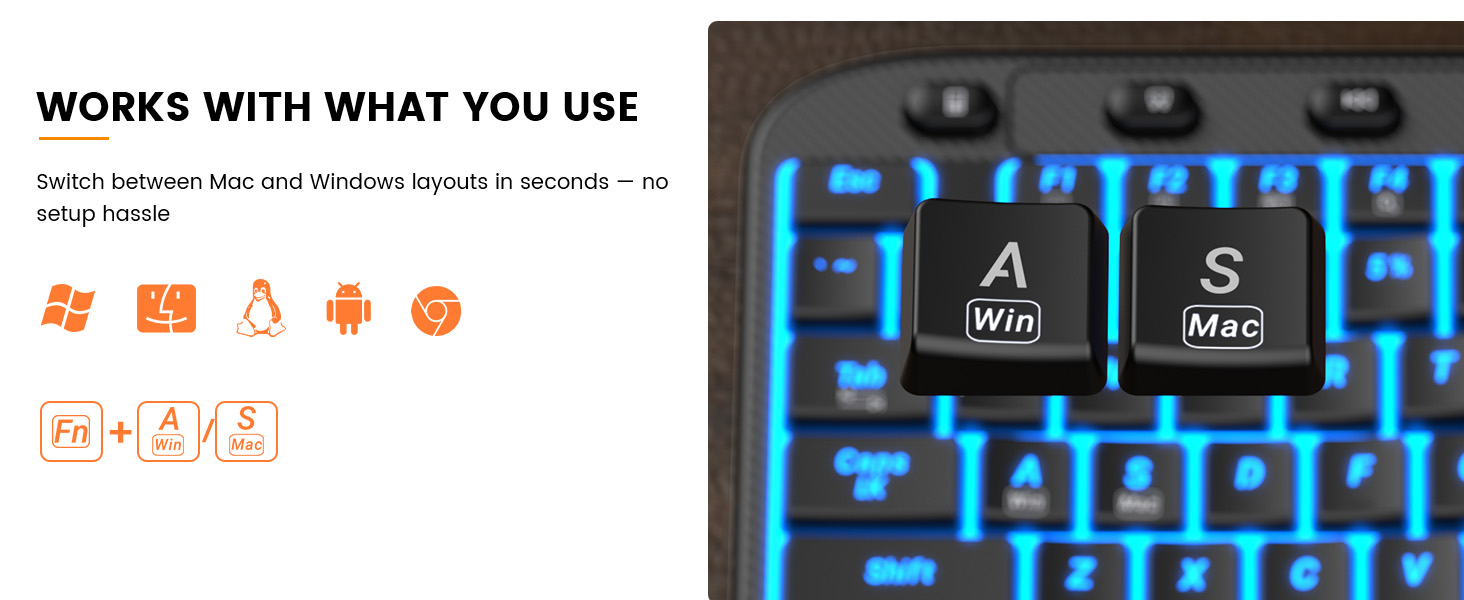
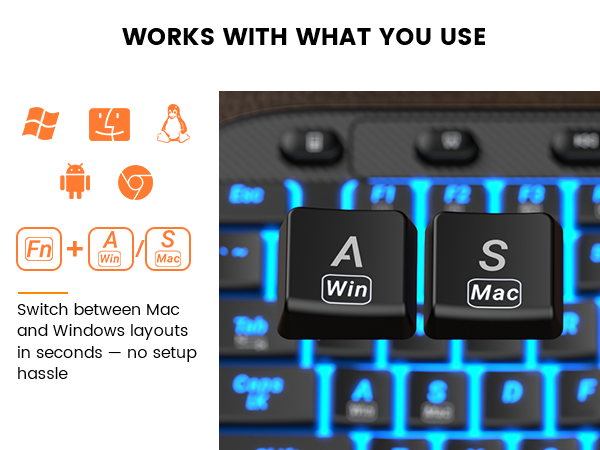
Is this wireless keyboard and mouse compatible with Mac System?
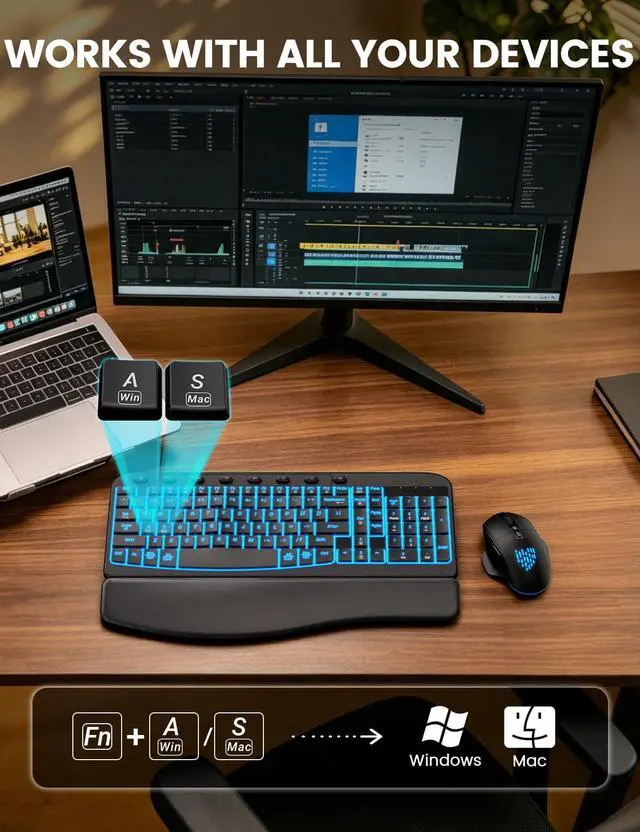
This Backlit rechargeable keyboard mouse combo is compatible with Windows and Mac Systems, simply press Fn+A/S to change the system.
How to resolve the issue when a product is unable to charge?
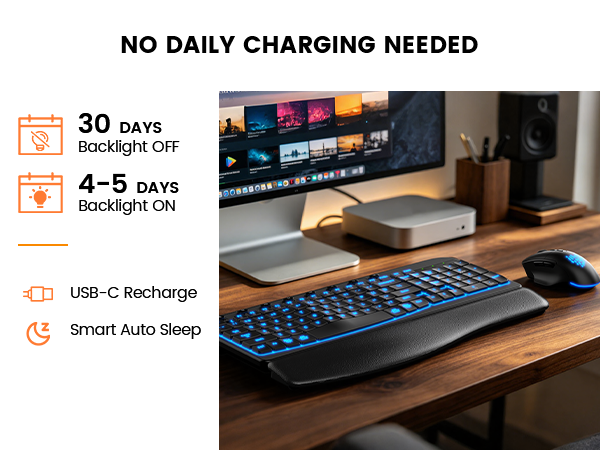
First, ensure the charging cable is properly connected. Second, try using a different charging cable. If neither of these steps resolves the issue, please reach out to us for assistance.
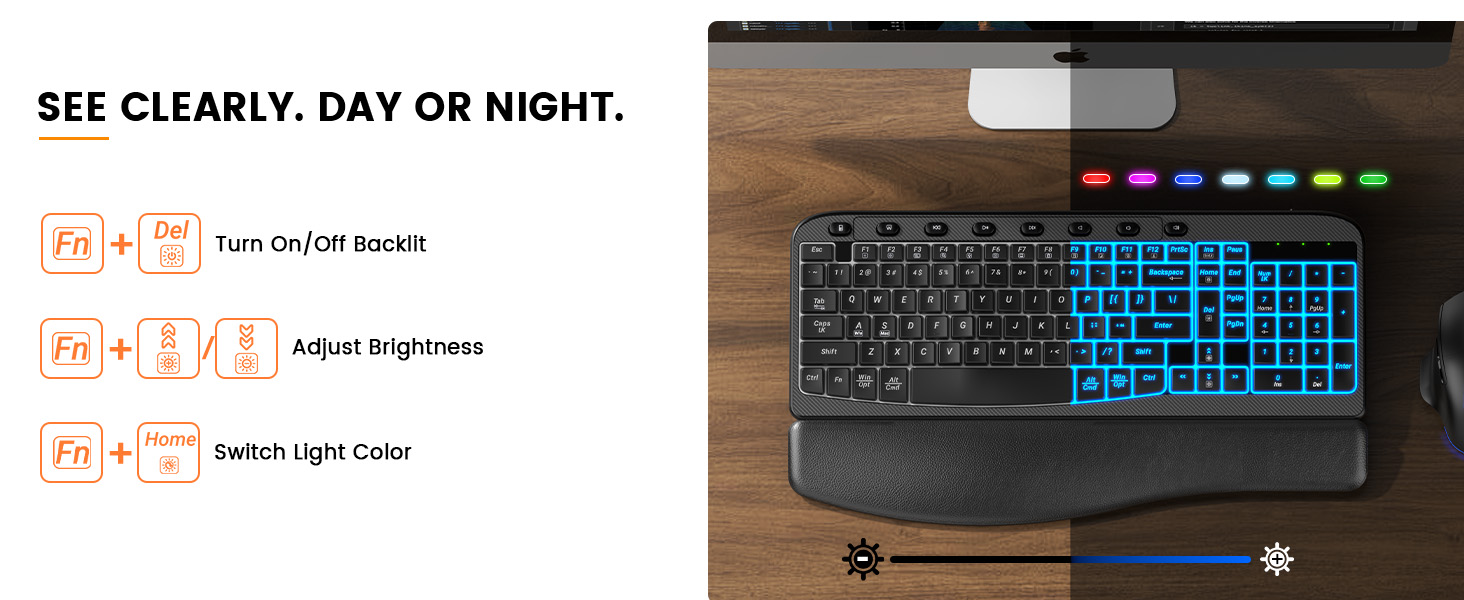
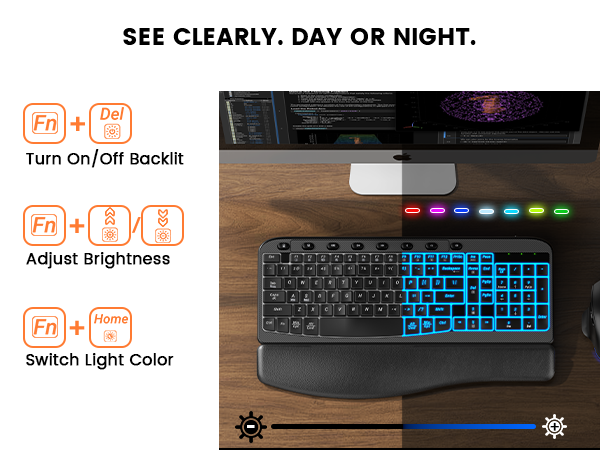
How to adjust the backlit lighting?
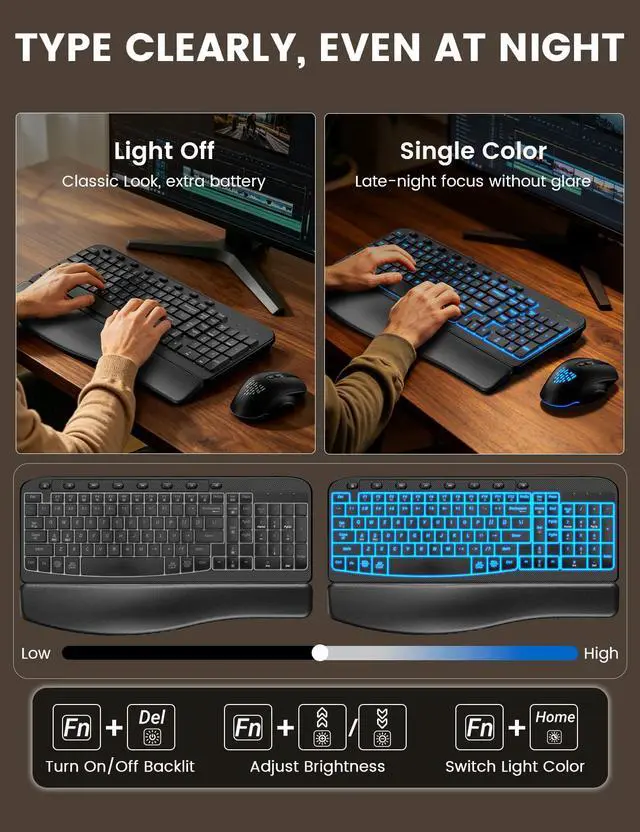
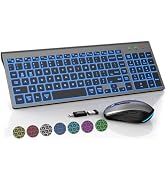
Press Fn+Ins to change the backlight colors, Fn+Up Arrow (or Fn+Down Arrow) to adjust the brightness. The mouse lightings are random.
There's a problem with my keyboard that I can't solve, what should I do?
Reach out to the SABLUTE support team immediately, we will be 100% responsible for each of our products and customers.
Soft cushioning helps support your wrists during long hours of work.
Curved keycaps help your fingers land naturally for smoother typing.
Comfortable shape and quiet clicks help keep you focused throughout the day.
One USB receiver connects both keyboard and mouse for a cleaner desk.


I’ve never used a wavy ergonomic keyboard. Will it be hard to adapt?
Our wave ergonomic keyboard features a constant curve layout that reduces stress and promotes natural typing. The familiar design ensures a smooth transition with little to no learning curve.
Is this wireless keyboard and mouse compatible with Mac System?
This Backlit rechargeable keyboard mouse combo is compatible with Windows and Mac Systems, simply press Fn+A/S to change the system.
How to resolve the issue when a product is unable to charge?
First, ensure the charging cable is properly connected. Second, try using a different charging cable. If neither of these steps resolves the issue, please reach out to us for assistance.
How to adjust the backlit lighting?
Press Fn+Ins to change the backlight colors, Fn+Up Arrow (or Fn+Down Arrow) to adjust the brightness. The mouse lightings are random.
There's a problem with my keyboard that I can't solve, what should I do?
Reach out to the SABLUTE support team immediately, we will be 100% responsible for each of our products and customers.
SABLUTE has focused on the manufacture and sale of keyboards and mice for many years, our aim is quality, innovation and you. 2017, we received some letters from some of our customers, they wanted a little more ambiance in their boring work as well as wanted the keys to light up for typing in the dark. So we started to develop wireless keyboards and mice with backlight, just to bring you a better experience and more productivity.