here!
I’m your shopping assistant for PC builds, upgrades, and everything tech.
Got questions? Ask away!
Start a conversation
here!
I’m your shopping assistant for PC builds, upgrades, and everything tech.
Got questions? Ask away!
Start a conversation

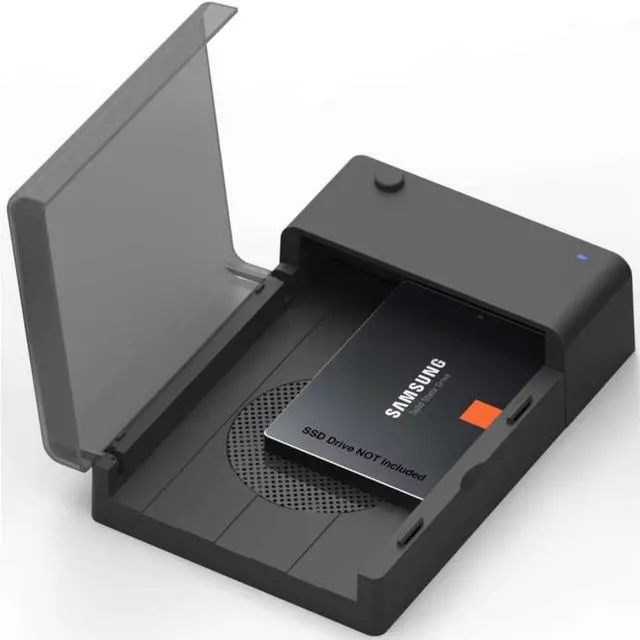
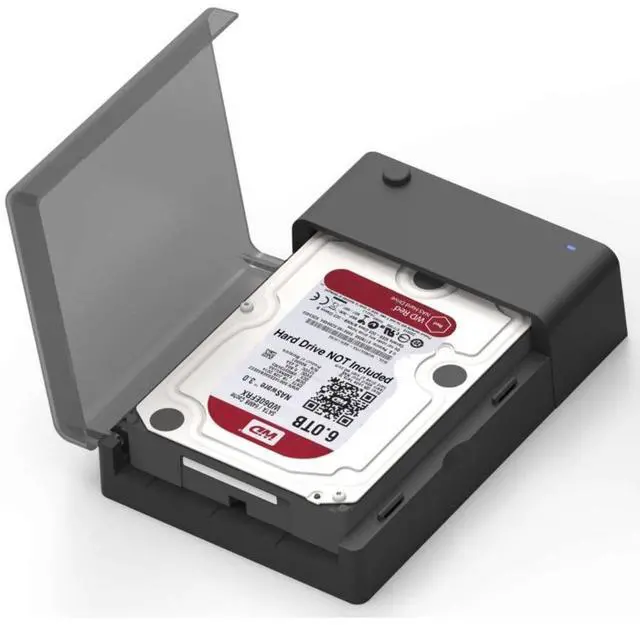
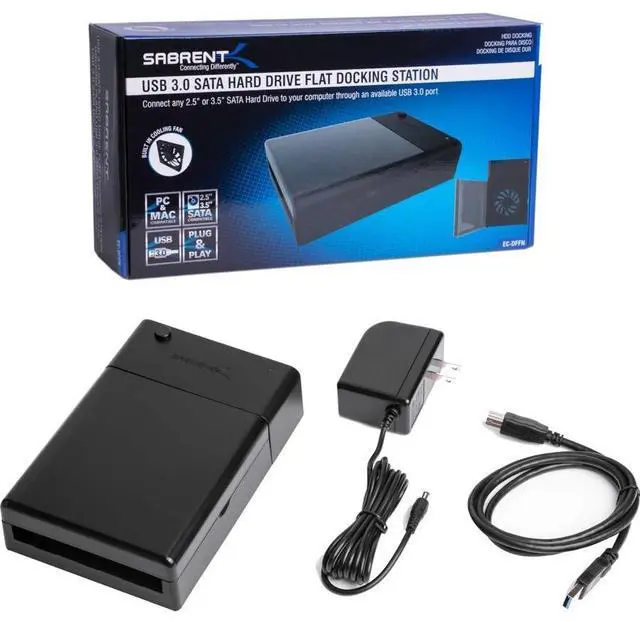



Any questions? Ask CelesteSM will help you find out quickly.
| Brand | SABRENT |
|---|---|
| Model | EC-DFFN |
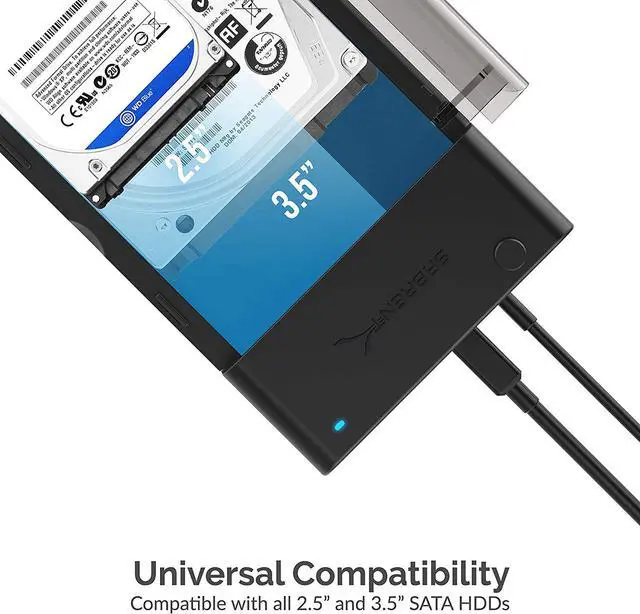
| Size | 2.5" & 3.5" |
|---|---|
| Type | Dock |
| Internal Interface | SATA |
| External Interface | USB 3.0 |
| Number of Bay | 1 Bay |
| Maximum Capacity (per Bay) | Up to 6TB |
| Operating Systems Supported | Windows 7, Windows 8, Windows Vista, Windows XP Mac OS X and Higher |
|---|
| Features | Supports Standard Desktop 2.5?/3.5? SATA Hard Drives. Supports hard drives up to 6TB. On/Off power switch. LED light indicates Power and Activity status. Hot-swappable, plug and play, no drivers needed. Reverse compatible with USB 1.1 & USB 2.0. Transfer Rates Up to 5 Gbps w/USB 3.0 Transfer Rates Up to 480 Mbps w/USB 2.0 |
|---|
| Dimensions | 7.20" x 4.90" x 1.80" |
|---|---|
| Weight | 1.08 lbs. |
| First Listed on Newegg | March 12, 2023 |
|---|
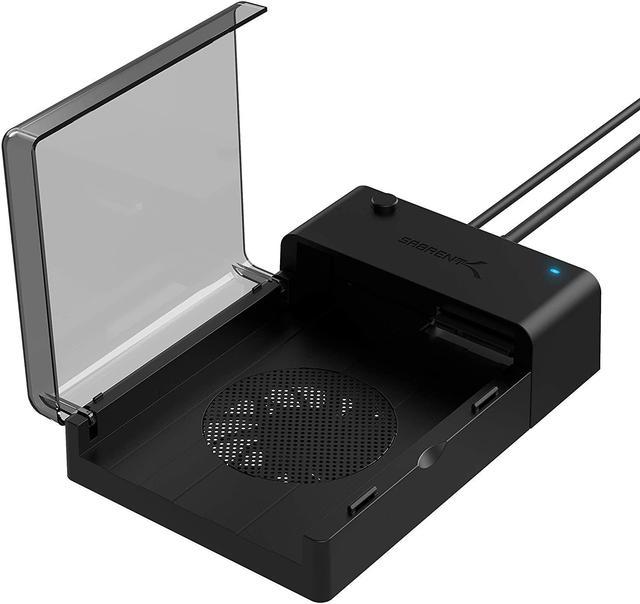
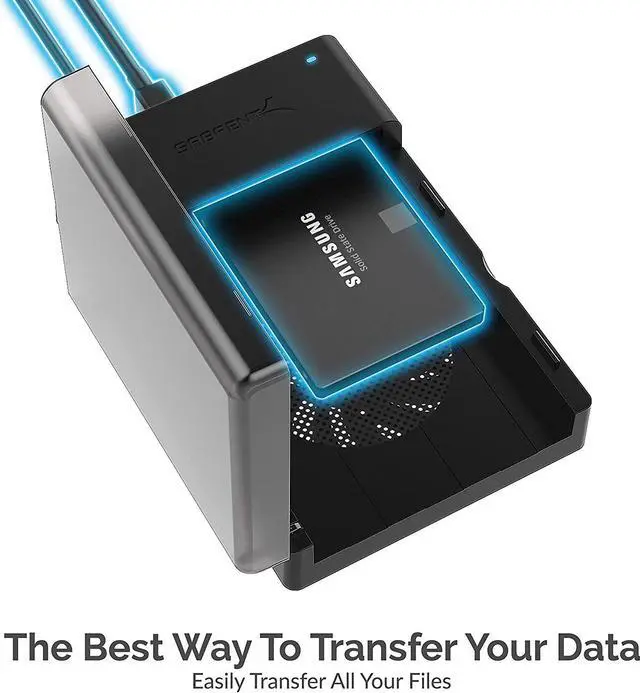
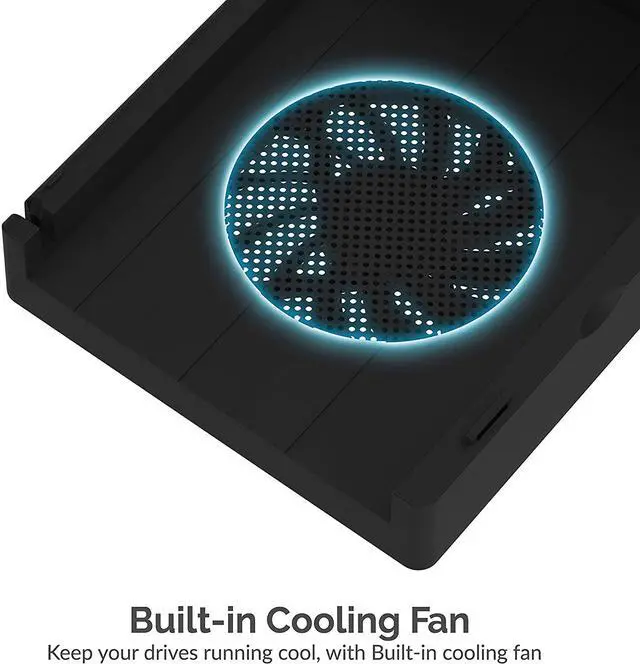
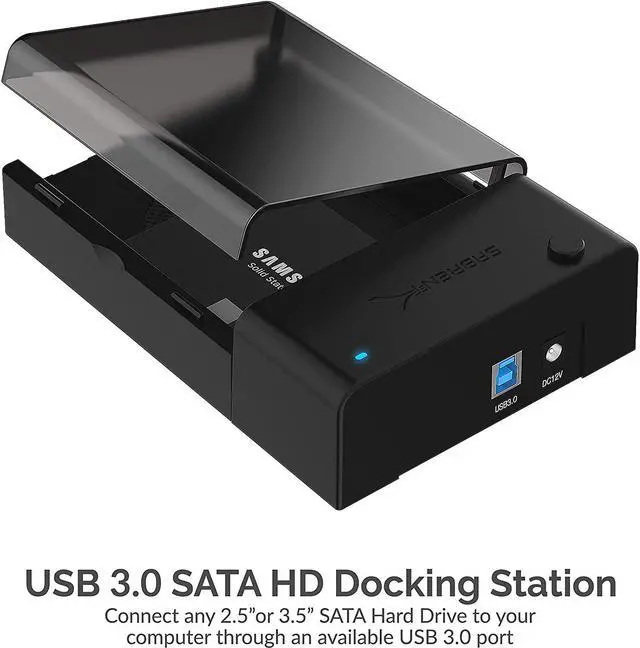
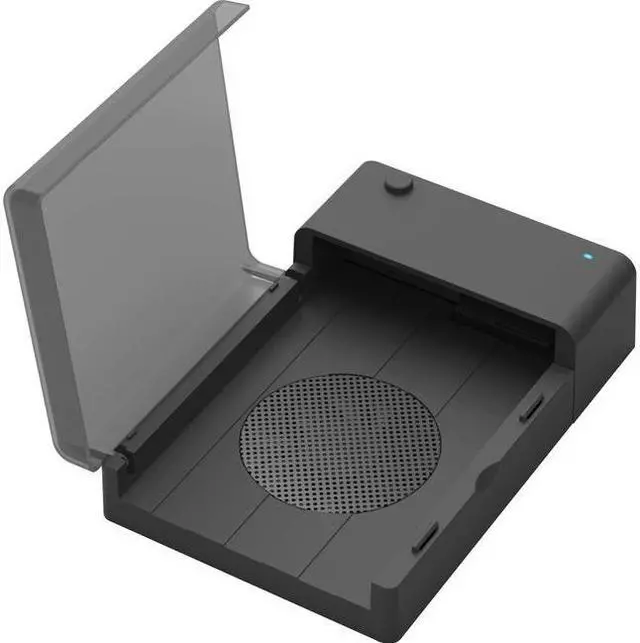
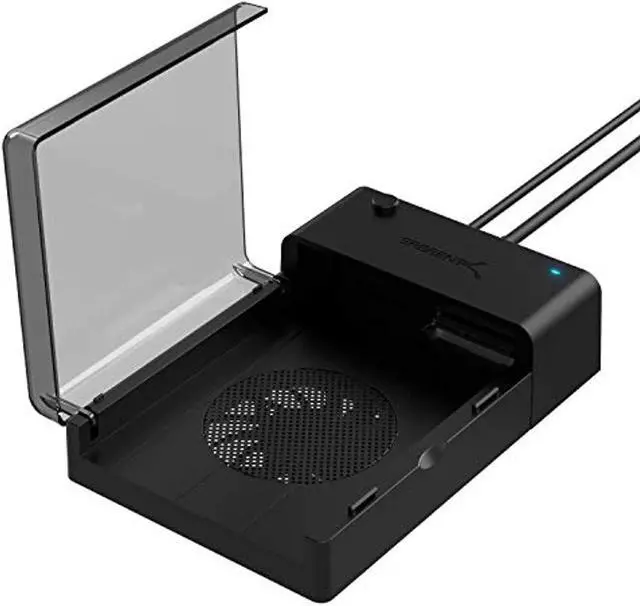
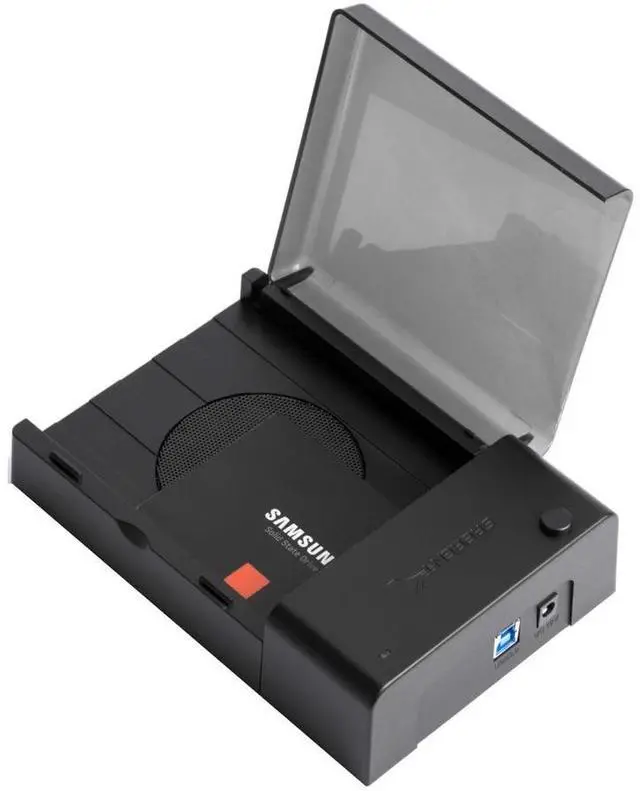
The SABRENT EC-DFFN is a single-bay USB 3.0 SATA docking station with a built-in cooling fan for standard 2.5-inch and 3.5-inch drives up to 6TB, suited to users who want to connect or swap a compatible drive without installing it in a computer.
| Attribute | Value |
|---|---|
| Best For | Connecting a single 2.5- or 3.5-inch SATA drive to a desktop or laptop over USB, with support for drives up to 6 TB |
| Drive And Capacity | One bay for a standard 2.5- or 3.5-inch SATA hard drive, supporting up to 6 TB |
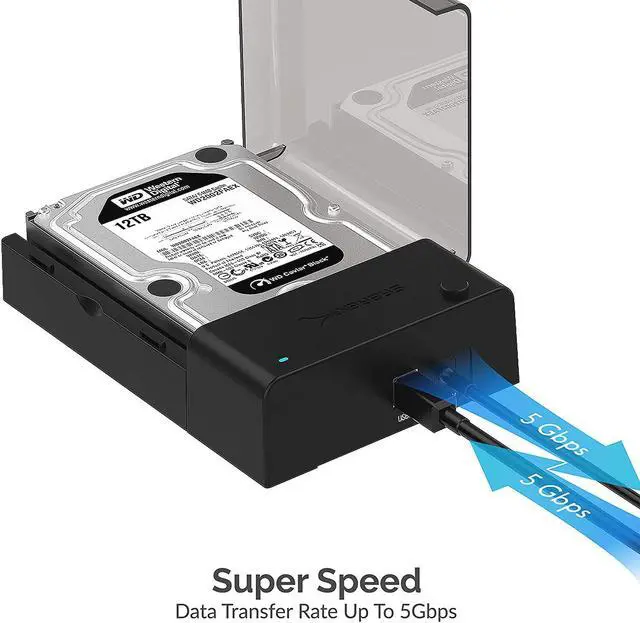
| Connectivity And Transfer Rates | USB 3.0 Type-A connection with transfer rates up to 5 Gbps; backward compatible with USB 2.0 and USB 1.1, with rates up to 480 Mbps over USB 2.0 |
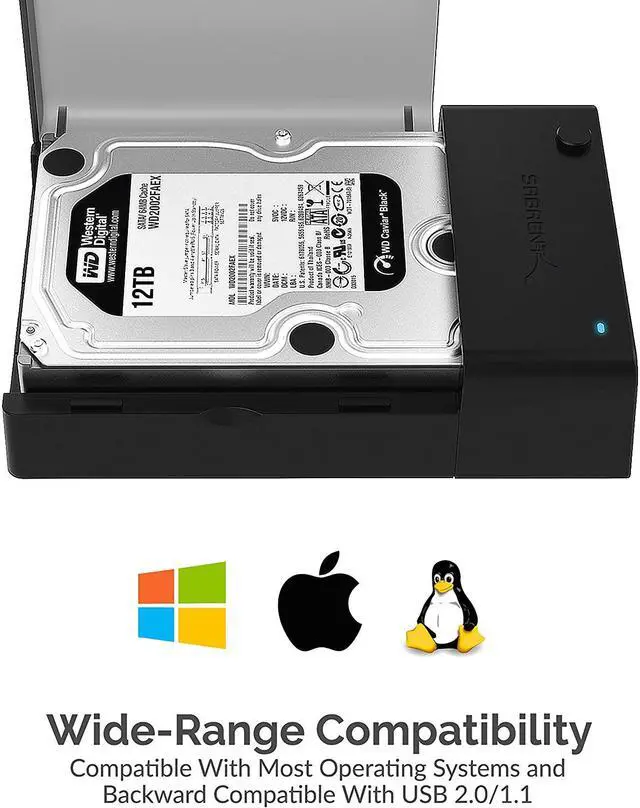
| Compatibility And Operation | Supports Windows XP, Vista, 7, and 8, and Mac OS X and higher; hot-swappable, plug-and-play operation requires no drivers |
| Controls And Indicators | On/off power switch and LED indicators for power and activity |
| Physical Specifications | Black enclosure measuring 7.20 × 4.90 × 1.80 inches and weighing 1.08 lb |
| Model Identifiers | SABRENT EC-DFFN |
Q: Sabrent EC-DFFN or EC-DFLT: which should I choose?
A: Choose the EC-DFFN when you want a single-drive SATA dock with a built-in cooling fan. Both models support 2.5-inch and 3.5-inch SATA drives and connect over USB 3.0; the EC-DFLT is the fan-free alternative.
Q: Should I get the EC-DFFN or a dual-bay Sabrent dock for drive cloning?
A: The EC-DFFN fits a fan-assisted, one-drive-at-a-time docking workflow. For a workflow involving two SATA drives or standalone drive cloning, consider Sabrent’s EC-HDFN, which has two bays and a duplicator/cloner function.
Q: EC-DFFN or EC-CH2B: which is better for accessing two drives?
A: Choose the EC-DFFN for a single-drive SATA dock with a built-in fan. Choose the EC-CH2B if you want to connect two SATA drives and read or write to both simultaneously; it also supports offline cloning and uses a USB Type-C connection.
Q: Will this dock work with both 2.5-inch and 3.5-inch SATA drives?
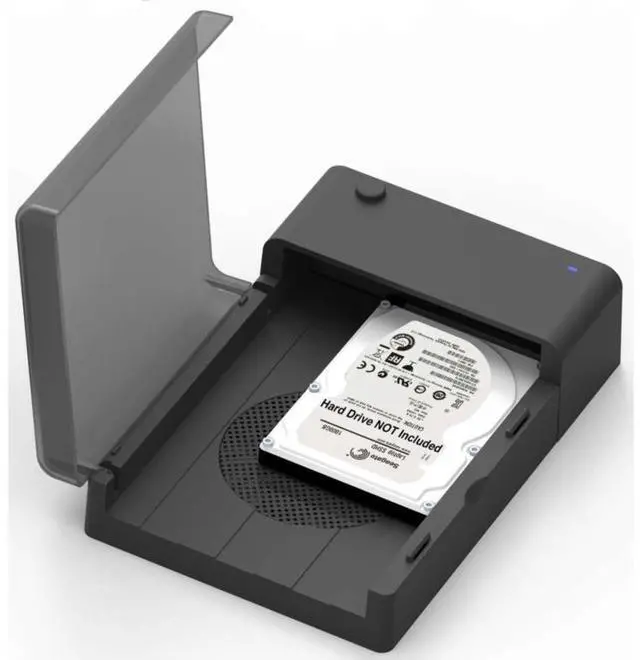
A: Yes. The EC-DFFN supports one standard 2.5-inch or 3.5-inch SATA hard drive or SSD at a time. It is a dock, not an enclosure, so the drive remains exposed while connected.
Q: What is the maximum drive capacity it supports?
A: The listed maximum is 6TB for a single drive. Drives larger than 6TB are outside the stated capacity, and drive recognition can also depend on formatting and computer compatibility.
Q: Do I need to install drivers to use it?
A: The product is listed as plug-and-play and does not require drivers. It supports Windows 7 and later versions listed in the specifications, as well as Mac OS X and later; a new drive may still need to be initialized or formatted in the computer’s disk utility.
Q: Is it suitable for transferring files or backing up a SATA drive?
A: It can connect one SATA drive to a computer for file access or backup. USB 3.0 transfer rates are specified up to 5Gbps, but actual speeds depend on the drive, USB port, and computer. The dock supports hot-swapping; safely eject the drive before removing it.
Q: Will the EC-DFFN read drives larger than 2TB?
A: The provided product information lists support up to 6TB. However, a Reddit user reported that a 4TB drive was not readable until a dock firmware update. If you plan to use a larger drive, check the dock’s firmware and verify the drive is accessible before relying on it.
Q: Can I format a drive in this dock and later read it through another dock or directly over SATA?
A: Reddit discussions report possible drive-format or sector-size compatibility issues with this dock family. The reports do not establish that every EC-DFFN has the problem, so test with a nonessential drive before using it for data you need to move between devices.
Q: Is it a good choice for long-term backups?
A: It is a single-drive USB dock, not a backup system. Reddit users have described issues involving drive readability after firmware changes and drives disconnecting. Keep a separate backup and verify that you can read the data before depending on this dock for access.