






- Saiyin has been committed to creating new experiences of consumer electronics.
- We have a group of engineers who have been in the industry for more than 20 years and deeply understand the needs of customers for audio.Our passionate and dedicated R&D team continues to innovate with high-quality and affordable audio products to enrich your choices.
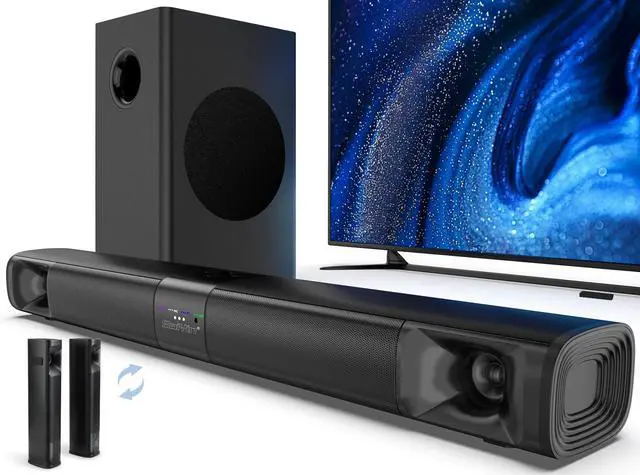
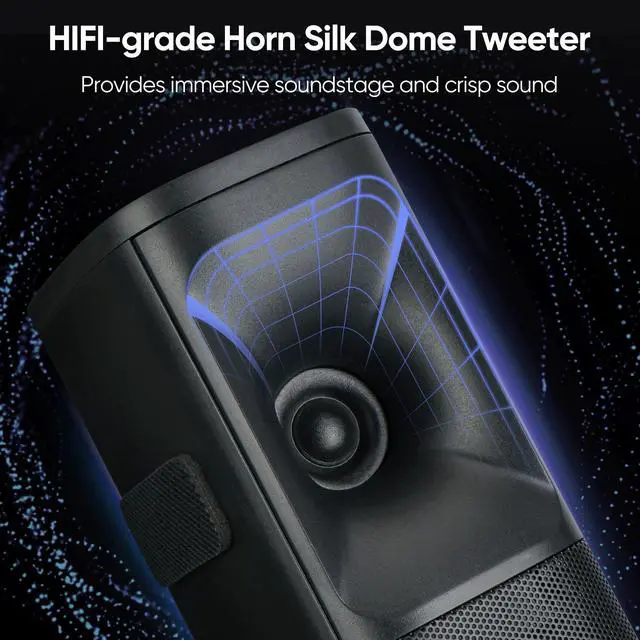
2-in-1 Detachable Sound Bar
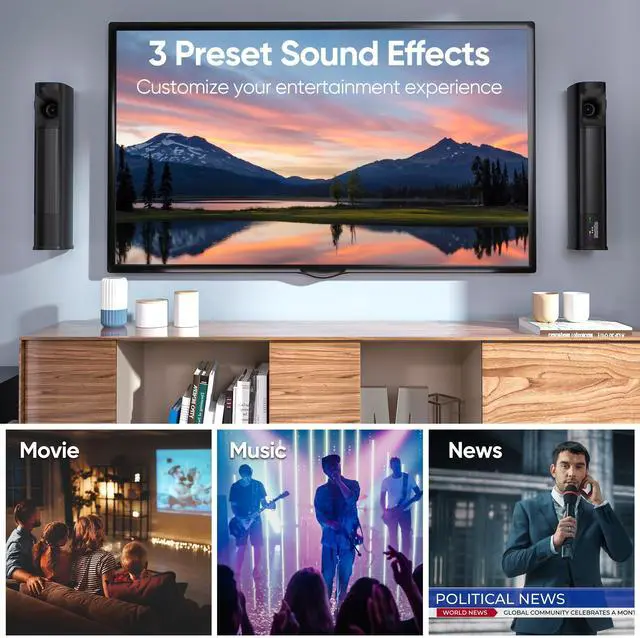
A more separated soundstage than a single soundbar
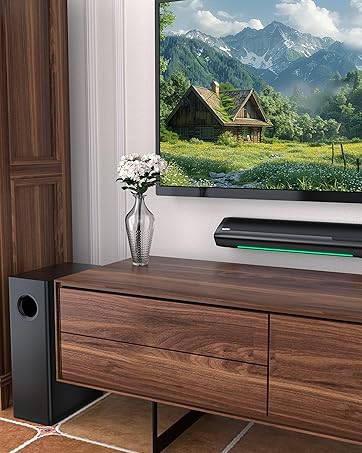
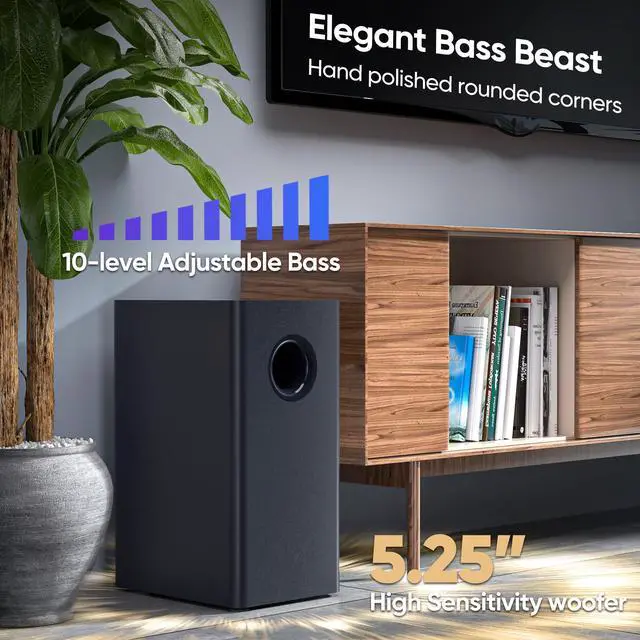
Sound Bar with Subwoofer
More powerful bass and a more immersive 2.1-channel movie experience.
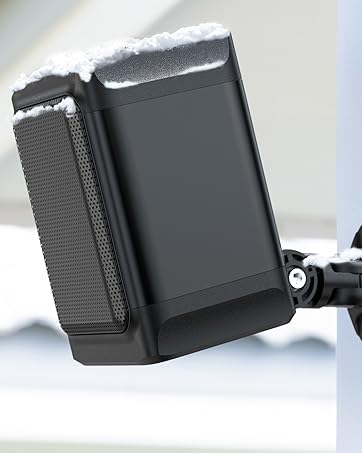
All-Weather Outdoor Speaker
Enjoy music without worrying about the weather
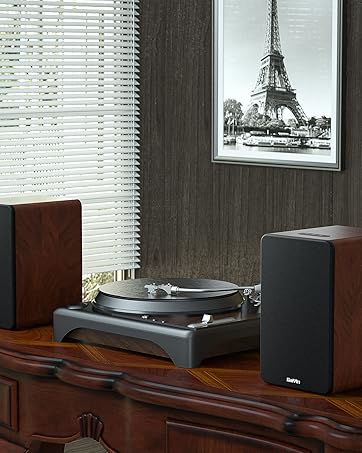
Bookshelf Speakers


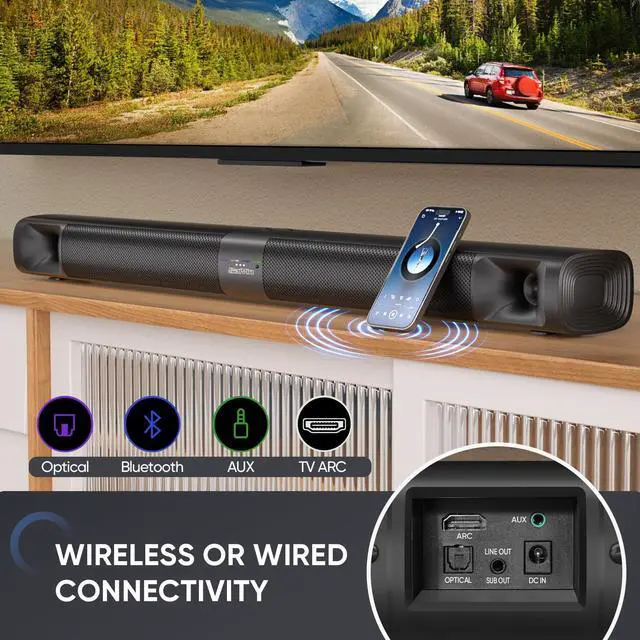
Multiple Wired Inputs
- HDMI-ARC: The soundbar can be controlled by the TV remote control through the HDMI-ARC connection.
- Optical (preferred): Better sound quality and stable connection in optical connection.
- AUX: AUX input can be used to connect the soundbar to a variety of devices such as computers, televisions, Phone.

Streaming Your Favorites with Bluetooth 5.3
- You can effortlessly stream your favorite music, podcasts, or audiobooks directly to the Soundbar, eliminating the need for messy cables.
- Press and hold BT button on remote for one second to disconnect bluetooth from the current device.

Frosted ABS Finish + Metal Grille
- The frosted ABS finish offers excellent durability, heat resistance, and serves as an effective solution for the soundbar's dust resistance
- Metal grille provide a sleek and modern look to soundbars while also protecting the internal components from damage.

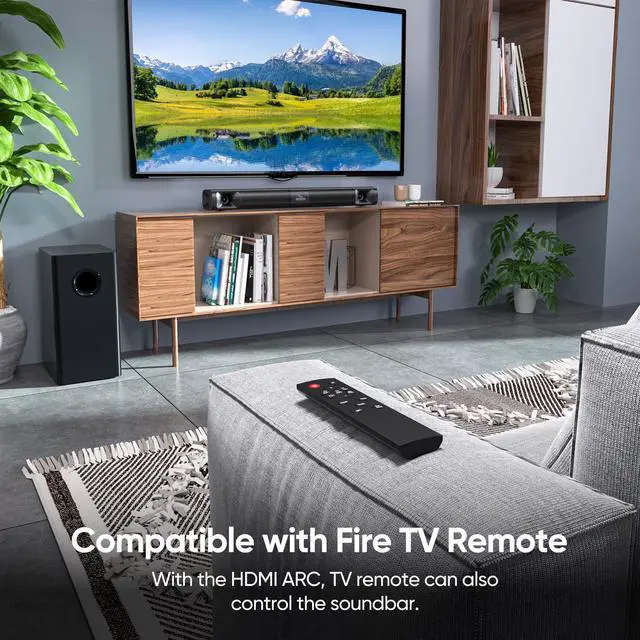
TV Remote Compatibility
- Sound Bar compatible with Fire TV Remote or Fire TV Cube.
- Additional remotes compatible with Roku box or Roku TVs can be provided as per your request.
- Sound Bar compatible with apple TV remote.
- To use of others TV remote to control the soundbar, please connect the soundbar via the HDMI-ARC input.


When I use APPs such as Netflix on the TV, the soundbar has no sound or only static.
The soundbar does not support Dolby and DTS, please kindly disable the Dolby and DTS on both your TV and video streaming APPs like Netflix, Prime Video, HBO, Hulu, Youtube.
Can I program my fire TV stick with soundbar remote so that I can just use one remote to control volume?
Yes. Please refer to the quick start guide for detailed procedures.
I am using a Roku TV, can I use my TV remote to control the soundbar? I don't want to use two remotes.
Yes. Please reach out to us to get an additional remote which is compatible with Roku TV or Roku TV box.
My dog chewed my remote, how do l get a replacement remote?
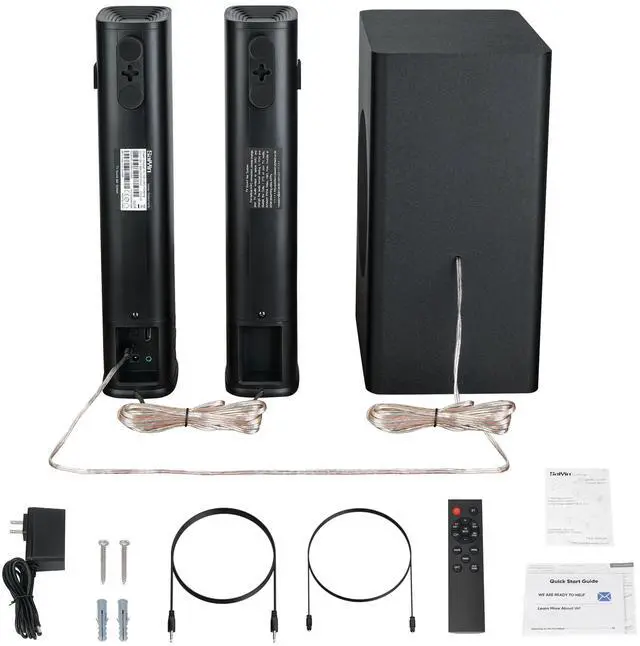
We provide free accessories lifetime, including remote, power adapter and 3.5-3.5mm audio cable,optical cable etc.
I have connected the soundbar with my TV via bluetooth, and how can I connect it with my smartphone?
You will need to disconnect the bluetooth connection by press and hold BT on remote for 2S before connecting it with another device via bluetooth.


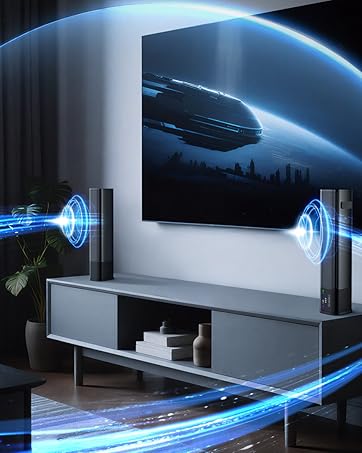
Immersive Experience
Beyond the soundbar and feel the roar of an airplane flying through your living room.


Multiple Wired Inputs
- HDMI-ARC: The soundbar can be controlled by the TV remote control through the HDMI-ARC connection.
- Optical (preferred): Better sound quality and stable connection in optical connection.
- AUX: AUX input can be used to connect the soundbar to a variety of devices such as computers, televisions, Phone.
Streaming Your Favorites with Bluetooth 5.3
- You can effortlessly stream your favorite music, podcasts, or audiobooks directly to the Soundbar, eliminating the need for messy cables.
- Press and hold BT button on remote for one second to disconnect bluetooth from the current device.
Frosted ABS Finish + Metal Grille
- The frosted ABS finish offers excellent durability, heat resistance, and serves as an effective solution for the soundbar's dust resistance
- Metal grille provide a sleek and modern look to soundbars while also protecting the internal components from damage.
TV Remote Compatibility
- Sound Bar compatible with Fire TV Remote or Fire TV Cube.
- Additional remotes compatible with Roku box or Roku TVs can be provided as per your request.
- Sound Bar compatible with apple TV remote.
- To use of others TV remote to control the soundbar, please connect the soundbar via the HDMI-ARC input.
Perfect Fit!


- 2.55inch height won't block TV remote sensors
- 24inch length to match more sizes of TVs
When I use APPs such as Netflix on the TV, the soundbar has no sound or only static.
The soundbar does not support Dolby and DTS, please kindly disable the Dolby and DTS on both your TV and video streaming APPs like Netflix, Prime Video, HBO, Hulu, Youtube.
Can I program my fire TV stick with soundbar remote so that I can just use one remote to control volume?
Yes. Please refer to the quick start guide for detailed procedures.
I am using a Roku TV, can I use my TV remote to control the soundbar? I don't want to use two remotes.
Yes. Please reach out to us to get an additional remote which is compatible with Roku TV or Roku TV box.
My dog chewed my remote, how do l get a replacement remote?
We provide free accessories lifetime, including remote, power adapter and 3.5-3.5mm audio cable,optical cable etc.
I have connected the soundbar with my TV via bluetooth, and how can I connect it with my smartphone?
You will need to disconnect the bluetooth connection by press and hold BT on remote for 2S before connecting it with another device via bluetooth.
- Saiyin has been committed to creating new experiences of consumer electronics.
- We have a group of engineers who have been in the industry for more than 20 years and deeply understand the needs of customers for audio.Our passionate and dedicated R&D team continues to innovate with high-quality and affordable audio products to enrich your choices.
2-in-1 Detachable Sound Bar
A more separated soundstage than a single soundbar
Sound Bar with Subwoofer
More powerful bass and a more immersive 2.1-channel movie experience.
All-Weather Outdoor Speaker
Enjoy music without worrying about the weather
Bookshelf Speakers