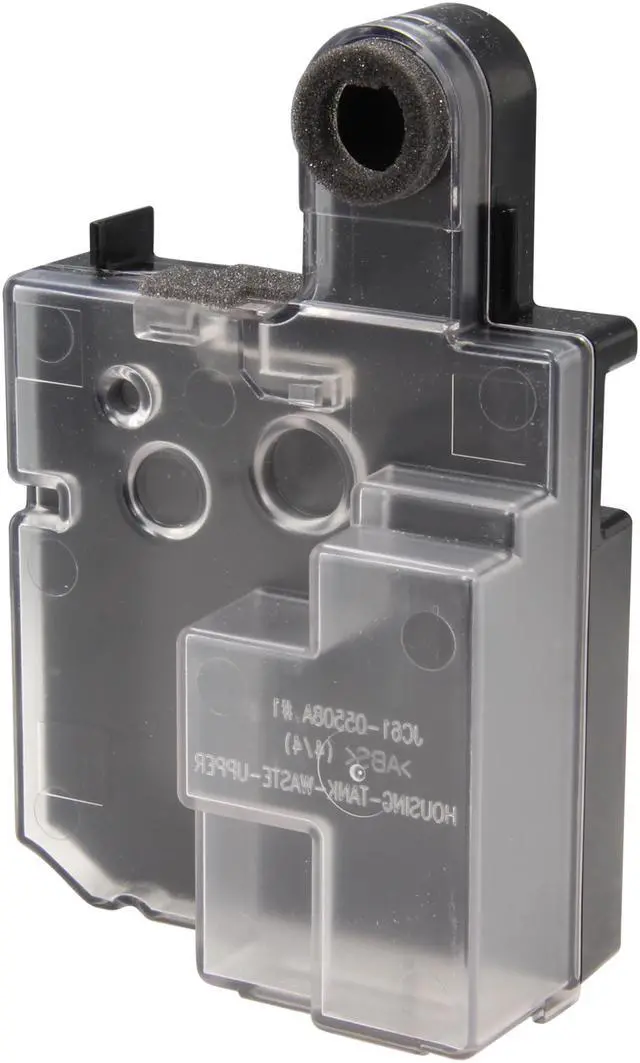
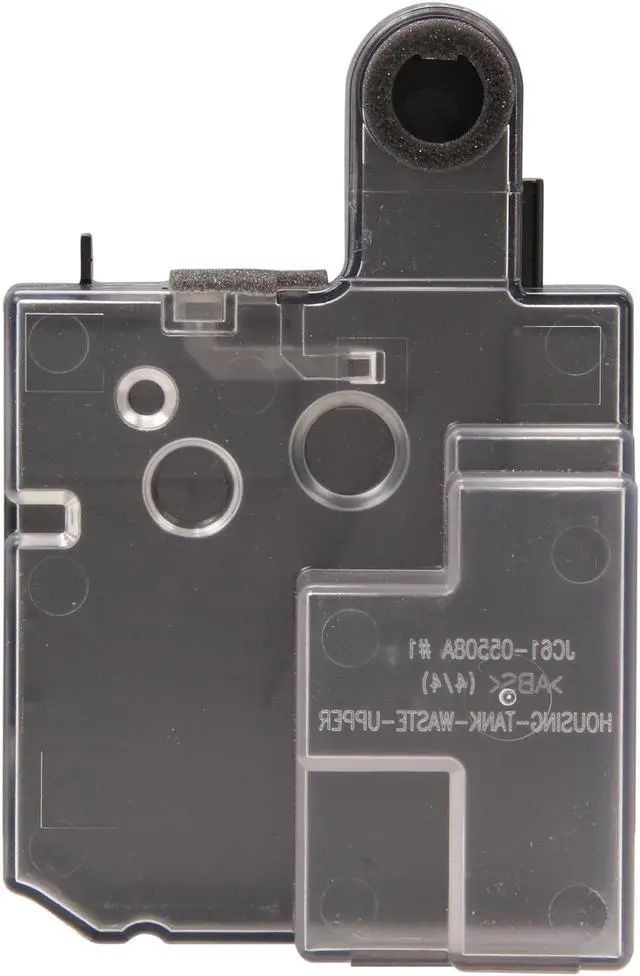
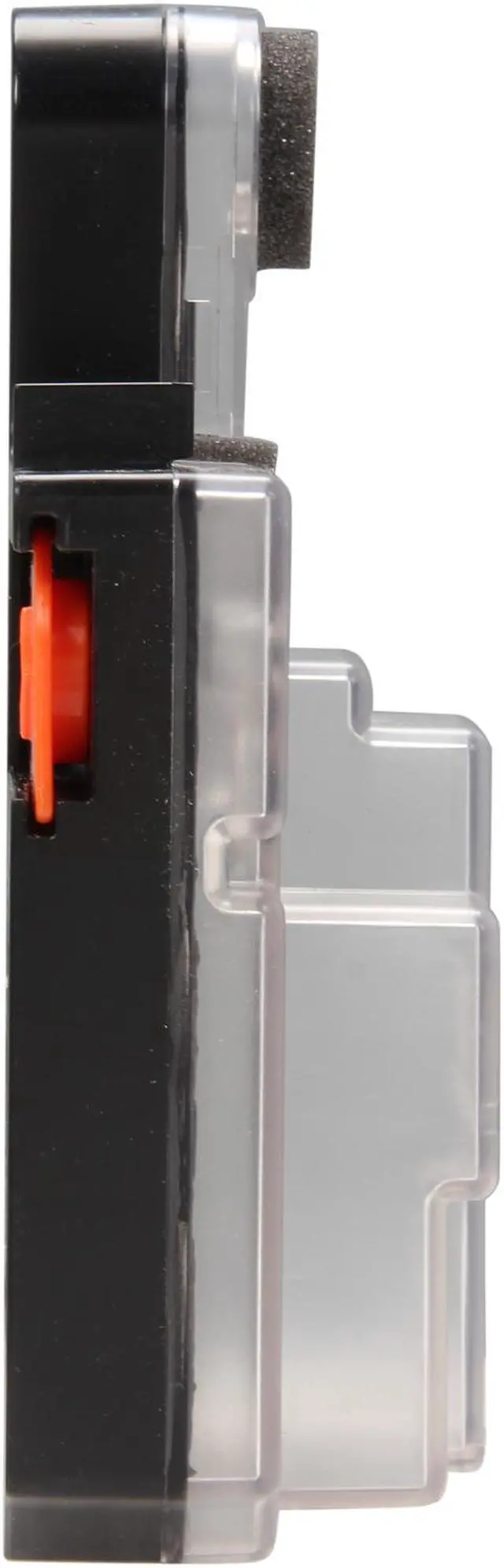
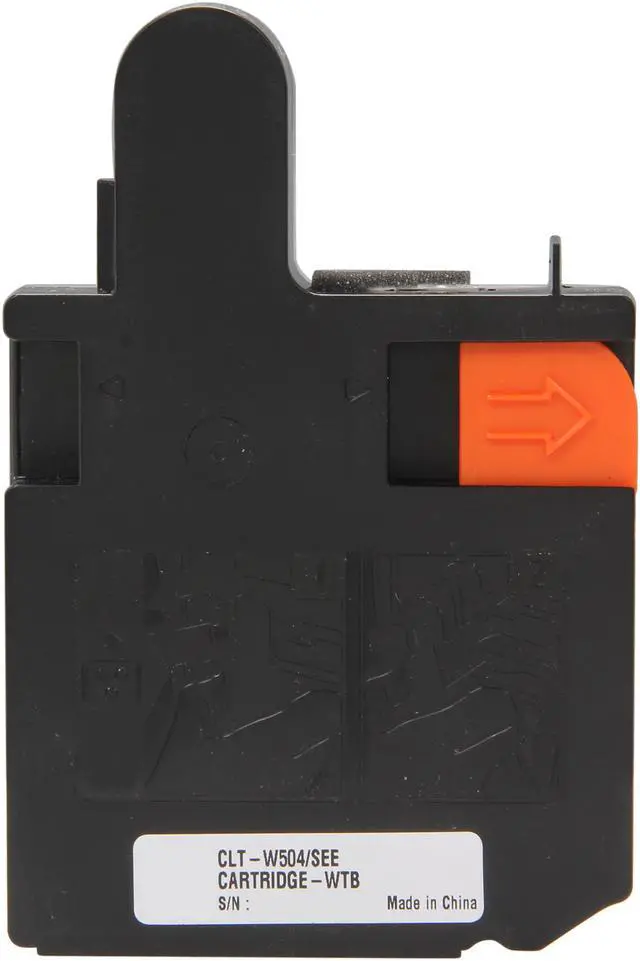
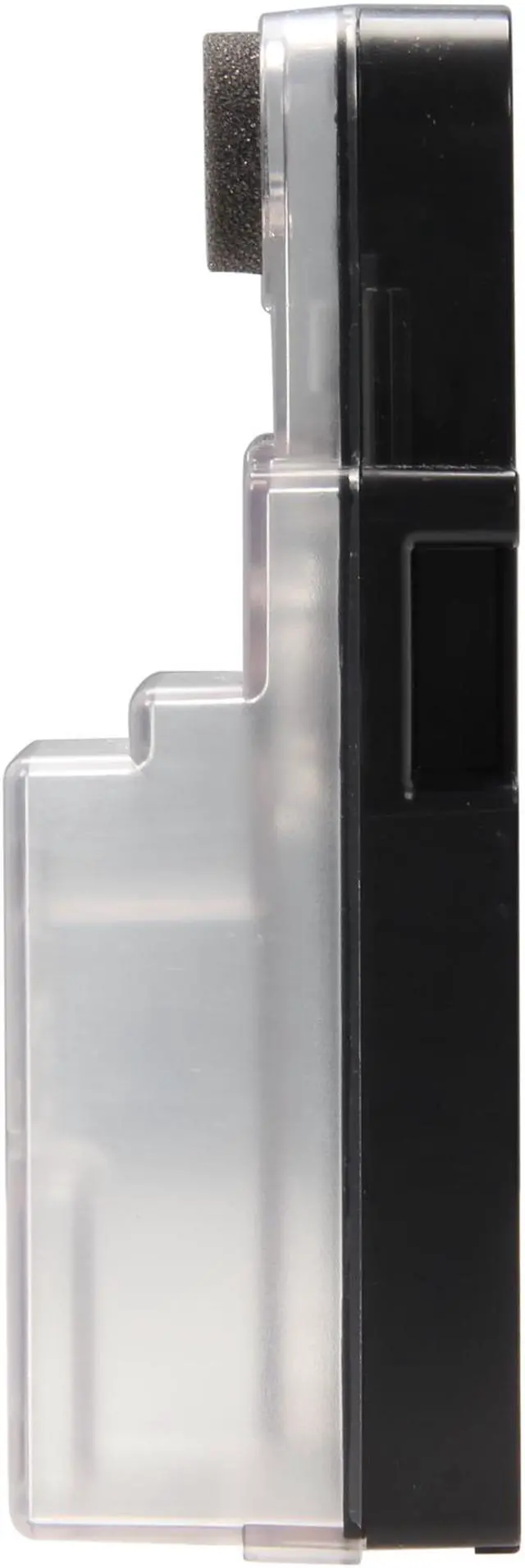
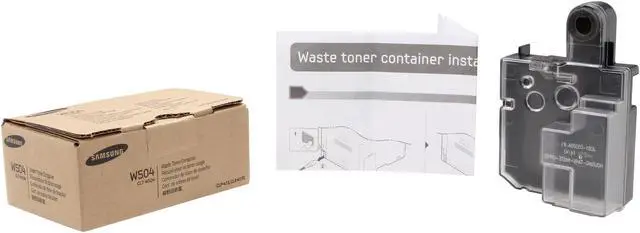
The Samsung CLT-W504 is a single-pack waste toner box rated for approximately 14,000 pages, suited to users maintaining compatible Samsung CLP-415 or CLX-4195 series printers.
Recommended For
- Owners of a compatible Samsung printer who need to replace its waste toner container after a replacement prompt or when the container is full.
- People maintaining Samsung CLP-415 or CLX-4195 series printers who need the CLT-W504 waste toner box rather than a toner cartridge.
- Users of compatible Samsung color laser printers who want to keep the printer available for ongoing print jobs by replacing its waste-toner container as a separate consumable.
Real-World Use Scenarios
- When a compatible printer displays a waste-toner replacement warning, replace the CLT-W504 to complete the maintenance task and get the printer ready to resume printing.
- If you own a Samsung CLP-415 or CLX-4195, use the CLT-W504 as the matching waste-toner container—not as a replacement for a color or black toner cartridge.
- During a replacement, unplug the printer, remove the full container carefully, and keep it level; this helps avoid spilling loose toner while handling it.
- For routine upkeep in a home office or small workplace, replace the container when the printer indicates it is full, then close the cover and power the printer back on before continuing the print job.




 here!