here!
here!
I’m your shopping assistant for PC builds, upgrades, and everything tech.
Got questions? Ask away!
Start a conversation
here!
I’m your shopping assistant for PC builds, upgrades, and everything tech.
Got questions? Ask away!
Start a conversation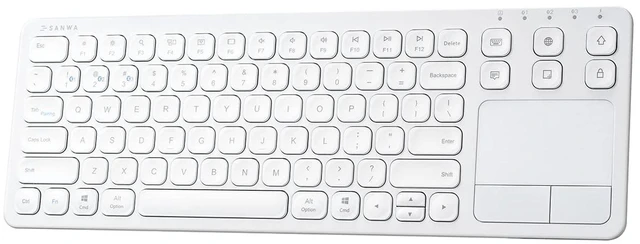



Any questions? Ask CelesteSM will help you find out quickly.


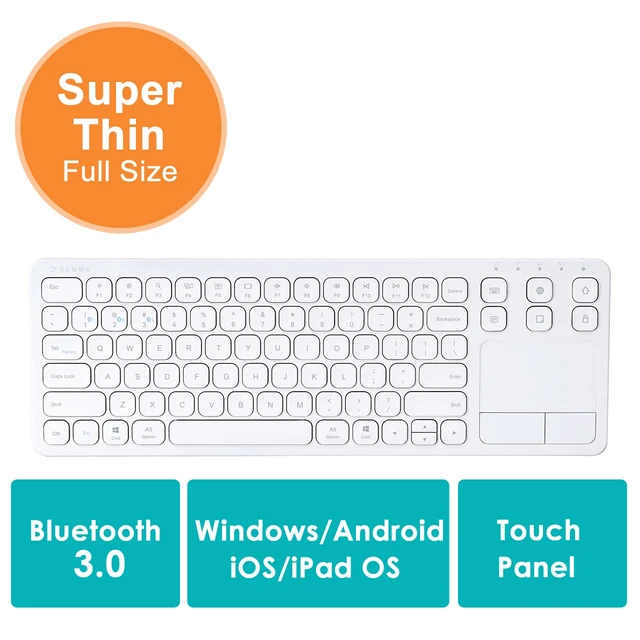
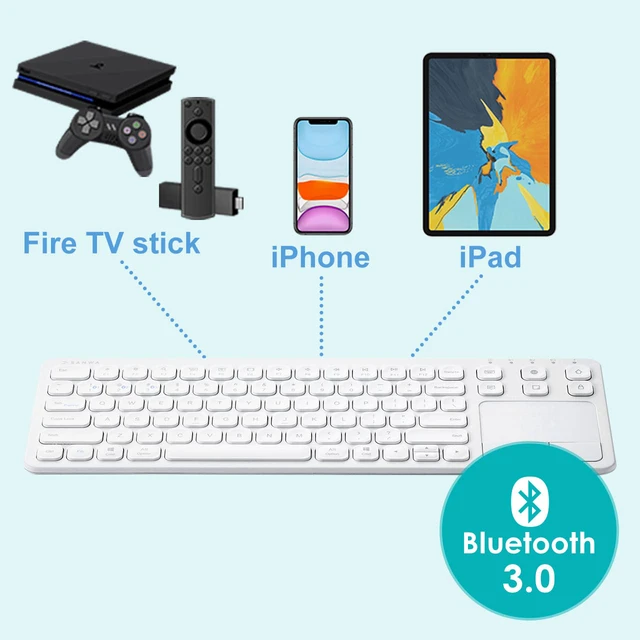
Compatible with 4 major operating system: macOS / iOS / Windows / Android.
Supports most bluetooth-enabled devices, including Apple iPhone / iPad / MacBook.
So it's good for desktops, laptops, tablets and smartphones with built-in Bluetooth receivers.

It's economical and reduces unnecessary hassles because it doesn't require dry batteries. You can also operate the keyboard while charging.
The built-in rechargeable battery is more energy efficient. Just 2 hours of charging, it can be used for 30 hours. *Annexation: USB Charging Cable
Q: Why is my Bluetooth keyboard not working after charging?
A: After some use, if the keyboard doesn't work after charging, it might be because the Bluetooth connection was lost during charging. Please check the Bluetooth device list on your laptop to see if the keyboard is listed. If not, you will need to reconnect it. Make sure to select the correct channel, as an incorrect channel can also cause the keyboard to be unworkable.
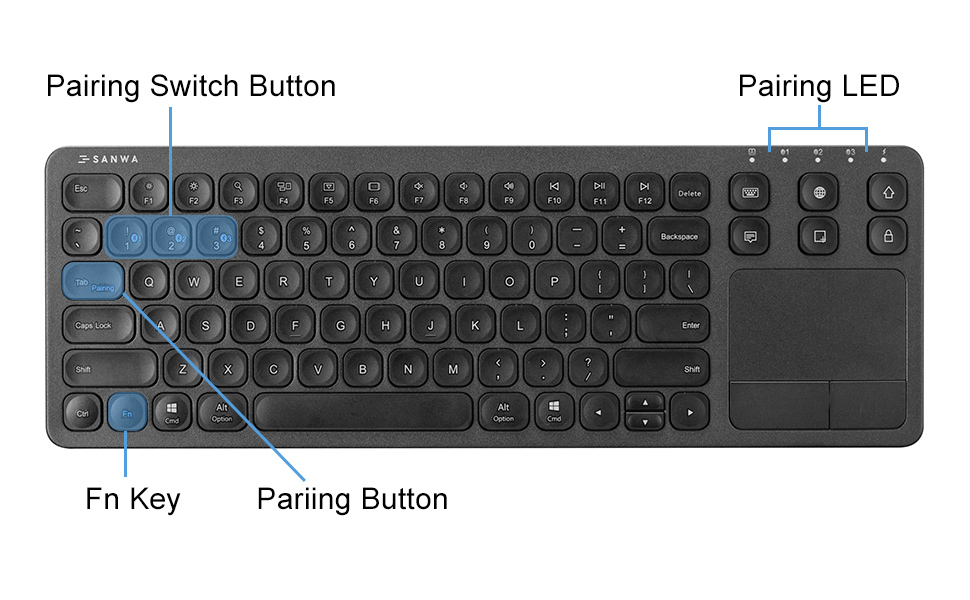
There are shortcut keys for various functions above the keyboard, one point instantly realized, each type of various functions, proposed work efficiency.
Equipped with device switch button and device indicator light. A simple and easy press, instantly switch to the desired device, one keyboard can correspond to multiple devices, suitable for various scenarios.
*The function keys may not work or may work differently depending on the OS version and the environment in use.
**Function keys may behave differently on Windows and Mac.

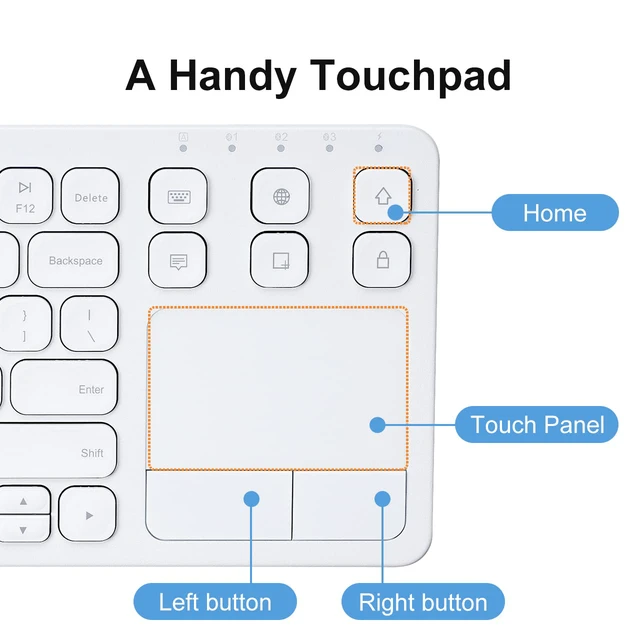
Mouse left button

Move the mouse cursor

Left button select the target,to drag

Mouse right button

Middle key vertically scroll, slide the mouse scroll wheel

Zoom in

Zoom out

Open Cortana

Open task window

Show Desktop

Switch between active windows

Open Action Center


At SANWA, we create solutions that make life more comfortable and satisfying, whether at work or at home. Our products are designed to be functional, high-quality, and stylish, making your spaces for family, friends, and colleagues more comfortable and enjoyable.
Our Philosophy


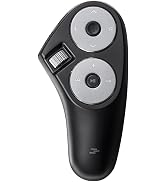
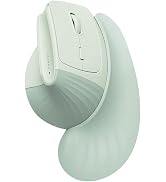

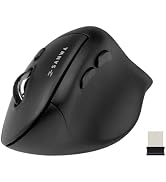
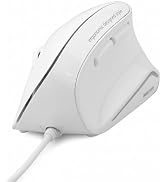





We make life more comfortable by addressing everyday needs and evolving with changing times.
Our products are designed with empathy, focusing on functionality, quality, and creating a WOW experience. We make items that feel essential and delightful to use.
We’re passionate about improving lives through thoughtful design. Seeing our products bring comfort and happiness makes every effort worthwhile.
Compatible with 4 major operating system: macOS / iOS / Windows / Android.
Supports most bluetooth-enabled devices, including Apple iPhone / iPad / MacBook.
So it's good for desktops, laptops, tablets and smartphones with built-in Bluetooth receivers.
It's economical and reduces unnecessary hassles because it doesn't require dry batteries. You can also operate the keyboard while charging.
The built-in rechargeable battery is more energy efficient. Just 2 hours of charging, it can be used for 30 hours. *Annexation: USB Charging Cable
Q: Why is my Bluetooth keyboard not working after charging?
A: After some use, if the keyboard doesn't work after charging, it might be because the Bluetooth connection was lost during charging. Please check the Bluetooth device list on your laptop to see if the keyboard is listed. If not, you will need to reconnect it. Make sure to select the correct channel, as an incorrect channel can also cause the keyboard to be unworkable.
There are shortcut keys for various functions above the keyboard, one point instantly realized, each type of various functions, proposed work efficiency.
Equipped with device switch button and device indicator light. A simple and easy press, instantly switch to the desired device, one keyboard can correspond to multiple devices, suitable for various scenarios.
*The function keys may not work or may work differently depending on the OS version and the environment in use.
**Function keys may behave differently on Windows and Mac.
Mouse left button
Move the mouse cursor
Left button select the target,to drag
Mouse right button
Middle key vertically scroll, slide the mouse scroll wheel
Zoom in
Zoom out
Open Cortana
Open task window
Show Desktop
Switch between active windows
Open Action Center
At SANWA, we create solutions that make life more comfortable and satisfying, whether at work or at home. Our products are designed to be functional, high-quality, and stylish, making your spaces for family, friends, and colleagues more comfortable and enjoyable.
Our Philosophy
We make life more comfortable by addressing everyday needs and evolving with changing times.
Our products are designed with empathy, focusing on functionality, quality, and creating a WOW experience. We make items that feel essential and delightful to use.
We’re passionate about improving lives through thoughtful design. Seeing our products bring comfort and happiness makes every effort worthwhile.