




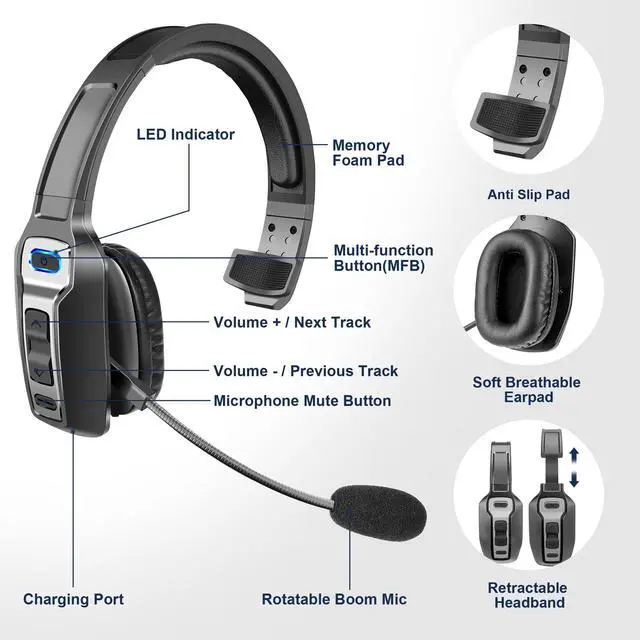


How to reconnect and operation when failed to reconnect?
When KH-23 is connected with your cell phone successfully once, it will reconnect to the paired device automatically when power on. If failed, please press and hold the MFB for 5-7 seconds to reconnect.
How to pair the Bluetooth headset to computer?
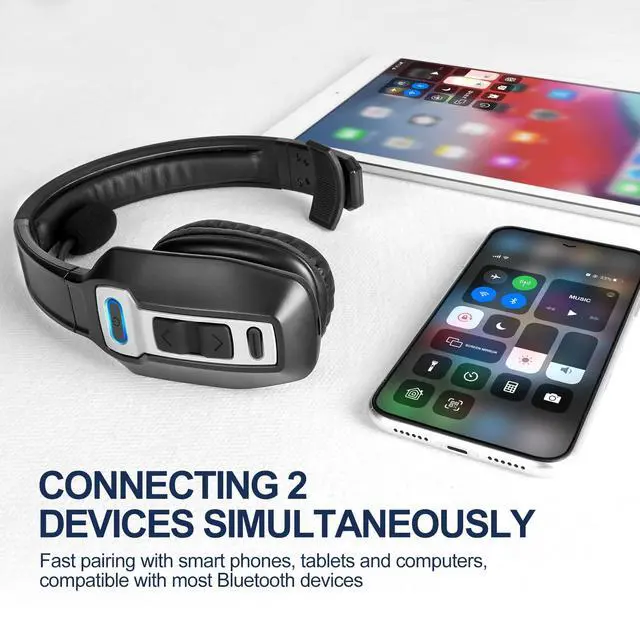
Power on the Bluetooth headset, and turn on the Bluetooth on your computer: Select Computer Settings > Bluetooth & other devices > Add Bluetooth or other device > Bluetooth > Find KH-23 and click to connect.
How to activate voice assistant?
Press and hold MFB for 1 second to wake up the voice assistant.
How to delete paired records?
In standby status, press and hold volume + and MFB at the same time for 5 seconds to clear the pairing record, now KH-23 will not connect to previous devices automatically.

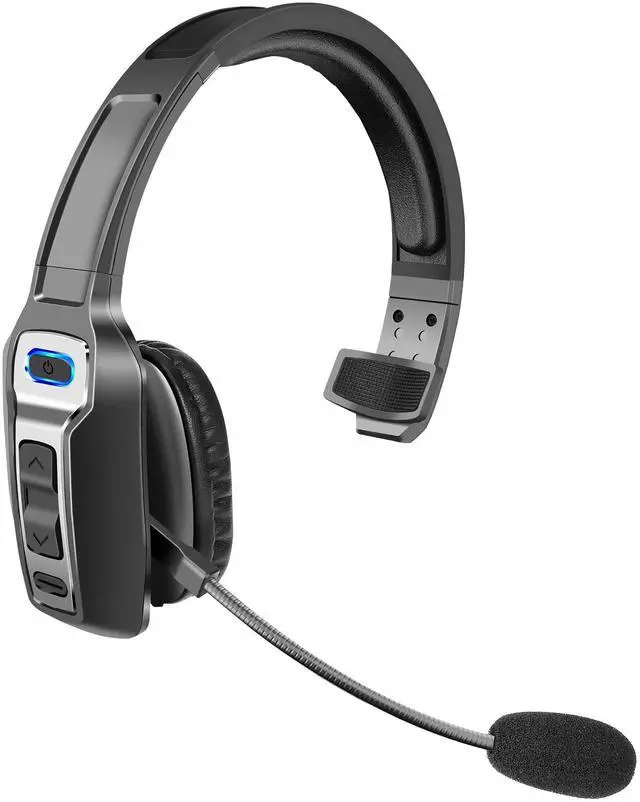
Sarevile Bluetooth headset
Experience unparalleled sound quality with our cutting-edge earphones

Combining cutting-edge technology, premium materials, and meticulous craftsmanship, Sarevie's headphones quickly gained a reputation for their exceptional quality and innovative features. As the brand grew, so did its commitment to delivering unparalleled audio performance and user satisfaction.

M99+
The best choice for lightweight and comfortable
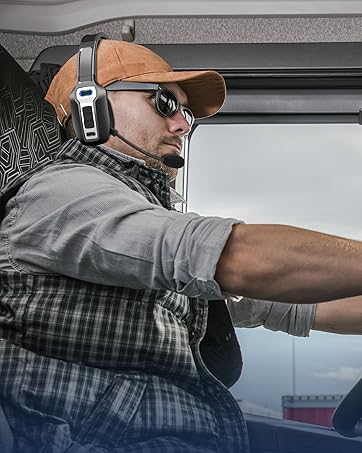
KH23
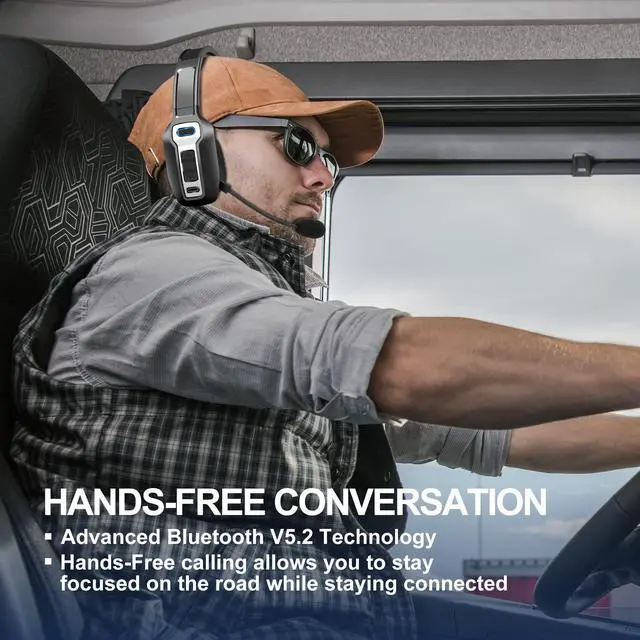
The Best Companion for Truck Drivers


How to reconnect and operation when failed to reconnect?
When KH-23 is connected with your cell phone successfully once, it will reconnect to the paired device automatically when power on. If failed, please press and hold the MFB for 5-7 seconds to reconnect.
How to pair the Bluetooth headset to computer?
Power on the Bluetooth headset, and turn on the Bluetooth on your computer: Select Computer Settings > Bluetooth & other devices > Add Bluetooth or other device > Bluetooth > Find KH-23 and click to connect.
How to activate voice assistant?
Press and hold MFB for 1 second to wake up the voice assistant.
How to delete paired records?
In standby status, press and hold volume + and MFB at the same time for 5 seconds to clear the pairing record, now KH-23 will not connect to previous devices automatically.
Sarevile Bluetooth headset
Experience unparalleled sound quality with our cutting-edge earphones
Combining cutting-edge technology, premium materials, and meticulous craftsmanship, Sarevie's headphones quickly gained a reputation for their exceptional quality and innovative features. As the brand grew, so did its commitment to delivering unparalleled audio performance and user satisfaction.
M99+
The best choice for lightweight and comfortable
KH23
The Best Companion for Truck Drivers