




 here!
here!
I’m your shopping assistant for PC builds, upgrades, and everything tech.
Got questions? Ask away!
Start a conversation
here!
I’m your shopping assistant for PC builds, upgrades, and everything tech.
Got questions? Ask away!
Start a conversation




Any questions? Ask CelesteSM will help you find out quickly.


The Gear You Need for the Life You Lead.
We always explore new ways to make people’s lives simpler, safer, richer, and happier. That’s why we build the accessories that power your phone, use it hands-free while you drive, listen to great music anywhere, monitor your heart rate, film your ATV ride, jump start your truck, and more. So you can focus on following your passions.
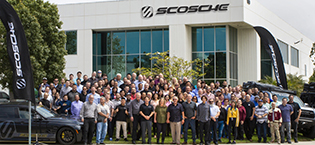
Scosche was founded in 1980 as a car audio consulting business by Roger and Scotia Alves. Today, with 200 employees, we've expanded to offer over 4,000 consumer technology, power sports, and car audio products. We remain a family-owned company with three generations of the Alves family at our California headquarters, upholding our commitment to innovation, quality, safety, and value.
Our goal: Innovative, affordable accessories, top service, and great customer experience through American ingenuity.
Scosche was born from, and runs on our passion for cool vehicles, amazing sounds, the great outdoors, travel, motorsports, horsepower and voltage. We’re a company of gearheads, drivers, surfers, racers, riders, tech buffs, tech users, innovators, and relentless pursuers of perfection.
Wherever they may take you. Just remember to take your Scosche Accessories for Life along for the ride!

Reforestation and GHGs
We reduce GHGs by using 100% renewable energy and have partnered with Eden Reforestation, an organization that works to restore landscapes around the world. Our donations have funded the planting for more than 13,000 trees. These trees at maturity will each absorb around 22 pounds of carbon dioxide annually. 13,000 x 22 = 286,000 lbs of CO² removed annually
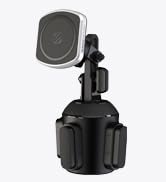






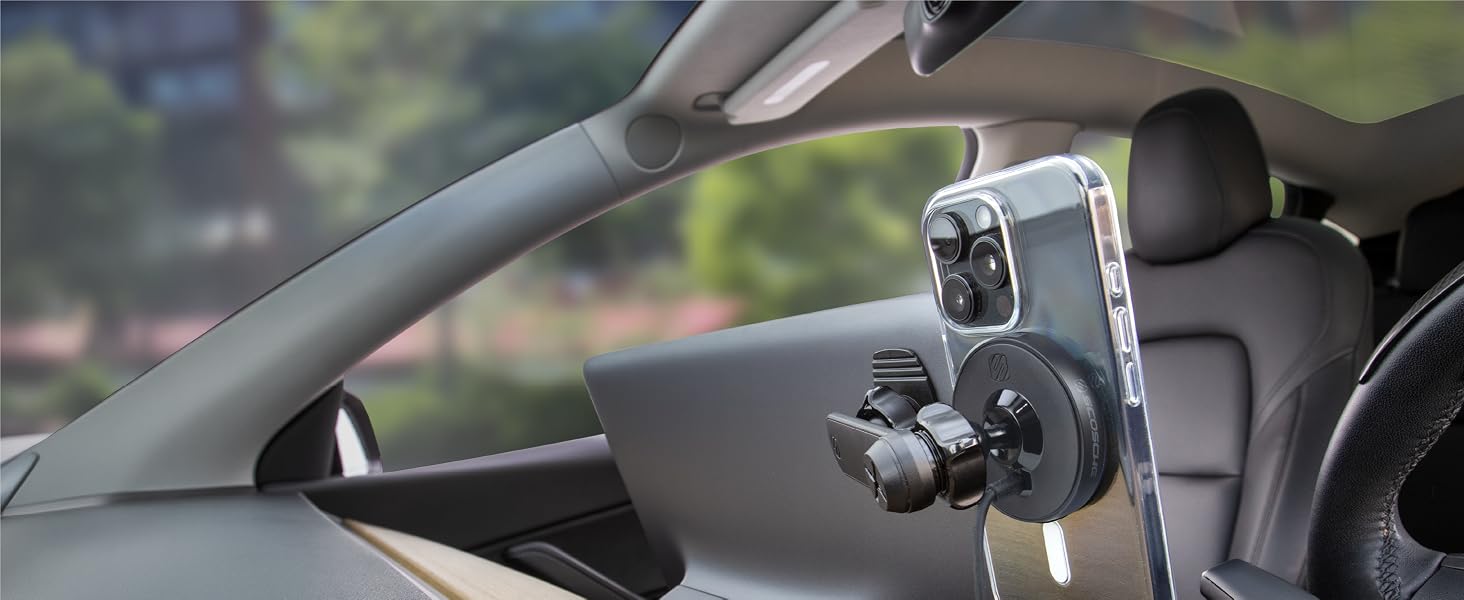
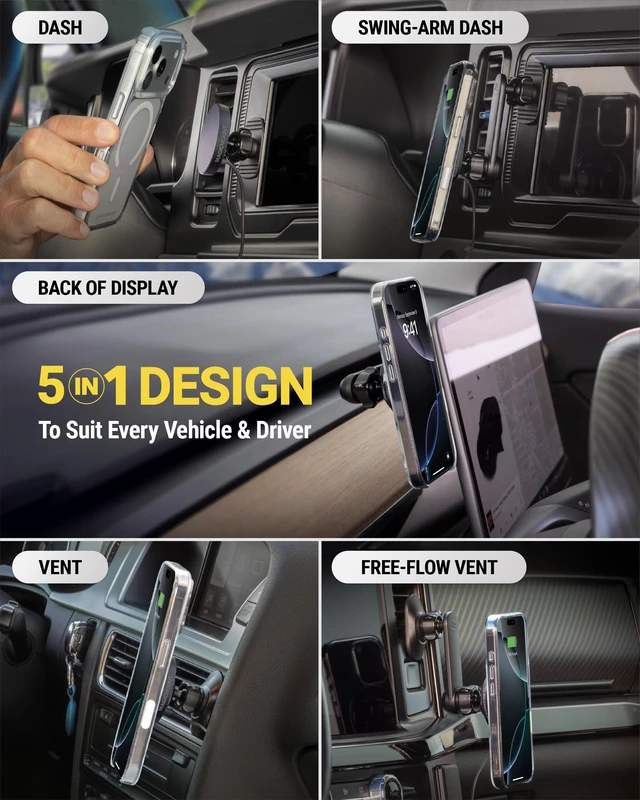
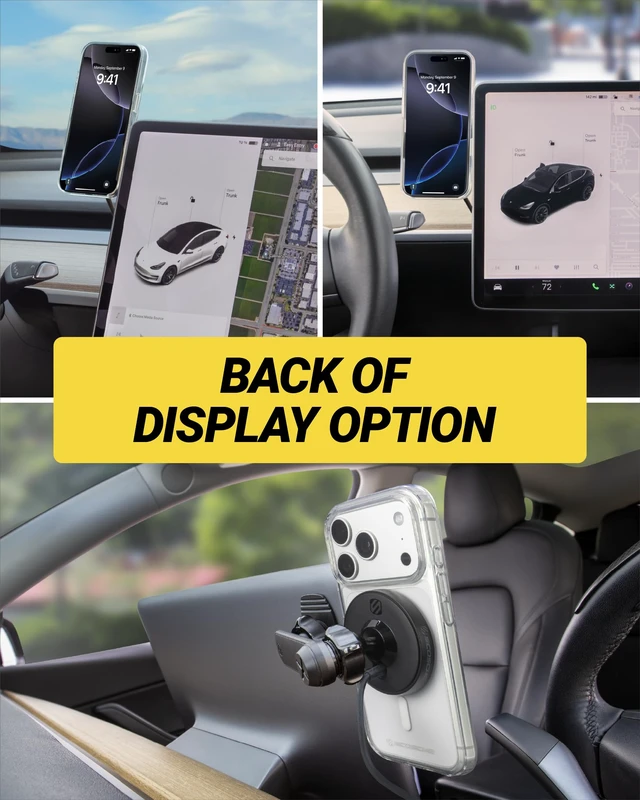
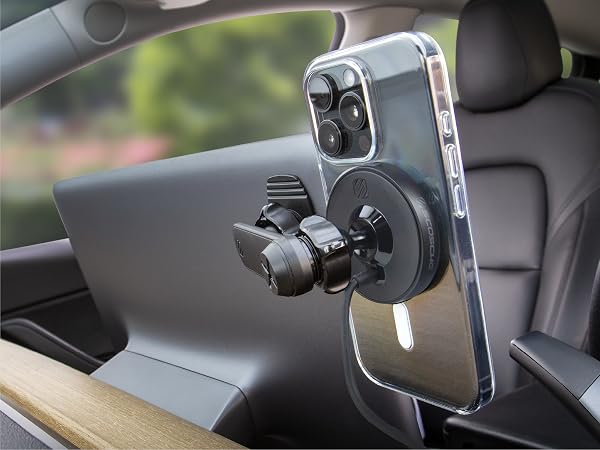
For Floating Car Screens
Give your phone a place alongside your floating display, keeping both screens in view as you drive.
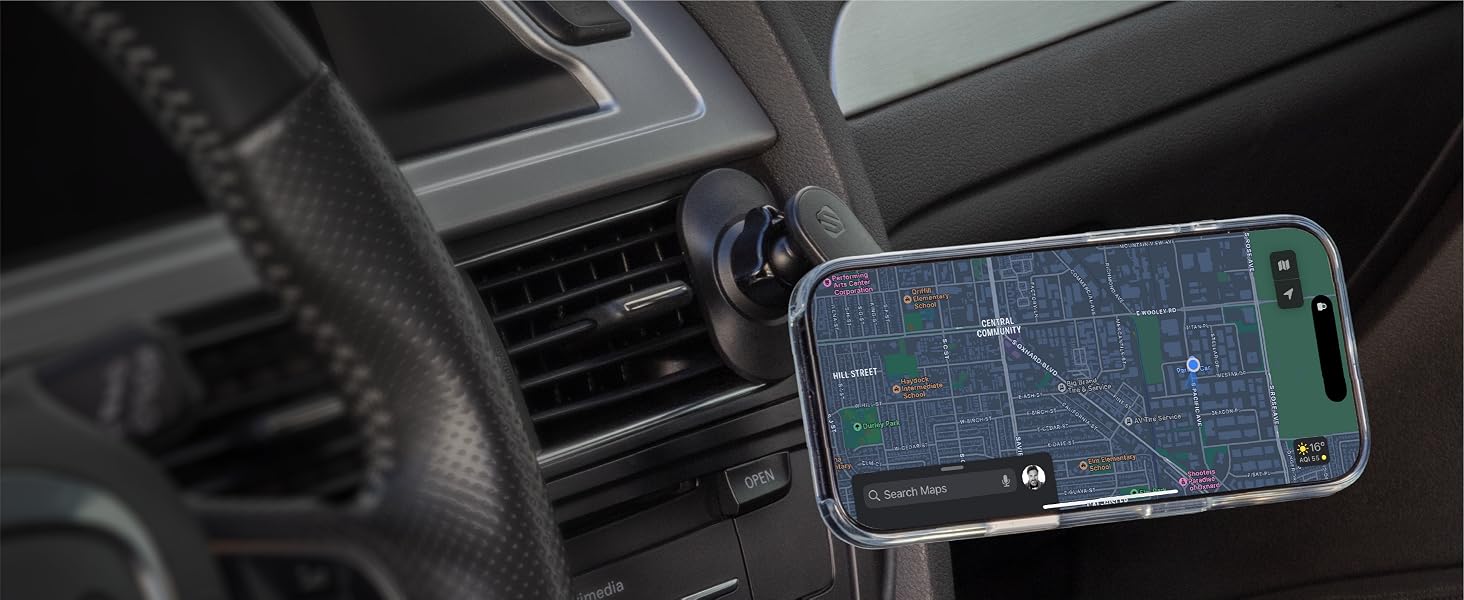
Swing-Arm for Vent
Choose a comfortable viewing position without blocking airflow from your vent.
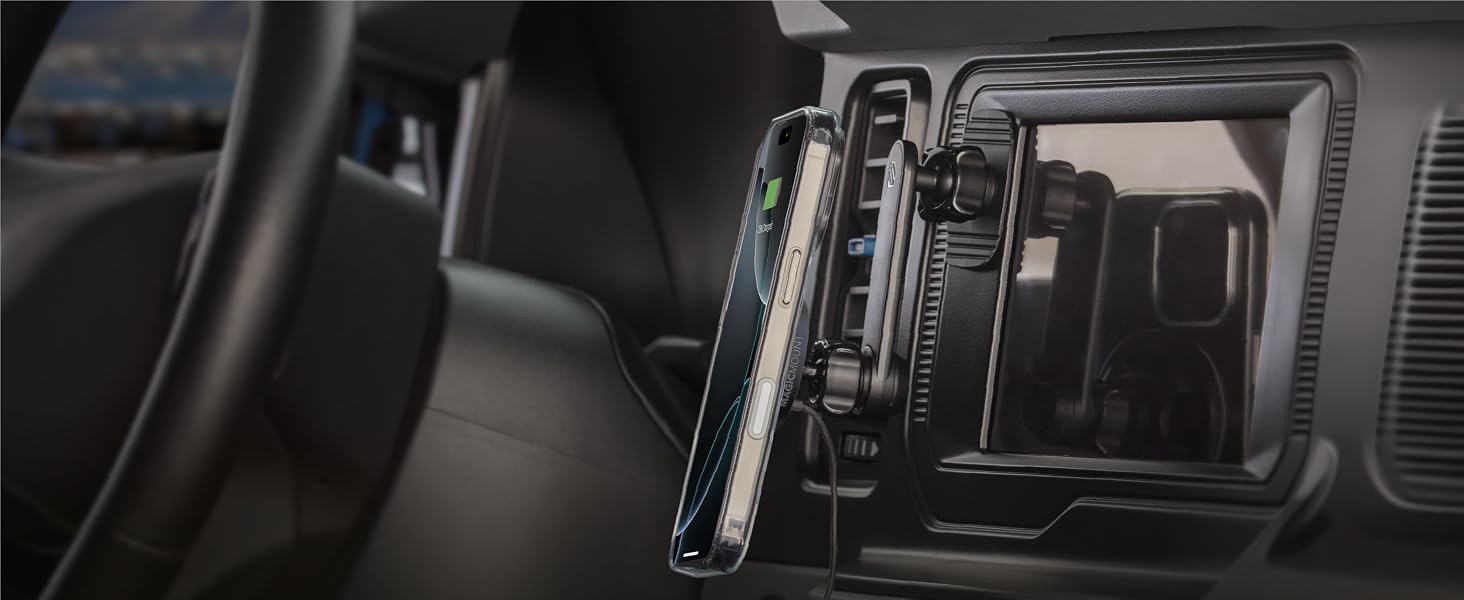
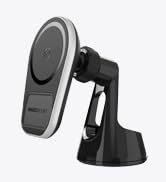
Swing-Arm for Dash
Shift your phone clear of screens and controls without moving the mounting base.
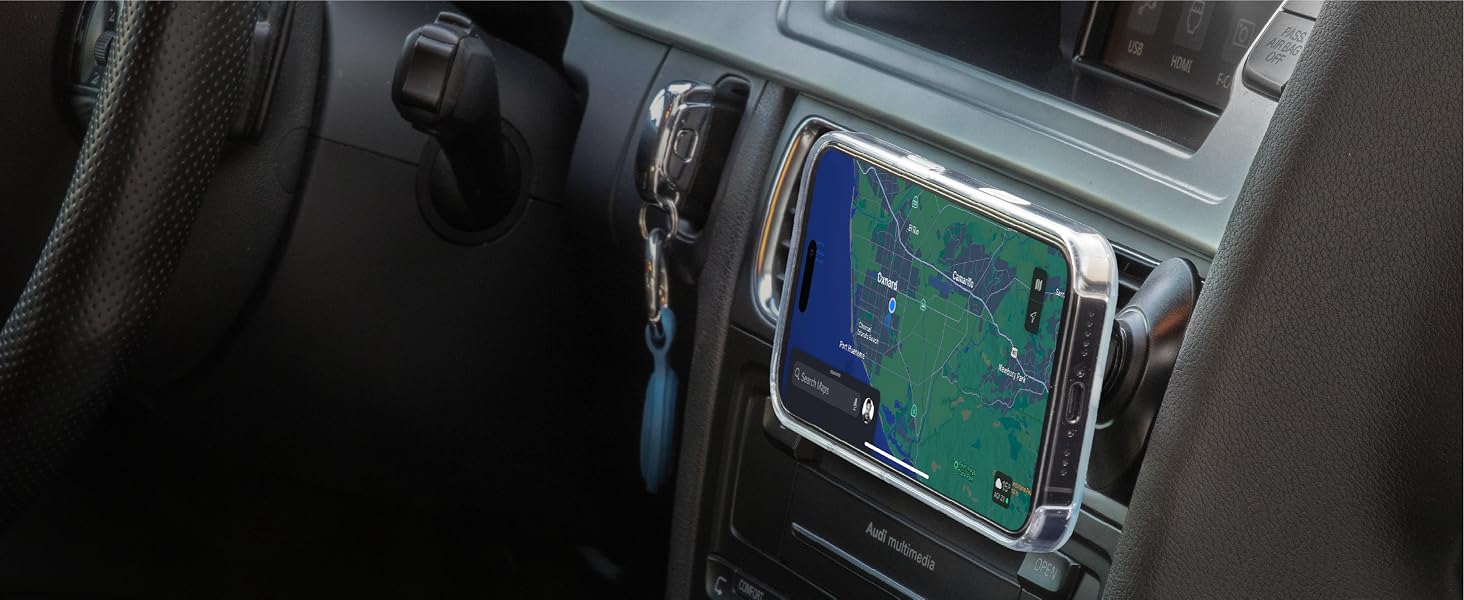
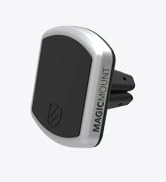
Compact Vent Clip
Keep your phone within reach and your dash clear with the low-profile vent mount.
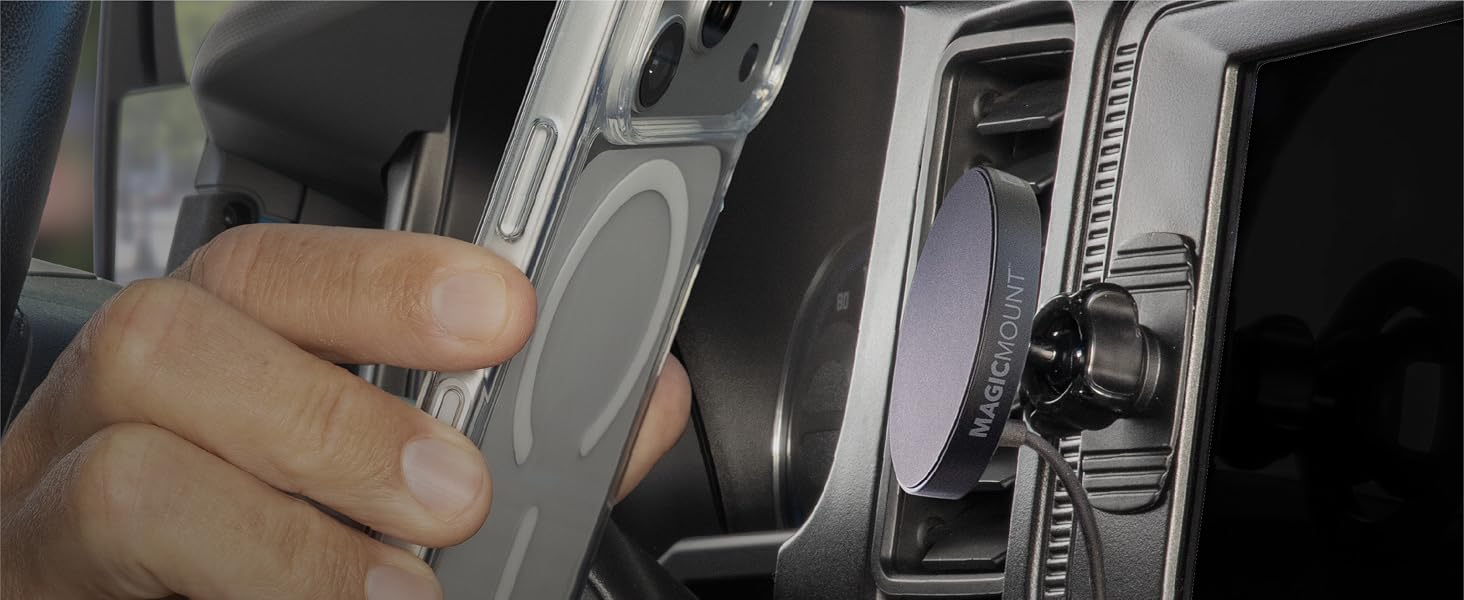
Compact Dash Base
Keep your phone near the controls with a compact setup that takes up little space.
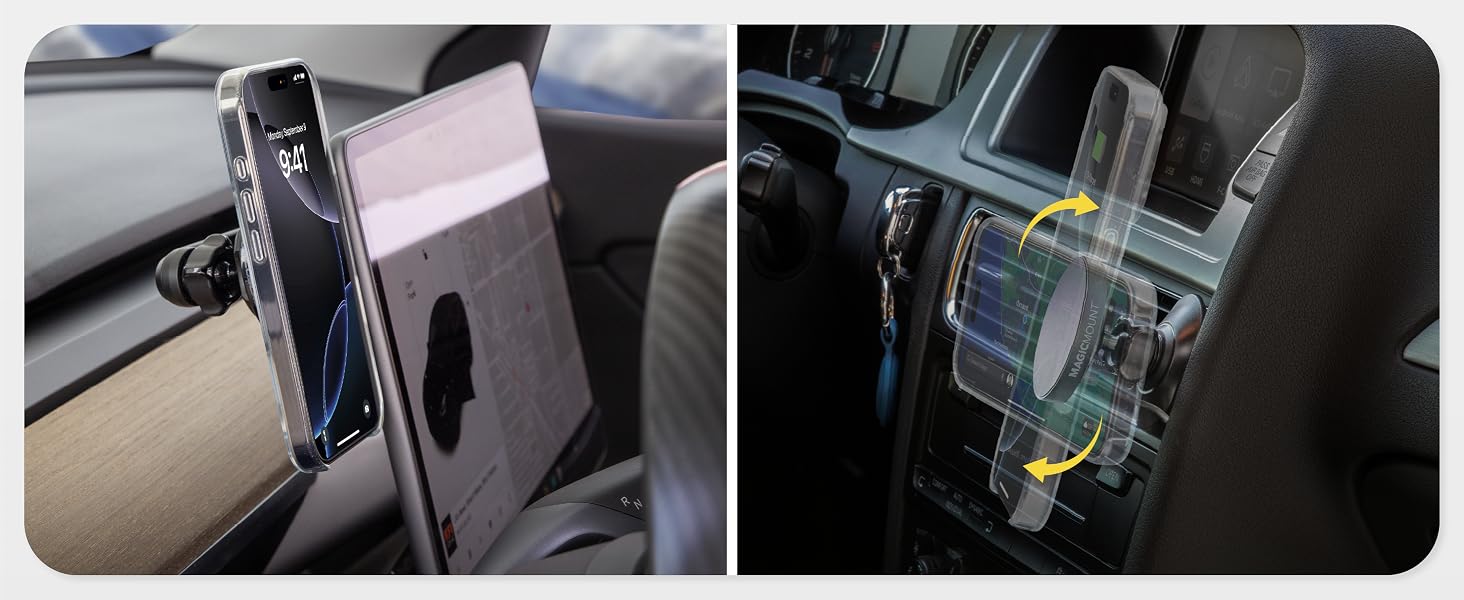
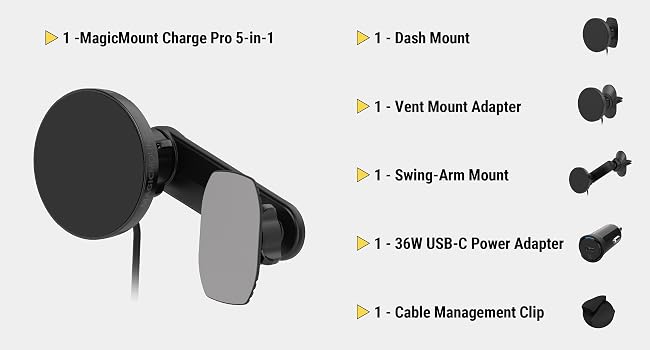
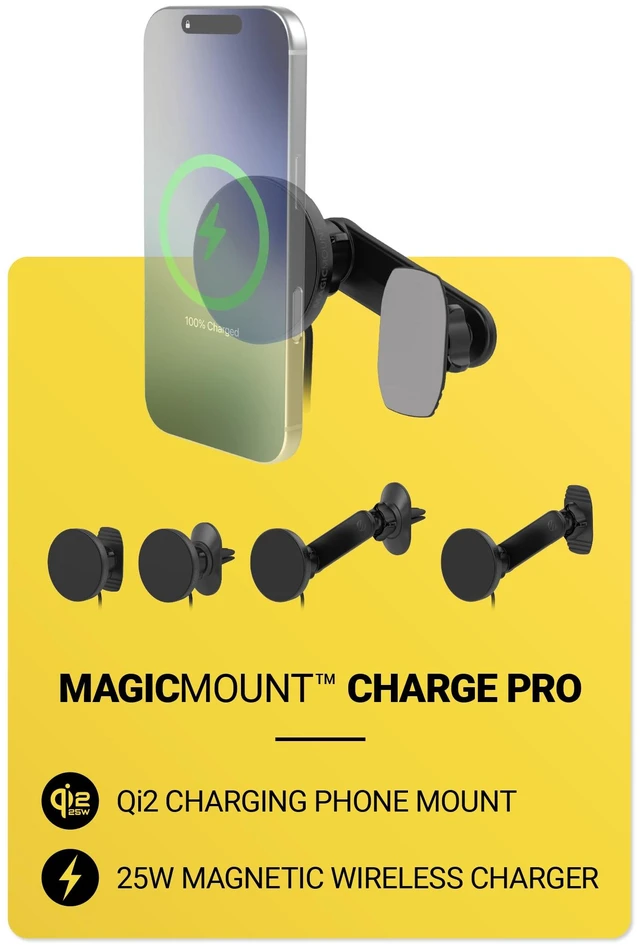
Choose from five mounting setups, with a 36W USB-C power adapter included to support wireless charging up to 25W. Use the cable management clip to keep the cord out of the way.
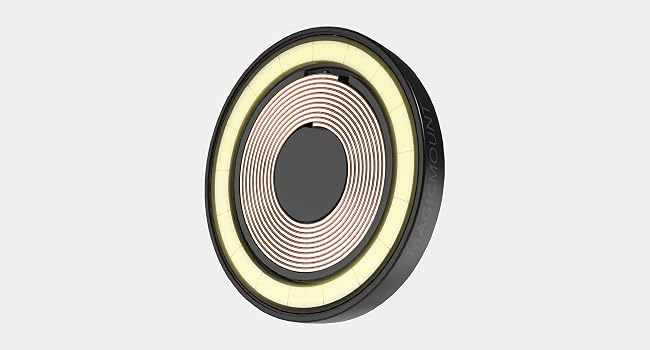
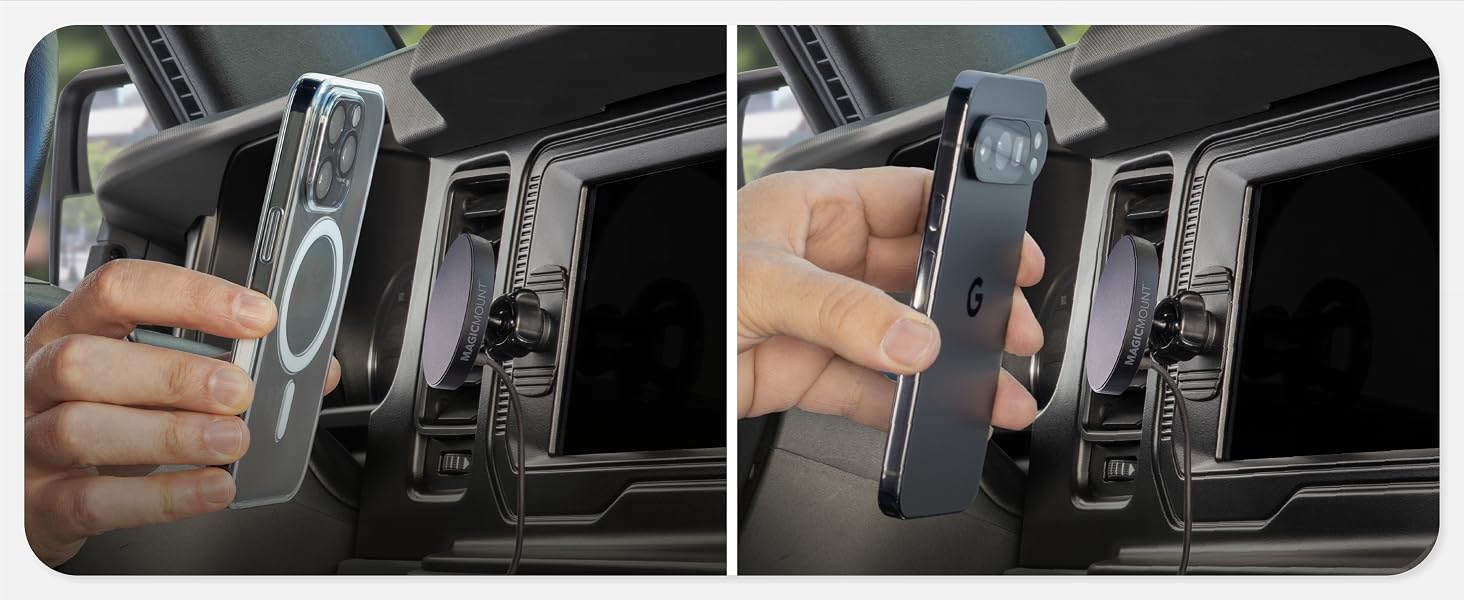
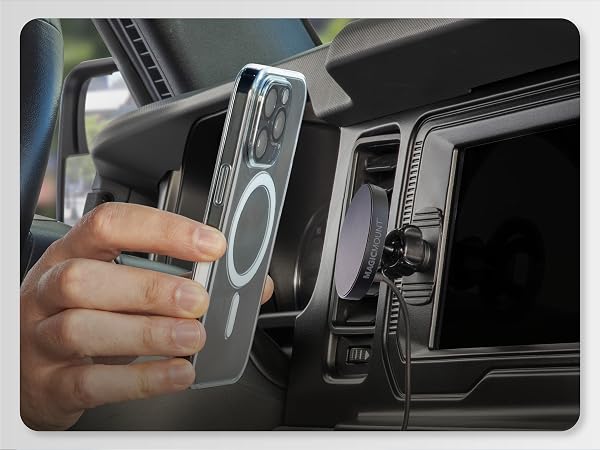
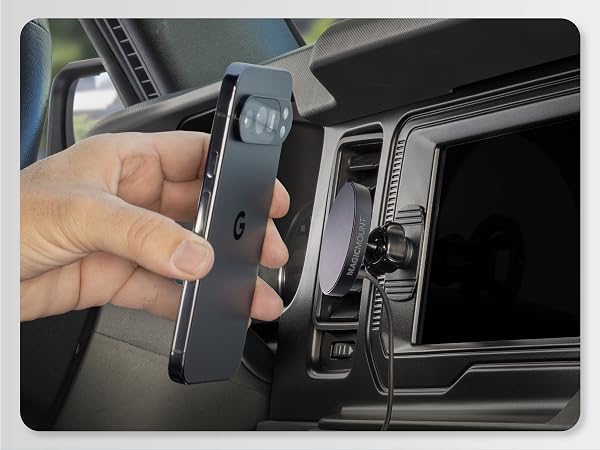
Designed for an instant magnetic connection with MagSafe-compatible iPhones or Qi2-ready Samsung Galaxy and Google Pixel phones with compatible magnetic cases.
How can I get a secure magnetic hold on my phone?
Use a bare MagSafe or Pixelsnap phone or a slim magnetic case for your device. Qi2 Ready Samsung phones need a compatible magnetic case. Center the phone on the charging head. Thick cases or accessories between the phone and mount may weaken hold.
How can I help the adhesive base stay attached?
Choose a clean, smooth, flat surface where the full adhesive base makes contact. Remove dust and oil, let it dry, then press the base firmly into place. Wait 24 hours before attaching your phone. Avoid textured, curved, soft-touch or fabric surfaces.
How can I tell if this mount will fit my vehicle?
Before peeling the adhesive backing, test the mount and phone in your chosen location. Check clearance for the phone, swing arm and charging cable. For vent use, confirm the attachment seats firmly on the blade and that the vent supports your phone.
How do I adjust the mount for a steady view?
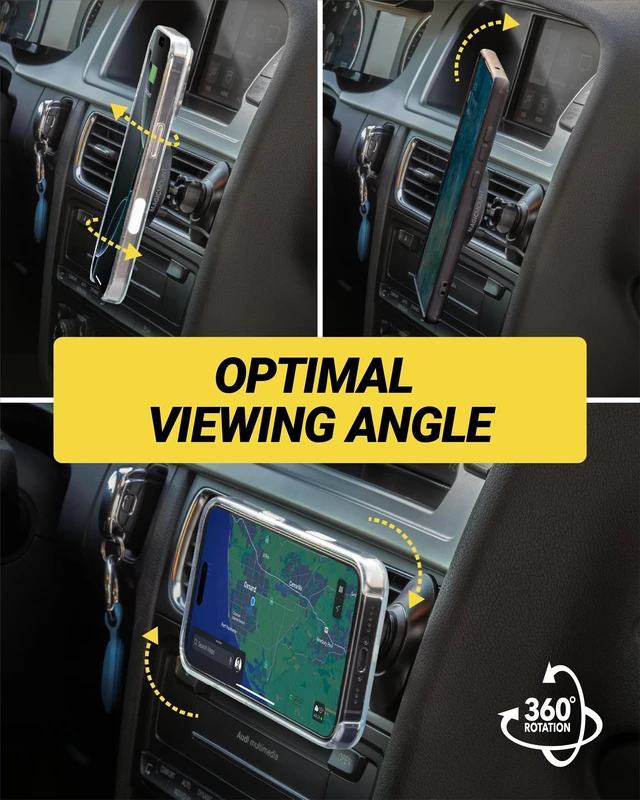
Adjust the swing arm to bring your phone into view, then rotate the charging head for portrait or landscape viewing. Tighten the knobs to hold your chosen position. Before driving, check that the vent attachment or adhesive base is firmly secured.
How can I get the mount's full charging power?
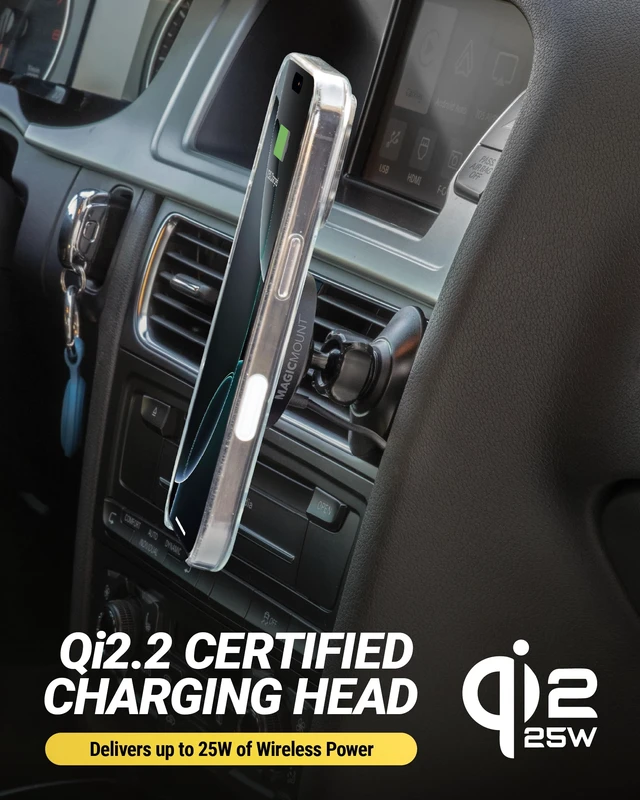
Use the included USB-C car charger and 5 ft cable for up to 25W Qi2 charging. iPhone 17 can reach 70% in about 53 minutes; Pixel 10 Pro XL and Galaxy S26 Plus in about 1 hour. Vehicle USB ports may limit output. Times vary by phone and conditions.
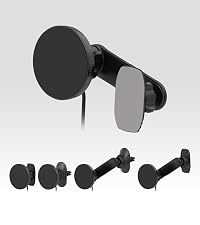 MPQTRODVR-SP | 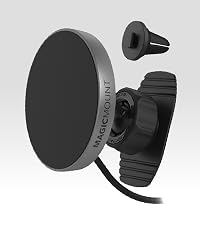 MPQMRDV-SP | 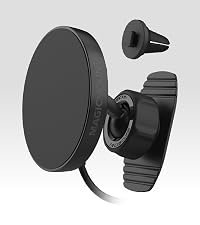 MPQTRDV-SP | 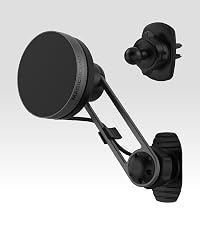 MEQMRSRM-SP | 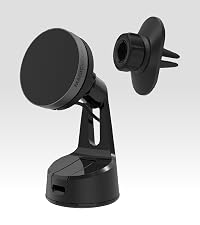 MEQMRWDV-XC0 | |
|---|---|---|---|---|---|
Customer Reviews | — | — | — | — | — |
Price | — | — | — | — | — |
Title | 5-in-1 25W Charging Mount | Dash/Vent 15W Charging Mount | Dash/Vent 25W Charging Mount | Dash/Vent/Display 15W Mount | Window/Dash/Vent 15W Mount |
Series | MagicMount Charge Pro | MagicMount Charge Pro | MagicMount Charge Pro | MagicMount Charge Elite | MagicMount Charge Elite |
Key Features | More Mounting Options | Reliable Wireless Charging | Faster Charging on the Go | More Viewing Angles | Reliable Wireless Charging |
Charging Power | 25W | 15W | 25W | 15W | 15W |
Wireless Charging Technology | Qi2.2 | Qi2 | Qi2.2 | Qi2 | Qi2 |
MagSafe Compatible | ? | ? | ? | ? | ? |
360° Rotation | ? | ? | ? | ? | ? |
Installation Type | Adhesive Base + Vent Clip | Adhesive Base + Vent Clip | Adhesive Base + Vent Clip | Adhesive Base + Vent Clip | StickGrip Suction Cup + Vent |
Mounting Surface | Dash / Vent / Back of Display | Dashboard / Vent | Dash / Vent | Dash / Vent / Back of Display | Dash / Windshield / Vent |
| Car | Car | Car | Car | Car / Home | |
Compatibility | MagSafe + Qi2-Ready Phones | MagSafe + Qi2-Ready Phones | MagSafe + Qi2-Ready Phones | MagSafe + Qi2-Ready Phones | MagSafe + Qi2-Ready Phones |
Give your phone a place alongside your floating display, keeping both screens in view as you drive.
Choose a comfortable viewing position without blocking airflow from your vent.
Shift your phone clear of screens and controls without moving the mounting base.
Keep your phone within reach and your dash clear with the low-profile vent mount.
Keep your phone near the controls with a compact setup that takes up little space.
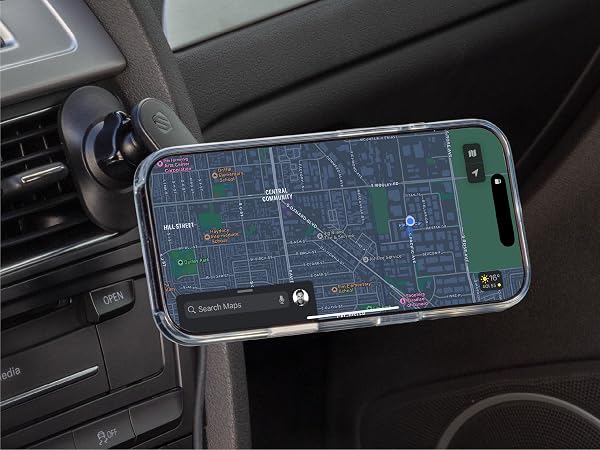
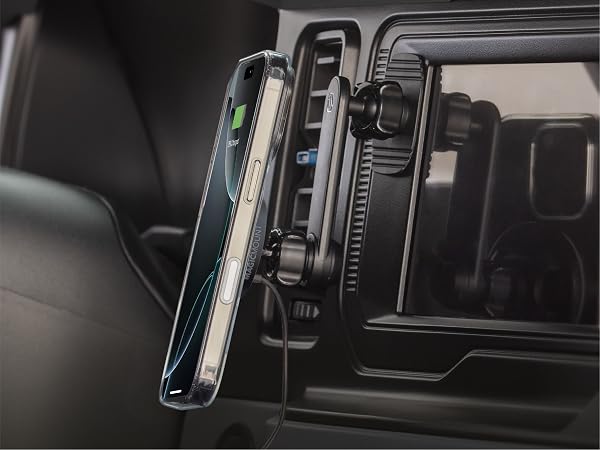
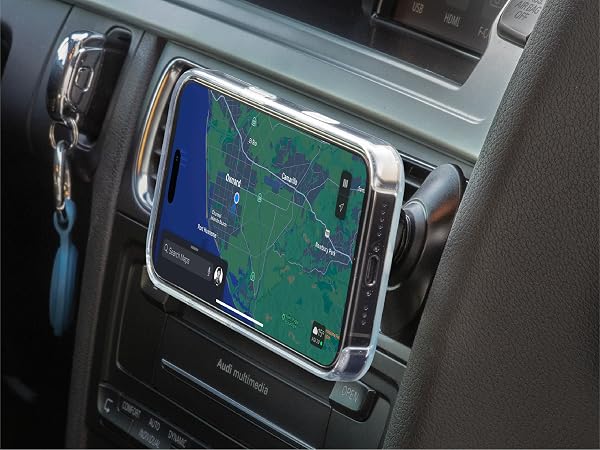
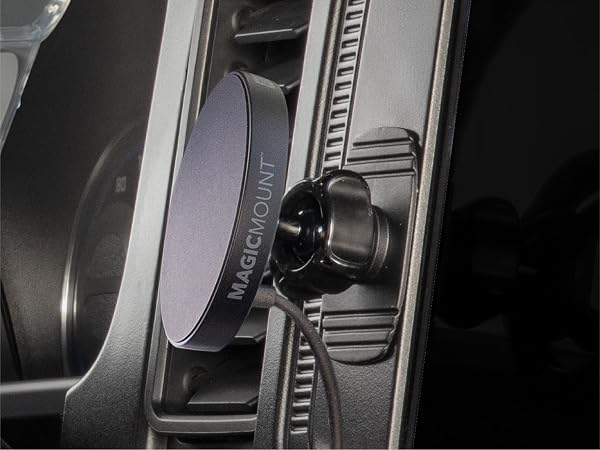
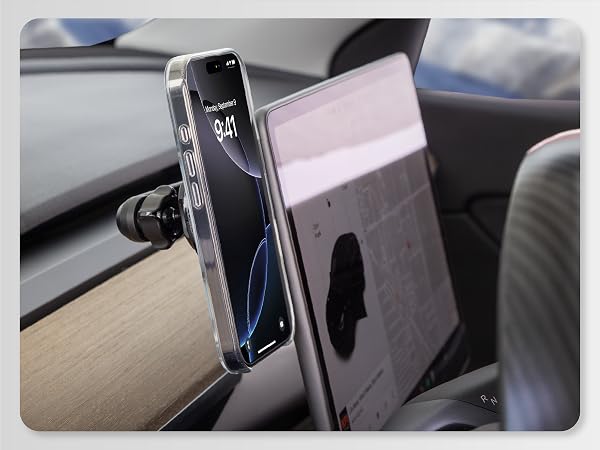
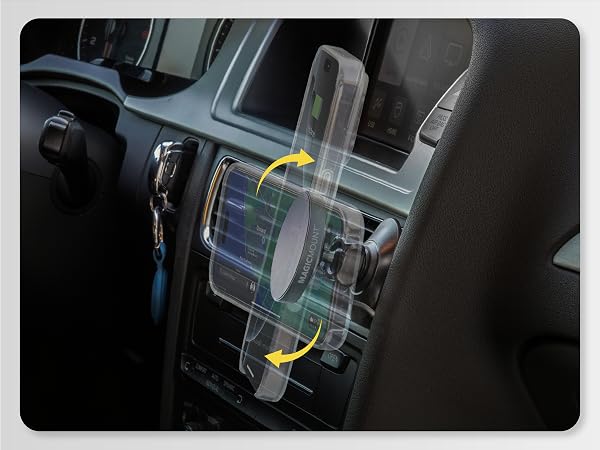
Choose from five mounting setups, with a 36W USB-C power adapter included to support wireless charging up to 25W. Use the cable management clip to keep the cord out of the way.
Designed for an instant magnetic connection with MagSafe-compatible iPhones or Qi2-ready Samsung Galaxy and Google Pixel phones with compatible magnetic cases.
How can I get a secure magnetic hold on my phone?
Use a bare MagSafe or Pixelsnap phone or a slim magnetic case for your device. Qi2 Ready Samsung phones need a compatible magnetic case. Center the phone on the charging head. Thick cases or accessories between the phone and mount may weaken hold.
How can I help the adhesive base stay attached?
Choose a clean, smooth, flat surface where the full adhesive base makes contact. Remove dust and oil, let it dry, then press the base firmly into place. Wait 24 hours before attaching your phone. Avoid textured, curved, soft-touch or fabric surfaces.
How can I tell if this mount will fit my vehicle?
Before peeling the adhesive backing, test the mount and phone in your chosen location. Check clearance for the phone, swing arm and charging cable. For vent use, confirm the attachment seats firmly on the blade and that the vent supports your phone.
How do I adjust the mount for a steady view?
Adjust the swing arm to bring your phone into view, then rotate the charging head for portrait or landscape viewing. Tighten the knobs to hold your chosen position. Before driving, check that the vent attachment or adhesive base is firmly secured.
How can I get the mount's full charging power?
Use the included USB-C car charger and 5 ft cable for up to 25W Qi2 charging. iPhone 17 can reach 70% in about 53 minutes; Pixel 10 Pro XL and Galaxy S26 Plus in about 1 hour. Vehicle USB ports may limit output. Times vary by phone and conditions.
MPQTRODVR-SP | MPQMRDV-SP | MPQTRDV-SP | MEQMRSRM-SP | MEQMRWDV-XC0 |
|---|---|---|---|---|
| Customer Reviews | ||||
| — | — | — | — | — |
| Price | ||||
| — | — | — | — | — |
| Title | ||||
| 5-in-1 25W Charging Mount | Dash/Vent 15W Charging Mount | Dash/Vent 25W Charging Mount | Dash/Vent/Display 15W Mount | Window/Dash/Vent 15W Mount |
| Series | ||||
| MagicMount Charge Pro | MagicMount Charge Pro | MagicMount Charge Pro | MagicMount Charge Elite | MagicMount Charge Elite |
| Key Features | ||||
| More Mounting Options | Reliable Wireless Charging | Faster Charging on the Go | More Viewing Angles | Reliable Wireless Charging |
| Charging Power | ||||
| 25W | 15W | 25W | 15W | 15W |
| Wireless Charging Technology | ||||
| Qi2.2 | Qi2 | Qi2.2 | Qi2 | Qi2 |
| MagSafe Compatible | ||||
| ? | ? | ? | ? | ? |
| 360° Rotation | ||||
| ? | ? | ? | ? | ? |
| Installation Type | ||||
| Adhesive Base + Vent Clip | Adhesive Base + Vent Clip | Adhesive Base + Vent Clip | Adhesive Base + Vent Clip | StickGrip Suction Cup + Vent |
| Mounting Surface | ||||
| Dash / Vent / Back of Display | Dashboard / Vent | Dash / Vent | Dash / Vent / Back of Display | Dash / Windshield / Vent |
| Car | Car | Car | Car | Car / Home |
| Compatibility | ||||
| MagSafe + Qi2-Ready Phones | MagSafe + Qi2-Ready Phones | MagSafe + Qi2-Ready Phones | MagSafe + Qi2-Ready Phones | MagSafe + Qi2-Ready Phones |
The Gear You Need for the Life You Lead.
We always explore new ways to make people’s lives simpler, safer, richer, and happier. That’s why we build the accessories that power your phone, use it hands-free while you drive, listen to great music anywhere, monitor your heart rate, film your ATV ride, jump start your truck, and more. So you can focus on following your passions.
Scosche was founded in 1980 as a car audio consulting business by Roger and Scotia Alves. Today, with 200 employees, we've expanded to offer over 4,000 consumer technology, power sports, and car audio products. We remain a family-owned company with three generations of the Alves family at our California headquarters, upholding our commitment to innovation, quality, safety, and value.
Our goal: Innovative, affordable accessories, top service, and great customer experience through American ingenuity.
Scosche was born from, and runs on our passion for cool vehicles, amazing sounds, the great outdoors, travel, motorsports, horsepower and voltage. We’re a company of gearheads, drivers, surfers, racers, riders, tech buffs, tech users, innovators, and relentless pursuers of perfection.
Wherever they may take you. Just remember to take your Scosche Accessories for Life along for the ride!
Reforestation and GHGs
We reduce GHGs by using 100% renewable energy and have partnered with Eden Reforestation, an organization that works to restore landscapes around the world. Our donations have funded the planting for more than 13,000 trees. These trees at maturity will each absorb around 22 pounds of carbon dioxide annually. 13,000 x 22 = 286,000 lbs of CO² removed annually
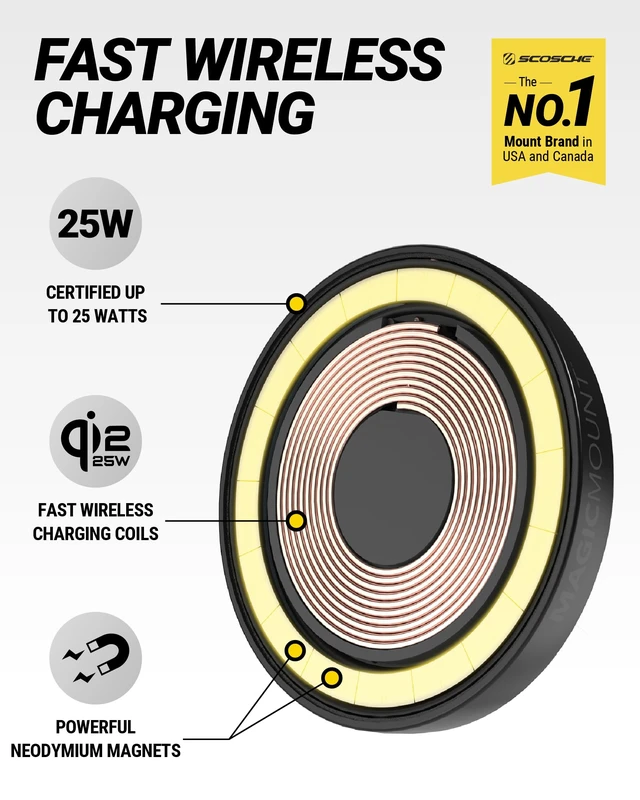
Upgrade your drive with the first-of-its-kind 25W Qi2 MagSafe Car Mount Charger. While most wireless mounts stop at 15W, this charger pushes power further delivering up to 25W of Qi2-certified fast charging to keep your phone powered through navigation, calls, and music on the road. Engineered with powerful Rare-Earth magnets, it locks your phone securely in place whether youre cruising on the freeway, hitting speed bumps, or taking sharp turns. Even larger devices like iPhone Pro Max or Galaxy Ultra stay steady and charging without slipping. Choose your setup with flexible mounting options. Use the dashboard mount for a permanent spot in your daily vehicle, or clip it to the vent when moving between family cars, rentals, or rideshares. The 360° ball-joint lets you tilt and rotate your phone to the perfect angle for hands-free navigation. Designed for compatibility, it works as a wireless car charger for iPhone 16 Pro Max and other MagSafe models (17/16/15/14/13/12 series), as well as Samsung Galaxy S25 with magnetic cases. For the strongest magnetic connection and fastest charging, a slim MagSafe case is recommended. The complete kit includes everything you need: a 20W USB-C car charger, vent clip, cleaning wipe, and cable management clip for an organized setup. Backed by Scosches Lifetime Tech Support and Limited Lifetime Warranty, its a charging mount built for power, reliability, and everyday use.


