




 here!
I’m your shopping assistant for PC builds, upgrades, and everything tech.
Got questions? Ask away!
Start a conversation
here!
I’m your shopping assistant for PC builds, upgrades, and everything tech.
Got questions? Ask away!
Start a conversation




Any questions? Ask CelesteSM will help you find out quickly.
We want to ensure your holiday shopping this year is hassle-free. That’s why we’re automatically extending our return policies on almost every product! For purchases placed between November 1st, 2026 and December 31, 2026 you will have until January 31, 2027 to return your product.
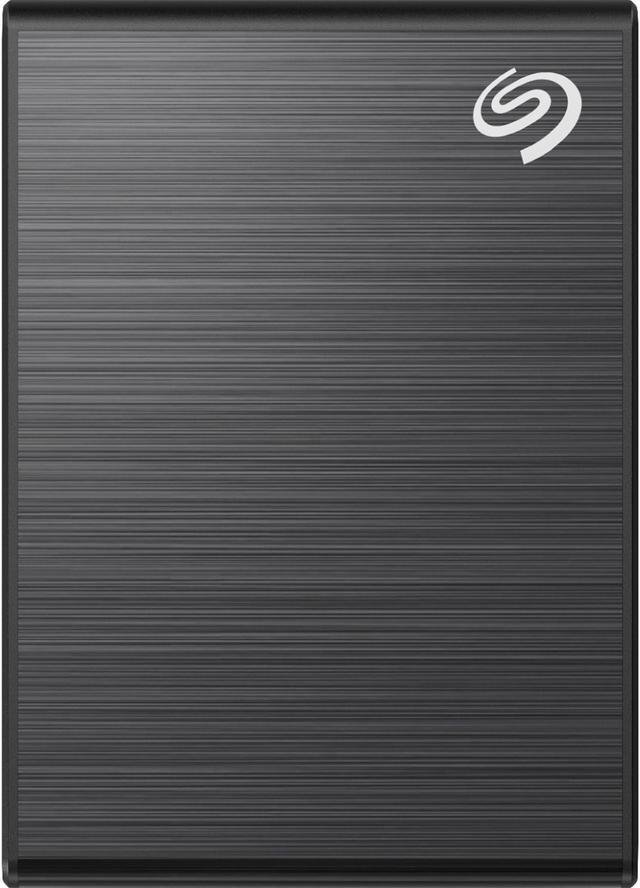
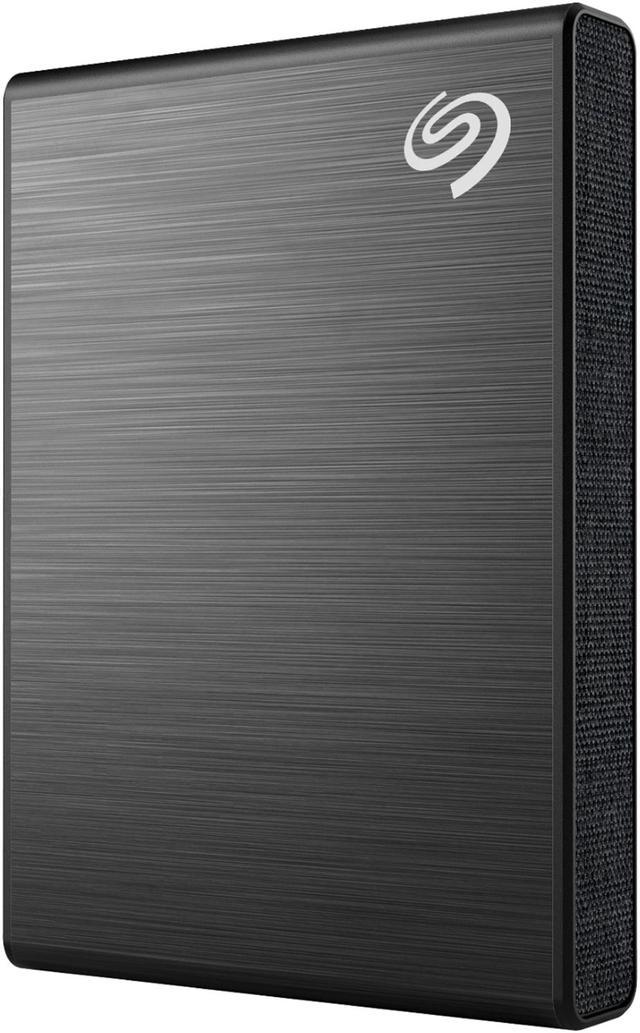
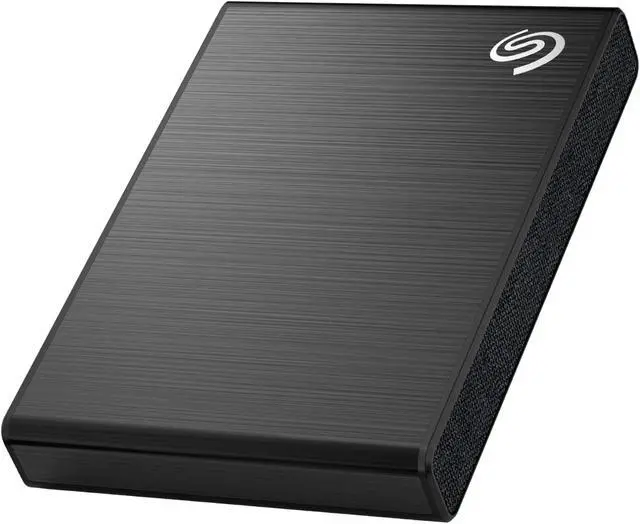
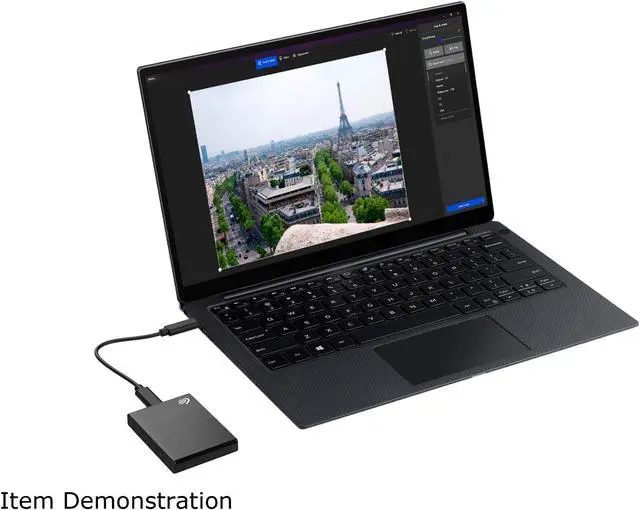
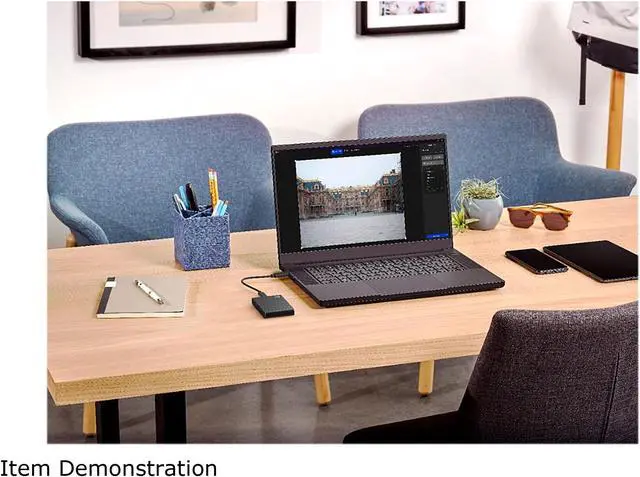
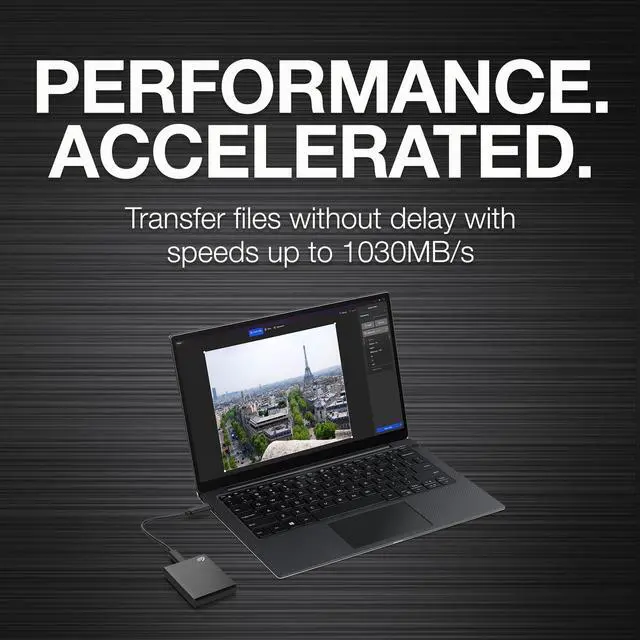
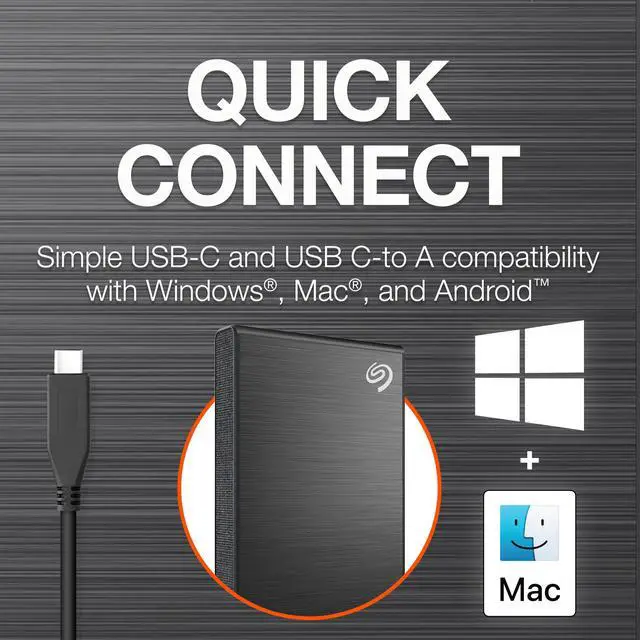
The Seagate One Touch STKG1000400 is a 1TB portable external SSD with speeds up to 1,030MB/s, suited to creators and other users who need to move or work with large files on the go. Its compact design and included USB-C and USB-C-to-A cables support convenient use with compatible computers.
| Attribute | Value |
|---|---|
| Best For | Portable backups and transferring photos and videos to free space on a mobile device |
| Capacity | 1TB of solid-state storage for files, photos, videos, and backups |
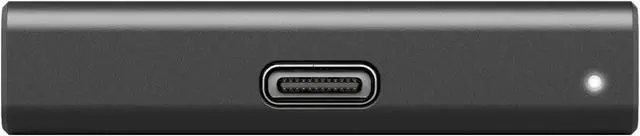
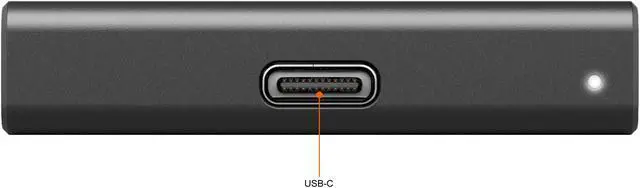
| Interface And Form Factor | Portable external SSD with a USB-C interface and USB 3.0 connectivity |
| Read And Transfer Performance | Transfer speeds of up to 1030 MB/s |
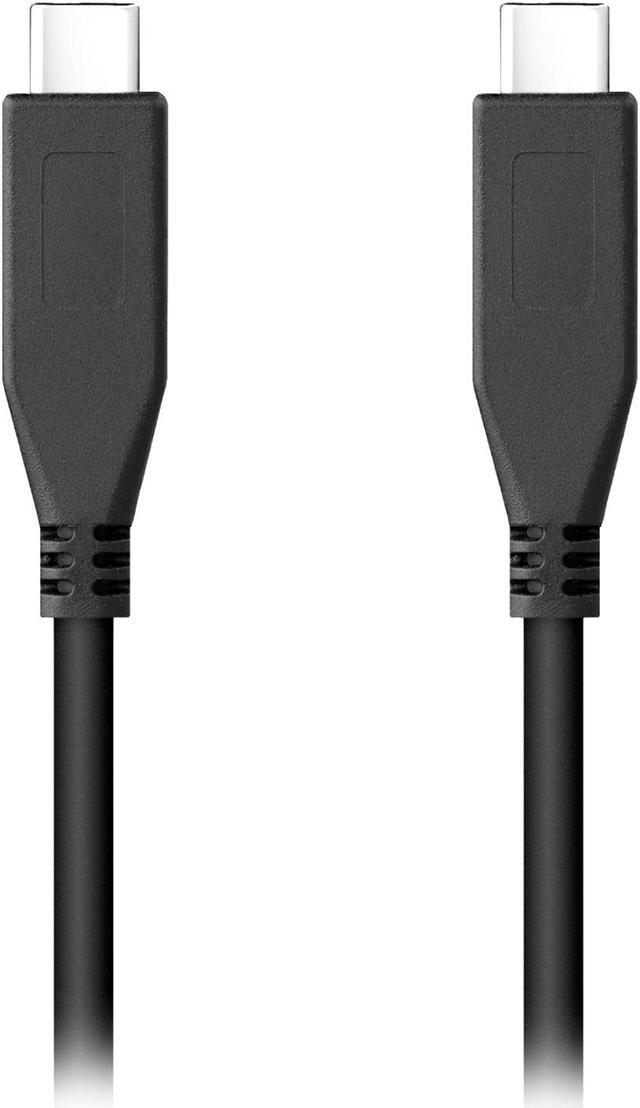
| Compatibility And Connectivity | Includes USB-C and USB-C-to-A cables; compatible with Windows, macOS, and Android |
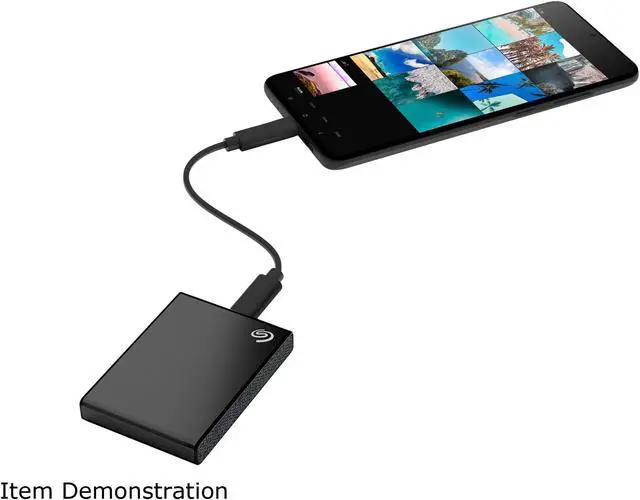
| Backup And File Management | Supports Android photo and video transfers, file mirroring and syncing across devices, and on-demand or scheduled backups with Seagate Toolkit |
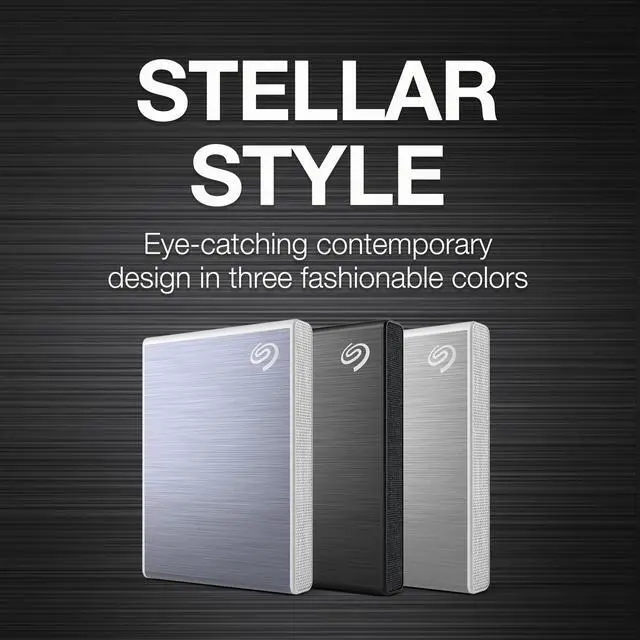
| Portability And Design | Black, lightweight design weighing 0.16 lb, with a shock-resistant build |
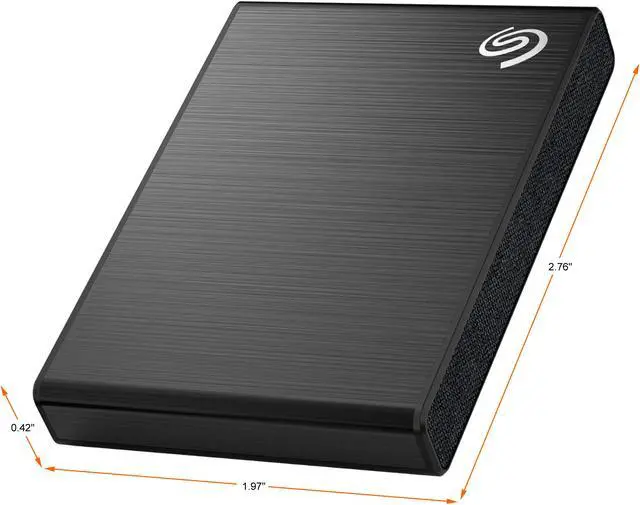
| Dimensions | 1.97 × 2.76 × 0.42 inches |
| Included Items And Plans | USB-C cable, USB-C-to-A cable, quick start guide, downloadable Toolkit software with Sync Plus, 1-year Mylio Create plan, and 4-month Adobe Creative Cloud Photography plan |
| Model Identifiers | Seagate One Touch, model STKG1000400 |
Q: Should I get the Seagate One Touch SSD or Samsung T7 Shield for travel?
A: Choose the Seagate One Touch SSD if a compact drive, Android backup app, and included recovery-service offer fit your needs. Choose the Samsung T7 Shield if you need documented dust and water resistance: Samsung rates it IP65. Both advertise roughly 1,000 MB/s-class transfer speeds, so protection and included features are more useful differentiators than headline speed.
Q: Is the 2021 Seagate One Touch SSD faster than the older One Touch SSD?
A: Yes, when connected to a USB 3.2 Gen 2 port. Tech Advisor measured about 1,023 MB/s read and 991 MB/s write on the 2021 STKG model, compared with roughly 412 MB/s read and 402 MB/s write for the earlier STJE generation. On an older USB 3.0 port, the newer drive measured about 456/459 MB/s, so the upgrade brings less speed benefit on that connection.
Q: Will the One Touch SSD reach its full speed on my laptop?
A: The drive is rated for speeds up to 1,030 MB/s, but reaching that class of performance requires a compatible USB 3.2 Gen 2 connection. On older USB 3.0/USB 3.1 Gen 1 ports, Tech Advisor measured around 456 MB/s read and 459 MB/s write. If your laptop lacks a suitable port, the One Touch still works, but transfers will be slower.
Q: Seagate One Touch SSD or Samsung T7: which should I choose?
A: Choose based on the extras and your workflow, rather than expecting a large difference in advertised speed: the One Touch is rated up to 1,030 MB/s, while Samsung lists up to 1,050 MB/s read and 1,000 MB/s write for the T7 series. The One Touch includes USB-C and USB-C-to-A cables and offers Seagate Toolkit backup features; Samsung’s T7 Touch variant adds a fingerprint sensor if biometric drive access is a priority.
Q: Can I use this SSD to back up photos and videos directly from an Android phone?
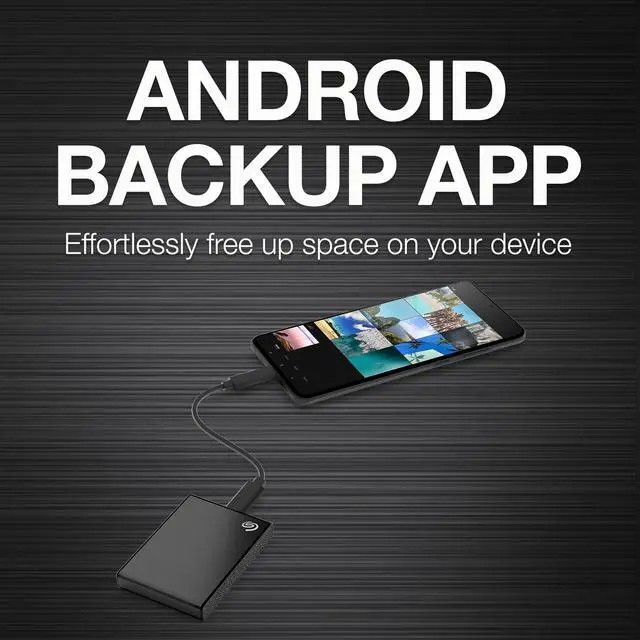
A: Yes. The Seagate One Touch SSD includes an Android backup app for transferring photos and videos. It has a USB-C connection and includes a USB-C-to-A cable; phone and app compatibility may depend on the device and its configuration.
Q: Will this SSD work with a Windows PC or Mac, and are the cables included?
A: It is listed as compatible with most Windows and macOS systems, and the package includes both a USB-C cable and a USB-C-to-A cable. Reformatting may be required for some uses, including Time Machine; compatibility can vary with the computer and operating system.
Q: Is this SSD suitable for travel and working with large files?
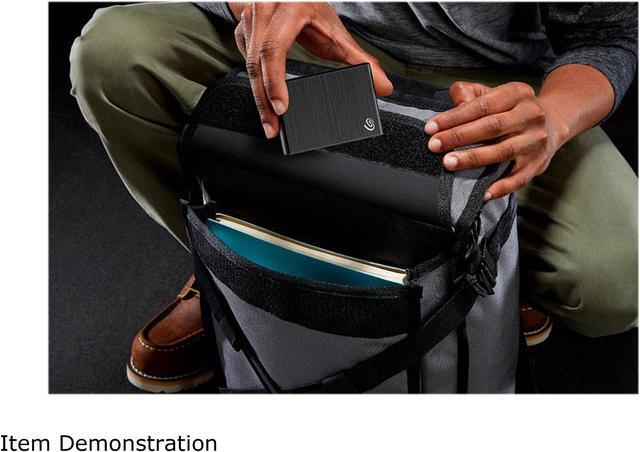
A: It is a portable storage drive suited to carrying files and transferring large files while traveling. The drive weighs 0.16 lb, measures 1.97 × 2.76 × 0.42 inches, and is rated for speeds up to 1030 MB/s; actual transfer speeds depend on the connected device and setup.
Q: Can I use it for scheduled backups, or do I need to copy files manually?
A: Both options are available: Seagate Toolkit supports on-demand and scheduled backups. The drive must be connected when a scheduled backup is due, and it is external storage rather than a standalone backup system.
Q: Is the Seagate One Touch SSD worth choosing over another 1TB portable SSD?
A: It offers a listed maximum speed of 1,030 MB/s, but that figure alone does not establish an advantage over similar drives. Compare current price, capacity, included cables, and compatibility with your device; actual transfer speeds can depend on the connected hardware.
Q: Is this a good portable drive for backing up files?
A: It is a compact SSD option for portable file storage and backups, with scheduled and on-demand backup software listed in the product information. Do not treat one drive as the only copy of important files; the Reddit discussions raise both lower-cost HDD alternatives and the value of keeping additional copies.
Q: Can I use it to transfer photos and videos from a phone or tablet?
A: The product includes an Android backup app and USB-C and USB-C-to-A cables. A Lon.TV review covers Android phones and an iPad, but its description says there is no iPhone support for the setup reviewed; check compatibility for your specific device before buying.






