Out of stock
  • $330.00
  • Free 30-day Returns
Sold by Newegg

Shipped by Newegg

Price alert
NAS Builder
Shop it at NeweggBusiness.

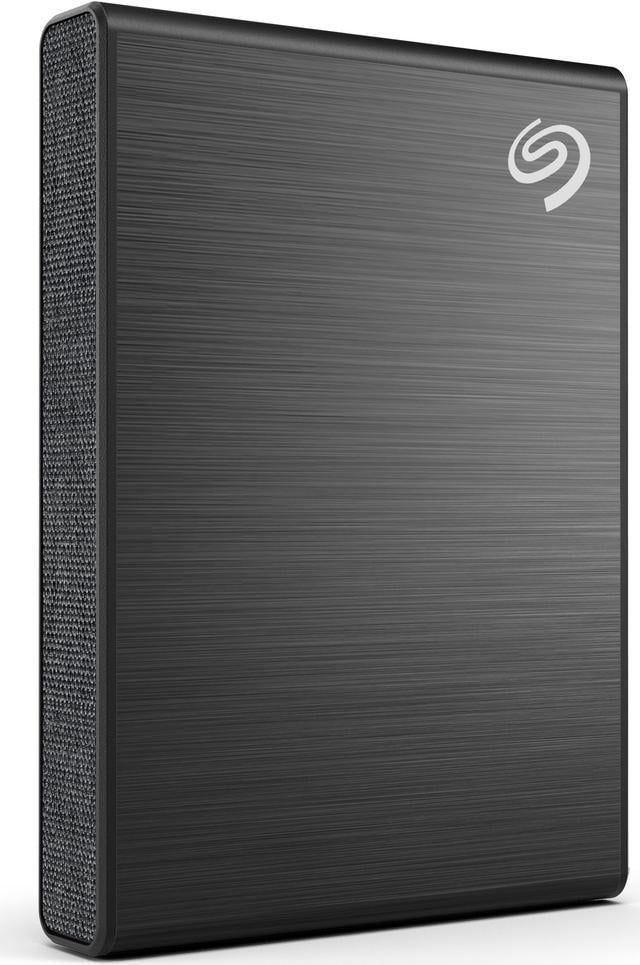
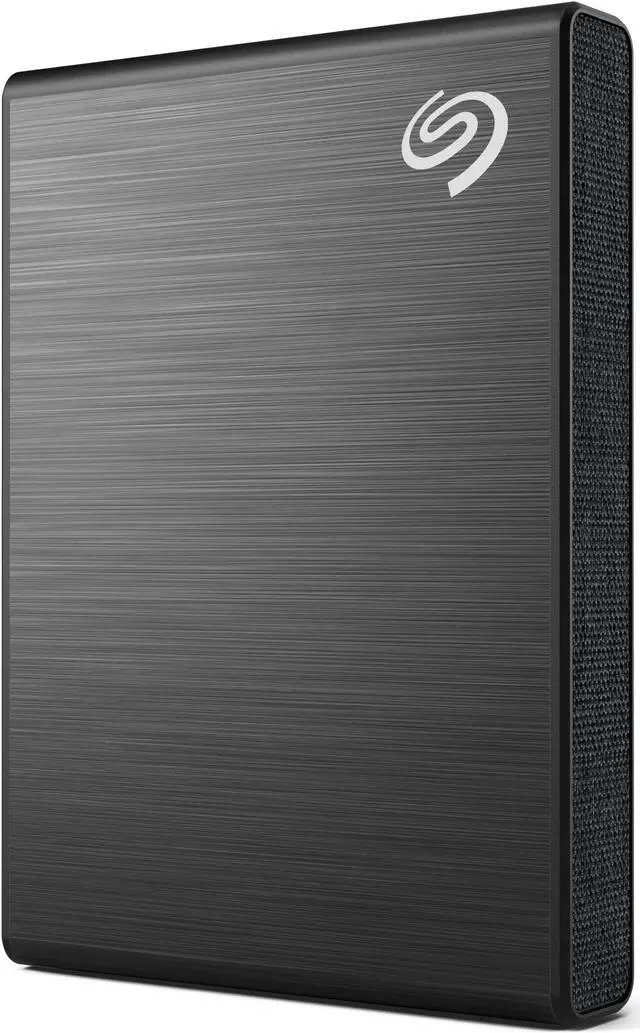
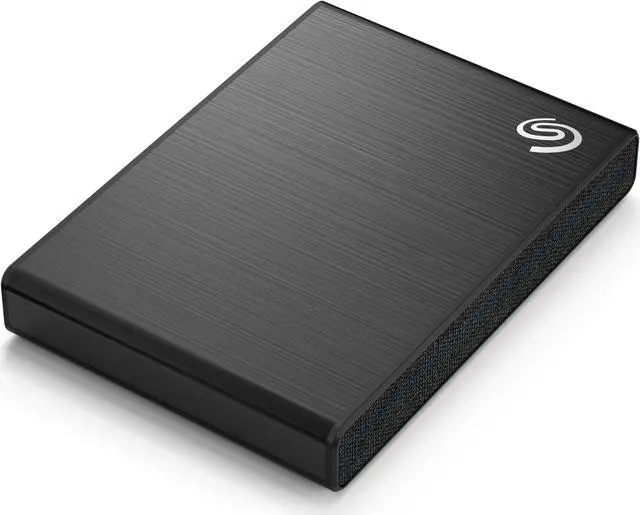
Seagate One Touch SSD 2TB External SSD Portable - Black, Speeds up to 1030MB/s, with Android App, 1yr Mylio Create, 4mo Adobe Creative Cloud Photography Plan and Rescue Services (STKG2000400)

  • 2TB
  • 1TB
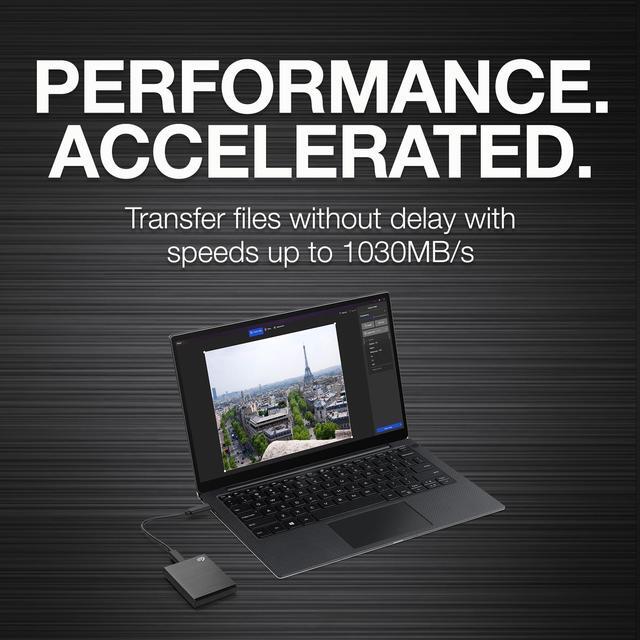
  • Big files? No problem - complete file transfers fast or work directly from the drive with up to 1030MB/s speeds comparable to NVMe
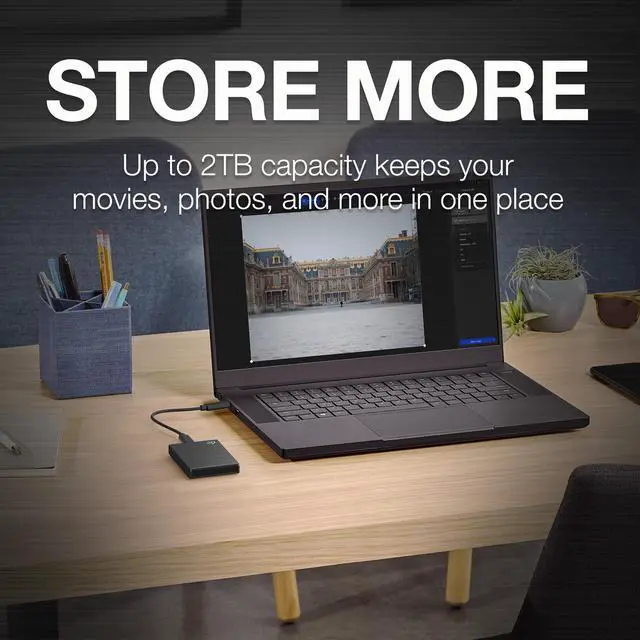
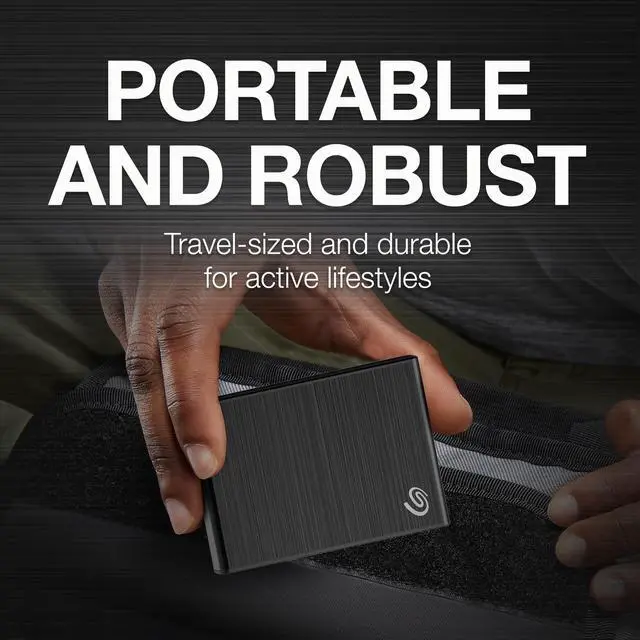
  • Up to 2TB capacity helps keep all your movies, photos, and more in one place. Plus an eye-catching, travel-sized, and robust design to withstand an active lifestyle - throw into your bag and go
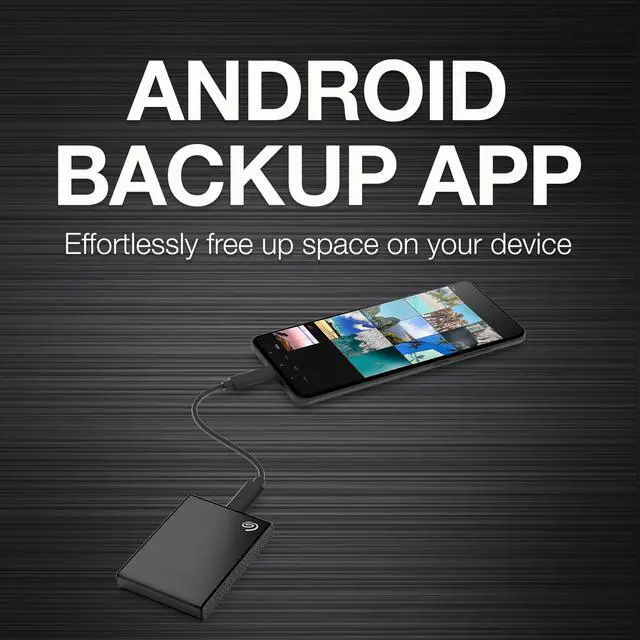
  • Use the included Android backup app to effortlessly transfer photos and videos - freeing up space on your device
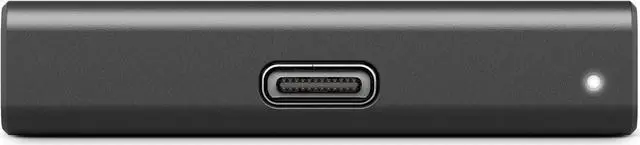
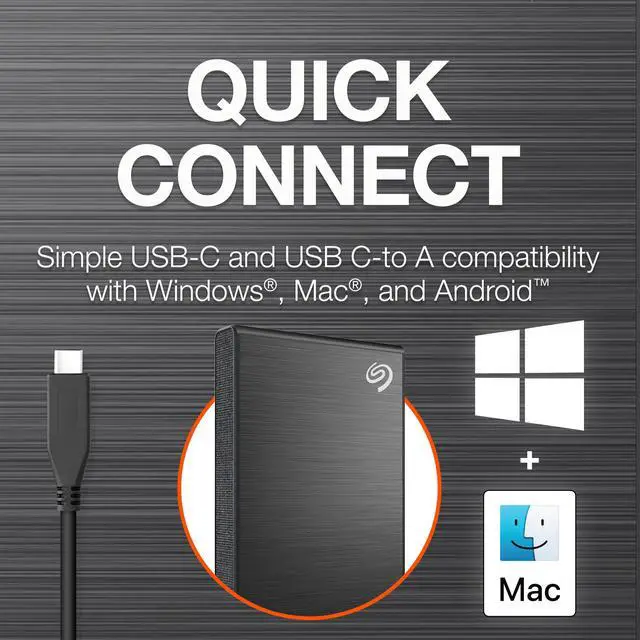
  • Quick connections are a snap with both USB-C and USB C-to A for out-of-the-box compatibility with Windows, Mac, and Android
  • Enjoy long-term peace of mind with the Rescue Data Recovery Services
🔥Don't forget your OS, we have Windows 11 OEM, Download and USB versions available
+
+
Overview
Specs
Reviews (3)
See all Q & A

Any questions? Ask CelesteSM will help you find out quickly.

Make your digital life effortlessly portable with the sleek One Touch USB 3.2 Gen 2 External SSD. Experience the pinnacle of data transfer speeds, reaching up to 1, 030 MB/s, allowing you to move large files swiftly and efficiently, minimizing wait times and maximizing productivity. This external SSD is not just about speed; it's also about convenience. With a dedicated Android app, you can easily back up your photos and videos, liberating valuable space on your mobile devices. Crafted for versatility, the One Touch SSD boasts a substantial storage capacity of up to 2 TB, ensuring you have ample room for all your documents, media, and projects.

Its plug-and-play functionality via a USB-C connection is compatible with a wide range of operating systems, including Windows, Mac, and Chromebook, making it a universally accessible solution for keeping your files close at hand. Designed for life on the move, this travel-sized SSD features a refined and stylish look that complements any setup. Whether you're working remotely or transferring files between locations, the One Touch SSD is your reliable companion for seamless operation directly from the drive. Embrace the convenience of an external SSD tailored for Android users. The One Touch SSD simplifies the backup process with its USB-C connectivity and user-friendly Android backup app, available for download on the Google Play Store.

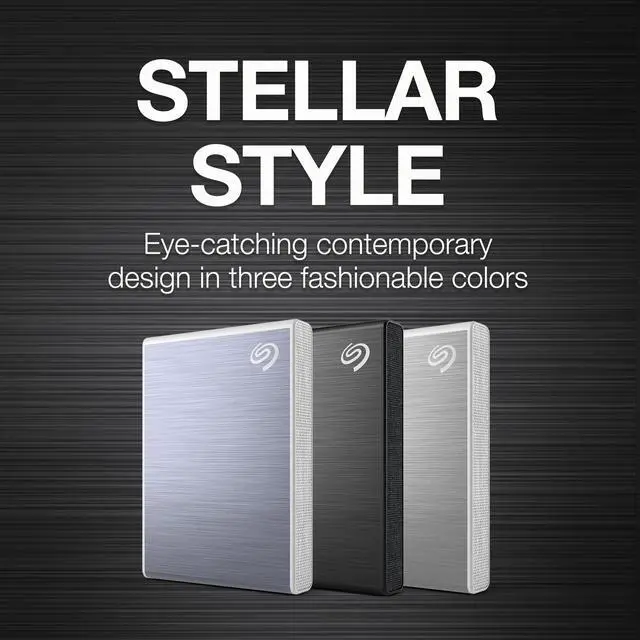
This ensures your content is always within reach, no matter where your adventures take you. In terms of style and capacity, the One Touch SSD stands out. Its design is both subtle and sophisticated, with a cozy, textured finish that suits any personal aesthetic. From important documents to expansive photo libraries, this SSD meets your storage needs without compromise. Simplify your digital tasks and streamline your backup process. The One Touch SSD features a front-facing USB-C port that not only facilitates backups but also charges multiple devices simultaneously. With compatibility across Windows and Mac platforms, and generous storage capacities, your photo and document archives are well taken care of.

Efficient file management is at your fingertips with the ability to sync folders for seamless file organization, bolstered by the effortless file protection offered by Sync Plus software. Additionally, safeguard your digital life with a 6-month free trial of the Dropbox Backup plan, which automatically backs up your computer and external drive, providing a secure cloud copy for easy data restoration. Take control of your digital photo and video collections with a complimentary 6-month subscription to Mylio Photos plan. This service helps you consolidate, declutter, and enhance your media, creating a private, protected library that preserves cherished memories for future generations.

Rest assured, with the One Touch USB 3.2 Gen 2 External SSD, you're not just investing in storage - you're securing peace of mind. In the face of unforeseen events such as water damage or natural disasters, Rescue Services are available to defend against data loss and retrieval costs, allowing you to navigate your digital world with confidence and ease.

Warranty & Returns

Warranty, Returns, And Additional Information

Warranty

  • Limited Warranty period (parts): 3 years
  • Limited Warranty period (labor): 3 years
  • Read full details

Return Policies

LOADING...

The Seagate One Touch 2TB is a portable external SSD with speeds up to 1030MB/s, suited to people who want fast access to large files and a compact drive for work or travel.

Recommended For

  • Laptop-based photographers and video creators who carry project files between locations and want a pocketable drive for quick transfers or working directly from stored files; near-1,000 MB/s performance depends on using a compatible USB 3.2 Gen 2 port.
  • Photographers who use a USB-C Android phone or tablet and want to copy photos and videos onto external storage to free up device space.
  • People who move between Windows and Mac computers and want portable storage with included USB-C and USB-A cables, plus optional file backup and folder syncing through Seagate Toolkit.
  • Frequent travelers and commuters who want a small, lightweight drive for carrying work files or media in a bag or pocket, and do not need a fully rugged enclosure.

Real-World Use Scenarios

  • When an Android phone is running low on space, connect the drive and use the included backup app to move photos and videos off the phone; the files stay on portable storage for later access.
  • For a laptop backup routine, set Seagate Toolkit to copy or sync selected folders on demand or on a schedule; this keeps another copy of important files on the drive without requiring each file to be transferred manually.
  • When moving large photo, video, or project files between a computer and external storage, use the SSD to shorten transfer waits compared with a portable hard drive; real-world speeds depend on the computer’s USB port and the files being copied.
  • For a photographer or video creator moving between locations, keep active media files on the compact drive and connect it to a compatible Windows or Mac computer to access or work with them without carrying a larger desktop drive.
  • When traveling with a laptop, store a photo or movie collection on the drive and connect it when needed; it provides portable extra storage, though access speed depends on the USB connection and host device.

Spec Summary

AttributeValue
Best ForPortable backup and storage for photos, videos, and other files
Capacity2 TB of solid-state storage
Transfer PerformanceTransfer speeds up to 1030 MB/s
Interface And ConnectivityExternal USB-C SSD; includes USB-C and USB-C-to-A cables
Compatibility And BackupCompatible with most Windows and macOS systems; the included Android app transfers photos and videos, and Seagate Toolkit supports on-demand and scheduled backups
Portability And DimensionsBlack portable drive measuring 2.76 × 1.97 × 0.42 inches and weighing 0.16 lb
Included Software And ExtrasDownloadable Toolkit software with Sync Plus, a 1-year Mylio Create plan, and a 4-month Adobe Creative Cloud Photography plan
Model IdentifiersSeagate One Touch, model STKG2000400

Reference Q&A

Q: Seagate One Touch SSD 2TB or Samsung T7 Touch 2TB—which should I choose?

A: Choose the Seagate One Touch if its included USB-C and USB-A cables, Android photo-backup app, and bundled software fit your needs. Choose the Samsung T7 Touch if fingerprint-based access control is a priority: the T7 Touch includes a fingerprint sensor, while Tech Advisor reports that the One Touch SSD does not offer hardware encryption. Both are portable USB SSDs, so check that your device has a compatible USB connection.

Q: Is the 2021 Seagate One Touch SSD worth choosing over the older One Touch SSD?

A: Choose the STKG-series One Touch SSD, including model STKG2000400, if faster transfers matter and your computer supports USB 3.2 Gen 2. In Tech Advisor’s testing, the newer model reached about 1,023 MB/s read and 991 MB/s write on that interface; its review reports about 412 MB/s read and 402 MB/s write for the earlier STJE model. The older model may suit buyers who mainly need basic storage and find it at a lower price, but confirm the model number because both generations use the One Touch name.

Q: Should I get the 1TB or 2TB Seagate One Touch SSD?

A: Choose the 2TB model if you expect to keep a large photo, video, or work-file library on the drive; it provides twice the capacity of the 1TB version. Choose 1TB if that space is sufficient for your files. Seagate lists both capacities in the One Touch SSD range; compare current prices before deciding, since the better value depends on the offer available.

Q: Is this SSD a good choice for carrying on trips?

A: It is designed for portable use: it weighs 0.16 lb, measures 1.97 × 2.76 × 0.42 inches, and has a shock-resistant design. It can store travel photos, videos, and work files, but it should not be treated as a substitute for a second backup copy.

Q: Will it work with a Windows PC, Mac, or Android device?

A: The drive is listed as compatible with most Windows and macOS systems and with Android. It includes USB-C and USB-C-to-USB-A cables; using it with a specific phone or computer may depend on that device’s port, operating system, and file format. Reformatting may be needed for Mac Time Machine.

Q: Can I back up photos and videos from an Android phone to it?

A: Yes. The product includes an Android backup app for transferring photos and videos to the drive, which can free space on the phone. The phone must support connecting to external USB storage, and the included USB-C cable or a compatible connection is required.

Q: Can I work directly from the drive with large files?

A: The drive is rated for speeds up to 1030 MB/s and is described as suitable for working directly from stored files. That is a maximum rating, not a guaranteed sustained speed; actual performance depends on the computer, connection, and workload.

Q: Can I use it with Mac Time Machine?

A: It is compatible with most macOS systems, but reformatting may be required before using it with Time Machine. Reformatting changes the drive’s file system, so copy any files you want to keep elsewhere first.

Q: Will this SSD work with an iPad or Android phone?

A: Android is explicitly listed as compatible, and the included Android app supports photo and video transfers. A YouTube review tests the drive with an iPad, but the supplied product details list Windows, macOS, and Android—not iPadOS—and say iPhone is unsupported. Check your device’s connection, file-system, and app requirements before buying for tablet use.

Q: Should I expect the advertised 1030 MB/s transfer speed?

A: Treat 1030 MB/s as the stated maximum, not a guaranteed speed. Actual transfers depend on the connected device, USB port, cable, and workload. A YouTube review benchmarks the drive, but results from a review setup may not match every computer.

Q: Is this a reasonable drive for computer backups?

A: It can store backup files, and the product includes Seagate Toolkit software for on-demand and scheduled backups. A Reddit discussion comparing drives for computer backup raises reliability and backup-type trade-offs, so this SSD is better treated as one backup copy rather than the only copy of important files.