





A Complete Backlit Desk Setup for Multi-Device Work
Sleek, minimalist, and built for focus. Meet your new productivity partner. Swipe to see more.
seenda Bluetooth Backlit Keyboard and Mouse
Model: COE64-3 Pro
Seenda Backlit Keyboard & Mouse – Multi-Device Control for Everyday Work
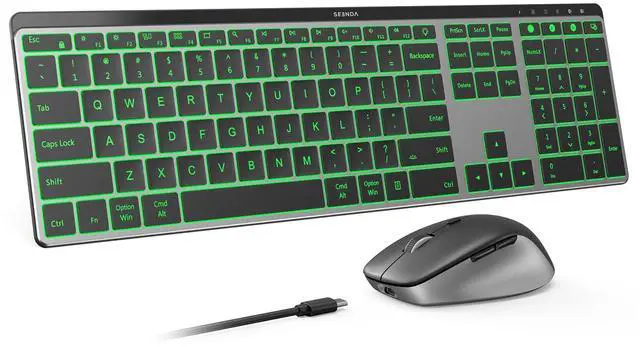
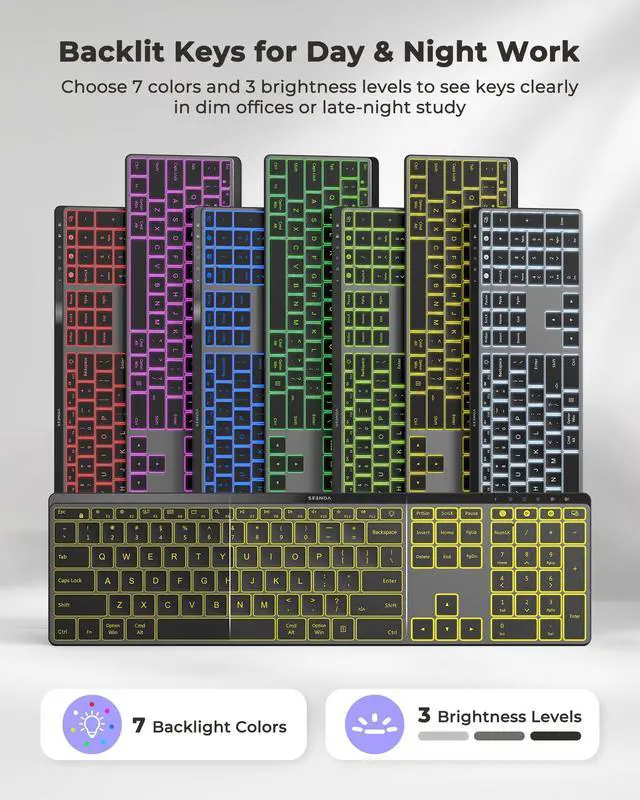
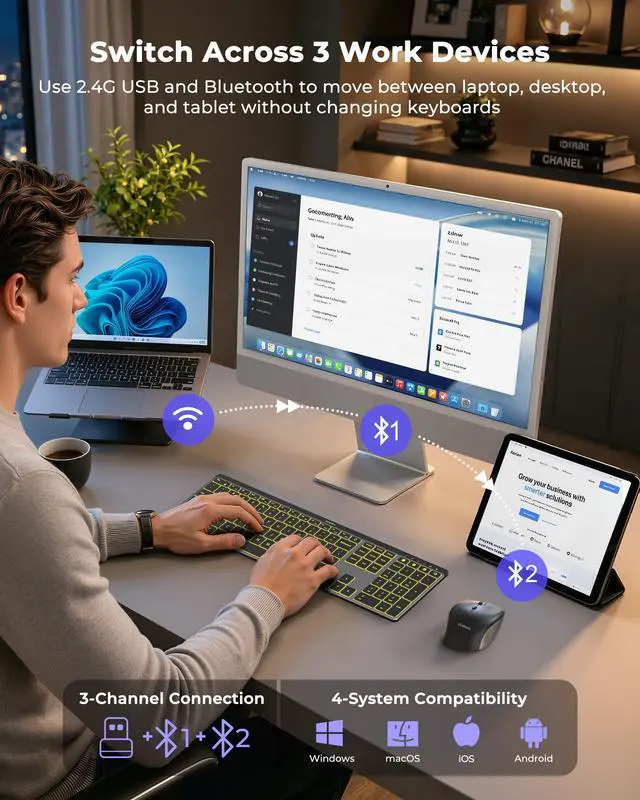
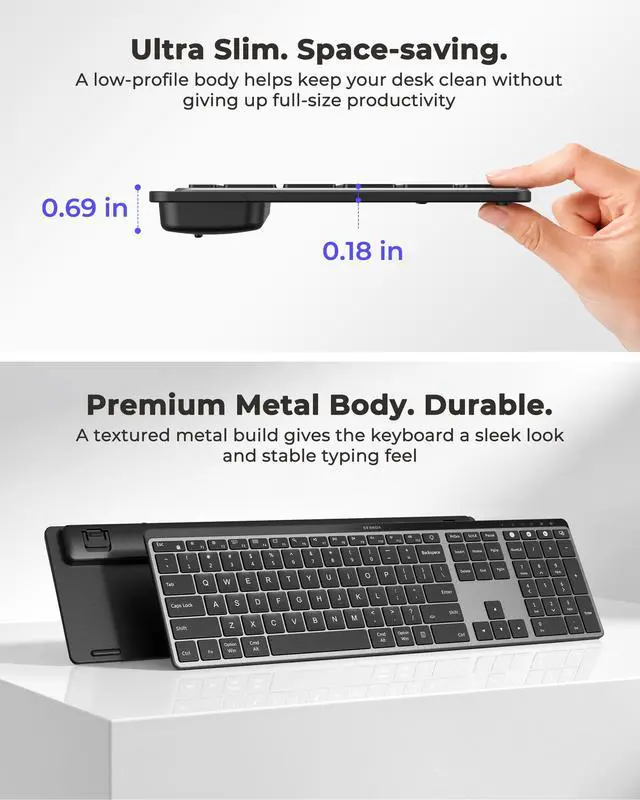
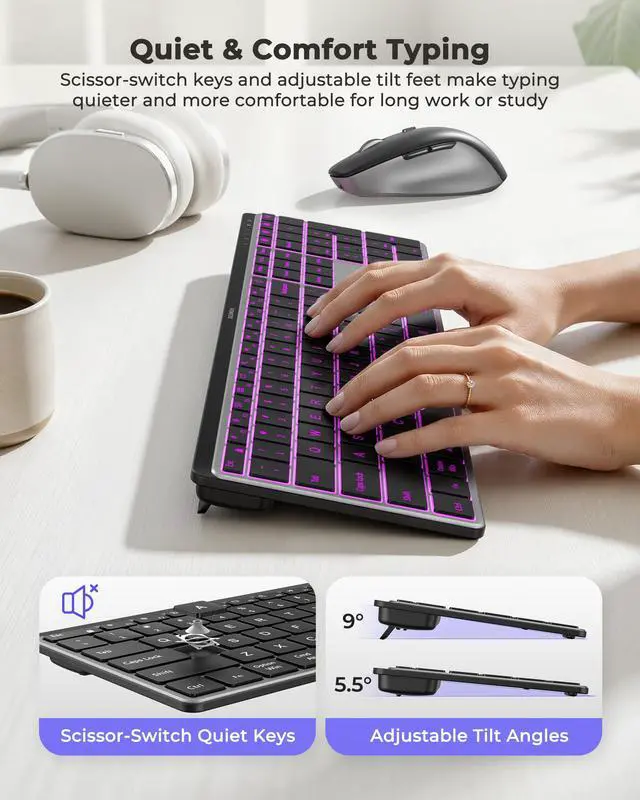
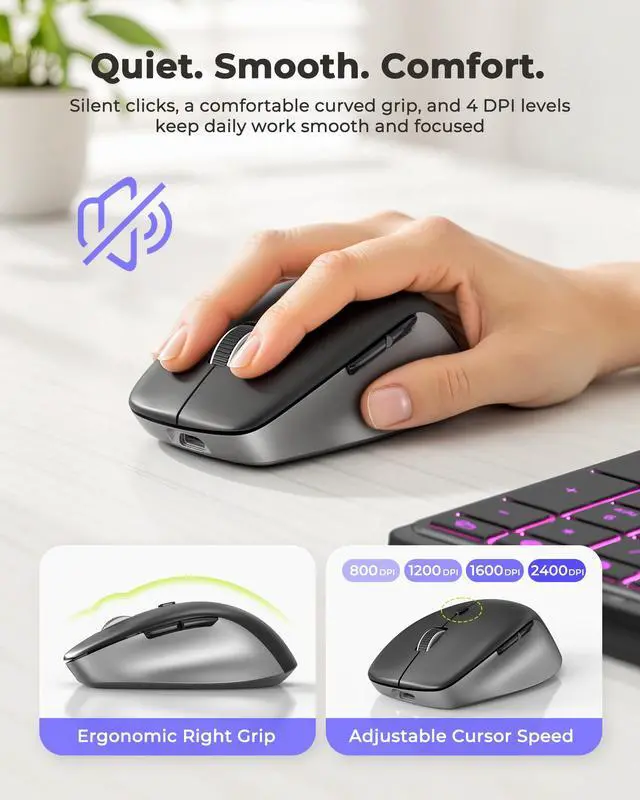
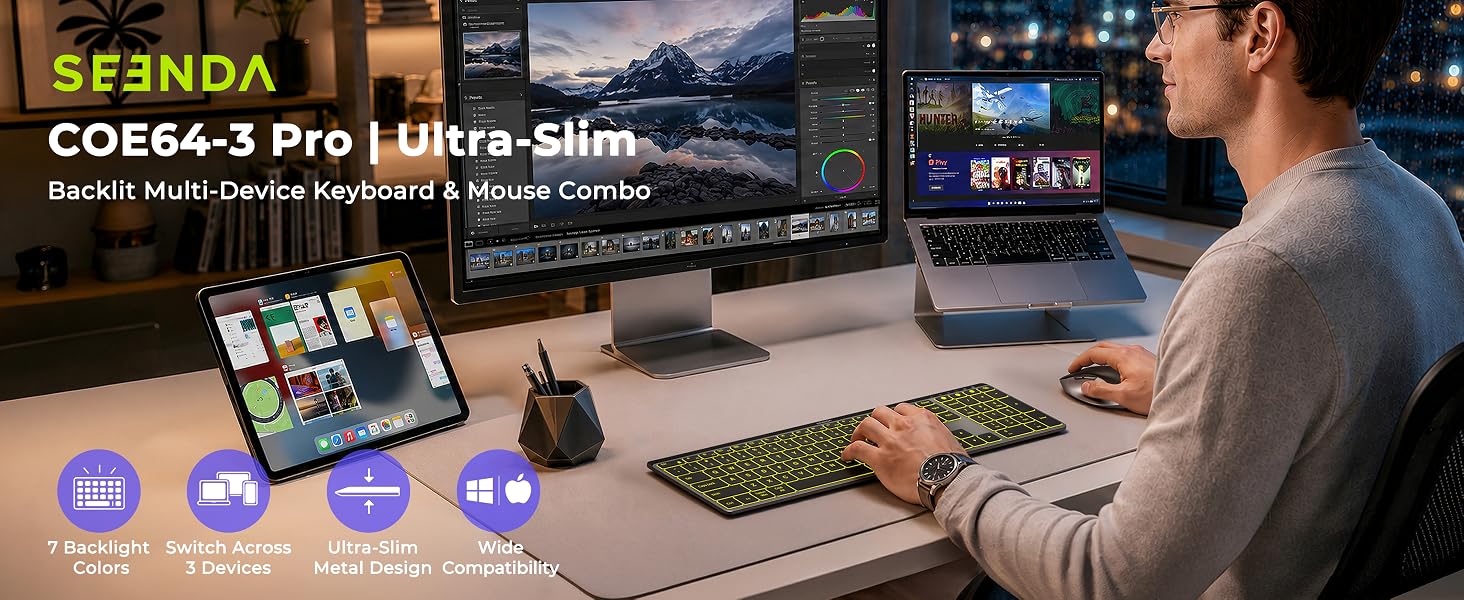
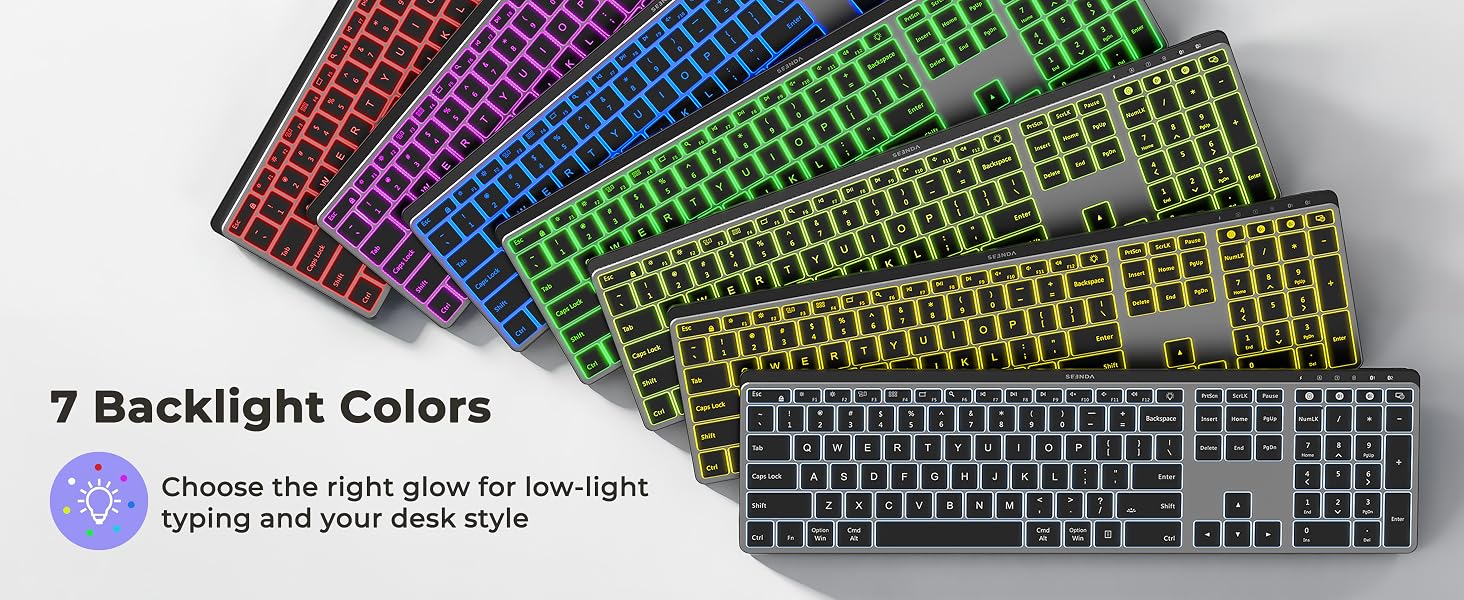
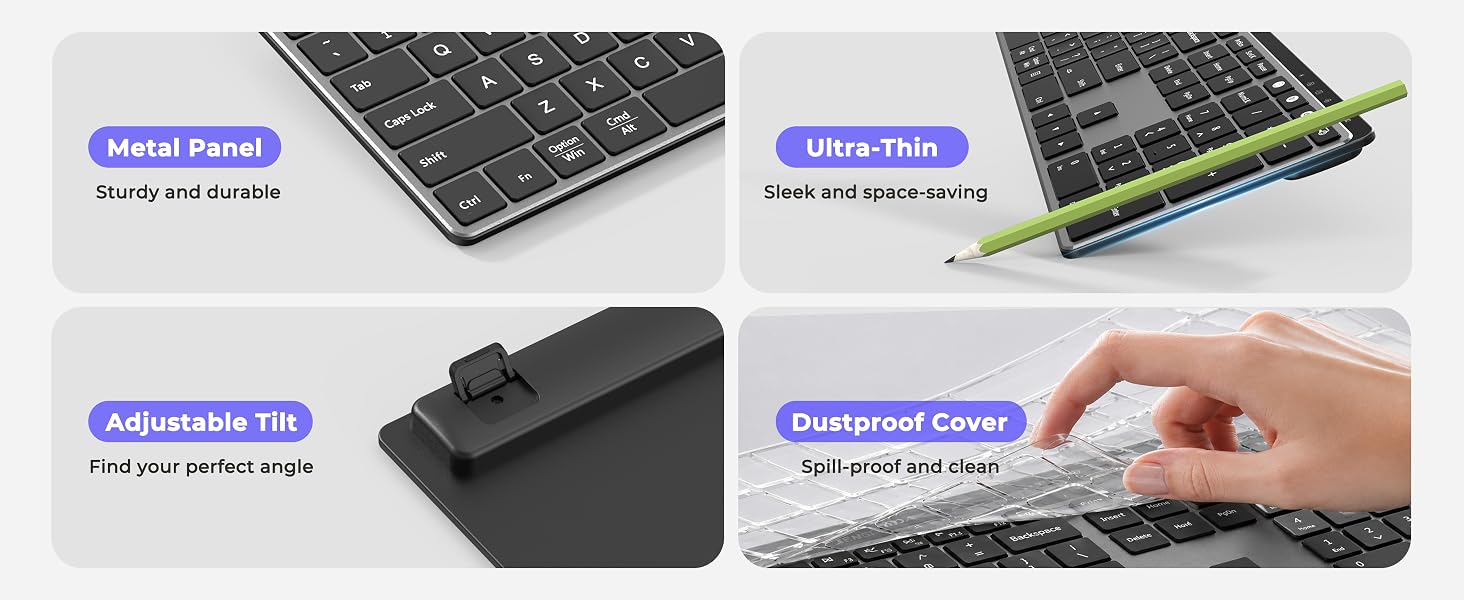
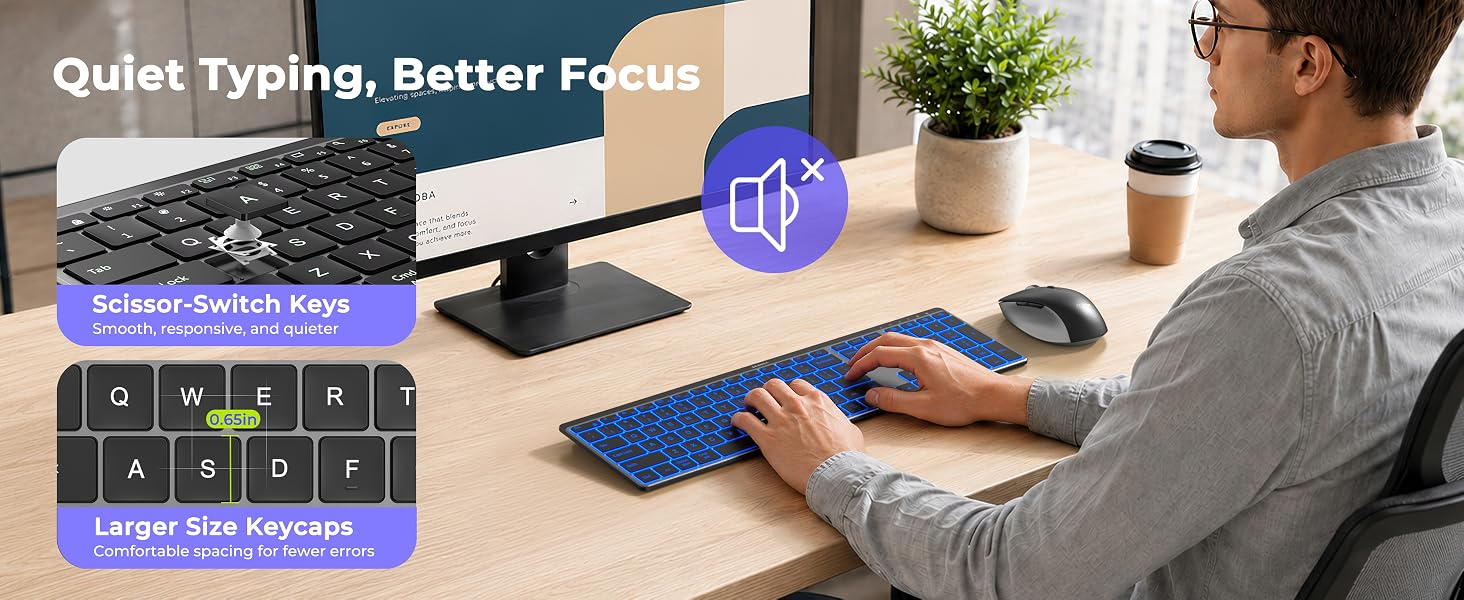
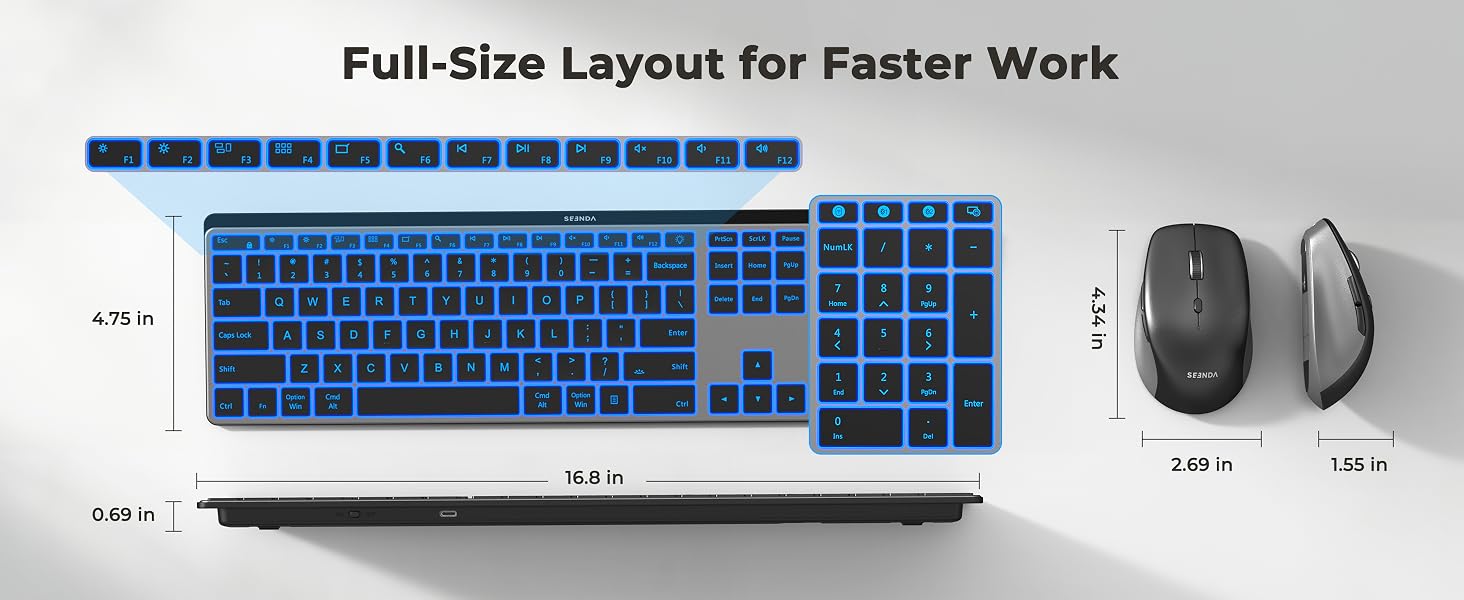
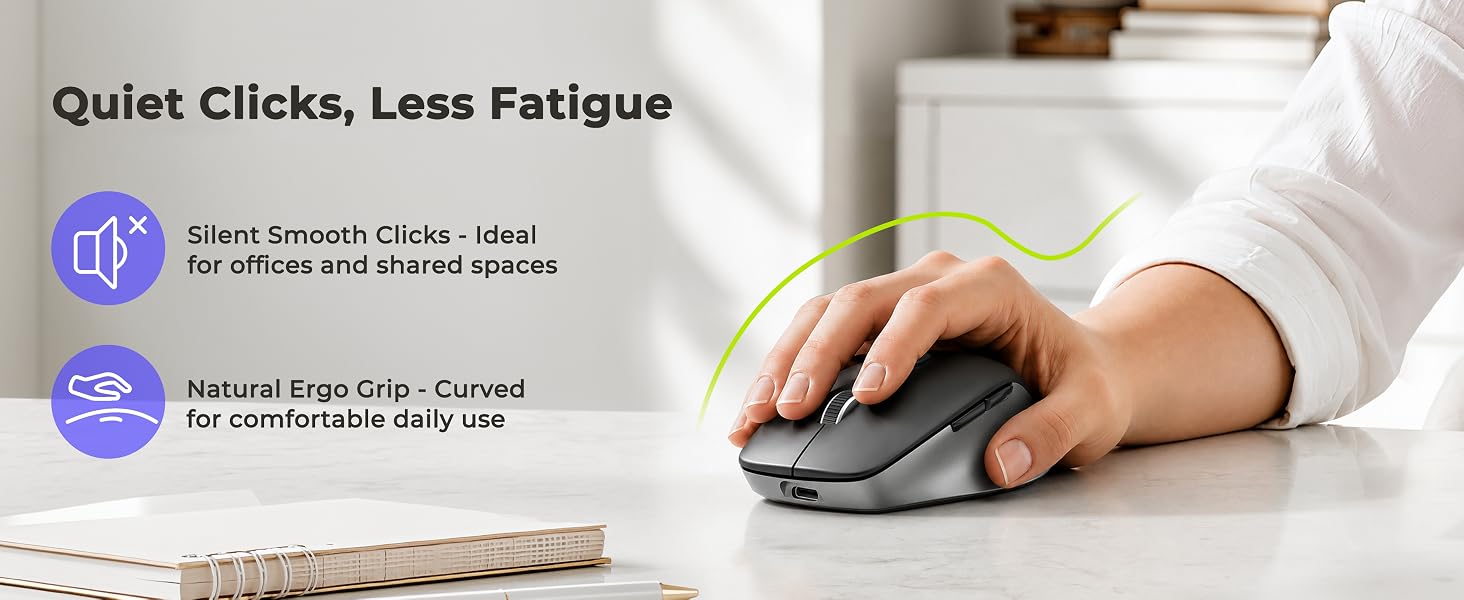
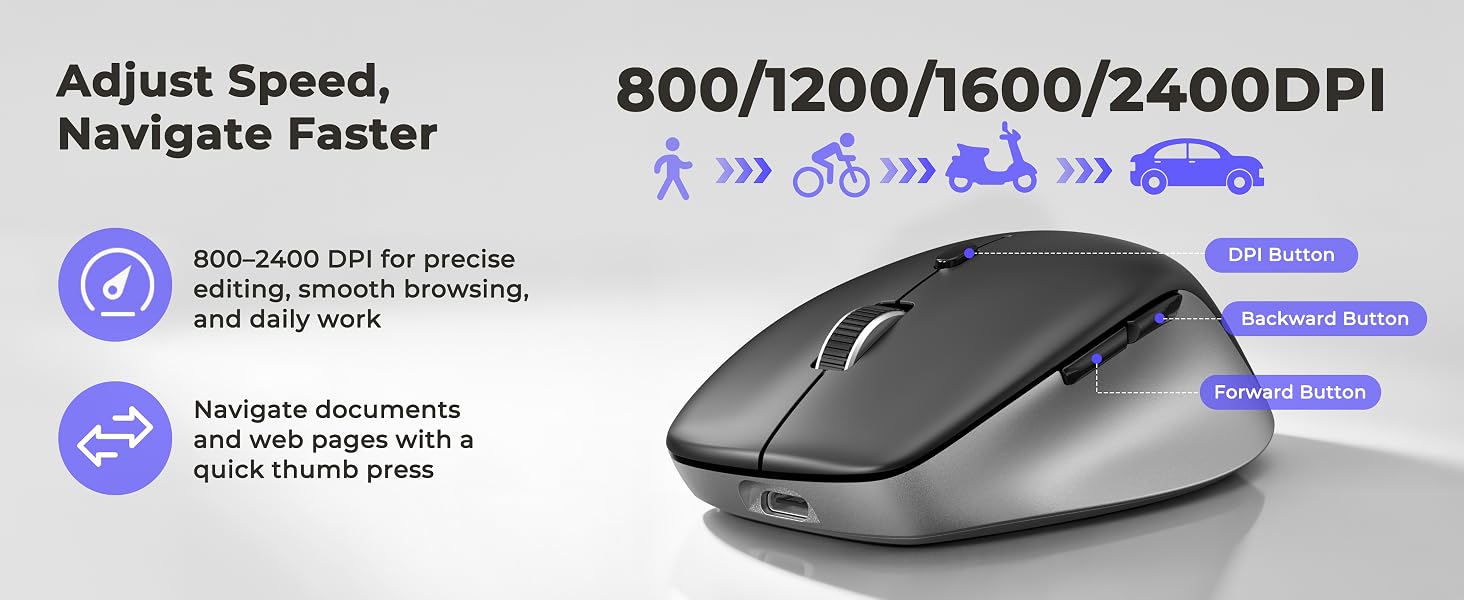
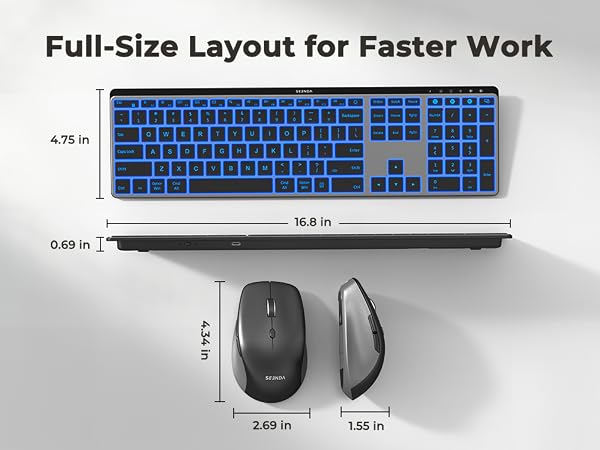
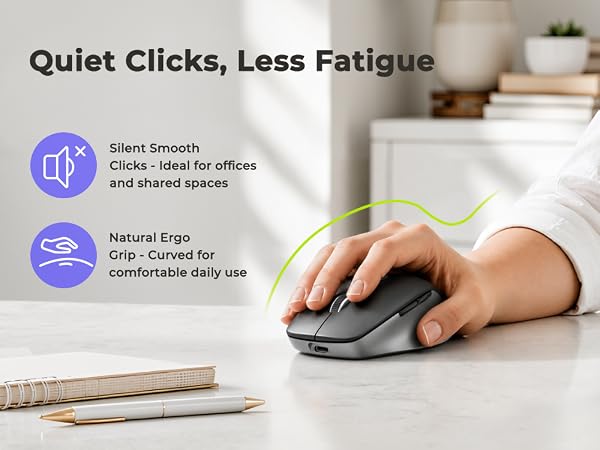
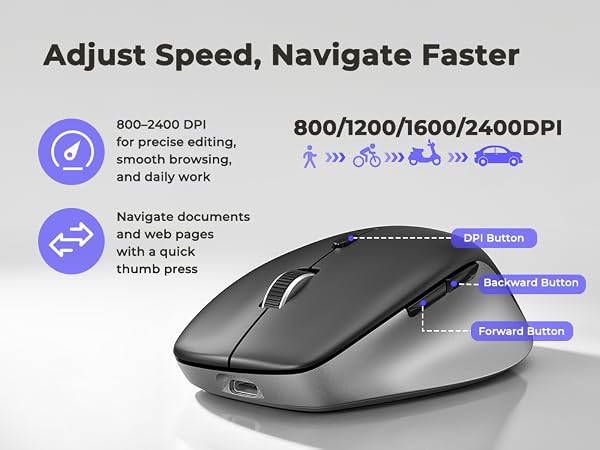
Switch among a PC, laptop, and tablet via 2.4G USB and dual Bluetooth. The full-size keyboard has a number pad, 7 backlight colors, quiet keys, and adjustable angles for spreadsheets, data entry, and late-night work. The rechargeable mouse offers quiet clicks, a comfortable right-hand curve, and 800–2400 DPI for browsing and daily office tasks. NOTE: 2.4G USB works with Windows systems only. For Mac or other Bluetooth-enabled devices, please use Bluetooth pairing. Pairing Guide: User Manual.
USB & Dual Bluetooth Connection, Wide Compatibility
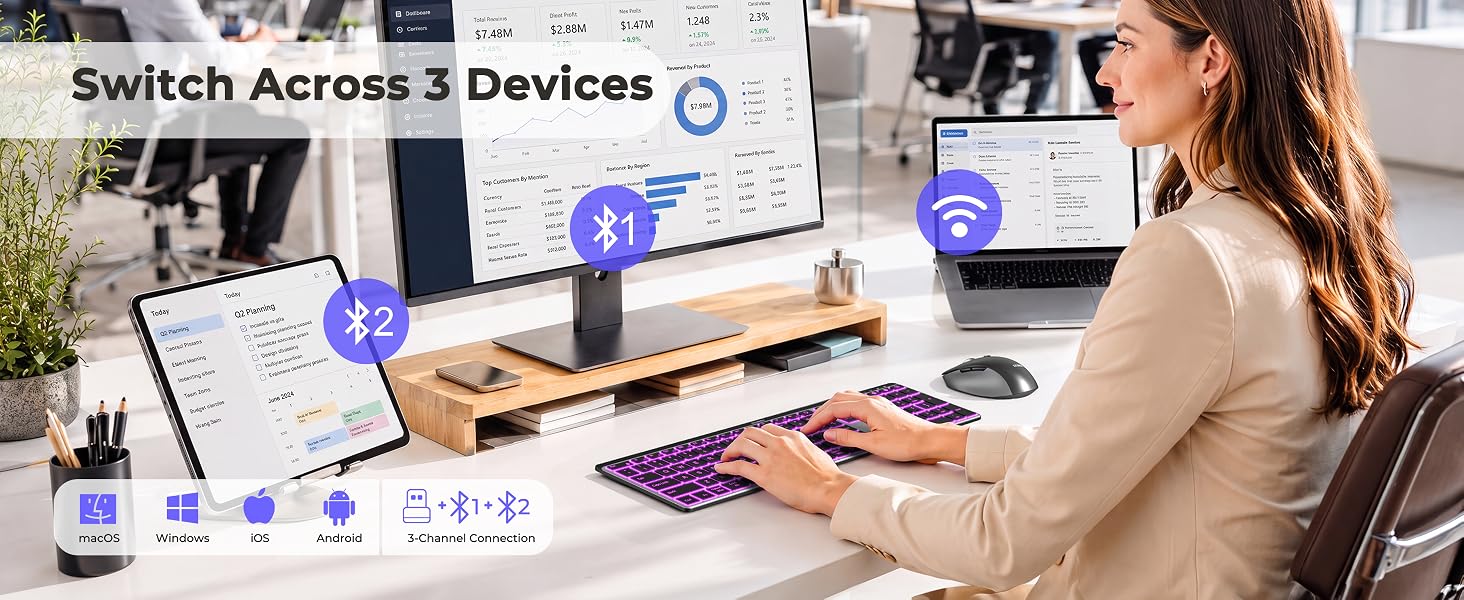
2.4G USB for Windows | Bluetooth for Windows, macOS, iOS & Android

Does 2.4G USB work with Mac or other non-Windows devices?
The 2.4G USB mode works with Windows 11/10/8/7/XP only. For Mac, MacBook, iPad, iPhone or Android devices, please use Bluetooth mode to avoid unsupported functions or unexpected key behavior.
What should I do if Bluetooth disconnects or responds slowly?
Keep devices within 10 m (33 ft) and fully charged. Remove the keyboard or mouse from your Bluetooth list, restart the device, then pair again using the manual. If needed, test another device or seek further assistance through your order.
When do the keyboard backlight and mouse enter sleep mode?
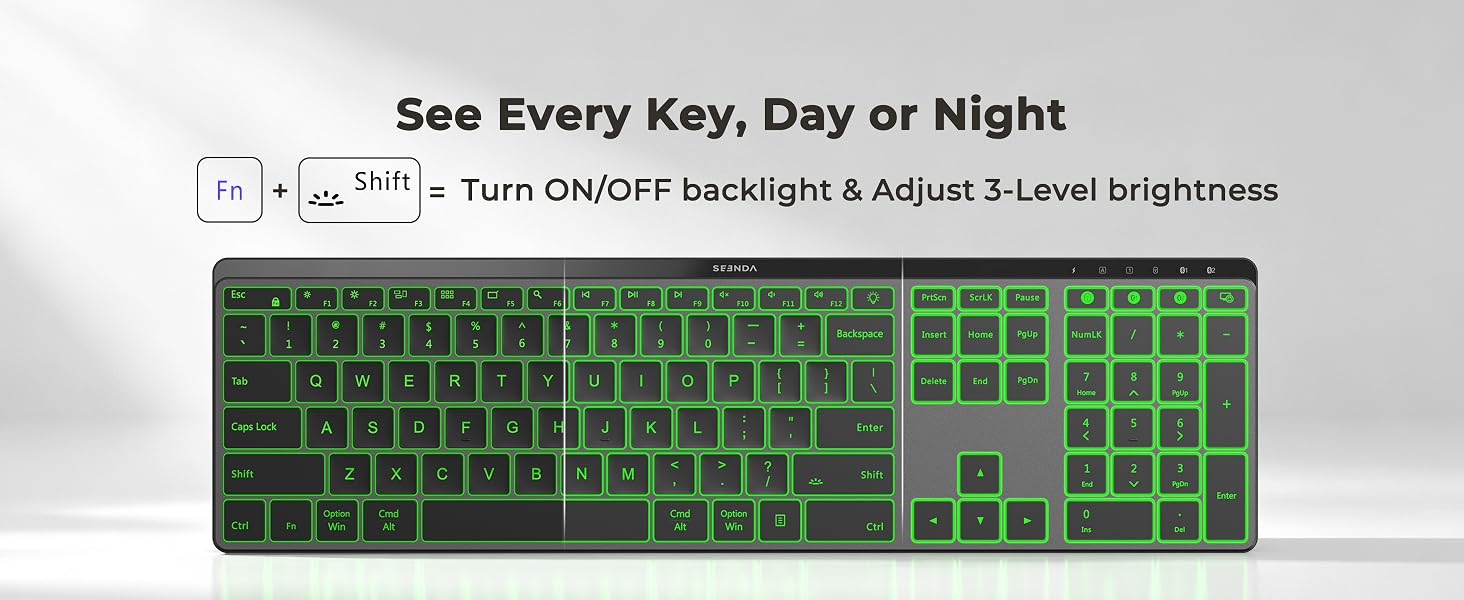
The keyboard backlight turns off after 2 minutes of inactivity, and the mouse sleeps after 6 minutes. Press any key or click the mouse to wake them.
Why does the keyboard backlight turn off when the battery is low?
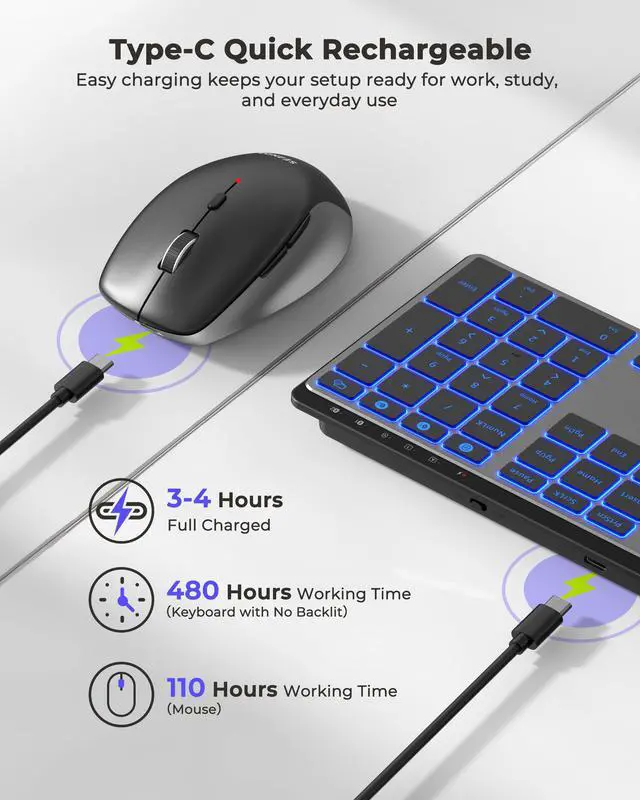
To save power, the backlight turns off automatically when the battery level drops below 15%. Recharge the keyboard, and the backlight will return.
Is the keyboard layout the same as an original Mac keyboard?
The keyboard uses a standard layout, but some function keys, such as Fn, may be positioned differently from an original Mac keyboard. A short adjustment period is recommended.
A Complete Backlit Desk Setup for Multi-Device Work
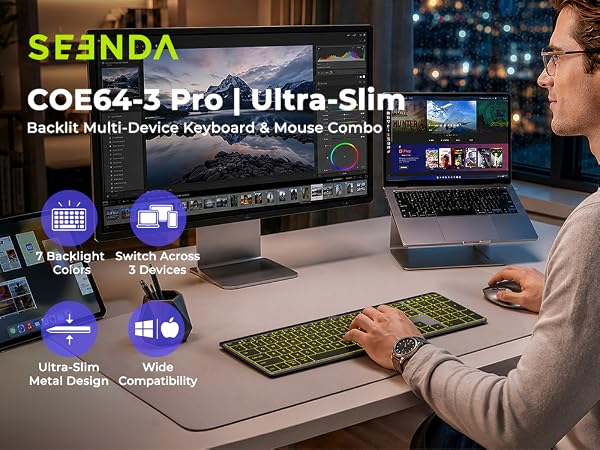
Sleek, minimalist, and built for focus. Meet your new productivity partner. Swipe to see more.
seenda Bluetooth Backlit Keyboard and Mouse
Model: COE64-3 Pro
Seenda Backlit Keyboard & Mouse – Multi-Device Control for Everyday Work
Switch among a PC, laptop, and tablet via 2.4G USB and dual Bluetooth. The full-size keyboard has a number pad, 7 backlight colors, quiet keys, and adjustable angles for spreadsheets, data entry, and late-night work. The rechargeable mouse offers quiet clicks, a comfortable right-hand curve, and 800–2400 DPI for browsing and daily office tasks. NOTE: 2.4G USB works with Windows systems only. For Mac or other Bluetooth-enabled devices, please use Bluetooth pairing. Pairing Guide: User Manual.
USB & Dual Bluetooth Connection, Wide Compatibility
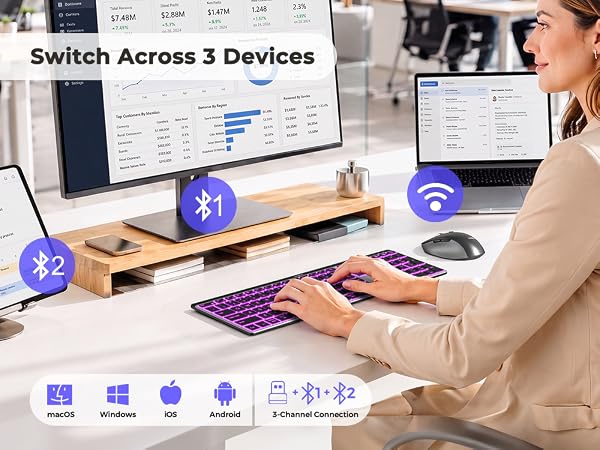
2.4G USB for Windows | Bluetooth for Windows, macOS, iOS & Android
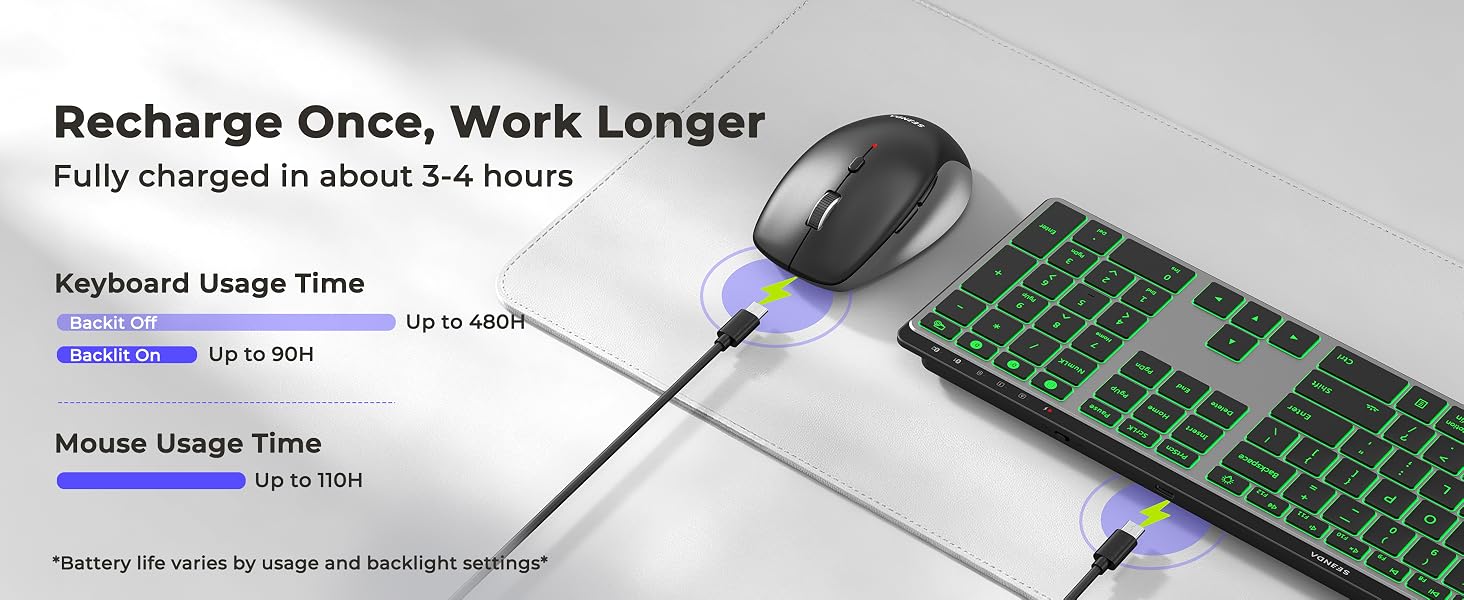
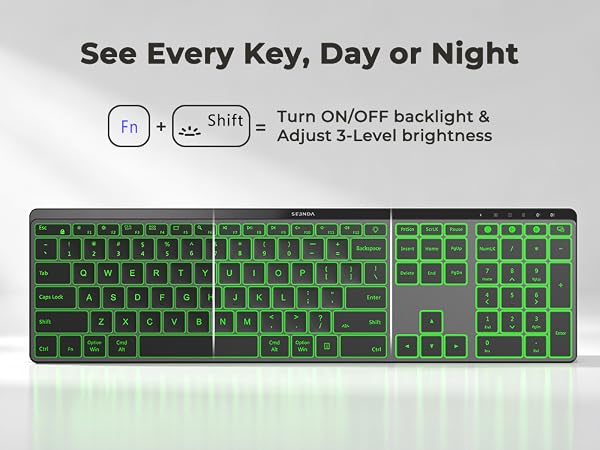
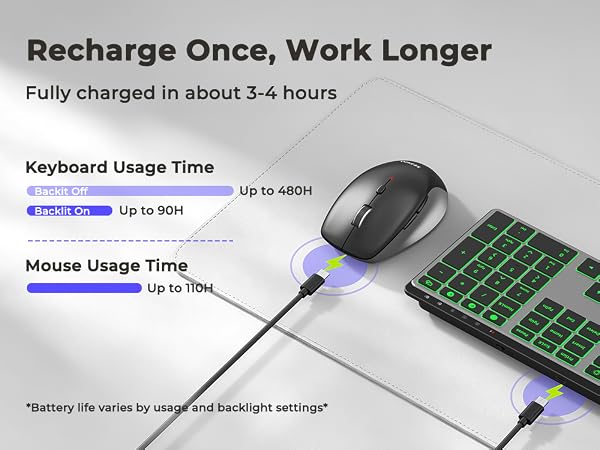
Backlit for Day or Night, Longer-Lasting Power
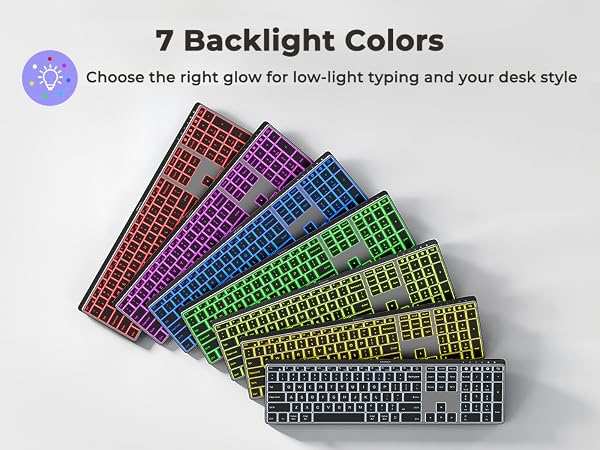
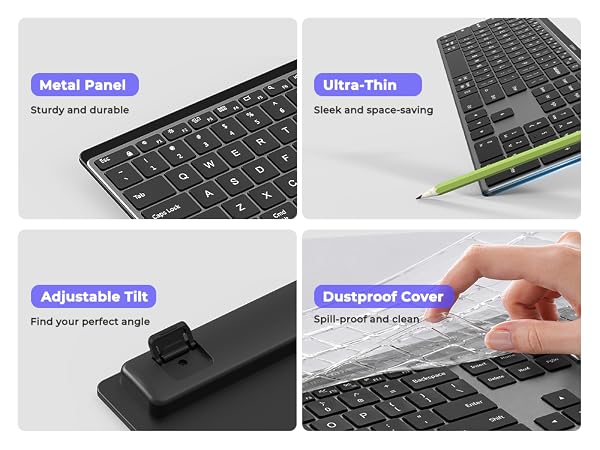
Slim Metal Design, Quiet Full-Size Typing
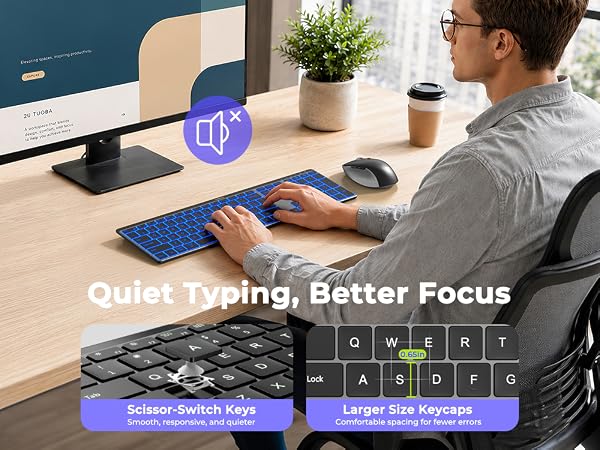
Quiet Comfort, Precise Control, Gift-Ready

Does 2.4G USB work with Mac or other non-Windows devices?
The 2.4G USB mode works with Windows 11/10/8/7/XP only. For Mac, MacBook, iPad, iPhone or Android devices, please use Bluetooth mode to avoid unsupported functions or unexpected key behavior.
What should I do if Bluetooth disconnects or responds slowly?
Keep devices within 10 m (33 ft) and fully charged. Remove the keyboard or mouse from your Bluetooth list, restart the device, then pair again using the manual. If needed, test another device or seek further assistance through your order.
When do the keyboard backlight and mouse enter sleep mode?
The keyboard backlight turns off after 2 minutes of inactivity, and the mouse sleeps after 6 minutes. Press any key or click the mouse to wake them.
Why does the keyboard backlight turn off when the battery is low?
To save power, the backlight turns off automatically when the battery level drops below 15%. Recharge the keyboard, and the backlight will return.
Is the keyboard layout the same as an original Mac keyboard?
The keyboard uses a standard layout, but some function keys, such as Fn, may be positioned differently from an original Mac keyboard. A short adjustment period is recommended.