





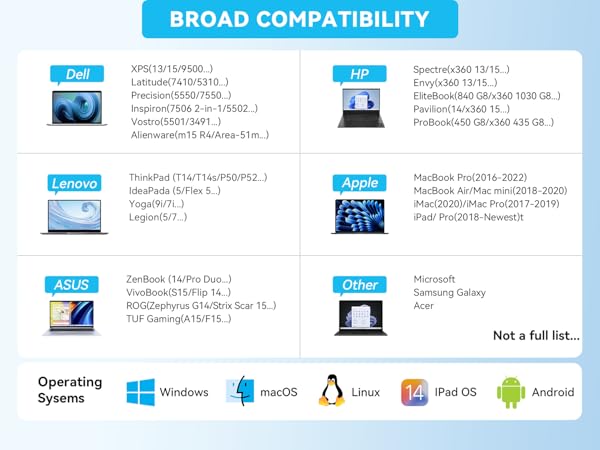
Ensure your computer supports Thunderbolt protocol or full-featured USB-C ports.
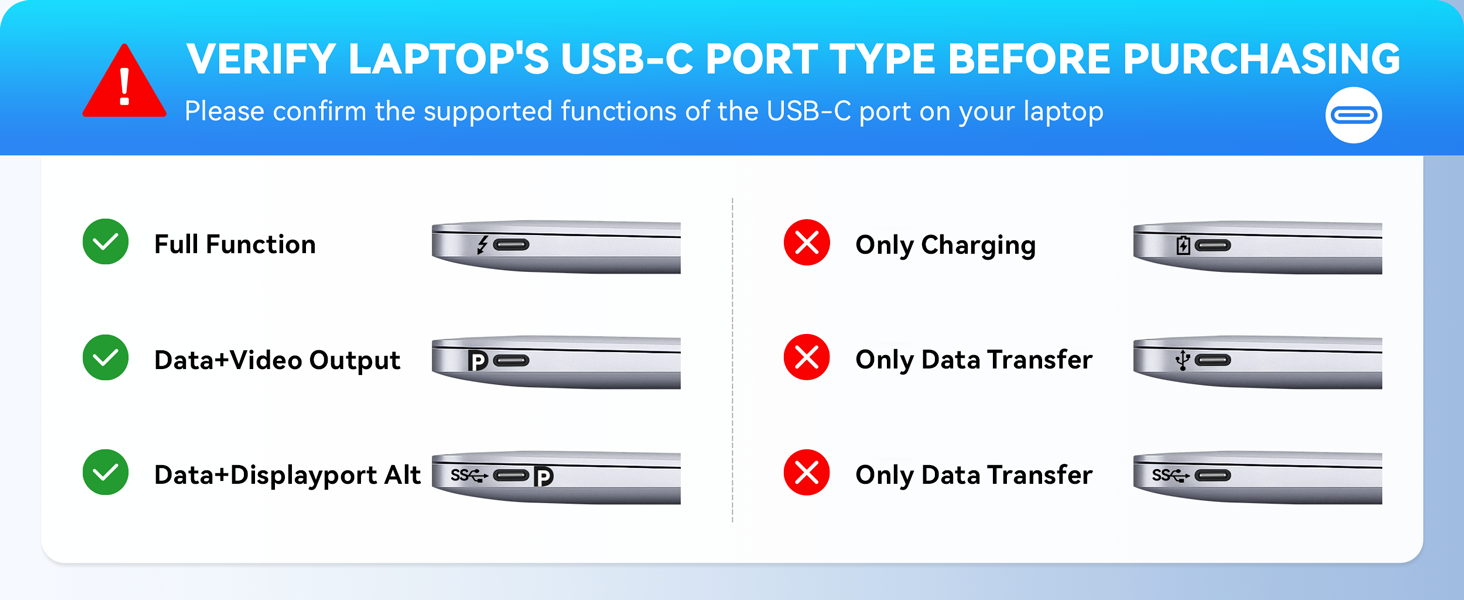
Please note before purchasing:
1.Docking stations require a Thunderbolt or full-featured USB-C port
2.MacOS only supports mirror mode(SST)/system restrictions, not a product defect.
3.Full dual monitor extended mode (MST) requires Windows DP1.4. You can ask us for help with confirming compatibility
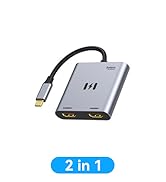
USB C Docking Station Dual HDMI Monitor
Merchant VideoAll in One Station - Selore&S-Global Premium 8 in 1 USB C Docking Station
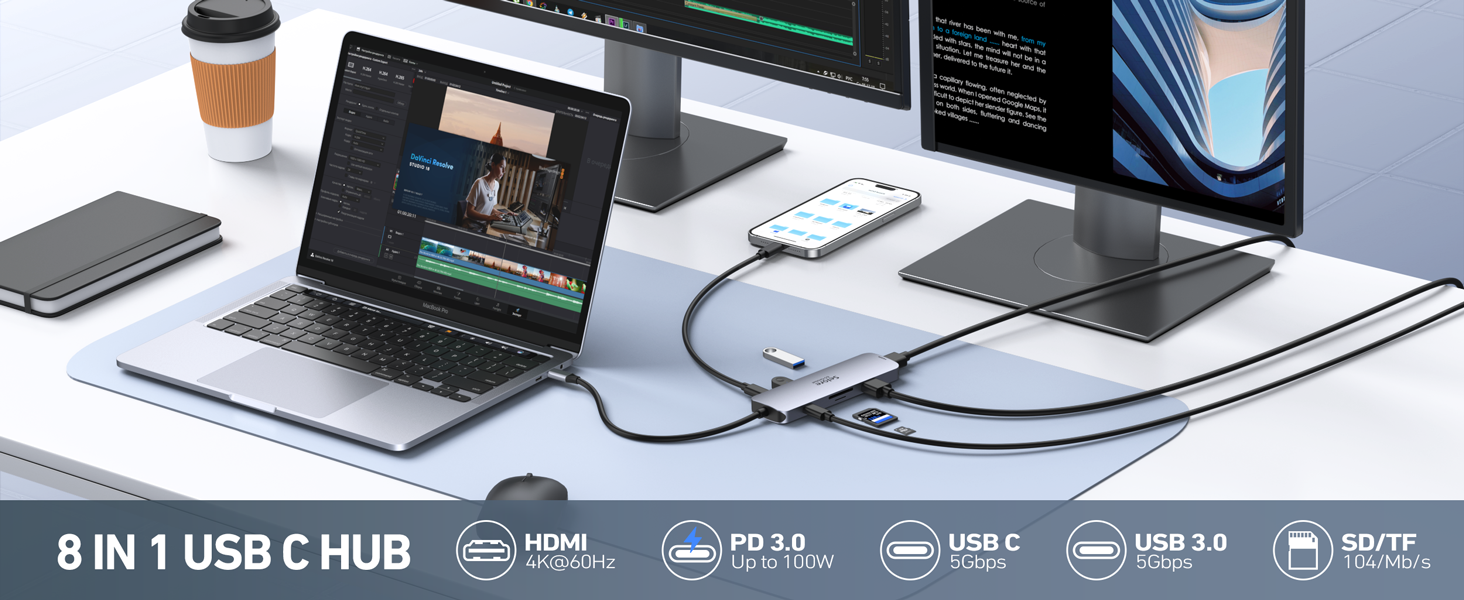
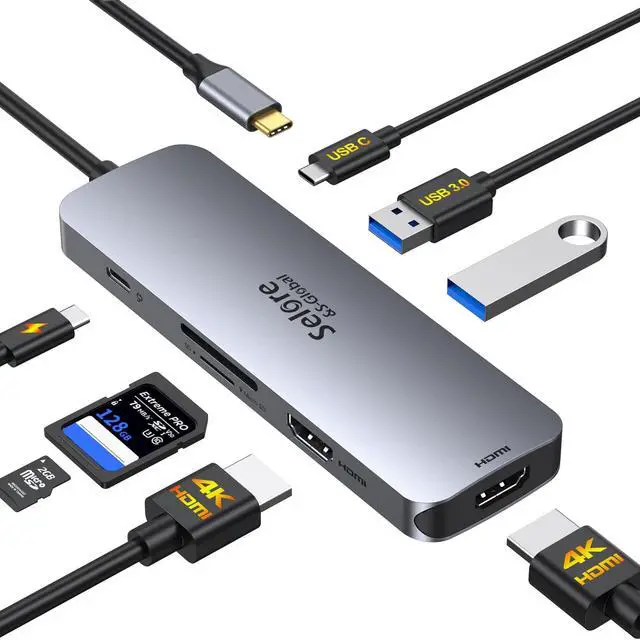
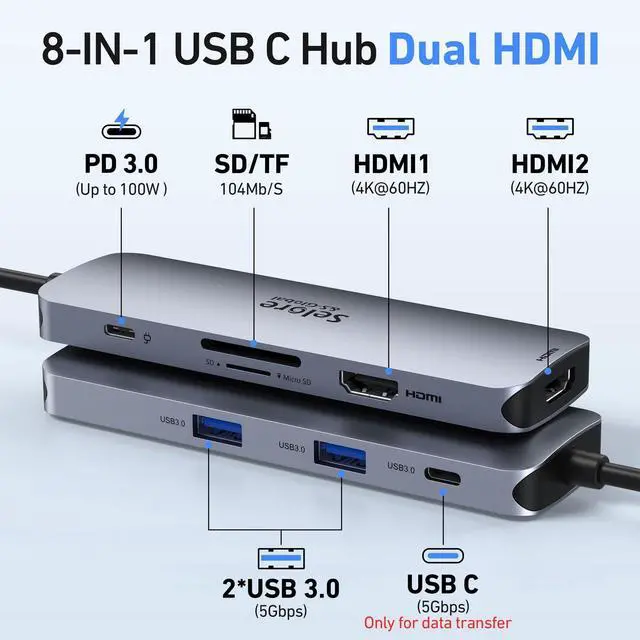
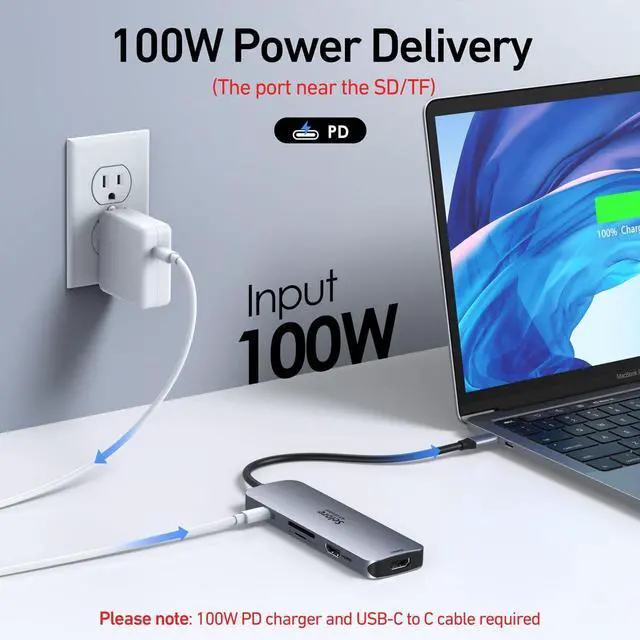
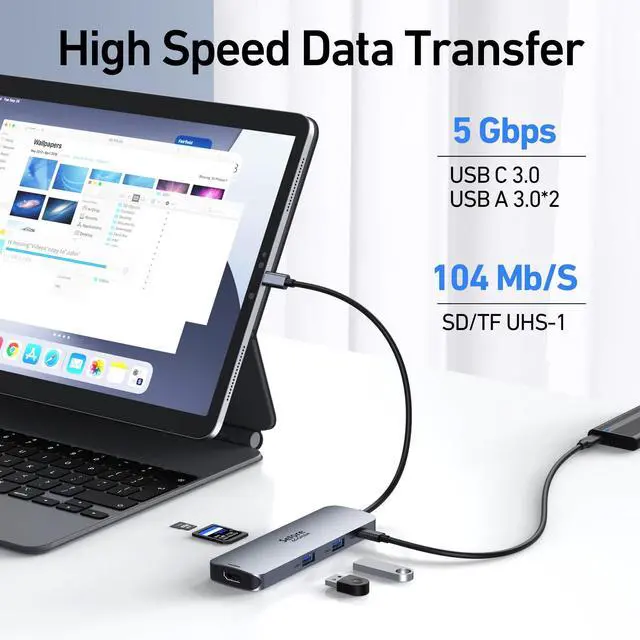
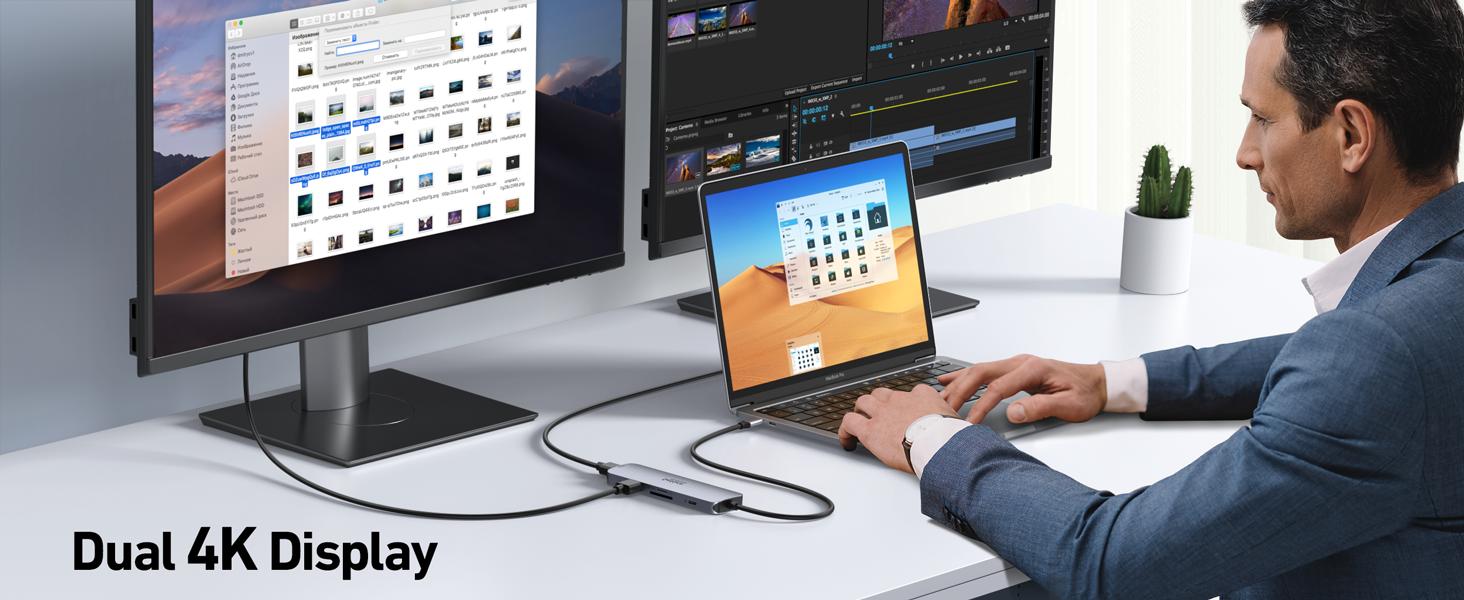
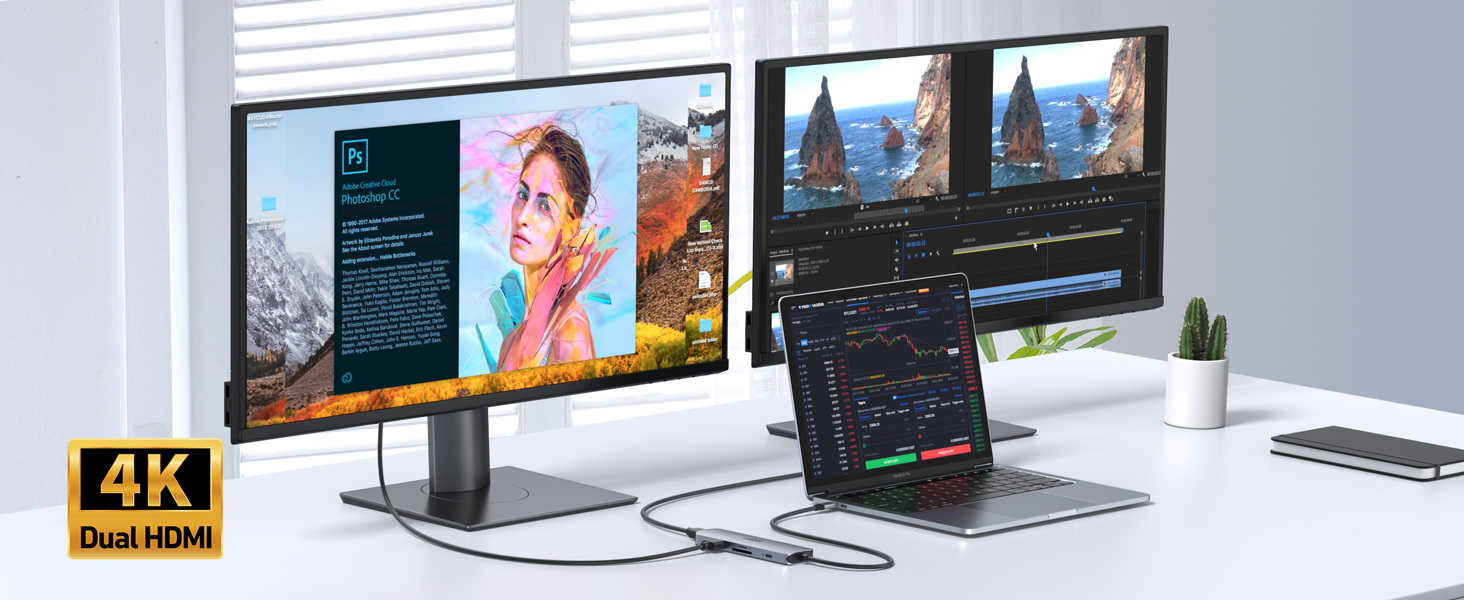
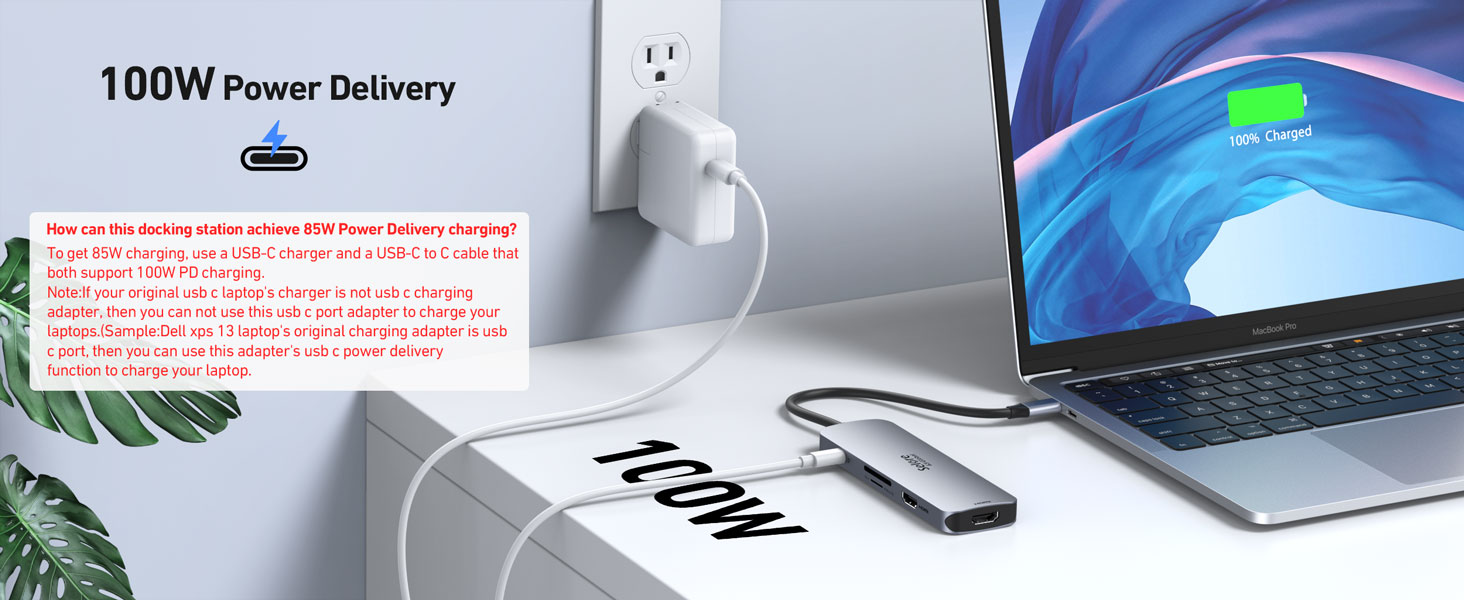
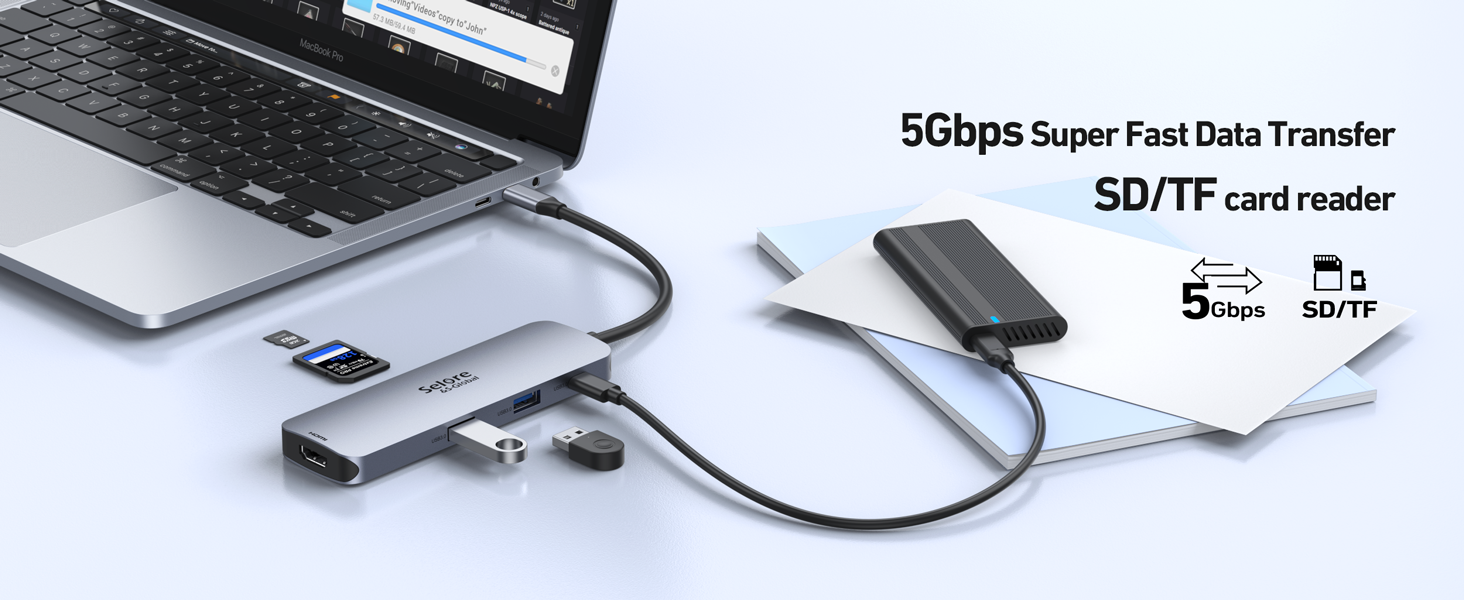
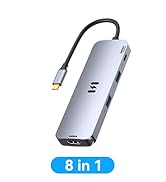
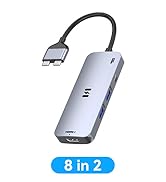
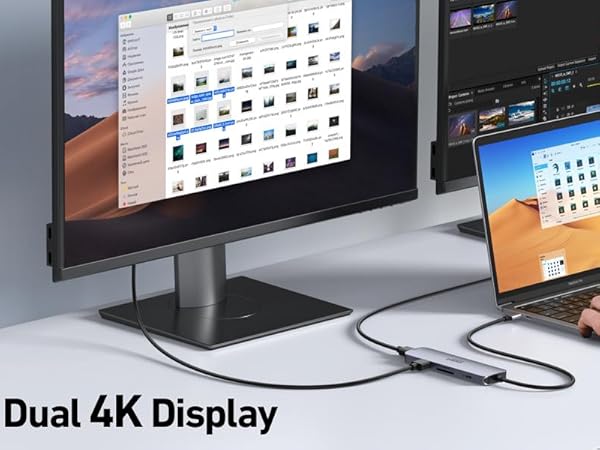
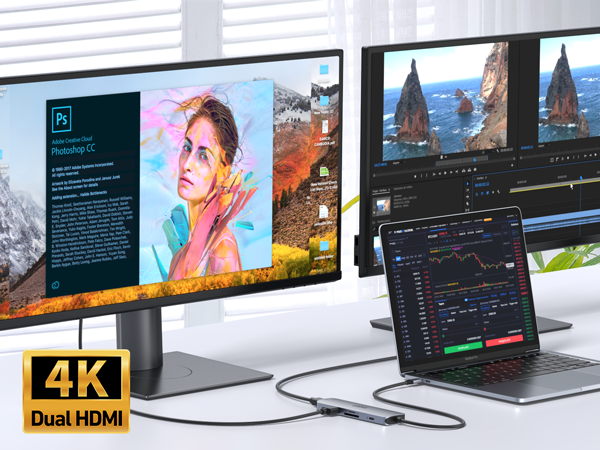
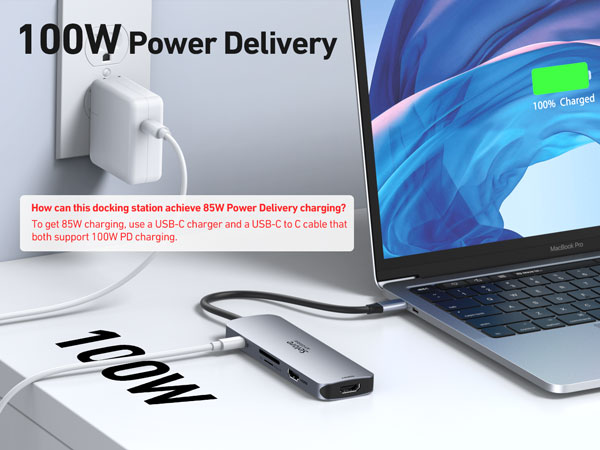
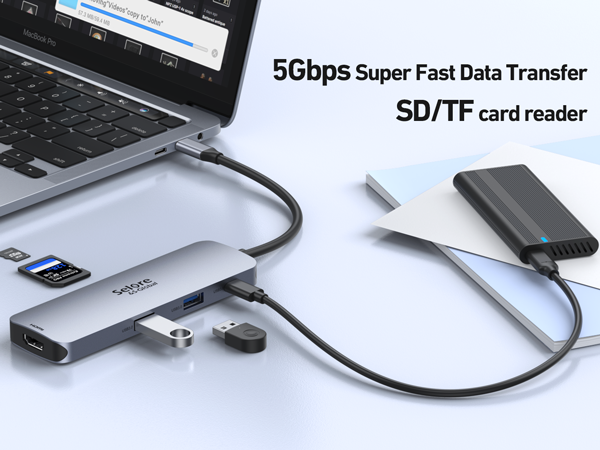
One device to 8 ports, all wirelessly: Dual 4K60HZ HDMI ports+a 100W PD charging port+a USB-C port up to 5Gbps+two USB 3.0 ports up to 5Gbps + TF/SD card slot up to 104 Mbps
USB-C data port does not support video transmission—only for charging/data transfer
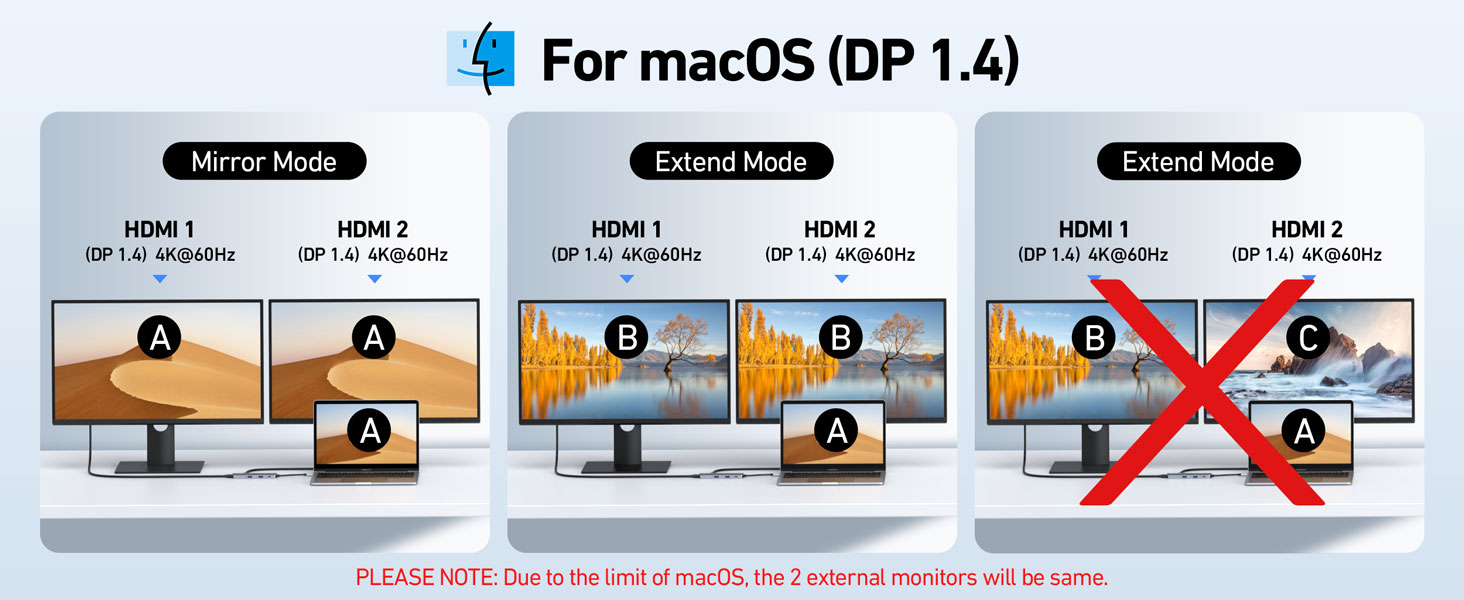
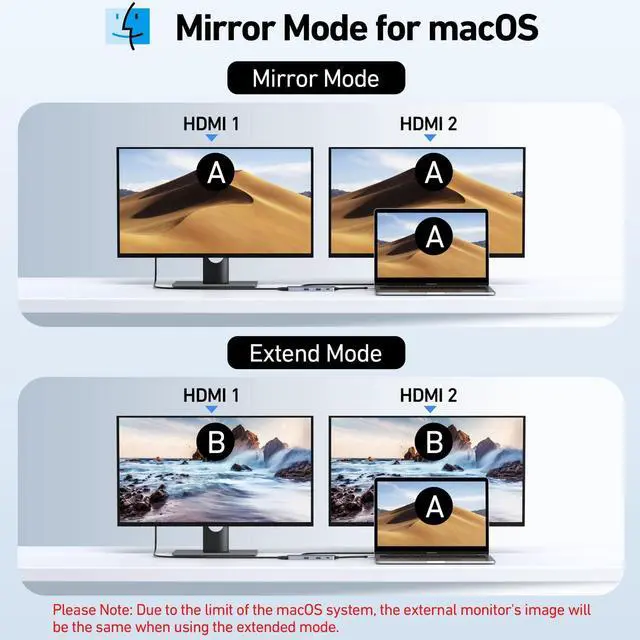
For Mac OS(SST) ----Dual Display (4K@60Hz | 4K@60Hz)[Mirror A+A A] + [Extend A+BB] Attention: For Mac OS, extended displays are supported only via SST mode (A+BB), Can't extend two different Screen, due to Mac OS limitation (NO A+BC)
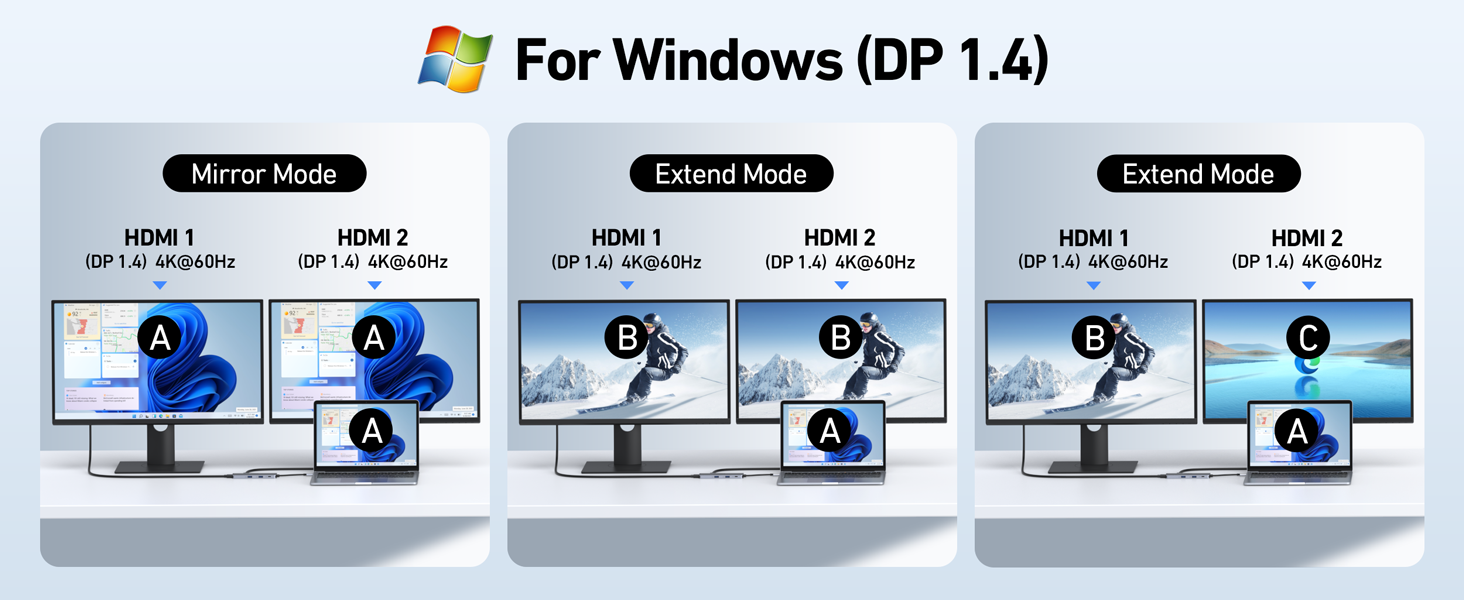
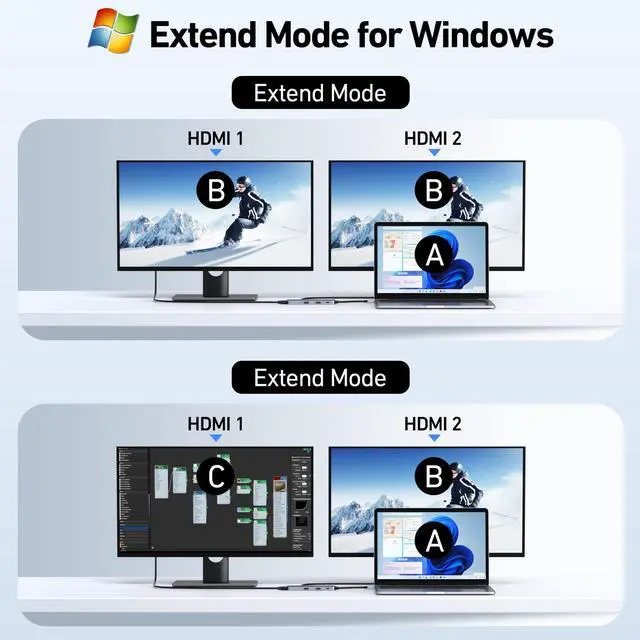
*For Windows DP1.4 (MST)----Single Display (4K@60Hz) [Mirror A+A]/[Extend A+B]; Dual Display (4K@60Hz | 4K@60Hz) [Mirror A+AA]/[Extend A+BB]/[Extend A+BC] *For Windows DP1.2 (MST)----Single Display(4K@30Hz);Dual Display(1080P@60Hz | 1080P@60Hz )
Why is my HDMI port not working
Docking stations require a Thunderbolt or full-featured USB-C port.
If the USB C port you are using only has data function or charging function, then the video function will not be available
Can I use this dock with a Mac at all?
Yes, but only in mirror mode (SST).
How do I achieve dual 4K@60Hz output with this docking station?
- Your Windows PC must support DisplayPort 1.4 (DP1.4) or HDMI 2.0 protocols.
- Use HDMI 2.0 or DP1.4-certified cables.
Why can’t I get dual 4K@60Hz to work?
Common reasons include:
- Incompatible GPU: Older GPUs may not support dual 4K@60Hz.
- Low-Quality Cables: Non-certified cables may cap resolution at 4K@30Hz.
- System Settings: Check display settings to ensure refresh rate is set to 60Hz.
Key Notes for Buyers
- Windows Users: Full support for dual 4K@60Hz + MST extended mode.
- Mac Users: Mirror mode only; check our [Mac-compatible solutions].
- Need Help? Contact support for personalized troubleshooting.


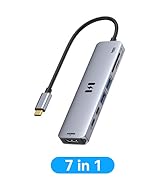
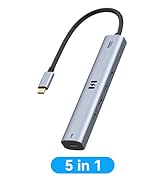
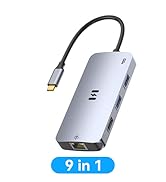
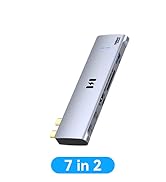
Ensure your computer supports Thunderbolt protocol or full-featured USB-C ports.
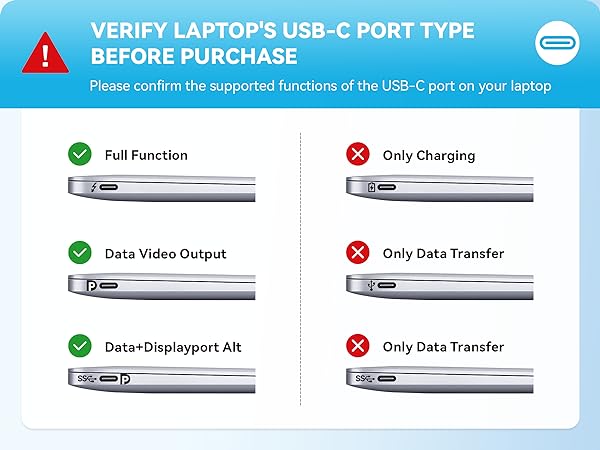
Please note before purchasing:
1.Docking stations require a Thunderbolt or full-featured USB-C port
2.MacOS only supports mirror mode(SST)/system restrictions, not a product defect.
3.Full dual monitor extended mode (MST) requires Windows DP1.4. You can ask us for help with confirming compatibility
USB C Docking Station Dual HDMI Monitor
Merchant VideoAll in One Station - Selore&S-Global Premium 8 in 1 USB C Docking Station
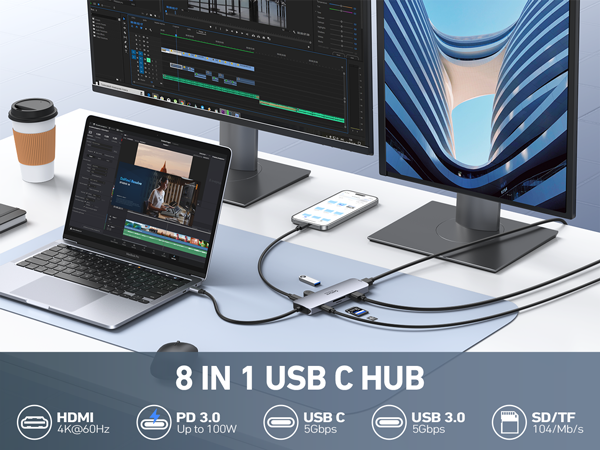
One device to 8 ports, all wirelessly: Dual 4K60HZ HDMI ports+a 100W PD charging port+a USB-C port up to 5Gbps+two USB 3.0 ports up to 5Gbps + TF/SD card slot up to 104 Mbps
USB-C data port does not support video transmission—only for charging/data transfer
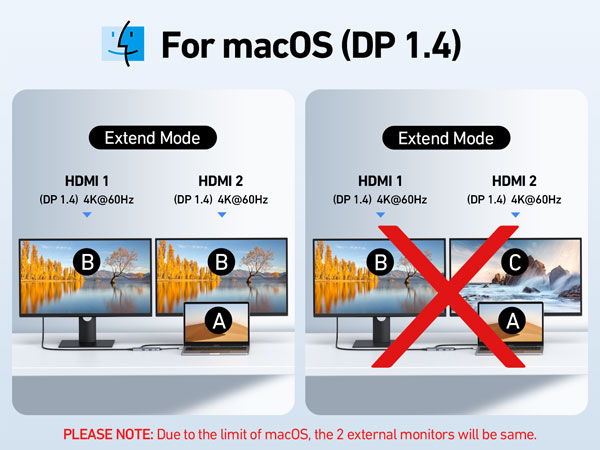
For Mac OS(SST) ----Dual Display (4K@60Hz | 4K@60Hz)[Mirror A+A A] + [Extend A+BB] Attention: For Mac OS, extended displays are supported only via SST mode (A+BB), Can't extend two different Screen, due to Mac OS limitation (NO A+BC)
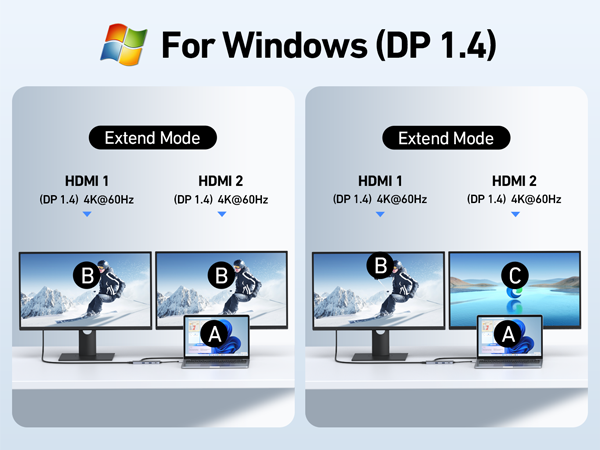
*For Windows DP1.4 (MST)----Single Display (4K@60Hz) [Mirror A+A]/[Extend A+B]; Dual Display (4K@60Hz | 4K@60Hz) [Mirror A+AA]/[Extend A+BB]/[Extend A+BC] *For Windows DP1.2 (MST)----Single Display(4K@30Hz);Dual Display(1080P@60Hz | 1080P@60Hz )
Any part not working?
No worries, we'll help you to solve it.
We have a tech team standing by and we got solution for every situation.
Why is my HDMI port not working
Docking stations require a Thunderbolt or full-featured USB-C port.
If the USB C port you are using only has data function or charging function, then the video function will not be available
Can I use this dock with a Mac at all?
Yes, but only in mirror mode (SST).
How do I achieve dual 4K@60Hz output with this docking station?
- Your Windows PC must support DisplayPort 1.4 (DP1.4) or HDMI 2.0 protocols.
- Use HDMI 2.0 or DP1.4-certified cables.
Why can’t I get dual 4K@60Hz to work?
Common reasons include:
- Incompatible GPU: Older GPUs may not support dual 4K@60Hz.
- Low-Quality Cables: Non-certified cables may cap resolution at 4K@30Hz.
- System Settings: Check display settings to ensure refresh rate is set to 60Hz.
Key Notes for Buyers
- Windows Users: Full support for dual 4K@60Hz + MST extended mode.
- Mac Users: Mirror mode only; check our [Mac-compatible solutions].
- Need Help? Contact support for personalized troubleshooting.
MST for Windows
USB C Hub
MacBook Adapter
Docking Station
Power Bank