here!
I’m your shopping assistant for PC builds, upgrades, and everything tech.
Got questions? Ask away!
Start a conversation
here!
I’m your shopping assistant for PC builds, upgrades, and everything tech.
Got questions? Ask away!
Start a conversation



Any questions? Ask CelesteSM will help you find out quickly.
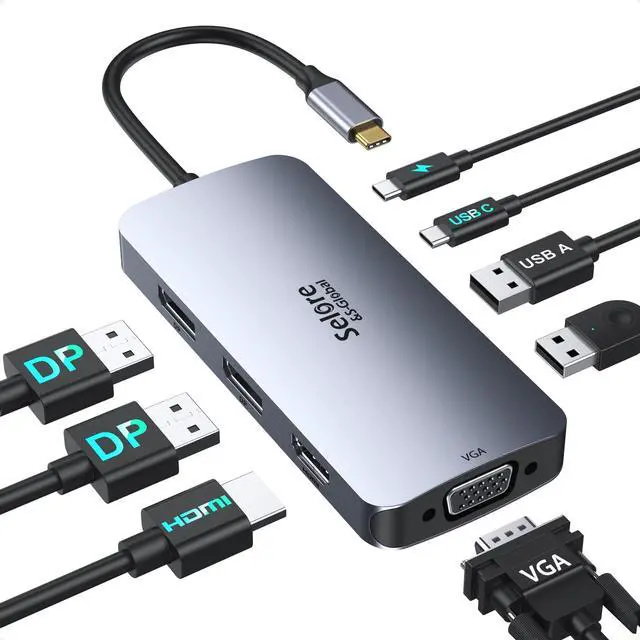
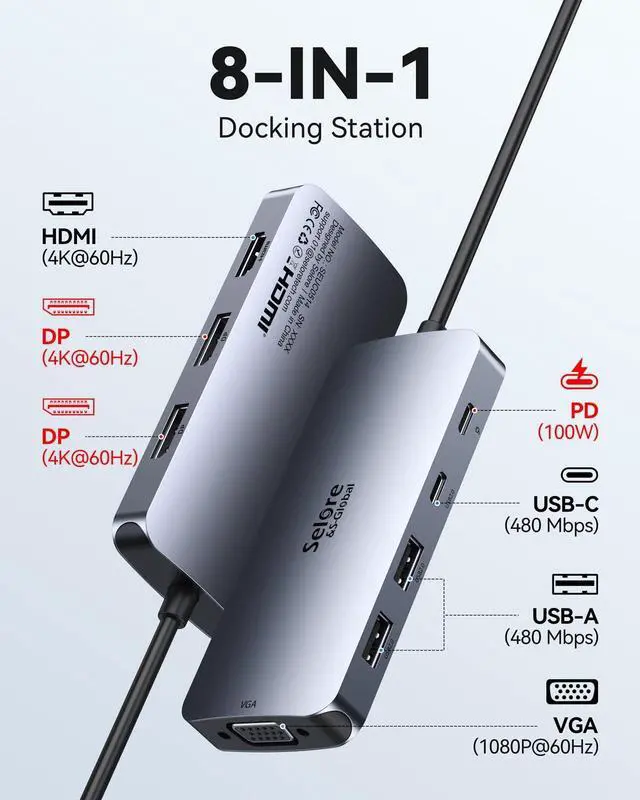
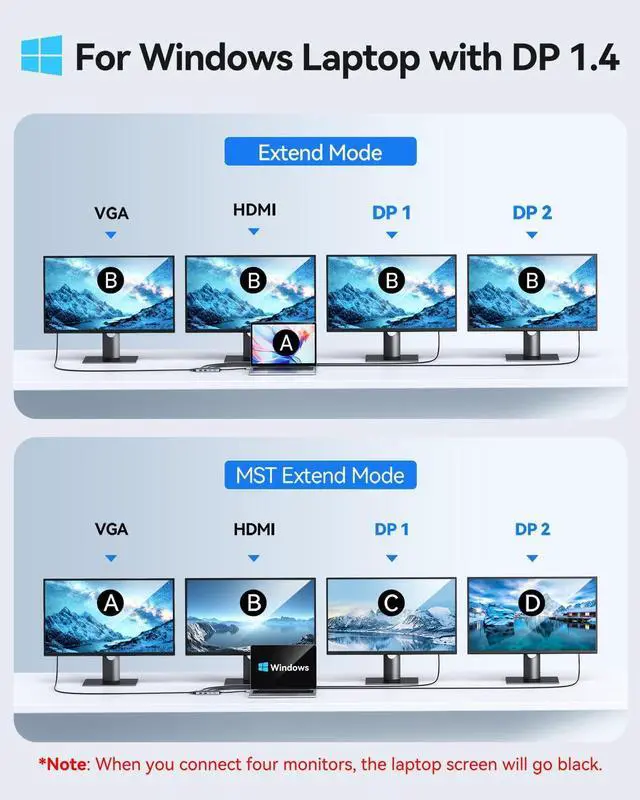
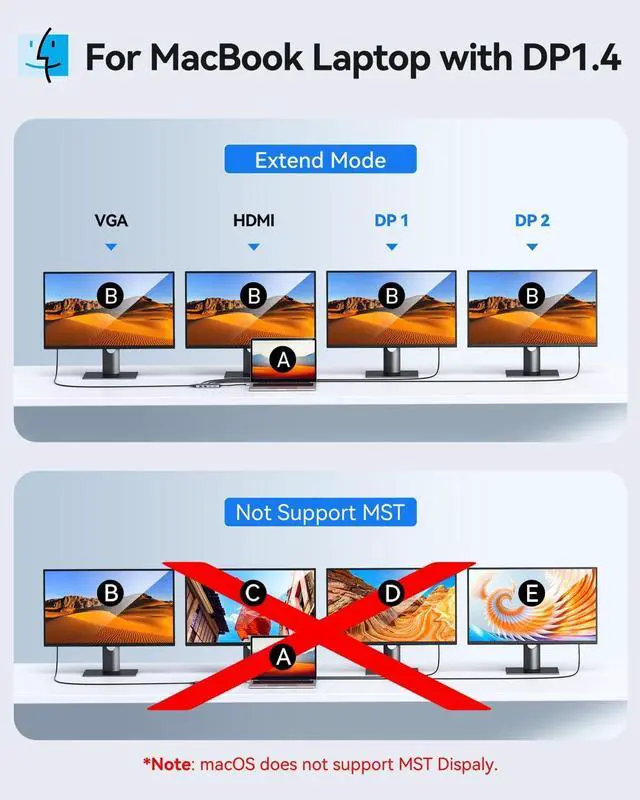
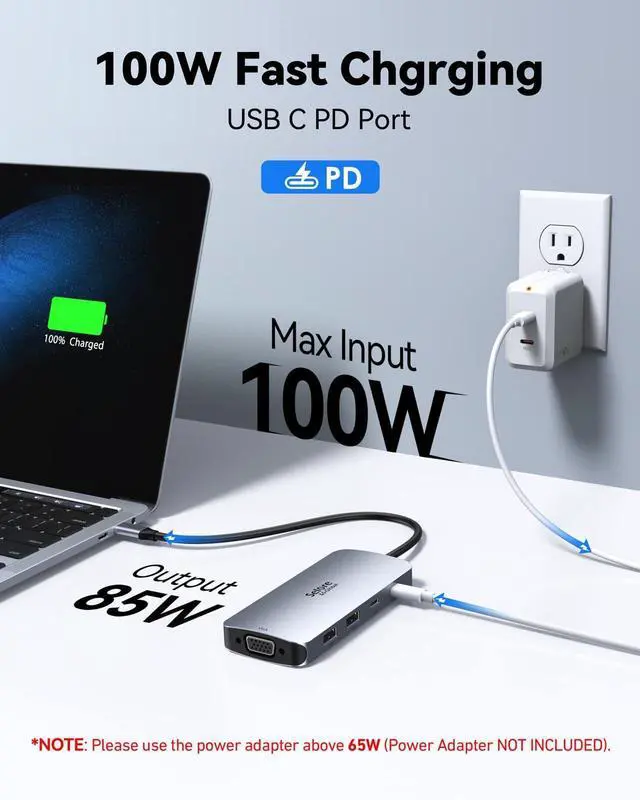
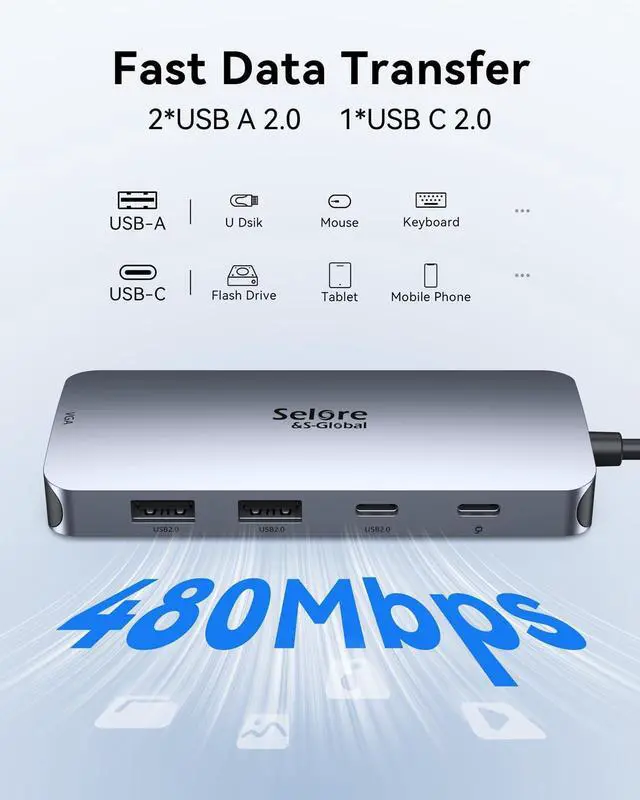
USB C to Quad Monitor Adapter | Windows & Thunderbolt 3 Compatible This 8-in-1 multi-stream transport (MST) hub lets you connect up to four displays to your USB-C laptopperfect for stock traders, financial analysts, or creative professionals who need maximum screen real estate. Quad Display Connectivity Connect 2×DisplayPort (4K@60Hz), 1×HDMI (4K@60Hz), and 1×VGA (1080p@60Hz) simultaneously. Mirror your screen or extend your desktop across multiple monitors for effortless multitasking at the office, at home, or on the go. Plug-and-Play Setup No drivers or software required. Simply connect to any Windows laptop with a USB-C port that supports DP Alt Mode or Thunderbolt 3/4, and start working immediately. Important Compatibility Notes Windows: Supports extended mode on all four displays via MST macOS: Supports mirror or single extended display only (MST not available) Your laptop's USB-C port must support DP Alt Mode or Thunderbolt 3/4 for video output Compatibility (Partial List) Laptops & Tablets Apple: iMac 2017, MacBook Pro 20162020, MacBook Air 2018, iPad Pro 2018, 12" MacBook 2015/2016 Microsoft: Surface Book 2, Surface Go, Surface Laptop 3 Google: Chromebook Pixel Lenovo: Yoga 900/910/920/720, ThinkPad P50/P70 Dell: XPS 15 9550, XPS 13 (9350/9360/9370), XPS 12 9250, Precision 5510, Inspiron 15 7000 HP: Spectre x2/x360, Elite x2 1012, EliteBook Folio G1, ZBook 15 G3, Envy 13, Chromebook 13 G1 Samsung: Chromebook Plus, Galaxy TabPro S Acer: Switch Alpha 12, Spin 7, Chromebook R13, Aspire V Nitro 15 Intel: NUC USB-C Phones with DP Alt Mode LG G5, LG V20 HTC 10, HTC U11 Alcatel Idol 4S Lumia 950/950 XL Huawei Mate 20/20 Pro, Mate 10/10 Pro Samsung Galaxy series (select models) *All trademarks are the property of their respective owners. Compatibility list is for reference only; please verify your device's USB-C port supports DP Alt Mode or Thunderbolt 3/4 before purchase.*