here!
here!
I’m your shopping assistant for PC builds, upgrades, and everything tech.
Got questions? Ask away!
Start a conversation
here!
I’m your shopping assistant for PC builds, upgrades, and everything tech.
Got questions? Ask away!
Start a conversation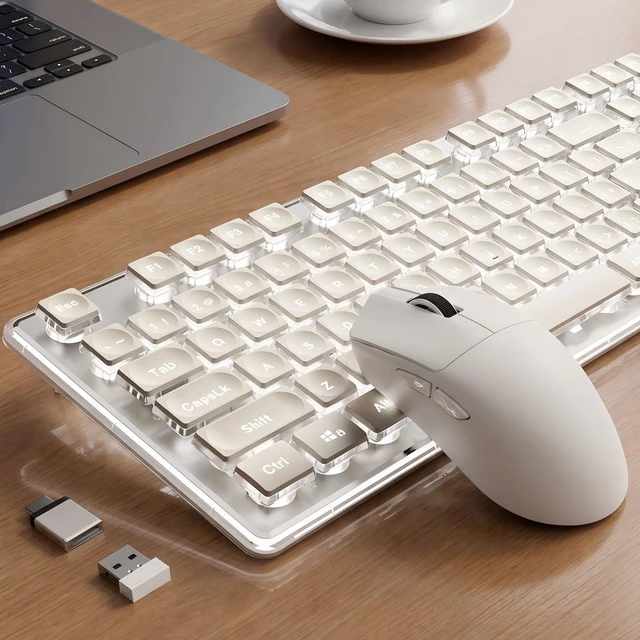



Any questions? Ask CelesteSM will help you find out quickly.


Where is the 2.4G receiver?
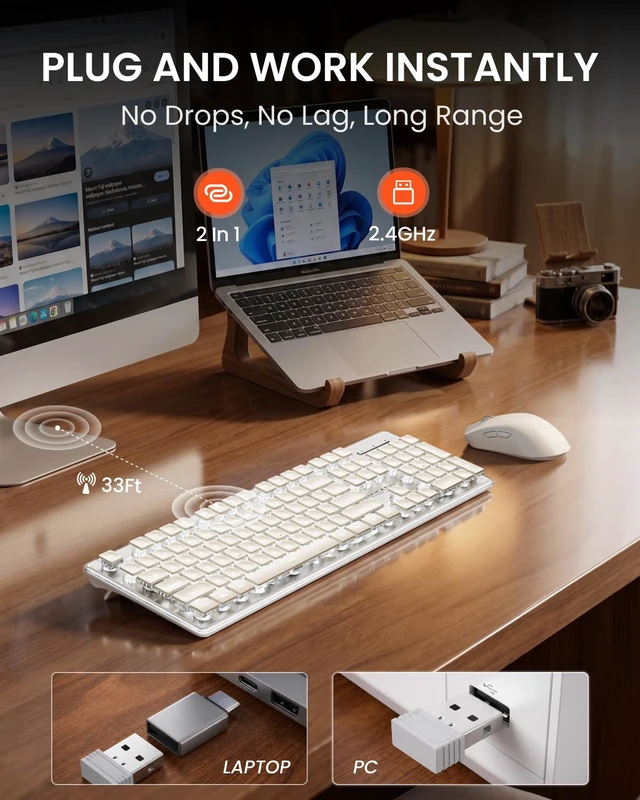
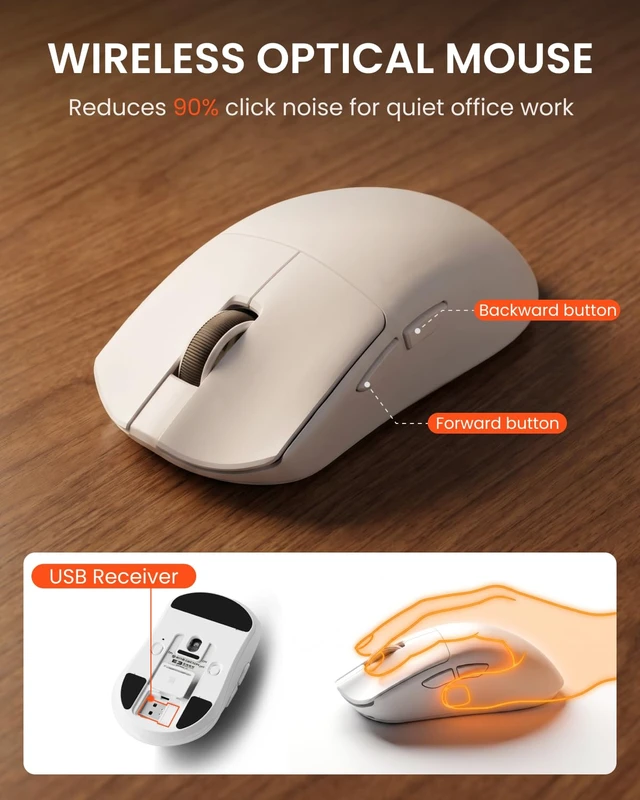
The keyboard and mouse share ONE receiver located on the bottom of the mouse.
How to adjust the lighting?
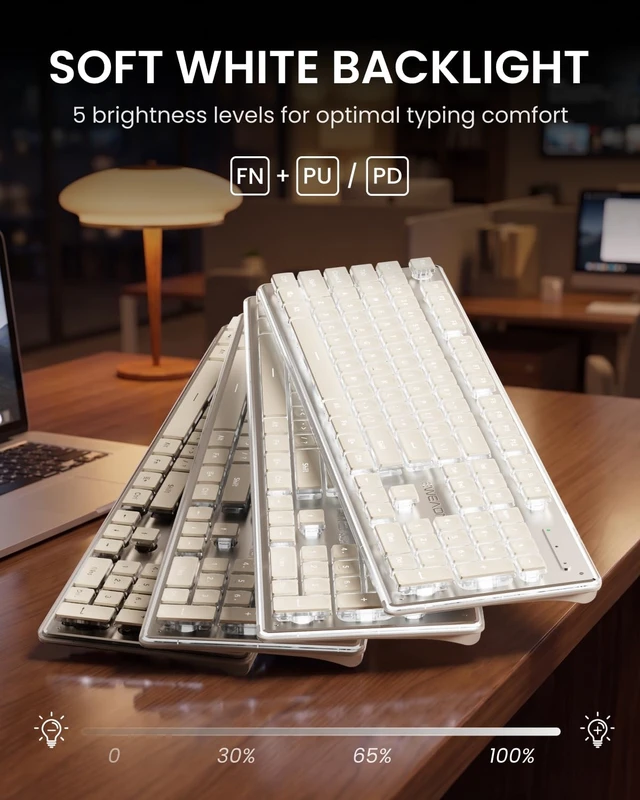
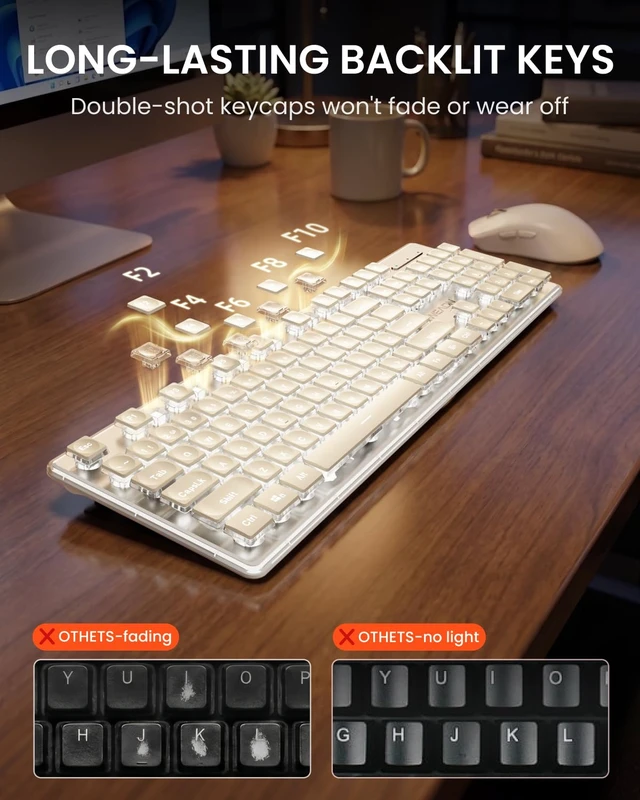
Press FN + PU/PD to adjust the brightness to 5 levels. Press FN + Menu key to turn the lights on/off.
Does it work with Mac and Linux?
Yes. It's compatible with Windows, Mac OS, Chrome OS, and Linux through its 2.4GHz USB receiver and USB-C adapter—just plug in the wireless dongle and it works with no setup required.
Why does the backlight turn off automatically?
1. Auto-sleep: The lighting turns off after 2 mins of inactivity. Press any key to wake it up.
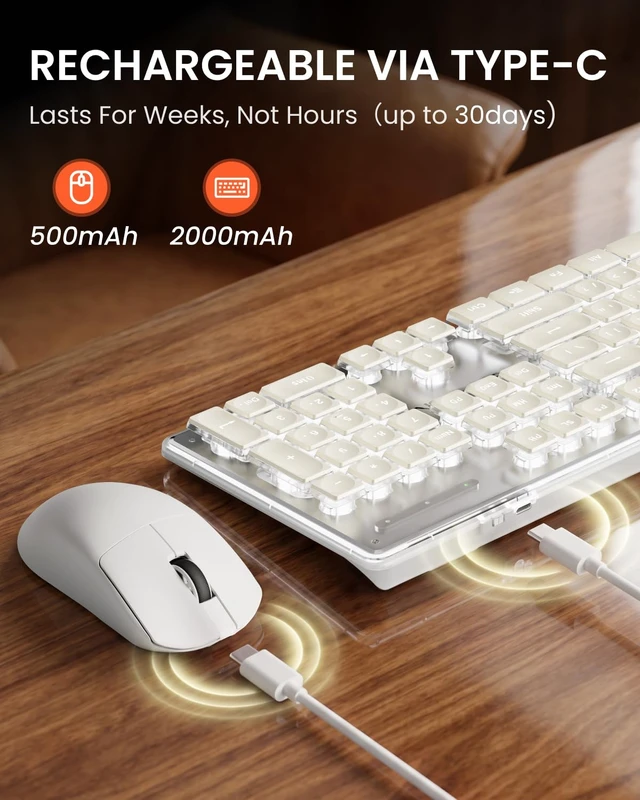
2. Low battery: The lighting turns off to save power. Recharge the keyboard to turn it back on.


Where is the 2.4G receiver?
The keyboard and mouse share ONE receiver located on the bottom of the mouse.
How to adjust the lighting?
Press FN + PU/PD to adjust the brightness to 5 levels. Press FN + Menu key to turn the lights on/off.
Does it work with Mac and Linux?
Yes. It's compatible with Windows, Mac OS, Chrome OS, and Linux through its 2.4GHz USB receiver and USB-C adapter—just plug in the wireless dongle and it works with no setup required.
Why does the backlight turn off automatically?
1. Auto-sleep: The lighting turns off after 2 mins of inactivity. Press any key to wake it up.
2. Low battery: The lighting turns off to save power. Recharge the keyboard to turn it back on.