• $17.99
  • Free 30-day Returns
  • Sold by SGfgg
    4 (1 seller ratings)

    Shipped by SGfgg

    Price alert
    Shop it at NeweggBusiness.

    Meet Your Seller

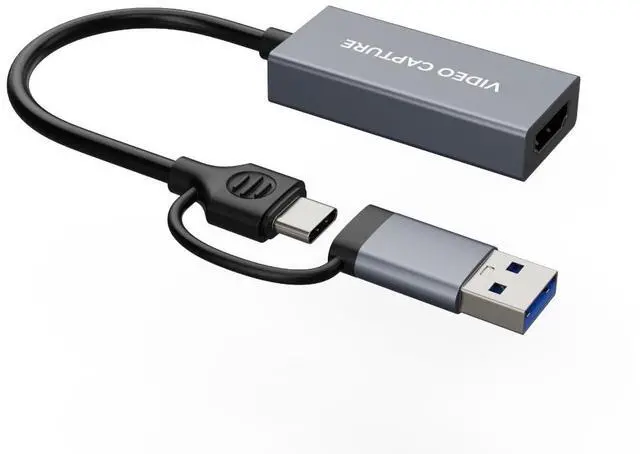
    4K HDMI Video Capture Card 1080p60, USB 3.0 & Type-C, Plug-and-Play Game Capture for PS5/Xbox/Switch/Quest 3, iPad Pro/Mac/Windows/OBS, Zero-Lag Pass-Through, Pocket Aluminum Case

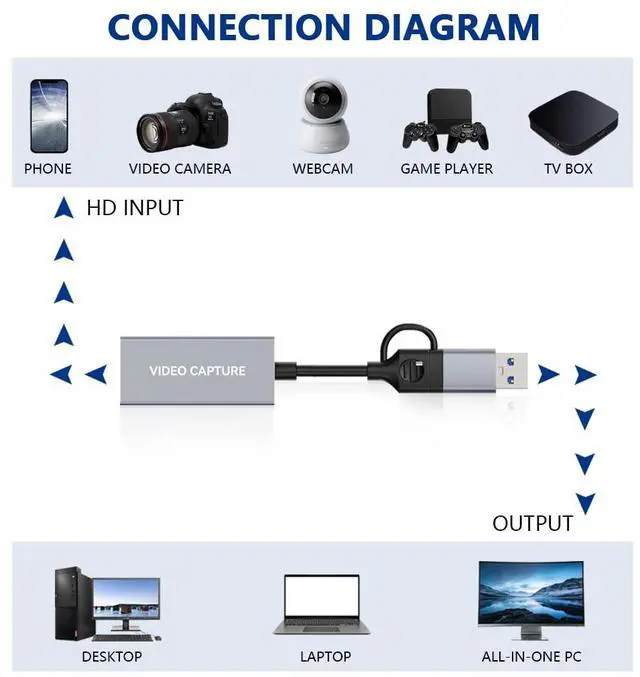
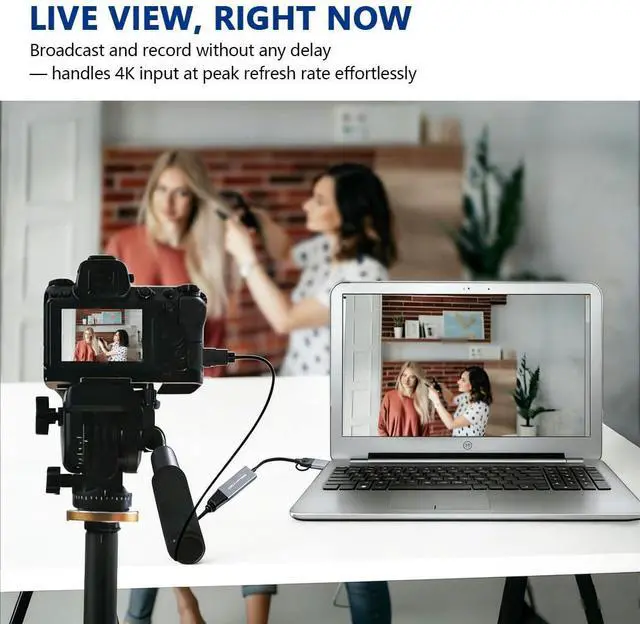
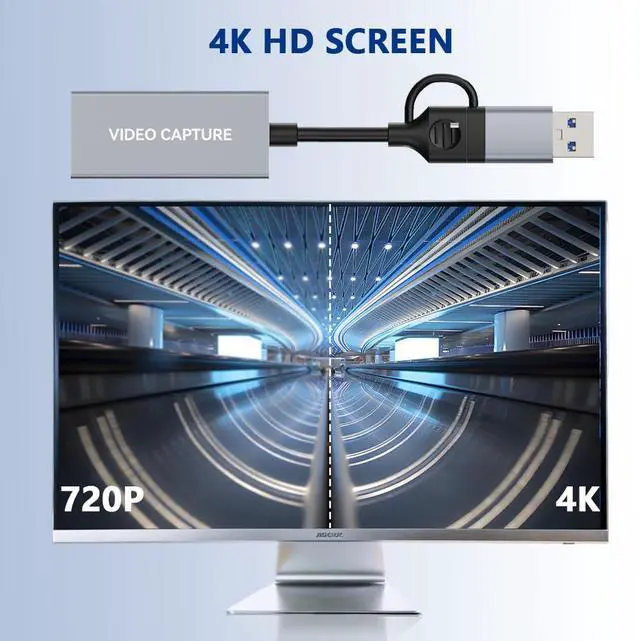
    • 1080P 60FPS Video Capture Card This HDMI game capture card is based on USB 3.2 Gen 1 (USB-A/C) high speed transmission port, input resolution up to 4K@60HZ-YUV420, 1440p60, 1080p120, output resolution up to 4K18,2K@30Hz or 1920×1080@60Hz. Type c and USB interface can meet most of the devices in daily life. Easily meet the online capture, real-time recording, online meetings, live gaming and other functions, so you have a better visual enjoyment
    • Ultra Low Latency Screen Sharing HDMI capture card is made of good quality aluminum alloy with strong heat dissipation, allowing you to enjoy ultra low latency while live gaming or video recording or live streaming, avoiding blue screens and lag. This HDMI to USBC capture card supports easy recording of good quality audio or HD video and transferring it to your computer or streaming platform, allowing you to record 60 fps HD video directly on your hard drive and real-time preview
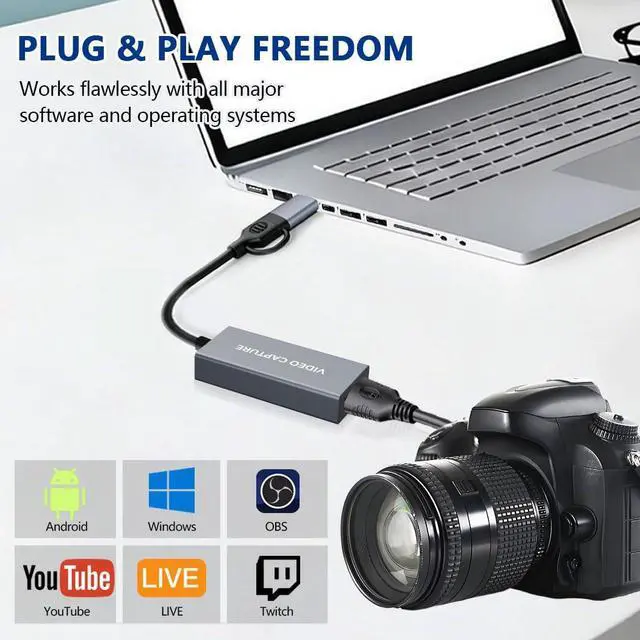
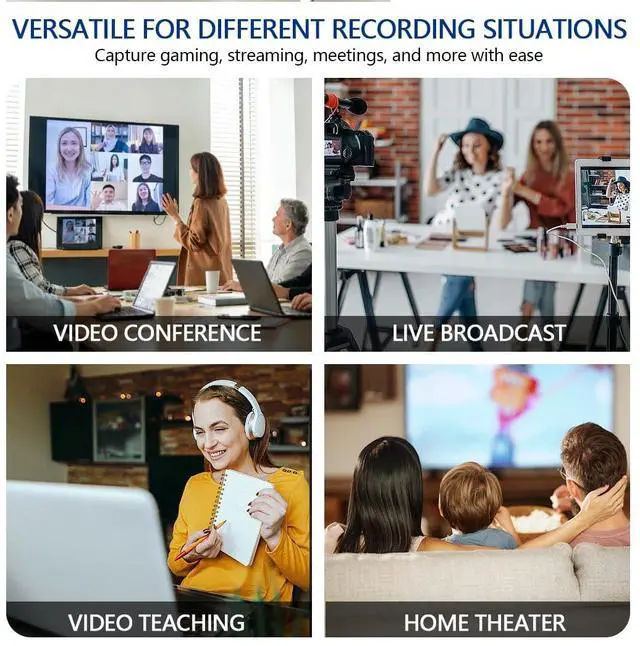
    • Plug and Play, Easy to Carry This HDMI 1080P video capture card does not require any additional drivers or external power supply, just plug and play for fast capture. The capture card is small and lightweight, so you can put it in your bag for emergencies, making it very portable for outdoor live streaming. It's also a great way to share content in game recording, video conference, video recorder and online teaching
    +
    +
    Overview
    Specs
    Reviews
    avatar

    Any questions? Our AI beta will help you find out quickly.

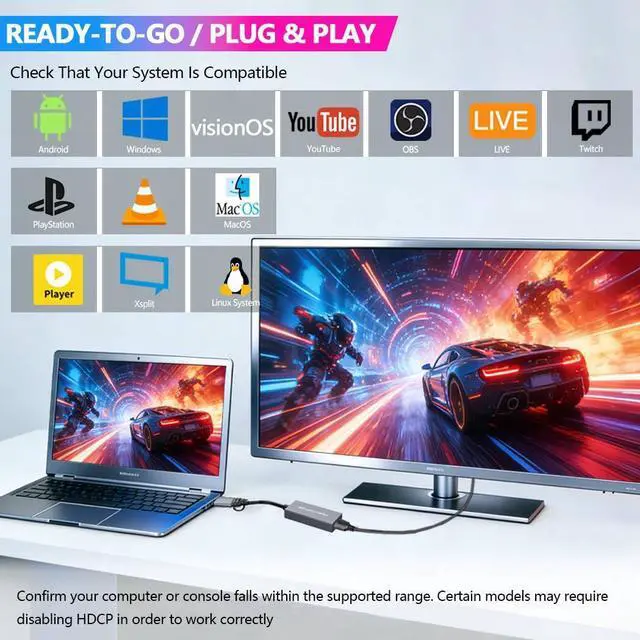
    Thanks for purchasing 370M CamLink U3 video capture card. Please read this manual before use and keep it in a safe place for future reference. You can use this device: Capture and stream HDMI video up to 1080p60 resolution on your computer. Operating System Windows 10 x64 / 11 x64USB-A 3.0 or USB-C 3.2 Gen 1 port Desktop: Intel Core i5-6XXX or above, NVIDIA GeForce GTX 1060 or above. Laptop: Intel Core i7-7700HQ or above, NVIDIA GeForce GTX1050 Ti or above Start Work Select Device and Settings After download and installation, double click OBS Studio. Click icon +under Sources window, and select Video Capture Device. Click OK in the new pop-up window. Please click Device and select CamLinkU3. Specifications: interface: USB-A 3.0 / USB-C 3.2 Gen 1 Video Input: 2160p60 YUV420, 2160p30, 1080p24/25/30/50/60, 720p50/60, 576p50, 480p60 Max Record Resolution: YUY2/MJPG 3840 x 2160p18, 2560 x 1440p30, 1920 x 1080p60, 1360 x 768p60, 1280 x 1024p60, 1280 x 960p60, 1280 x 720p60, 1024 x 768p60, 800 x 600p60, 720 x 576p60, 720 x 480p60, 640 x 480p60.

    Warranty & Returns

    Warranty, Returns, And Additional Information

    Warranty

    • Please contact the Seller directly for warranty information. Warranty information may also be found on the Manufacturer's website.
    • CONTACT

    Return Policies

    • Return for refund within: 30 days
    • Return for replacement within: 30 days
    • This item is covered by SGfgg Return Policy

    Manufacturer Contact Info

    LOADING...