







VIXLW: Connecting Infinite Possibilities
Users usually encounter problems such as image delays and impaired image quality during video transmission and conversion. To solve these problems, VIXLW was born with a passion for video technology, determined to create the ultimate experience of video capture cards and converters.
Choosing VIXLW means choosing quality and professionalism to start a wonderful video journey together.
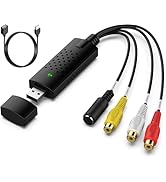
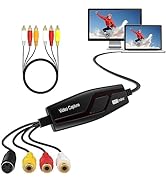
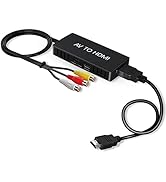
Video Converter
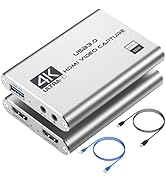
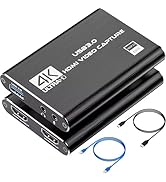
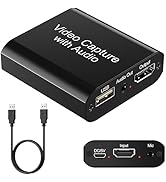
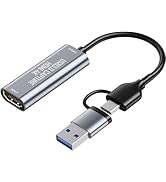
Capture Card
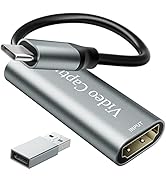
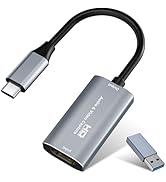
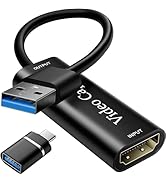
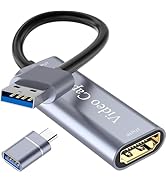
Video Capture Card
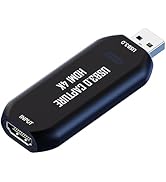
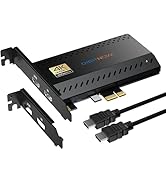
Cam Link 4K
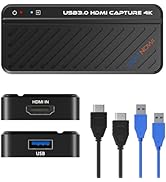
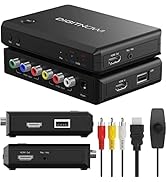
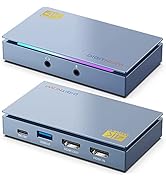
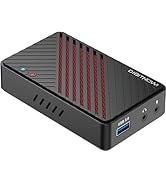
HDMI Capture Card

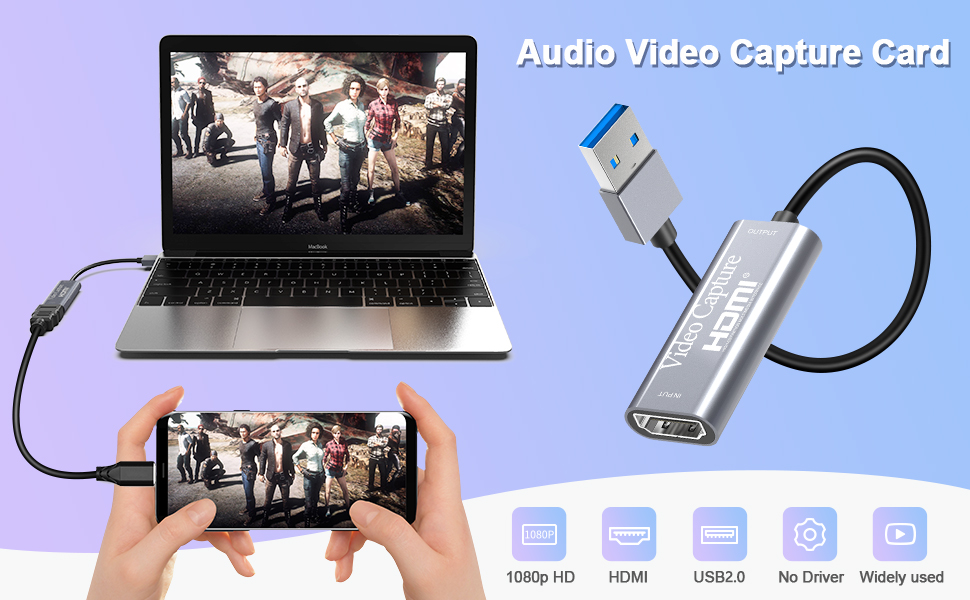
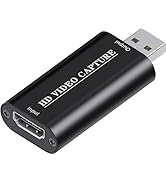
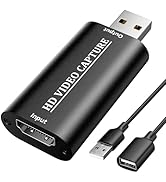
VIXLW Video Capture Card provides super picture quality while capturing, with high speed and without delay.
This 4k HDMI to USB 2.0 Video Capture Card is the easiest and most economical way to save your favorite memories, whether at work or in life.
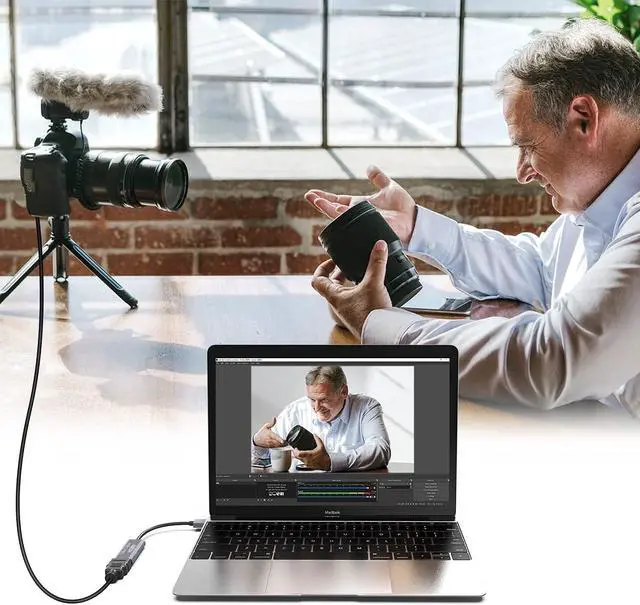
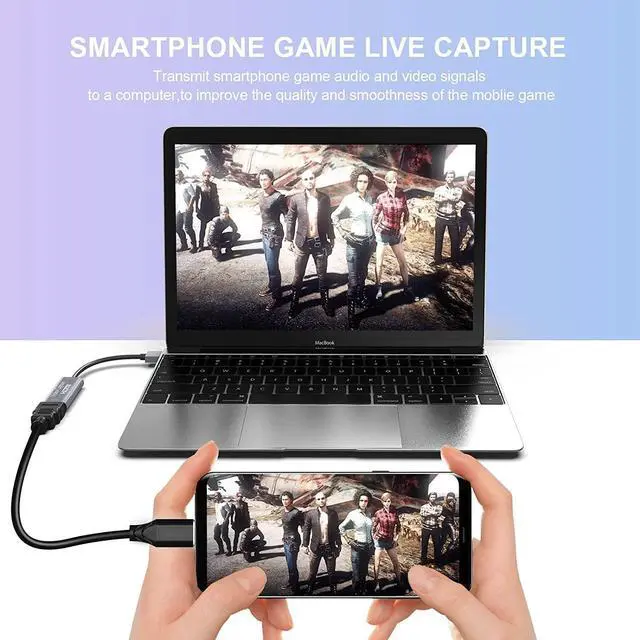
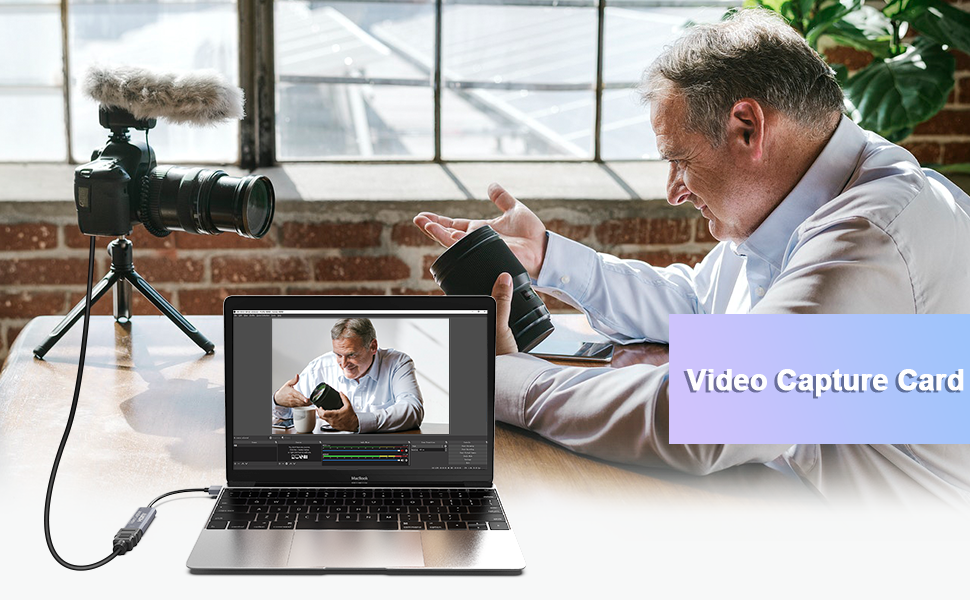
It captures and records your gaming, teaching or talking performance or happy party moments from a camcorder (ex.) and transmits them to your computer for storage and future viewing.
Also, If you wanna live stream on Facebook, Skype, Youtube or other social media, Just choose it.
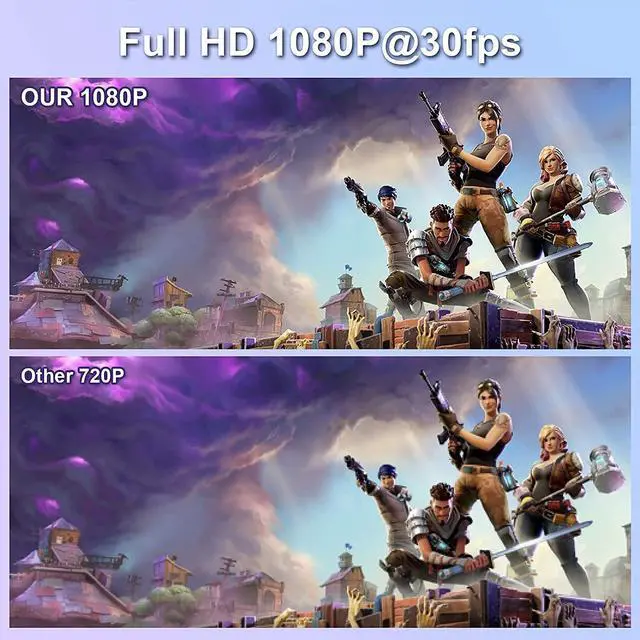
1080P FHD Video Capture Card
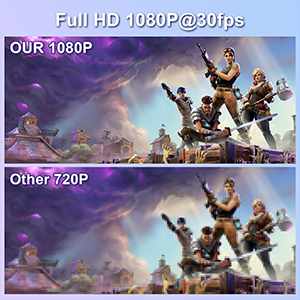
- The Video capture cards is up to 4K@60Hz High Definition Input, output max resolution 1920*1080@30Hz. Offer 1080P 30fps HighQuality Recording and live steaming. The audiovideo capture card is very suitable for living games, Recording and etc.
Strong Compatibility
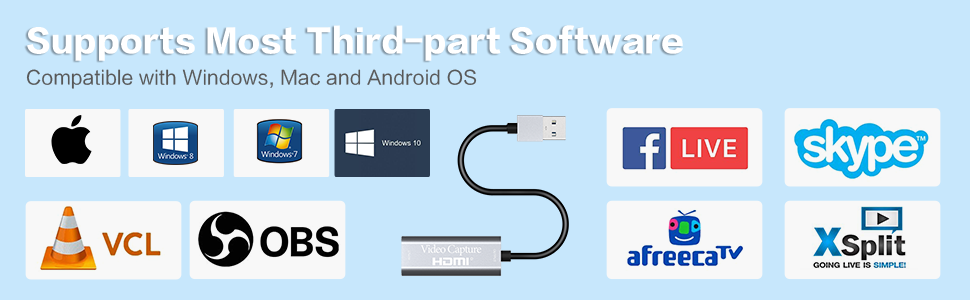
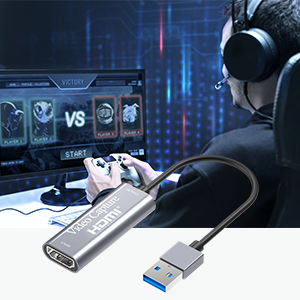
- The capture card is suituble for game consoles. Such as Webcam, PS4, Nintendo Switch, WiiU.Compatible with Windows Unix, Mac OS,Windows 7/8/10 and Twitch, Youtube, OBS, Potplayer,etc.
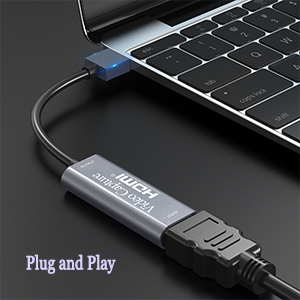
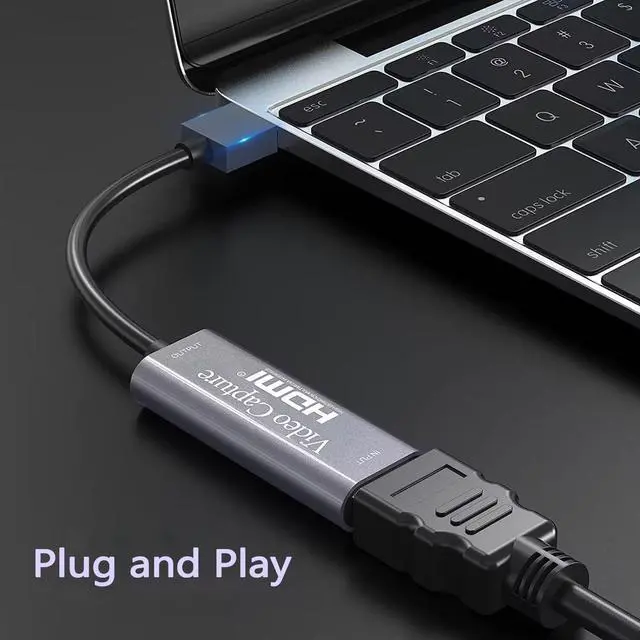
No Driver Required, Plug and Play
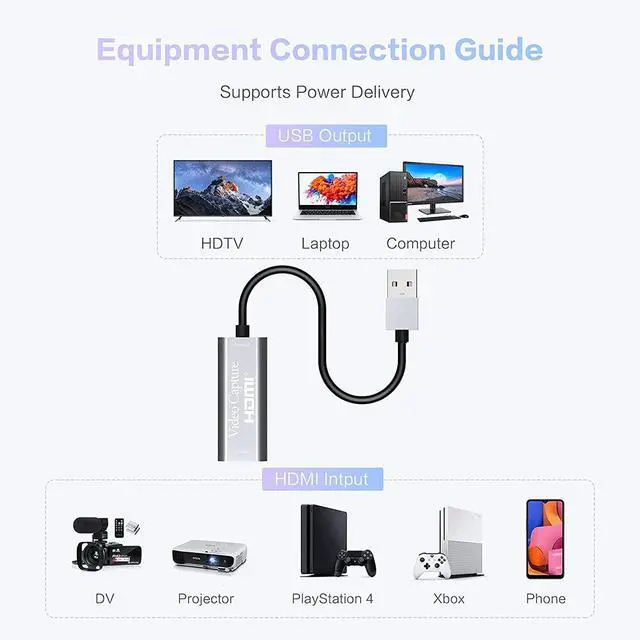
- No other files or software are needed, and this capture card can be easily plug and play. You can plug it into a laptop, desktop, computer or Smart TV with a USB 2.0 cable, then it's can start and run on the video software immediately.
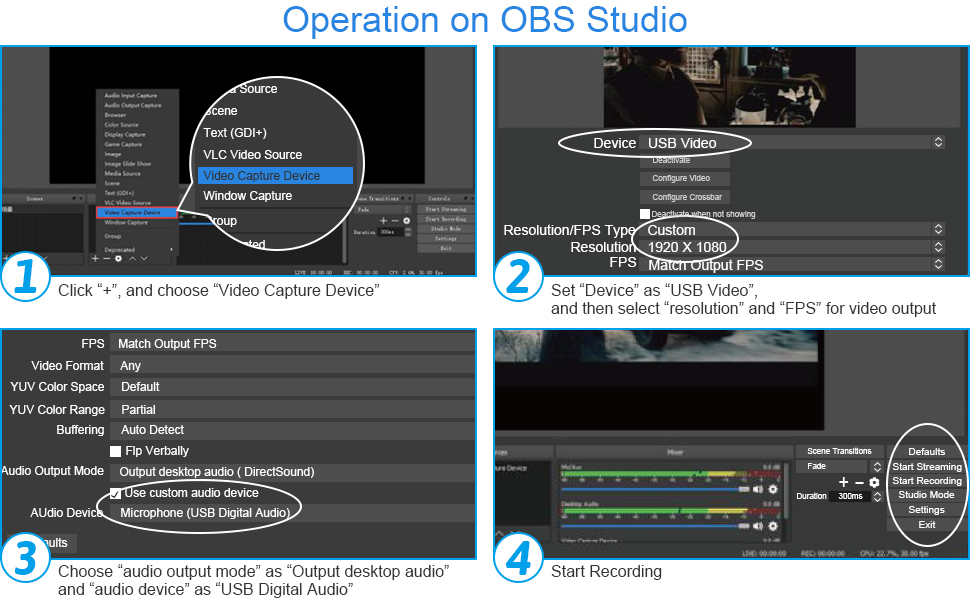
Note: If you can't get the audio, check if it's set correctly in step 3.
1. Open OBS, create a new source under Sources by clicking "+", select "Video Capture Device", name it, then set:
Device: USB3.0 Video
Audio Output Mode: Capture Mode Only; Use custom audio device: Digital Audio Interface (USB 3.0 Audio)
2. In OBS settings ? Audio:
Disable all Global Audio Settings except Mic/Auxiliary Audio; Set Mic/Auxiliary Audio to Digital Audio Interface (USB 3.0 Audio)
3. Under the Audio tab:
Right-click Mic/Auxiliary Audio ? Advanced Audio Properties ? Set Audio Monitoring to "Monitor Only (Mute Output)"
4. In PC settings ? System ? Sound:
Set Input to Laptop Microphone;
All Sound Devices ? Input Devices ? Digital Audio Interface. Ensure it is NOT set to default.
All Sound Devices ? Input Devices ? Laptop Microphone. Ensure it IS set to default.
5. In Discord:
If prompted to switch audio device, choose "don't switch"
User Settings > Voice & Video > Input > Laptop Microphone.
User Settings > Voice & Video > Output > Laptop Speakers.

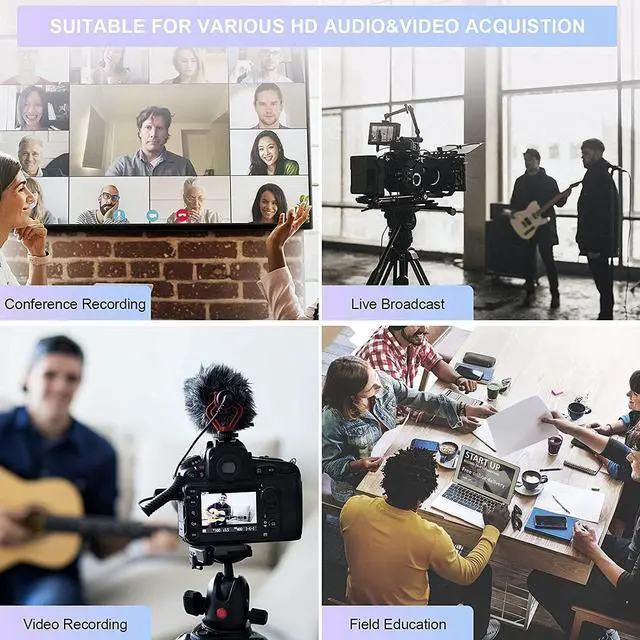
The HDMI Capture Card can meet your multiple application needs, such as conferencing, video recording, teaching recording, medical imaging, game entertainment, live broadcasting, etc.
Specifications:
- Conversion Type: HDMI to USB
- Support Max. Input resolution 4K@60Hz
- Support Max. Output resolution 1080P@30Hz
- Supported Acquisition Software: VLC, OBS, Amcap, etc.
- Input Video Format: 8/10/12bit color depth
- Output Video Mode: YUV420, JPEG
- Supported Audio Format: L-PCM
- Product Size: 51 * 20 * 10 mm
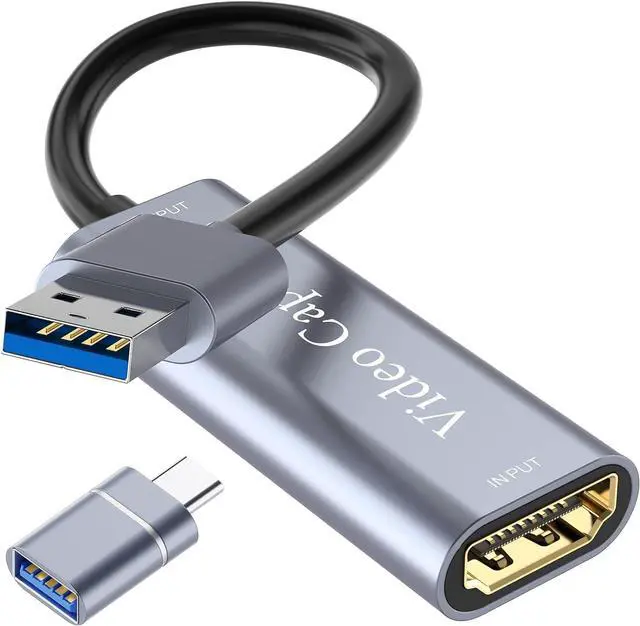
Packing: Video Capture Card*1, User Manual*1, TYPE-C Converter Adapter*1
VIXLW Video Capture Card provides super picture quality while capturing, with high speed and without delay.
This 4k HDMI to USB 2.0 Video Capture Card is the easiest and most economical way to save your favorite memories, whether at work or in life.
It captures and records your gaming, teaching or talking performance or happy party moments from a camcorder (ex.) and transmits them to your computer for storage and future viewing.
Also, If you wanna live stream on Facebook, Skype, Youtube or other social media, Just choose it.
1080P FHD Video Capture Card
- The Video capture cards is up to 4K@60Hz High Definition Input, output max resolution 1920*1080@30Hz. Offer 1080P 30fps HighQuality Recording and live steaming. The audiovideo capture card is very suitable for living games, Recording and etc.
Strong Compatibility
- The capture card is suituble for game consoles. Such as Webcam, PS4, Nintendo Switch, WiiU.Compatible with Windows Unix, Mac OS,Windows 7/8/10 and Twitch, Youtube, OBS, Potplayer,etc.
No Driver Required, Plug and Play
- No other files or software are needed, and this capture card can be easily plug and play. You can plug it into a laptop, desktop, computer or Smart TV with a USB 2.0 cable, then it's can start and run on the video software immediately.
Note: If you can't get the audio, check if it's set correctly in step 3.
1. Open OBS, create a new source under Sources by clicking "+", select "Video Capture Device", name it, then set:
Device: USB3.0 Video
Audio Output Mode: Capture Mode Only; Use custom audio device: Digital Audio Interface (USB 3.0 Audio)
2. In OBS settings ? Audio:
Disable all Global Audio Settings except Mic/Auxiliary Audio; Set Mic/Auxiliary Audio to Digital Audio Interface (USB 3.0 Audio)
3. Under the Audio tab:
Right-click Mic/Auxiliary Audio ? Advanced Audio Properties ? Set Audio Monitoring to "Monitor Only (Mute Output)"
4. In PC settings ? System ? Sound:
Set Input to Laptop Microphone;
All Sound Devices ? Input Devices ? Digital Audio Interface. Ensure it is NOT set to default.
All Sound Devices ? Input Devices ? Laptop Microphone. Ensure it IS set to default.
5. In Discord:
If prompted to switch audio device, choose "don't switch"
User Settings > Voice & Video > Input > Laptop Microphone.
User Settings > Voice & Video > Output > Laptop Speakers.
The HDMI Capture Card can meet your multiple application needs, such as conferencing, video recording, teaching recording, medical imaging, game entertainment, live broadcasting, etc.
Specifications:
- Conversion Type: HDMI to USB
- Support Max. Input resolution 4K@60Hz
- Support Max. Output resolution 1080P@30Hz
- Supported Acquisition Software: VLC, OBS, Amcap, etc.
- Input Video Format: 8/10/12bit color depth
- Output Video Mode: YUV420, JPEG
- Supported Audio Format: L-PCM
- Product Size: 51 * 20 * 10 mm
Packing: Video Capture Card*1, User Manual*1, TYPE-C Converter Adapter*1
VIXLW: Connecting Infinite Possibilities
Users usually encounter problems such as image delays and impaired image quality during video transmission and conversion. To solve these problems, VIXLW was born with a passion for video technology, determined to create the ultimate experience of video capture cards and converters.
Choosing VIXLW means choosing quality and professionalism to start a wonderful video journey together.
Video Converter
Capture Card
Video Capture Card
Cam Link 4K
HDMI Capture Card