





How to set the 12-hour format?
1. The minimum APP version requirement.
Android: 1.2.1.0 / iOS: 1.2.1
If not, please upgrade the App version.
2.Click "General"——“Unit Settings”
3. Click "Time Format"——select the time option
Why can’t I connect to the device via Bluetooth?
1. Compatiable System: Android 6.0+ iOS 9.0+
2. Enable Bluetooth and download latest SKG Health App
3. Scan the QR code and tap “Add Device” to connect
Why does Bluetooth keep disconnecting?
1. keep distance within 7m
2. keep phone’s Bluetooth working
3. If the SKG Health is running in the background, iOS may close the App automatically
4. Bluetooth may automatically disconnect if your phone is in power saving mode
Which version of the SKG Health App should I download for better compatibility?
1. You can Download and install the latest "SKG Health" app on the App Store, and Google Play store
2.To install the App, please make sure that the operating system of your mobile phone is Android 6.0 and above, or iOS 9.0 and above
Why the GPS trajectory drift?
GPS positioning is easy to affected by high-rise block, signal reflection, metal object, water surface reflection (lake, seaside) and other shielding effect on GPS signals, resulting in position deviation. recommend you to exercise in an open area.


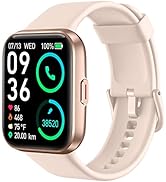
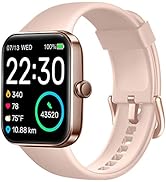
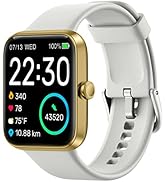
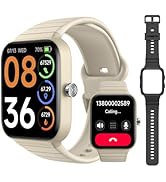
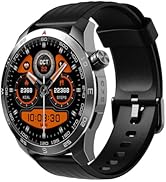
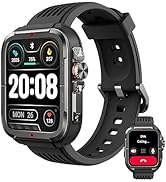
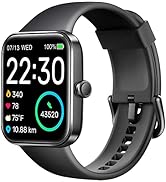
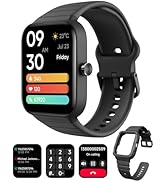
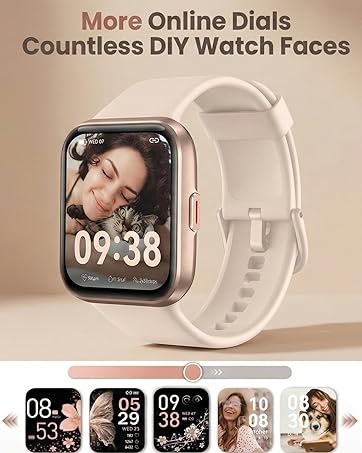
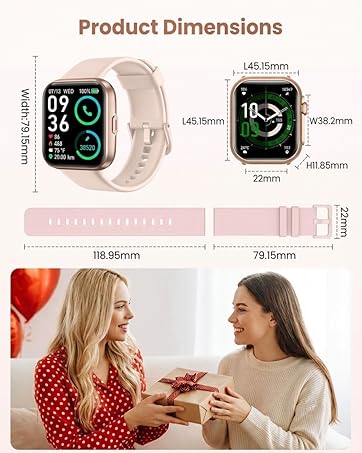


SKG GT5 SMART WATCH


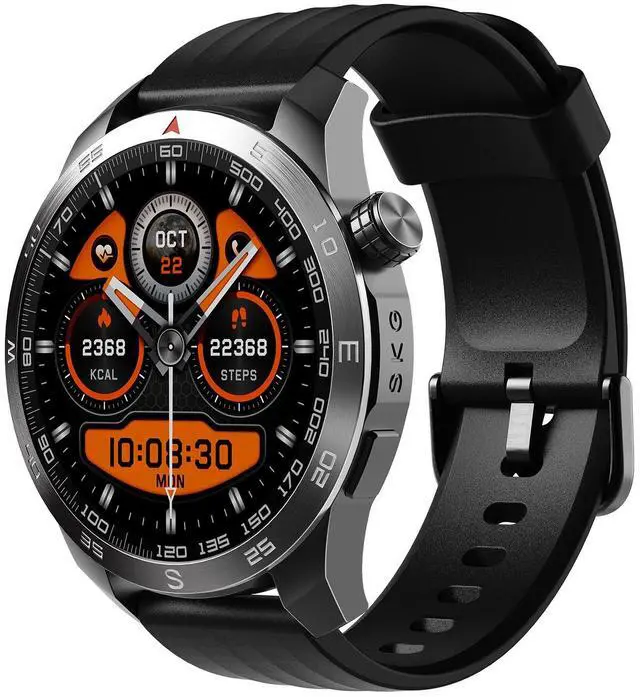
With the latest technology, SKG GT5 smart watch is upgraded with stylish appearance, premium materials and multiple functions, comfortable to wear and easy to use, specially designed for men to explore more possibilities.


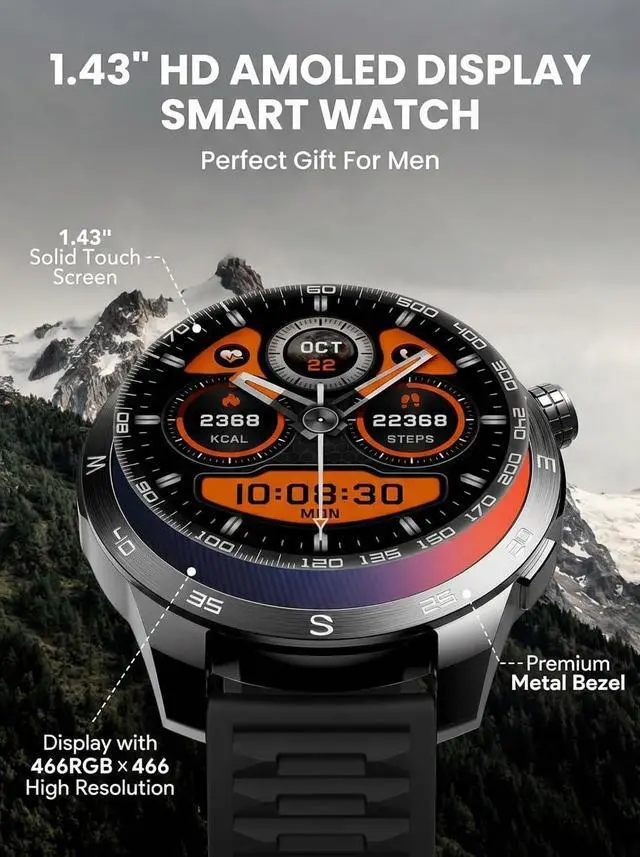
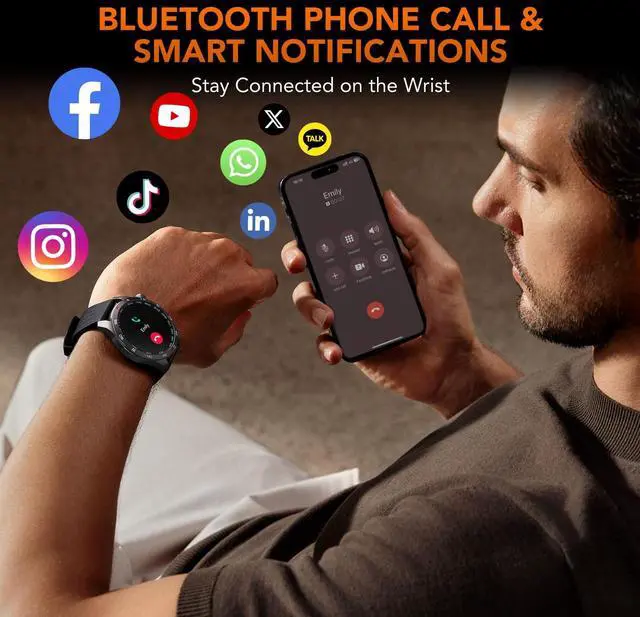
The smart watch for Android and iphone is constructed with 1.43" HD Amoled screen and premium metal border, perfect gift choice, compatible with Android 6.0+ and iOS 9.0+, once connected with the smartphone, bluetooth phone call and the smart notification are easy to realize on the wrist.


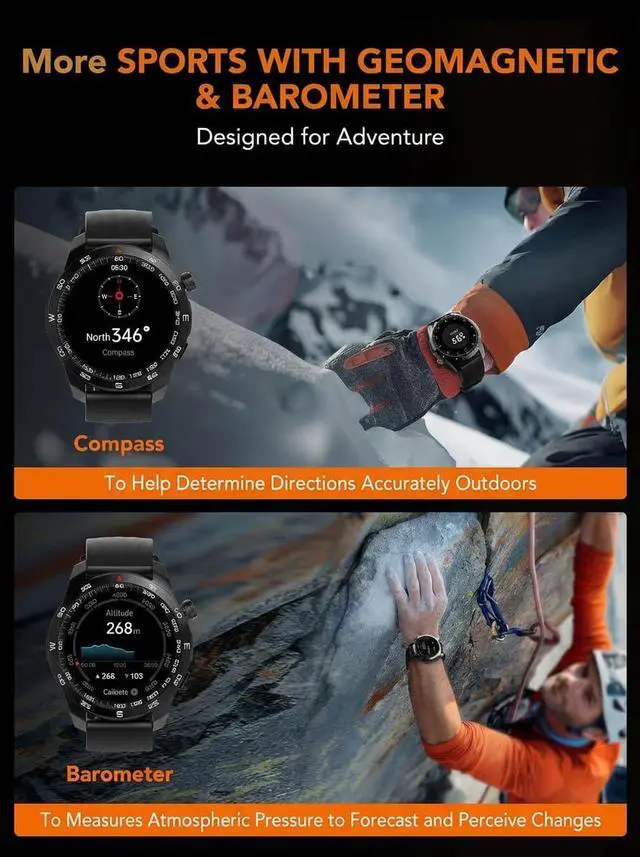
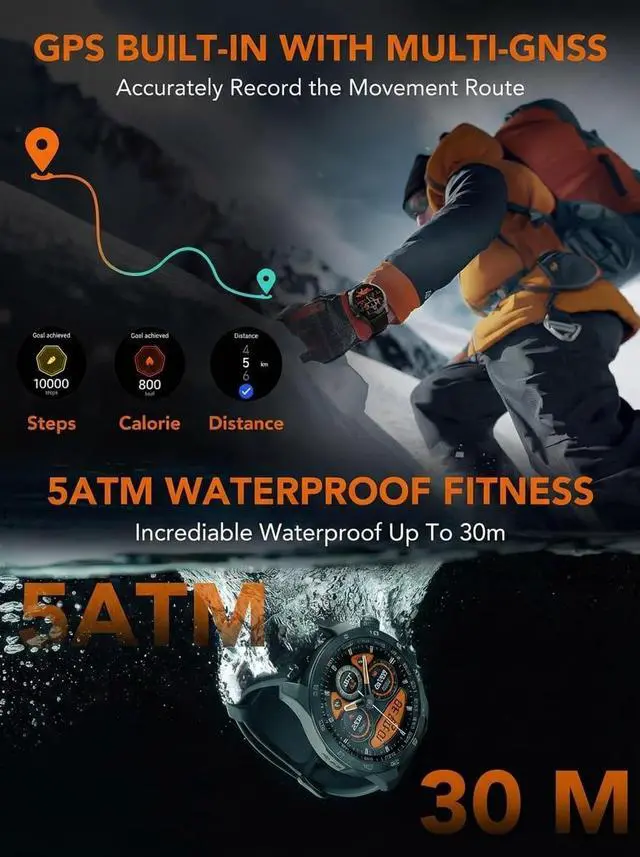
With 100+ sports modes, GPS built-in, compass and the barometer, track the indoor and outdoor activities easily, data presented on the watch and inside the "SKG Health" app, helping monitor workout performance and live a healthy life.


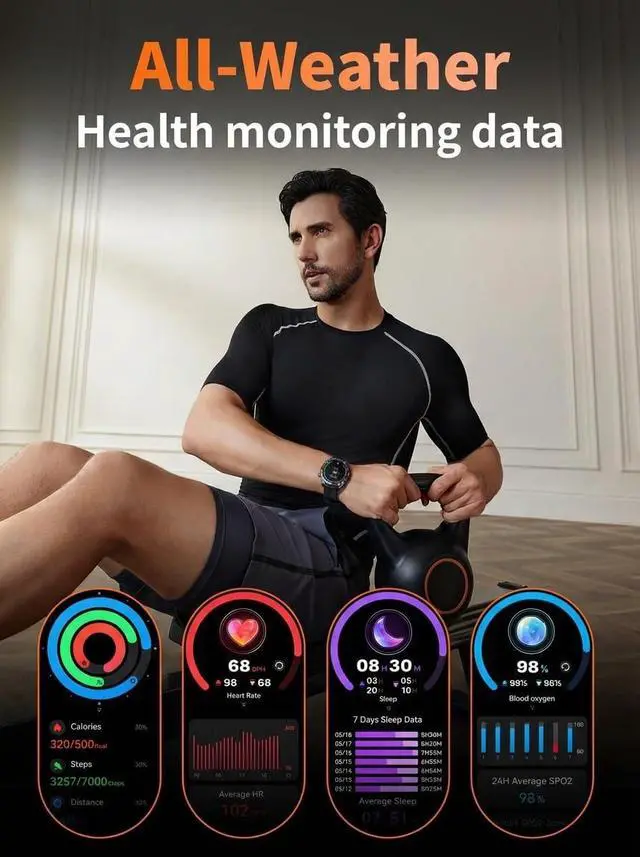
SKG GT5 smart watch adopts high-performance sensors to track the body data such as heart rate, Spo2, sleep and stress level, inside the "SKG Health" app, you can set the 24h continuous tracking for those metrics and data presented inside the app will help you know body status and trend.


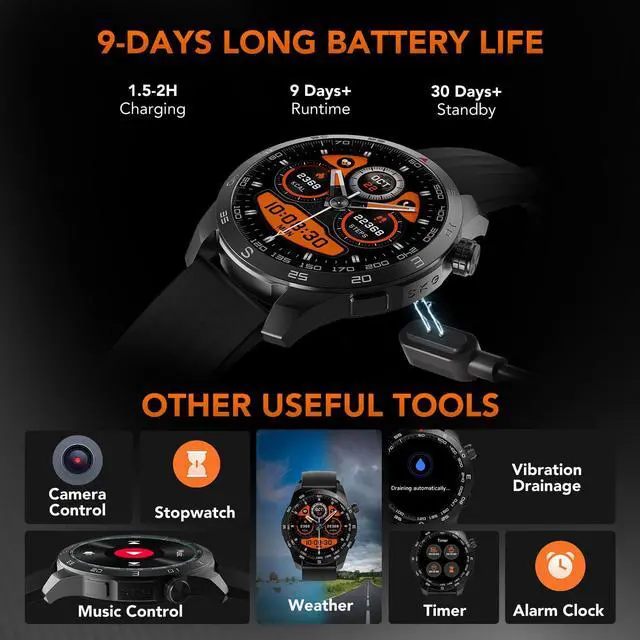
The smart watch for men also includes other features to make your life easier and quicker, such as the timer, music control, sedantary reminder, stopwatch, weather notice, camera control, etc. Those functions will work and make the watch be the reliable daily companion.


How to set the 12-hour format?
1. The minimum APP version requirement.
Android: 1.2.1.0 / iOS: 1.2.1
If not, please upgrade the App version.
2.Click "General"——“Unit Settings”
3. Click "Time Format"——select the time option
Why can’t I connect to the device via Bluetooth?
1. Compatiable System: Android 6.0+ iOS 9.0+
2. Enable Bluetooth and download latest SKG Health App
3. Scan the QR code and tap “Add Device” to connect
Why does Bluetooth keep disconnecting?
1. keep distance within 7m
2. keep phone’s Bluetooth working
3. If the SKG Health is running in the background, iOS may close the App automatically
4. Bluetooth may automatically disconnect if your phone is in power saving mode
Which version of the SKG Health App should I download for better compatibility?
1. You can Download and install the latest "SKG Health" app on the App Store, and Google Play store
2.To install the App, please make sure that the operating system of your mobile phone is Android 6.0 and above, or iOS 9.0 and above
Why the GPS trajectory drift?
GPS positioning is easy to affected by high-rise block, signal reflection, metal object, water surface reflection (lake, seaside) and other shielding effect on GPS signals, resulting in position deviation. recommend you to exercise in an open area.
SKG SMART WATCH
Born for you,tuned to you.
