




SONR Music
Listen to your favorite music even underwater
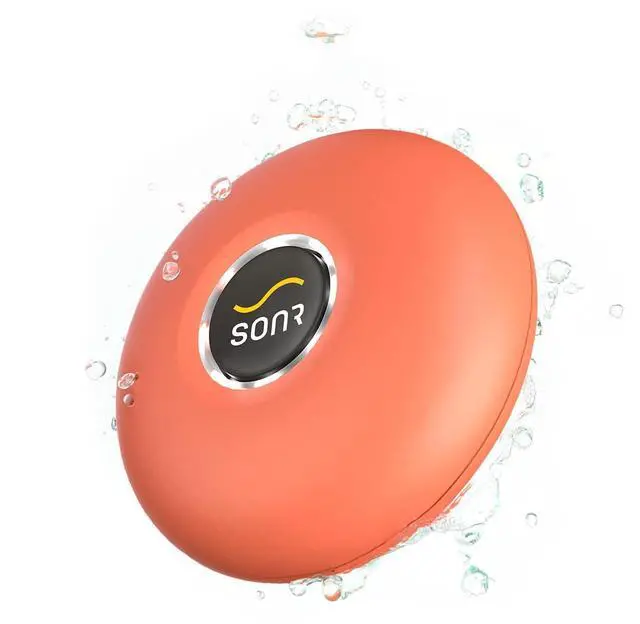
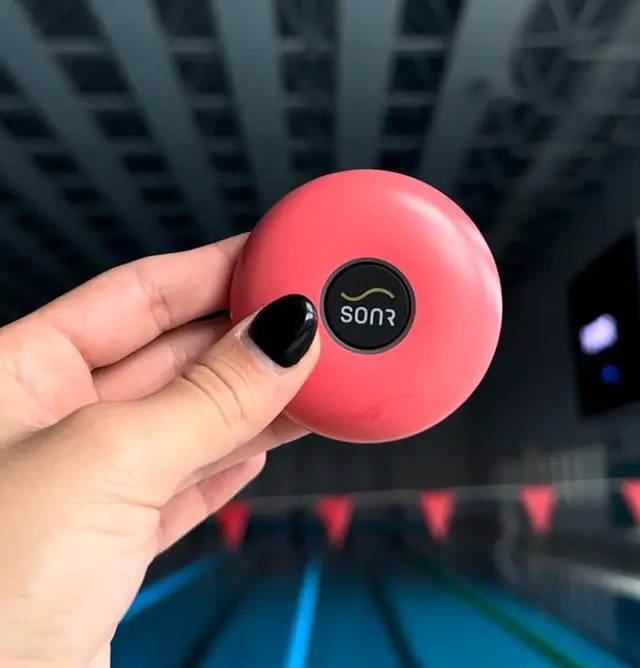
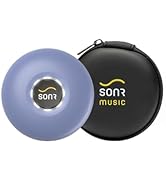
Meet SONR Music - an innovative waterproof mp3 player for comfortable listening to music, podcasts and audiobooks.
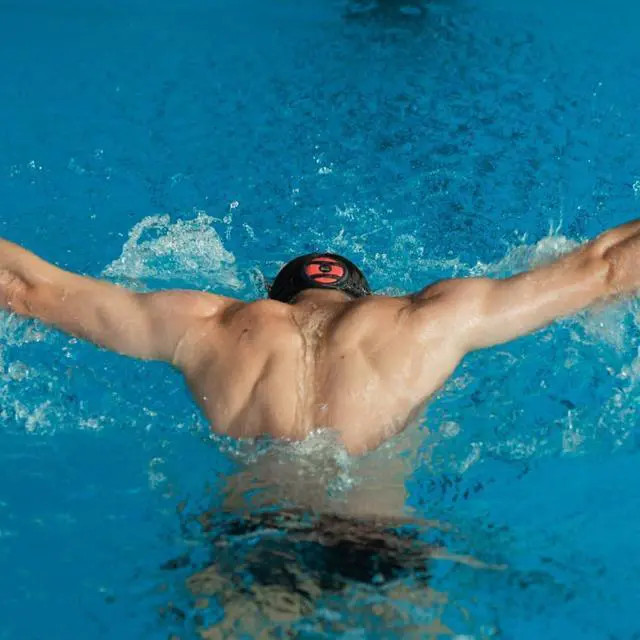
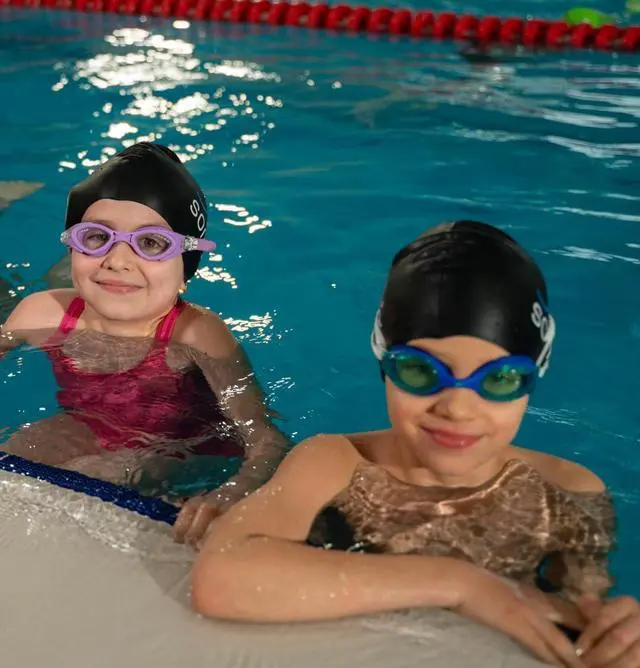
Whether you train in a pool & open water, swim just for leisure, or simply like listening to music - SONR Music is the perfect companion.

Forget about boring swimming laps
This underwater bone conduction music player gives swimming enthusiasts the possibility to listen to favorite audio files under and out of the water

Make time fly by during swim training
Boost your mood, feel more motivated and energized, stay focused at every stroke with the rhythms of the music you love
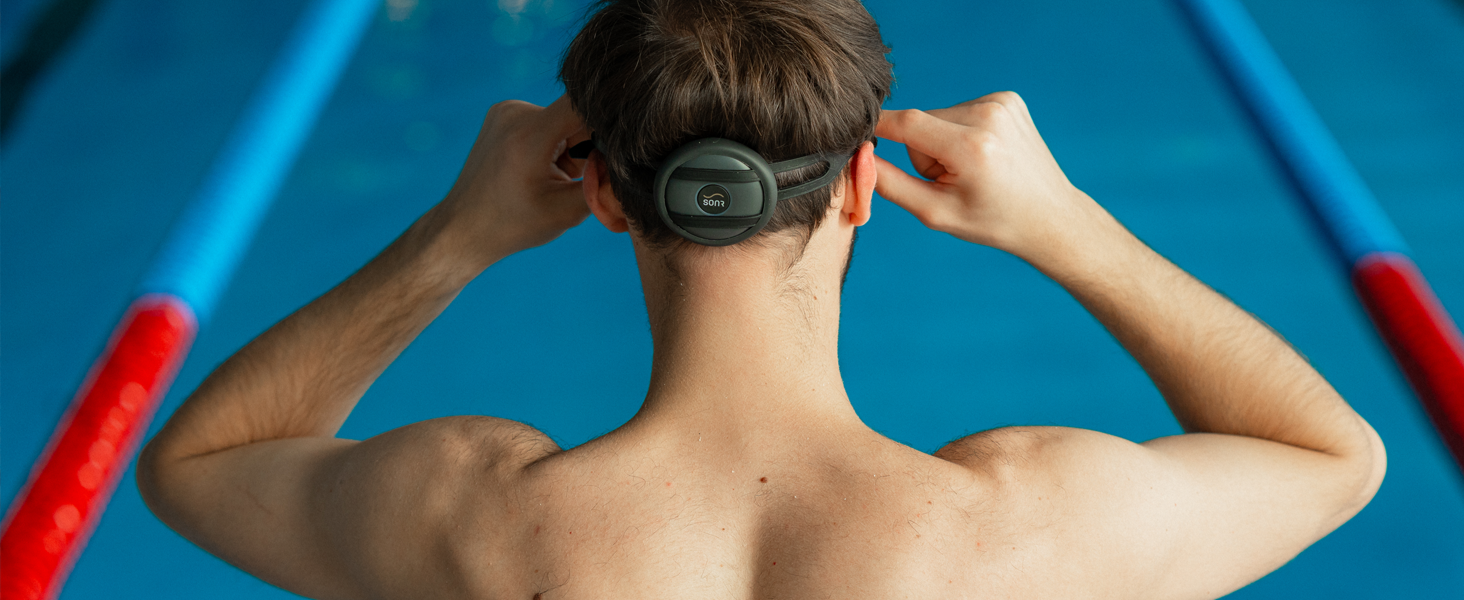
No wires and headphones
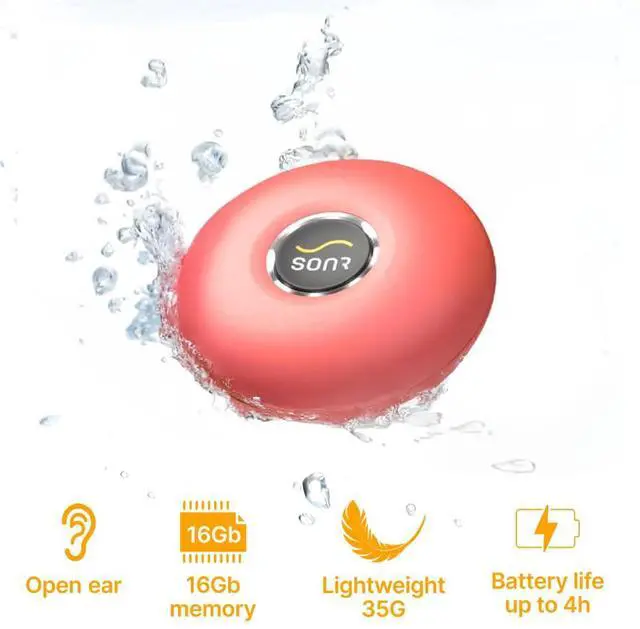
Thanks to its open-ear and lightweight design SONR Music does not provoke any discomfort. It fits perfectly and doesn't fall
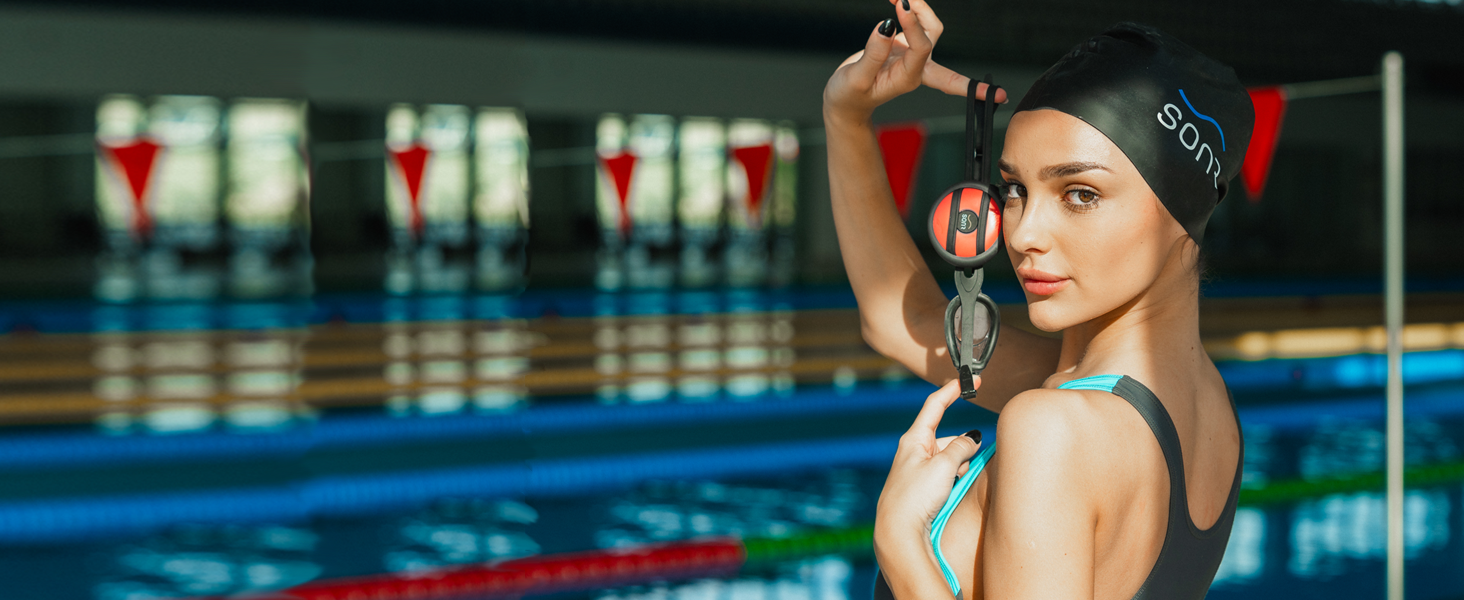
Easy to use
This waterproof device has only one button, ensuring a comfortable user experience. With a single press, you can turn on the music you love and enjoy it while swimming.
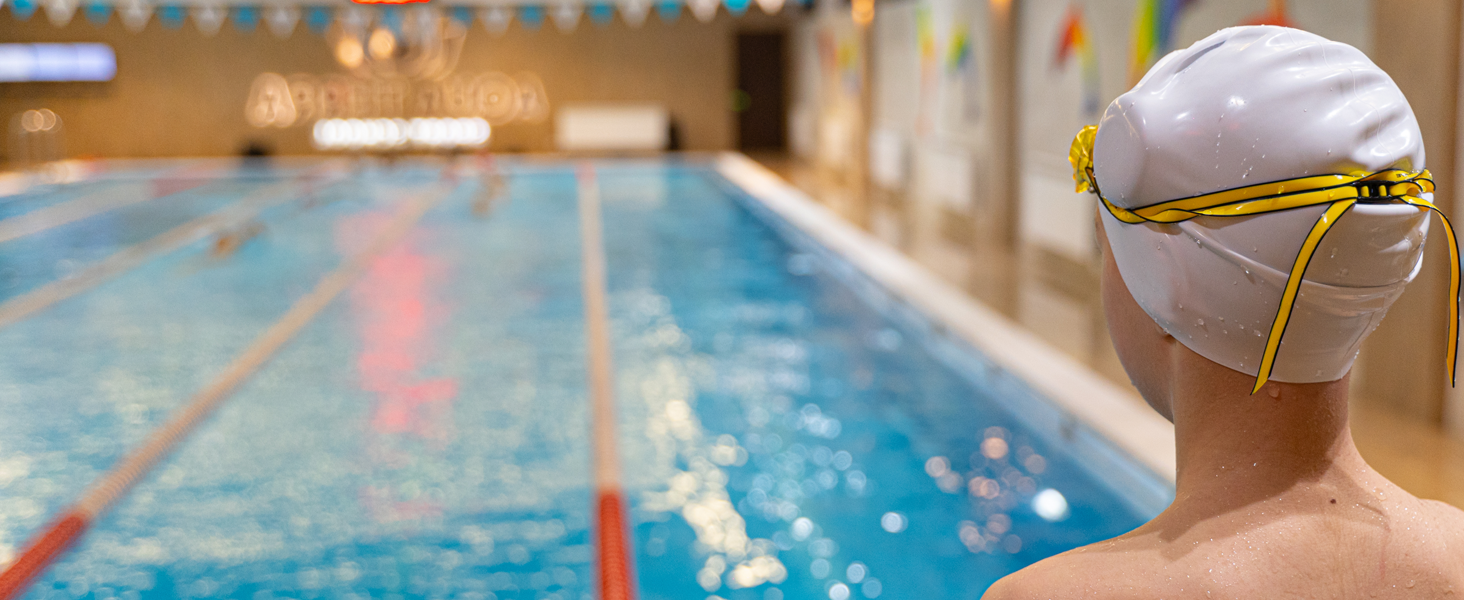
Enjoy water activities much more
SONR Music player works on completely safe bone conduction technology which allows for delivering loud and clear sound even underwater
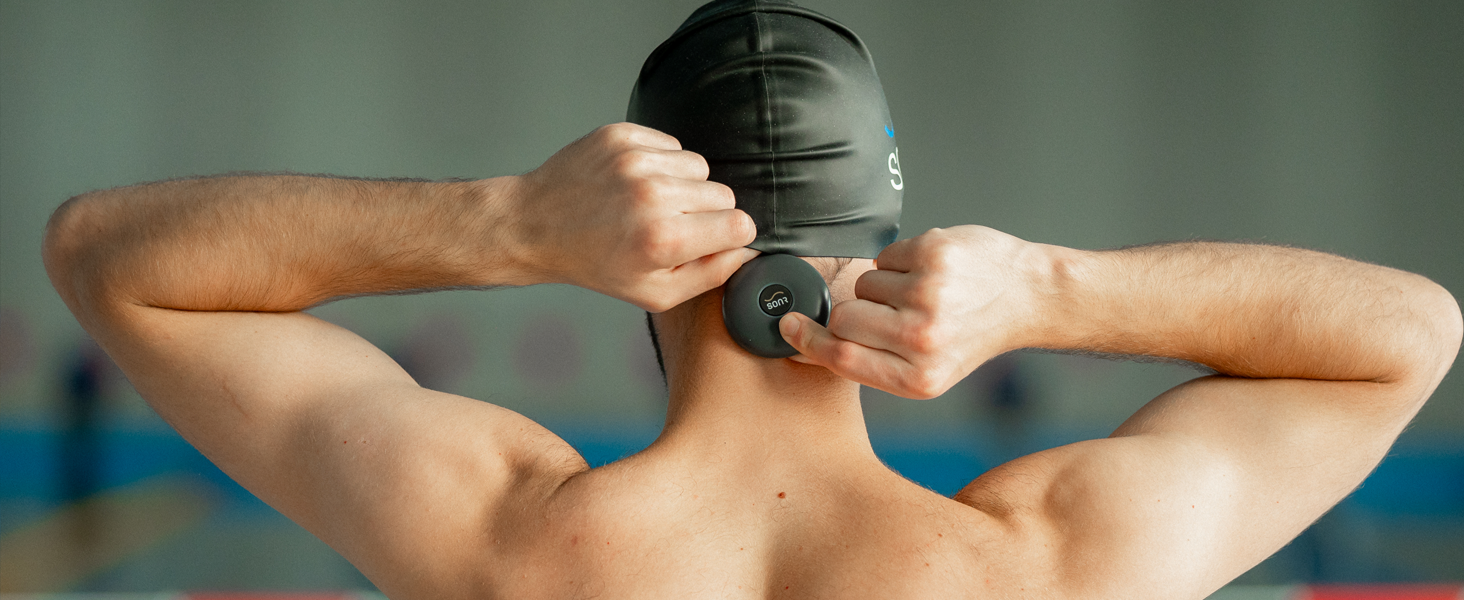
No discomfort
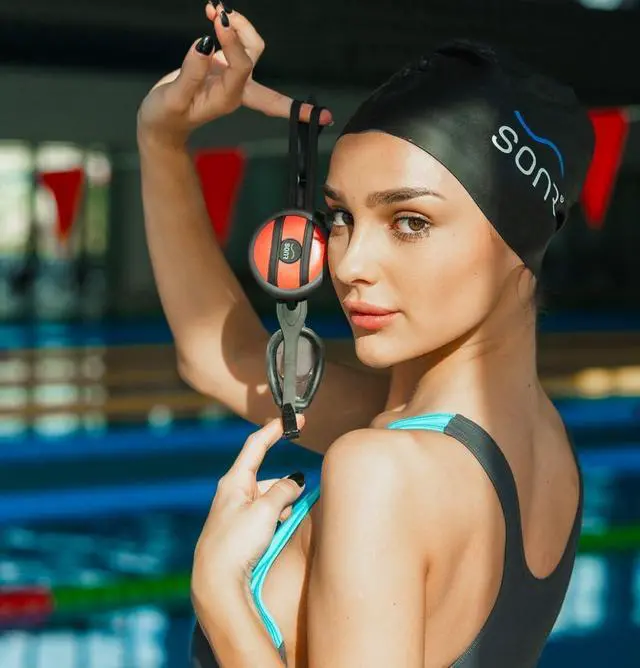
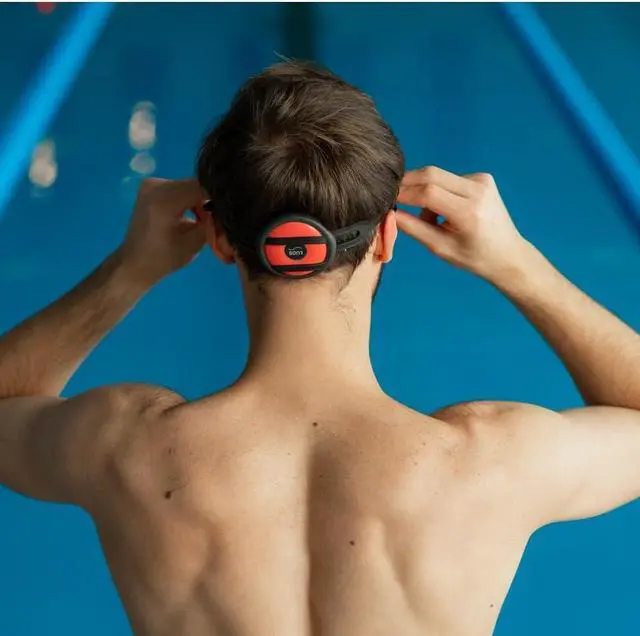
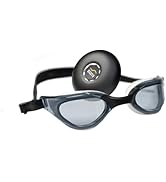
SONR Music can be placed anywhere on the swimmer's head under the cap or a bandana, or on your goggle strap. After just a few minutes, you forget about its presence
How to place the device?
SONR Music can be placed anywhere on the head under the cap, bandana, or silicone headband. Wear disk under swim cap (temple/back of head) or on goggle straps. It's not a cheekbone headset. Sound travels through skull for zero drag.
How to use SONR Music?
Drag and drop audio files to SONR Music via USB and enjoy 16GB of storage for underwater listening. Fully charge the battery before first use to ensure optimal performance and uninterrupted playback, especially after periods of inactivity.
Does Bluetooth work underwater?
No, Bluetooth doesn't work underwater. You can use it out of the water?. Connect SONR Music with your smartphone via Bluetooth and enjoy songs while being out of the water. Access popular platforms like Spotify and iTunes.
How to turn on /off the music?
• Play/stop - press the button 1 time (•).
• Next track - press the button 2 times (• •).
• Previous track - press the button 3 times (• • •).
• To change between low and high volume, press the button 4 times (••••).
Tell me more about bone conduction technology
SONR uses vibrations to send sound through skull bones directly to inner ear. This open-ear tech is safer & clearer underwater. SONR Music round disk design maximizes bone contact for premium audio without earplugs.

SONR
Products that encourage people to love water sports even more


Listen to your favorite music even underwater
Meet SONR Music - an innovative waterproof mp3 player for comfortable listening to music, podcasts and audiobooks.
Whether you train in a pool & open water, swim just for leisure, or simply like listening to music - SONR Music is the perfect companion.
Forget about boring swimming laps
Make time fly by during swim training
No wires and headphones
Easy to use
Enjoy water activities much more
No discomfort


This underwater bone conduction music player gives swimming enthusiasts the possibility to listen to favorite audio files under and out of the water
Boost your mood, feel more motivated and energized, stay focused at every stroke with the rhythms of the music you love
Thanks to its open-ear and lightweight design SONR Music does not provoke any discomfort. It fits perfectly and doesn't fall
This waterproof device has only one button, ensuring a comfortable user experience. With a single press, you can turn on the music you love and enjoy it while swimming.
SONR Music player works on completely safe bone conduction technology which allows for delivering loud and clear sound even underwater
SONR Music can be placed anywhere on the swimmer's head under the cap or a bandana, or on your goggle strap. After just a few minutes, you forget about its presence
| Battery life | Up to 4 hours |
|---|---|
| Battery type | Lithium-ion |
| Charge time | 1,5 hours |
| Charger | 5V - 0,5? |
| Charging cable | 4 pin Magnetic charging cable |
| Compatible profiles | MP2, MP3, FLAC, M4A |
| Frequency response | 20Hz~20KHz |
| Sensitivity | 96 ± 3dB |
| Standby time | Up to 10 Days |
| Indication | 8 Led indicators |
| Buttons | 1 button mode |
| Weight | 40 g |
| Type | MP3 |
How to place the device?
SONR Music can be placed anywhere on the head under the cap, bandana, or silicone headband. Wear disk under swim cap (temple/back of head) or on goggle straps. It's not a cheekbone headset. Sound travels through skull for zero drag.
How to use SONR Music?
Drag and drop audio files to SONR Music via USB and enjoy 16GB of storage for underwater listening. Fully charge the battery before first use to ensure optimal performance and uninterrupted playback, especially after periods of inactivity.
Does Bluetooth work underwater?
No, Bluetooth doesn't work underwater. You can use it out of the water?. Connect SONR Music with your smartphone via Bluetooth and enjoy songs while being out of the water. Access popular platforms like Spotify and iTunes.
How to turn on /off the music?
• Play/stop - press the button 1 time (•).
• Next track - press the button 2 times (• •).
• Previous track - press the button 3 times (• • •).
• To change between low and high volume, press the button 4 times (••••).
Tell me more about bone conduction technology
SONR uses vibrations to send sound through skull bones directly to inner ear. This open-ear tech is safer & clearer underwater. SONR Music round disk design maximizes bone contact for premium audio without earplugs.
SONR
Products that encourage people to love water sports even more
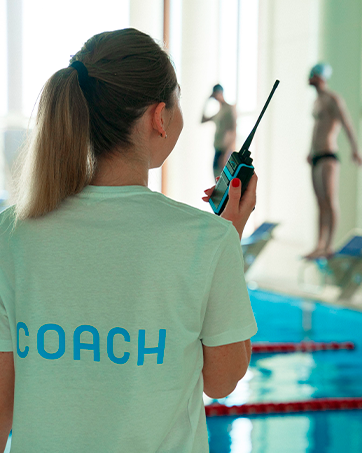
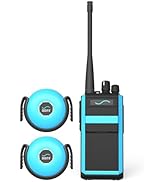
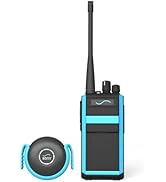
SONR Coach
was created to overcome the main obstacle in swim coaching - the difficulty in real-time communication from the coach to the swimmer.
SONR Music
was created to give swimmers the possibility to listen to music they love even underwater, so that athletes can feel more motivated.
Shop SONR